

Leonardo.Ai
Version:1.1.13
Published:2026-11-03
Introduction
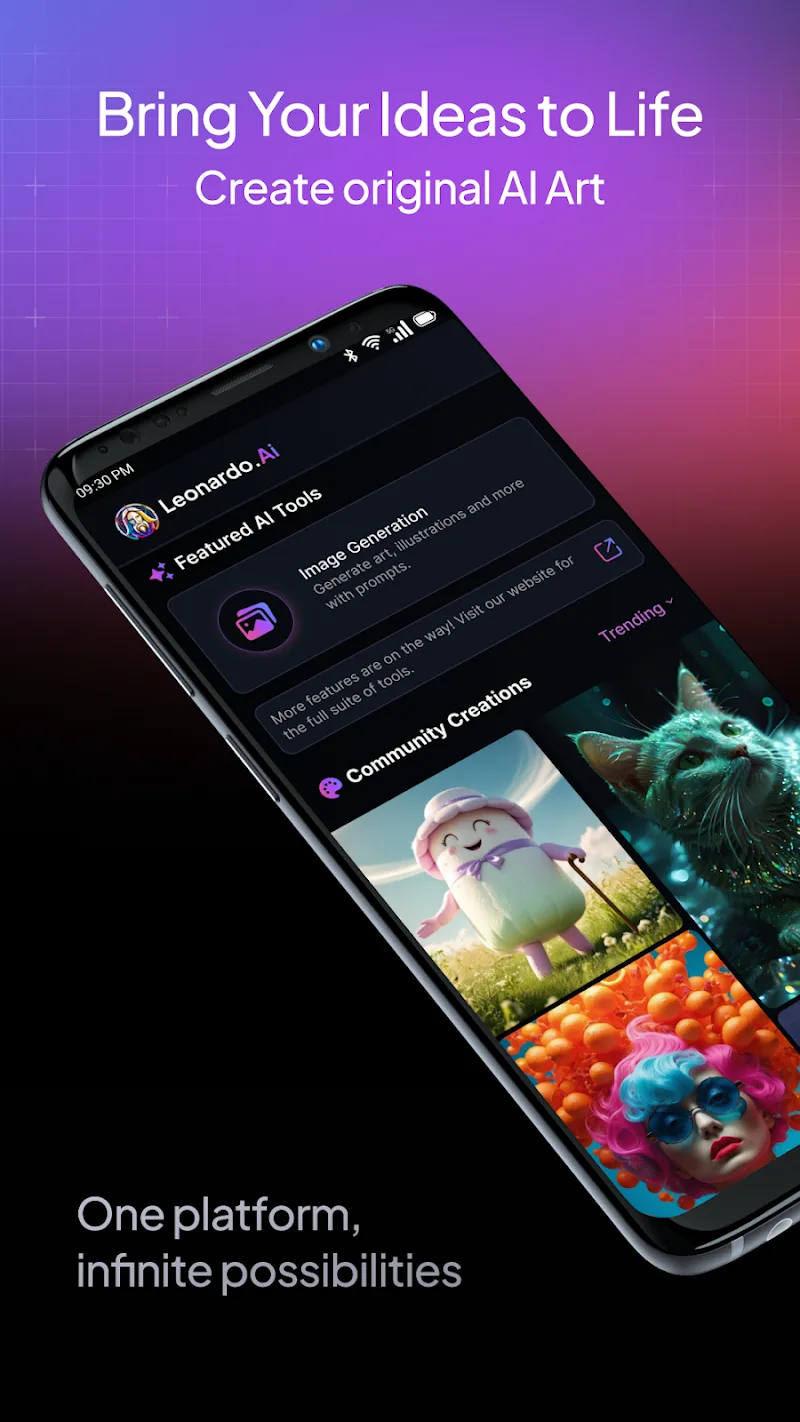
Leonardo.Ai brings powerful generative image tools to Android with a streamlined interface, layered editing, and asset management that suit both hobbyists and professionals. Fast previews, style controls, and export options make it easy to iterate visuals directly on your device for concept work, social posts, or creative experimentation.
Overview
As a mobile creative suite, Leonardo.Ai focuses on generative art and rapid prototyping. The app combines on-device editing with cloud-backed models and a library of presets, so users can produce polished visuals without jumping between multiple programs. It targets designers, illustrators, and content creators who need a portable, capable image generator.
What sets it apart
Unlike simple filter apps, Leonardo.Ai integrates prompt-driven generation, layered composition, and precise adjustment tools. Results are reproducible through saved settings, and the system encourages iterative workflows instead of one-off effects. The learning curve remains gentle thanks to contextual tips and an approachable default layout.
Core features at a glance
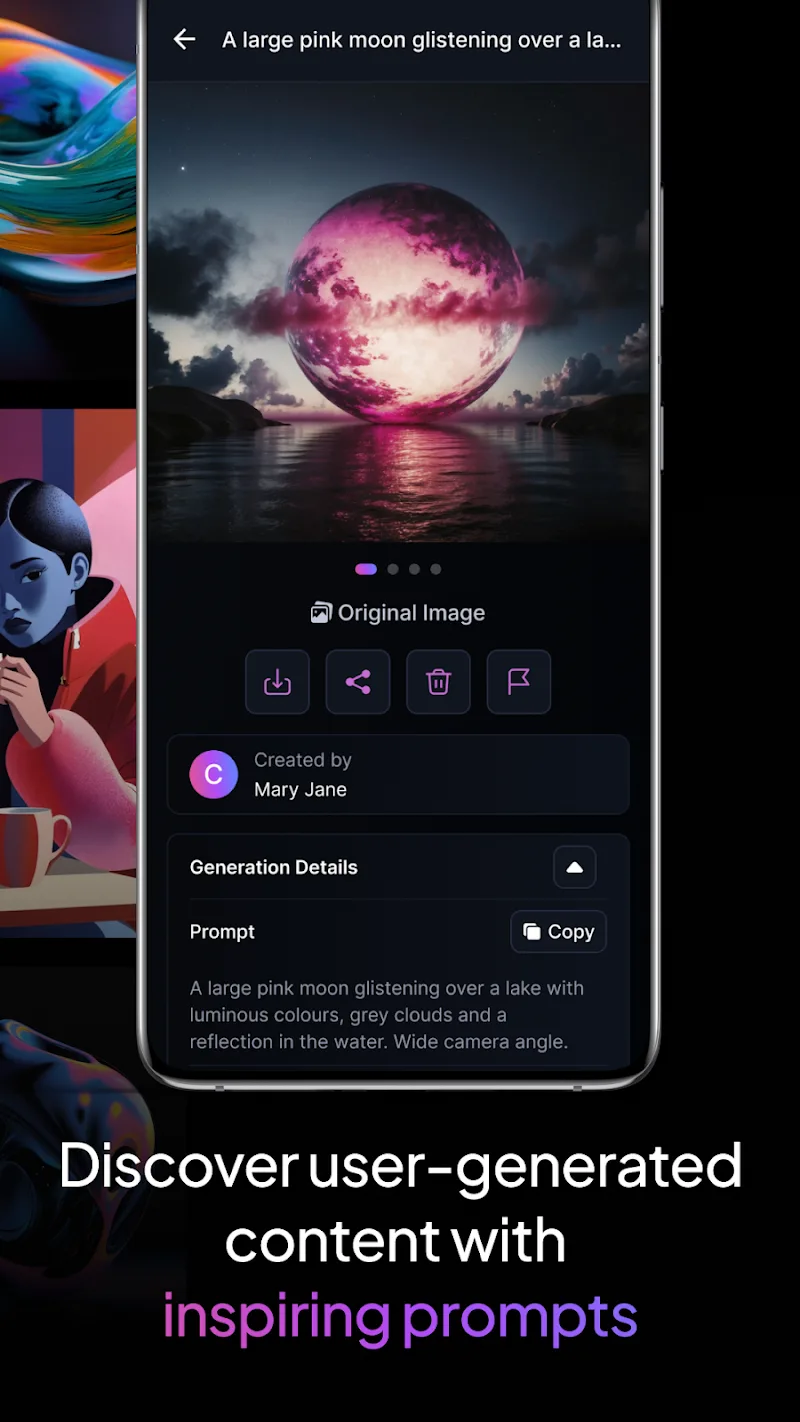
- Prompt-based generator: Compose text prompts and control style, lighting, and mood with sliders instead of technical jargon.
- Layered editing: Work with multiple layers to combine generated elements, imported photos, and hand-drawn strokes.
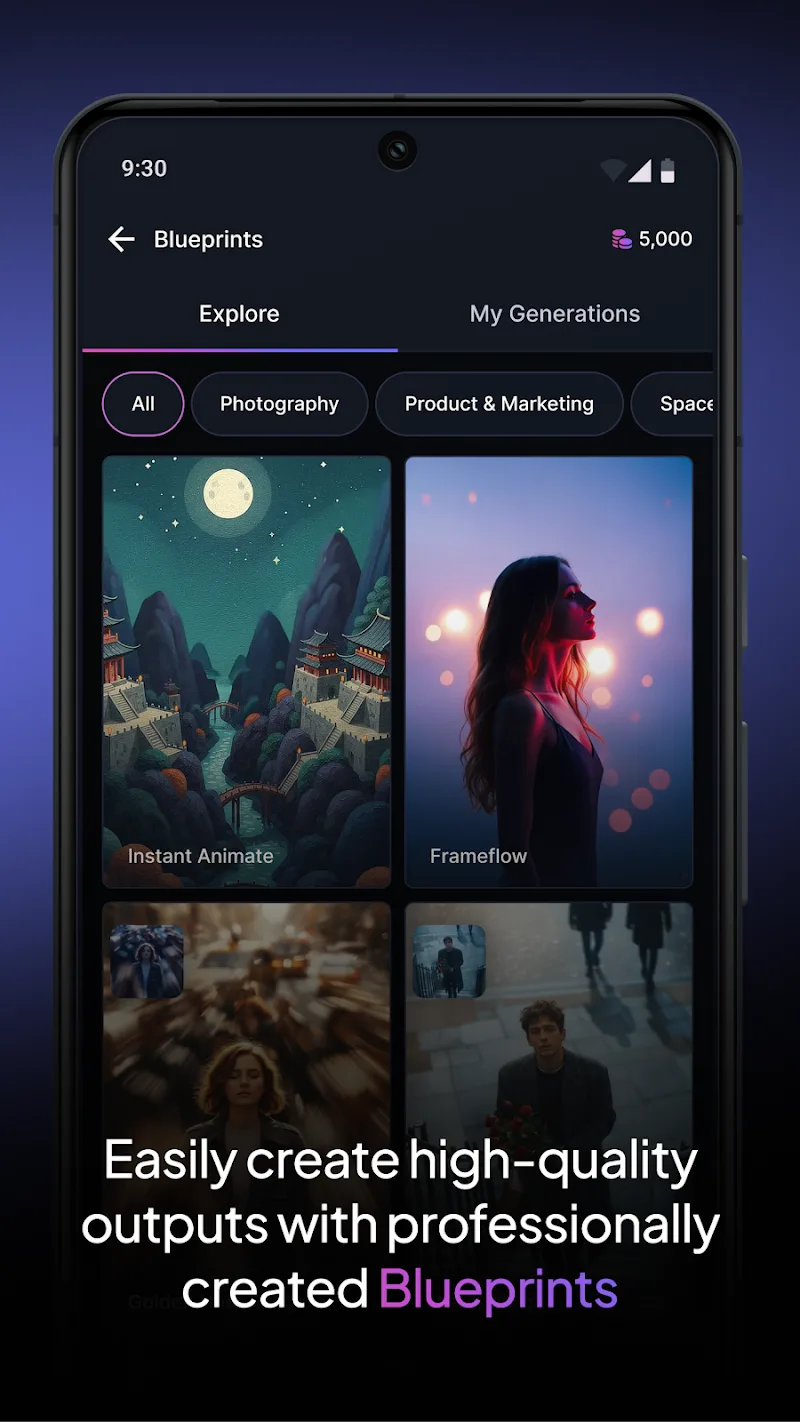
- Presets and styles: Apply curated looks or save your own for consistent output across projects.
- Fast previews: Low-cost renders let you test concepts quickly before committing to full-quality outputs.
- Export options: Save in PNG, JPEG, and transparent formats, with resolution choices suitable for web or print.
How the workflow feels
Using Leonardo.Ai starts with either a blank prompt or an initial image. The generator provides quick iterations; each result can be refined in the layer stack. Users can mask areas, re-roll specific layers, or merge results. The timeline-style history helps you roll back changes and compare versions without losing earlier ideas.
Practical tools inside the app
- Brush and mask tools: Paint to guide generation or protect regions from edits.
- Transform controls: Move, scale, and skew generated assets precisely.
- Asset library: Store frequently used elements and templates for fast composition.
- Batch export: Render multiple images with consistent settings for series or thumbnails.
Interface and performance
The interface prioritizes clarity: a central canvas, contextual toolbars, and a side panel for generation options. Performance scales with device hardware; on modern phones and tablets the app feels responsive during preview cycles. Heavy final renders may offload to cloud processing to preserve battery and speed.
Design details
Controls are labeled and sized for touch input, with gestures for zoom and pan. Toggleable advanced menus keep the main screen uncluttered for beginners while providing deep options for experienced users. Haptic feedback and subtle animations improve perceived responsiveness.
User experience and learning curve
Leonardo.Ai balances accessibility and power. New users benefit from guided prompts and example projects that demonstrate how small prompt changes affect output. Professionals will appreciate customizable pipelines and the ability to import reference images or export layer stacks for further work in other apps.
Tips for getting better results
- Start with short prompts and add detail incrementally to avoid unintended artifacts.
- Use masking to protect important parts of a composition before generating background elements.
- Save style presets after tweaking sliders so you can reproduce a look quickly.
- Use low-resolution previews to iterate and reserve high-resolution renders for final exports.
Setup and device compatibility
Installation is straightforward through the usual Android channels. The app supports a broad range of devices but recommends recent OS versions and a minimum amount of free storage for caching models. Optional cloud credit may be required for high-resolution or compute-heavy tasks, with transparent pricing inside the app.
Who should try it
Leonardo.Ai is well-suited to concept artists, social media creators, and designers who want mobile-first generative tools without sacrificing control. It also serves as a quick idea lab for teams that need to share visual directions on the go.
Overall, the app delivers a focused set of tools that blend generation, editing, and export in a cohesive mobile experience. Whether you need a rapid concept sketch or a refined visual for publication, Leonardo.Ai provides a compact workflow that fits into a modern creative routine.
Show More
Information
Screenshots
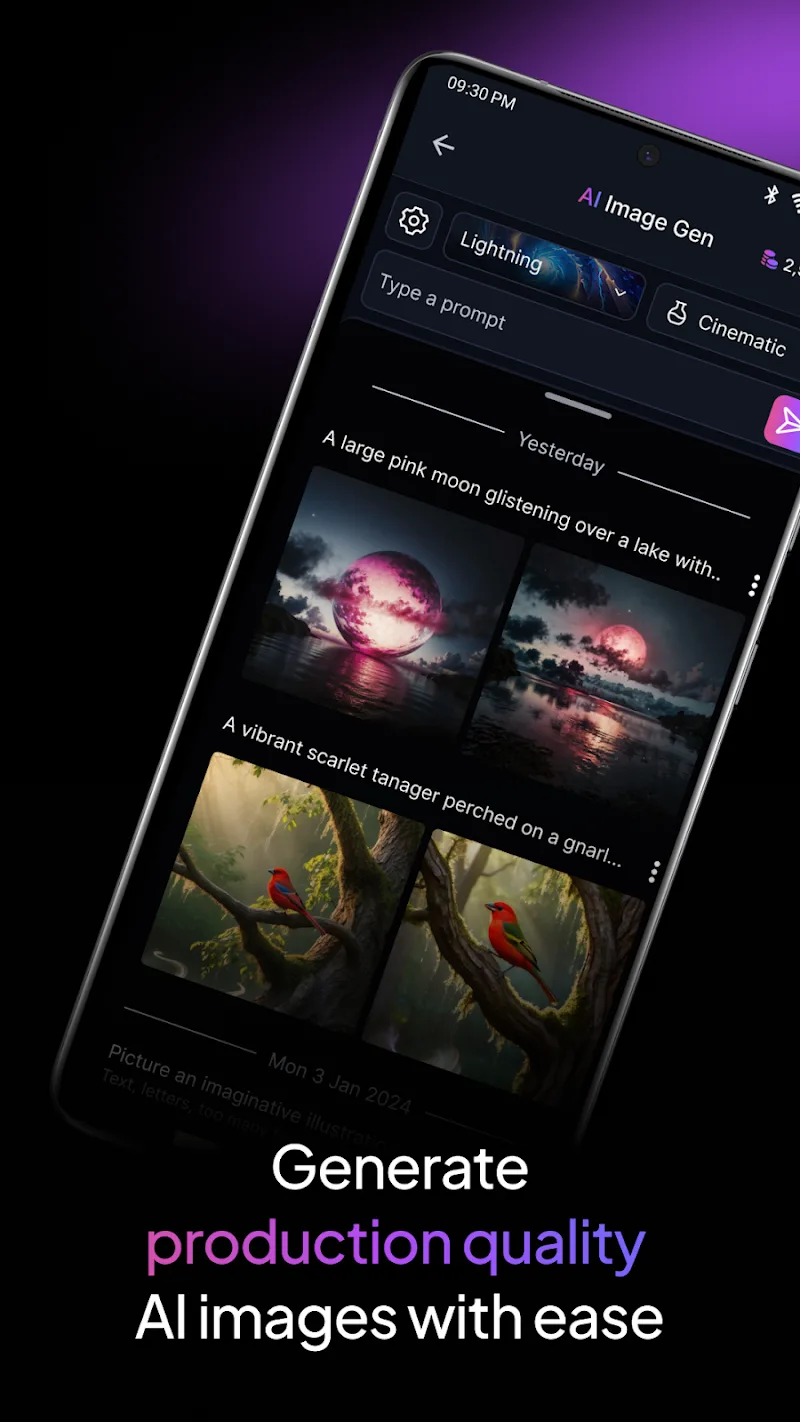
Latest Update












Latest News
-
![Revealing the Launch Playlists and Cross-Progression for COD Warzone Mobile News]()
-
![March 2024 Free Redemption Codes for Honkai: Star Rail News]()
-
PUBG Mobile Teams Up with Bentley Motors: Luxury Cars, Exclusive Collectibles, and Beyond 2024-04-18
![PUBG Mobile Teams Up with Bentley Motors: Luxury Cars, Exclusive Collectibles, and Beyond News]()
-
![Monster Never Cry is now accessible on both Android and iOS mobile devices. News]()
-
V2.2 of the Farlight 84 update introduces an overhauled Season structure, fresh in-game currency, an 2024-04-16
![V2.2 of the Farlight 84 update introduces an overhauled Season structure, fresh in-game currency, an News]()
-
![Arrival of Genshin Impact 4.6 Update: 'Embers of Two Realms, Twilight of Crimson' News]()
-
April 2024 Clash of Clans Update: Unveiling a Fresh Companion, Enhanced Levels, Chat Tagging, and Be 2024-04-16
![April 2024 Clash of Clans Update: Unveiling a Fresh Companion, Enhanced Levels, Chat Tagging, and Be News]()






