

LifeUp: Gamified To Do List
Version:1.100.6
Published:2026-11-04
Introduction
LifeUp: Gamified To Do List turns everyday tasks into a motivating, game-like routine by combining familiar productivity tools with reward-driven progression. The app translates chores, study sessions, and work items into quests and habits that earn points, badges, and visible progress, helping users build momentum without losing sight of practical scheduling and reminders.
Overview of the concept
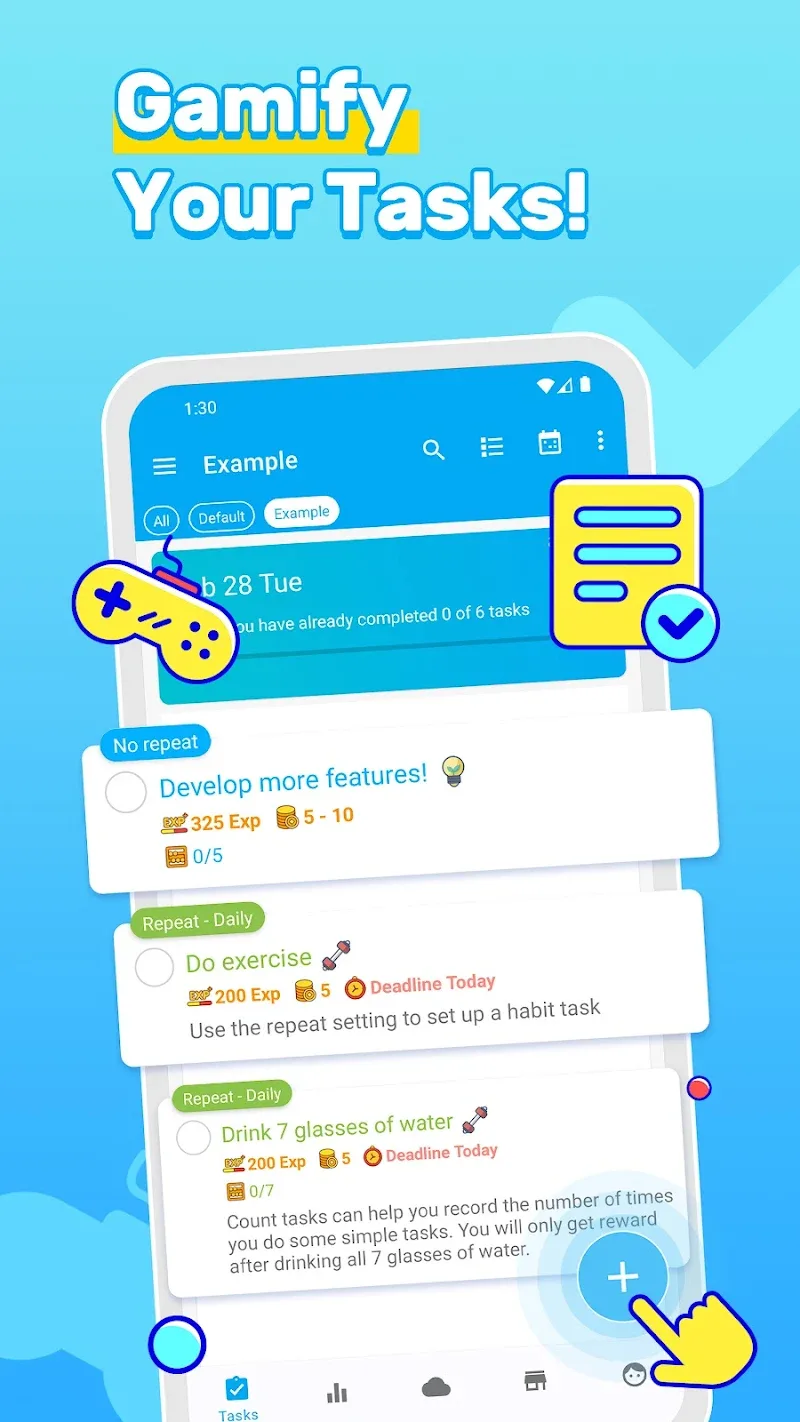
At its heart LifeUp: Gamified To Do List blends traditional task management—checklists, recurring reminders, and calendar views—with lightweight game mechanics so that small wins feel meaningful. Tasks are treated as mini-challenges with adjustable difficulty and value, and habit tracking converts repetition into streaks that create a clear sense of forward motion. The result is an environment where the feedback loop of effort and reward reduces procrastination and clarifies priorities.
Gameplay mechanics and progression
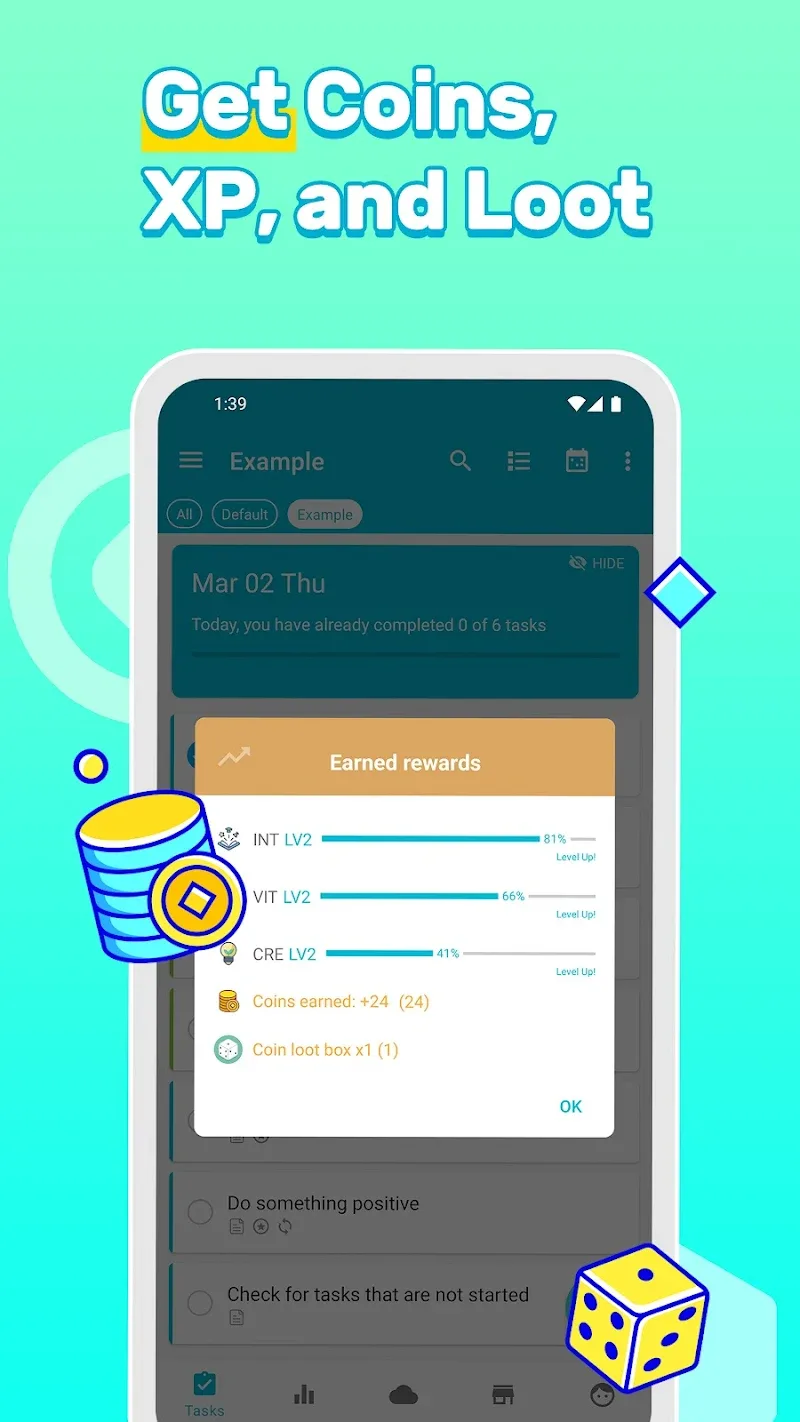
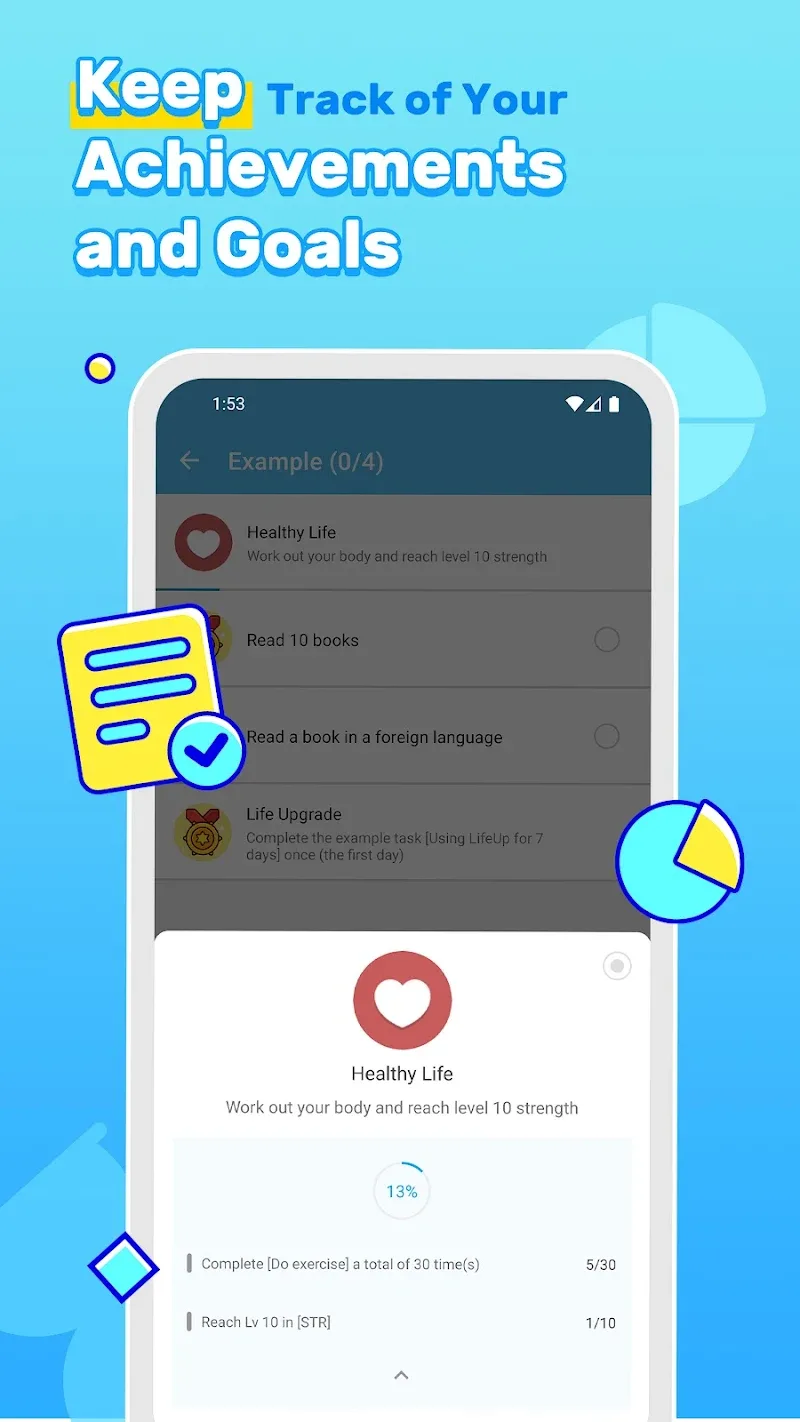
The progression model is straightforward and adaptable. Each task or quest can be assigned a difficulty and a point value so larger efforts yield greater rewards, and completing tasks contributes to cumulative experience and milestone badges. Quests can be grouped into larger missions or projects, allowing you to break a long-term goal into bite-sized objectives that map to realistic timeframes. Habit streaks and weekly summaries show which behaviors are becoming routine, and adjustable penalties or increased difficulty for missed tasks add a light challenge for users seeking accountability.
Controls and interaction
Interaction is designed to be quick and intuitive on touch devices: tasks can be added rapidly with quick-add tools, completed with a single tap, and edited through simple press-and-hold gestures. Reordering and organizing tasks is intentionally low-friction so you can adjust priorities on the fly, and customizable notification settings let you tailor reminders without being overwhelmed. These controls emphasize speed for everyday use while retaining enough depth to set values, deadlines, and notes for complex items.
Visual style, level structure, and customization
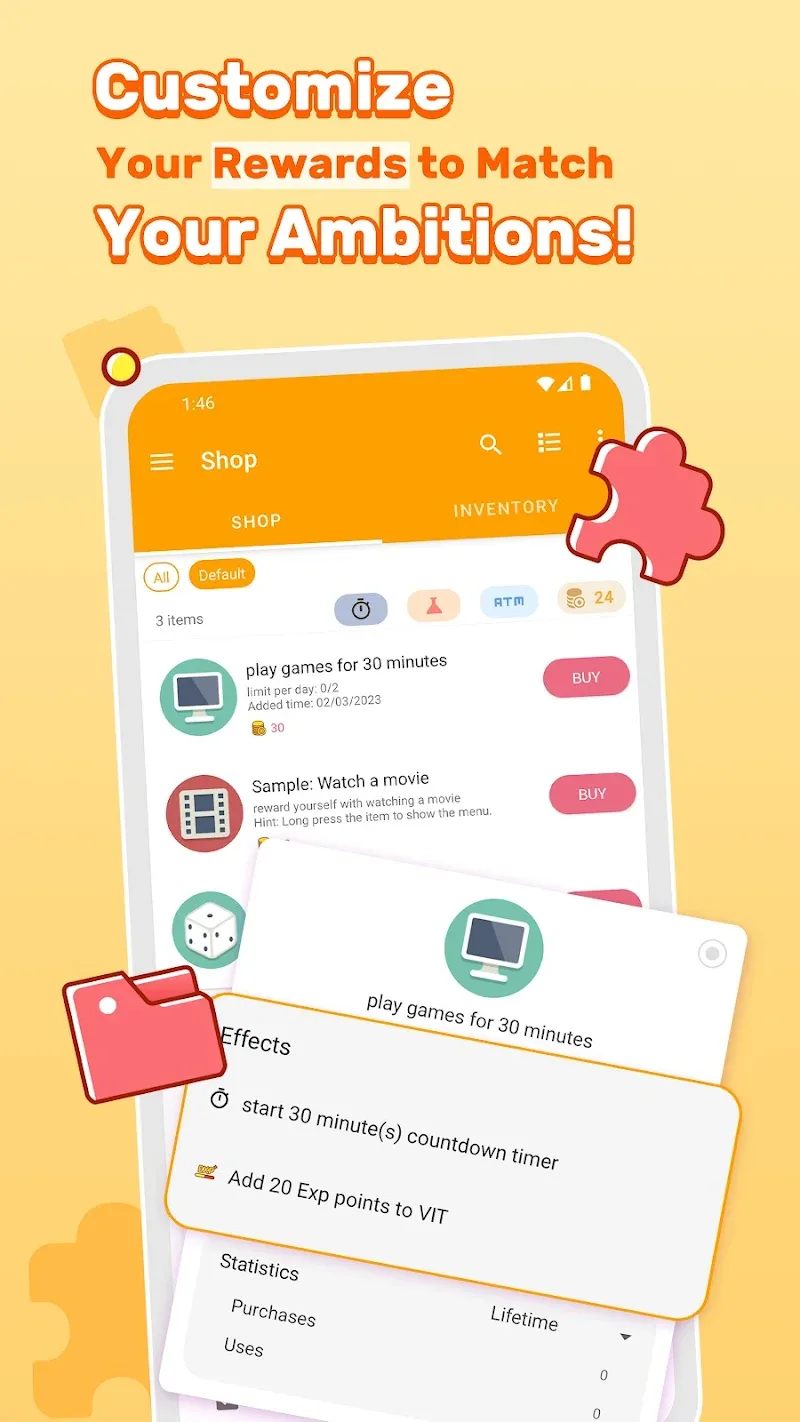
The visual design balances clarity and personality: themes, color-coded categories, progress bars, and concise icons reduce cognitive load while highlighting accomplishments. The app’s level-like structure groups activities into tiers—individual tasks, quests, and overarching missions—so you can see both immediate wins and longer-term progress. Customizable attributes let you change how tasks behave and appear, from color tags and priority flags to custom reward descriptions that connect virtual achievements to real-life incentives.
Replay value and challenge systems
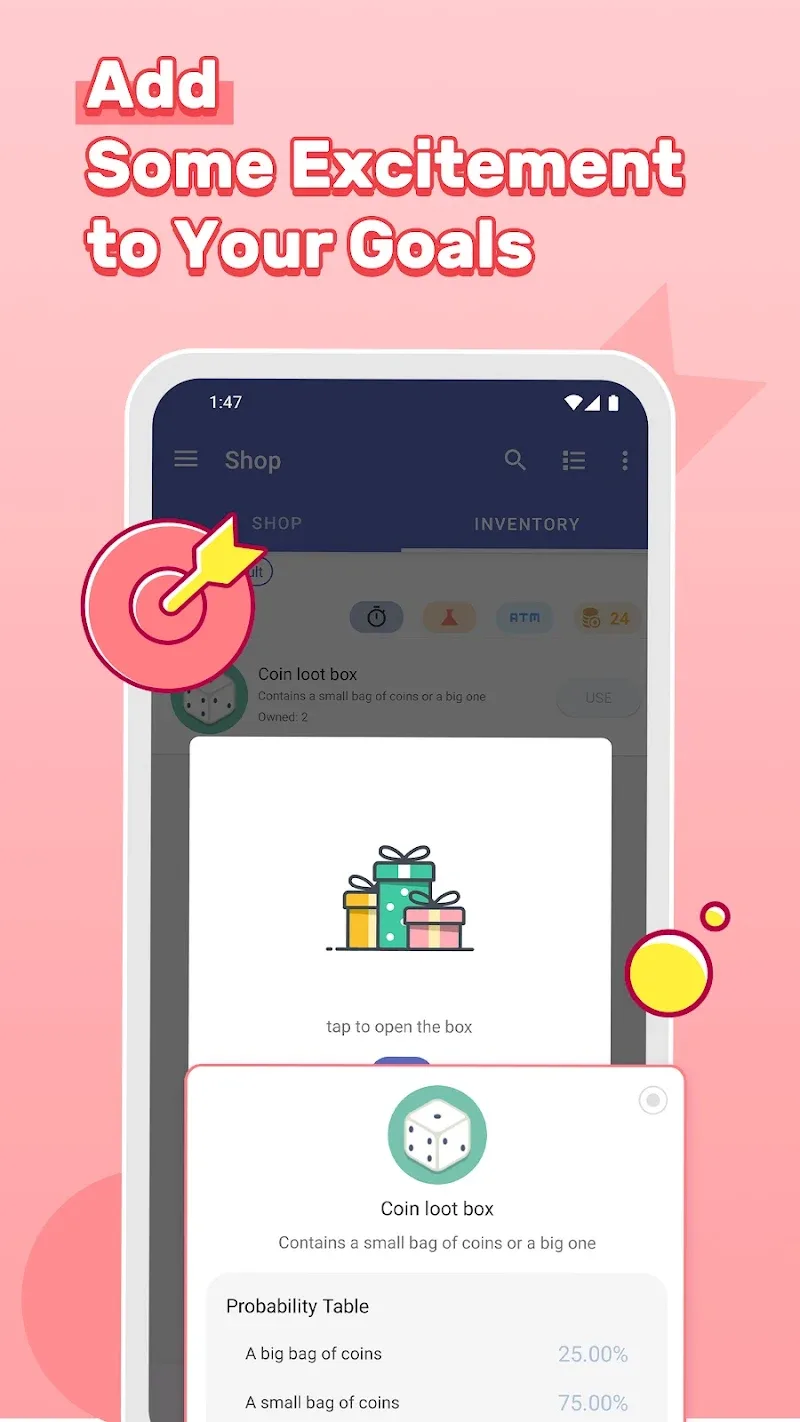
Replay value comes from the daily and weekly rhythms the app encourages. Recurring tasks, habit streaks, and flexible difficulty settings keep the experience fresh because you can experiment with pacing and rewards. For users who prefer structure, challenge modes or stricter difficulty settings increase the stakes for missing tasks; for those who want a lighter touch, forgiving settings focus on momentum and recovery. These layers make the app useful both for short productivity sprints and long-term habit building.
User experience, performance, and accessibility
Performance focuses on responsiveness and readability: animations are used selectively to celebrate task completion without slowing navigation, screens load quickly even with extensive lists, and concise dashboards make progress visible at a glance. Accessibility options include adjustable text sizes and high-contrast theme choices to improve legibility, and common interface patterns are compatible with screen readers. Privacy and local data controls let users protect sensitive task content while retaining the convenience of mobile access.
Offline use and data protection
The app stores progress and settings locally so you can add and complete tasks even without an active connection, and backup/export options protect long-term progress. When a network is available, data can be synchronized according to the user’s preferences, but the core experience remains functional offline to support travel, intermittent connectivity, and low-data environments.
Getting started and practical tips
Begin by adding five core tasks and setting point values to reflect effort rather than time. Focus on a mix of one-off quests and repeatable habits to build streak momentum, and use the progress dashboard weekly to adjust difficulty and rewards. With consistent small steps, LifeUp: Gamified To Do List helps convert vague intentions into measurable routines while preserving practical features like reminders, filtering, and export options.
For anyone who prefers a structured, feedback-driven approach to day-to-day productivity, LifeUp: Gamified To Do List provides a polished, flexible toolbox that emphasizes clarity, customization, and sustainable progress without unnecessary complexity.
Show More
Information
Screenshots
Latest Update












Latest News
-
![Revealing the Launch Playlists and Cross-Progression for COD Warzone Mobile News]()
-
![March 2024 Free Redemption Codes for Honkai: Star Rail News]()
-
PUBG Mobile Teams Up with Bentley Motors: Luxury Cars, Exclusive Collectibles, and Beyond 2024-04-18
![PUBG Mobile Teams Up with Bentley Motors: Luxury Cars, Exclusive Collectibles, and Beyond News]()
-
![Monster Never Cry is now accessible on both Android and iOS mobile devices. News]()
-
V2.2 of the Farlight 84 update introduces an overhauled Season structure, fresh in-game currency, an 2024-04-16
![V2.2 of the Farlight 84 update introduces an overhauled Season structure, fresh in-game currency, an News]()
-
![Arrival of Genshin Impact 4.6 Update: 'Embers of Two Realms, Twilight of Crimson' News]()
-
April 2024 Clash of Clans Update: Unveiling a Fresh Companion, Enhanced Levels, Chat Tagging, and Be 2024-04-16
![April 2024 Clash of Clans Update: Unveiling a Fresh Companion, Enhanced Levels, Chat Tagging, and Be News]()






