

MyScript Math: Solve & Plot
Version:1.4.3
Published:2026-11-04
Introduction
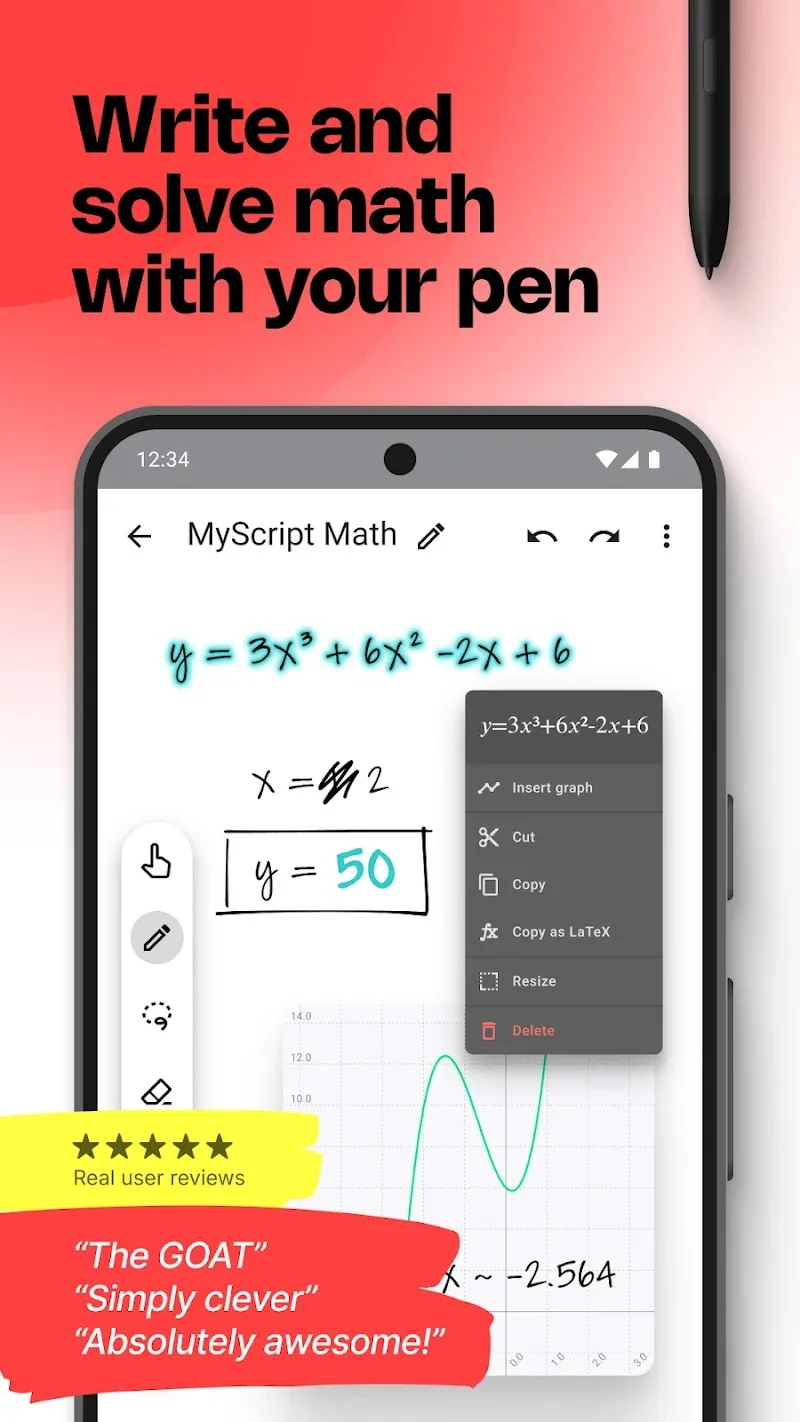
MyScript Math: Solve & Plot transforms handwritten equations into digital solutions and interactive graphs. Designed for students, teachers, and professionals, it recognizes math notation, solves problems step-by-step, and plots functions instantly. The interface supports touch and stylus input for fast, accurate conversion and visualization.
Overview
MyScript Math: Solve & Plot is a utility focused on turning messy handwritten math into precise, editable digital content. It bridges the gap between pen-and-paper workflows and modern computation by combining handwriting recognition with symbolic solving and plotting capabilities. The result is a compact tool for homework, demonstrations, and quick calculations.
Core Functionality
The app reads a wide range of mathematical expressions including arithmetic, algebra, trigonometry, calculus, and matrices. After capturing an expression, the engine parses each symbol and produces a clear, typed version that can be corrected or exported. For many problems the app provides exact solutions, simplifications, and evaluates numerical results with selectable precision.
Key Features
- Handwriting recognition that converts freehand input into editable equations with high accuracy.
- Step-by-step solutions for algebraic manipulations and solvable expressions where applicable.
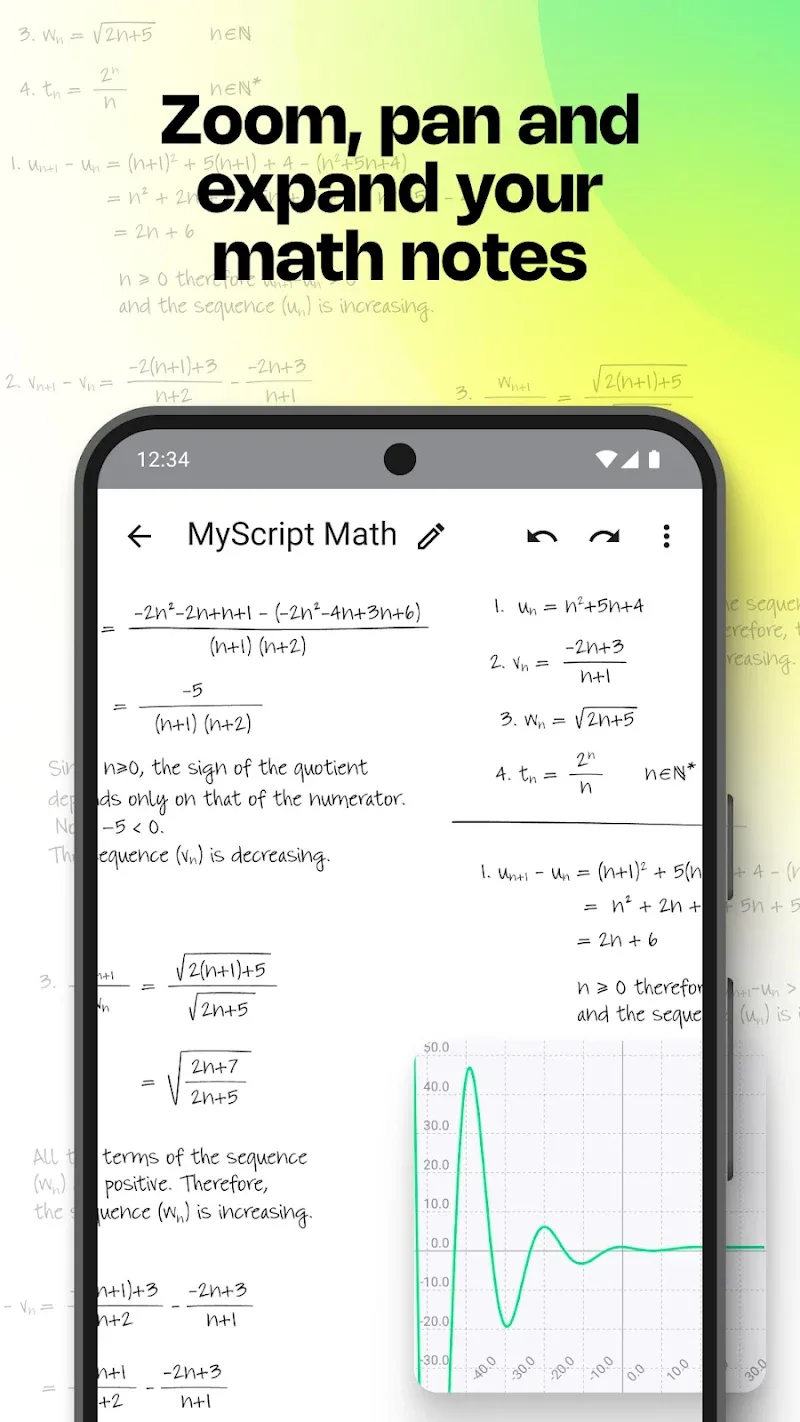
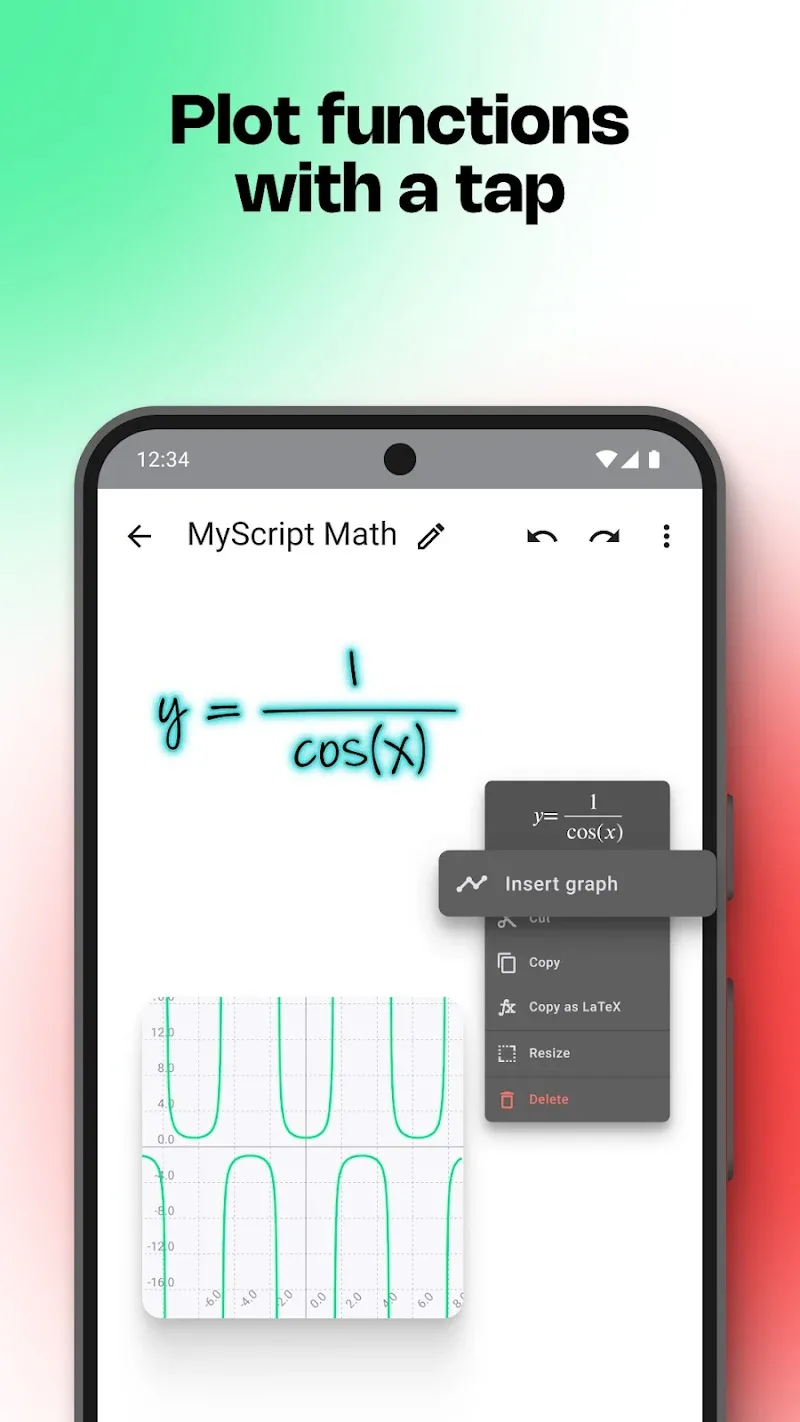
- Graph plotting for single and multiple functions, including zoom, pan, and intersection detection.
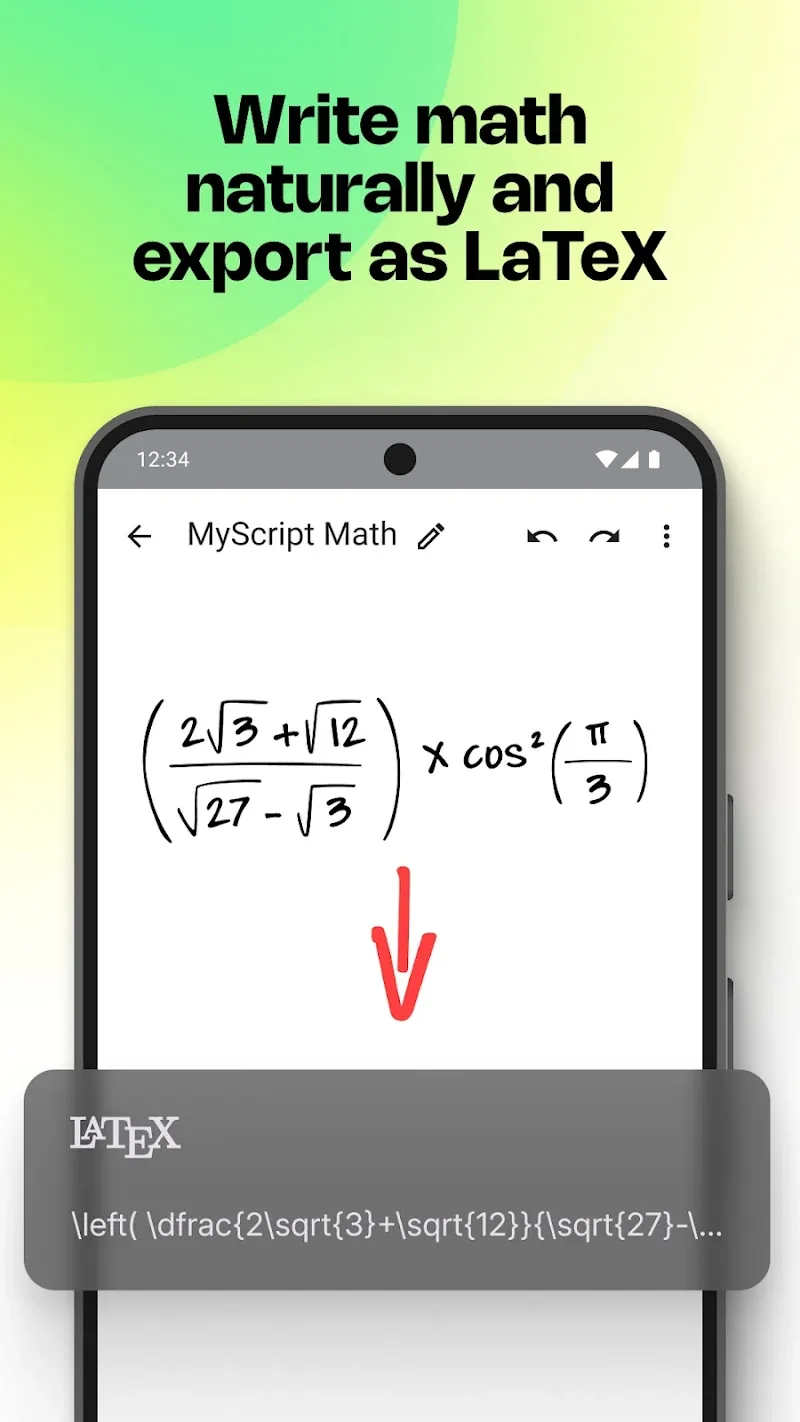
- Export options to copy LaTeX, PNG, or text for use in notes and learning platforms.
- Multi-modal input supporting stylus, finger, and keyboard entry to suit classroom or commute use.
How It Works
Capture your equation using the canvas, then watch MyScript Math: Solve & Plot translate strokes into structured math. The parser identifies operators, exponents, fractions, integrals, and more. When multiple interpretations exist it suggests alternatives so you can select the intended meaning. For functions, the app can render graphs instantly and adjust the viewing window based on the expression’s behavior.
Interface and Performance
The interface emphasizes clarity: a large input canvas sits above a results area and a plotting pane. Menus are minimal, keeping the focus on writing and reviewing work. Performance is responsive on modern Android devices; recognition and plotting are fast for typical classroom problems. Complex symbolic tasks may depend on device capability, but results are generally returned without long waits.
Tools and Exporting
Beyond solving, the app includes practical tools like a history drawer, undo/redo, and template snippets for common expressions. Export choices make it simple to move content into documents or learning management systems. The LaTeX export is handy for users preparing assignments or technical notes, while image exports capture graphs for presentations.
User Experience Notes
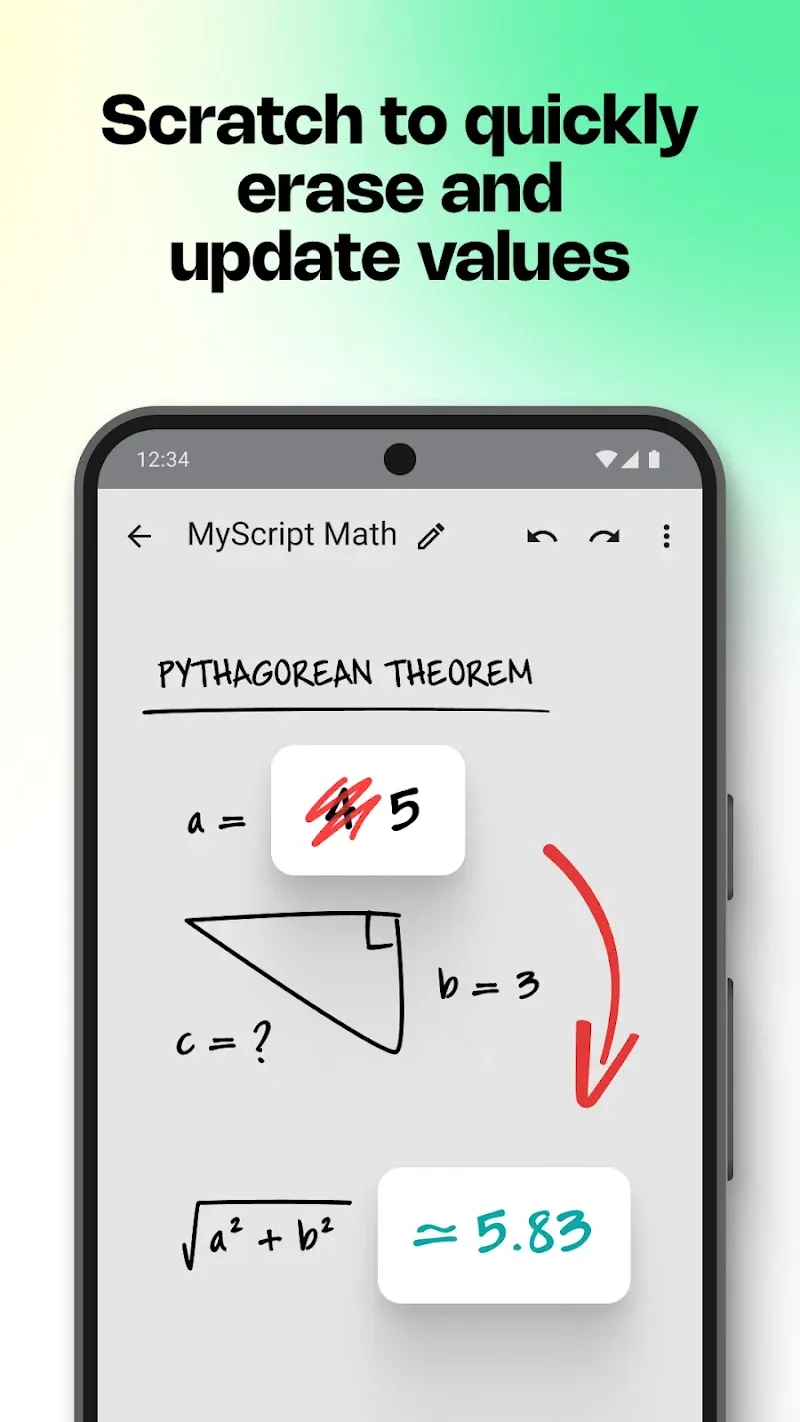
First-time users benefit from a short in-app tour that explains stroke conventions and correction gestures. The handwriting model adapts well to varied handwriting styles, though extreme or rushed strokes may need minor corrections. Teachers will appreciate the ability to quickly demonstrate solutions, and students can use the app to check steps and visualize function behavior.
Tips for New Users
- Write clearly with a stylus for best recognition of symbols and superscripts.
- Use the suggestions bar when ambiguous strokes appear; choosing the right symbol speeds up solving.
- Zoom in on calculus expressions to avoid misinterpreting fraction bars or integral limits.
- Export graphs as images if you need to include them in slides or reports.
Who Should Use It
MyScript Math: Solve & Plot is useful for secondary and college students, tutors, and professionals who want a quick way to translate hand-written math into shareable, solvable formats. It supports a learning workflow rather than replacing deep study: the stepwise breakdown helps users understand each transformation instead of just presenting a final answer.
Getting Started
Installation is straightforward from the app store. After granting basic permissions, complete the brief tutorial and try a few sample problems to see recognition quality. Keep the app updated to receive improvements to symbol coverage and solver depth.
Overall, the app provides a practical blend of handwriting comfort and computational power. With its clear interface, reliable exports, and helpful solving aids, MyScript Math: Solve & Plot streamlines routine math tasks and enhances visual learning without adding complexity.
Show More
Information
Screenshots
Latest Update












Latest News
-
![Revealing the Launch Playlists and Cross-Progression for COD Warzone Mobile News]()
-
![March 2024 Free Redemption Codes for Honkai: Star Rail News]()
-
PUBG Mobile Teams Up with Bentley Motors: Luxury Cars, Exclusive Collectibles, and Beyond 2024-04-18
![PUBG Mobile Teams Up with Bentley Motors: Luxury Cars, Exclusive Collectibles, and Beyond News]()
-
![Monster Never Cry is now accessible on both Android and iOS mobile devices. News]()
-
V2.2 of the Farlight 84 update introduces an overhauled Season structure, fresh in-game currency, an 2024-04-16
![V2.2 of the Farlight 84 update introduces an overhauled Season structure, fresh in-game currency, an News]()
-
![Arrival of Genshin Impact 4.6 Update: 'Embers of Two Realms, Twilight of Crimson' News]()
-
April 2024 Clash of Clans Update: Unveiling a Fresh Companion, Enhanced Levels, Chat Tagging, and Be 2024-04-16
![April 2024 Clash of Clans Update: Unveiling a Fresh Companion, Enhanced Levels, Chat Tagging, and Be News]()






