

Aline Yellow: linear icon pack
Version:1.9.9
Published:2026-11-04
Introduction
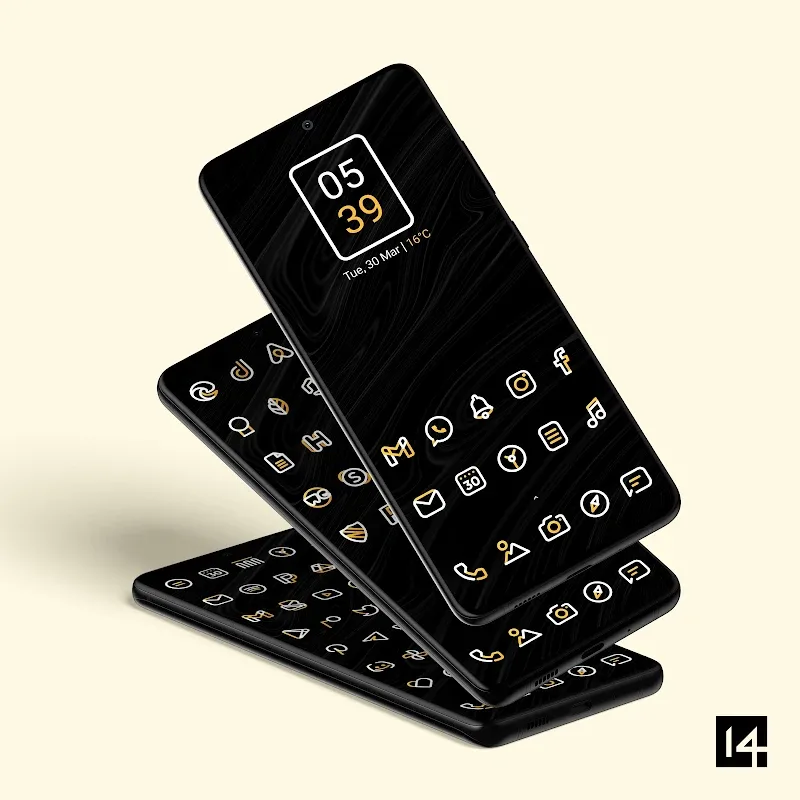
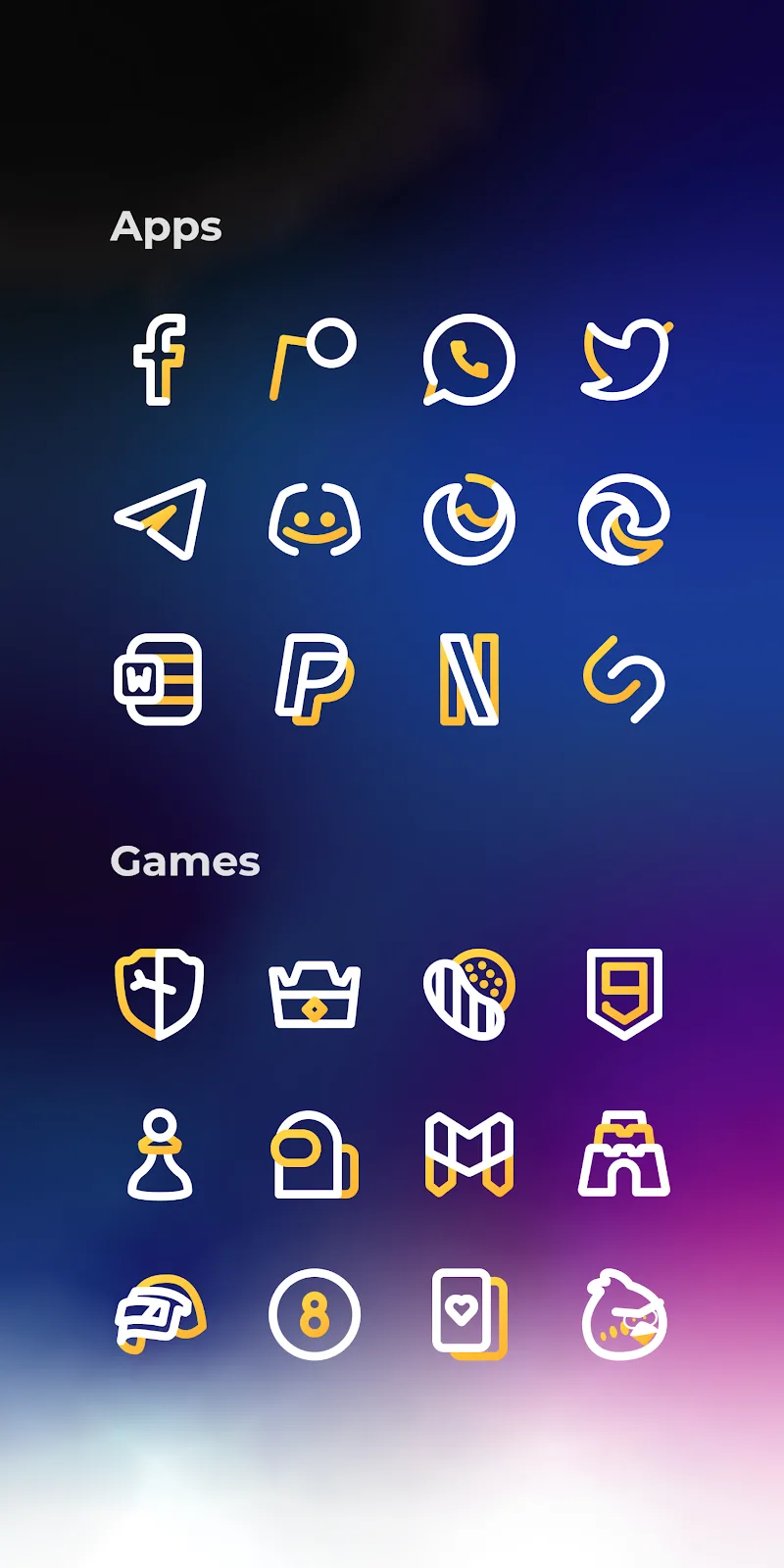
Aline Yellow: linear icon pack is a refined collection of minimalist Android icons that blend thin outlines with warm yellow accents to create a clean home screen aesthetic. Designed for users who favor subtlety, the pack pairs consistent geometry with high-resolution assets to refresh any launcher-driven setup in minutes.
Overview
The focus of Aline Yellow: linear icon pack is simplicity without sacrifice. Instead of flashy gradients or heavy skeuomorphism, the icons use slender strokes, restrained color pops, and precise spacing. That makes the pack especially suitable for productivity-minded users, designers, and anyone who wants a cohesive look across apps.
What to Expect
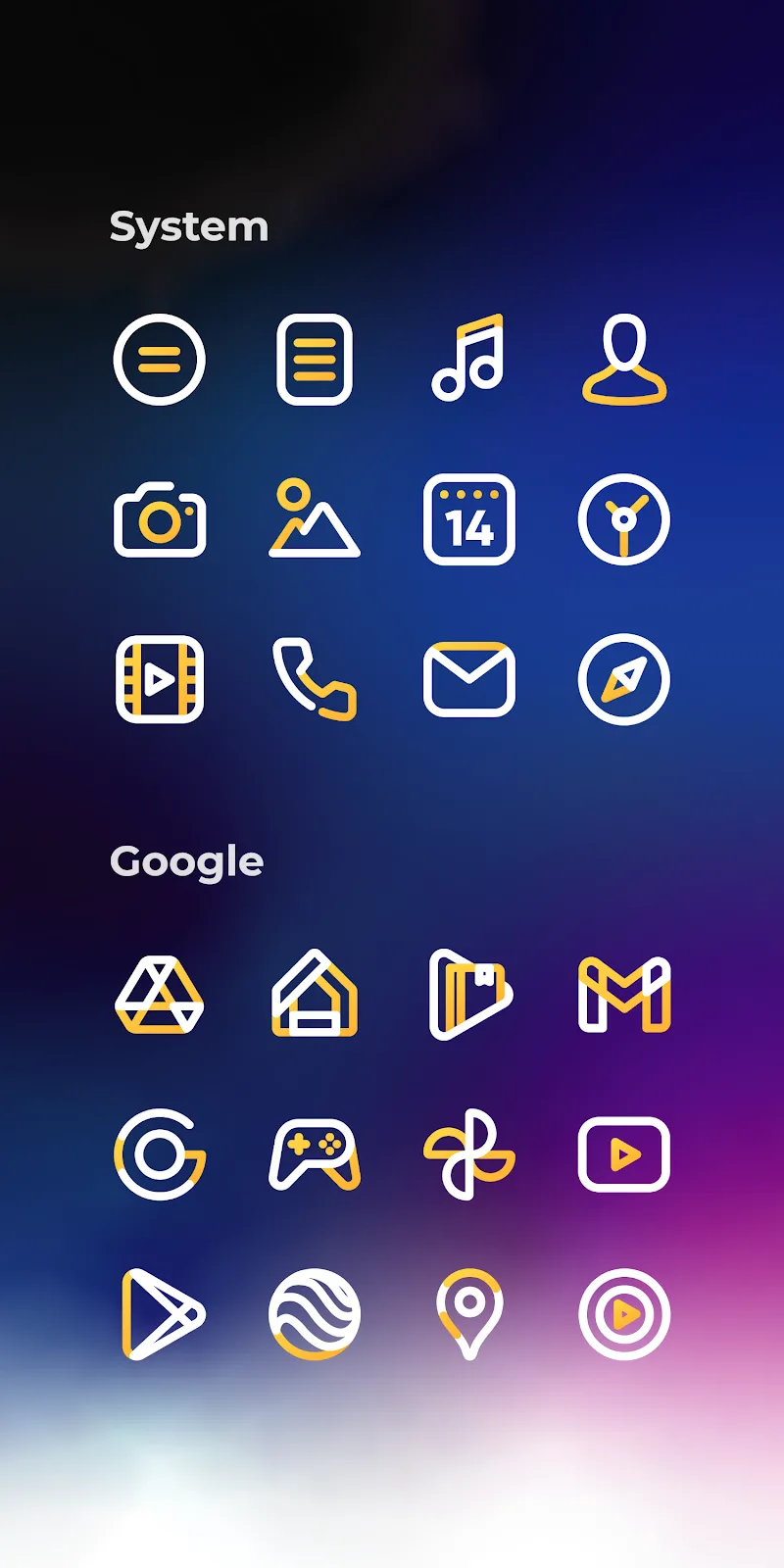
Expect a library of thousands of icons rendered in crisp vector styles that preserve legibility at a glance. The aesthetic emphasizes line work with a single accent color—yellow—used to highlight glyphs and draw attention without overwhelming the interface. Icon masks and fallback glyphs maintain consistency for apps without bespoke artwork.
Key Features
- Minimal linear design: Thin outlines and monochrome glyphs paired with yellow highlights for a modern, airy appearance.
- High-resolution assets: Icons are optimized for various display densities to avoid blurring on high-end devices.
- Launcher compatibility: Works with popular launchers such as Nova, Lawnchair, Action Launcher, and Apex.
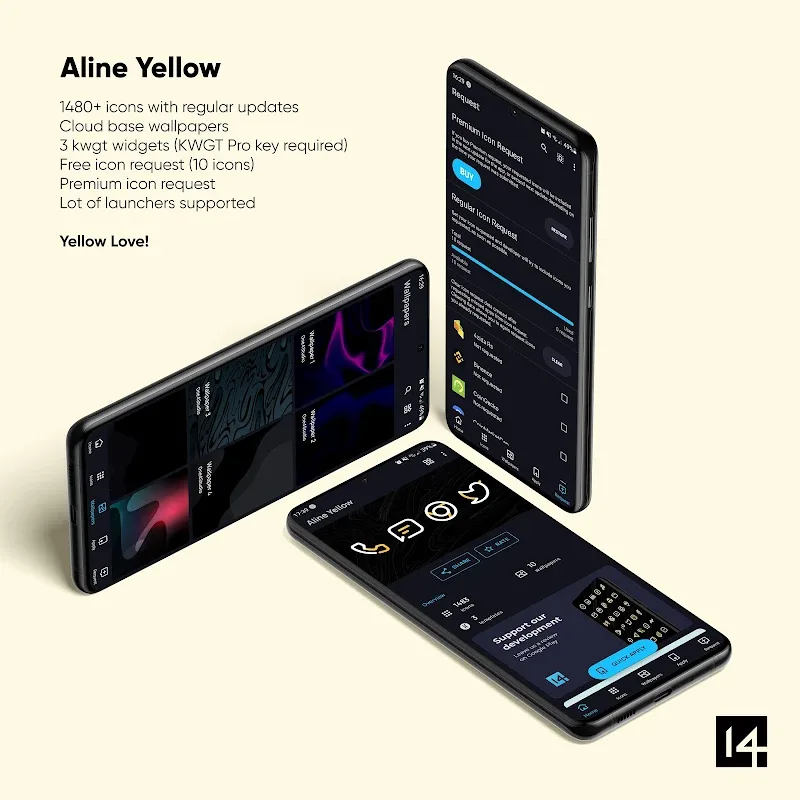
- Icon request tool: Built-in request system lets you ask the developer for missing icons.
- Cloud-backed wallpapers: A curated set of companion wallpapers that complement the icon palette.
Design & Visual Details
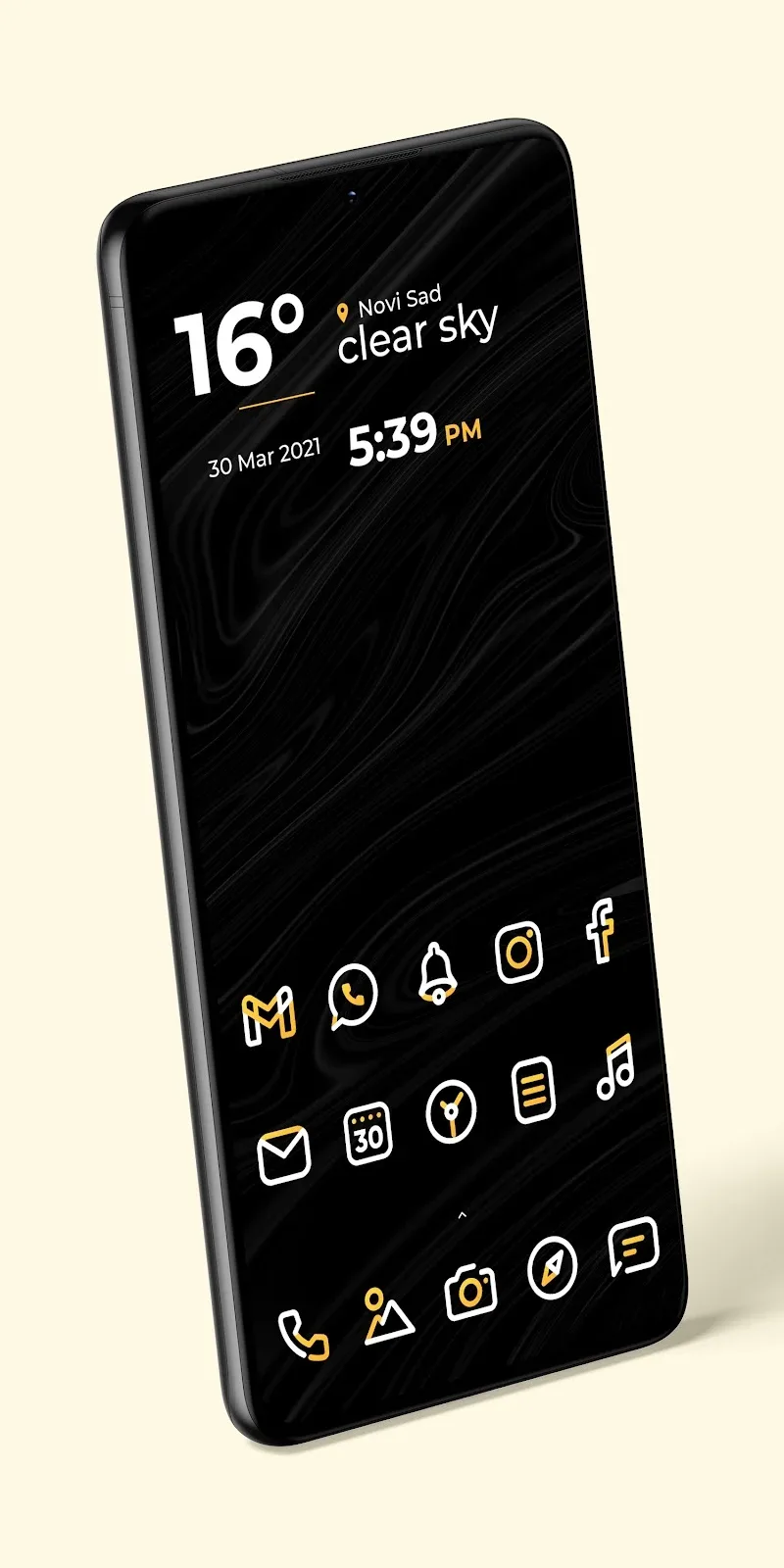
Aline Yellow: linear icon pack leans on geometric consistency. Each icon follows a grid so sizes, stroke thicknesses, and corner radii feel intentional across applications. The restrained yellow accent helps common system apps stand out while preserving a unified appearance. Designers will appreciate the attention to negative space and alignment.
How to Apply the Pack
Applying Aline Yellow: linear icon pack is straightforward. Install a compatible launcher, open the theme app, and select your preferred icons or apply the full set at once. Most launchers let you mix and match icons and widgets, so you can keep a few original icons if needed. The app provides clear steps and direct links to supported launchers.
Supported Launchers & Integration
- Nova Launcher
- Lawnchair
- Action Launcher
- Apex Launcher
- Evie and other popular alternatives
Integration is typically handled through the launcher’s theme settings. If a launcher lacks native support, users can apply icons via a third-party launcher or use manual replacements through desktop shortcuts.
Performance & App Size
The package aims to remain lightweight despite offering extensive icon coverage. Vector-based icons and selective PNG fallbacks keep storage impact moderate. The theme app itself focuses on fast performance, with quick previewing and minimal background processes. Updates are incremental to reduce download size while expanding icon coverage.
User Experience Notes
New users report that the aesthetic immediately improves perceived order on the home screen. The icon request feature usually shortens the wait time for bespoke artwork. The learning curve is minimal — once you pick a launcher and apply the theme, tweaks are mostly about layout and wallpaper choice rather than technical configuration.
Tips for Customizing
- Pair the icons with a neutral or slightly desaturated wallpaper to let the yellow accents stand out without clashing.
- Use a grid layout with consistent padding to emphasize the minimalist style.
- Create a folder color scheme for frequently used apps to maintain visual hierarchy.
- Submit icon requests in batches to speed up developer updates.
Who Should Install It
Aline Yellow: linear icon pack suits users who prefer restrained, modern visuals over loud themes. It’s ideal for professionals, minimalists, and anyone who wants a tidy interface that supports productivity. People who frequently change launchers will find the compatibility helpful.
Final Notes on Value
The pack balances aesthetic cohesion and practical utility. Frequent updates, a simple icon request system, and broad launcher support make it a sensible choice for personalization without a steep configuration cost. If you want a subtle, design-forward look that integrates cleanly into daily workflows, Aline Yellow: linear icon pack is worth a try.
Show More
Information
Screenshots
Latest Update












Latest News
-
![Revealing the Launch Playlists and Cross-Progression for COD Warzone Mobile News]()
-
![March 2024 Free Redemption Codes for Honkai: Star Rail News]()
-
PUBG Mobile Teams Up with Bentley Motors: Luxury Cars, Exclusive Collectibles, and Beyond 2024-04-18
![PUBG Mobile Teams Up with Bentley Motors: Luxury Cars, Exclusive Collectibles, and Beyond News]()
-
![Monster Never Cry is now accessible on both Android and iOS mobile devices. News]()
-
V2.2 of the Farlight 84 update introduces an overhauled Season structure, fresh in-game currency, an 2024-04-16
![V2.2 of the Farlight 84 update introduces an overhauled Season structure, fresh in-game currency, an News]()
-
![Arrival of Genshin Impact 4.6 Update: 'Embers of Two Realms, Twilight of Crimson' News]()
-
April 2024 Clash of Clans Update: Unveiling a Fresh Companion, Enhanced Levels, Chat Tagging, and Be 2024-04-16
![April 2024 Clash of Clans Update: Unveiling a Fresh Companion, Enhanced Levels, Chat Tagging, and Be News]()






