

Black Pie - Icon Pack
Version:6.0
Published:2026-11-04
Introduction
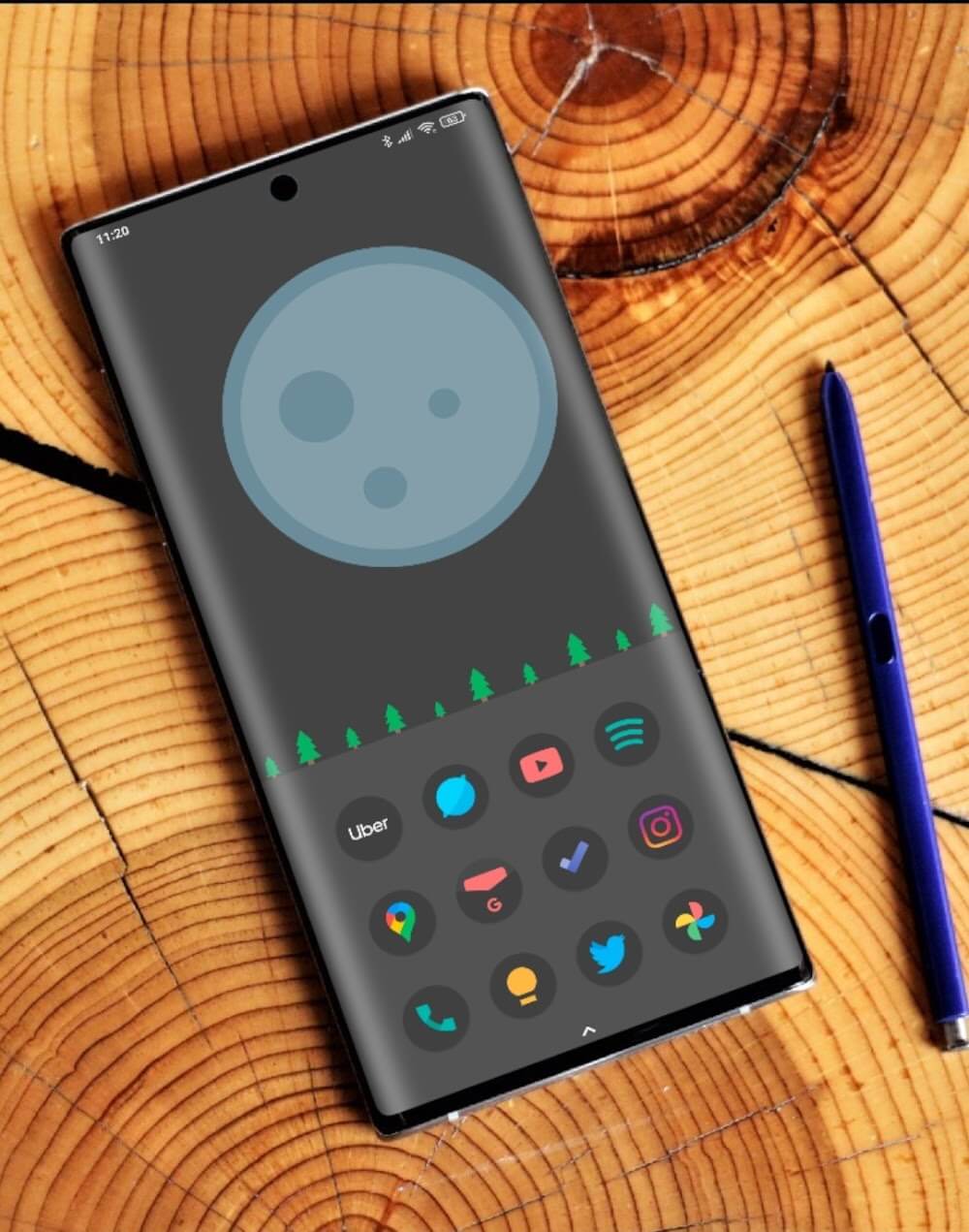
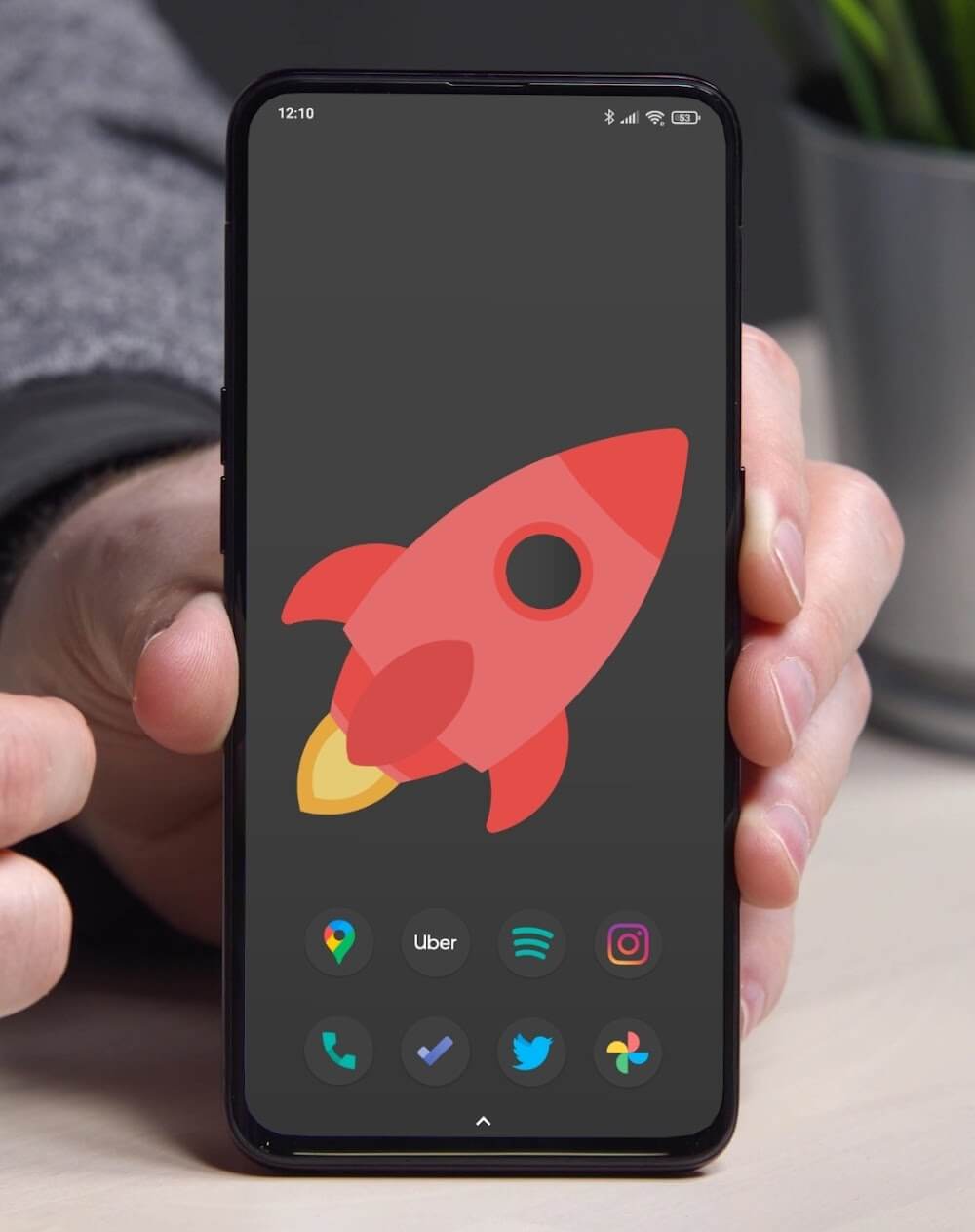
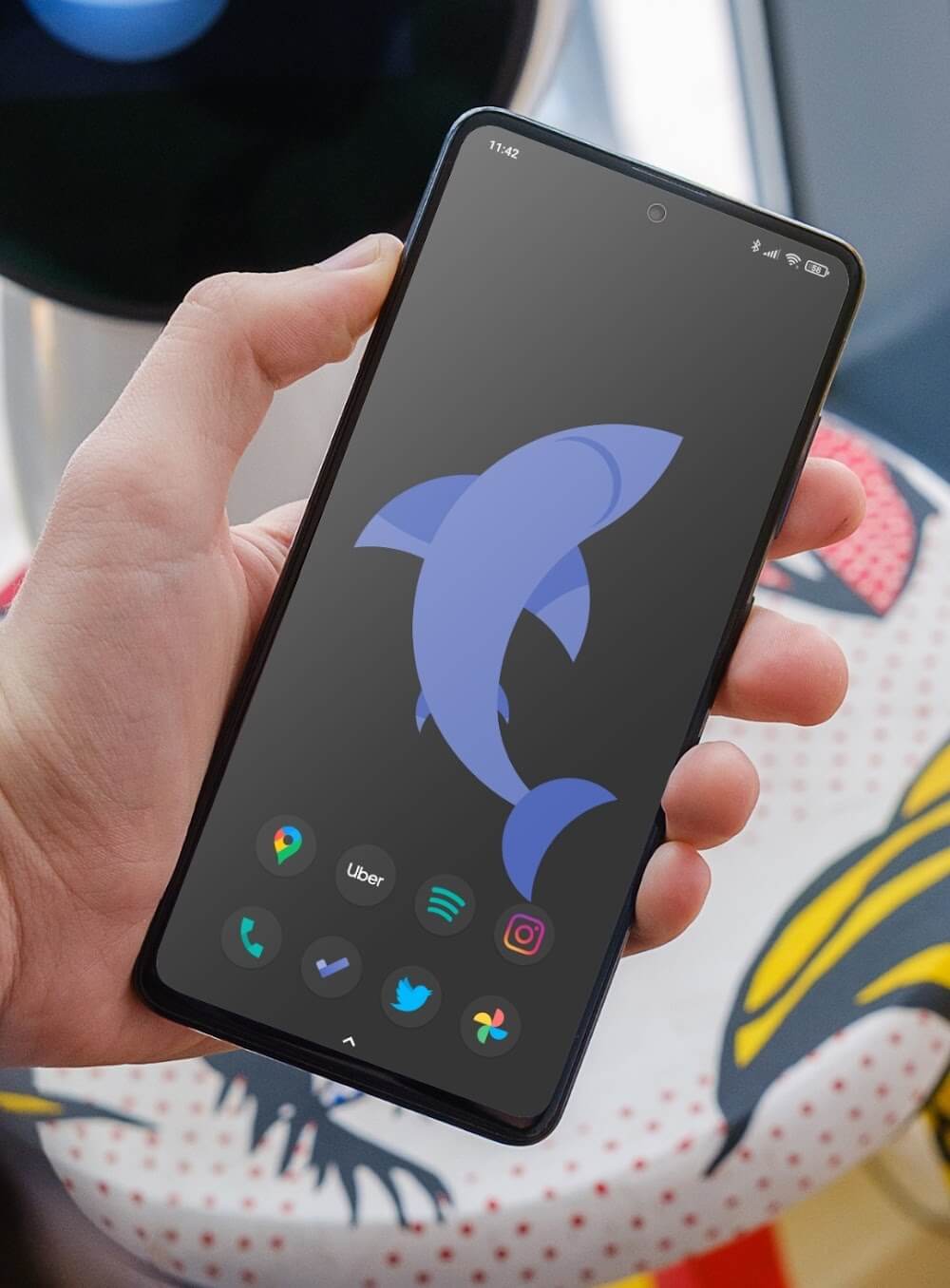
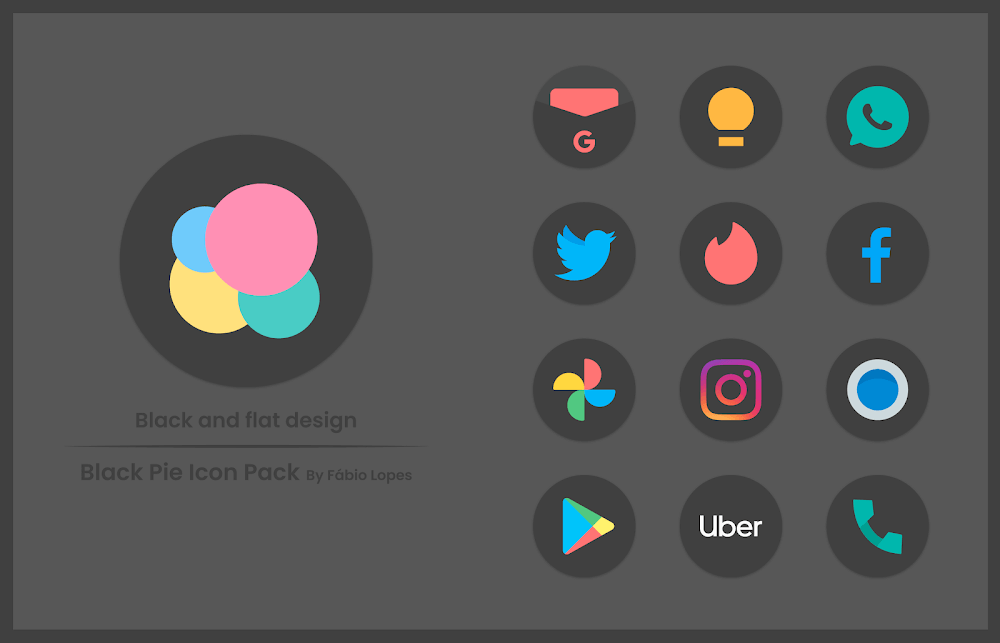
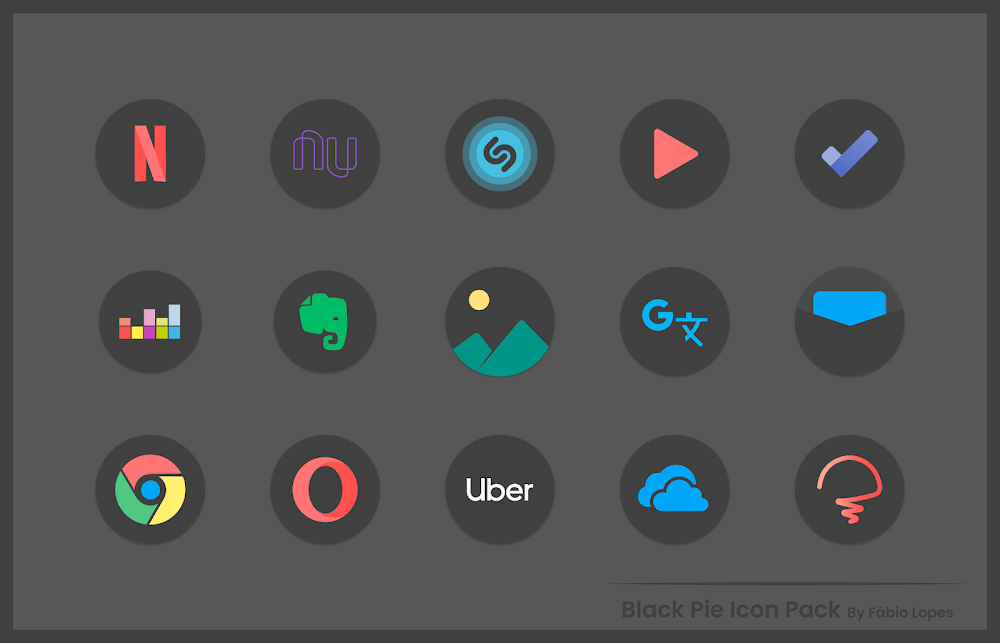
Black Pie - Icon Pack transforms your Android home screen by providing a coherent set of minimalist, high-resolution icons together with matching wallpapers and straightforward tools for applying them. Black Pie - Icon Pack is built around rounded glyphs, subtle depth effects and carefully chosen palettes so each app remains instantly recognizable while the overall look stays calm and modern. The pack is sized to work well on both compact phones and large tablets without visual clutter.
What the pack includes and how it is organized
This icon pack delivers several thousand themed icons and multiple alternate variants for popular applications, grouped by visual families rather than by individual apps so you can browse by style. Icons are supplied in efficient image formats and vector-compatible assets where supported, which preserves sharpness on high-DPI displays. Wallpapers are curated to pair with the color accents of the icons; they are organized into complementary sets so it’s easy to preview a few coordinated backgrounds that keep the home screen balanced and readable.
Design and visual approach
The visual language favors rounded square masks, restrained stroke weights and consistent negative space so symbols remain legible at small sizes. Designers tuned contrast and shadow subtly to make glyphs readable across a variety of system themes and backgrounds. The result is a neutral, contemporary appearance that downplays distracting textures and lets frequently used apps stand out through shape and tone rather than bright ornamentation.
Compatibility and launcher support
This icon pack supports most mainstream Android launchers and includes guidance for launchers that use manual theming workflows. Typical supported launchers include Nova, Lawnchair, Apex, Action Launcher, Poco Launcher, ADW and Smart Launcher, but the compatibility guidance inside the app explains how adaptive icons, icon masking and launcher-specific quirks are handled. Because launchers apply themes differently, some behaviors such as automatic adaptive icon updates may vary; the included compatibility notes walk you through the steps needed for each environment.
Apply, customize and replace icons
Applying the pack is designed to be simple: open the app, select a wallpaper or icon style to preview, and use the Apply control to configure supported launchers automatically. For launchers that require manual steps the app provides clear, step-by-step instructions. Individual icons can be swapped by long-pressing home screen items or using per-app replacement inside your launcher; alternate glyphs let you choose a different look for a given app without changing the whole theme. A built-in request tool lets you ask the artist for missing icons and usually helps developers prioritize additions in subsequent updates.
Performance, updates and offline use
The icon pack does not run persistent background services and is optimized to minimize storage and runtime impact. Many assets are vector-based and images are compressed efficiently, so the package balances visual fidelity with a modest footprint. Most of the pack is available and functional offline after installation; updates that add new icons or compatibility fixes are delivered through the Play Store or package updates, and those updates are typically small and focused on expanding coverage.
Customization depth and progression
Rather than a progression system like a game, the experience evolves through periodic content updates and user-driven requests. As new apps appear or design trends shift, the developer issues updates that expand the icon set and refine existing glyphs. Power users can create a consistent progression of looks by saving wallpaper-and-icon combinations or by selectively mixing icons from other packs using per-app replacements to achieve a custom finish.
Accessibility and user experience
Attention to stroke weight and contrast improves readability for users with visual sensitivity, and the pack’s simple shapes reduce cognitive load when scanning a crowded home screen. The app interface itself is straightforward, with clear preview controls, an icon request workflow and guidance for manual application. Because the pack focuses on clarity over ornamentation, it pairs well with launchers that provide icon size and grid adjustments to further tune accessibility.
Practical tips and ongoing support
For a polished result try hiding icon labels where possible and using the included wallpapers to ensure legibility. If you mix icon packs, rely on per-app swaps to maintain consistency for core apps while experimenting elsewhere. Developer contact options and the icon request tool are included so you can report missing icons or suggest refinements; regular release notes describe new icons, bug fixes and any improvements for recent Android versions. Black Pie - Icon Pack is intended to be a low-friction way to refresh your interface while keeping functionality and recognition intact.
Show More
Information
Screenshots
Latest Update












Latest News
-
![Revealing the Launch Playlists and Cross-Progression for COD Warzone Mobile News]()
-
![March 2024 Free Redemption Codes for Honkai: Star Rail News]()
-
PUBG Mobile Teams Up with Bentley Motors: Luxury Cars, Exclusive Collectibles, and Beyond 2024-04-18
![PUBG Mobile Teams Up with Bentley Motors: Luxury Cars, Exclusive Collectibles, and Beyond News]()
-
![Monster Never Cry is now accessible on both Android and iOS mobile devices. News]()
-
V2.2 of the Farlight 84 update introduces an overhauled Season structure, fresh in-game currency, an 2024-04-16
![V2.2 of the Farlight 84 update introduces an overhauled Season structure, fresh in-game currency, an News]()
-
![Arrival of Genshin Impact 4.6 Update: 'Embers of Two Realms, Twilight of Crimson' News]()
-
April 2024 Clash of Clans Update: Unveiling a Fresh Companion, Enhanced Levels, Chat Tagging, and Be 2024-04-16
![April 2024 Clash of Clans Update: Unveiling a Fresh Companion, Enhanced Levels, Chat Tagging, and Be News]()






