

Pushscroll
Version:1.72
Published:2026-11-04
Introduction
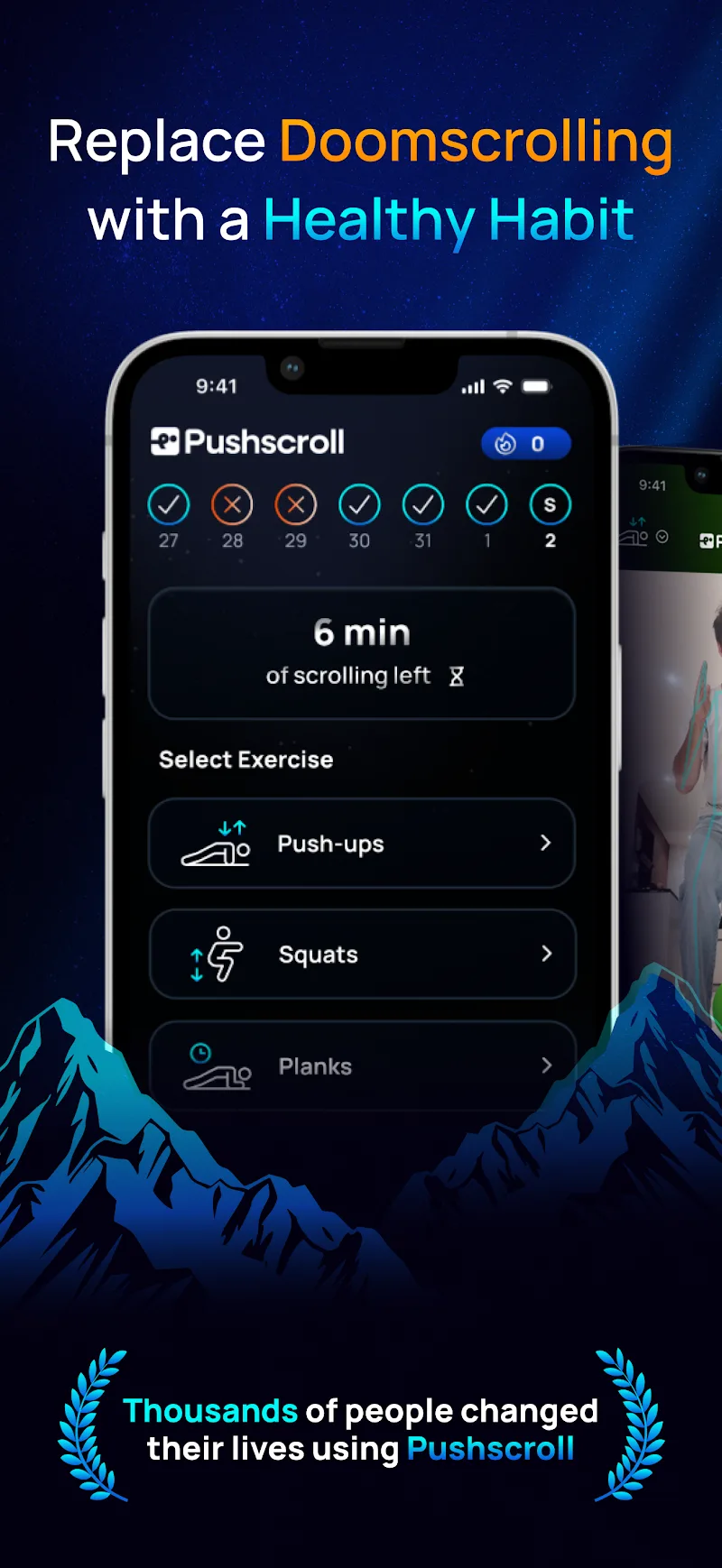
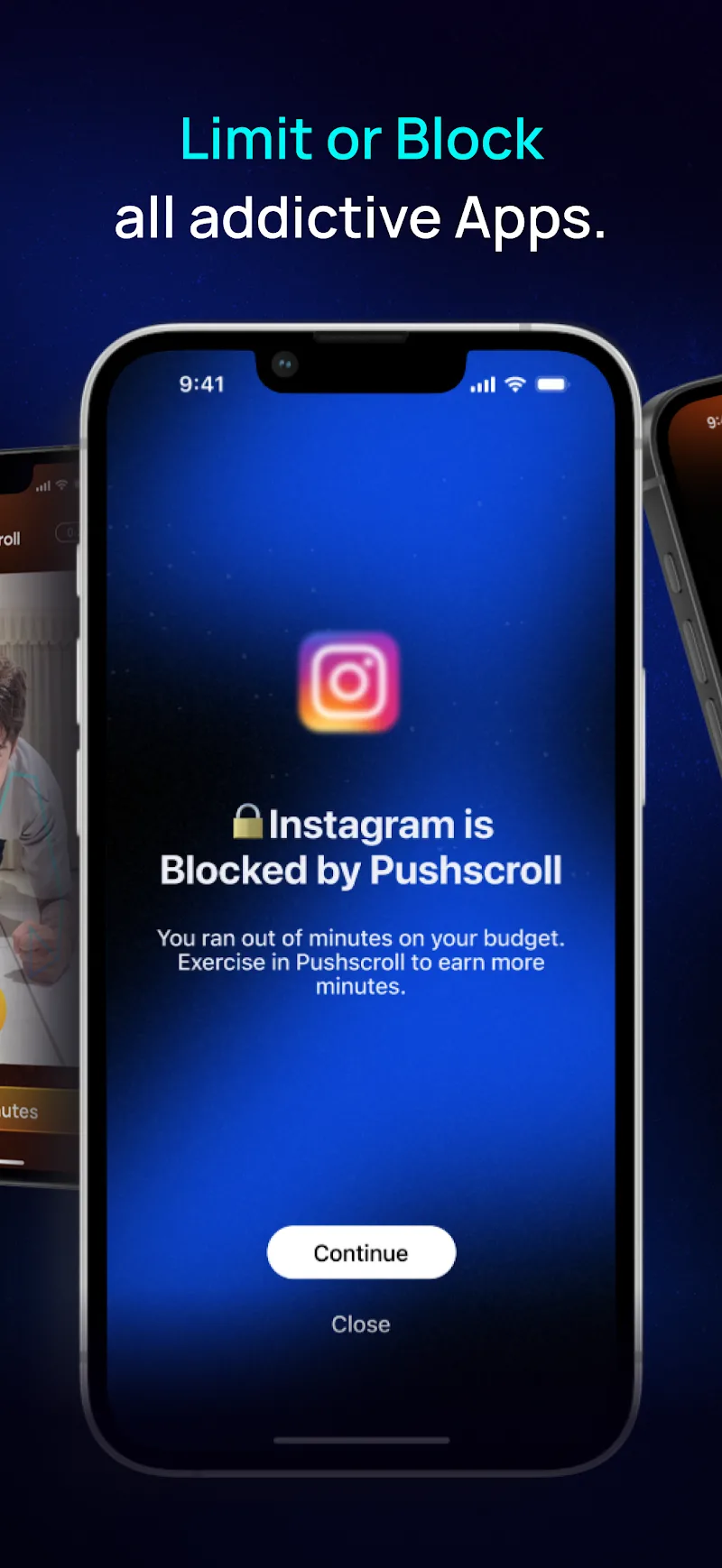
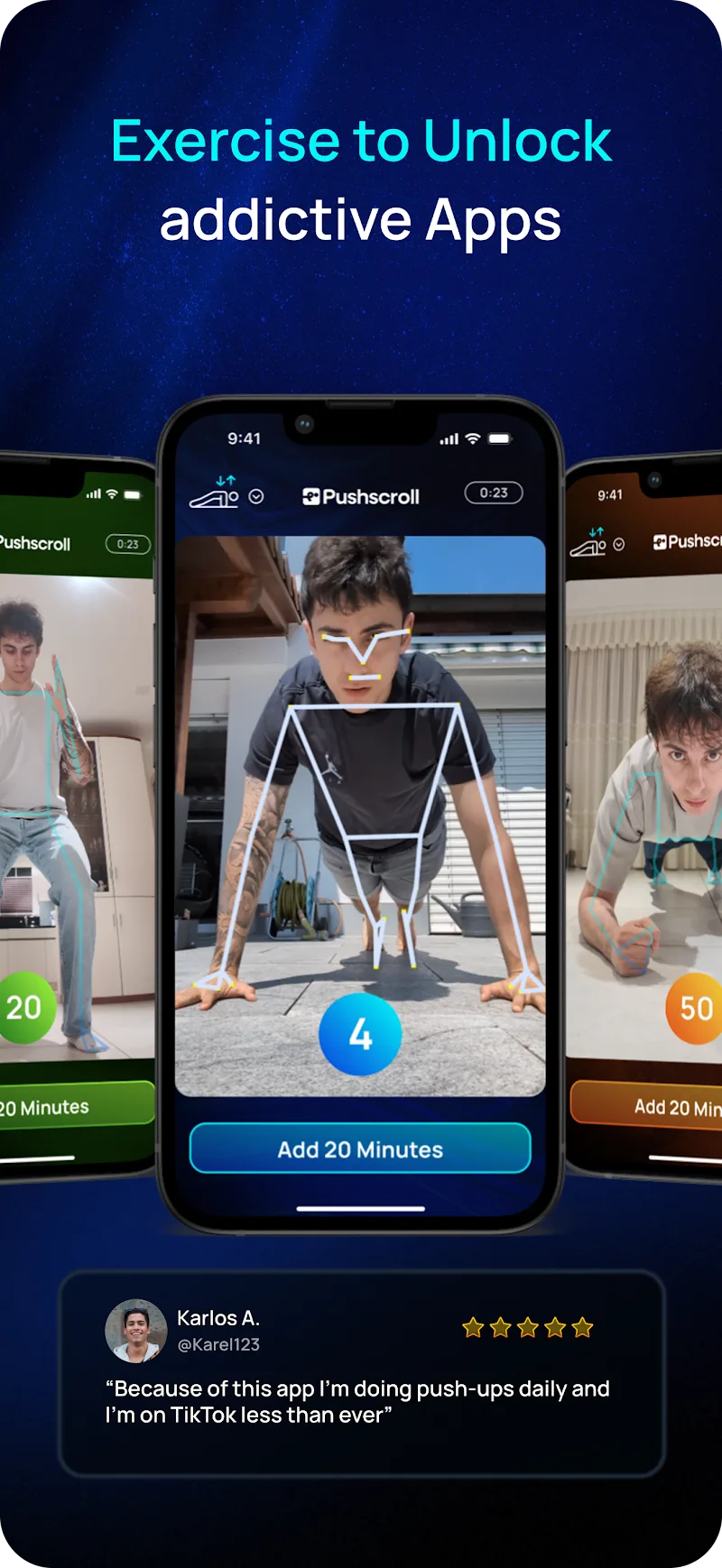
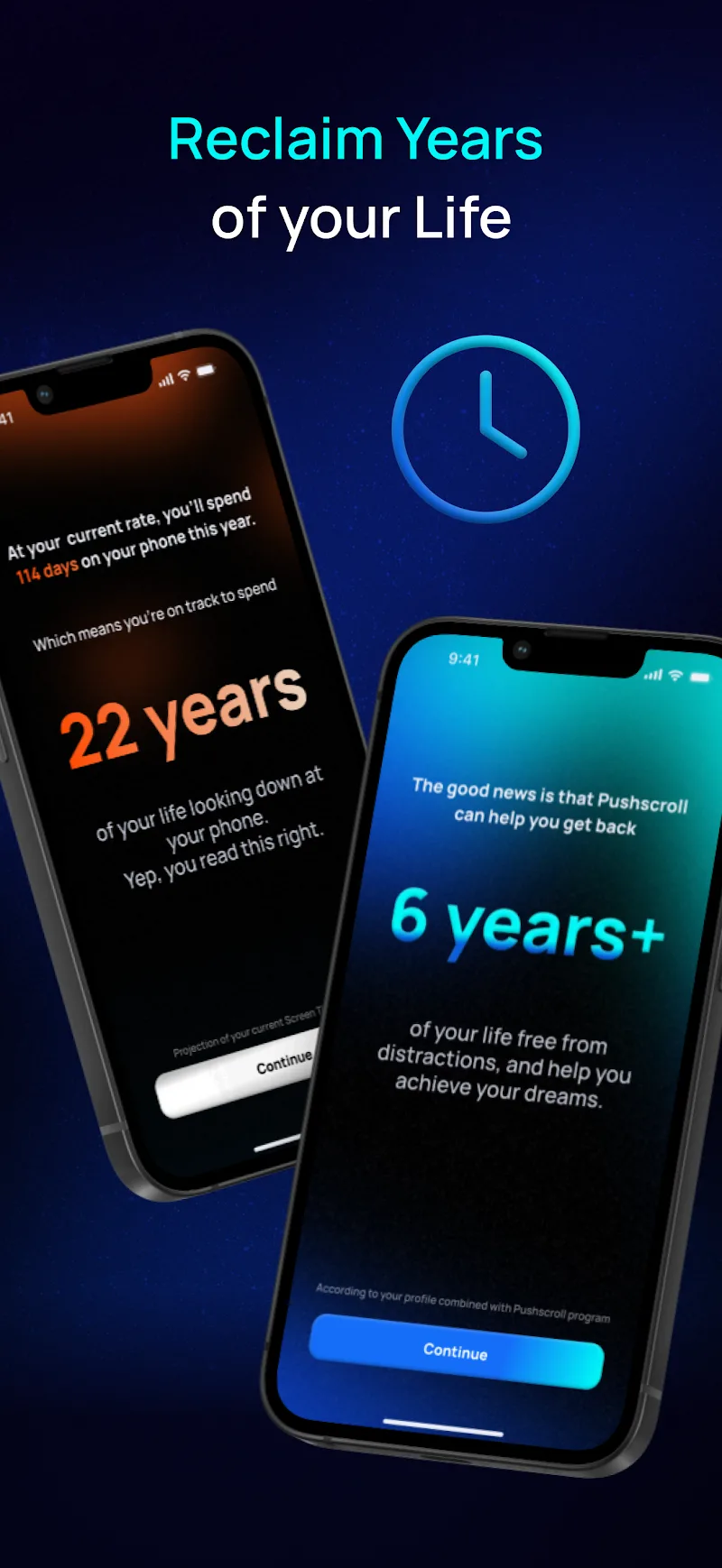
Pushscroll is a lightweight Android utility that turns simple swipe gestures into automated scrolling, long screenshots and contextual actions. It accelerates browsing, reading and social feeds by offering adjustable scroll speed, gesture mapping and quick shortcuts — all without rooting your device or draining battery.
What Pushscroll Does
Pushscroll provides a set of gesture-driven tools designed to make navigating apps and web pages faster. Instead of tapping repeatedly or relying on app-specific features, users can configure vertical or horizontal swipe patterns to trigger continuous scroll, page-by-page jumps, or to capture a stitched screenshot of long content. The app sits unobtrusively over other apps and activates only when you need it.
Key Features
- Adaptive Scrolling: Smooth auto-scroll with adjustable speed and pause intervals tailored for reading, watching feeds, or reviewing long documents.
- Long Screenshot Capture: One gesture captures multi-screen pages into a single image, ideal for saving articles or receipts.
- Gesture Mapping: Assign different swipe directions or multi-finger gestures to specific actions such as jump to top, jump to bottom, or multi-page scroll.
- Contextual Shortcuts: Create shortcuts that perform app-specific tasks when a scroll gesture is detected in supported applications.
- Battery-Friendly Mode: Optimized background behavior ensures minimal CPU use and preserves battery life.
How the System Works
After granting accessibility permissions, Pushscroll overlays a subtle control trigger on the edge of your screen. When you swipe through that trigger, the app executes the preconfigured action. It simulates touch input reliably across most apps and web views, so the auto-scroll feels native rather than robotic. The system monitors app context to avoid interfering with typing, gaming, or other time-sensitive activities.
Customization and Profiles
Customization is central to Pushscroll. Users can create multiple profiles for different tasks — for example, a "Reading" profile with slow, continuous scrolling and a single-finger trigger, and a "Feed" profile that rapidly flicks through posts. Profiles include parameters such as speed, step size, repeat count, and whether the gesture should capture screenshots. You can export and import profiles to share setups across devices.
Workflow Integration
Pushscroll is useful for a variety of practical scenarios. Research and study sessions benefit from hands-free scrolling while taking notes. Social media users can skim feeds faster without losing their place. Journalists and analysts can capture long threads or webpages in one shot for archiving. The app also supports integration with automation tools, allowing advanced users to link gestures to routines like saving to cloud storage or launching a reading list.
Performance and Compatibility
Designed for modern Android releases, Pushscroll runs smoothly on a wide range of devices and respects system resource limits. Touch emulation is tuned to avoid conflicts with app-level gestures, and a test mode lets you preview actions before enabling them globally. Regular updates improve compatibility with new app versions and web rendering changes.
Privacy and Permissions
Pushscroll requires accessibility access to simulate gestures and an optional storage permission for saving screenshots. The app does not collect browsing content or transmit captured images off-device unless you explicitly use a sharing action. Local profile and settings are stored on your device so you retain control of your setup.
Getting Started
Setup takes just a few minutes: enable accessibility permission, choose a trigger location, and create your first profile. Use the built-in tutorial to test scroll speeds and screenshot stitching. Within a short time you can switch between profiles or create application-specific rules that change behavior automatically when a supported app is detected.
Pushscroll offers a compact, focused toolkit for anyone who spends time reading, browsing or archiving content on their phone. With intuitive gesture mapping, configurable profiles and careful attention to performance, it streamlines repetitive navigation tasks and makes long-form mobile consumption more efficient.
Show More
Information
Screenshots
Latest Update











Latest News
-
![Revealing the Launch Playlists and Cross-Progression for COD Warzone Mobile News]()
-
![March 2024 Free Redemption Codes for Honkai: Star Rail News]()
-
PUBG Mobile Teams Up with Bentley Motors: Luxury Cars, Exclusive Collectibles, and Beyond 2024-04-18
![PUBG Mobile Teams Up with Bentley Motors: Luxury Cars, Exclusive Collectibles, and Beyond News]()
-
![Monster Never Cry is now accessible on both Android and iOS mobile devices. News]()
-
V2.2 of the Farlight 84 update introduces an overhauled Season structure, fresh in-game currency, an 2024-04-16
![V2.2 of the Farlight 84 update introduces an overhauled Season structure, fresh in-game currency, an News]()
-
![Arrival of Genshin Impact 4.6 Update: 'Embers of Two Realms, Twilight of Crimson' News]()
-
April 2024 Clash of Clans Update: Unveiling a Fresh Companion, Enhanced Levels, Chat Tagging, and Be 2024-04-16
![April 2024 Clash of Clans Update: Unveiling a Fresh Companion, Enhanced Levels, Chat Tagging, and Be News]()






