

Pixly Limitless Fluo Icon Pack
Version:3.4
Published:2026-11-04
Introduction
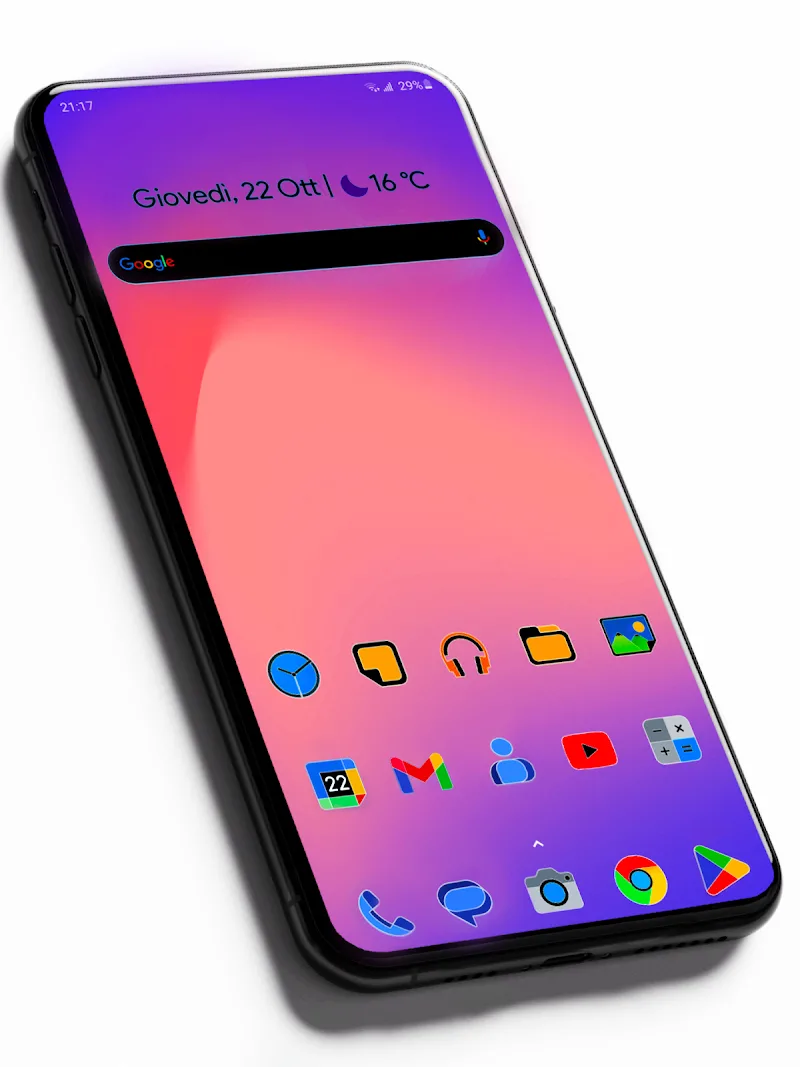
Pixly Limitless Fluo Icon Pack transforms your Android home screen with vivid neon icons, consistent glyphs, and high-resolution artwork designed for clarity on any display. This icon pack focuses on bold color contrasts, streamlined shapes, and a matching set of wallpapers to give your device a unified, eye-catching look.
What this icon pack offers
Pixly Limitless Fluo Icon Pack delivers a curated set of icons and extras that make theming quick and reliable. Beyond the core icon library, the package includes a companion dashboard for applying themes, an icon request tool, and periodic updates that expand coverage. The result is a polished theme that works across many popular launchers without losing visual integrity.
Key features and tools
- High-resolution icons: Crisp PNGs sized for modern displays so icons remain sharp on phones and tablets.
- Consistent neon aesthetic: A cohesive palette of fluorescent hues with unified glyph design to keep the home screen tidy.
- Adaptive icon support: Compatible with Android adaptive icon standards where supported, ensuring proper masking and shadows.
- Dashboard and apply menu: A straightforward dashboard app guides you through applying the pack to different launchers and accessing settings.
- Icon request system: Submit missing icons directly from the dashboard so the set grows based on user demand.
- Matching wallpapers: Wallpapers tuned to complement the neon icons and provide a seamless visual backdrop.
Design and visual identity
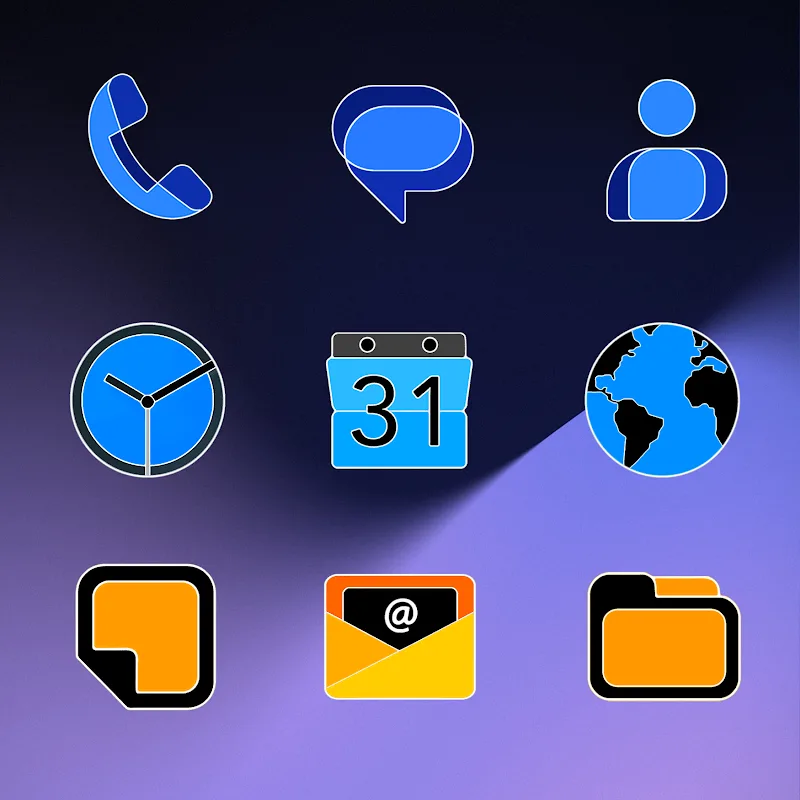
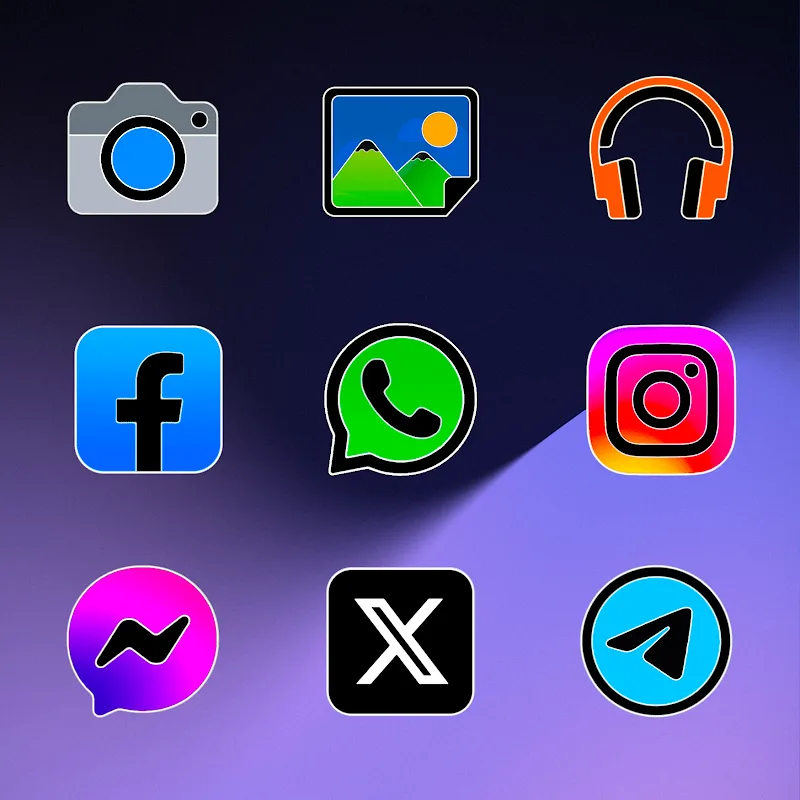
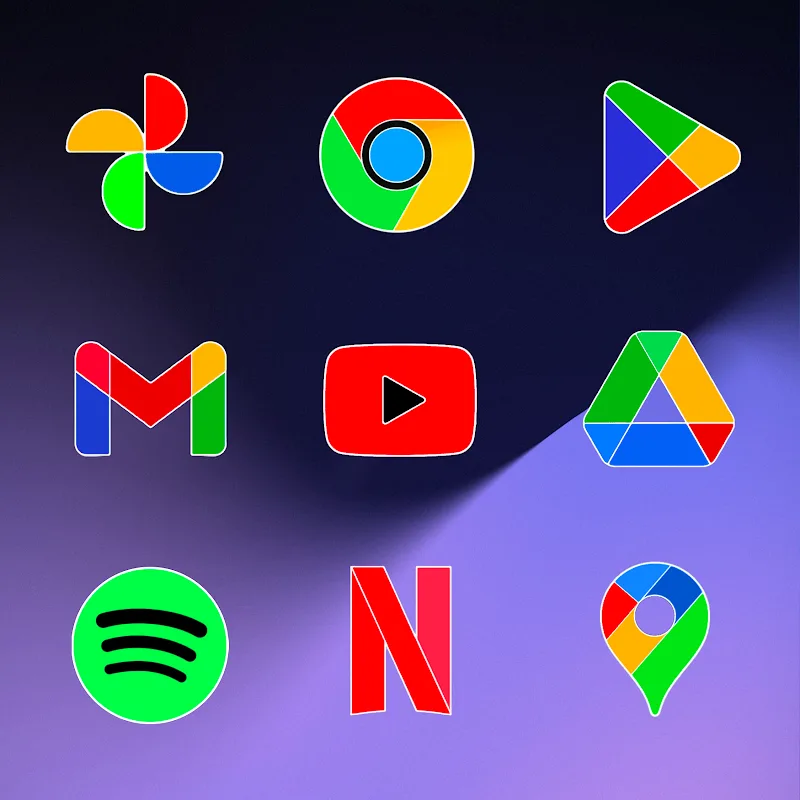
The visual language of Pixly Limitless Fluo Icon Pack emphasizes contrast and readability. Each icon pairs a minimal glyph with a glowing backdrop, which helps apps stand out against busy wallpapers. Designers focused on consistent sizing and spacing so that folders and app grids look balanced. The neon motif works particularly well for users who prefer bold, modern aesthetics without overly complex artwork.
How to apply and manage themes
Applying Pixly Limitless Fluo Icon Pack is straightforward: install the icon pack APK, open the included dashboard, and select your preferred launcher from the apply list. The dashboard typically supports launchers such as Nova, Lawnchair, Action, Apex, ADW, and many others. If your launcher is not listed, the dashboard shows manual steps for applying icons or creating shortcuts. The icon request feature is accessible from the dashboard to help complete any gaps in coverage.
Compatibility and performance
Performance was considered during development so the pack should not noticeably affect device speed or battery life. Icons are optimized for size and quality; adaptive icons conform to Android O+ guidelines when the launcher supports them. Compatibility is broad across Android versions and third-party launchers, but some functionality—like adaptive masking—relies on launcher capabilities and system support.
Customization tips for better results
- Pair the included wallpapers with the icon pack to preserve the intended contrast and glow effects.
- Enable icon masking in your launcher if some apps don’t automatically match the style.
- Use a grid with consistent icon padding to keep the neon glyphs visually balanced.
- Request missing icons through the dashboard rather than manually replacing them to maintain consistent shading.
Practical use cases
Pixly Limitless Fluo Icon Pack is ideal for users who want a distinctive, modern look without investing time in manual icon editing. It suits themed setups—such as cyberpunk, synthwave, or minimalist neon—and works well for both everyday productivity and creative displays. The design also pairs nicely with dark and black backgrounds where the fluorescent colors pop most.
Final notes on maintenance and updates
Regular updates help Pixly Limitless Fluo Icon Pack stay current as new apps arrive. The developer typically responds to icon requests and publishes periodic refreshes that increase coverage and refine artwork. Because the pack integrates a request tool and simple dashboard, maintaining a cohesive look across new installations is straightforward and largely automated.
Whether you refresh a device periodically or prefer a one-time deep customization, Pixly Limitless Fluo Icon Pack makes it easy to achieve a unified, neon-infused home screen with minimal fuss.
Show More
Information
Screenshots
Latest Update











Latest News
-
![Revealing the Launch Playlists and Cross-Progression for COD Warzone Mobile News]()
-
![March 2024 Free Redemption Codes for Honkai: Star Rail News]()
-
PUBG Mobile Teams Up with Bentley Motors: Luxury Cars, Exclusive Collectibles, and Beyond 2024-04-18
![PUBG Mobile Teams Up with Bentley Motors: Luxury Cars, Exclusive Collectibles, and Beyond News]()
-
![Monster Never Cry is now accessible on both Android and iOS mobile devices. News]()
-
V2.2 of the Farlight 84 update introduces an overhauled Season structure, fresh in-game currency, an 2024-04-16
![V2.2 of the Farlight 84 update introduces an overhauled Season structure, fresh in-game currency, an News]()
-
![Arrival of Genshin Impact 4.6 Update: 'Embers of Two Realms, Twilight of Crimson' News]()
-
April 2024 Clash of Clans Update: Unveiling a Fresh Companion, Enhanced Levels, Chat Tagging, and Be 2024-04-16
![April 2024 Clash of Clans Update: Unveiling a Fresh Companion, Enhanced Levels, Chat Tagging, and Be News]()






