

Chroma - Icon Pack
Version:3.9.8
Published:2026-11-04
Introduction
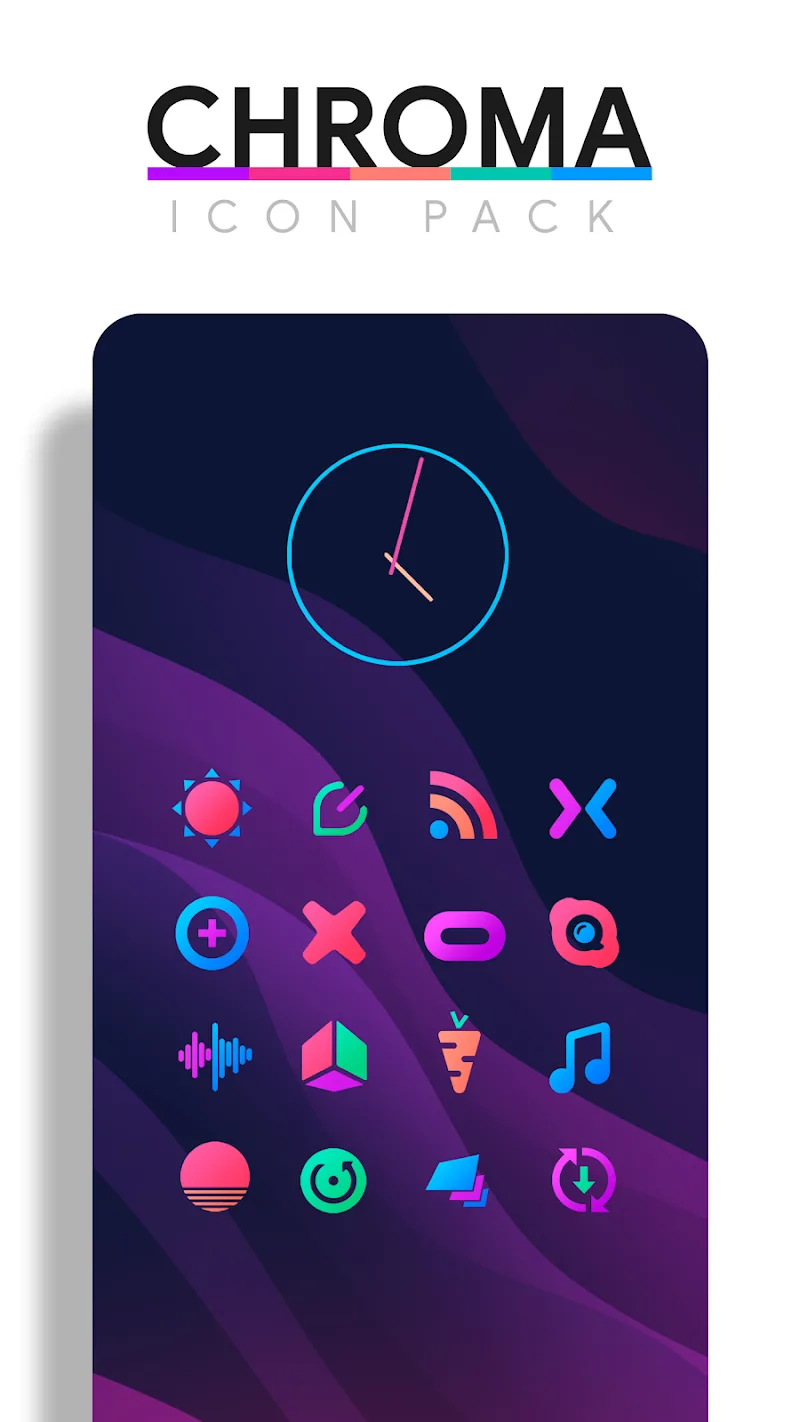
Chroma - Icon Pack is a meticulously crafted icon theme that refreshes Android home screens with colorful gradients, crisp glyphs and consistent visual language. Designed for users who value aesthetics and clarity, Chroma - Icon Pack delivers thousands of icons, wallpapers and adaptive shapes to give your device a modern, cohesive appearance.
What Chroma - Icon Pack brings to your device
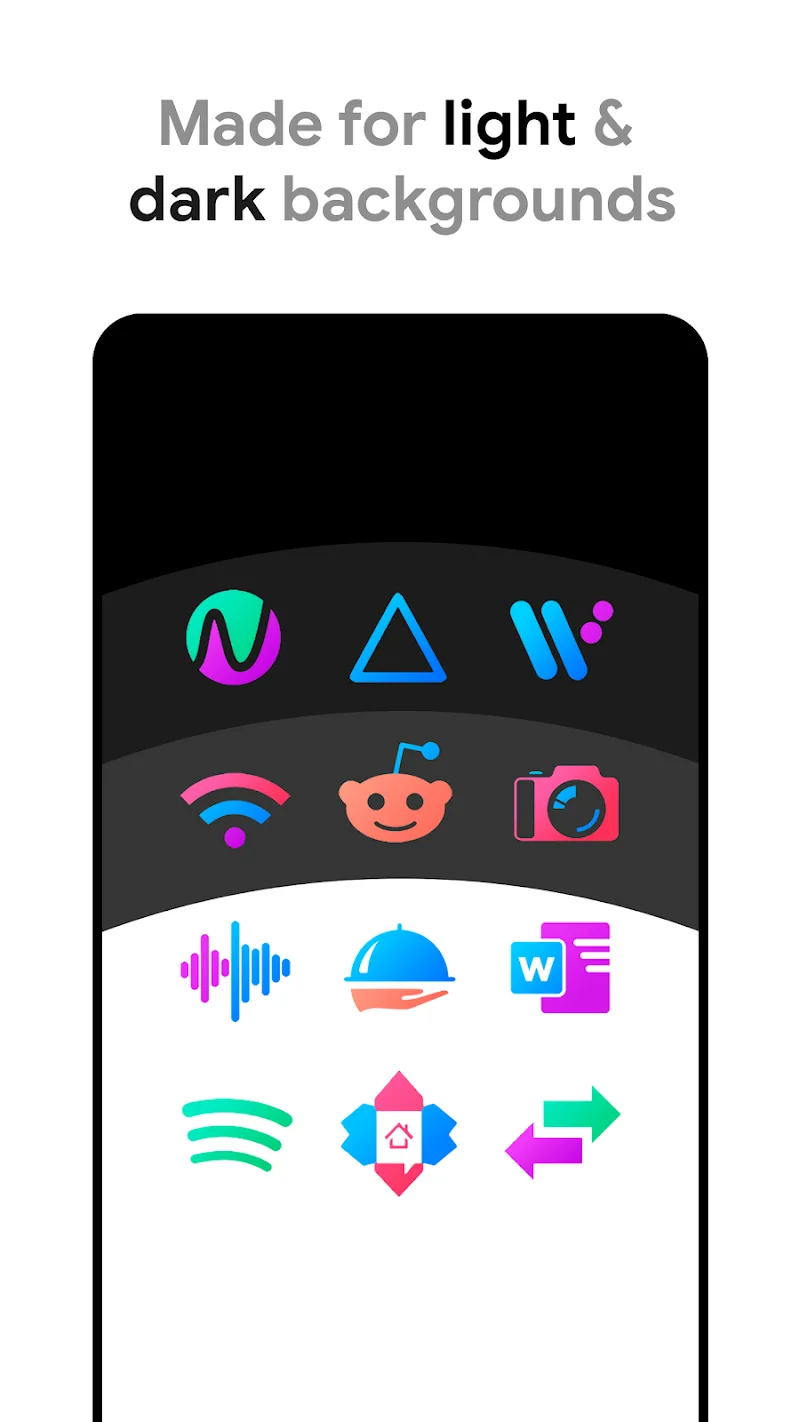
Chroma - Icon Pack focuses on delivering a unified look across third-party and system apps. Icons are designed with a balanced mix of flat color, subtle depth and minimal outlines so they read well against a variety of wallpapers. The pack includes alternate icons where needed, ensuring commonly used applications keep recognizable silhouettes while adopting the Chroma style.
Key features and contents
- Extensive icon library: Thousands of icons covering popular and niche apps with weekly updates.
- Adaptive shapes: Multiple mask shapes to match different launcher styles and device ecosystems.
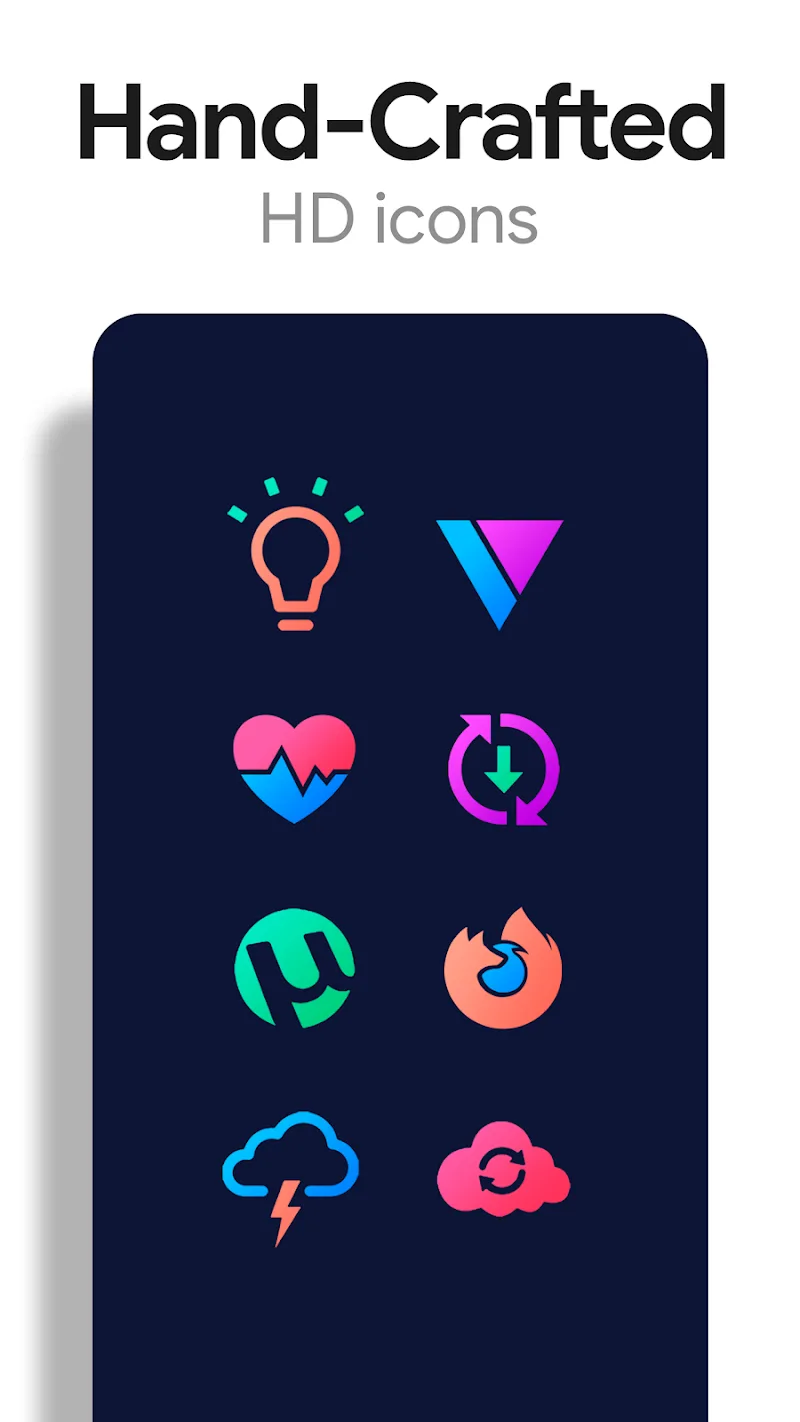
- High-resolution artwork: PNG and vector-based assets optimized for HD displays.
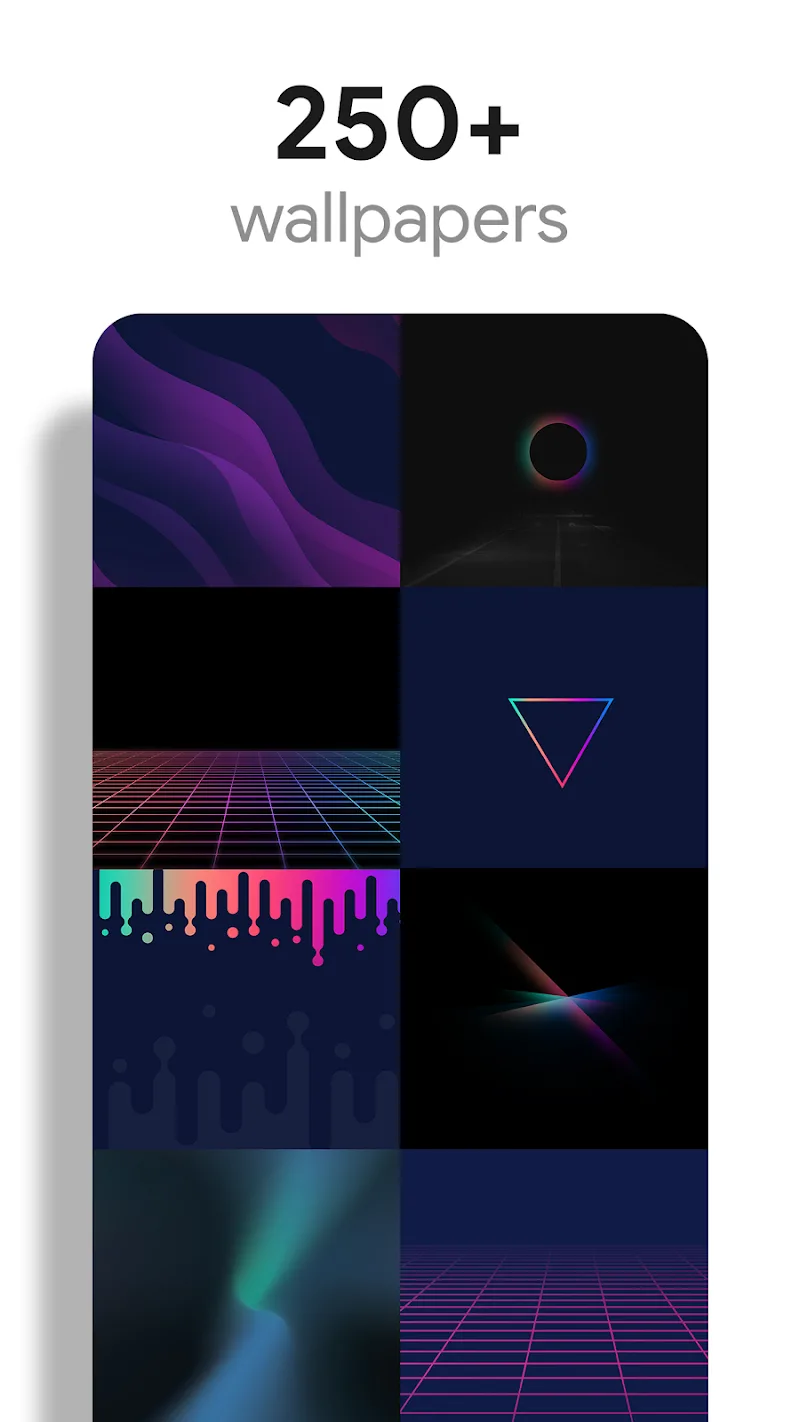
- Cloud wallpapers: Coordinated backgrounds curated to match icon palettes.
- Icon request tool: Built-in request submission for missing icons.
User interface and installation
Installing Chroma - Icon Pack is straightforward: open the app, select your launcher, and apply the theme. The app recognizes many popular launchers automatically and provides manual steps for lesser-known ones. Settings are organized so you can switch icon masks, enable dynamic calendars and preview wallpapers before applying them.
Launcher compatibility and workflow
Chroma - Icon Pack is compatible with a broad range of Android launchers. Launchers like Nova, Lawnchair, Action and Evie support direct application. For OEM launchers without icon pack support, the app includes instructions for using a third-party launcher or applying icons via desktop replacement tools. The workflow emphasizes minimal steps and clear feedback so even users new to custom icon packs can finish setup quickly.
Customization options
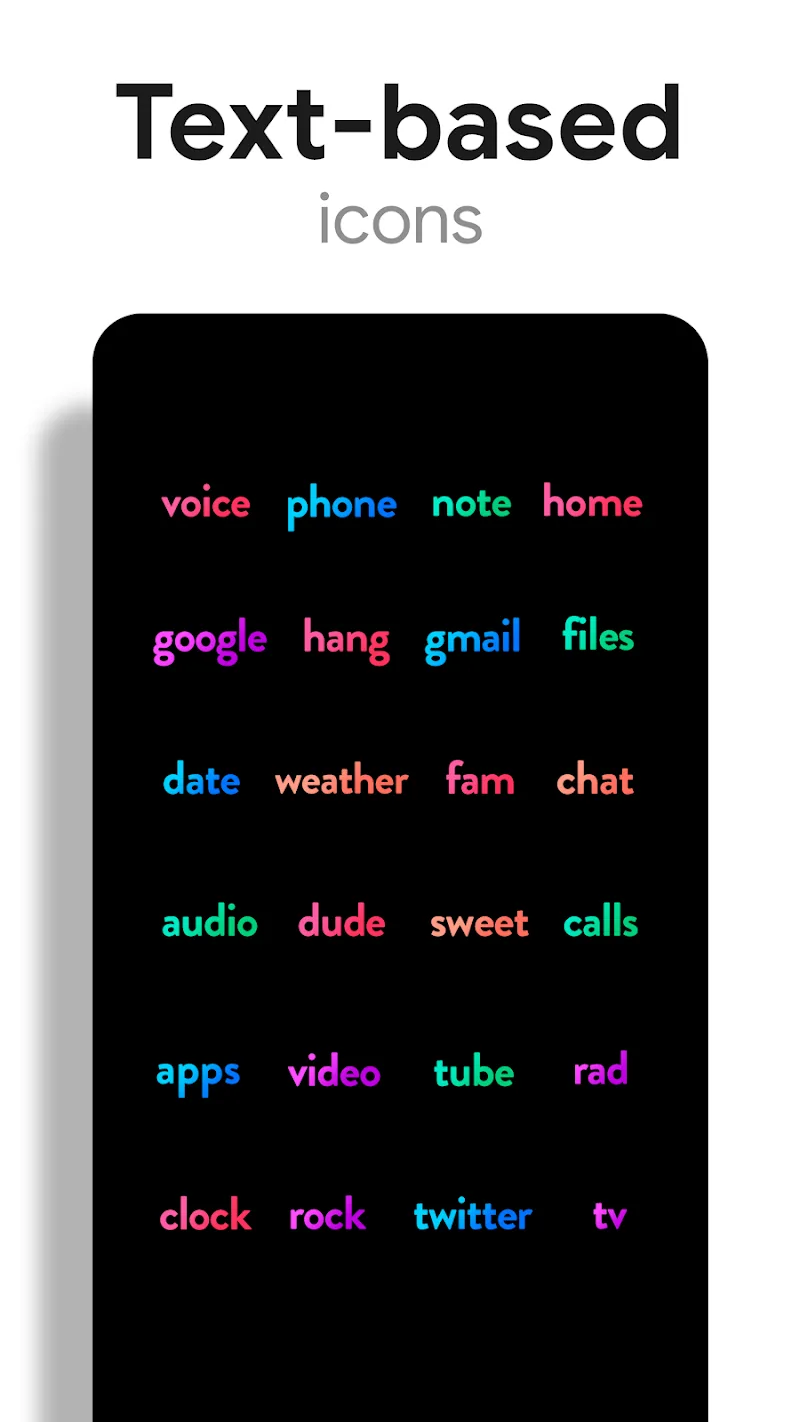
The pack isn’t just a one-size-fits-all skin. You can fine-tune the experience by choosing from several icon shapes—rounded, squircle, circle or teardrop—so Chroma - Icon Pack adapts to personal taste or existing device UI. The wallpaper selector lets you match brightness and hue, and alternate icons let you pick different visuals for the same app depending on context.
Performance and system impact
Because Chroma - Icon Pack uses optimized image assets and vector sources, its footprint is small. Applying the pack does not significantly affect battery life or system performance. The app itself runs smoothly on mid-range devices, with quick previews and fast icon replacement. Updates are incremental to reduce download sizes and keep the pack lightweight.
Practical tips for best results
- Back up your home screen layout before applying a new icon pack to avoid repositioning work.
- Pair Chroma - Icon Pack with a minimalist wallpaper for better legibility of icons.
- Use the alternate icons feature to keep the most-used apps instantly recognizable.
- Submit missing icon requests through the app instead of relying on third-party repositories—this helps ensure consistent design.
Many users appreciate Chroma - Icon Pack for its attention to visual balance: icons are colorful without being noisy, and glyphs prioritize clarity over ornamentation. Designers who value a uniform grid and consistent iconography will find the pack useful for device personalization and presentation.
Updates and community support
Development for Chroma - Icon Pack includes regular icon additions and occasional feature improvements based on user feedback. The app’s request mechanism and changelog make it simple to track new icons and see when requested designs are added. Community feedback drives prioritization for popular app icons.
Getting started
To begin, install your preferred launcher if necessary, download Chroma - Icon Pack, open the app and choose the apply option. Spend a few minutes exploring mask shapes and wallpapers to create a home screen that reflects your style. The balance between utility and aesthetics makes Chroma - Icon Pack a practical choice for daily use and device showcases.
Show More
Information
Screenshots
Latest Update











Latest News
-
![Revealing the Launch Playlists and Cross-Progression for COD Warzone Mobile News]()
-
![March 2024 Free Redemption Codes for Honkai: Star Rail News]()
-
PUBG Mobile Teams Up with Bentley Motors: Luxury Cars, Exclusive Collectibles, and Beyond 2024-04-18
![PUBG Mobile Teams Up with Bentley Motors: Luxury Cars, Exclusive Collectibles, and Beyond News]()
-
![Monster Never Cry is now accessible on both Android and iOS mobile devices. News]()
-
V2.2 of the Farlight 84 update introduces an overhauled Season structure, fresh in-game currency, an 2024-04-16
![V2.2 of the Farlight 84 update introduces an overhauled Season structure, fresh in-game currency, an News]()
-
![Arrival of Genshin Impact 4.6 Update: 'Embers of Two Realms, Twilight of Crimson' News]()
-
April 2024 Clash of Clans Update: Unveiling a Fresh Companion, Enhanced Levels, Chat Tagging, and Be 2024-04-16
![April 2024 Clash of Clans Update: Unveiling a Fresh Companion, Enhanced Levels, Chat Tagging, and Be News]()






