

zLibrary
Version:16.5.4.4-play
Published:2026-11-06
Introduction
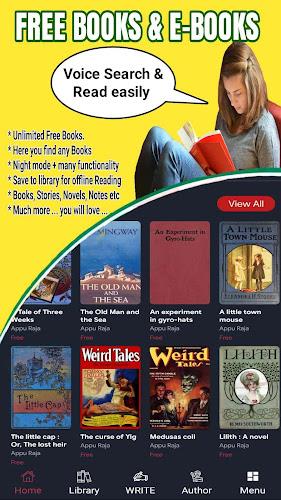
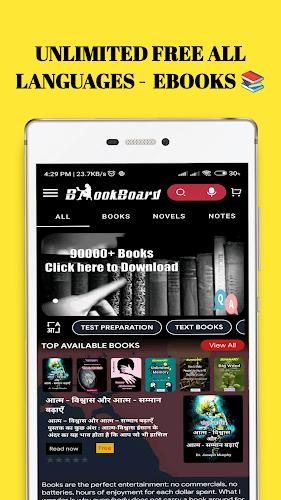
zLibrary is a lightweight digital library app that provides fast access to millions of books, academic papers, and documents in multiple formats. It streamlines searching, downloading, and offline reading with a simple interface and essential management tools for frequent readers and researchers on Android devices.
Overview
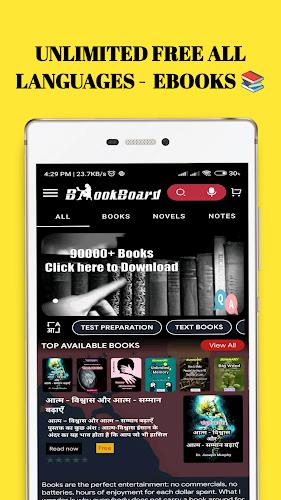
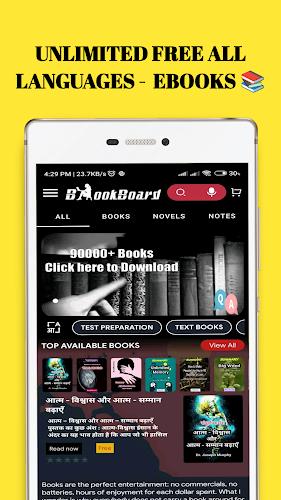
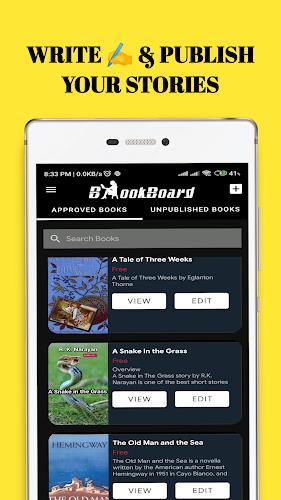
The app focuses on helping users find and organize readable material quickly. zLibrary collects metadata from vast public catalogs and presents results with clear filters: author, title, language, file type, and year. The emphasis is on usability — search results load quickly and include size and format details so you can decide whether to download or preview.
Core features at a glance
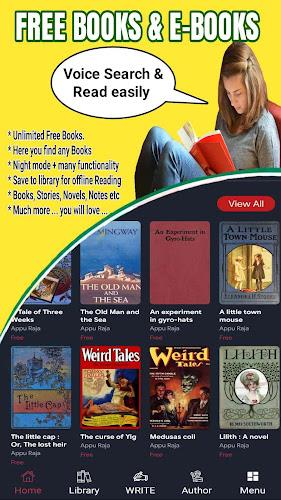
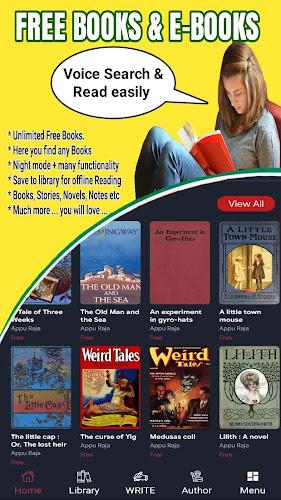
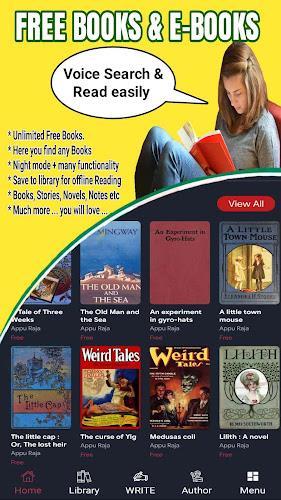
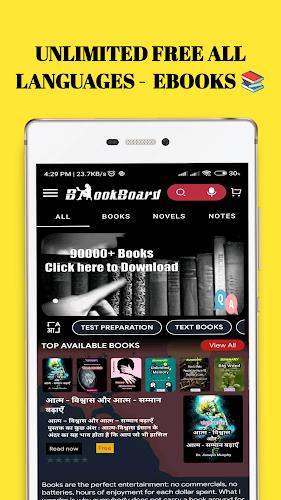
- Extensive catalog: Large index of books, journals, and documents in many subjects.
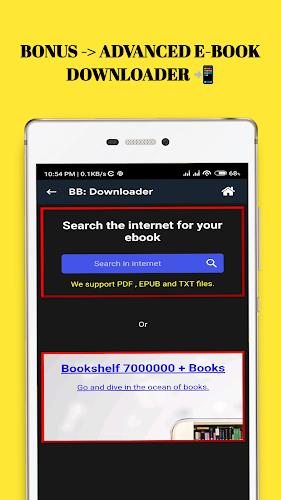
- Multiple formats: Support for EPUB, PDF, MOBI and plain text for flexible reading options.
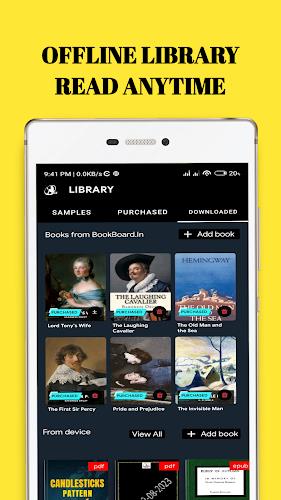
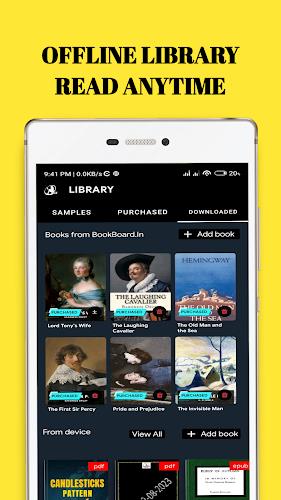
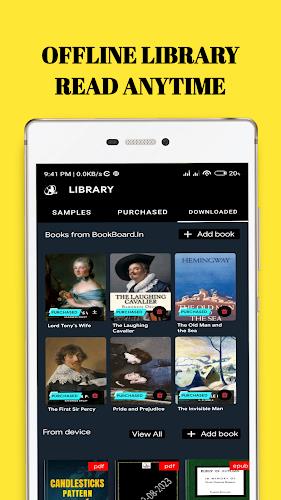
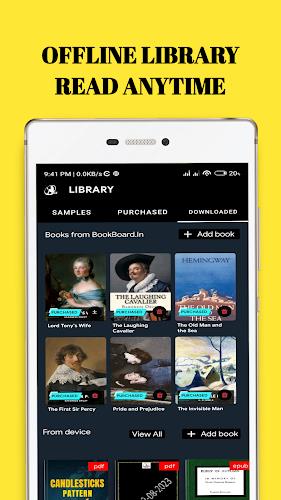
- Offline access: Downloaded files are stored locally for reading without a network.
- Simple metadata: Sorting and filtering tools help refine large result sets.
How it works
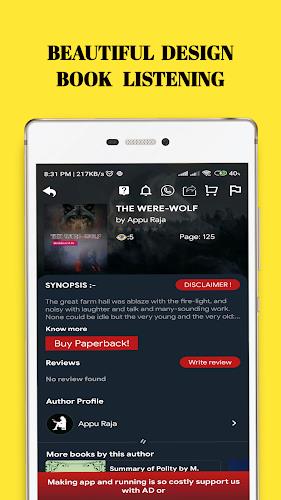
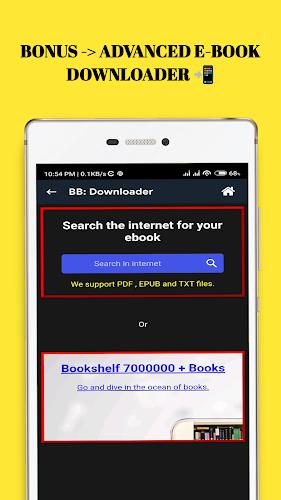
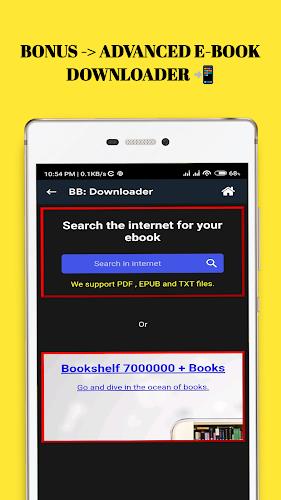
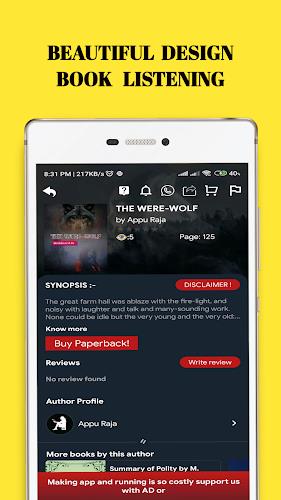
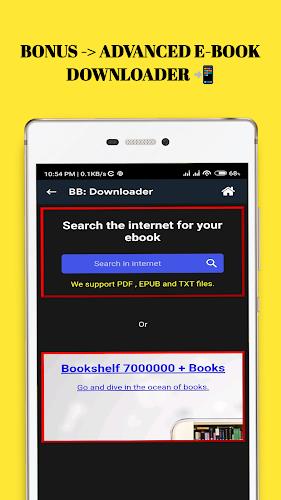
Search is the starting point. Enter keywords or use advanced filters to narrow results by language, file size, or format. Results show a concise preview and download options. Users can choose to open a document in the built-in reader or export it to a preferred e-reader or cloud service. zLibrary keeps the workflow friction-free: from discovery to storing files on the device.
Reader and document handling
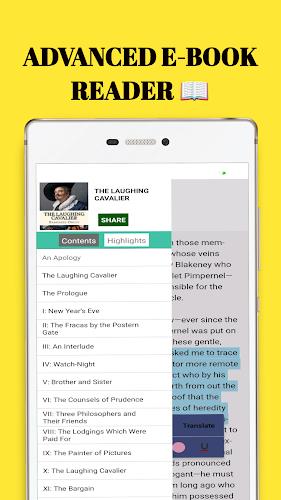
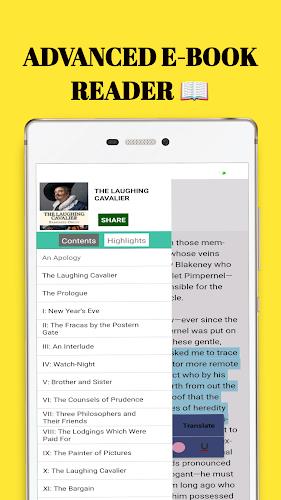
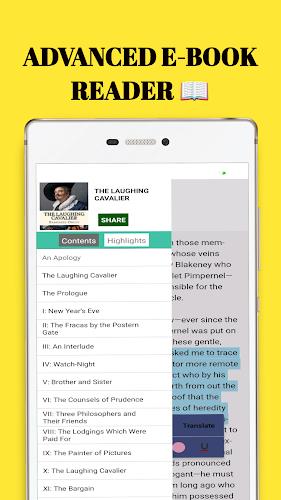
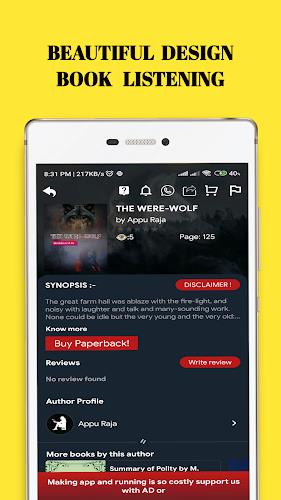
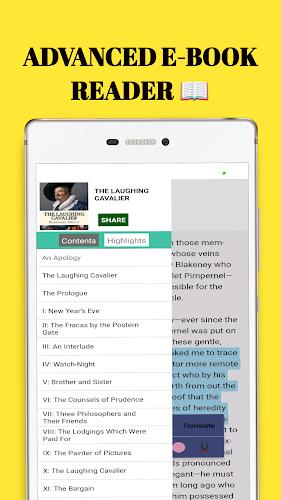
The built-in reader supports adjustable fonts, night mode, and basic annotation. It isn’t intended to replace dedicated reading apps but covers essentials so you can read immediately after download. For heavy annotation and deep study, files can be exported to applications that specialize in highlighting, note-taking, or citation management.
Interface and performance
Design decisions favor clarity and speed. The interface is stripped of unnecessary visual clutter, so navigation is predictable. Lists and previews render smoothly even on mid-range devices, and downloads use background threads to keep the UI responsive. Storage management tools highlight file sizes to prevent surprises on limited devices.
Privacy and account options
zLibrary respects minimal user data collection. Account options allow saving favorite searches and bookmarks locally. The app supports optional cloud syncing if you choose to link a third-party storage account. Authentication is straightforward and does not require intrusive permissions beyond file access for saving downloads.
Tips for new users
- Use precise search terms and combine filters to reduce noise in results.
- Preview a file when the sample is available to confirm layout before downloading large files.
- Create local collections to group books by topic, project, or semester for faster access.
- Export academic papers to citation tools to streamline research workflows.
Managing storage and downloads
Monitor the storage section regularly and move older files to cloud storage when space runs low. zLibrary lists file sizes in search results, which helps you choose lightweight formats on constrained connections or devices.
Why users choose it
People pick zLibrary for reliable search results, broad format support, and a no-nonsense reading experience. It is especially useful for students and professionals who need quick access to reference material and prefer a straightforward app that integrates with other productivity tools.
Getting started
Installation is simple: download the APK from a trusted source and grant file storage permission during setup. After the initial launch, run a search or import a small document to test the reader settings. Adjust font size and line spacing before a longer reading session to reduce eye strain.
Whether you need a compact way to browse technical manuals, novels, or scholarly reports, zLibrary organizes discovery and reading with practical features. Regular updates refine search quality, expand format handling, and improve stability so the app remains useful across a wide range of devices and reading needs.
Show More
Information
Screenshots
Latest Update









Hot Tags
Latest News
-
![Revealing the Launch Playlists and Cross-Progression for COD Warzone Mobile News]()
-
![March 2024 Free Redemption Codes for Honkai: Star Rail News]()
-
PUBG Mobile Teams Up with Bentley Motors: Luxury Cars, Exclusive Collectibles, and Beyond 2024-04-18
![PUBG Mobile Teams Up with Bentley Motors: Luxury Cars, Exclusive Collectibles, and Beyond News]()
-
![Monster Never Cry is now accessible on both Android and iOS mobile devices. News]()
-
V2.2 of the Farlight 84 update introduces an overhauled Season structure, fresh in-game currency, an 2024-04-16
![V2.2 of the Farlight 84 update introduces an overhauled Season structure, fresh in-game currency, an News]()
-
![Arrival of Genshin Impact 4.6 Update: 'Embers of Two Realms, Twilight of Crimson' News]()
-
April 2024 Clash of Clans Update: Unveiling a Fresh Companion, Enhanced Levels, Chat Tagging, and Be 2024-04-16
![April 2024 Clash of Clans Update: Unveiling a Fresh Companion, Enhanced Levels, Chat Tagging, and Be News]()






