

PastelLine IconPack
Version:2.9
Published:2026-11-18
Introduction
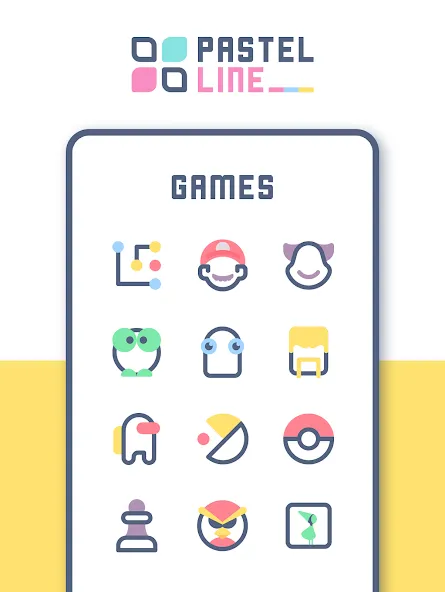
If you're the kind of user who likes a calm, coordinated home screen, PastelLine IconPack makes that refresh quick and satisfying. The pack pairs soft pastel palettes with delicate line-work for icons, and it includes wallpapers and widgets so your whole display feels consistent. PastelLine IconPack aims to simplify personalization with a searchable icon library, high-resolution vectors, and a compact dashboard for previewing changes before you commit. Whether you want a tidy work layout before a meeting or a cozy night-time setup for reading, this icon pack helps you craft a unified look in minutes.
Getting Started with PastelLine IconPack
Install a compatible launcher: Use any launcher that supports third-party icon packs; popular launchers offer the best integration.
Open the app and explore: Browse the dashboard to see available icon styles, wallpapers, and widgets.
Search for specific apps: Type an app name into the built-in search to find ready-made matching icons.
Preview before applying: Use the preview tool to view a before-and-after of your home screen, so you can tweak choices without guessing.
Apply and tweak: Apply the pack, then adjust icon size and normalization settings in your launcher to match the aesthetic.
Features of PastelLine IconPack:
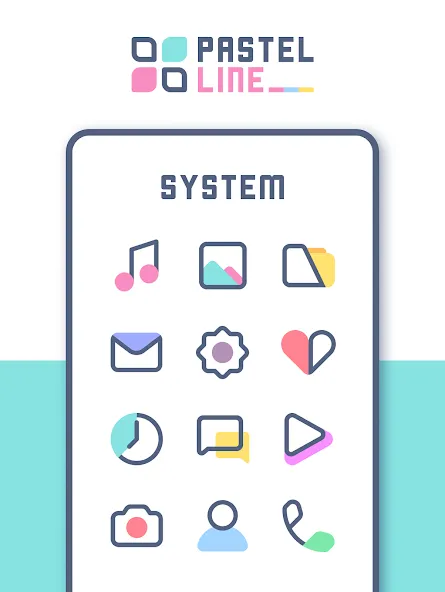
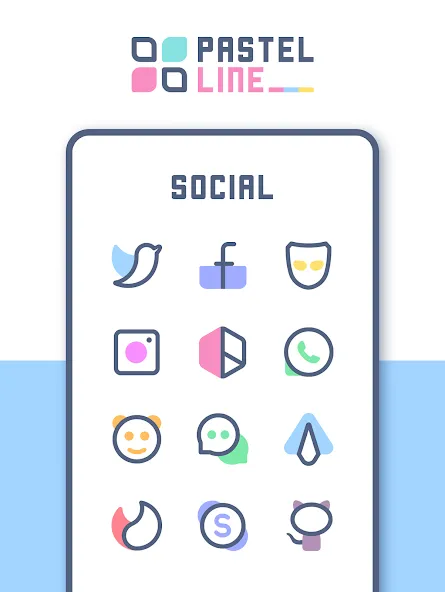
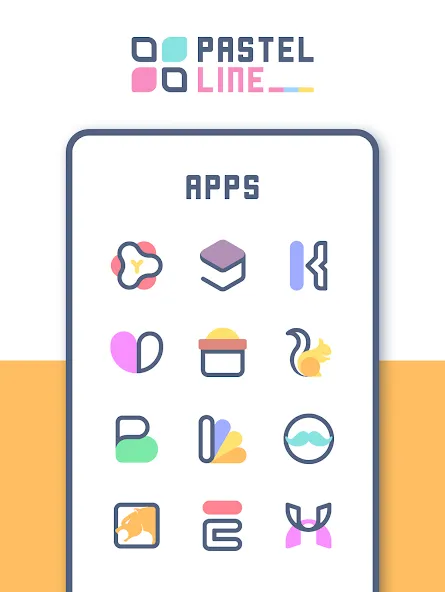
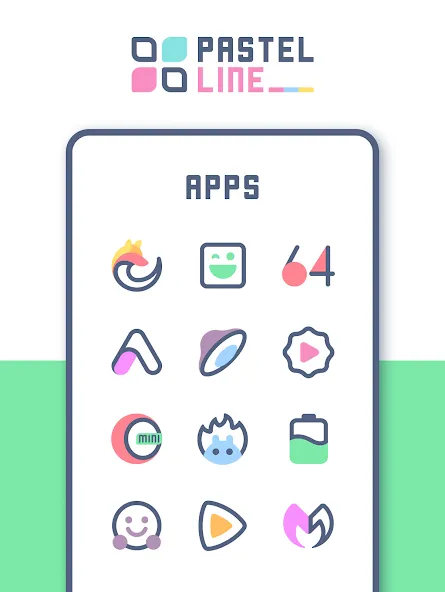
Extensive icon library: PastelLine IconPack offers thousands of themed icons so most of your apps will receive a matching look.
Multiple designs per app: Choose between alternate styles for the same app if you prefer varied shapes or line weights.
Vector-based graphics: Icons are built as scalable vectors, delivering sharp results on HD and 4K screens.
Regular updates: New app icons appear frequently, with creators responding to requests for recent or niche titles.
Built-in widgets: Add time, calendar, and weather widgets to complete the theme and make the home screen more useful.
Dedicated dashboard: The app centralizes search, preview, theme application, and icon requests in one straightforward interface.
Dynamic calendar support: When your launcher supports it, the calendar icon reflects the current date for a polished, live feel.
Pros & Cons:
- Soft, cohesive pastel aesthetic that works well across wallpapers and icons
- High-resolution vector icons keep visuals crisp on any display
- Handy preview and search features speed up customization
- Requires a supported launcher for full functionality
- Some lesser-known apps may need manual icon requests
- Dynamic features depend on launcher compatibility and may not work everywhere
Final Words:
PastelLine IconPack is an attractive choice when you want a gentle, coordinated look for your Android home screen; try it if you prefer subtle colors and clean lines. Give the dashboard a quick run, apply a few icons, and you can have a more cohesive phone setup in moments. Download PastelLine IconPack to try its palettes and widgets and see how a small visual overhaul can refresh your device.
Show More
Information
Screenshots
Latest Update







Hot Tags
Latest News
-
![Revealing the Launch Playlists and Cross-Progression for COD Warzone Mobile News]()
-
![March 2024 Free Redemption Codes for Honkai: Star Rail News]()
-
PUBG Mobile Teams Up with Bentley Motors: Luxury Cars, Exclusive Collectibles, and Beyond 2024-04-18
![PUBG Mobile Teams Up with Bentley Motors: Luxury Cars, Exclusive Collectibles, and Beyond News]()
-
![Monster Never Cry is now accessible on both Android and iOS mobile devices. News]()
-
V2.2 of the Farlight 84 update introduces an overhauled Season structure, fresh in-game currency, an 2024-04-16
![V2.2 of the Farlight 84 update introduces an overhauled Season structure, fresh in-game currency, an News]()
-
![Arrival of Genshin Impact 4.6 Update: 'Embers of Two Realms, Twilight of Crimson' News]()
-
April 2024 Clash of Clans Update: Unveiling a Fresh Companion, Enhanced Levels, Chat Tagging, and Be 2024-04-16
![April 2024 Clash of Clans Update: Unveiling a Fresh Companion, Enhanced Levels, Chat Tagging, and Be News]()






