

Unlock 120/144FPS booster
Version:6.7
Published:2026-11-18
Introduction
Unlock 120/144FPS booster is a compact utility designed to help Android users maximize supported display refresh rates for smoother gameplay and responsive UI. The app centralizes memory and performance tweaks, lets you toggle high-frame-rate modes, and provides simple controls to test different settings without deep system knowledge.
What this tool does
Unlock 120/144FPS booster targets devices that can physically run at higher refresh rates but are limited by software profiles or game settings. It exposes options to enable 120Hz or 144Hz modes where available, adjusts rendering parameters, and applies temporary system-level changes so apps can take advantage of faster screen refreshes.
Key functionality at a glance
- Refresh rate toggles: Switch between default and high-refresh modes quickly.
- Performance presets: Apply profiles tuned for battery saving, balance, or maximum responsiveness.
- Compatibility checks: Scan installed apps and suggest which titles are likely to benefit.
- On-demand resets: Restore original system settings without needing a reboot.
How it works under the hood
The app modifies select display and rendering parameters exposed by the Android framework. It reads device capabilities, adjusts the refresh-rate governor where possible, and tweaks frame pacing to reduce stutter. Changes are typically reversible and scoped to the current session unless the user opts to persist them.
User interface and workflow
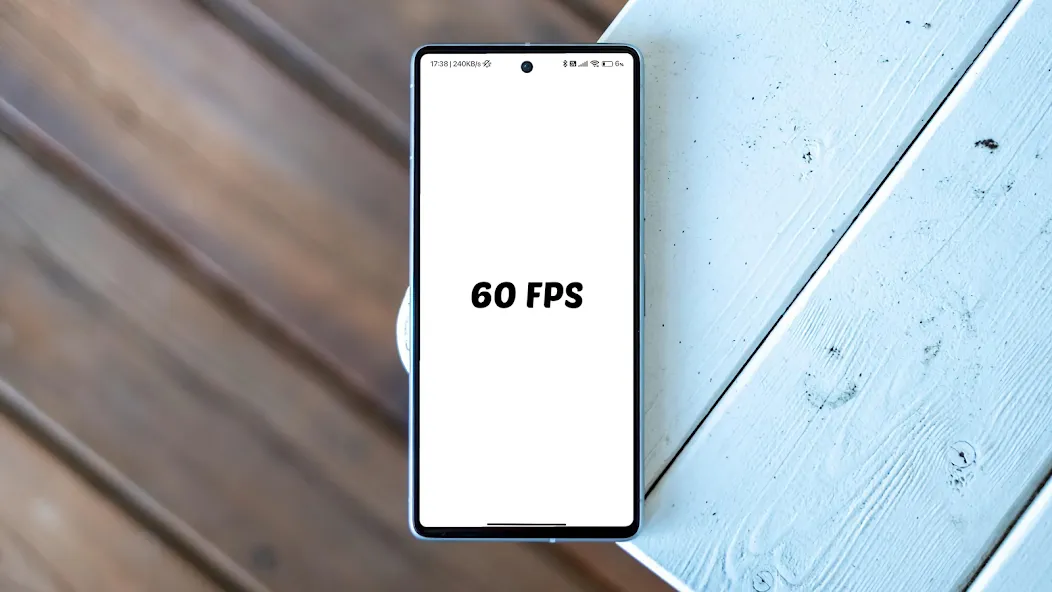
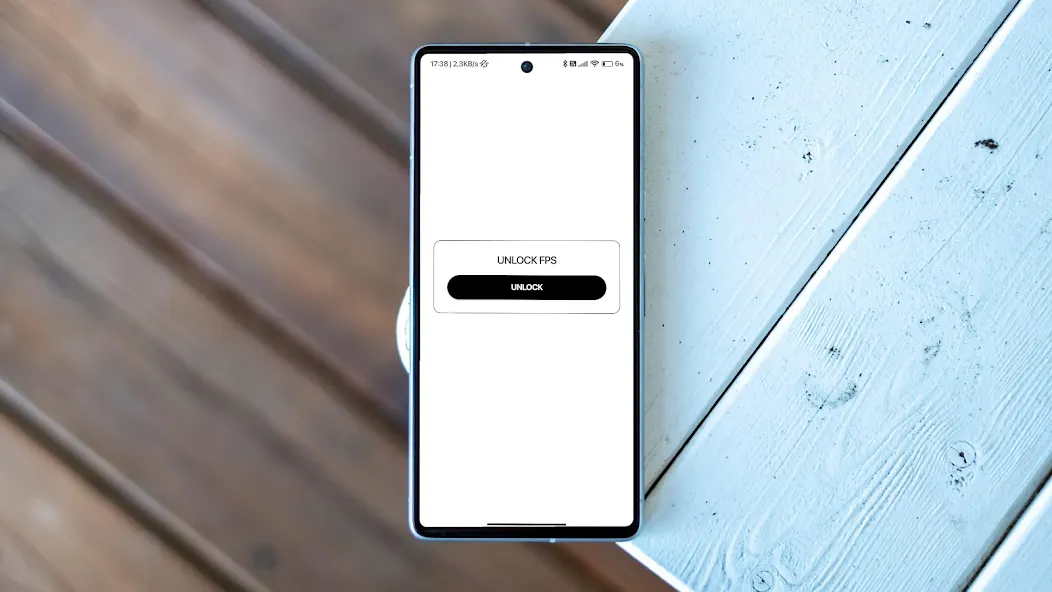
Unlock 120/144FPS booster keeps the interface minimal to avoid overwhelming casual users. The main screen lists detected refresh rates and available profiles. Advanced options are tucked into a separate pane for power users who want to fine-tune timing windows, buffer behavior, or thermal thresholds.
Practical settings explained
Three preset classes make it easy to choose an appropriate configuration:
- Battery-friendly: Slightly higher frame rate without a large impact on power draw.
- Balanced: A middle ground that smooths animation while keeping temperatures moderate.
- Performance: Prioritizes responsiveness and higher frame pacing for the best perceived smoothness.
Compatibility and device support
Not every phone can reach 120Hz or 144Hz; the panel and SoC must support those modes. Unlock 120/144FPS booster includes a compatibility scanner to detect hardware limits and warns when enabling a mode could cause instability. It also lists recommended games and apps that commonly benefit from higher refresh rates.
Performance and battery considerations
Higher refresh rates improve perceptual smoothness but increase power consumption and heat output. The app reports estimated battery impact for each preset and advises users to monitor device temperature during extended sessions. For long playtimes, the balanced or battery-friendly modes can deliver much of the smoothness with significantly less drain.
Tips for first-time users
- Run the compatibility scan first to confirm your display and GPU support higher rates.
- Try the Balanced preset before moving to Performance to gauge heat and battery behavior.
- Use on-demand resets if an app shows graphical glitches after changing settings.
- Keep system firmware updated; some vendors add official high-refresh support in updates.
User experience and layout
The app focuses on clarity. Controls are labeled with plain-language descriptions and an in-app guide walks through common scenarios like gaming, streaming, or UI responsiveness. Logs and change summaries help users track which adjustments were applied during a session.
Why enthusiasts pick this app
Many users choose Unlock 120/144FPS booster because it centralizes refresh-rate management in one place and makes experimentation low-risk. For those who want smoother scrolling, reduced input latency in competitive titles, or simply a more fluid interface, the app provides targeted tools without requiring root or deep customization.
Installing and getting started
Installation is straightforward: download, grant the minimal set of permissions the app requests, and run the initial scan. A short walkthrough recommends a starting profile based on detected hardware. If persistent changes are chosen, the app clearly explains what will be altered and how to revert those changes later.
Unlock 120/144FPS booster is useful for users who want to squeeze more fluidity from capable devices while retaining control over performance trade-offs. With clear presets, compatibility checks, and simple recovery options, it streamlines a technical process into an accessible utility.
Show More
Information
Screenshots
Latest Update








Latest News
-
![Revealing the Launch Playlists and Cross-Progression for COD Warzone Mobile News]()
-
![March 2024 Free Redemption Codes for Honkai: Star Rail News]()
-
PUBG Mobile Teams Up with Bentley Motors: Luxury Cars, Exclusive Collectibles, and Beyond 2024-04-18
![PUBG Mobile Teams Up with Bentley Motors: Luxury Cars, Exclusive Collectibles, and Beyond News]()
-
![Monster Never Cry is now accessible on both Android and iOS mobile devices. News]()
-
V2.2 of the Farlight 84 update introduces an overhauled Season structure, fresh in-game currency, an 2024-04-16
![V2.2 of the Farlight 84 update introduces an overhauled Season structure, fresh in-game currency, an News]()
-
![Arrival of Genshin Impact 4.6 Update: 'Embers of Two Realms, Twilight of Crimson' News]()
-
April 2024 Clash of Clans Update: Unveiling a Fresh Companion, Enhanced Levels, Chat Tagging, and Be 2024-04-16
![April 2024 Clash of Clans Update: Unveiling a Fresh Companion, Enhanced Levels, Chat Tagging, and Be News]()






