

CUTE Iconpack
Version:1.9
Published:2026-11-19
Introduction
CUTE Iconpack delivers a playful and cohesive set of icons designed to refresh Android home screens with soft colors and rounded shapes. The pack offers thousands of carefully crafted icons, matching wallpapers, and adaptive icon support, making it simple to reshape device aesthetics without compromising clarity or system performance.
What CUTE Iconpack Brings
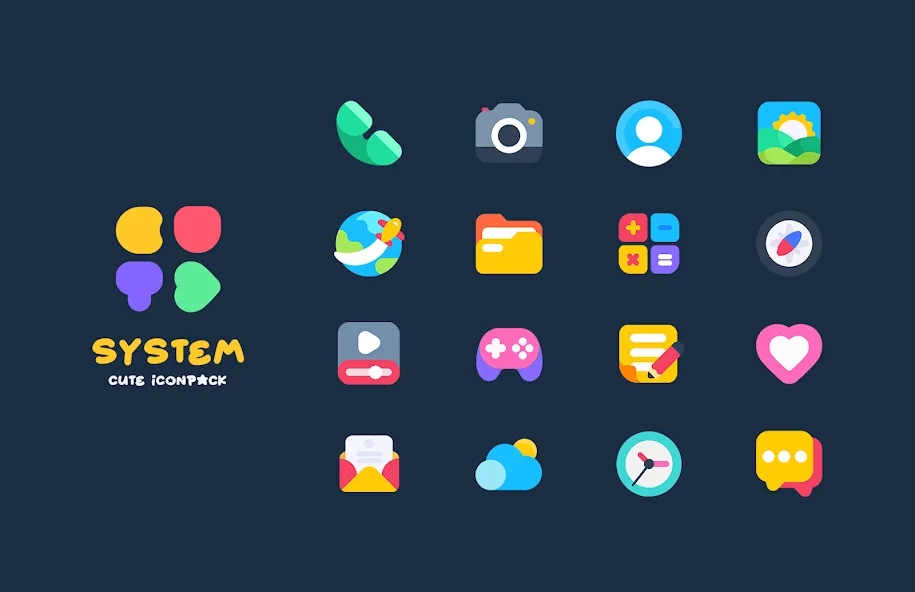
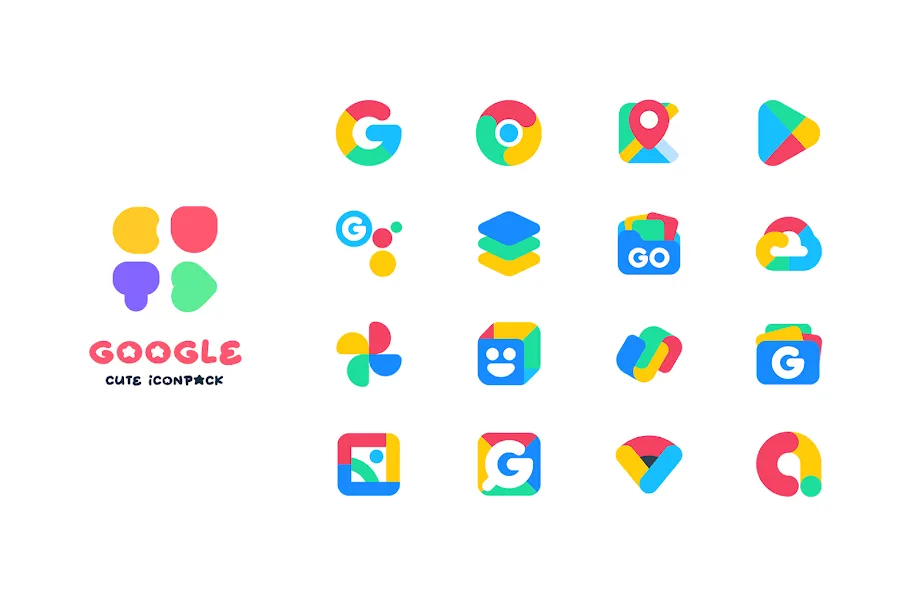
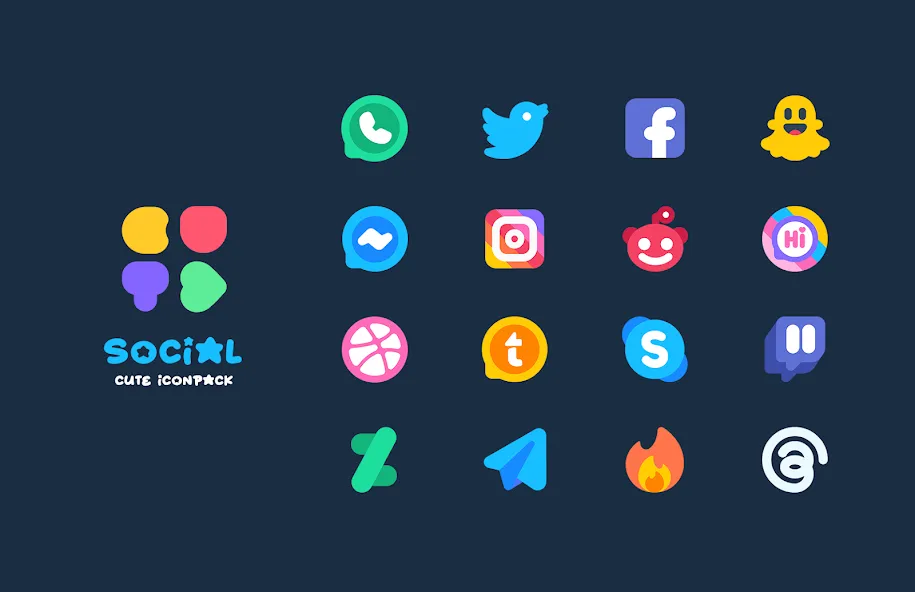
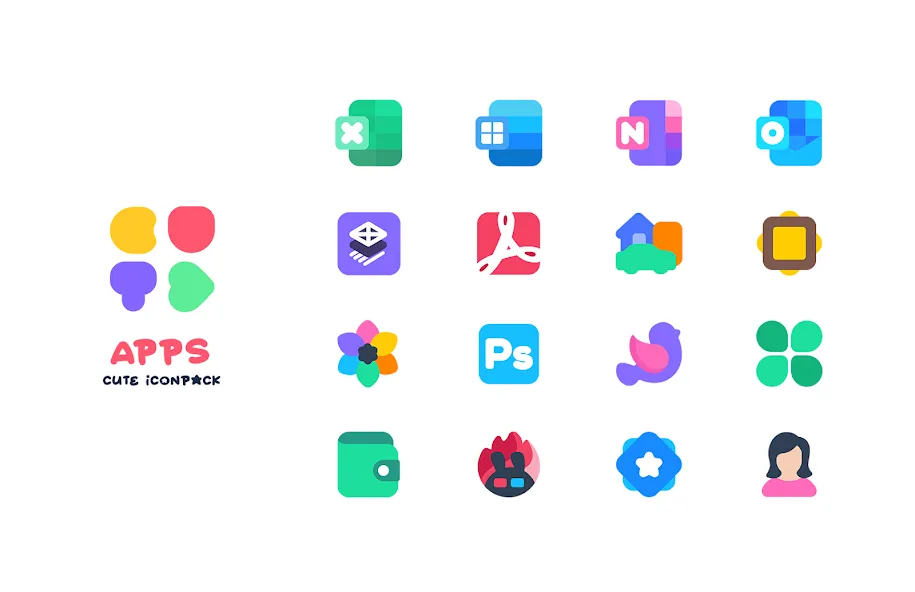
CUTE Iconpack focuses on delivering a consistent visual language across apps and widgets. Each icon follows a unified palette and geometry so that app grids feel balanced and intentional. The pack includes vector-based artwork to keep icons sharp on all screen sizes, plus themed wallpapers that complement the icon set for a polished home screen presentation.
Core Features and Tools
- Extensive Icon Library: Thousands of icons covering popular apps and utilities, with regular additions to keep coverage wide.
- Adaptive Icon Support: Icons adapt to various launcher shapes and Android versions so they behave like native icons.
- Wallpaper Collection: Coordinated backgrounds that align with the icon palette to produce a cohesive look.
- Icon Request System: Built-in request tool to ask for missing icons and speed up coverage for niche applications.
- High-Resolution Assets: Vector and high-dpi images to preserve clarity on phones and tablets.
Customization and Personalization
Customization is straightforward: users can apply the entire pack or swap individual icons manually. CUTE Iconpack works with many popular third-party launchers, allowing fine control over icon size, label visibility, and grid spacing. For those who like to tweak details, the app supports alternative color accents and offers recommendations for matching widgets to maintain a harmonious aesthetic.
Installation and Compatibility
Installing CUTE Iconpack is quick. After installing, open your launcher settings or the icon pack app and select the theme to apply. Compatibility covers most mainstream launchers, including ones that support adaptive icons. The app also identifies unsupported launchers and provides step-by-step guidance to enable customization where possible, keeping the onboarding experience accessible for less technical users.
Performance and Optimization
Icons are optimized for low memory usage and fast rendering. Because the visuals favor flat tones and simplified shapes, animations and redraws are efficient, reducing battery impact. Updates focus on adding new icons and optimizing existing assets so users receive incremental improvements without bloated downloads.
Design Philosophy and Visual Details
The visual approach centers on soft, rounded forms and a friendly palette that enhances legibility. Designers emphasized clarity, making app symbols instantly recognizable even at smaller sizes. The pack avoids overly complex textures, instead relying on subtle shadows and highlights to add depth while preserving a minimalist, approachable aesthetic.
Practical Tips for Best Results
- Pair the icons with the included wallpapers for a unified look across home screens and lock screens.
- Use a launcher that supports adaptive icons to keep shapes consistent with your system UI.
- Request any missing icons through the app to speed coverage for your most-used applications.
- Adjust icon scaling and label visibility in launcher settings to match your preferred balance of style and function.
Update Cadence and Support
The team behind CUTE Iconpack releases updates that add requested icons and address compatibility issues. Periodic refreshes improve color balance and asset performance. Support channels are available for troubleshooting and icon requests, helping to maintain a responsive relationship between users and developers.
Who Should Choose This Pack
CUTE Iconpack suits users who want a warm, approachable look for their device without sacrificing clarity or performance. It appeals to people who value cohesive design across apps and prefer easy setup. With adaptive support, high-resolution icons, and regular updates, it fits a wide range of Android setups from budget phones to flagship devices.
Overall, CUTE Iconpack offers a carefully curated aesthetic and practical tooling that make personalizing your Android interface a quick, satisfying process. Whether you want a soft theme for everyday use or a refined base to build a custom home screen, this icon pack provides the assets and support to achieve that look reliably.
Show More
Information
Screenshots
Latest Update












Latest News
-
![Revealing the Launch Playlists and Cross-Progression for COD Warzone Mobile News]()
-
![March 2024 Free Redemption Codes for Honkai: Star Rail News]()
-
PUBG Mobile Teams Up with Bentley Motors: Luxury Cars, Exclusive Collectibles, and Beyond 2024-04-18
![PUBG Mobile Teams Up with Bentley Motors: Luxury Cars, Exclusive Collectibles, and Beyond News]()
-
![Monster Never Cry is now accessible on both Android and iOS mobile devices. News]()
-
V2.2 of the Farlight 84 update introduces an overhauled Season structure, fresh in-game currency, an 2024-04-16
![V2.2 of the Farlight 84 update introduces an overhauled Season structure, fresh in-game currency, an News]()
-
![Arrival of Genshin Impact 4.6 Update: 'Embers of Two Realms, Twilight of Crimson' News]()
-
April 2024 Clash of Clans Update: Unveiling a Fresh Companion, Enhanced Levels, Chat Tagging, and Be 2024-04-16
![April 2024 Clash of Clans Update: Unveiling a Fresh Companion, Enhanced Levels, Chat Tagging, and Be News]()






