

Automated Expense Tracker
Version:4.9
Published:2026-11-08
Introduction
Automated Expense Tracker is a smart mobile tool that helps users record, categorize, and analyze spending with minimal input. It automates receipts capture, offers real-time summaries, and syncs across devices, making daily budgeting faster and more accurate for anyone who wants control over their finances.
Overview of the app
Automated Expense Tracker is designed for people who want to spend less time on bookkeeping and more time on decision-making. The app focuses on simple data entry, rapid categorization, and visual reports so you can see where money goes at a glance. It targets freelancers, families, and small business owners who need reliable tracking without complex setup.
What it does best
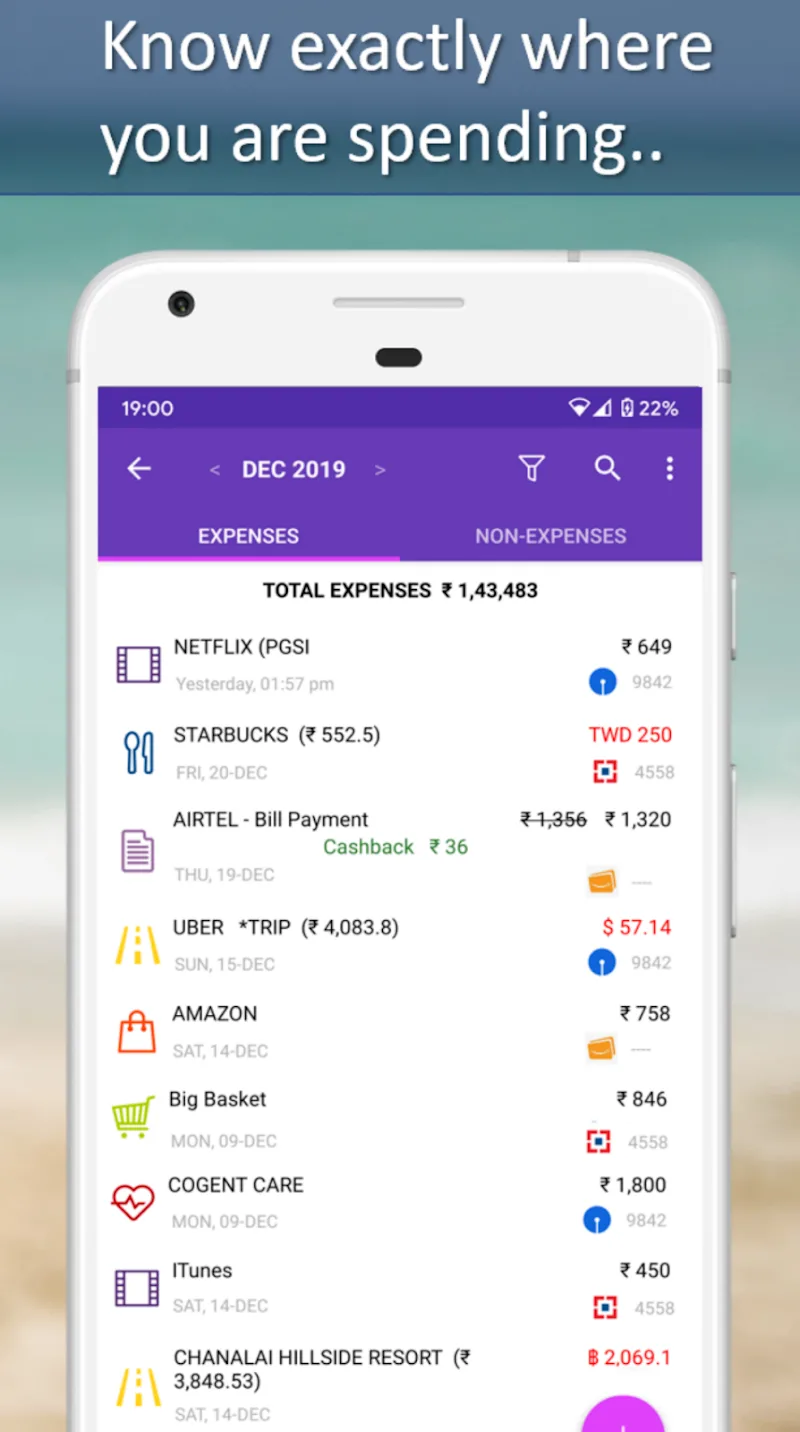
The core promise of Automated Expense Tracker is to reduce manual work. Transactions are imported from bank feeds, photos of receipts, or quick manual entries. Machine-learning suggestions speed up categorization while customizable rules ensure repeated expenses are handled consistently. The result: clean records ready for monthly review or tax time.
Key features and tools
- Smart import: Automatically pull transactions from linked accounts and scan receipt images to capture details.
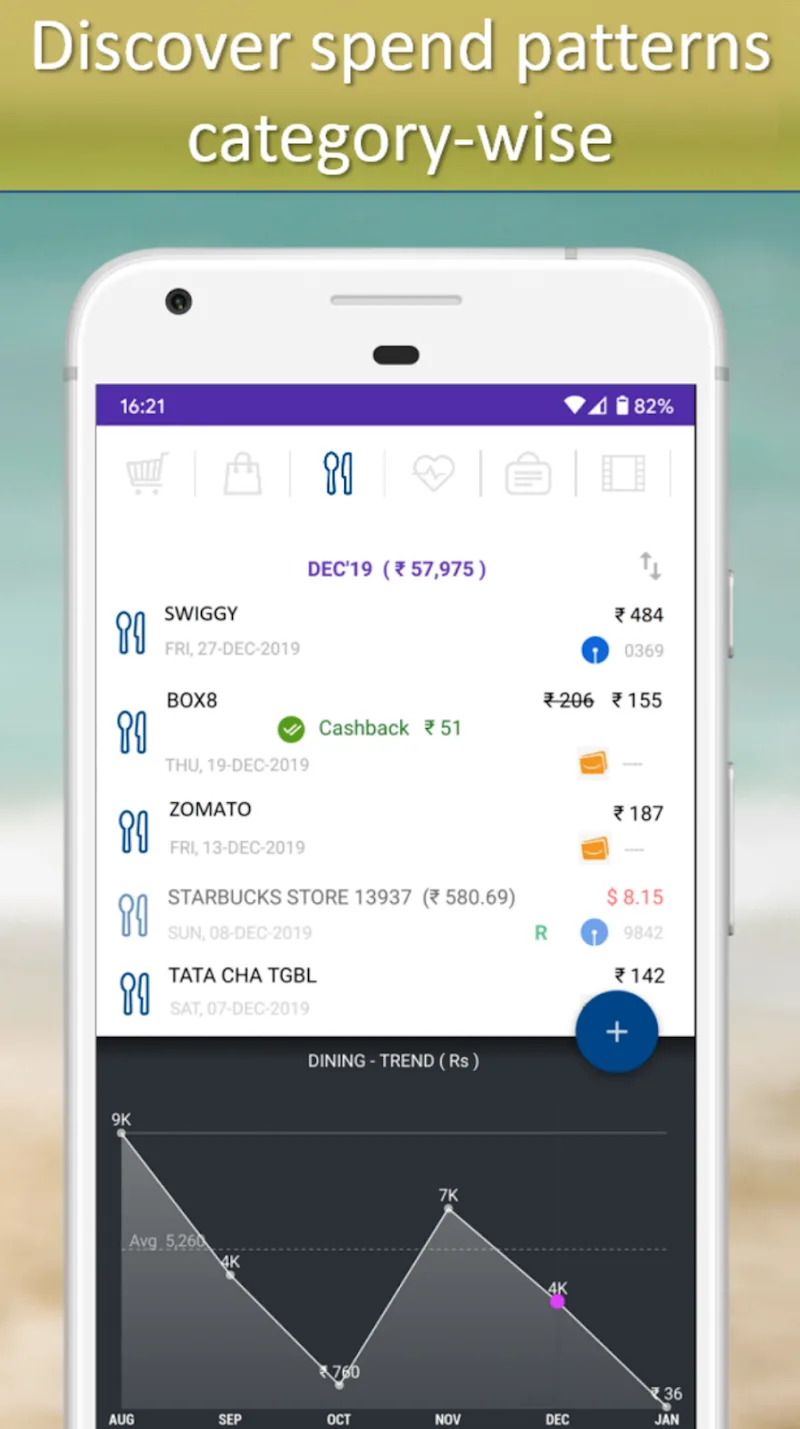
- Auto-categorization: Predictive tagging that learns from corrections to improve over time.
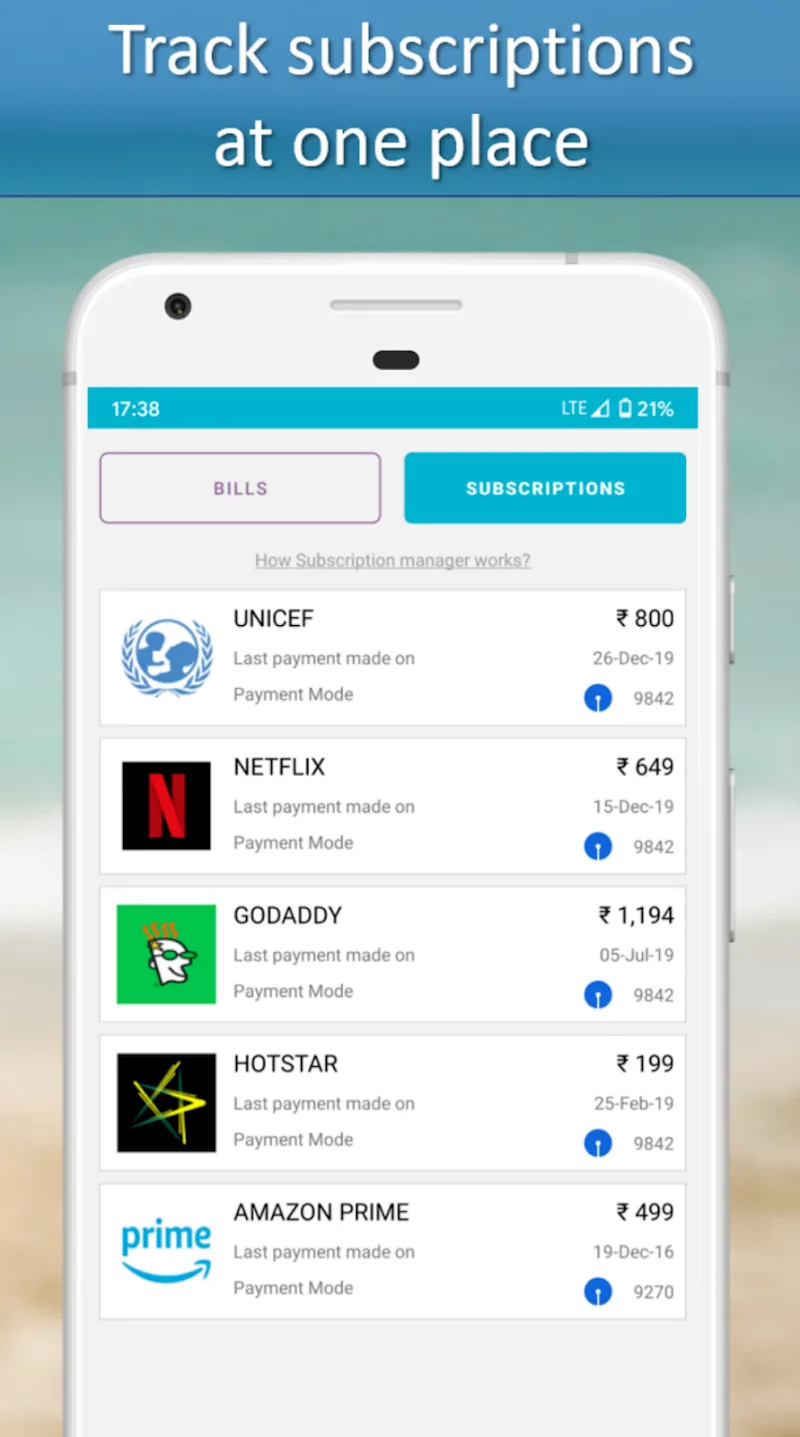
- Custom rules: Create rules to auto-assign categories, tags, or budgets to recurring payments.
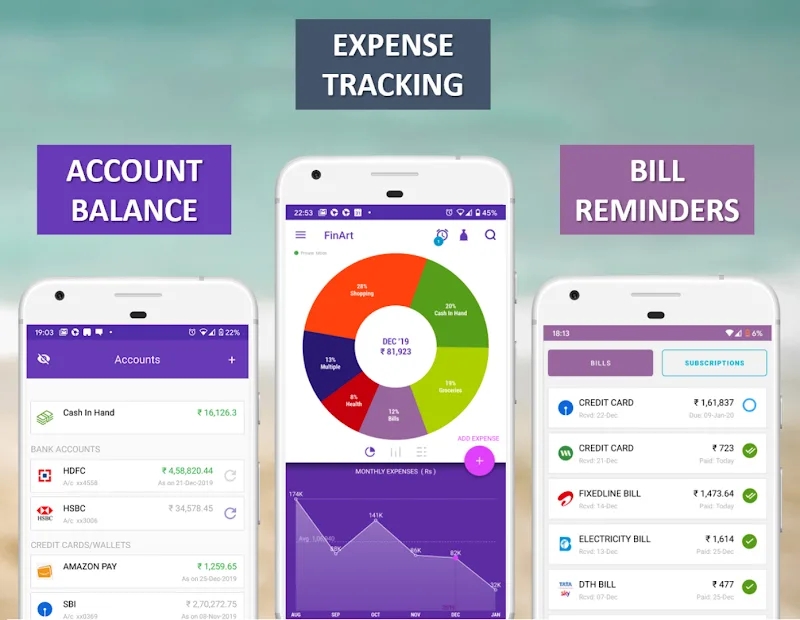
- Real-time dashboards: Visual summaries and trend lines that update as new data arrives.
- Export options: CSV and PDF exports for reports, accountants, or personal archiving.
How it works in practice
Getting value from Automated Expense Tracker starts with linking a bank account or enabling quick receipt capture. The app processes incoming entries and applies matching rules or suggestions. Users review a short list of unrecognized transactions once a week, confirm categories, and watch the summary charts adjust. Monthly snapshots provide a clear starting point for budgeting changes.
Interface and performance
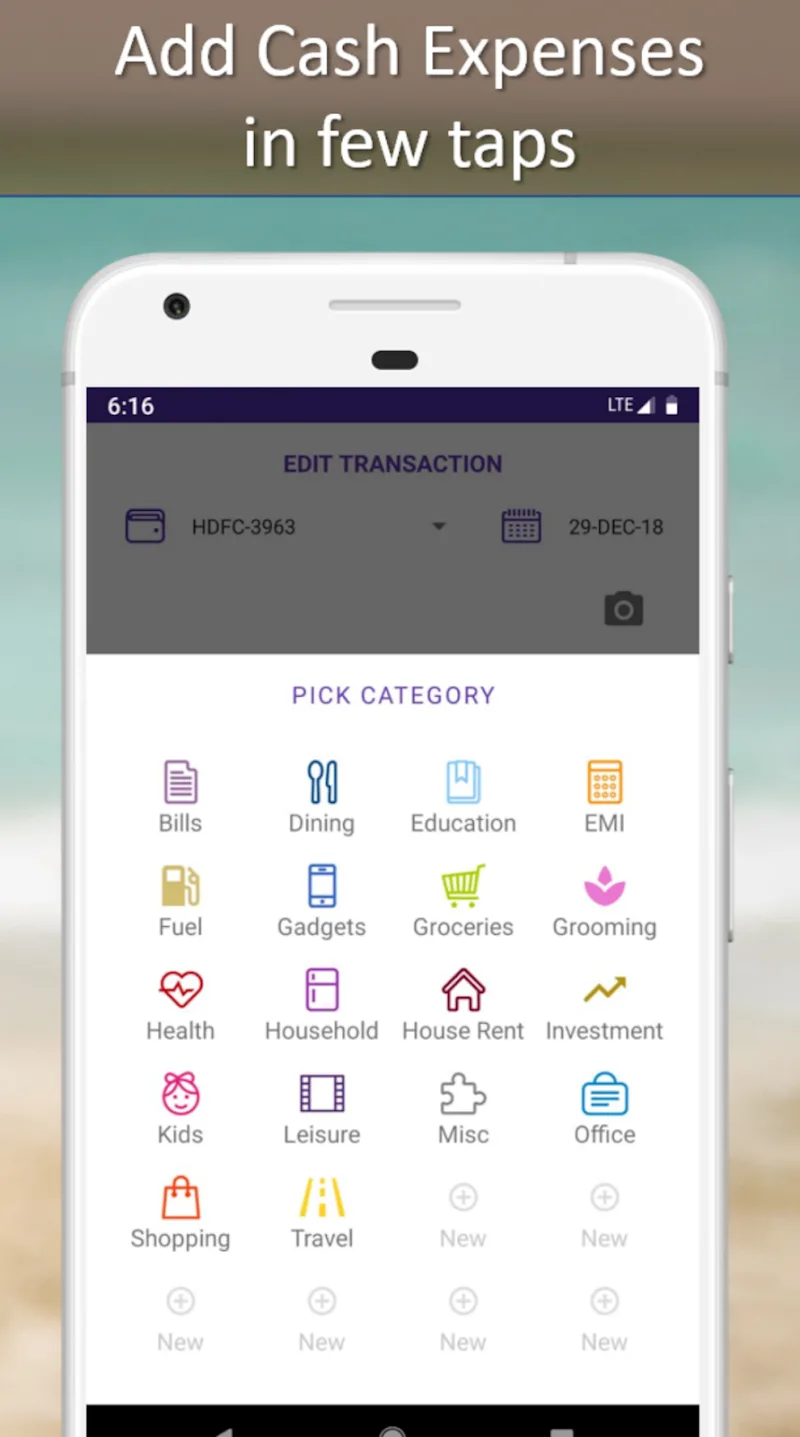
The interface prioritizes clarity: large tiles, color-coded categories, and concise summaries keep the focus on actionable information. Performance is tuned for light devices, with background syncing and incremental database updates to avoid battery drain. Notifications are configurable so you receive alerts for overspending without constant interruptions.
Personalization and setup options
Automated Expense Tracker allows deep customization without overwhelming new users. You can rename categories, set up multi-category rules, and define budget thresholds with optional notifications. For businesses, there are fields to track clients, project codes, or tax tags, making it practical for invoice reconciliation or expense approvals.
User experience highlights
Users often praise the accuracy of automatic categorization and the time saved on monthly reconciliation. The ability to attach photos of receipts to specific transactions reduces paperwork and simplifies audits. For families, shared accounts and permissioned views enable collaborative budgeting without compromising individual privacy.
Productivity tips
- Enable receipt scanning to avoid manual typing and improve record fidelity.
- Create rules for common transactions to reduce review time.
- Schedule a weekly check-in to verify uncategorized items and keep reports accurate.
- Use export features before tax season to provide your accountant with a clean dataset.
Security and data handling
Security is a priority: Automated Expense Tracker supports encrypted storage and optional biometric locks. Data syncs use secure channels and you control which accounts are linked. Regular backups and clear export options make it simple to maintain ownership of your financial records.
Who should try it
If you want to streamline bookkeeping, cut down on receipt clutter, or get fast insights into spending patterns, Automated Expense Tracker is worth evaluating. It fits a wide range of users, from solo entrepreneurs to households seeking shared financial visibility.
Getting started
Installation is straightforward: download, create an account, and link preferred accounts or start capturing receipts. Allow a short learning period while the app builds categorization rules tailored to your habits. Within a few weeks, the app typically returns visible time savings and clearer financial snapshots.
Show More
Information
Screenshots
Latest Update











Hot Tags
Latest News
-
![Revealing the Launch Playlists and Cross-Progression for COD Warzone Mobile News]()
-
![March 2024 Free Redemption Codes for Honkai: Star Rail News]()
-
PUBG Mobile Teams Up with Bentley Motors: Luxury Cars, Exclusive Collectibles, and Beyond 2024-04-18
![PUBG Mobile Teams Up with Bentley Motors: Luxury Cars, Exclusive Collectibles, and Beyond News]()
-
![Monster Never Cry is now accessible on both Android and iOS mobile devices. News]()
-
V2.2 of the Farlight 84 update introduces an overhauled Season structure, fresh in-game currency, an 2024-04-16
![V2.2 of the Farlight 84 update introduces an overhauled Season structure, fresh in-game currency, an News]()
-
![Arrival of Genshin Impact 4.6 Update: 'Embers of Two Realms, Twilight of Crimson' News]()
-
April 2024 Clash of Clans Update: Unveiling a Fresh Companion, Enhanced Levels, Chat Tagging, and Be 2024-04-16
![April 2024 Clash of Clans Update: Unveiling a Fresh Companion, Enhanced Levels, Chat Tagging, and Be News]()






