
CRiOS Circle - Icon Pack
Version:4.1
Published:2026-11-08
Introduction
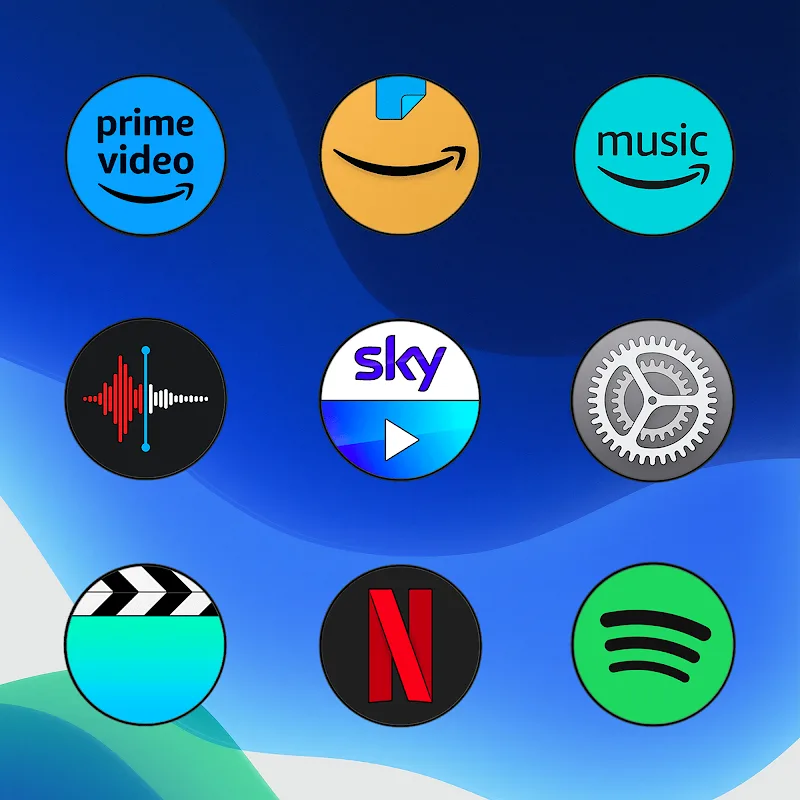
CRiOs Circle - Icon Pack delivers a cohesive collection of circular icons designed to refresh your Android home screen with a modern, minimalist aesthetic. This icon pack provides high-resolution graphics, consistent iconography, and frequent updates, making it simple to unify app visuals across launchers and devices.
What CRiOs Circle Offers
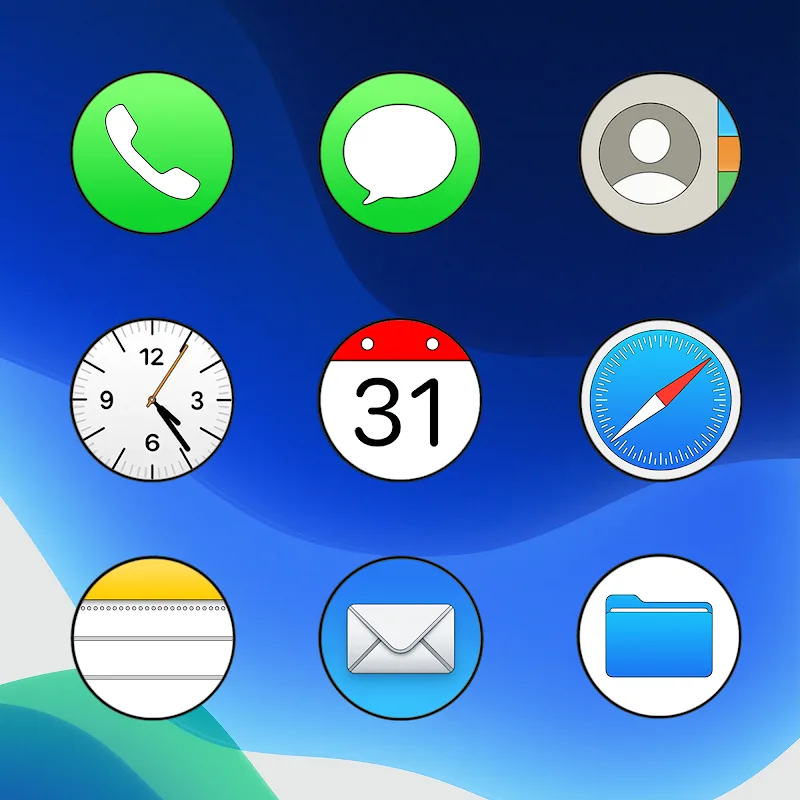
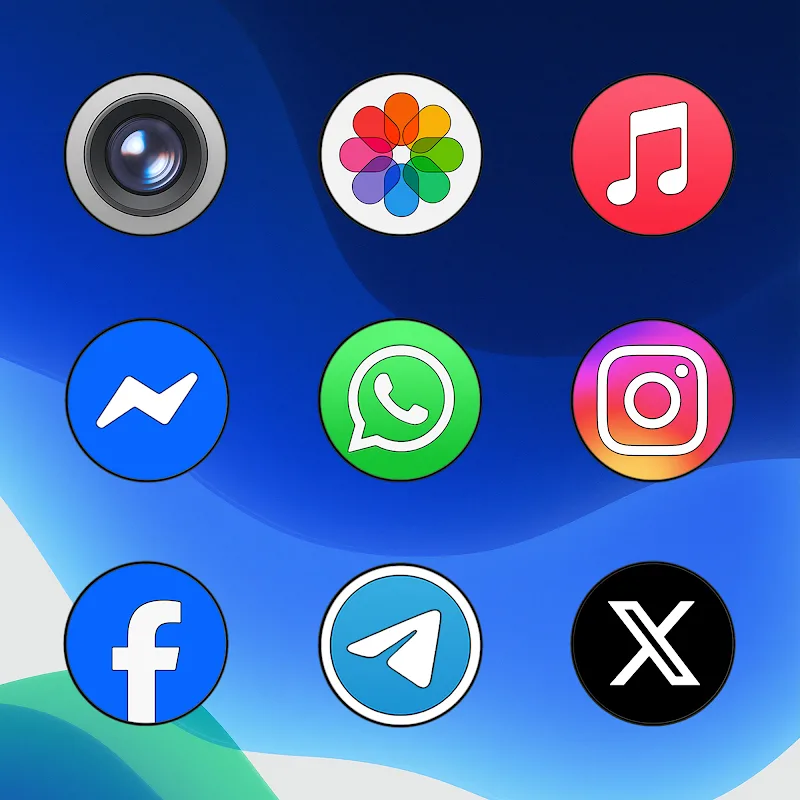
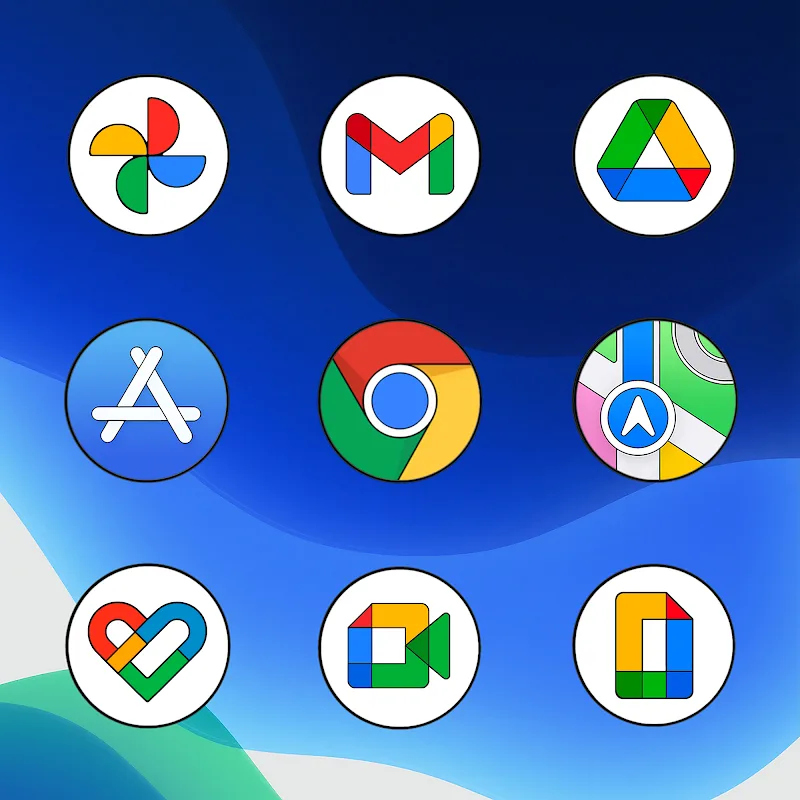
CRiOs Circle - Icon Pack focuses on simplicity and visual harmony. It contains thousands of icons crafted with clean lines, soft shadows, and balanced color palettes to maintain readability against varied wallpapers. The set includes alternative glyphs for popular apps, a selection of themed folders, and matching clock and widget faces to complement the icons.
Design and Visual Quality
The artwork emphasizes circular shapes and subtle depth to create a contemporary look without overwhelming the interface. Icons are provided in multiple resolutions to support high-density displays and retain crispness on tablets and phones. Designers aimed for consistent stroke widths and color saturation so that icons appear uniform even when apps receive their own unique branding updates.
Compatibility and Launcher Support
One key strength is broad launcher compatibility. CRiOs Circle works with most well-known launchers including Nova, Lawnchair, Action, ADW, and Apex. The pack also integrates with popular custom launchers and many OEM launchers that support third-party icon sets. A built-in installer guides users through applying the pack to supported launchers and offers manual application instructions for others.
Customization and Adaptability
Beyond the default icons, CRiOs Circle includes tools to tweak the experience: icon masking to theme unthemed apps, a dashboard for requesting missing icons, and alternative color accents for quick personalization. Users can mix and match icon sizes, apply icon shape overrides, and choose from a small set of wallpaper backgrounds created to match the icon palette for a cohesive home screen layout.
How to Apply the Icon Pack
Applying CRiOs Circle is straightforward. Open the app, select your preferred launcher from the list, and tap Apply. For launchers without automatic support, the app provides a guide showing how to change icon packs via launcher settings. If an icon is missing, the request tool sends the app name and a screenshot to the developer to speed up coverage in future updates.
Performance and Battery Impact
The icon pack is lightweight and optimized so it does not affect system performance or battery life significantly. Icons are static PNGs or adaptive icons where supported, avoiding unnecessary background processes. The installer and dashboard are minimal by design and only run when a user initiates icon changes or requests updates.
Update Policy and Support
Regular updates expand app coverage and refine artwork when major app rebrands occur. The developer often bundles themed seasonal packs and occasionally introduces alternative icon styles for variety. Support channels included in the app allow users to send icon requests or report issues; response times are generally prompt and helpful for resolving mismapped or low-resolution icons.
Practical Tips for Best Results
- Choose a neutral wallpaper: Soft gradients or light textures help circular icons stand out without clashing.
- Enable adaptive icons: On Android versions that support them, adaptive icon support ensures consistent masking and uniformity.
- Request missing icons: Use the request feature—developers often fulfill popular requests quickly.
- Pair with matching widgets: Use complementary clock or weather widgets included with the pack for a polished look.
Final Notes on Workflow
For users who prioritize a tidy, modern interface, CRiOs Circle - Icon Pack provides a reliable way to standardize app visuals across devices. The app balances aesthetics with practicality: clear instructions, broad compatibility, and ongoing updates make it easy to maintain a consistent home screen style with minimal effort.
Show More
Information
Screenshots
Latest Update








Latest News
-
![Revealing the Launch Playlists and Cross-Progression for COD Warzone Mobile News]()
-
![March 2024 Free Redemption Codes for Honkai: Star Rail News]()
-
PUBG Mobile Teams Up with Bentley Motors: Luxury Cars, Exclusive Collectibles, and Beyond 2024-04-18
![PUBG Mobile Teams Up with Bentley Motors: Luxury Cars, Exclusive Collectibles, and Beyond News]()
-
![Monster Never Cry is now accessible on both Android and iOS mobile devices. News]()
-
V2.2 of the Farlight 84 update introduces an overhauled Season structure, fresh in-game currency, an 2024-04-16
![V2.2 of the Farlight 84 update introduces an overhauled Season structure, fresh in-game currency, an News]()
-
![Arrival of Genshin Impact 4.6 Update: 'Embers of Two Realms, Twilight of Crimson' News]()
-
April 2024 Clash of Clans Update: Unveiling a Fresh Companion, Enhanced Levels, Chat Tagging, and Be 2024-04-16
![April 2024 Clash of Clans Update: Unveiling a Fresh Companion, Enhanced Levels, Chat Tagging, and Be News]()






