
LG Remote
Version:1.7.6
Published:2026-11-08
Introduction
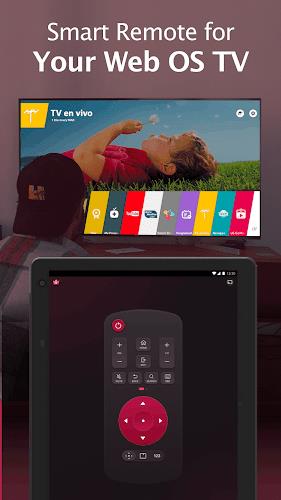
LG Remote turns your Android device into a full-featured controller for compatible LG TVs and set-top boxes, offering touch, voice, and keyboard input along with input switching and app launching. It simplifies TV navigation and replaces multiple remotes with a single, fast interface that integrates neatly with modern living rooms.
Overview: what this app does
Designed for LG television owners, LG Remote provides a practical way to manage channels, adjust volume, browse apps and control playback without hunting for the original remote. The app focuses on reliability and quick access to common TV features while supporting both Wi‑Fi and Bluetooth connectivity where available.
Primary capabilities
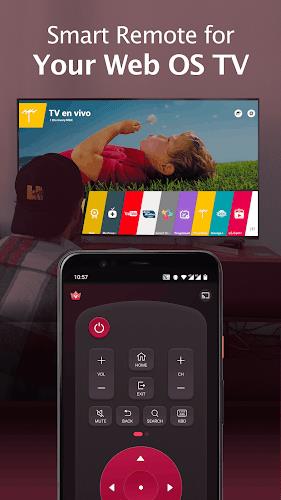
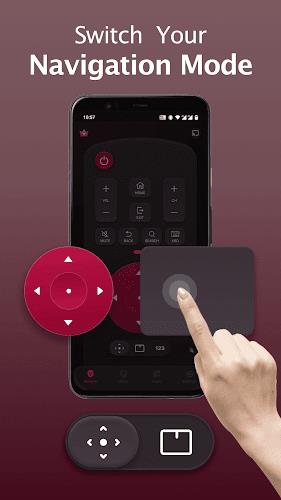
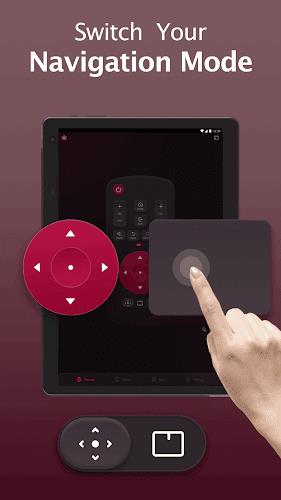
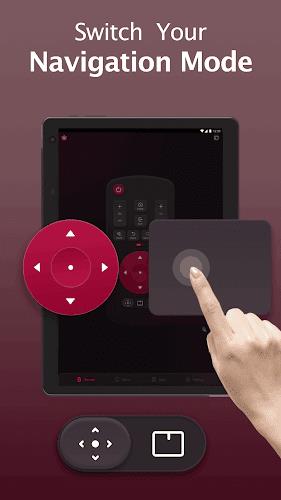
- Touchpad and D‑pad navigation: Use a virtual touch surface or directional pad to move through menus precisely.
- Voice commands: Speak to search or run apps on compatible models, reducing typing time.
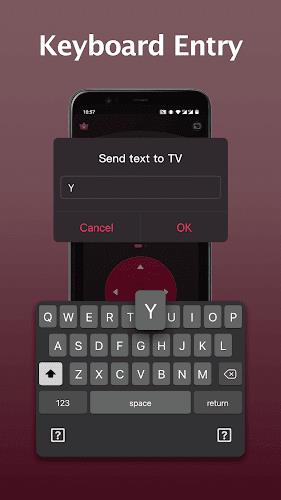
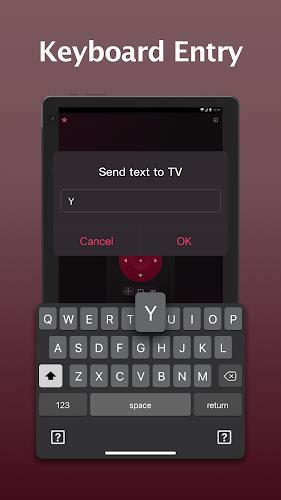
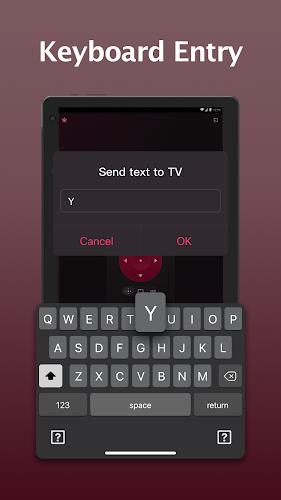
- Keyboard input: Enter text faster than with on‑screen TV keyboards—handy for app login or search.
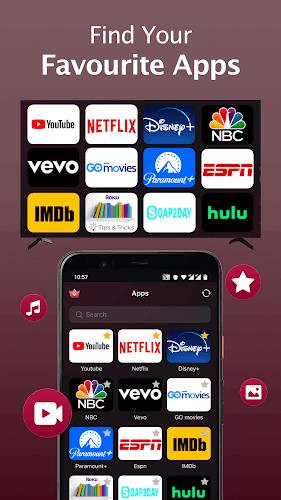
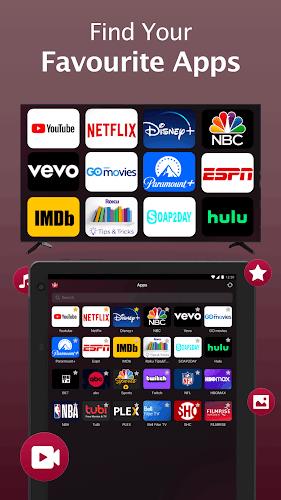
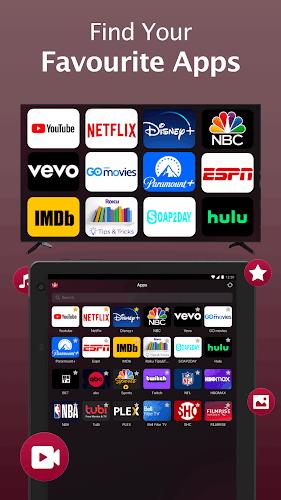
- Quick launch shortcuts: Map frequently used apps and inputs to single taps for immediate access.
How the app works day to day
Once paired with your TV, LG Remote creates a direct control link over the local network or Bluetooth. The interface mirrors common physical buttons—power, volume, channel—while adding contextual controls that change depending on whether you are watching live TV, streaming, or navigating the settings menu. It feels familiar but adds the convenience of a smartphone's touch and voice features.
Connectivity and pairing
Pairing is straightforward: the app scans for nearby LG devices, asks for a confirmation code shown on the TV, and saves the device for quick future access. When on the same Wi‑Fi network, commands are sent with minimal latency. For models that support Bluetooth, pairing offers an alternative when Wi‑Fi is restricted or reserved for other devices.
User interface and customization
The clean layout of LG Remote balances a compact button set with an expandable menu for advanced controls. Users can rearrange onscreen buttons and create shortcut tiles for their favorite functions. The app also provides light and dark themes to match different viewing environments and reduce eye strain during late-night movie sessions.
Personalizing controls
- Shortcut tiles: Create one-touch icons for apps like Netflix, YouTube, or Live TV.
- Button mapping: Reassign functions to emphasize the controls you use most.
- Language and voice settings: Switch language, tweak voice recognition sensitivity, and select regional formats.
Performance and stability
Performance is a key point for any remote app. LG Remote prioritizes responsiveness and low battery impact. Commands typically register instantly; occasional delays can occur on congested networks but are rare on stable home Wi‑Fi. The app also maintains a small memory footprint and runs smoothly on most modern Android devices.
Error handling and updates
When a connection drops, the app offers clear troubleshooting steps: check the network, confirm TV settings, and restart pairing. Frequent updates add compatibility with new TV models and refine voice recognition and UI polish, helping the app remain current as LG's TV features evolve.
Tips for new users
- Start with pairing: Follow the on‑screen TV code and save your device to avoid repeating the process.
- Set up shortcuts: Add your most-used streaming apps to the home tiles to save time.
- Use keyboard mode: When entering search terms, switch to keyboard mode for speed and accuracy.
- Keep firmware updated: Update both your TV and the app to improve compatibility and reduce glitches.
Getting the most from LG Remote
LG Remote is a practical utility that cuts down clutter and streamlines TV control for households with multiple devices. Its blend of touch controls, voice input and easy customization makes it a reliable companion for casual viewers and tech‑savvy users alike. With minimal setup and sensible defaults, the app delivers faster, more convenient TV control without sacrificing functionality.
Show More
Information
Screenshots
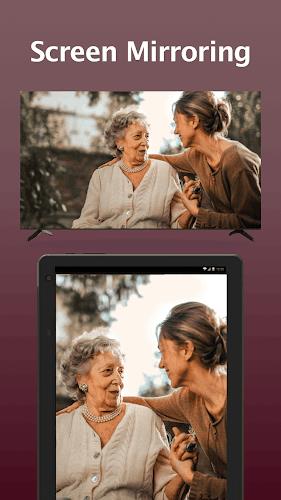
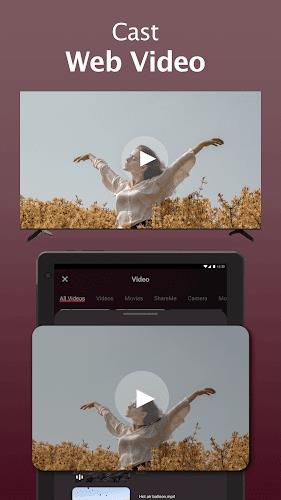
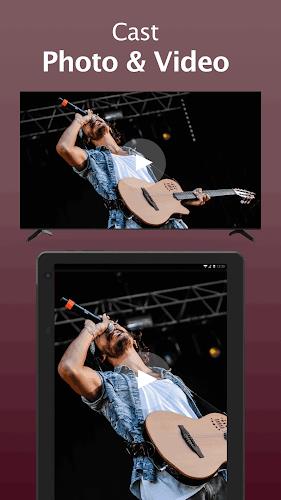
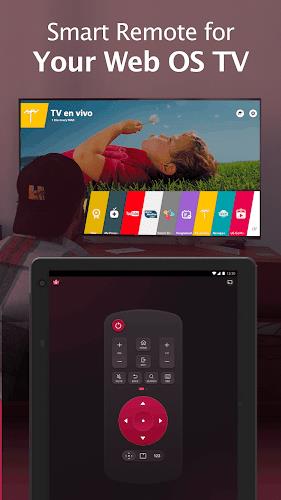
Latest Update







Hot Tags
Latest News
-
![Revealing the Launch Playlists and Cross-Progression for COD Warzone Mobile News]()
-
![March 2024 Free Redemption Codes for Honkai: Star Rail News]()
-
PUBG Mobile Teams Up with Bentley Motors: Luxury Cars, Exclusive Collectibles, and Beyond 2024-04-18
![PUBG Mobile Teams Up with Bentley Motors: Luxury Cars, Exclusive Collectibles, and Beyond News]()
-
![Monster Never Cry is now accessible on both Android and iOS mobile devices. News]()
-
V2.2 of the Farlight 84 update introduces an overhauled Season structure, fresh in-game currency, an 2024-04-16
![V2.2 of the Farlight 84 update introduces an overhauled Season structure, fresh in-game currency, an News]()
-
![Arrival of Genshin Impact 4.6 Update: 'Embers of Two Realms, Twilight of Crimson' News]()
-
April 2024 Clash of Clans Update: Unveiling a Fresh Companion, Enhanced Levels, Chat Tagging, and Be 2024-04-16
![April 2024 Clash of Clans Update: Unveiling a Fresh Companion, Enhanced Levels, Chat Tagging, and Be News]()






