

WebCode
Version:5.2
Published:2026-11-16
Introduction
Most code tools hide helpful functions behind menus and plugins, leaving quick edits annoying and slow. WebCode aims to simplify web development on Android by bundling an editor, console, file manager, and live HTML preview into a single app that keeps the essentials close at hand. Whether you are polishing a landing page, testing a snippet of JavaScript, or cleaning up CSS, WebCode presents familiar desktop-style tools in a compact mobile environment so you can work without juggling multiple apps or losing your flow.
Categories: WebCode
Web development: A mobile environment for editing HTML, CSS and JavaScript files on the go, useful for front-end tasks and quick fixes.
Code editing: Focused editing features such as auto-completion and syntax highlighting make it feel like a lightweight IDE.
Utility tools: Built-in file management and a console round out the set so you can manage projects without leaving the app.
Features:
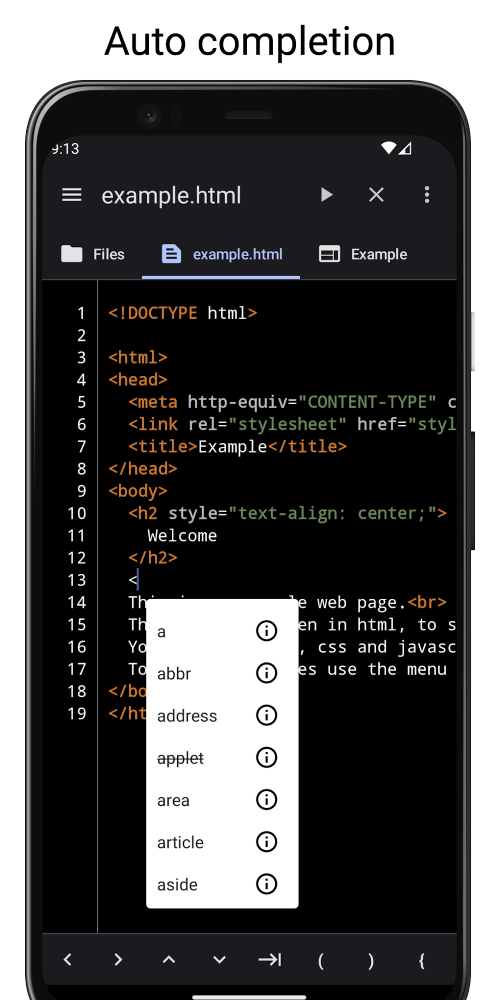
Smart auto-completion: WebCode suggests HTML and CSS completions as you type, reducing keystrokes and helping recall class names and attributes.
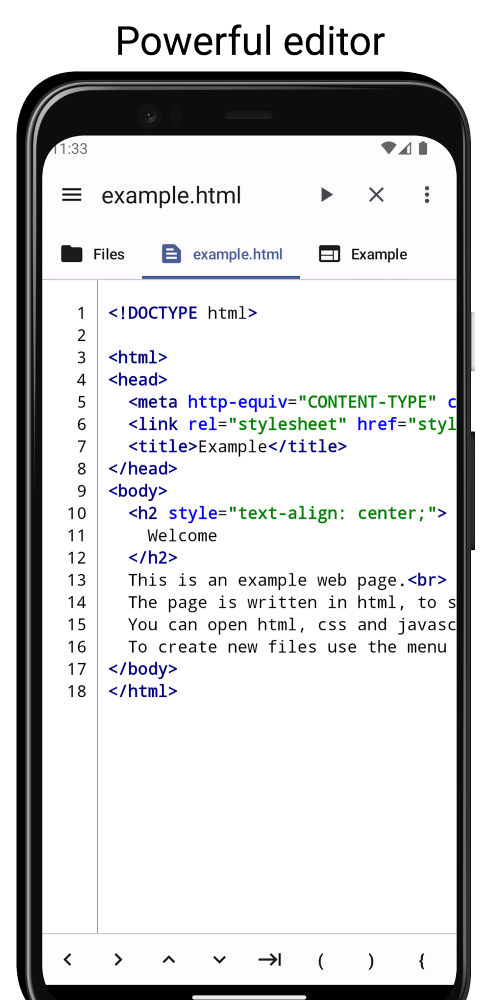
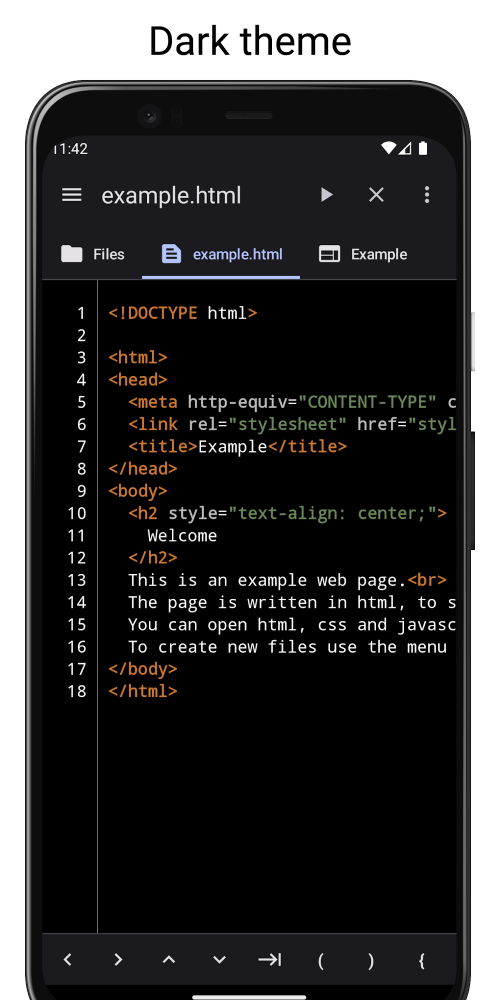
Syntax highlighting: Visual cues separate tags, properties, functions and variables across HTML, CSS, JavaScript and even PHP so errors stand out sooner.
Editor basics handled: Standard editing actions like Undo, Redo, Jump to, Find and Find and Replace are available, plus automatic indentation to keep code readable.
Integrated console: A colored log view helps you scan errors and messages quickly, with a history of recent outputs for troubleshooting runs.
File manager: Copy, paste and delete files directly inside the app so you can reorganize a project without switching file browsers.
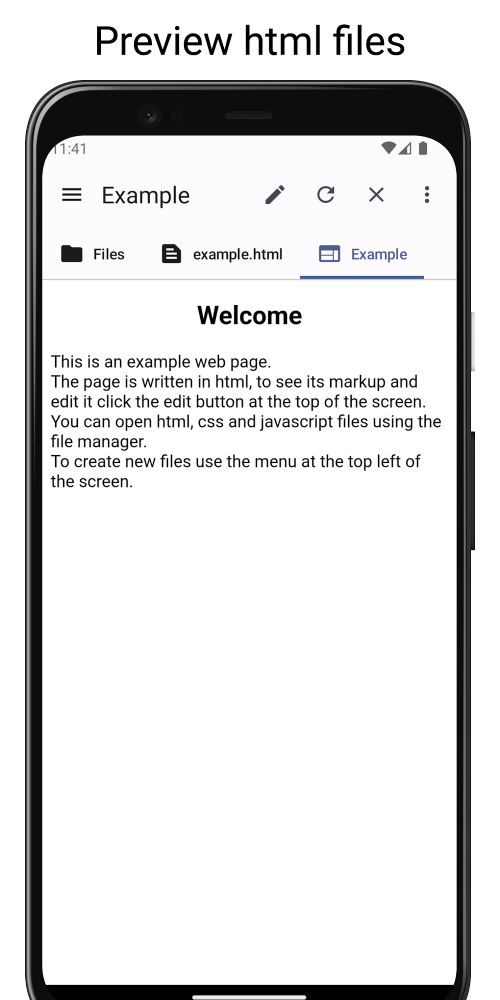
Live HTML preview: See the result of edits immediately in the preview mode, which speeds up layout and animation tweaks.
Tips and Tricks:
Start small: Open a single HTML file and use the live preview to validate layout changes before tackling the whole project, this reduces context switching.
Use the console as a logbook: Keep error output visible while you edit so you can fix issues incrementally rather than guessing at causes.
Quick fixes in real conditions: If you need to change copy or a link during a client meeting, use the file manager and preview to update and confirm the result on the spot.
Organize snippets: Keep commonly used blocks in separate files inside the app so you can paste patterns like navigation bars or footer layouts without retyping.
FAQs:
Which languages does WebCode support for editing and highlighting?
WebCode covers HTML, CSS and JavaScript by design, and it also recognizes PHP in its syntax highlighting so mixed projects display clearly.
Can I preview an HTML page inside the app?
Yes, the live preview shows HTML output immediately after edits so you can check layout, styles and client-side behavior without exporting files.
Does the file manager let me move files between folders?
The integrated manager supports copying, pasting and deletion of files, allowing you to reorganize a small project directly in the app.
Conclusion:
WebCode provides a compact toolkit for developers who need to edit web files on Android and want fast feedback while they work; give it a spin to see if its editor and preview workflow speed up your routine edits, and try the console and file manager the next time you need to patch a page quickly.
Show More
Information
Screenshots
Latest Update











Hot Tags
Latest News
-
![Revealing the Launch Playlists and Cross-Progression for COD Warzone Mobile News]()
-
![March 2024 Free Redemption Codes for Honkai: Star Rail News]()
-
PUBG Mobile Teams Up with Bentley Motors: Luxury Cars, Exclusive Collectibles, and Beyond 2024-04-18
![PUBG Mobile Teams Up with Bentley Motors: Luxury Cars, Exclusive Collectibles, and Beyond News]()
-
![Monster Never Cry is now accessible on both Android and iOS mobile devices. News]()
-
V2.2 of the Farlight 84 update introduces an overhauled Season structure, fresh in-game currency, an 2024-04-16
![V2.2 of the Farlight 84 update introduces an overhauled Season structure, fresh in-game currency, an News]()
-
![Arrival of Genshin Impact 4.6 Update: 'Embers of Two Realms, Twilight of Crimson' News]()
-
April 2024 Clash of Clans Update: Unveiling a Fresh Companion, Enhanced Levels, Chat Tagging, and Be 2024-04-16
![April 2024 Clash of Clans Update: Unveiling a Fresh Companion, Enhanced Levels, Chat Tagging, and Be News]()






