Chess Forge
Version:1.090
Published:2026-05-19
Introduction
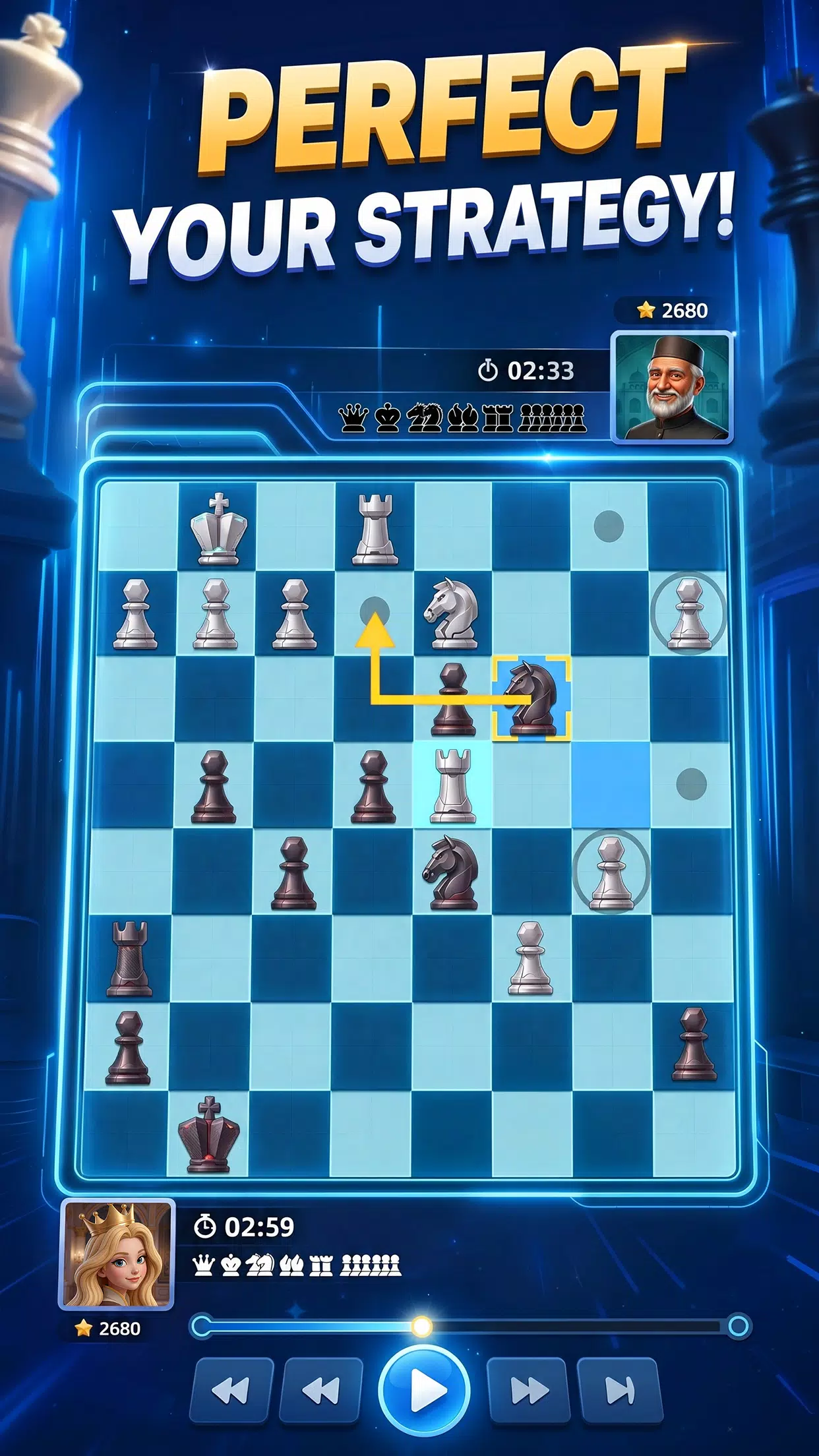
Chess Forge presents a clean, focused chess experience that balances quick play with structured practice; Chess Forge is designed for players who want fast access to blitz games, thoughtful longer matches, and deliberate study sessions without an overwhelming interface. The first screen emphasizes clarity: a visible clock, captured pieces, and a readable move list make it easy to jump into a game or set up a training position, and the app remembers your preferred board theme and controls so repeat sessions feel familiar.
Gameplay and modes
The gameplay centers on standard chess rules delivered across multiple modes so you can choose the pace and challenge that suits you. When you play against the AI you can pick from several difficulty levels to isolate specific skills, and casual local matches let two players use the same device for practice or friendly contests. Time controls range from short, tactical blitz windows to longer rapid and classical formats for deeper planning, and the app supports resigning, pausing where permitted, and clear move confirmation options to reduce accidental inputs.
Controls and input
Touch-first controls are tuned for mobile screens: drag-and-drop movement, tap-to-select with optional move confirmation, and a responsive undo that is available in practice settings. The interface includes a simple review button to step backward through moves and a fast way to flip the board for alternate perspectives. Controls respond quickly so serious players can execute precise moves, while casual users benefit from forgiving input options and clear prompts during setup or time-critical situations.
Progression and rewards
The progression system is designed to encourage steady improvement without pushing intrusive purchases: playing matches and completing practice goals contributes toward level progression and milestone rewards that unlock cosmetic options. Rank indicators provide descriptive feedback on your relative progress, and resources are earned for participation and achievements rather than being necessary to enjoy core features. Progress is stored locally and syncs when you return online, allowing uninterrupted practice while preserving long-term advancement.
Visual style and customization
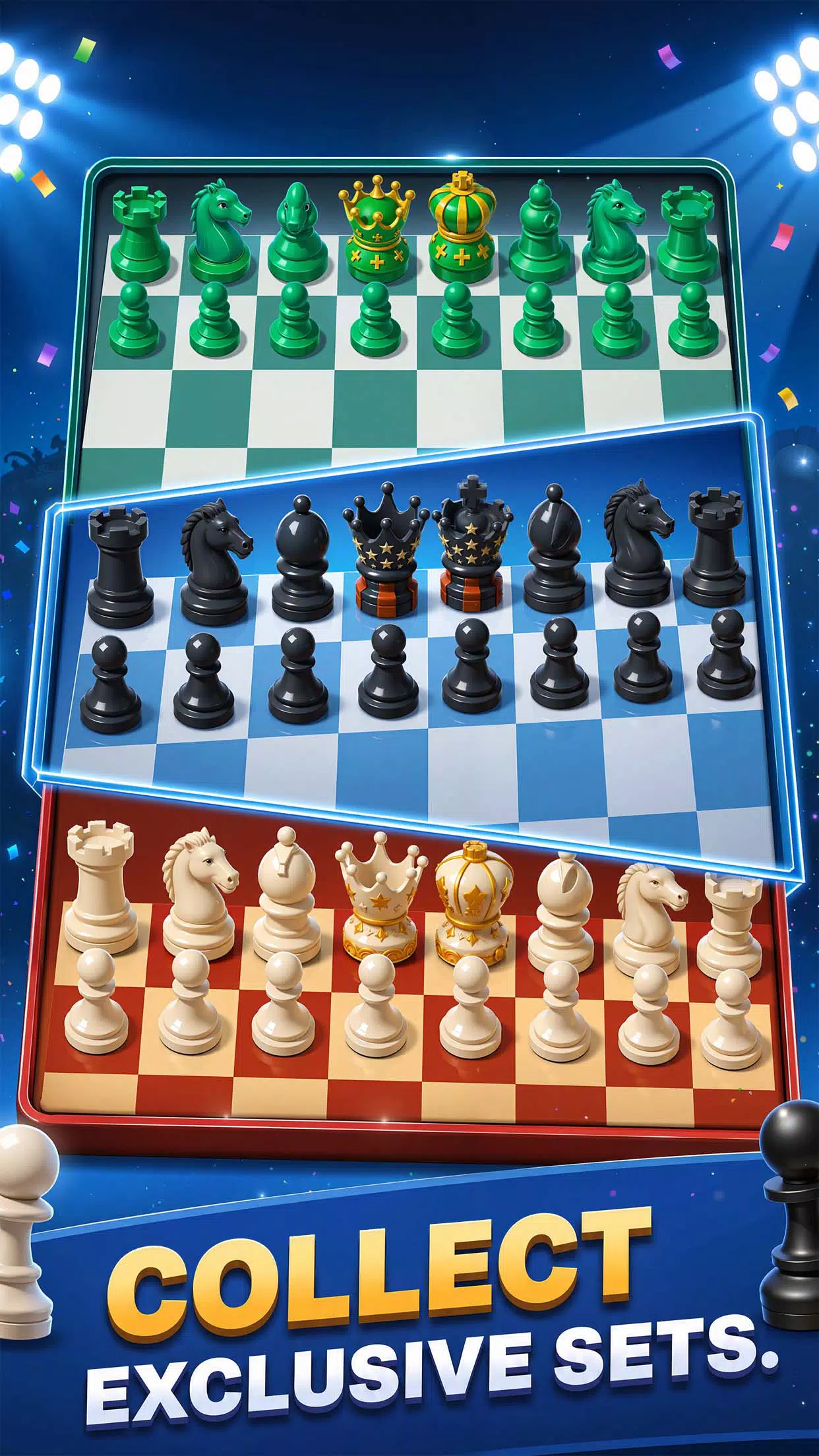
Visual clarity is a priority in Chess Forge, with multiple board themes and piece sets to improve readability on a variety of screen sizes. Options include high-contrast themes to aid visibility, classical piece geometries and modern minimalist sets for different tastes, and color variants that help distinguish squares and pieces quickly. Cosmetic unlocks provide visual goals without affecting gameplay balance, and the customization panel saves your preferences so each match opens with your chosen look and layout.
Challenge systems and replay value
Challenge systems focus on both competitive play and focused training: adjustable AI levels let you isolate tactical weaknesses, and curated practice tasks encourage repetition of common endgame or opening scenarios. A simple review mode makes it easy to replay completed games move-by-move to spot turning points and tactical oversights. Because the app emphasizes fundamentals and repeat play, the same positions yield new lessons against different time controls and opponent choices, which increases long-term replay value for players at many skill levels.
Accessibility and settings
Accessibility is built into the settings with larger piece sizes, adjustable interface scaling, and contrast-friendly themes to accommodate visual needs. Audio and vibration cues are configurable and can be muted entirely for distraction-free study. For players who prefer a minimal display, a simplified HUD hides nonessential information while retaining timers and move lists to preserve clarity during practice sessions.
Offline play and user experience
Offline practice against AI provides a dependable environment when you do not have network access and keeps progression intact so you can continue leveling up and refining skills away from an internet connection. The user experience aims to reduce friction at every step: fast match setup, persistent preferences, and clear feedback after games about earned rewards and progress. Notifications are optional and focused on useful updates so the app remains welcoming whether you have five minutes for a quick puzzle or want to study positions for an extended session.
Who this app is for
Chess Forge is targeted at players who want a focused training and playing environment with approachable controls, meaningful progression, and visual customization. It fits beginners who benefit from practice tasks and forgiving inputs, casual players who prefer short blitz games, and more serious learners looking to review completed games and track steady improvement. The balance of AI practice, local matches, and cosmetic rewards creates a single environment where skill development and enjoyable play coexist without unnecessary complexity.
Show More