

QR Code Scanner
Version:1.0.4
Published:2025-10-23
Introduction
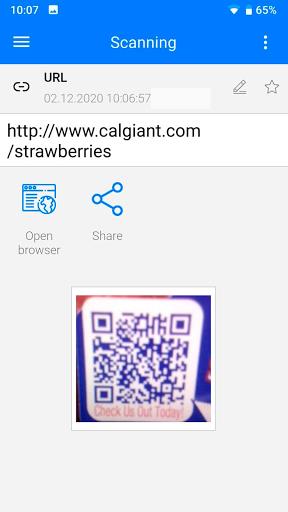
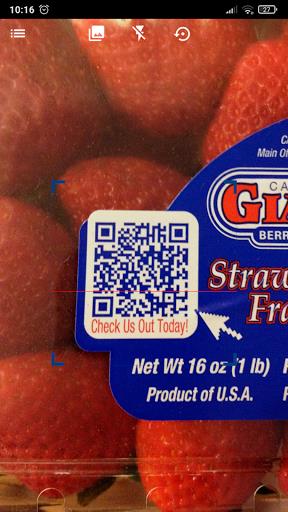
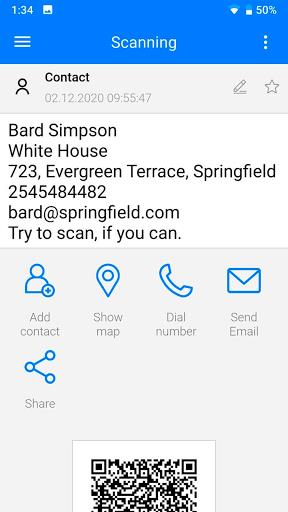
Introducing "QR Code Scanner," the ultimate tool for all your QR code and barcode scanning needs. With just a simple point of the camera, you can effortlessly scan and generate QR codes in a matter of seconds. This app also offers features such as QR code styling, app lock, and the ability to view scanned and created history. Additionally, you can export data in CSV format and perform secure batch scans. Supported formats include Quick Code, EAN 8, Code39, EQS, QRCode, Data Matrix, and Code128. Upgrade your scanning experience with QR Code Scanner Pro today!
Features of QR Code Scanner:
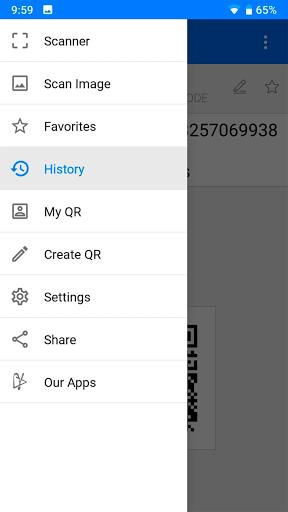
Scanning and Generating QR Code: Easily scan QR codes and barcodes using your phone camera with just a few seconds. The app supports various formats, including Quick Code, EAN Code EQS, QRCode, Data Matrix, and Code
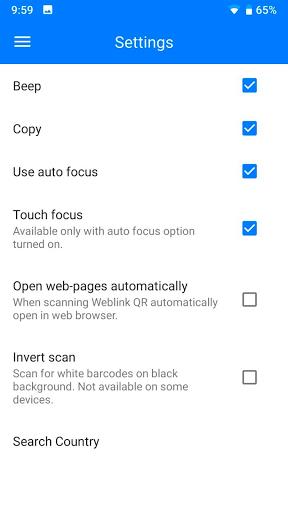
QR Code Styling and App Lock: Customize the appearance of your own QR codes with different colors and patterns. Ensure the security and privacy of your scanned codes by setting up an app lock feature.
View Scanned & Created History: Access a detailed history of all the QR codes you have scanned and generated within the app for easy reference and organization.
Unlimited Export and CSV: Export your scanned data and QR code history in CSV format without any limitations. Share and analyze your information effortlessly.
Fast and Secure Batch Scan: Scan multiple QR codes and barcodes in rapid succession with a smooth and secure batch scanning feature. Save time and increase efficiency when dealing with multiple codes at once.
Tips for QR Code Scanner:
Ensure Good Lighting: To achieve accurate and quick scanning results, make sure you have sufficient lighting when scanning QR codes or barcodes.
Maintain a Steady Hand: Keep your hand steady while scanning to prevent blurry or distorted images. This will help the app read the code correctly.
Focus on the Code: Bring the QR code or barcode into focus and align it properly within the scanning frame for the best results.
Use Batch Scan for Efficiency: When dealing with multiple codes, utilize the batch scan feature for a faster and more streamlined experience.
Conclusion:
Enhance your QR code scanning and generating tasks with the QR Code Scanner App, featuring convenient features such as customized styling, app lock security, detailed history viewing, and unlimited export options. With support for various code formats and fast batch scanning capabilities, this app is your go-to tool for efficient code management. Download the app now and simplify your QR code handling processes.
Show More
Information
Screenshots
Latest Update












Hot Tags
Latest News
-
![Revealing the Launch Playlists and Cross-Progression for COD Warzone Mobile News]()
-
![March 2024 Free Redemption Codes for Honkai: Star Rail News]()
-
PUBG Mobile Teams Up with Bentley Motors: Luxury Cars, Exclusive Collectibles, and Beyond 2024-04-18
![PUBG Mobile Teams Up with Bentley Motors: Luxury Cars, Exclusive Collectibles, and Beyond News]()
-
![Monster Never Cry is now accessible on both Android and iOS mobile devices. News]()
-
V2.2 of the Farlight 84 update introduces an overhauled Season structure, fresh in-game currency, an 2024-04-16
![V2.2 of the Farlight 84 update introduces an overhauled Season structure, fresh in-game currency, an News]()
-
![Arrival of Genshin Impact 4.6 Update: 'Embers of Two Realms, Twilight of Crimson' News]()
-
April 2024 Clash of Clans Update: Unveiling a Fresh Companion, Enhanced Levels, Chat Tagging, and Be 2024-04-16
![April 2024 Clash of Clans Update: Unveiling a Fresh Companion, Enhanced Levels, Chat Tagging, and Be News]()






