

Audio Cues
Version:2026.04.1b
Published:2026-11-05
Introduction
Audio Cues is a lightweight Android utility that turns sounds into actionable notifications and ambient reminders. Designed for accessibility and productivity, it routes audio alerts, custom tones, and spoken prompts to the parts of your workflow that need attention without interrupting focus.
Overview
This app focuses on making audio information more useful and less intrusive. Rather than a single notification stream, Audio Cues separates audio signals into categories, assigns priorities, and offers context-aware delivery. The result is a tailored listening experience for professionals, commuters, and users with sensory or attention needs.
Core functionality at a glance
- Custom sound mapping — assign specific tones or voice prompts to apps, contacts, or events.
- Priority routing — choose which audio cues interrupt and which remain passive.
- Profiles and schedules — switch behaviors automatically based on time, location, or activity.
How it works
Audio Cues intercepts system and app notifications, analyzes metadata, and applies rules you define. You can set filters that detect keywords, originating apps, or urgency flags. When a rule triggers, the app either plays an immediate audible signal, whispers a short phrase, defers the sound until a quieter time, or routes it to a paired device such as a Bluetooth headset.
Rule examples
- Play a soft chime for non-urgent messages and queue them until a break in activity.
- Announce caller name for important contacts and vibrate for others.
- Mute social media alerts during calendar events, but allow calendar reminders to pass through.
Interface and customization
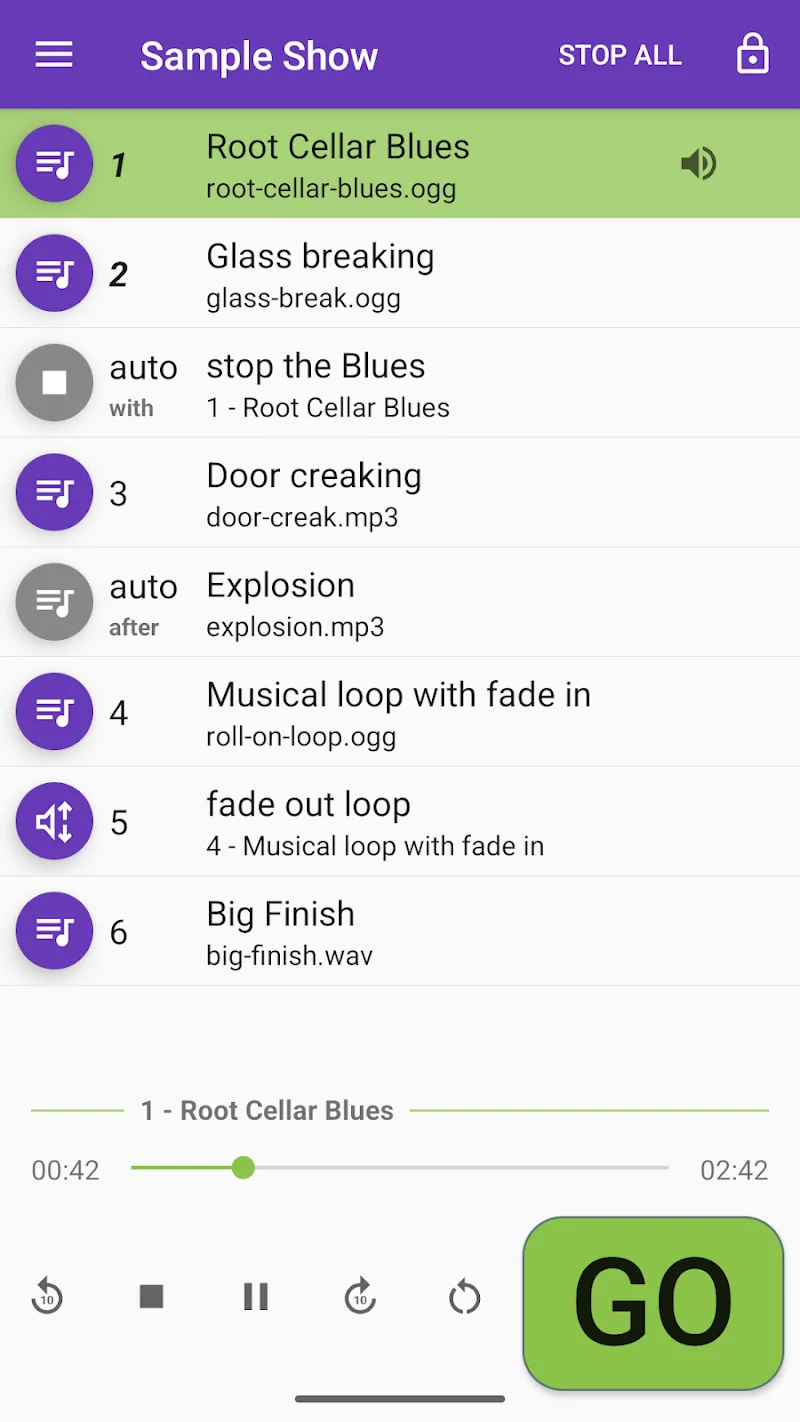
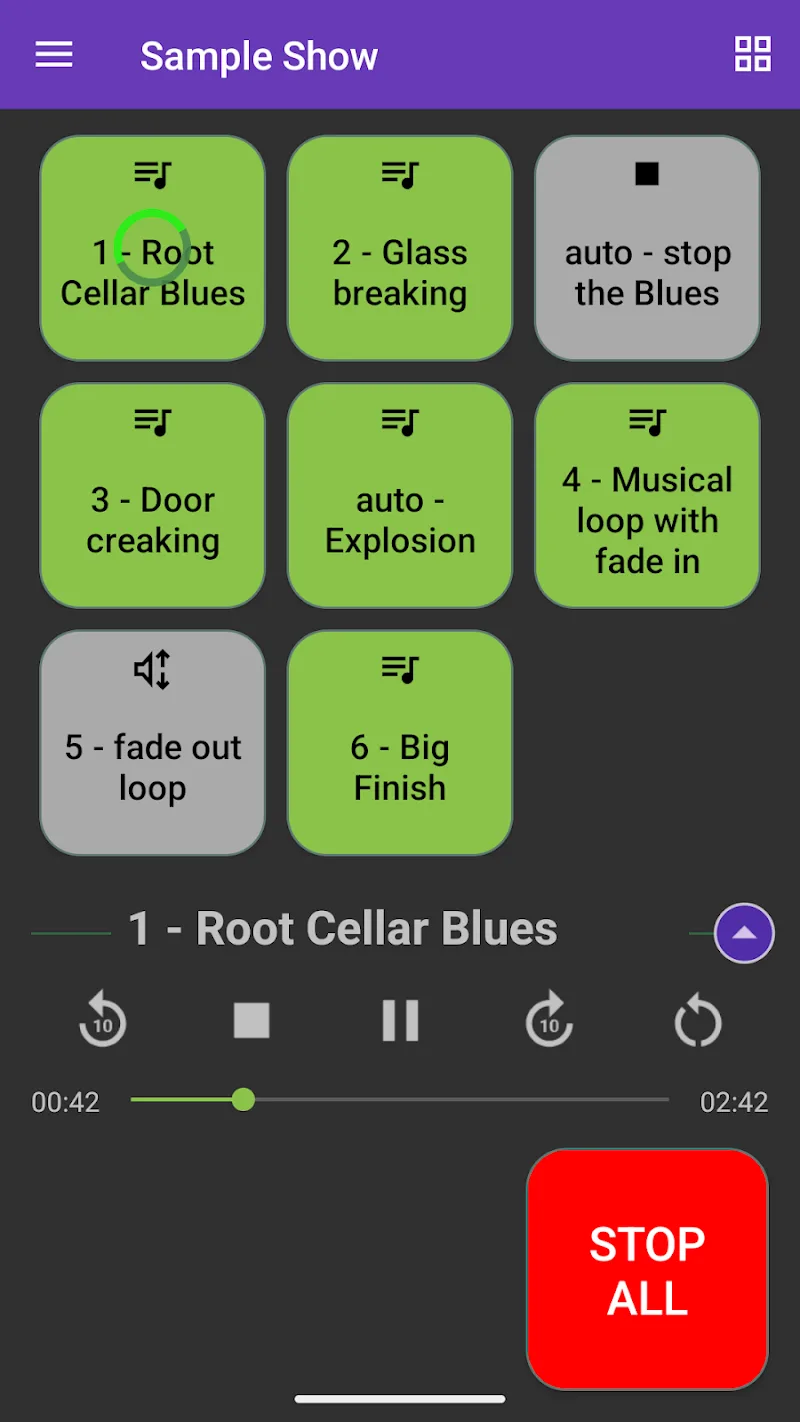
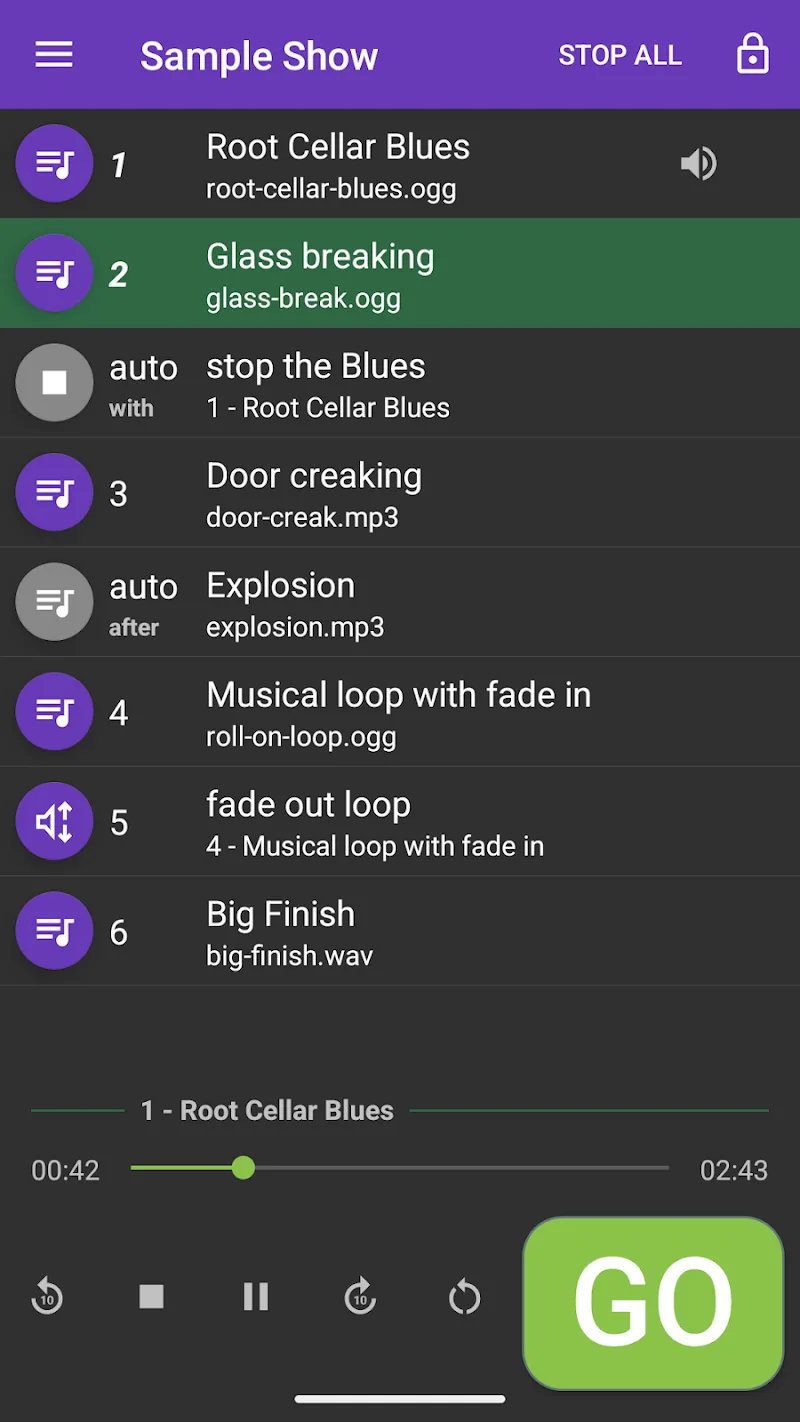
The user interface is organized around three panels: rules, sound library, and profiles. Each rule is created with a simple form and optional advanced parameters for power users. The sound library includes default tones, recorded voice snippets, and the option to import MP3 or WAV files. You can preview cues before saving and layer multiple sounds for compound alerts.
Personalization options
- Custom voice recording for spoken cues.
- Volume normalization to keep levels consistent across sources.
- Per-app output selection to choose speaker, headset, or smart speaker playback.
Productivity benefits
For people who juggle meetings, messages, and background tasks, the app reduces cognitive load by only surfacing what's necessary. Audio Cues helps keep attention on primary tasks by deferring low-priority noise and highlighting critical events with distinctive sounds. It pairs well with time-blocking and focus techniques.
Use cases
- Remote workers who need to hear calendar updates while muted in video calls.
- Field technicians who rely on audio alerts while working hands-on.
- Users with visual impairments who benefit from spoken notifications.
Performance and reliability
Designed to run efficiently, the app minimizes battery impact by batching low-priority cues and using idle network access for cloud-dependent features. Background processing adheres to Android power-management guidelines, and the app provides diagnostics to troubleshoot missed or delayed alerts.
Stability notes
- Lightweight footprint that avoids aggressive wake locks.
- Safeguards to prevent duplicate cues when multiple sources report the same event.
- Logs and exportable rule snapshots for backup and migration.
Quick tips for new users
Start with a few high-impact rules: set a distinct tone for calls, silence social apps during focus hours, and enable spoken reminders for calendar events. Test cues in a quiet environment to calibrate volume and voice clarity. Use the profile scheduler to automate weekday and weekend behaviors.
Troubleshooting pointers
- If a sound doesn’t play, check app notification permissions and Do Not Disturb exceptions.
- Use the built-in sound tester to confirm output device selection.
- Export rules before making sweeping changes so you can revert quickly.
Getting started
Installation is straightforward: grant notification access, select your preferred output devices, and create an initial profile. Within minutes you can set up targeted cues for the most important alerts and refine rules as you learn how the app integrates with daily routines. Audio Cues scales from simple one-rule setups to complex automated workflows that keep your attention where it matters most.
Show More
Information
Screenshots
Latest Update











Latest News
-
![Revealing the Launch Playlists and Cross-Progression for COD Warzone Mobile News]()
-
![March 2024 Free Redemption Codes for Honkai: Star Rail News]()
-
PUBG Mobile Teams Up with Bentley Motors: Luxury Cars, Exclusive Collectibles, and Beyond 2024-04-18
![PUBG Mobile Teams Up with Bentley Motors: Luxury Cars, Exclusive Collectibles, and Beyond News]()
-
![Monster Never Cry is now accessible on both Android and iOS mobile devices. News]()
-
V2.2 of the Farlight 84 update introduces an overhauled Season structure, fresh in-game currency, an 2024-04-16
![V2.2 of the Farlight 84 update introduces an overhauled Season structure, fresh in-game currency, an News]()
-
![Arrival of Genshin Impact 4.6 Update: 'Embers of Two Realms, Twilight of Crimson' News]()
-
April 2024 Clash of Clans Update: Unveiling a Fresh Companion, Enhanced Levels, Chat Tagging, and Be 2024-04-16
![April 2024 Clash of Clans Update: Unveiling a Fresh Companion, Enhanced Levels, Chat Tagging, and Be News]()






