

e-Connect
Version:2.21.3
Published:2026-11-05
Introduction
e-Connect is a compact cloud-based utility that gives administrators and small teams a single, easy-to-use interface for monitoring and controlling a variety of networked devices. e-Connect focuses on centralizing status checks, remote activation and concise alerts so operators can respond quickly when equipment across one or many locations needs attention. This APK pairs a minimal client with a browser-accessible cloud dashboard to reduce setup time and avoid dependency on additional hardware or companion tools.
Key Features
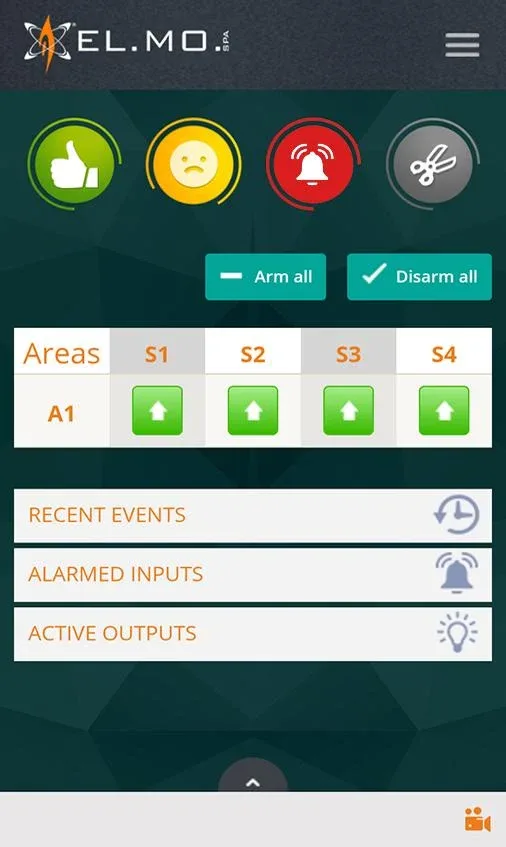
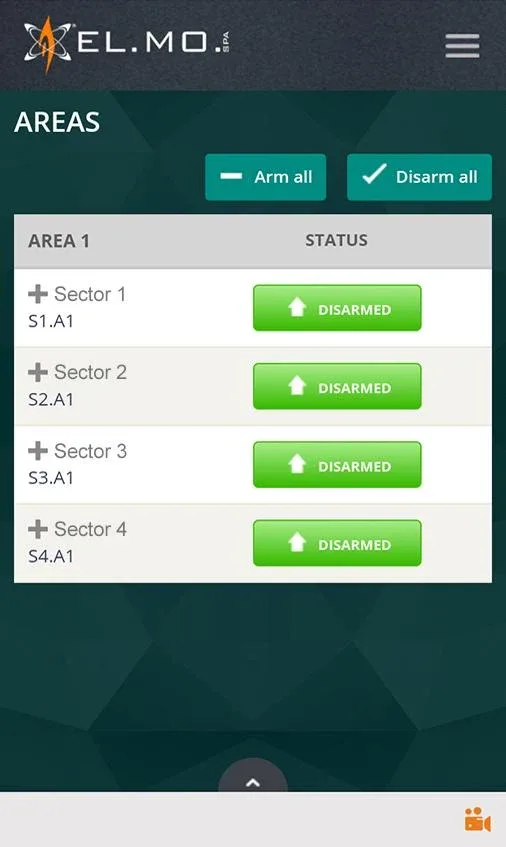
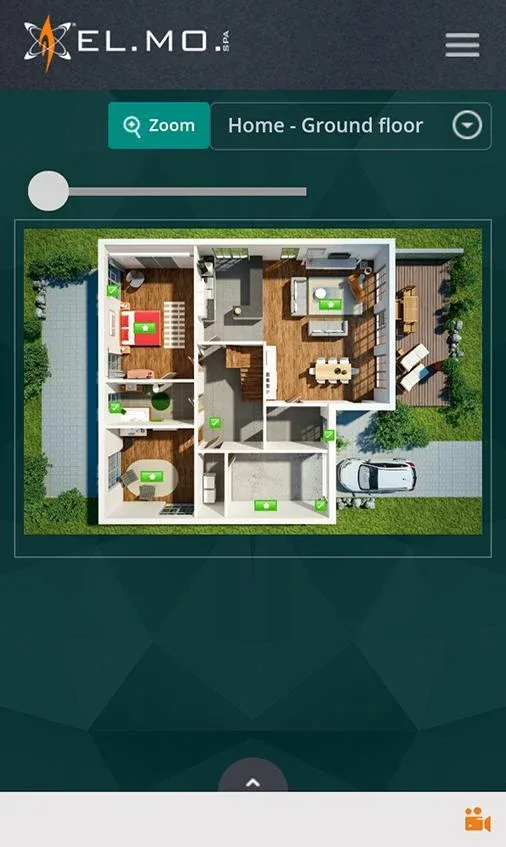
The core of the application is a unified dashboard that presents device states, recent events and actionable controls in one view. Visual confirmations and timestamped logs make it straightforward to verify that a command completed and to trace activity for short-term troubleshooting. Multi-site supervision supports rapid switching between locations so technicians who manage several facilities can maintain context and move between sites without losing track of open issues. Near real-time notifications keep teams informed about critical events while role-based visibility ensures users only see the devices and metrics relevant to their responsibilities.
Controls and User Interaction
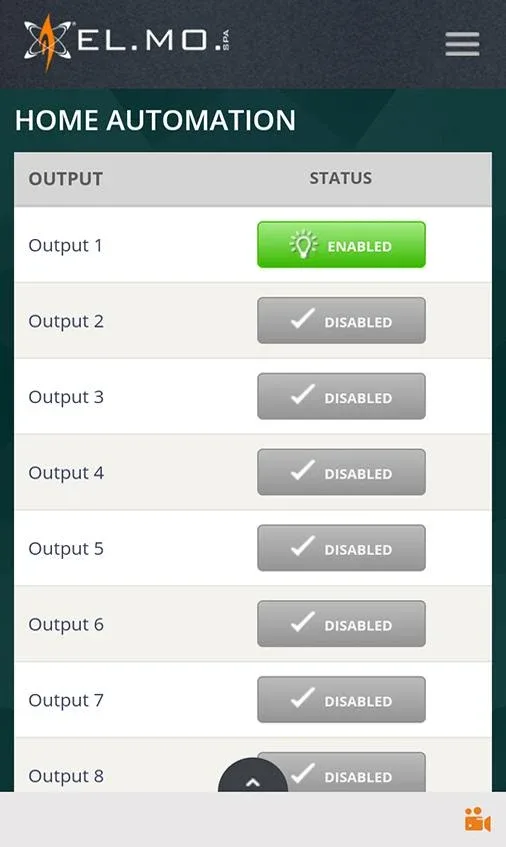
Interaction is intentionally simple: tap or click to open device details, use clearly labeled action buttons to trigger remote activation, and apply concise filters to surface devices by status, type or location. The mobile client adapts to phones and tablets so common gestures like swiping and tapping feel native, while the web dashboard supports keyboard navigation for users who prefer shortcuts. Control targets provide confirmation states that reduce accidental operations, and actions are designed to be reversible or to require confirmation when they affect critical equipment.
Progression, Scaling and Management
Scaling is supported through organizational tools that let teams group devices by site, create templates for repeated configurations and assign monitoring priorities to reduce noise. Onboarding typically begins with a few critical endpoints and expands as confidence in alerting and grouping grows; templates and saved views shorten that learning curve. Administrators can register and manage new devices from the same interface, preserving a consistent workflow as an installation grows from a single room to multiple facilities while keeping configuration changes auditable.
Visual Style and Customization
The visual design emphasizes clarity: high-contrast status indicators, legible typography and predictable layouts aid quick scanning. Color-coding and iconography are used sparingly to highlight exceptions and alerts rather than to overwhelm the display. Operators can choose which columns and metrics appear by default, save custom views for routine tasks and adjust theme settings to improve readability in different lighting conditions. This approach helps reduce visual fatigue during long shifts and supports diverse user preferences.
Level Structure and Challenge Management
Operational workflows are organized by priority levels instead of game-like stages: critical alerts surface immediately, informational events are deferred for later review, and acknowledged alarms remain tracked until they return to a normal state. The primary operational challenge is handling variability in connectivity and signal quality; the system flags devices with intermittent connectivity so teams can triage network or power issues efficiently. Built-in filtering and priority rules let administrators tune what qualifies as a critical incident, which helps reduce alert fatigue while ensuring important problems are not missed.
Replay Value, Long-Term Use and Reliability
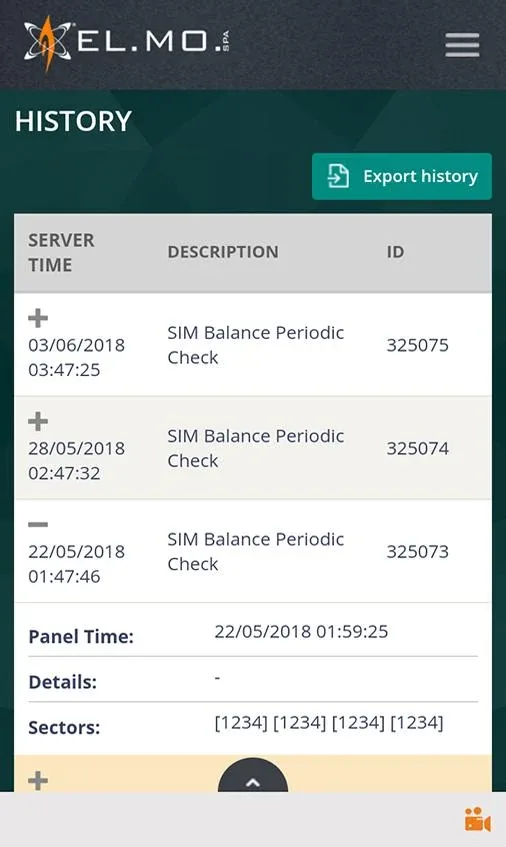
Long-term value comes from consistent, reliable monitoring and the ability to iterate on configurations as teams learn from historical patterns. Exportable logs and event histories enable trend analysis so administrators can adjust polling intervals, refine alert thresholds and reorganize groups to match evolving operational needs. Regular use often uncovers small efficiencies — consolidating notifications, simplifying templates or adjusting sampling rates — that improve daily operations and increase confidence in automated monitoring.
Accessibility, Offline Behavior and Limitations
Accessibility considerations focus on clear labeling, predictable navigation and configurable notification settings so operators with varied needs can use the app effectively. Offline behavior is constrained by the cloud nature of the service: real-time remote activation and live alerts require a stable internet connection, and full functionality is not available when devices or the client are disconnected. Read-only cached views can display recent state during short outages, but teams should plan for connectivity as a prerequisite for critical remote control operations.
Security and Notifications
Notifications are concise and include links back into the dashboard for investigation. Security recommendations include strong authentication, granular access controls and following established network best practices when exposing cloud management endpoints. Administrators should incorporate e-Connect into existing security policies, minimize privileged accounts and regularly review alert rules to balance safety with operational convenience.
For organizations seeking a straightforward way to centralize device oversight without additional hardware, this APK delivers a compact client experience that complements a cloud dashboard. e-Connect helps operators stay informed and act quickly across dispersed systems while keeping configuration, scaling and daily workflows predictable and transparent.
Show More
Information
Screenshots
Latest Update










Latest News
-
![Revealing the Launch Playlists and Cross-Progression for COD Warzone Mobile News]()
-
![March 2024 Free Redemption Codes for Honkai: Star Rail News]()
-
PUBG Mobile Teams Up with Bentley Motors: Luxury Cars, Exclusive Collectibles, and Beyond 2024-04-18
![PUBG Mobile Teams Up with Bentley Motors: Luxury Cars, Exclusive Collectibles, and Beyond News]()
-
![Monster Never Cry is now accessible on both Android and iOS mobile devices. News]()
-
V2.2 of the Farlight 84 update introduces an overhauled Season structure, fresh in-game currency, an 2024-04-16
![V2.2 of the Farlight 84 update introduces an overhauled Season structure, fresh in-game currency, an News]()
-
![Arrival of Genshin Impact 4.6 Update: 'Embers of Two Realms, Twilight of Crimson' News]()
-
April 2024 Clash of Clans Update: Unveiling a Fresh Companion, Enhanced Levels, Chat Tagging, and Be 2024-04-16
![April 2024 Clash of Clans Update: Unveiling a Fresh Companion, Enhanced Levels, Chat Tagging, and Be News]()






