

ChatBoost
Version:3.40.0
Published:2026-11-04
Introduction
ChatBoost is a productivity-focused mobile app that enhances messaging and collaboration by offering context-aware suggestions, faster replies, and integration with third-party tools. Designed for professionals and teams, ChatBoost streamlines conversation workflows, reduces repetitive typing, and helps maintain clear, organized chat threads across devices.
Core features that speed up communication
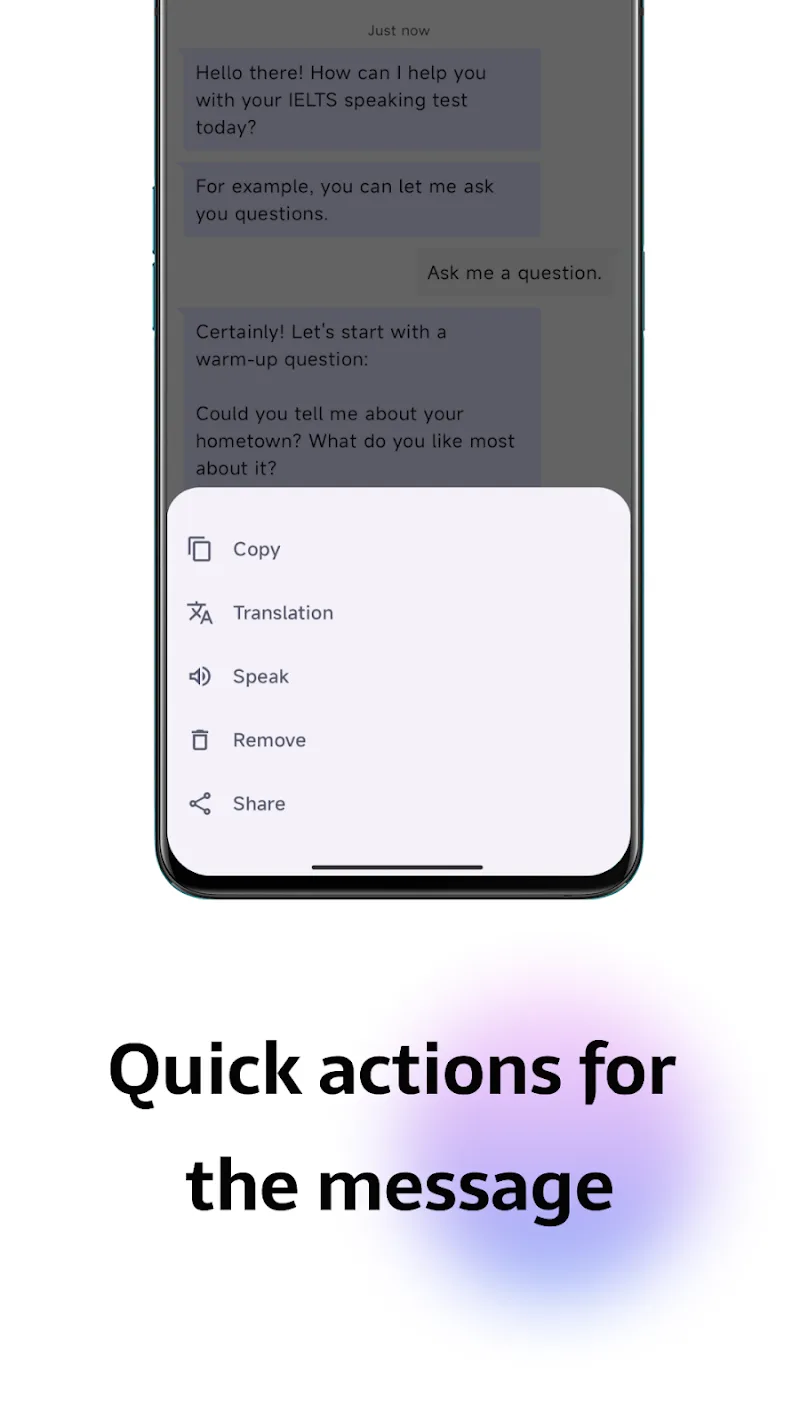
At its heart, ChatBoost provides smart reply suggestions based on conversation context, message templates for common responses, and quick actions that convert messages into tasks or calendar entries. The app supports multi-account access so users can toggle between personal and work conversations without losing history. Built-in search and filters let you surface attachments, links, and starred messages in seconds.
Interface and usability
The interface prioritizes clarity and speed: a condensed conversation list shows unread counts and priority flags, while a customizable action bar keeps your most-used tools one tap away. ChatBoost uses compact visual cues instead of heavy graphical elements to preserve performance on older devices, and a dark theme helps reduce eye strain during long chat sessions.
Workflow integrations
ChatBoost connects with email, cloud storage, and productivity suites so messages become starting points for deeper work. Attachments can be saved directly to your preferred cloud provider, and quick commands let you create tasks in popular management apps without switching contexts. Webhooks and API hooks allow businesses to push notifications from internal systems into select channels in ChatBoost.
Privacy, security, and data handling
Security is handled with layered encryption options and clear permissions for third-party integrations. ChatBoost offers local storage controls and the option to limit how long chat histories are retained on a device. Administrators can enforce access policies for teams, and anonymized analytics help product teams improve the app without exposing private conversation content.
Customization and personalization
Customize ChatBoost to match your workflow by creating reusable message templates, setting up auto-responses for busy hours, and defining priority keywords that trigger alerts. Adaptive shortcuts learn which actions you use most and promote them in the interface, while language preferences and keyboard shortcuts reduce friction for power users.
Performance and device compatibility
Optimized for low memory consumption and responsive UI updates, ChatBoost runs smoothly on a wide range of Android devices. Background sync options balance immediacy with battery life by letting you choose between real-time updates and batched synchronization. The app performs well on mobile networks and includes a lightweight data mode for limited bandwidth situations.
How teams can adopt ChatBoost
Rolling out ChatBoost across a team is straightforward: bulk provisioning tools and role-based permissions let managers assign access levels quickly. Training resources and in-app tips accelerate onboarding, and audit logs help supervisors track activity for compliance needs. Integration templates streamline connections to common enterprise services so IT teams can reduce setup time.
Practical use cases
Customer support teams can use ChatBoost to reply faster with approved templates and escalate issues by converting chats into tickets. Sales reps benefit from saved responses and direct calendar invites sent from conversations. Project teams coordinate by linking chat threads to task boards, keeping decisions traceable and actionable.
Tips for getting more from ChatBoost
- Create a small set of message templates for frequent replies and refine them based on actual conversations.
- Enable adaptive shortcuts so the app surfaces your most-used commands automatically.
- Use priority keywords sparingly to avoid alert fatigue while making sure important messages stand out.
- Set sync preferences to match your battery and data needs when you travel.
Final thoughts on practical value
ChatBoost is focused on making chat work for productive outcomes rather than just conversation. By combining context-aware suggestions, cross-app integrations, and administrative controls, it fits into everyday workflows for individuals and teams looking to move faster and stay organized. Regular updates and configurable settings ensure the app can scale from a single user to an enterprise deployment while keeping performance and privacy central.
Show More
Information
Screenshots
Latest Update











Latest News
-
![Revealing the Launch Playlists and Cross-Progression for COD Warzone Mobile News]()
-
![March 2024 Free Redemption Codes for Honkai: Star Rail News]()
-
PUBG Mobile Teams Up with Bentley Motors: Luxury Cars, Exclusive Collectibles, and Beyond 2024-04-18
![PUBG Mobile Teams Up with Bentley Motors: Luxury Cars, Exclusive Collectibles, and Beyond News]()
-
![Monster Never Cry is now accessible on both Android and iOS mobile devices. News]()
-
V2.2 of the Farlight 84 update introduces an overhauled Season structure, fresh in-game currency, an 2024-04-16
![V2.2 of the Farlight 84 update introduces an overhauled Season structure, fresh in-game currency, an News]()
-
![Arrival of Genshin Impact 4.6 Update: 'Embers of Two Realms, Twilight of Crimson' News]()
-
April 2024 Clash of Clans Update: Unveiling a Fresh Companion, Enhanced Levels, Chat Tagging, and Be 2024-04-16
![April 2024 Clash of Clans Update: Unveiling a Fresh Companion, Enhanced Levels, Chat Tagging, and Be News]()






