

getConf - Hidden Settings
Version:2.3.0
Published:2026-11-04
Introduction
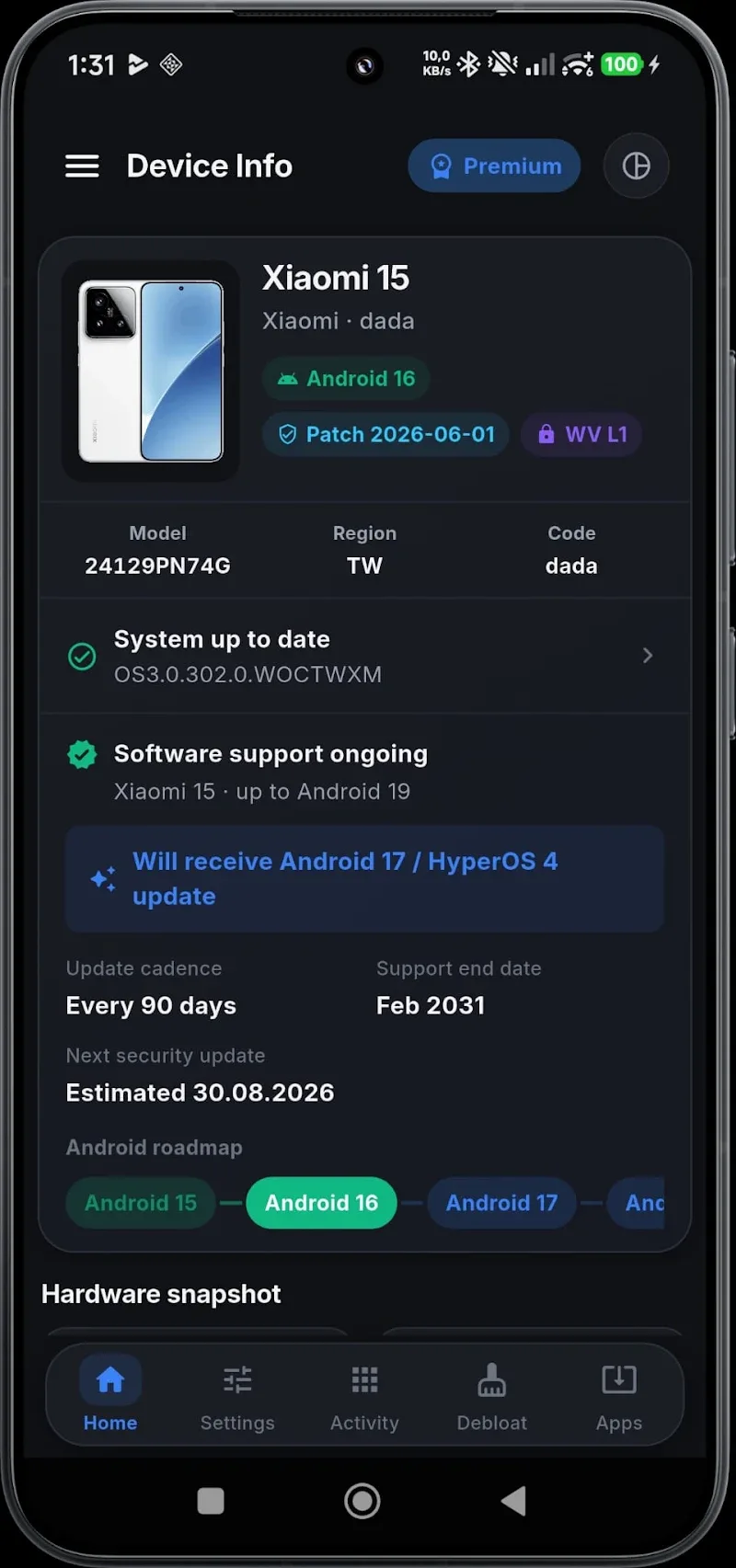
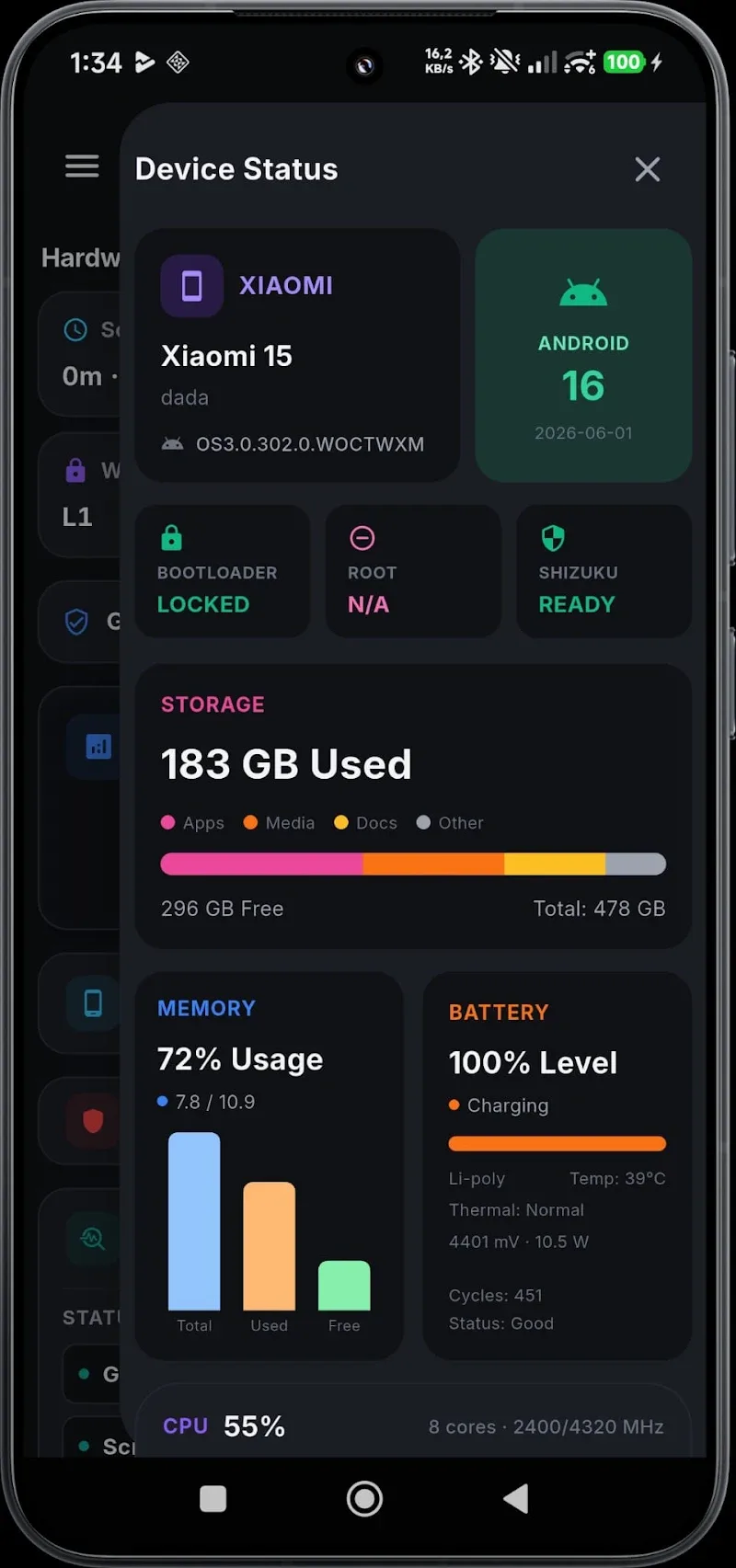
getConf - Hidden Settings is a lightweight Android utility that exposes system-level configuration panels and advanced toggles in a clean, organized way. It lets power users, developers and curious owners access hidden options, adjust device behavior, and troubleshoot without rooting or complex command-line tools.
What the app does
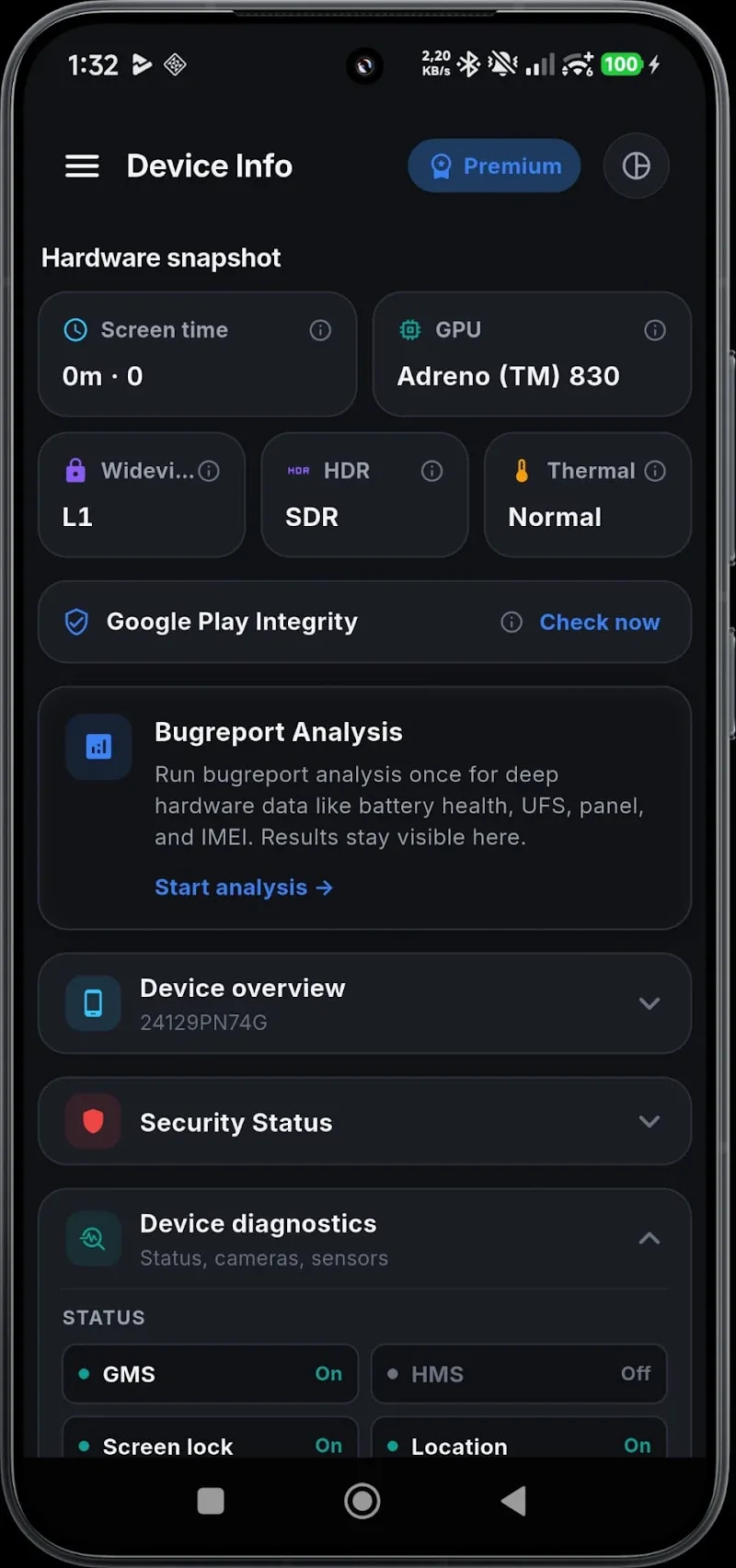
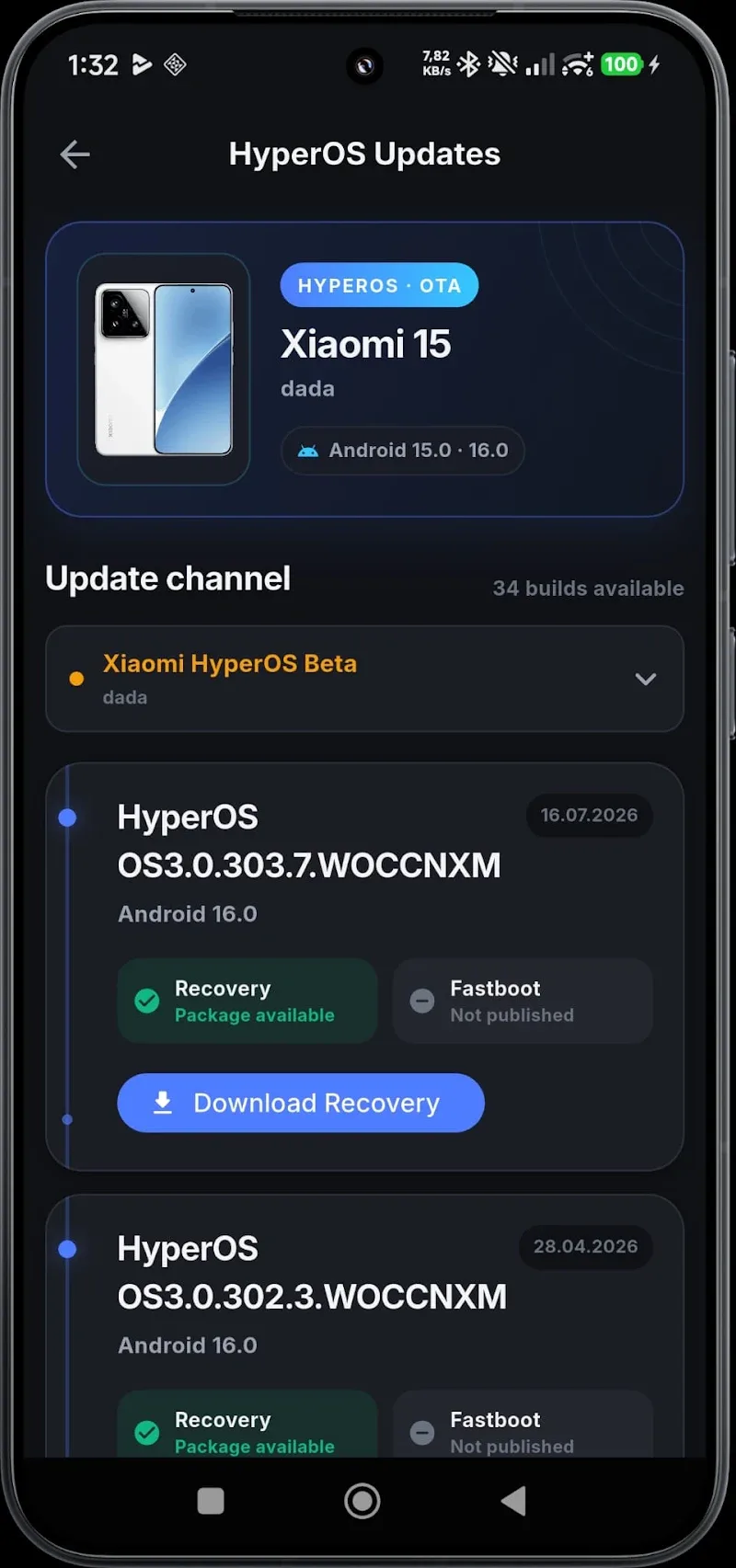
At its core, getConf - Hidden Settings gathers a range of obscure and useful Android configuration screens into a single interface. Instead of navigating multiple menus or relying on ADB commands, you can jump to diagnostic menus, developer panels, and vendor-specific panels with a tap. The app organizes options by category and provides contextual descriptions so you know what each item affects before you change it.
Key capabilities
- Centralized access: One place to reach hidden device menus that are otherwise buried in the system.
- Searchable index: Quickly find settings by keyword or function instead of guessing where a menu lives.
- Safe shortcuts: Create shortcuts to frequently used panels for faster troubleshooting or tuning.
- No root required: Many features work without root, reducing risk and complexity.
- Exportable links: Save or share links to specific settings panels with colleagues or support staff.
How it works
The app maps known intents and activity names to visible entries. When you select an item, getConf - Hidden Settings launches the corresponding system activity or a bundled helper view. For advanced operations, the app can provide brief warnings and recommend backups before toggles that affect core behavior. Because it uses documented intents and vendor-provided activities, it remains compatible across a wide range of devices and Android versions.
User interface and layout
The interface keeps things minimal and practical: lists, searchable headings, and small explanatory notes for each entry. Icons and categories help you scan quickly. A settings panel within the app controls appearance (including a dark theme), list density, and how warnings are displayed. The result is a utility that feels like an extension of the Android settings app rather than an unrelated tool.
Practical uses and workflows
Technicians and advanced users find getConf - Hidden Settings useful for diagnostics, enabling test modes, and validating hardware behavior. For app developers the app reduces the friction when you need to toggle system options during testing. Typical workflows include:
- Locating hardware test menus for cameras or connectivity components.
- Enabling or disabling specialized developer toggles during QA cycles.
- Creating homescreen shortcuts to speed up repetitive checks.
Performance and compatibility
The app is lightweight and designed to avoid background services, minimizing battery and memory use. Because it relies on intents and system activities, availability of some menus can vary by manufacturer and Android release. The app gracefully hides entries that aren't present on the current device, giving a clean experience without dead links.
Tips for new users
- Start with read-only exploration: Browse entries and read descriptions before changing anything.
- Make a quick backup: Use system backup tools when you plan to change persistent settings.
- Create shortcuts: Pin the most-used panels to your launcher to save time.
- Use search: Type keywords like "battery", "camera", or "developer" to jump directly to relevant options.
Security and safety notes
The app surfaces powerful system controls, so it includes contextual warnings for options that may impact stability or security. It does not require root for common flows, and it avoids undocumented hacks. Users should exercise caution with any toggle that changes network, SELinux, or boot behavior.
Installation and first steps
Installation is straightforward from any standard app distribution channel. After opening getConf - Hidden Settings, grant the minimal permissions it requests for launching system panels. Spend a few minutes exploring categories and enabling the developer-friendly options you need. If a panel is unavailable, the app gives a short explanation and an alternative route where possible.
For anyone who maintains devices, tests apps, or likes to understand what’s running under the hood, getConf - Hidden Settings is a practical, low-friction way to reach the controls often hidden out of sight. It streamlines discovery and reduces the time spent hunting through fragmented settings menus, while keeping the experience clear and approachable.
Show More
Information
Screenshots
Latest Update











Latest News
-
![Revealing the Launch Playlists and Cross-Progression for COD Warzone Mobile News]()
-
![March 2024 Free Redemption Codes for Honkai: Star Rail News]()
-
PUBG Mobile Teams Up with Bentley Motors: Luxury Cars, Exclusive Collectibles, and Beyond 2024-04-18
![PUBG Mobile Teams Up with Bentley Motors: Luxury Cars, Exclusive Collectibles, and Beyond News]()
-
![Monster Never Cry is now accessible on both Android and iOS mobile devices. News]()
-
V2.2 of the Farlight 84 update introduces an overhauled Season structure, fresh in-game currency, an 2024-04-16
![V2.2 of the Farlight 84 update introduces an overhauled Season structure, fresh in-game currency, an News]()
-
![Arrival of Genshin Impact 4.6 Update: 'Embers of Two Realms, Twilight of Crimson' News]()
-
April 2024 Clash of Clans Update: Unveiling a Fresh Companion, Enhanced Levels, Chat Tagging, and Be 2024-04-16
![April 2024 Clash of Clans Update: Unveiling a Fresh Companion, Enhanced Levels, Chat Tagging, and Be News]()






