

Remote Fire TV
Version:3.1.0
Published:2026-11-04
Introduction
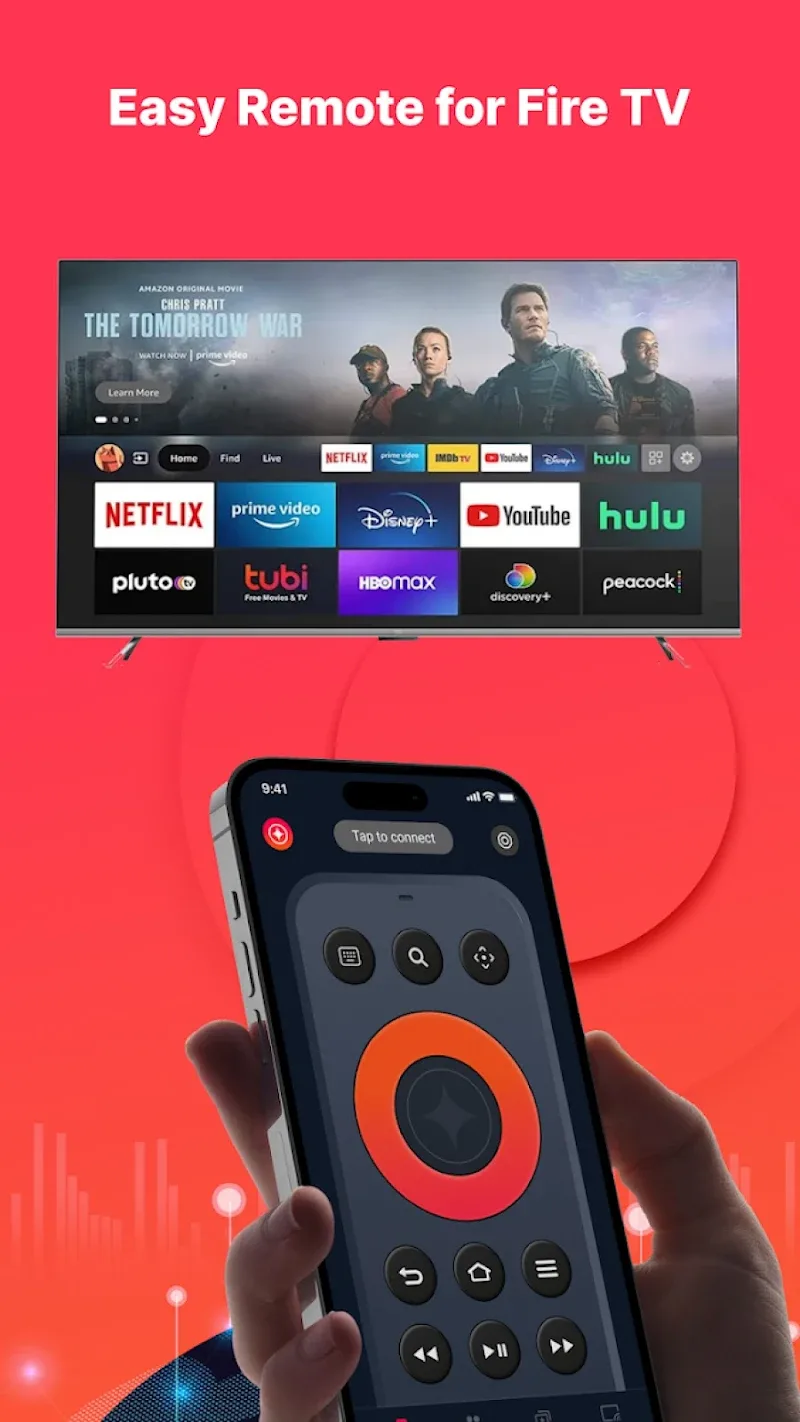
Remote Fire TV transforms your Android phone into a straightforward, reliable remote for Amazon Fire TV and Fire TV Stick devices, offering directional controls, playback buttons, voice input, and customizable layouts to navigate apps, launches, and streaming content without a physical remote.
What Remote Fire TV brings to the table
Remote Fire TV is designed for people who want immediate control over their streaming box without hunting for a misplaced remote. The app mirrors the essential buttons found on a hardware remote — navigation pad, select, back, home, and media controls — while adding touch-friendly gestures and shortcuts to speed up routine tasks like scrubbing video, launching favorite apps, or switching inputs.
Core features and tools
At its core, Remote Fire TV focuses on practical, frequently used controls presented in a clean layout. Highlights include:
- Navigation and selection: A responsive D-pad and select key for menus and apps.
- Playback controls: Play, pause, fast-forward, rewind and skip; long-press options for precision seeking.
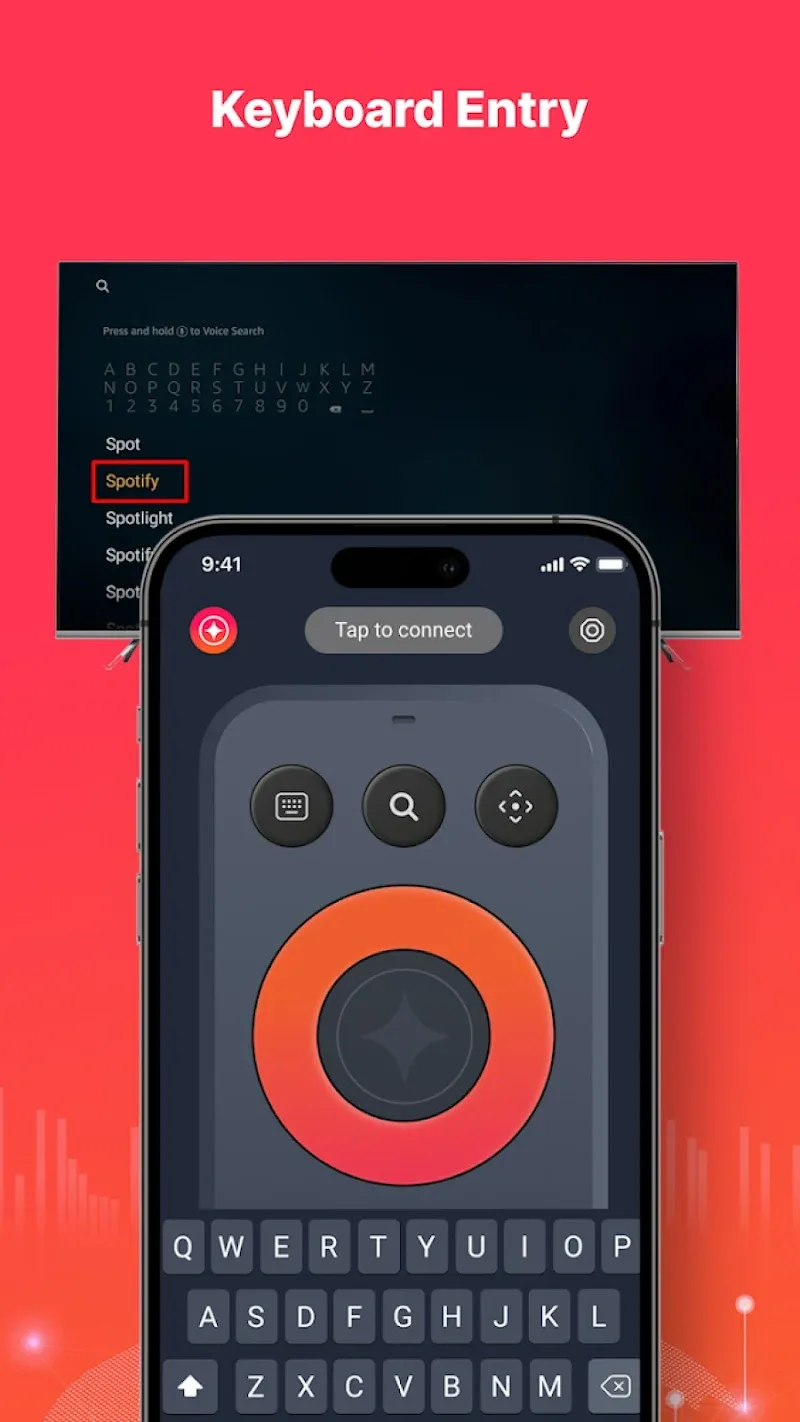
- Voice input: Microphone integration to trigger Fire TV voice search and commands when available.
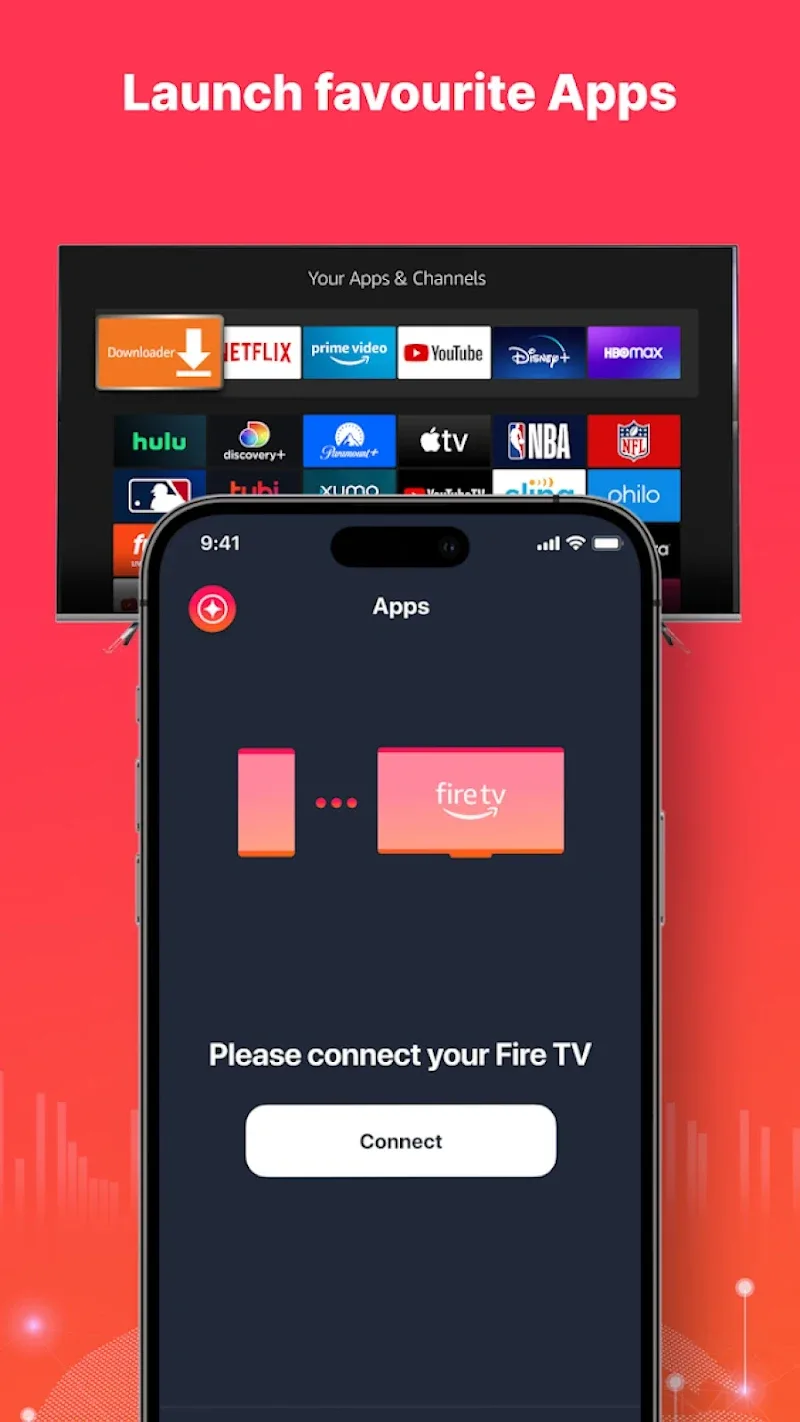
- Custom shortcuts: Pin apps and channels to the home screen within the app so you can jump to content with one tap.
- Fullscreen touchpad mode: Use swipe gestures for cursor-style control in apps that support it.
Interface and daily workflow
The interface emphasizes legibility and minimal steps. Buttons are laid out to reduce accidental presses and provide clear feedback on touch. The home view groups the most-used functions and shows a device status indicator so you can confirm connection and battery life at a glance. For multitasking, the app keeps media controls persistent while you explore settings or switch streaming services.
Setting up and pairing with Fire TV
Pairing Remote Fire TV is straightforward: ensure your Android device and Fire TV are on the same Wi-Fi network, allow the app to discover local devices, then accept the pairing request on the TV. The process typically takes less than a minute and requires no special account. For added convenience, the app remembers recently paired devices and provides a quick reconnect button to resume control instantly.
Compatibility and device support
Remote Fire TV supports a broad range of Amazon hardware including Fire TV Stick and full-size Fire TV boxes across different generations. It is built to be compatible with a variety of Android phones and tablets and adapts its layout to different screen sizes. If a particular Fire TV model limits voice features or gestures, the app gracefully degrades to basic navigation and playback controls so core functionality remains available.
Performance and reliability
Performance is tuned for low latency so button presses feel instant during navigation and playback. The app minimizes background battery usage and offers an option to keep the connection alive only while the screen is on. Connection recovery is automatic in most cases; if the network drops, the app attempts to reconnect without requiring a full pairing cycle, reducing interruptions while watching live shows or movies.
Customization and advanced settings
For power users, Remote Fire TV provides customization options to tailor the experience. You can rearrange buttons, enable a larger D-pad for accessibility, and switch between light and dark themes to match your device. Advanced settings also allow for gesture sensitivity tweaks and the ability to export or reset layout presets.
Practical tips for better control
- Place a favorite apps shortcut on the app’s home to launch streaming services in one tap.
- Use long-press on playback buttons to perform precise scrubbing during long-form content.
- Enable voice input only when needed to conserve battery and reduce mic usage.
- Keep both devices on the same network band (2.4GHz or 5GHz) if you experience intermittent disconnections.
Who will benefit most
Remote Fire TV is ideal for households that want a quick replacement for a misplaced physical remote, users who prefer touch controls over physical buttons, and anyone who values shortcuts for frequently used streaming services. Its combination of essential controls, voice access, and customization makes it a practical companion to any Fire TV setup.
With a lightweight footprint and a focus on reliable everyday use, Remote Fire TV offers a practical, well-organized remote experience that keeps navigating and streaming simple from your Android device.
Show More
Information
Screenshots
Latest Update
-
![Lines Gold Pro - Icon Pack APK]()
Lines Gold Pro - Icon Pack
-
![Remote Fire TV APK]()
Remote Fire TV
-
![Flight Dark Pro - Icon Pack APK]()
Flight Dark Pro - Icon Pack
-
![Ares Light: Pastel Icon Pack APK]()
Ares Light: Pastel Icon Pack
-
![getConf - Hidden Settings APK]()
getConf - Hidden Settings
-
![Dots Live Wallpaper - Battery APK]()
Dots Live Wallpaper - Battery
-
![Chroma - Icon Pack APK]()
Chroma - Icon Pack
-
![One UI Fluffy Icon Pack APK]()
One UI Fluffy Icon Pack
-
![Pixly Limitless Fluo Icon Pack APK]()
Pixly Limitless Fluo Icon Pack
-
![Compress Video - Resize Video APK]()
Compress Video - Resize Video
-
![Pixly Professional Dark APK]()
Pixly Professional Dark
-
![Tracker Detect Pro APK]()
Tracker Detect Pro











Hot Tags
Latest News
-
![Revealing the Launch Playlists and Cross-Progression for COD Warzone Mobile News]()
-
![March 2024 Free Redemption Codes for Honkai: Star Rail News]()
-
PUBG Mobile Teams Up with Bentley Motors: Luxury Cars, Exclusive Collectibles, and Beyond 2024-04-18
![PUBG Mobile Teams Up with Bentley Motors: Luxury Cars, Exclusive Collectibles, and Beyond News]()
-
![Monster Never Cry is now accessible on both Android and iOS mobile devices. News]()
-
V2.2 of the Farlight 84 update introduces an overhauled Season structure, fresh in-game currency, an 2024-04-16
![V2.2 of the Farlight 84 update introduces an overhauled Season structure, fresh in-game currency, an News]()
-
![Arrival of Genshin Impact 4.6 Update: 'Embers of Two Realms, Twilight of Crimson' News]()
-
April 2024 Clash of Clans Update: Unveiling a Fresh Companion, Enhanced Levels, Chat Tagging, and Be 2024-04-16
![April 2024 Clash of Clans Update: Unveiling a Fresh Companion, Enhanced Levels, Chat Tagging, and Be News]()






