

WallGenius
Version:5.0.3
Published:2026-11-05
Introduction
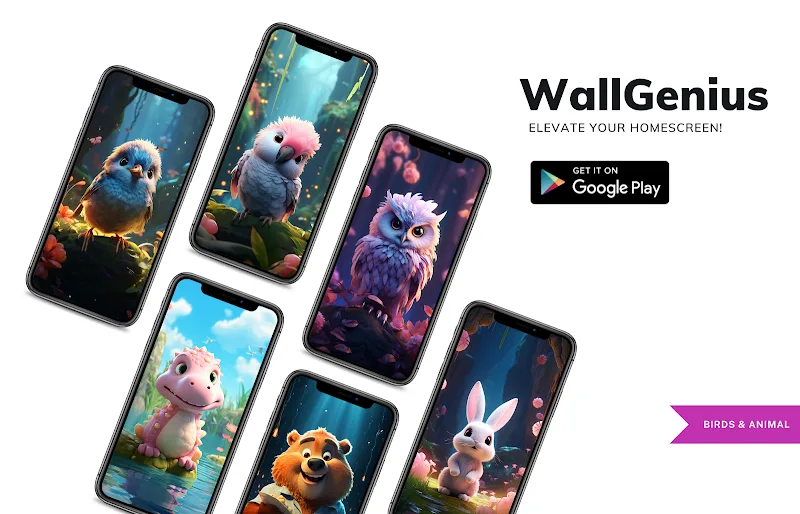
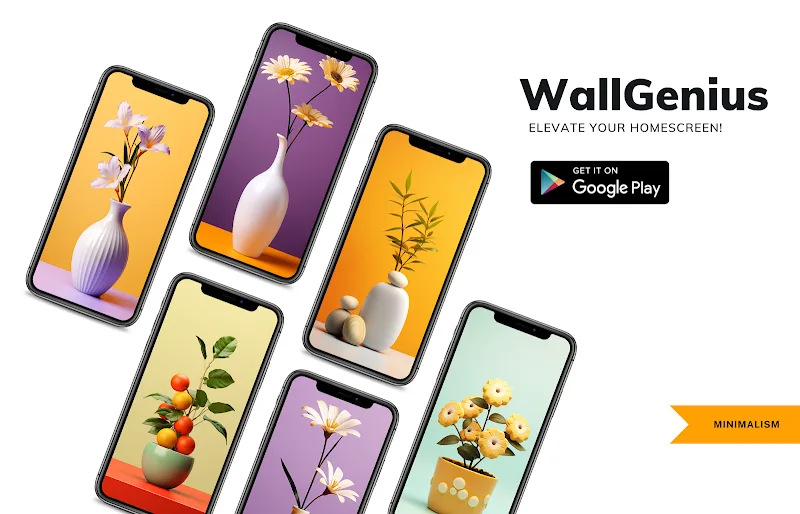
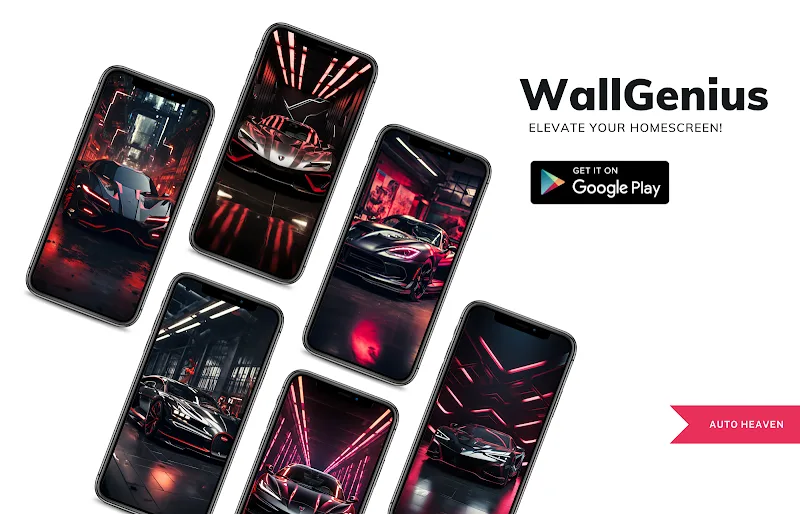
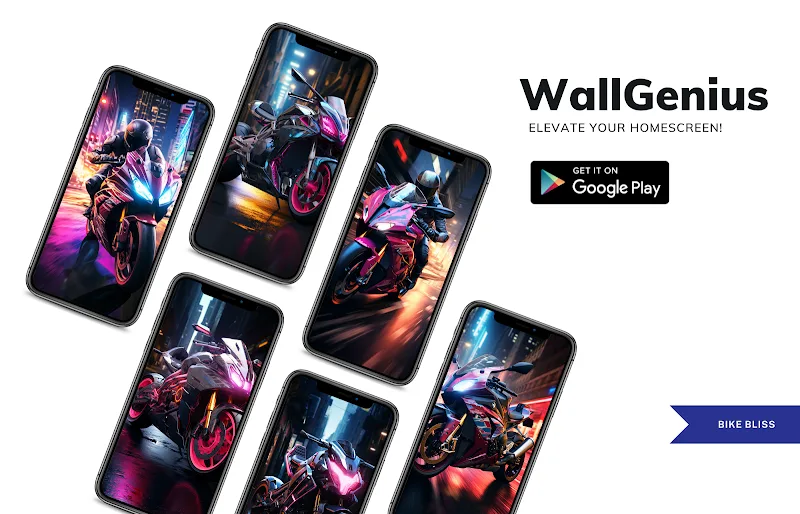
Drowning in low-resolution backgrounds and endless scrolling for something that actually looks good? WallGenius arrives as a tidy alternative, offering a curated collection of high-resolution wallpapers and simple tools that make it easy to refresh your device look without fuss. This app bundles a wide variety of visual styles, fast search and saving options, and enough polish to keep your home and lock screens feeling modern. If you change wallpapers often or want a go-to source of striking images, WallGenius is built to speed the process and keep results consistent.
Categories:
Abstract & Patterns: Bold shapes, gradients and minimalist art let you choose a non-distracting backdrop that still packs personality.
Nature & Landscapes: Mountain views, sunsets and forests in high fidelity deliver depth and color for scenic lock screens.
Urban & Tech: City skylines, neon scenes and circuit-inspired designs suit users who prefer a modern or futuristic vibe.
Features:
Ultra-quality images: WallGenius supplies large-format wallpapers that stay sharp on high-density screens and avoid pixelation when applied.
Organized library: The app groups content into clear folders and themed collections so you can browse by mood or topic without hunting.
Fast search and filters: A responsive search box plus tag and category filters help you narrow choices quickly, useful when you need a specific color or subject.
One-tap apply and save: Apply a wallpaper directly to home or lock screen in a few taps, or save favorites into a personal folder for later swapping.
Lightweight performance: Designed to load previews quickly and minimize memory use, WallGenius won’t slow down day-to-day use on midrange devices.
Tips and Tricks:
Match icons to wallpaper: Pick wallpapers with a consistent color palette and tweak icon packs or widgets to create a cohesive home screen look.
Use favorites for themes: Create several favorite lists inside WallGenius for different moods — for example, work, weekend and workout — so changing setups is fast.
FAQs:
How do I apply a wallpaper from WallGenius?
Open the image you like and use the apply button to set it to your home screen, lock screen or both. Cropping options are available for different aspect ratios.
Can I download wallpapers for offline use?
Yes, saved wallpapers are stored locally so you can switch even when you don’t have an internet connection.
Are there any in-app purchases or ads?
The app may offer optional upgrades and may include ads in the free version; premium options usually remove ads and unlock extra collections.
Conclusion:
If you want a straightforward way to refresh your phone’s look with high-definition wallpapers, WallGenius is the perfect choice for quick swaps and reliable image quality. Try WallGenius to organize favorite themes, set attention-grabbing backgrounds and keep your device feeling fresh with minimal effort.
Show More
Information
Screenshots

Latest Update










Hot Tags
Latest News
-
![Revealing the Launch Playlists and Cross-Progression for COD Warzone Mobile News]()
-
![March 2024 Free Redemption Codes for Honkai: Star Rail News]()
-
PUBG Mobile Teams Up with Bentley Motors: Luxury Cars, Exclusive Collectibles, and Beyond 2024-04-18
![PUBG Mobile Teams Up with Bentley Motors: Luxury Cars, Exclusive Collectibles, and Beyond News]()
-
![Monster Never Cry is now accessible on both Android and iOS mobile devices. News]()
-
V2.2 of the Farlight 84 update introduces an overhauled Season structure, fresh in-game currency, an 2024-04-16
![V2.2 of the Farlight 84 update introduces an overhauled Season structure, fresh in-game currency, an News]()
-
![Arrival of Genshin Impact 4.6 Update: 'Embers of Two Realms, Twilight of Crimson' News]()
-
April 2024 Clash of Clans Update: Unveiling a Fresh Companion, Enhanced Levels, Chat Tagging, and Be 2024-04-16
![April 2024 Clash of Clans Update: Unveiling a Fresh Companion, Enhanced Levels, Chat Tagging, and Be News]()






