
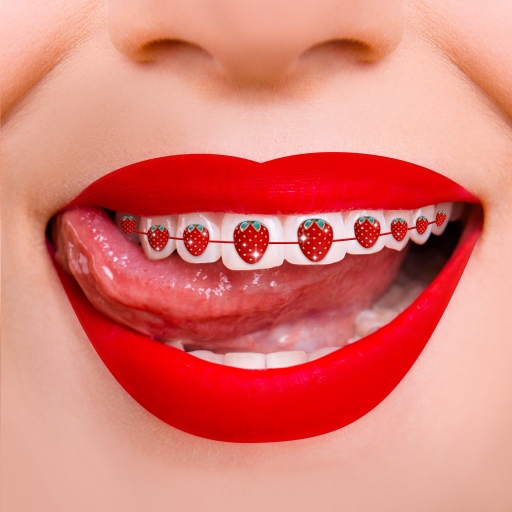
Braces Photo Editor
Version:2.5.7
Published:2026-10-12
Introduction
Braces Photo Editor is a specialized image app that helps users add realistic dental braces and orthodontic accessories to photos quickly and precisely. Designed for casual users and professionals, the app combines intuitive controls with a variety of bracket styles to create convincing before-and-after mockups in minutes.
What this app does
At its core, Braces Photo Editor lets you place and customize orthodontic elements on facial photos. The editor supports adjustable colors, wire styles, and bracket shapes so results can range from subtle cosmetic previews to detailed simulation for consultations. It aims to bridge casual fun photo editing and practical visualization for dental planning.
Key tools and capabilities
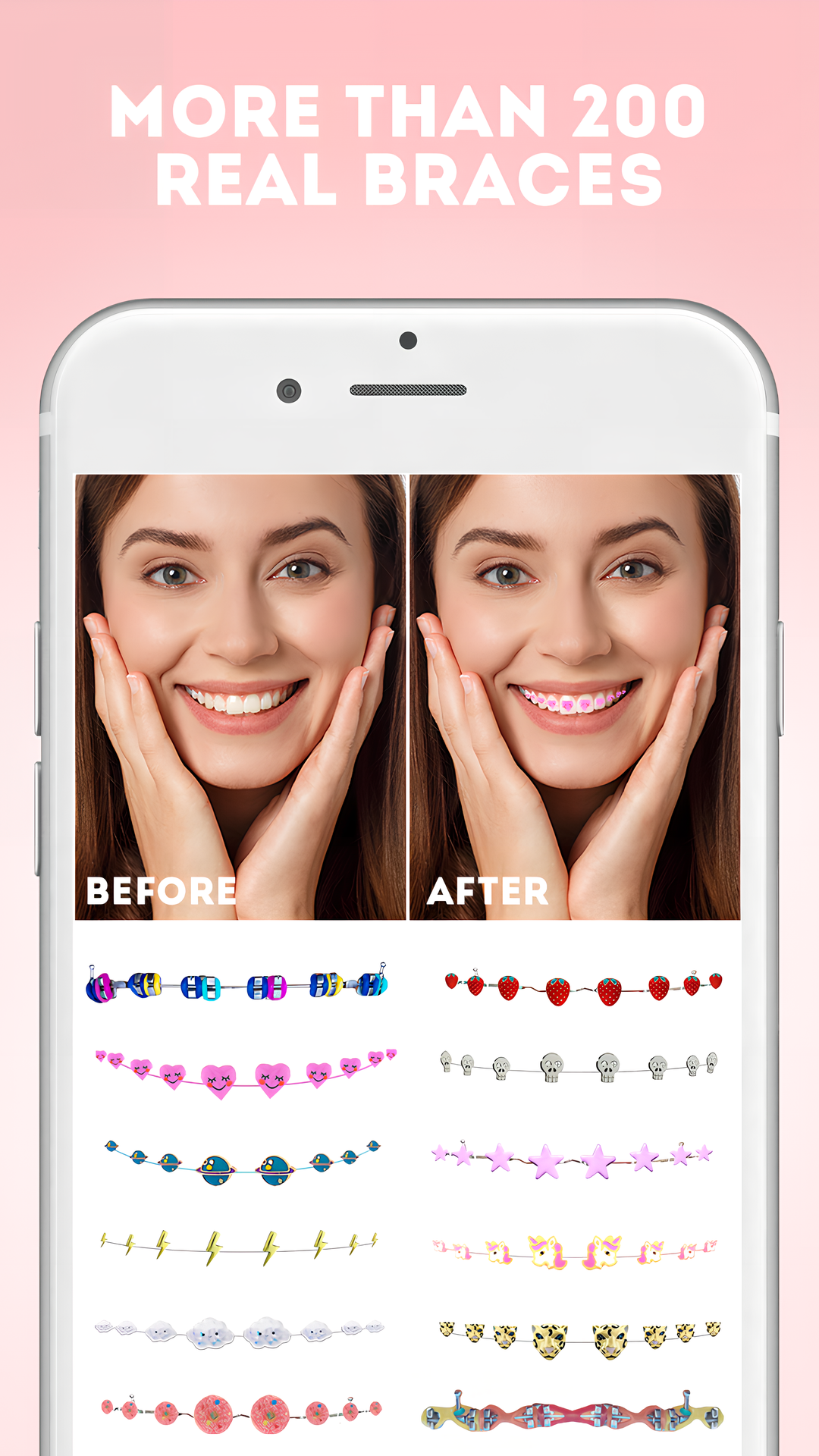
- Bracket library: Multiple bracket designs including metal, ceramic, and colored options to match real-life varieties.
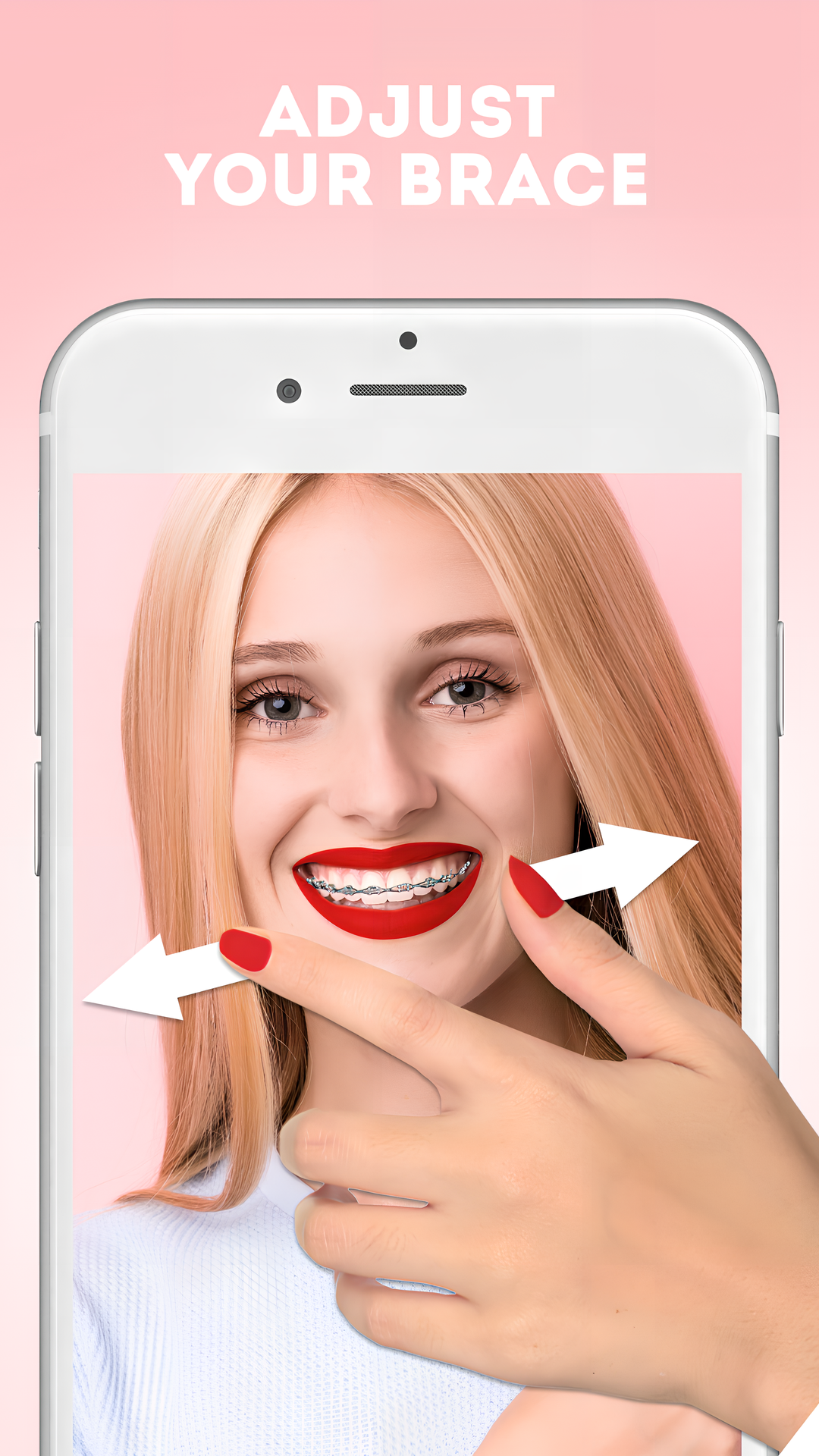
- Wire adjustment: Bend, curve, and reposition wires to follow tooth contours precisely.
- Color controls: Hue, saturation, and brightness sliders for both brackets and elastics.
- Precision placement: Snap points and fine-tune handles for accurate alignment on each tooth.
- Export options: Save high-resolution images for sharing or printing.
User interface and workflow
The interface is laid out to reduce friction: a large preview canvas sits above a strip of tools for quick access. Braces Photo Editor groups routine actions into clearly labeled panels so beginners can start with automatic placement, while experienced users can switch to manual mode for pixel-level adjustments. Tooltips and unobtrusive guides appear the first time you use each feature.
How the editor operates
Workflow begins by importing a photo or taking one with your device camera. Automatic tooth detection can identify key anchor points, then the app proposes an initial braces layout. From there you can drag anchors, change wire tension, and swap bracket types. Changes are applied non-destructively so you can revert or compare multiple versions without losing the original image.
Customization and creative choices
Customization is a strong suit. You can create subtle previews for clinical conversations or playful images with bright elastics for social sharing. Braces Photo Editor includes preset themes like "Natural," "Vibrant," and "Retro" so you can apply a cohesive look fast. Each preset adjusts multiple parameters at once, then allows independent tweaking.
Performance and compatibility
The app is optimized for modern Android devices and balances image quality with performance. Rendering happens locally to keep edits responsive and secure. On mid-range phones the app maintains smooth interaction thanks to efficient layering and GPU acceleration. Exported files can be adjusted for resolution based on your storage and sharing needs.
Practical use cases
- Patient consultations: Dentists and orthodontists can generate visual aids to explain treatment options.
- Before-and-after previews: Individuals considering braces can preview likely outcomes.
- Marketing content: Clinics and influencers can create polished visuals without a full graphics workflow.
- Fun edits: Social media posts and themed photos using colorful elastics and decorative brackets.
Tips for better results
Start with a clear, front-facing photo and good lighting to improve automatic detection. Use manual anchor adjustments for complex smiles or angled shots. Experiment with wire tension controls to match natural tooth curvature. Save multiple versions so you can compare alternative treatment looks or creative ideas.
Getting started
To begin, install the app and grant camera and storage permissions when prompted. Import an image, allow automatic detection to run, and then choose a bracket style. Make incremental edits and use the preview toggles to inspect changes. Braces Photo Editor also supports undo history and built-in tutorials to shorten the learning curve.
Why people recommend it
Users appreciate the balance between realistic simulation and simple controls. The app is useful for both quick, playful posts and more formal visualization tasks. Its focused feature set keeps the interface uncluttered while providing enough depth for fine adjustments.
If you need a tool to visualize orthodontic changes or create engaging before-and-after images, Braces Photo Editor provides a blend of accuracy and ease that caters to casual users, dental professionals, and content creators alike.
Show More
Information
Screenshots
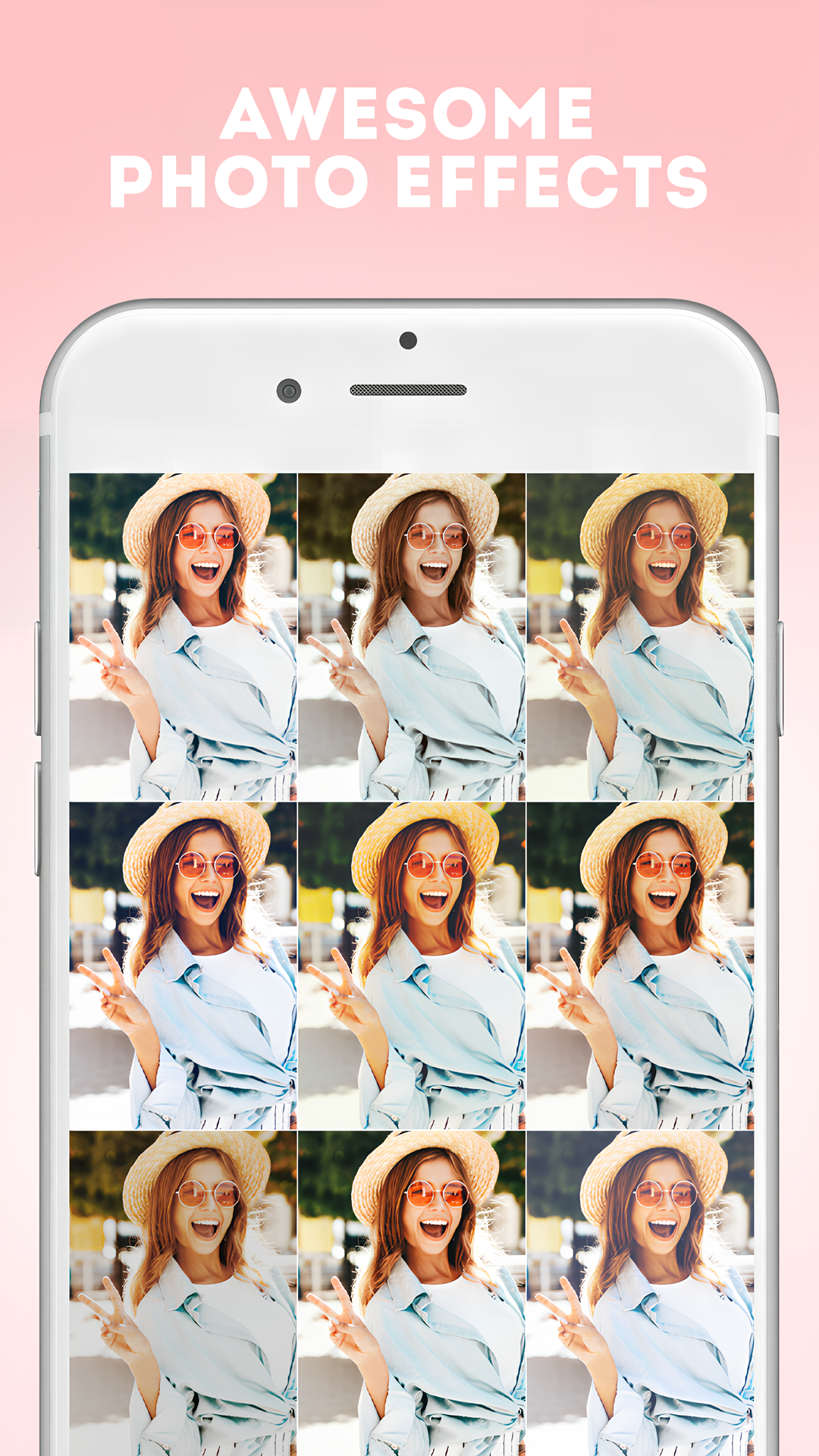
Latest Update












Latest News
-
![Revealing the Launch Playlists and Cross-Progression for COD Warzone Mobile News]()
-
![March 2024 Free Redemption Codes for Honkai: Star Rail News]()
-
PUBG Mobile Teams Up with Bentley Motors: Luxury Cars, Exclusive Collectibles, and Beyond 2024-04-18
![PUBG Mobile Teams Up with Bentley Motors: Luxury Cars, Exclusive Collectibles, and Beyond News]()
-
![Monster Never Cry is now accessible on both Android and iOS mobile devices. News]()
-
V2.2 of the Farlight 84 update introduces an overhauled Season structure, fresh in-game currency, an 2024-04-16
![V2.2 of the Farlight 84 update introduces an overhauled Season structure, fresh in-game currency, an News]()
-
![Arrival of Genshin Impact 4.6 Update: 'Embers of Two Realms, Twilight of Crimson' News]()
-
April 2024 Clash of Clans Update: Unveiling a Fresh Companion, Enhanced Levels, Chat Tagging, and Be 2024-04-16
![April 2024 Clash of Clans Update: Unveiling a Fresh Companion, Enhanced Levels, Chat Tagging, and Be News]()






