

Resource Monitor Mini Pro
Version:1.0.191
Published:2026-11-04
Introduction
Resource Monitor Mini Pro is a compact system utility that tracks CPU, RAM, battery, and network usage in real time, with lightweight overlays and historical graphs. It provides quick diagnostics, customizable widgets, and low overhead so you can monitor device performance without sacrificing battery life or responsiveness.
What the app does at a glance
Resource Monitor Mini Pro focuses on delivering clear, instant feedback about your Android device’s resource usage. Rather than overwhelming users with technical jargon, the app surfaces the most relevant metrics: CPU load per core, memory allocation, active processes, battery drain patterns, and network transfer rates, all in a small footprint.
Key tools and dashboards
The main screens are arranged to help you spot issues fast. A persistent notification or floating overlay keeps real-time numbers visible during regular use. Compact charts show short-term trends, while a timeline view stores recent spikes so you can investigate what caused them. For power users the app also lists per-app activity and allows sorting by CPU, memory, or network consumption.
Features that matter
- Real-time monitoring: Live CPU, RAM, battery, and network indicators with per-core breakdowns.
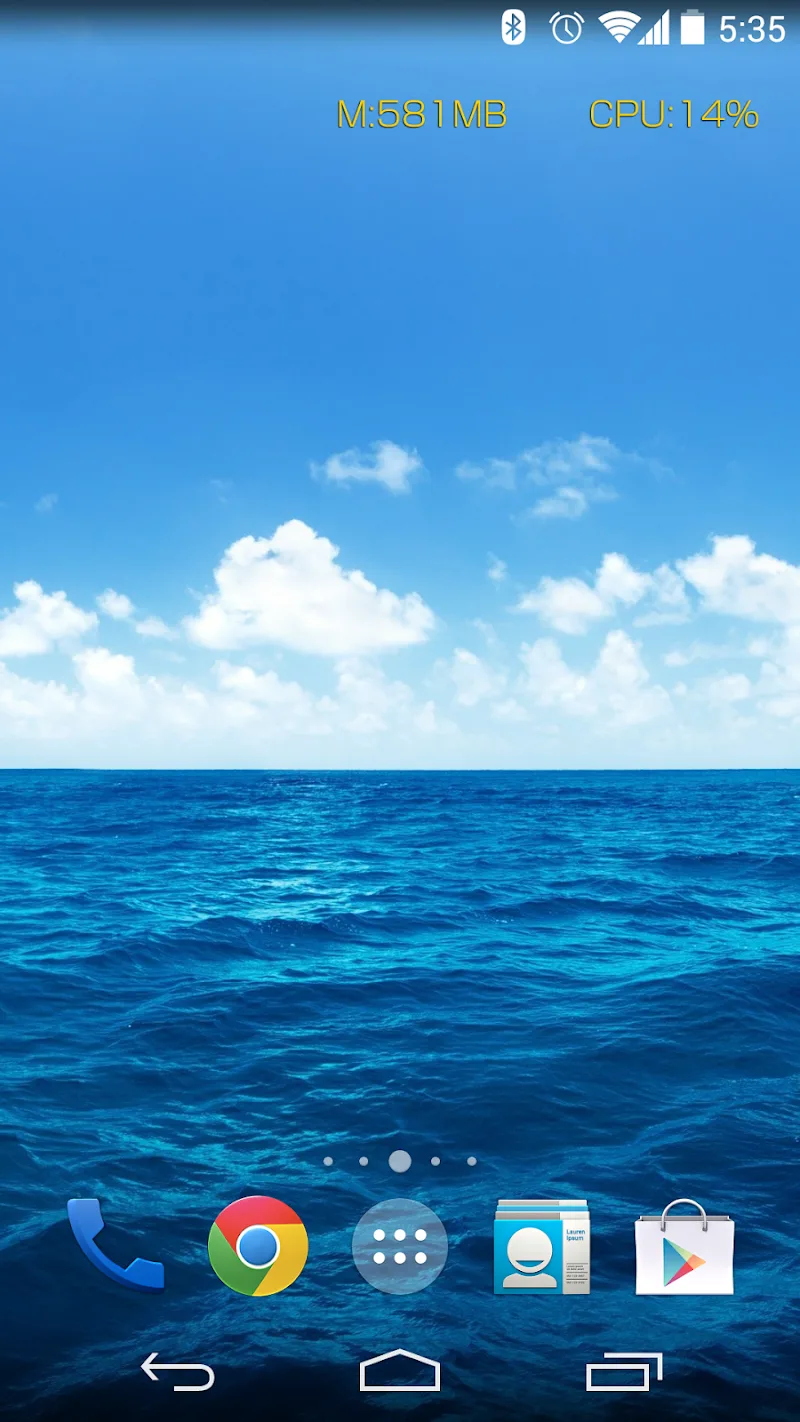
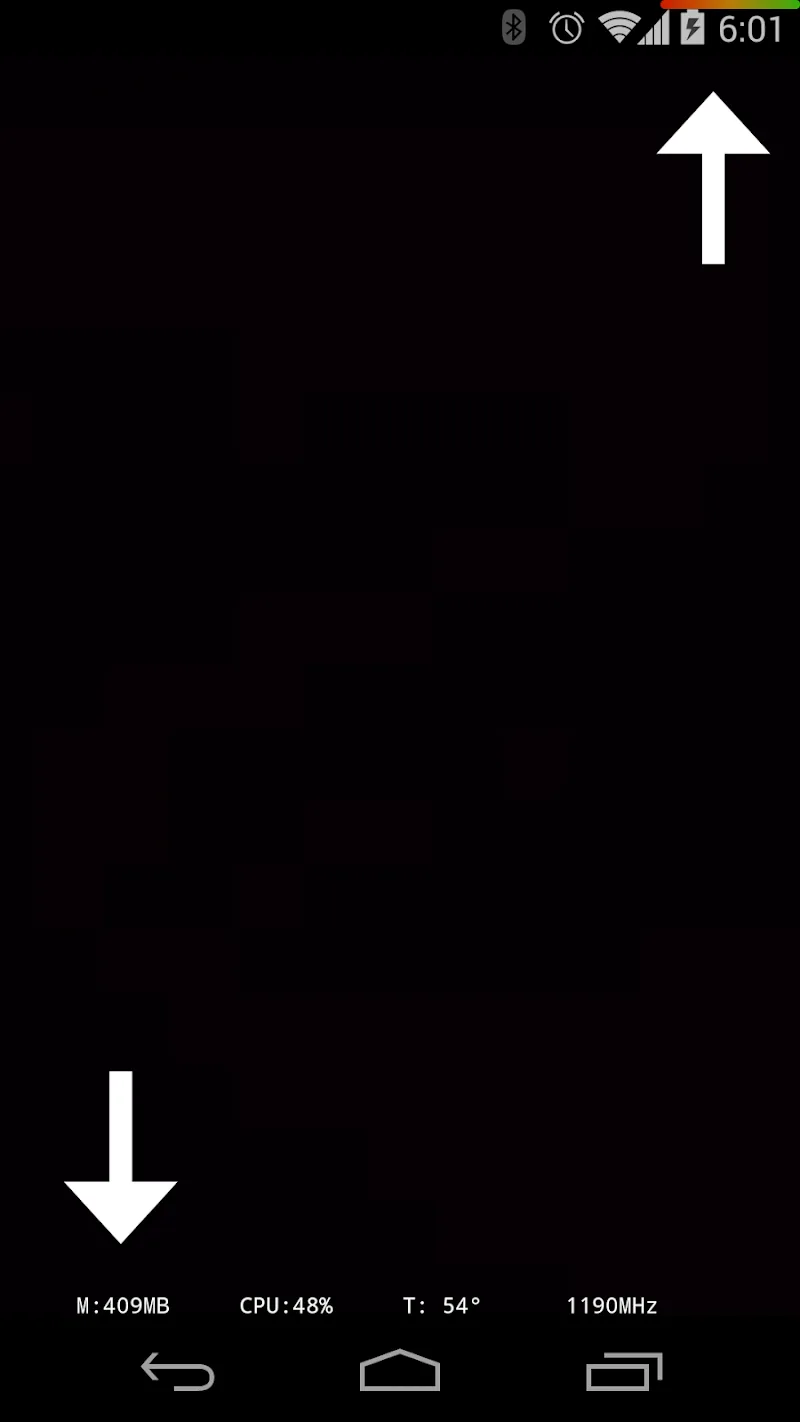
- Lightweight overlay: A small floating widget or notification that stays on top without interfering with touch input.
- Historical graphs: Short-term charts and logs that record spikes and trends over the last hours.
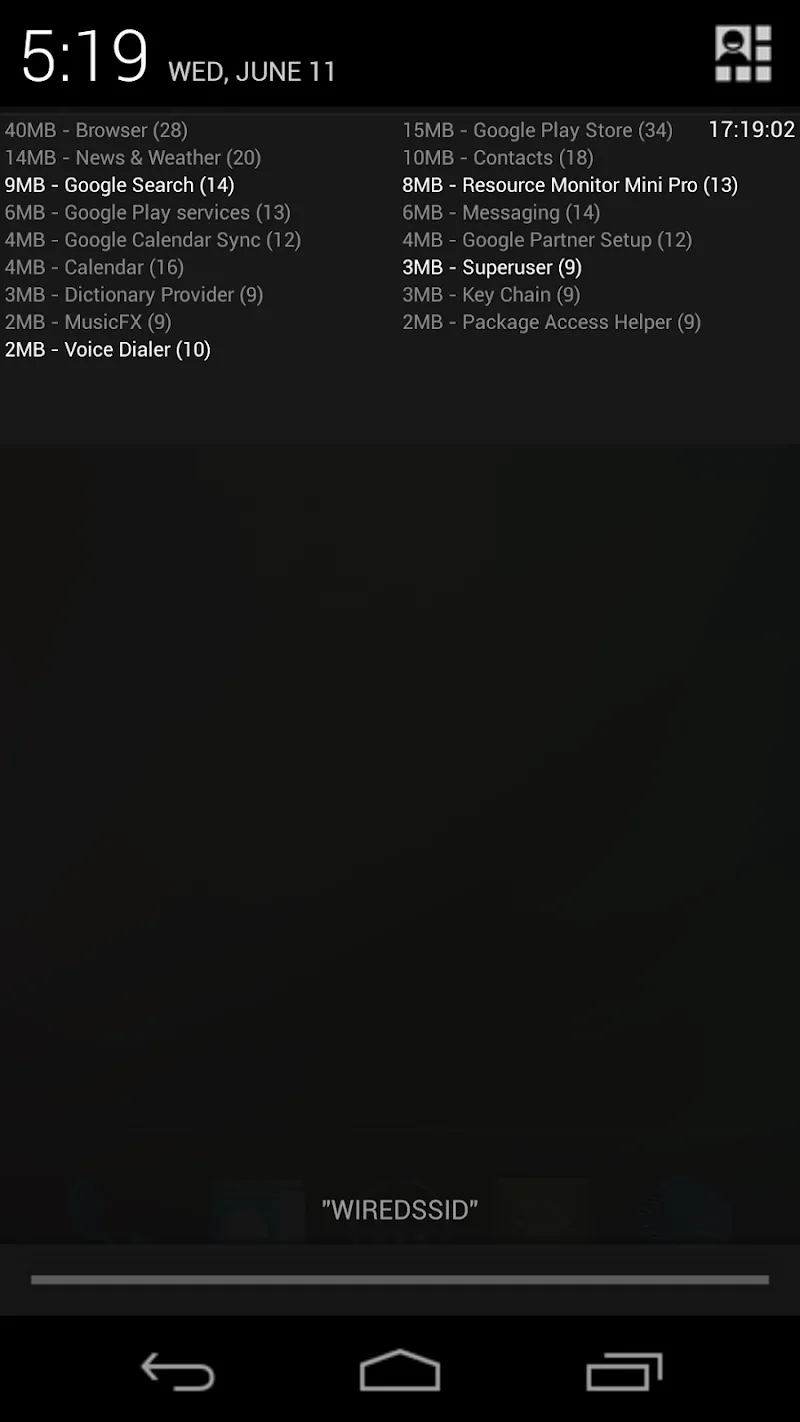
- Per-app details: Identify which apps use the most resources and when.
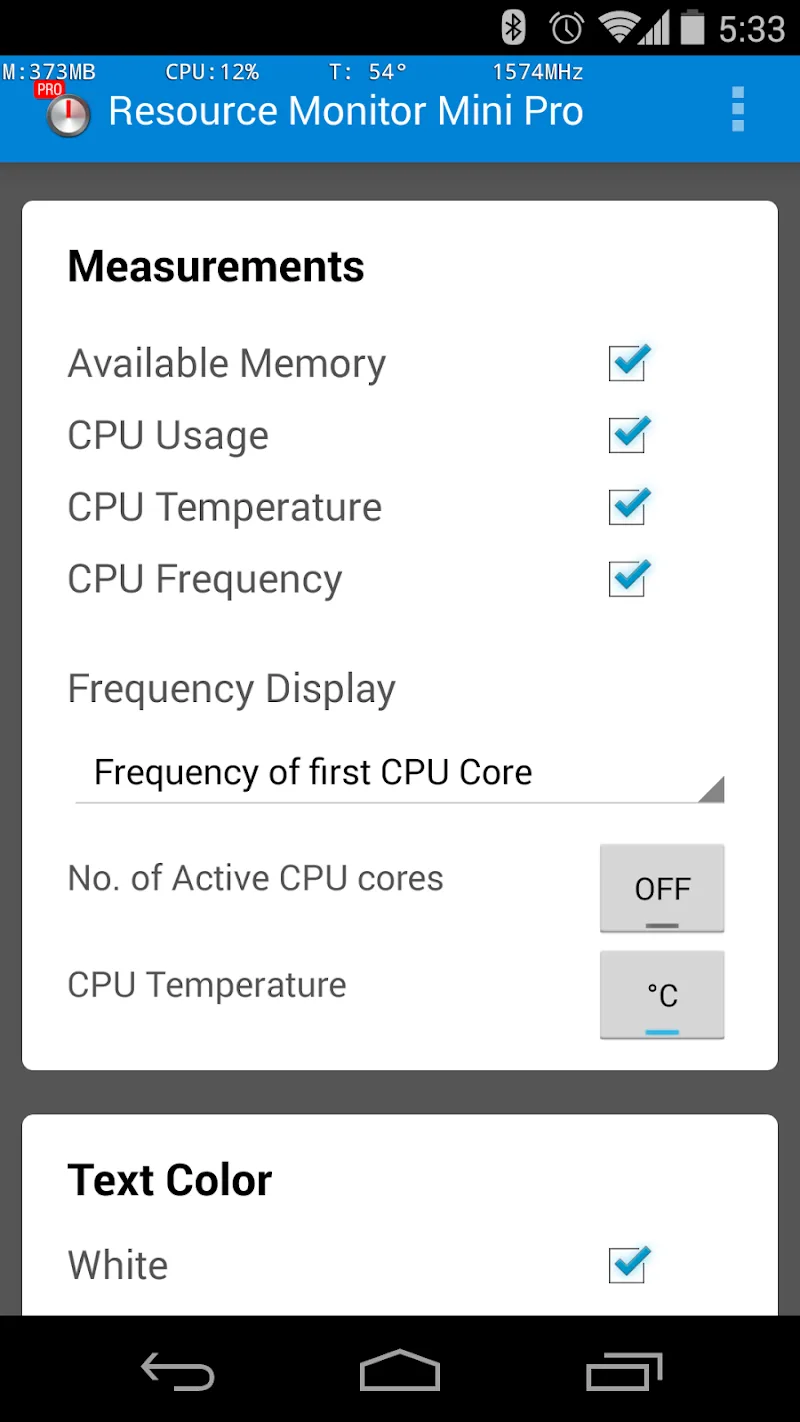
- Custom alerts: Create rules to notify you about CPU or temperature thresholds and unusual battery drain.
- Data export: Save logs for troubleshooting or share snapshots with support teams.
How it works in daily use
Installation is straightforward and the interface emphasizes clarity. After enabling any required permissions, Resource Monitor Mini Pro begins collecting lightweight telemetry. It keeps CPU sampling intervals short enough to reflect current load but long enough to avoid excessive battery impact. When a spike appears you can tap the overlay to open the app and inspect which process or socket was active at that time.
User interface and performance
The design follows utility-first principles: metrics are readable at a glance, color coding highlights problem areas, and animations are minimal to preserve battery life. Resource Monitor Mini Pro runs as a foreground service while showing an optional persistent notification so Android is less likely to terminate it under memory pressure. Even on mid-range devices the app maintains a small memory footprint.
Customization and flexibility
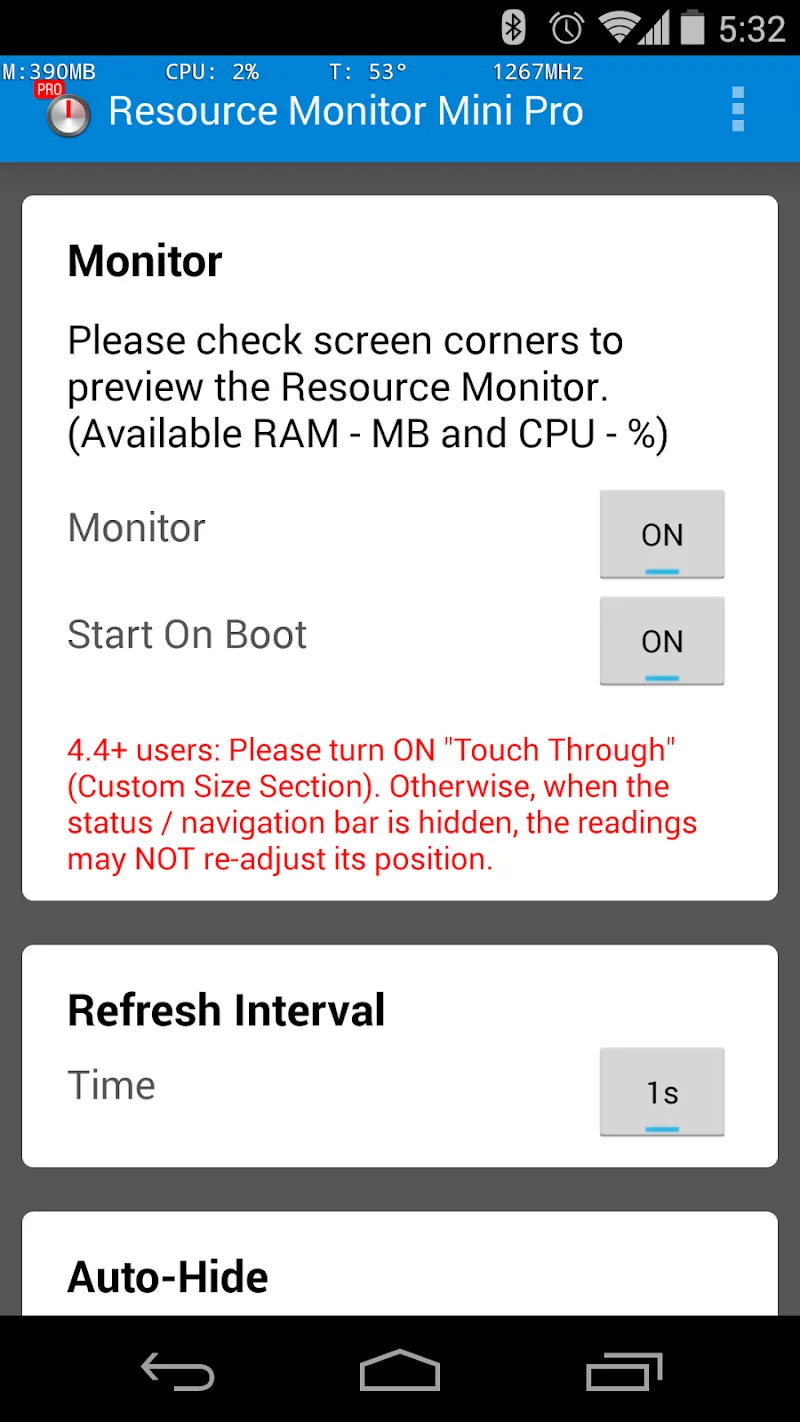
Personalization is a strong point. Choose from several widget sizes, enable dark mode to match system themes, adjust sampling rates, and set thresholds for alerts. For those who prefer a hands-off approach, predefined profiles tune the app for battery-saving, balanced monitoring, or aggressive sampling for diagnostics.
Practical tips for new users
- Start with default sampling rates to see normal behavior, then increase frequency only when diagnosing problems.
- Use the per-app view to spot background services that wake the device frequently.
- Enable logging before running resource-heavy apps to capture complete timelines for later analysis.
- Combine the overlay with the notification to keep essential data visible without cluttering the screen.
Security and privacy are treated responsibly: the app operates locally and asks only for permissions required to read system statistics. No unnecessary cloud uploads are performed unless you explicitly export logs. For troubleshooting, saved snapshots or CSV exports make it easy to share findings with a developer or support forum.
Getting started
Download, grant the necessary permissions, and choose a profile to match your goals—battery life, diagnostics, or continuous monitoring. Resource Monitor Mini Pro then sits quietly, ready to alert you when something unusual happens. Regularly review logs and adjust thresholds as you learn typical behavior for your device and apps.
For users who need a dependable and unobtrusive tool to understand device performance, Resource Monitor Mini Pro strikes a balance between detail and simplicity. Its small footprint, flexible alerts, and clear visualizations make it a practical addition to any Android toolkit.
Show More
Information
Screenshots
Latest Update











Latest News
-
![Revealing the Launch Playlists and Cross-Progression for COD Warzone Mobile News]()
-
![March 2024 Free Redemption Codes for Honkai: Star Rail News]()
-
PUBG Mobile Teams Up with Bentley Motors: Luxury Cars, Exclusive Collectibles, and Beyond 2024-04-18
![PUBG Mobile Teams Up with Bentley Motors: Luxury Cars, Exclusive Collectibles, and Beyond News]()
-
![Monster Never Cry is now accessible on both Android and iOS mobile devices. News]()
-
V2.2 of the Farlight 84 update introduces an overhauled Season structure, fresh in-game currency, an 2024-04-16
![V2.2 of the Farlight 84 update introduces an overhauled Season structure, fresh in-game currency, an News]()
-
![Arrival of Genshin Impact 4.6 Update: 'Embers of Two Realms, Twilight of Crimson' News]()
-
April 2024 Clash of Clans Update: Unveiling a Fresh Companion, Enhanced Levels, Chat Tagging, and Be 2024-04-16
![April 2024 Clash of Clans Update: Unveiling a Fresh Companion, Enhanced Levels, Chat Tagging, and Be News]()






