

FaceAI
Version:2.17.15
Published:2026-10-15
Introduction
FaceAI transforms how you edit and enhance portraits on Android by combining intelligent facial recognition, natural-looking filters, and one-tap retouching. Designed for both casual users and mobile creators, FaceAI streamlines adjustments like skin smoothing, relighting, and background blur while preserving realistic facial details and expressions.
What FaceAI Does
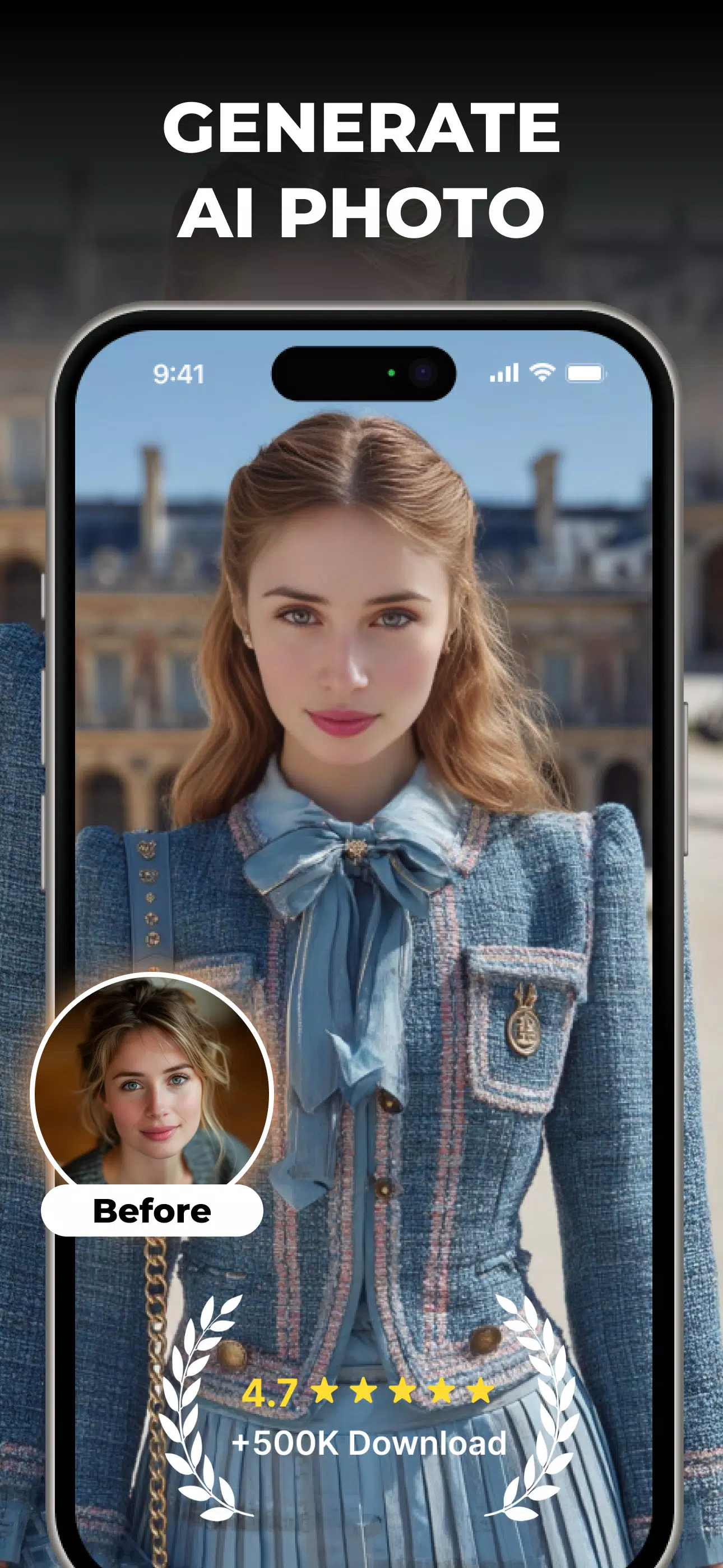
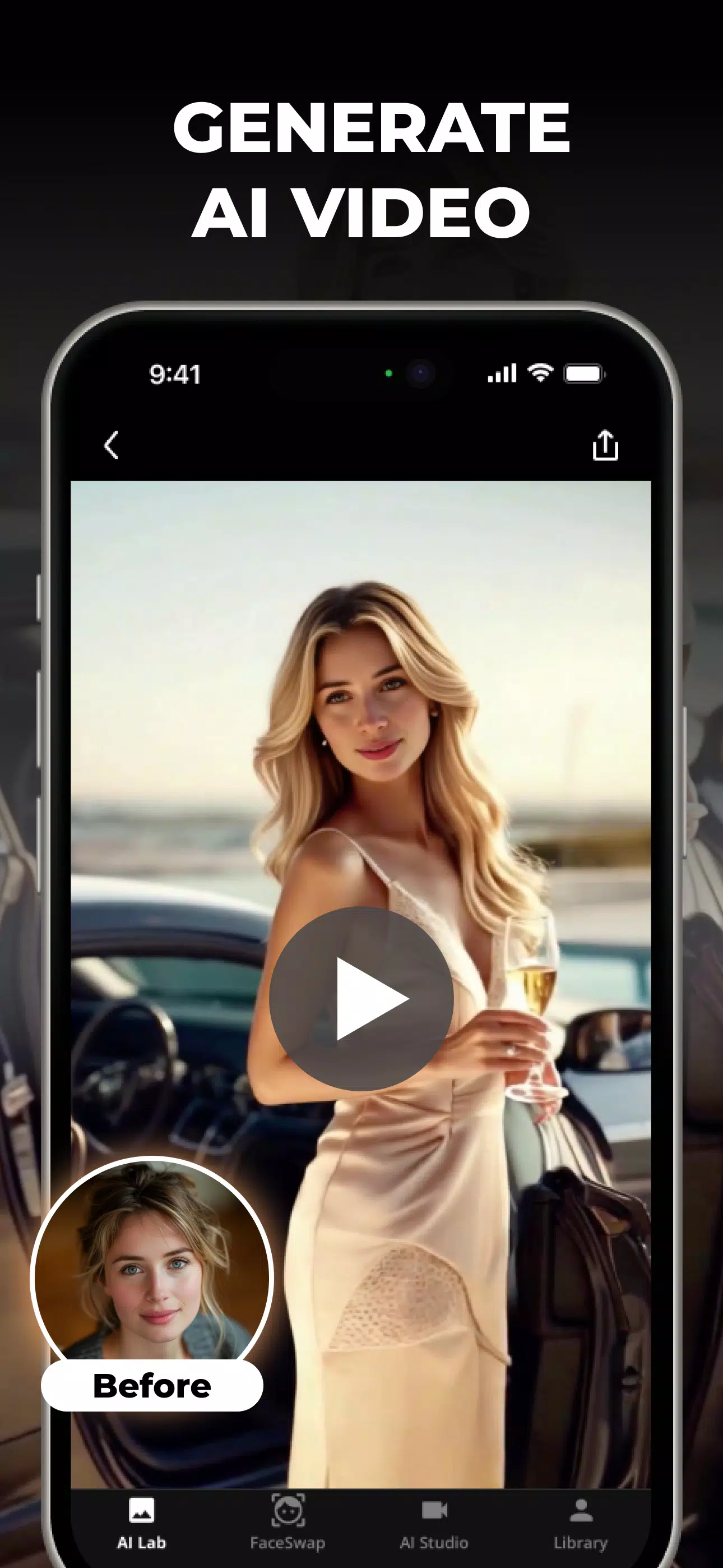
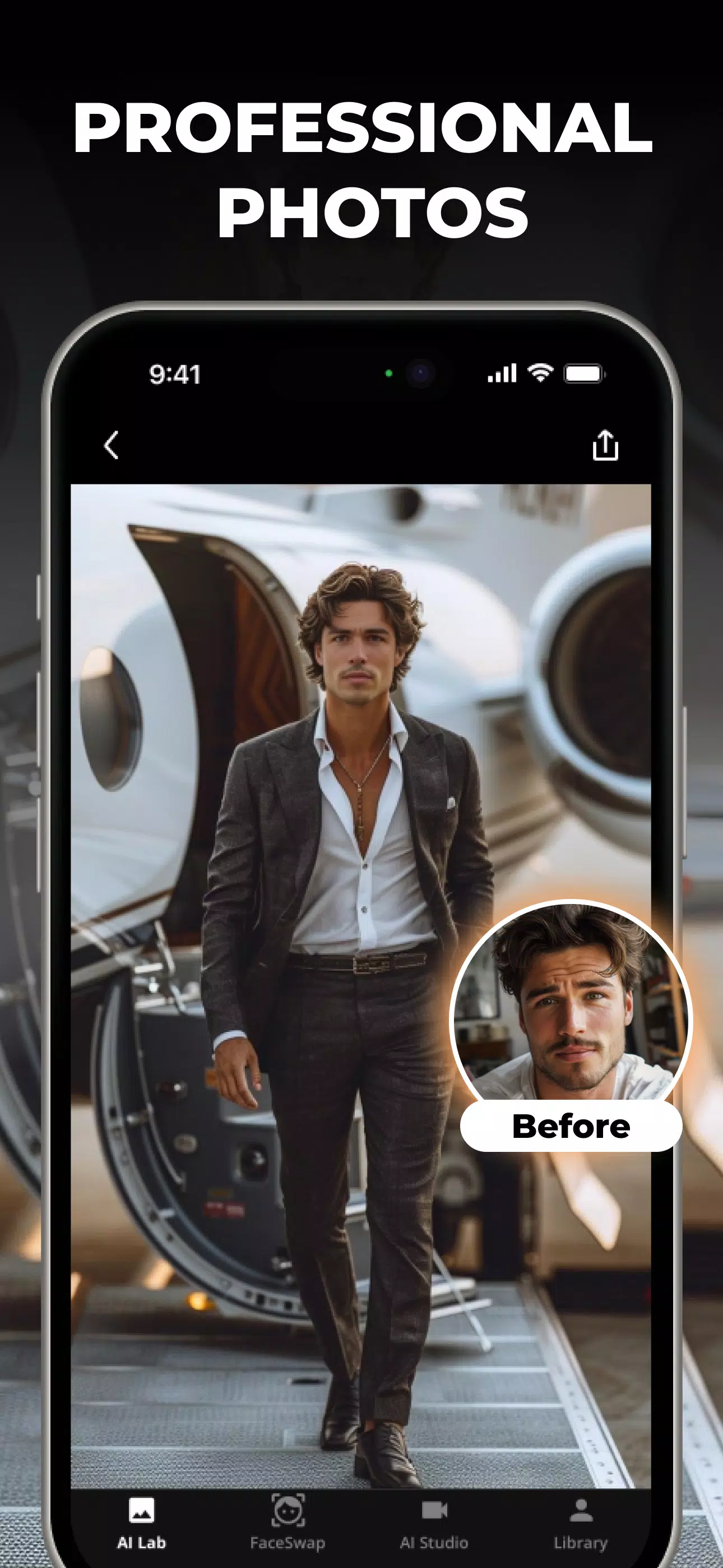
FaceAI is an image-editing tool focused on facial enhancement and creative transformations. It detects facial landmarks, applies subtle or dramatic edits, and automates routine corrections so you spend less time adjusting sliders and more time creating. The app supports single photos and batch processing for quick workflow boosts.
Key Tools and Features
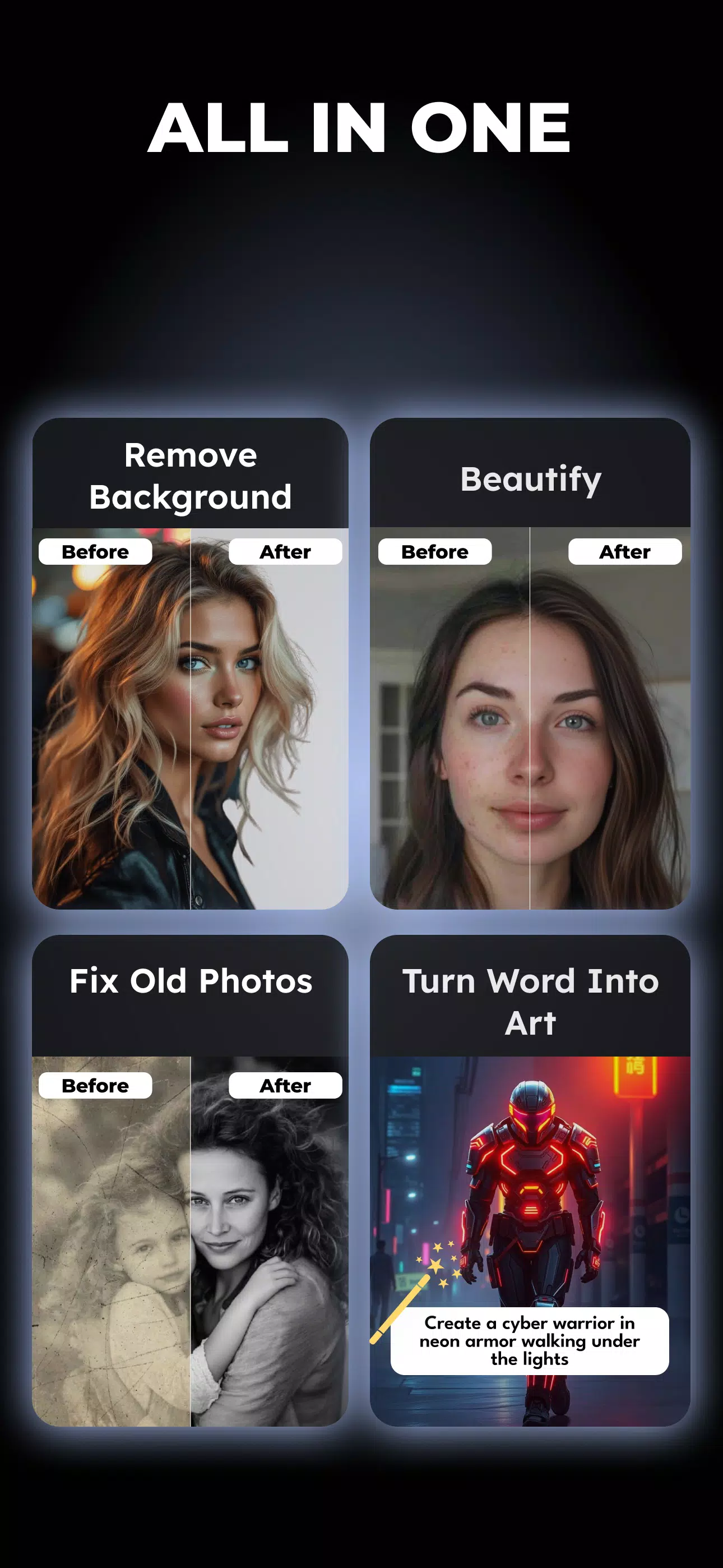
- Smart Retouch: Remove blemishes, reduce shine, and even out skin tone with adaptive algorithms that respect natural texture.
- Relight and Contour: Simulate studio lighting or enhance facial contours with directional relighting controls for depth and mood.
- Background Control: Blur or replace backgrounds while preserving hair and edge detail for clean composites.
- Expression Preservation: Subtle edits keep smiles and expressions intact, avoiding the 'over-processed' look.
- Batch Export: Apply a preset across multiple images and export in preferred formats and resolutions.
How the System Operates
FaceAI begins with face detection that maps key points—eyes, nose, mouth, jawline—so every edit aligns with the subject’s anatomy. Edits are non-destructive and layered, allowing you to toggle adjustments or return to original settings. AI models analyze skin, hair, and background separately to apply context-aware improvements.
Interface and Workflow
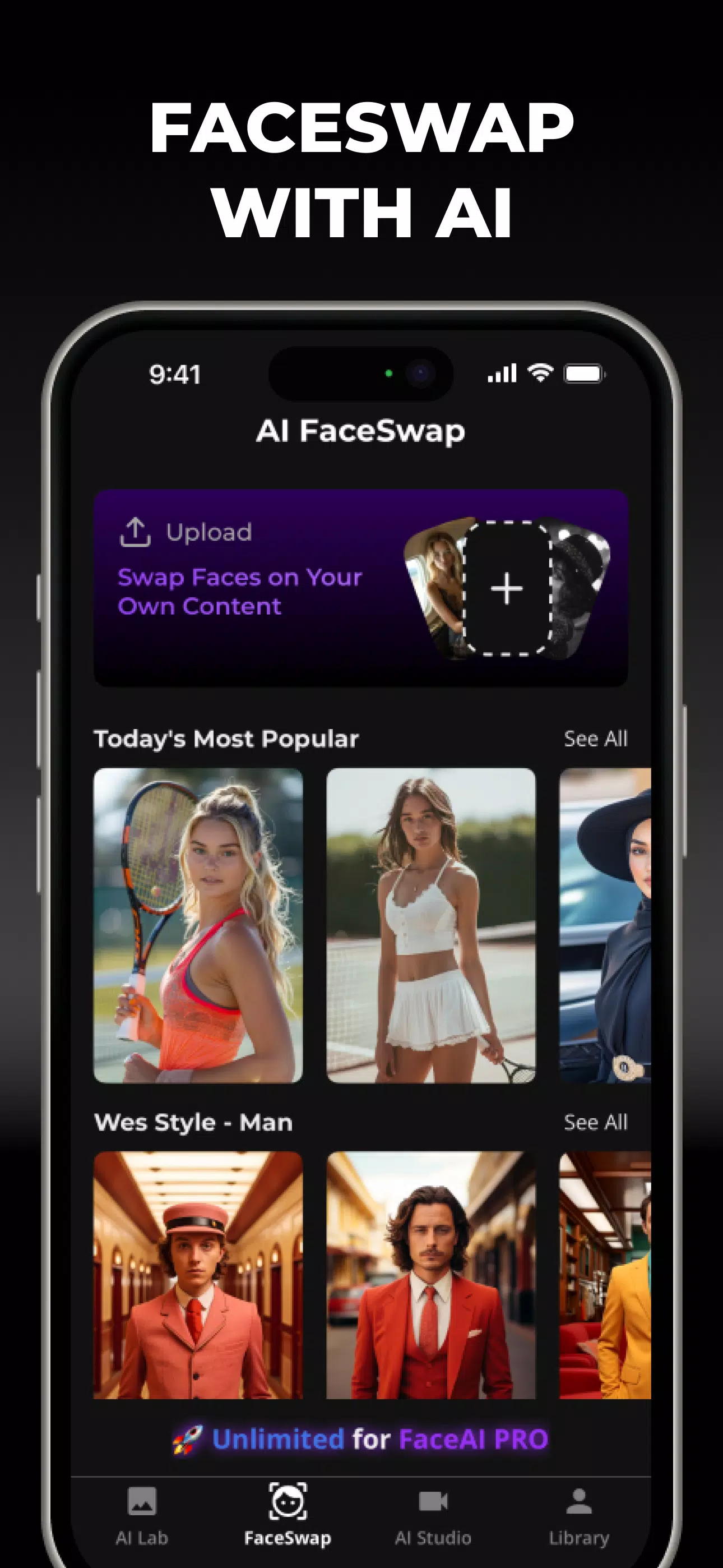
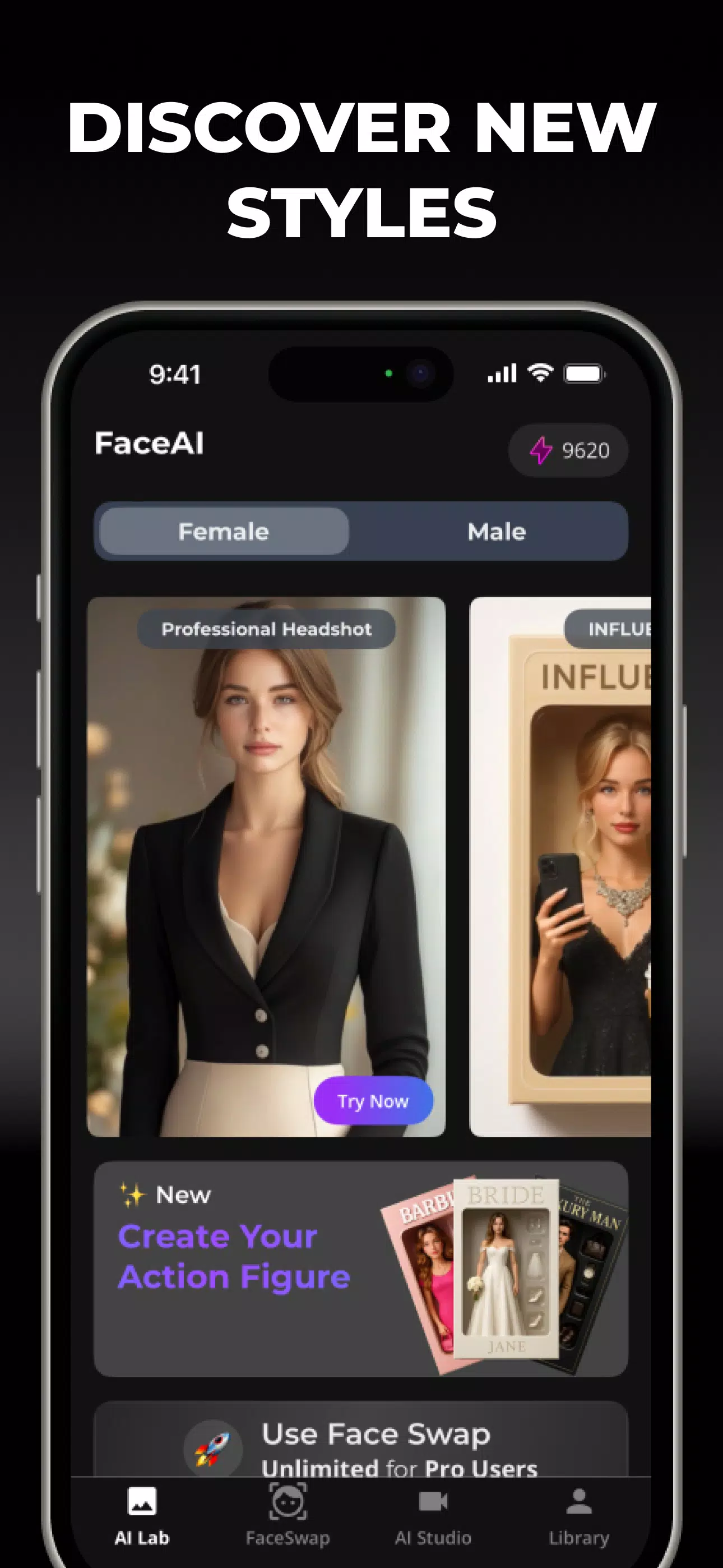
The interface places essential controls within thumb reach. A streamlined timeline shows applied effects and their strength, while quick presets offer starting points for common looks. For precision, sliders adjust intensity, and an eraser brush masks regions where edits should not apply. FaceAI’s layout is suitable for quick fixes or detailed portrait work.
Customization and Presets
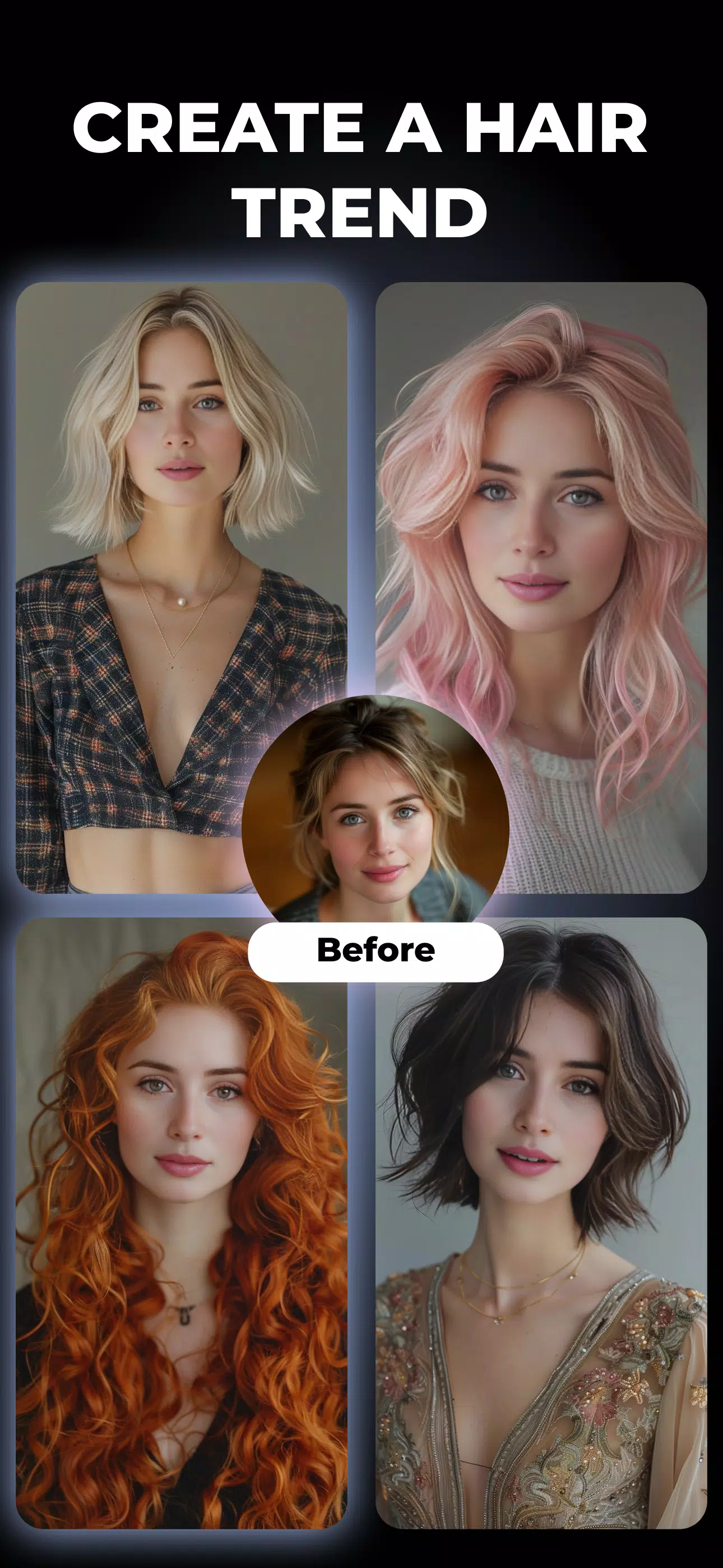
FaceAI comes with a library of presets tailored to different lighting and skin tones. You can create and save custom presets to ensure consistent results across shoots. Preset categories include natural enhancement, editorial glam, cinematic color, and soft-focus portraits, each adjustable to taste.
Performance and Compatibility
Optimized for Android, FaceAI leverages on-device processing when possible to keep edits fast and offline-friendly. Hardware acceleration reduces wait times for heavy tasks like relighting or batch processing. The app supports most modern Android devices and scales processing based on CPU and GPU capabilities to balance speed and battery usage.
Privacy and Data Handling
FaceAI prioritizes user privacy by offering local processing options and clear permissions management. If cloud services are used for specialized models, uploads are limited to the images you select and are subject to an opt-in consent flow. The app includes settings to clear caches and manage stored projects.
Tips for Best Results
- Start with a moderate preset and refine with sliders rather than applying maximum effects.
- Use the relight tool sparingly to avoid unnatural shadows; small changes often yield the most believable outcomes.
- Mask areas like glasses or jewelry to prevent unwanted smoothing.
- When batch processing, review a few images before final export to confirm consistency across different faces and lighting conditions.
Getting Started
Download FaceAI, grant the required permissions for storage and camera access, and import a photo or take a new portrait. Try one of the suggested presets, then personalize the edit with the retouch and relight tools. Save custom presets to streamline future edits and export in the size and format you need for social media or print.
Why Choose FaceAI
FaceAI balances automation with manual control so you can achieve polished portraits quickly without losing character. Whether you’re preparing images for a portfolio, social feed, or client delivery, the app provides a practical set of tools that scales from simple touch-ups to advanced creative edits.
Show More
Information
Screenshots

Latest Update












Latest News
-
![Revealing the Launch Playlists and Cross-Progression for COD Warzone Mobile News]()
-
![March 2024 Free Redemption Codes for Honkai: Star Rail News]()
-
PUBG Mobile Teams Up with Bentley Motors: Luxury Cars, Exclusive Collectibles, and Beyond 2024-04-18
![PUBG Mobile Teams Up with Bentley Motors: Luxury Cars, Exclusive Collectibles, and Beyond News]()
-
![Monster Never Cry is now accessible on both Android and iOS mobile devices. News]()
-
V2.2 of the Farlight 84 update introduces an overhauled Season structure, fresh in-game currency, an 2024-04-16
![V2.2 of the Farlight 84 update introduces an overhauled Season structure, fresh in-game currency, an News]()
-
![Arrival of Genshin Impact 4.6 Update: 'Embers of Two Realms, Twilight of Crimson' News]()
-
April 2024 Clash of Clans Update: Unveiling a Fresh Companion, Enhanced Levels, Chat Tagging, and Be 2024-04-16
![April 2024 Clash of Clans Update: Unveiling a Fresh Companion, Enhanced Levels, Chat Tagging, and Be News]()






