

Gaming Logo Maker ESports
Version:2.1.1.1
Published:2026-11-04
Introduction
Gaming Logo Maker ESports is a compact creative studio that helps players and streamers design professional esports logos quickly. With a library of templates, mascot builders, fonts, and export options, the app streamlines logo production for teams, channels, and events. Ideal for beginners and pros looking for fast, polished results.
What the app does
Gaming Logo Maker ESports focuses on producing sharp, brandable logos tailored to competitive gaming. It combines premade artwork, shape tools, and type controls to let users craft identities for teams, streamers, and tournaments. The workflow emphasizes speed without sacrificing customization, so you can go from idea to finished asset in minutes.
Core features at a glance
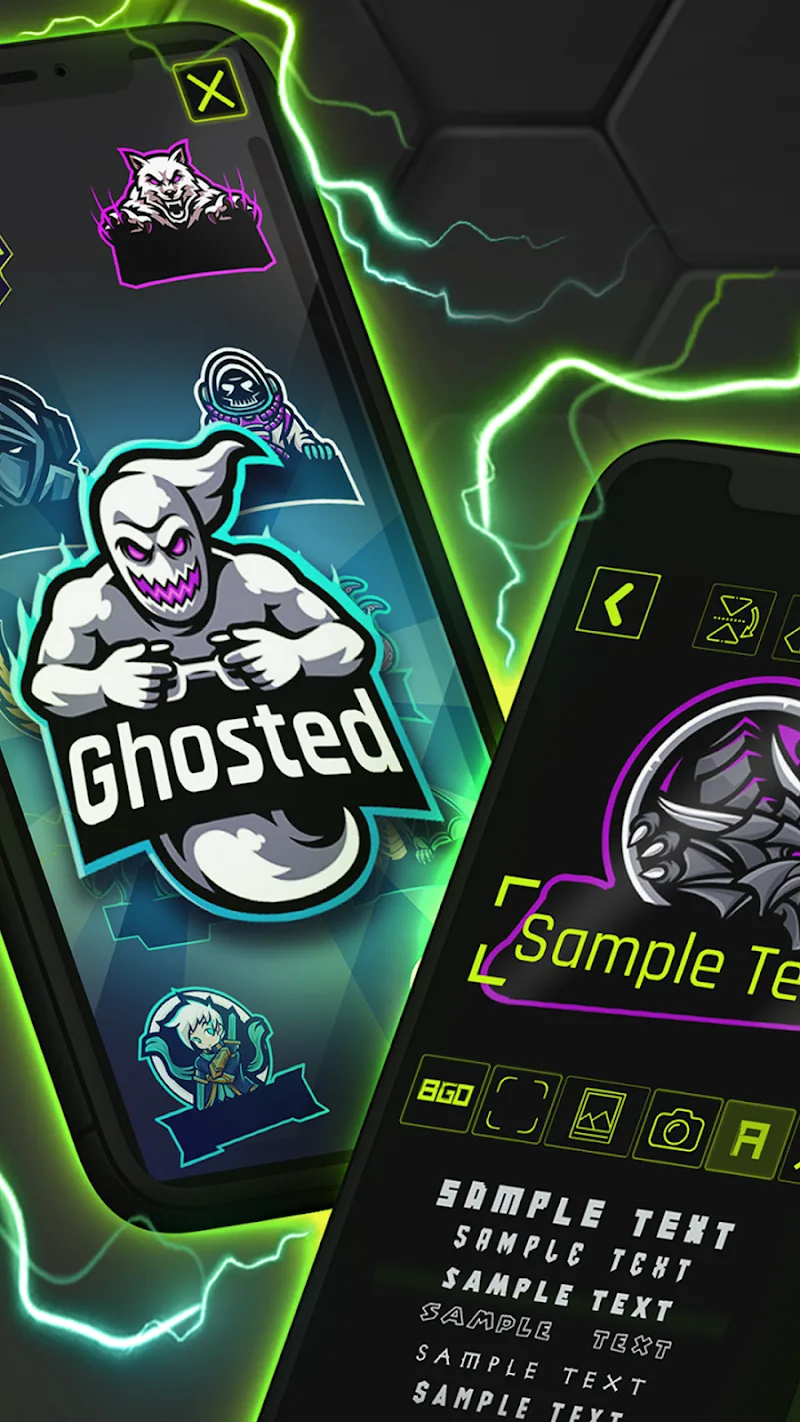
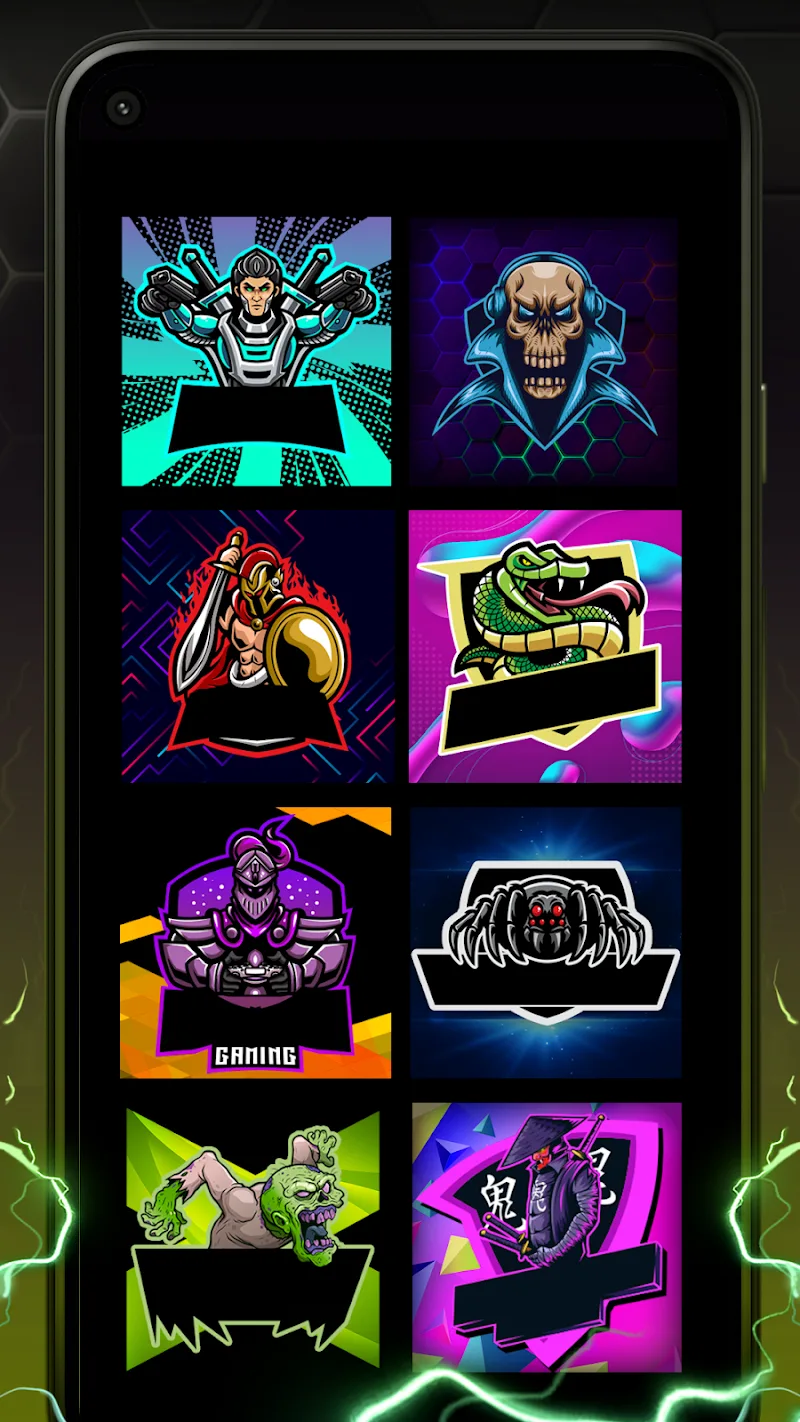
- Template library: Hundreds of esports-style templates sorted by genre and aesthetic.
- Mascot creator: Layered character elements with adjustable expressions and accessories.
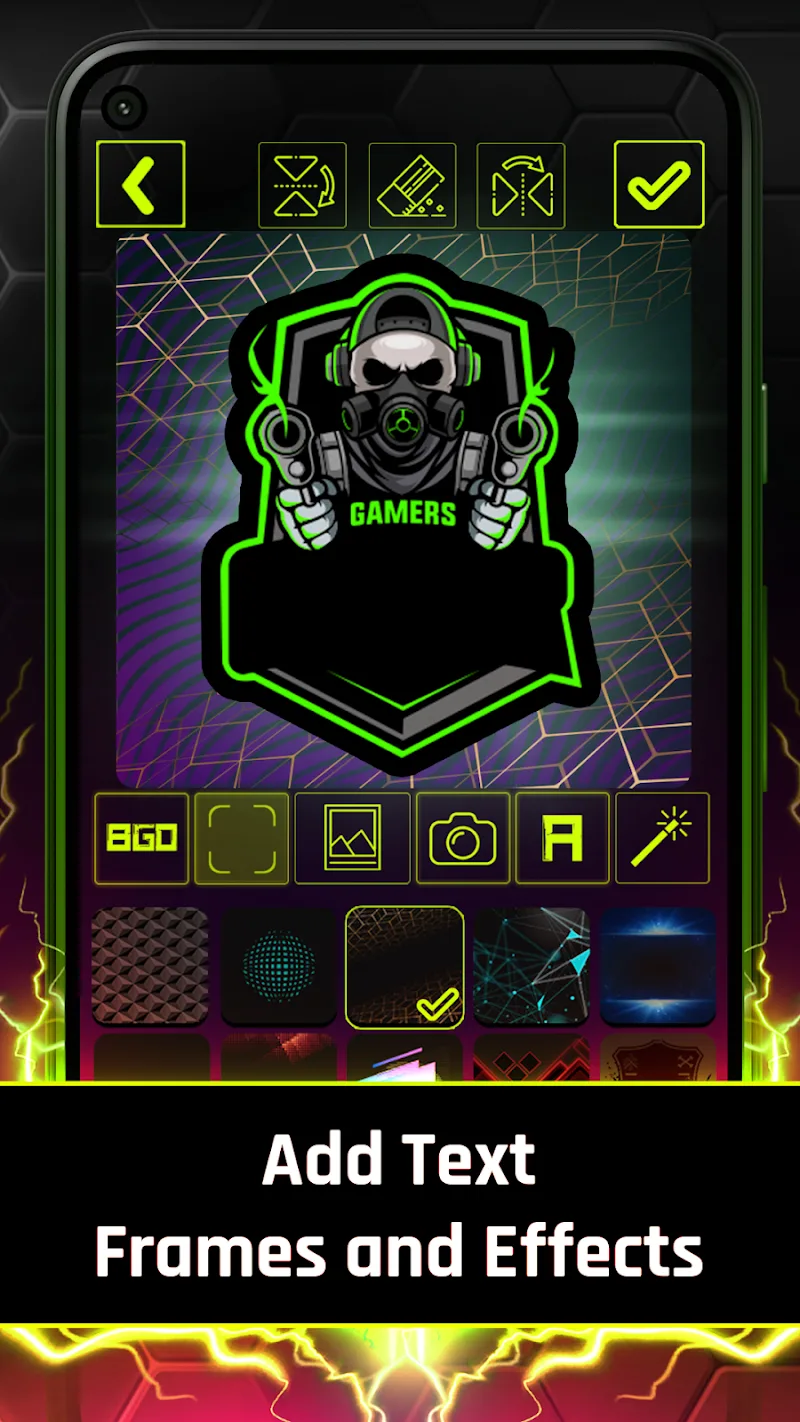
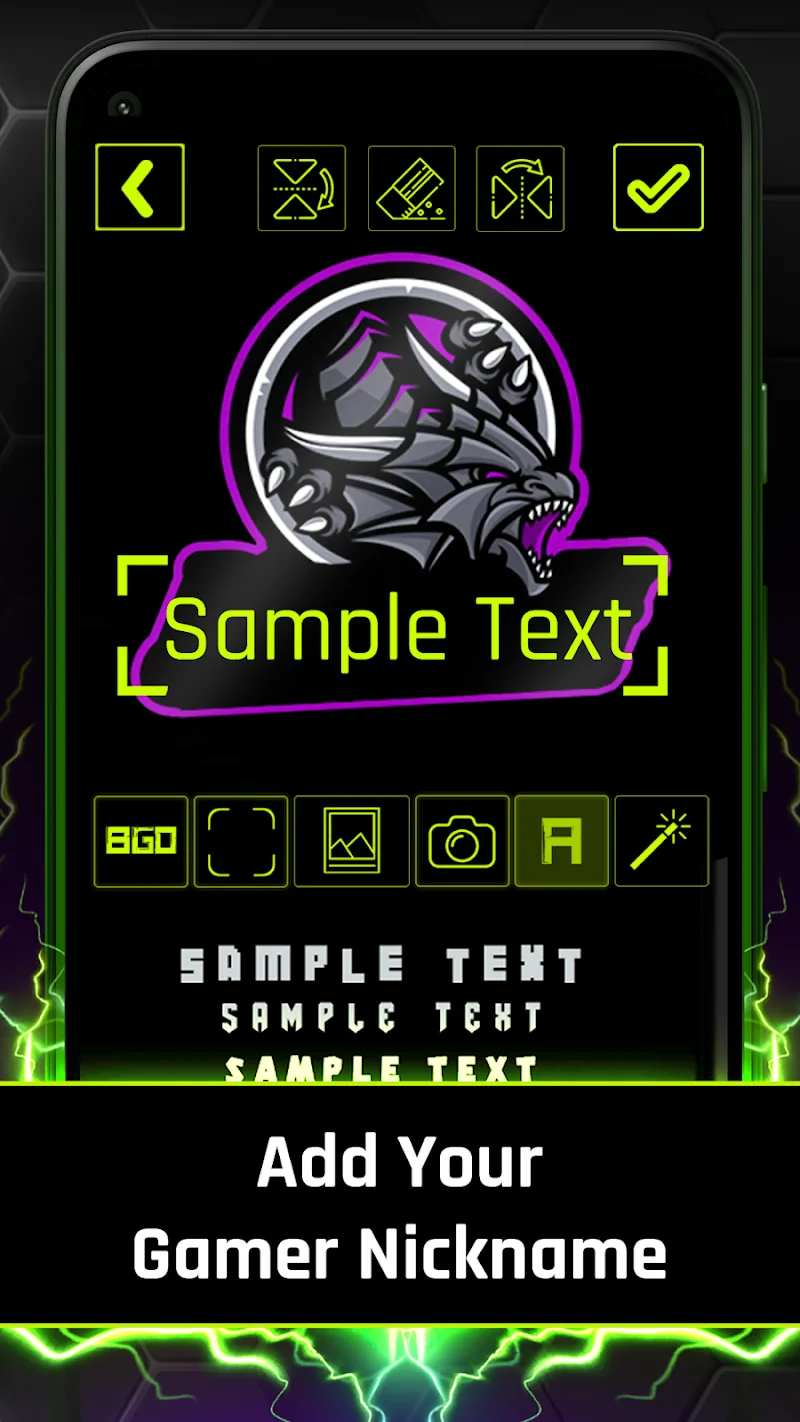
- Advanced text tools: Font pairing, stroke, gradient fills, and 3D-like effects.
- Vector-like shapes: Scalable badges and icons that export cleanly at large sizes.
- Export options: PNG, transparent backgrounds, and high-resolution web-ready files.
User interface and performance
The interface is laid out for quick decision-making: a central canvas with a left-side assets panel and a right-side properties inspector. Controls are labeled simply, reducing the learning curve. On modern Android devices the app runs smoothly, with responsive gesture support for pan, zoom, and rotate. File handling is optimized to avoid heavy memory consumption when working with multiple layers.
How it works — step by step
Start by selecting a base template or a blank canvas. Swap or edit mascot parts, pick a color palette, and add team text. Use the alignment tools to place elements precisely, then apply effects such as shadows, outlines, or glow for a finished look. Save presets of color and typography to reuse across projects. Export to PNG or share directly to social platforms.
Customization options
Customization is a strong point: layer opacity, blend modes, clipping masks, and editable vector shapes give designers granular control. The mascot module supports component swaps—helmet styles, eye shapes, and accessories—so teams can create unique marks without starting from scratch. Built-in color palettes and a color picker with HEX input make branding consistent across platforms.
Workflow tools for creators
Gaming Logo Maker ESports includes tools aimed at creators who need repeatable output. Batch export for multiple sizes, preset canvas templates for social channels, and quick-recolor features speed up production. There’s also a simple version history to undo multiple steps and a project duplication feature for creating variations of a single concept.
Tips for new users
- Choose a clear silhouette first; strong logos work even at small sizes.
- Limit fonts to one or two complementary styles for legibility.
- Test your logo on dark and light backgrounds before exporting.
- Save color and font presets to maintain a consistent brand in future projects.
Beginners will appreciate the guided tips and tool hints that appear contextually. For faster results, start with templates labeled for the same game genre or theme as your team.
Why designers pick it
People choose Gaming Logo Maker ESports for the mix of ready-made assets and control. It removes tedious setup work while preserving the ability to refine small details. The app is particularly useful for streamers, newly formed squads, and event organizers who need polished visuals on tight schedules.
Getting started and installation
Download the app and allow the basic permissions it requests. Open a tutorial project if you want a guided walkthrough, then explore templates and mascot options. Most users can create a usable logo within their first 10–20 minutes of interaction. For teams that need higher fidelity, export assets at the maximum resolution and refine them in a desktop vector editor if necessary.
Gaming Logo Maker ESports balances accessibility and depth, making it a practical choice for anyone creating esports branding on Android devices. Whether you’re launching a new channel or refreshing an existing identity, the app provides focused tools to get professional-looking results quickly.
Show More
Information
Screenshots
Latest Update











Hot Tags
Latest News
-
![Revealing the Launch Playlists and Cross-Progression for COD Warzone Mobile News]()
-
![March 2024 Free Redemption Codes for Honkai: Star Rail News]()
-
PUBG Mobile Teams Up with Bentley Motors: Luxury Cars, Exclusive Collectibles, and Beyond 2024-04-18
![PUBG Mobile Teams Up with Bentley Motors: Luxury Cars, Exclusive Collectibles, and Beyond News]()
-
![Monster Never Cry is now accessible on both Android and iOS mobile devices. News]()
-
V2.2 of the Farlight 84 update introduces an overhauled Season structure, fresh in-game currency, an 2024-04-16
![V2.2 of the Farlight 84 update introduces an overhauled Season structure, fresh in-game currency, an News]()
-
![Arrival of Genshin Impact 4.6 Update: 'Embers of Two Realms, Twilight of Crimson' News]()
-
April 2024 Clash of Clans Update: Unveiling a Fresh Companion, Enhanced Levels, Chat Tagging, and Be 2024-04-16
![April 2024 Clash of Clans Update: Unveiling a Fresh Companion, Enhanced Levels, Chat Tagging, and Be News]()






