

Arranger Keyboard
Version:3.9.8
Published:2026-10-31
Introduction
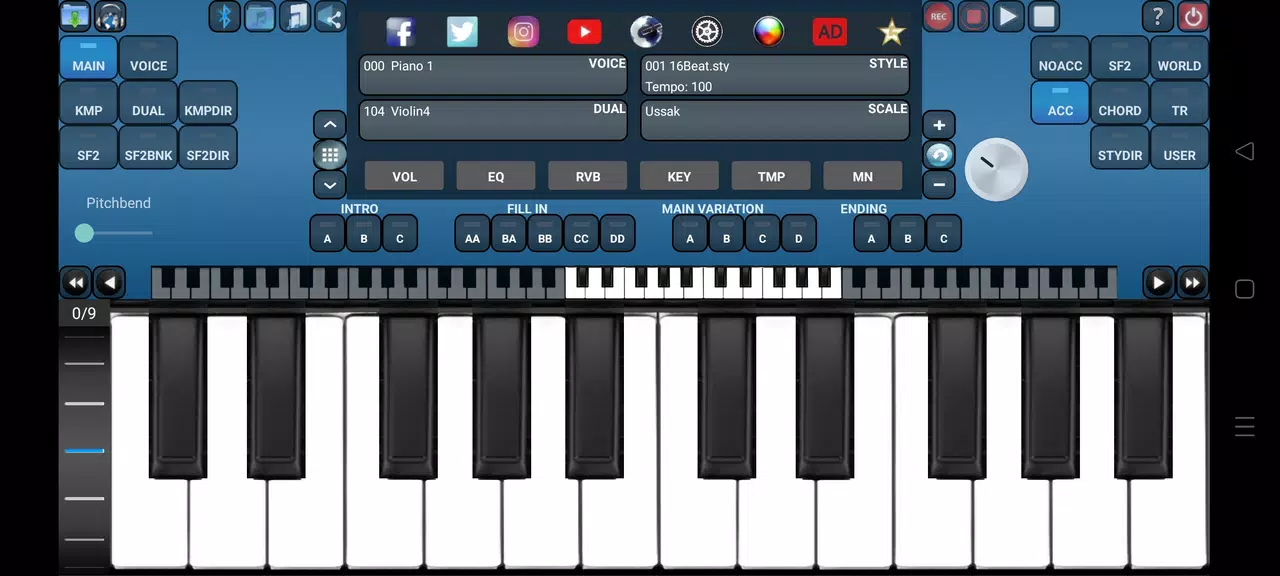
Arranger Keyboard is a professional mobile piano and arranger app that puts high-quality soundfonts and classic arranger features into your Android device. Arranger Keyboard supports SF2 and KMP instrument banks, Yamaha STY accompaniment styles, and connects to external MIDI keyboards over USB or Bluetooth so you can play, customize and perform with a compact setup. The app is designed for keyboardists, composers and practicing musicians who want realistic voices, flexible accompaniment and deep tuning options on the go.
Key features
Realistic HD instruments and voice layering are at the core of the experience: the app ships with 127 built-in voices that cover General MIDI basics and a variety of regional tones, plus dual-voice layering for rich piano or pad combinations. Yamaha-style accompaniment is supported out of the box with 256 included styles and the option to load additional STY/SFF2/PRS/PST/MID style files from your device. You can also load SF2 and KMP banks stored locally, so offline playback and performance are straightforward once your files are on the phone or tablet.
The accompaniment engine combines multiple parts to create intros, fills and rhythm patterns that respond to chord changes and tempo. On-screen controls let you change tempo, transpose the keyboard and switch style sections while performing. Playback supports common audio formats including MP3, WAV and AAC for backing tracks and exported mixes, and the app accepts standard MIDI files for playback and editing tasks.
Controls and performance
Arranger Keyboard offers a responsive touch keyboard and integrates with external controllers for a hands-on experience. Use USB or Bluetooth MIDI keyboards to take advantage of velocity-sensitive keys and realtime control; common pedal and controller messages are recognized so sustain pedals and expression pedals work with the app. Split and layered voices, volume and pan per part, and simple mixer controls make it easy to create performance-ready setups. Latency is optimized for mobile use, and you can adjust buffer settings within the audio options to balance performance and stability on different devices.
Recording, mixing and workflow
The app includes recording and playback tools for capturing ideas quickly: you can record single-track performances, mix live instruments with styles and record microphone input. The Pro version expands recording capabilities with multitrack MIDI recording, enabling more detailed arrangement work and overdubs. Recorded audio and MIDI files can be exported for further production on a desktop DAW or shared as standard audio files. File management is handled locally, so you can organize soundfonts, styles and projects on device storage without requiring an internet connection.
Scales, tuning and customization
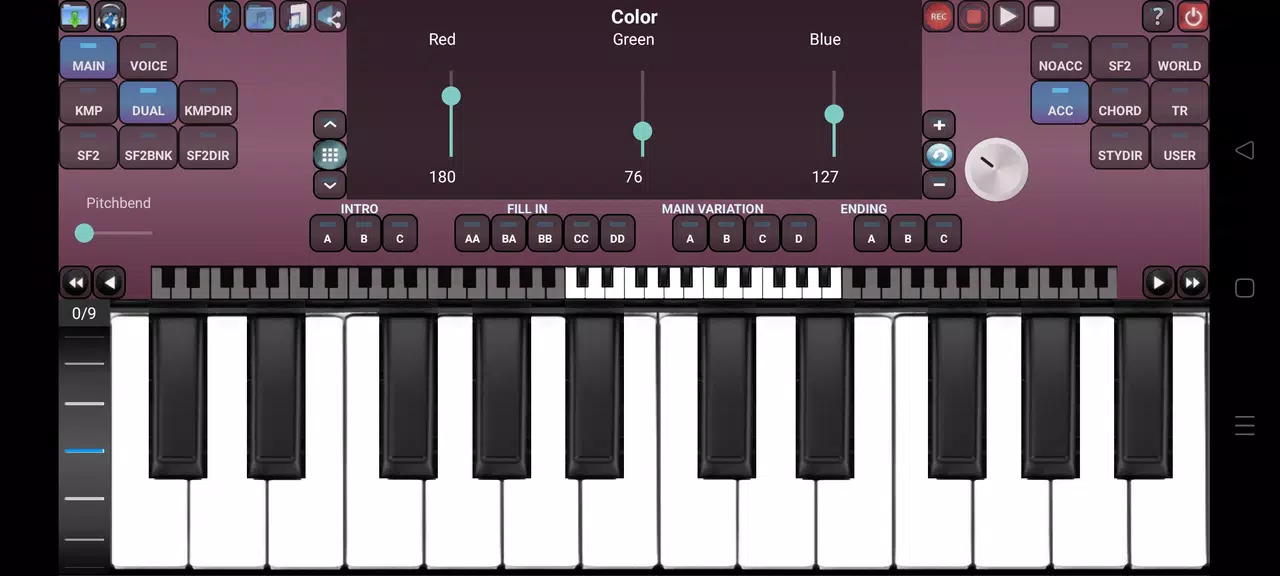
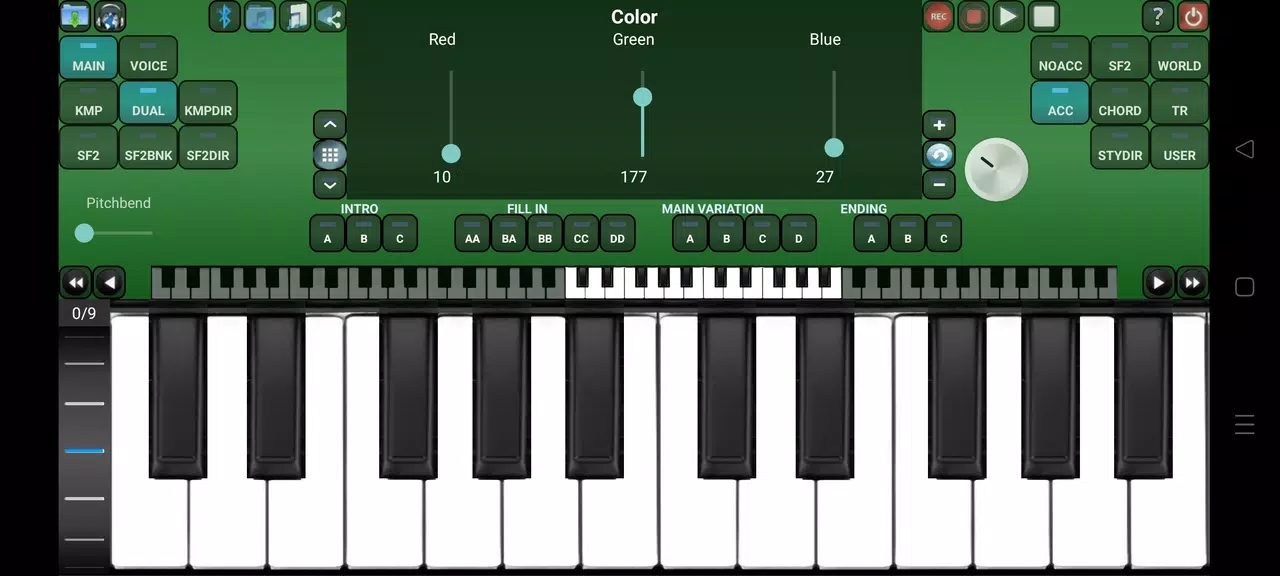
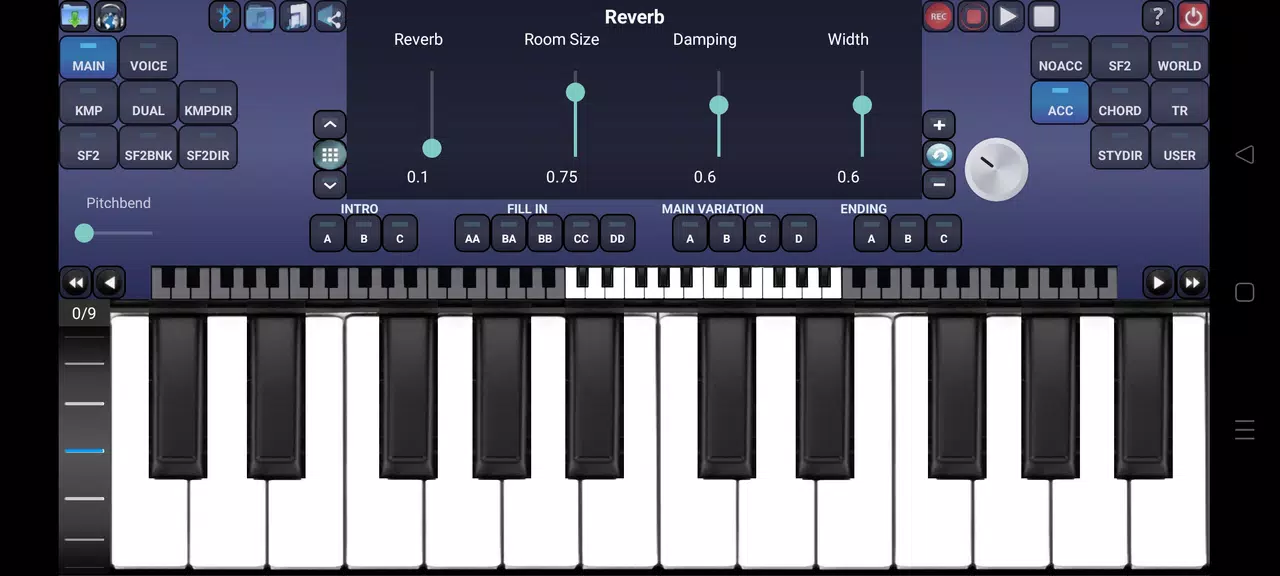
Advanced tuning options let you work beyond western equal temperament: Arranger Keyboard supports full maqam and regional scale systems such as Arabic, Turkish and Greek maqams, and it provides tools to save and load custom scales. Solfeggio frequency presets and microtonal adjustments help producers and performers match tuning to ensemble instruments or traditional repertoires. Voice editing, basic equalizer and reverb controls allow you to shape tone and space, and RGB theming and interface adjustments help keep the visual layout comfortable during long sessions.
Practice, progression and replay value
Built for both practice and performance, the app encourages repeated use through flexible backing styles, alternate instrument setups and editable arrangements. Musicians can save snapshots of a current setup, recall different style-voice combinations, or tweak scales to rehearse specific regional pieces. The combination of downloadable voices and styles keeps the instrument fresh: expand your library with new SF2/KMP files and experiment with different grooves and patches to extend replay value over time.
Compatibility, accessibility and offline use
Arranger Keyboard runs fully on-device and supports a broad set of formats and hardware: SF2 and KMP for instruments, MIDI for sequences and common audio files for backing tracks. Accessibility considerations include adjustable UI themes and clear mixer controls to help eyesight variability, and MIDI mapping options make it easier to match external controllers to on-screen functions. Because files are stored locally, the app works offline for rehearsals and performances without a network connection.
Notes and expectations
Some advanced features require the Pro upgrade, most notably multitrack MIDI recording and deeper production workflows. There is a learning curve for users new to custom scale editing and accompaniment style programming, but the available presets and included styles provide a practical starting point. If you rely on external voice or style libraries, allow time to source and load SF2, KMP and STY files onto your device. Overall, Arranger Keyboard provides a compact, flexible environment for composing, practicing and performing with realistic voices and a full arranger workflow.
Show More
Information
Screenshots
Latest Update












Latest News
-
![Revealing the Launch Playlists and Cross-Progression for COD Warzone Mobile News]()
-
![March 2024 Free Redemption Codes for Honkai: Star Rail News]()
-
PUBG Mobile Teams Up with Bentley Motors: Luxury Cars, Exclusive Collectibles, and Beyond 2024-04-18
![PUBG Mobile Teams Up with Bentley Motors: Luxury Cars, Exclusive Collectibles, and Beyond News]()
-
![Monster Never Cry is now accessible on both Android and iOS mobile devices. News]()
-
V2.2 of the Farlight 84 update introduces an overhauled Season structure, fresh in-game currency, an 2024-04-16
![V2.2 of the Farlight 84 update introduces an overhauled Season structure, fresh in-game currency, an News]()
-
![Arrival of Genshin Impact 4.6 Update: 'Embers of Two Realms, Twilight of Crimson' News]()
-
April 2024 Clash of Clans Update: Unveiling a Fresh Companion, Enhanced Levels, Chat Tagging, and Be 2024-04-16
![April 2024 Clash of Clans Update: Unveiling a Fresh Companion, Enhanced Levels, Chat Tagging, and Be News]()






