

Spotify Music
Version:8.9.68.456
Published:2026-10-31
Introduction
Spotify Music is a streaming app that delivers millions of songs, curated playlists, and podcasts through a clean, responsive interface. It helps users discover new music, build custom libraries, and listen offline across devices. The app balances personalization with easy navigation for everyday listening.
Core features and library
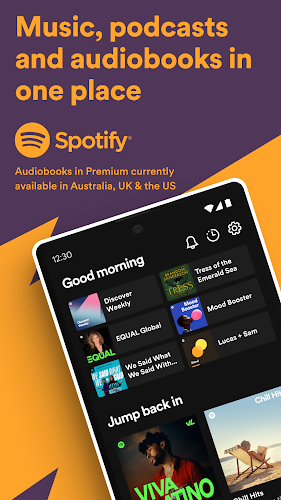
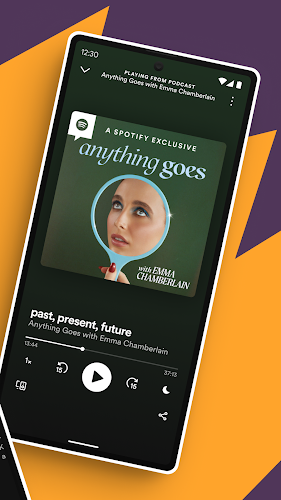
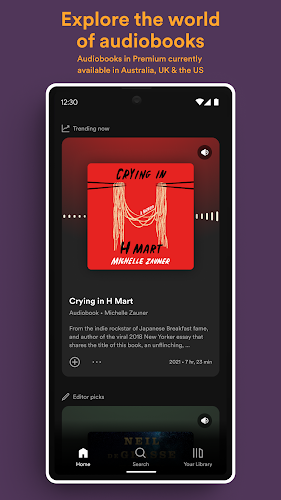
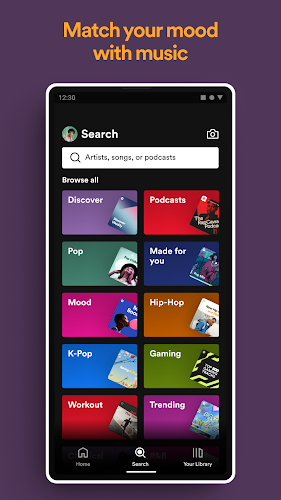
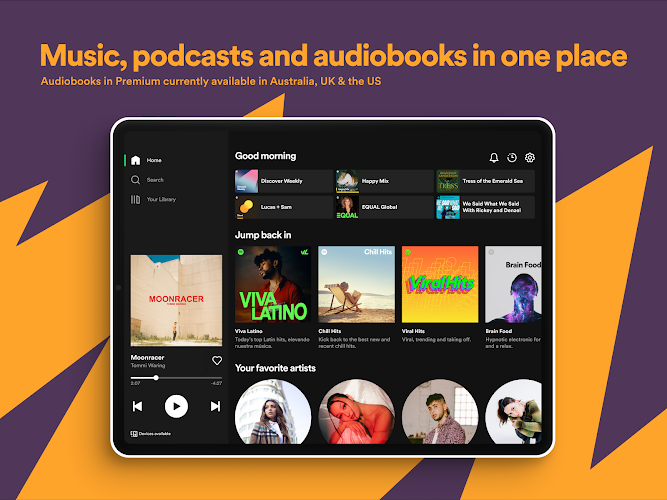
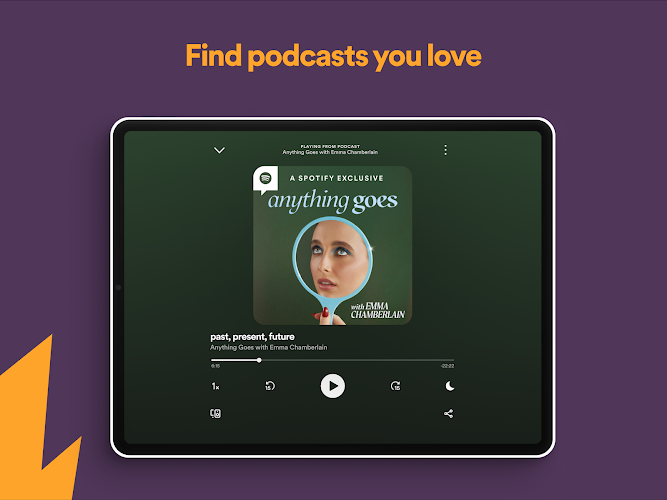
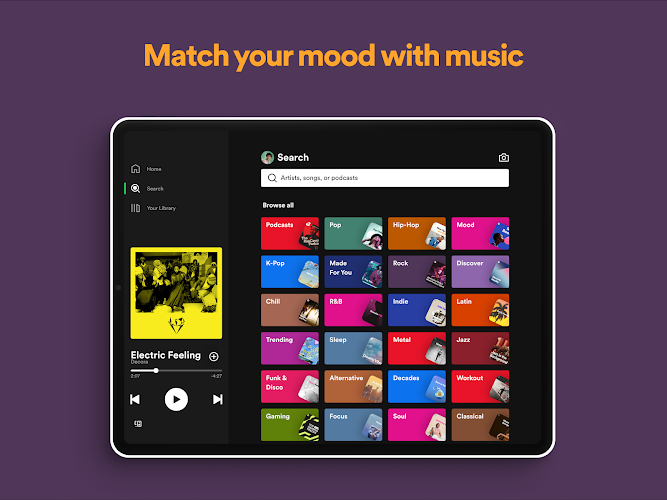
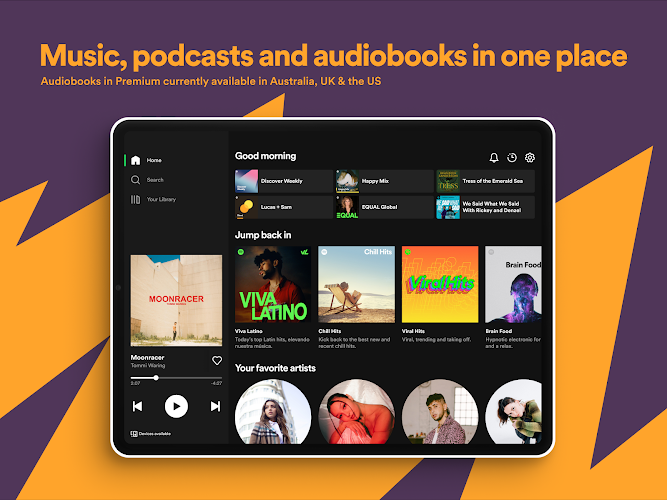
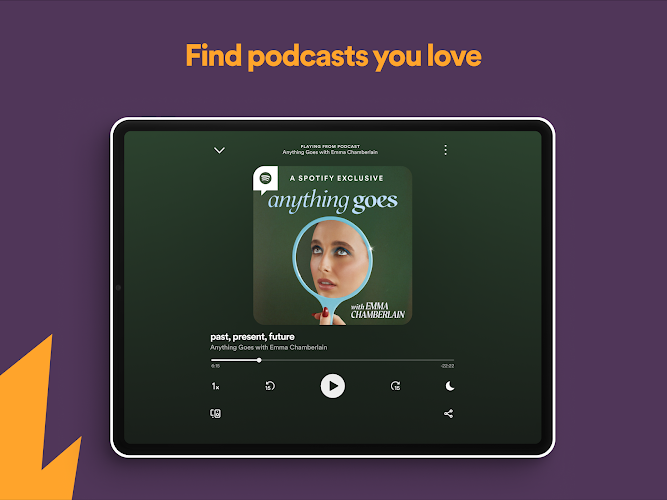
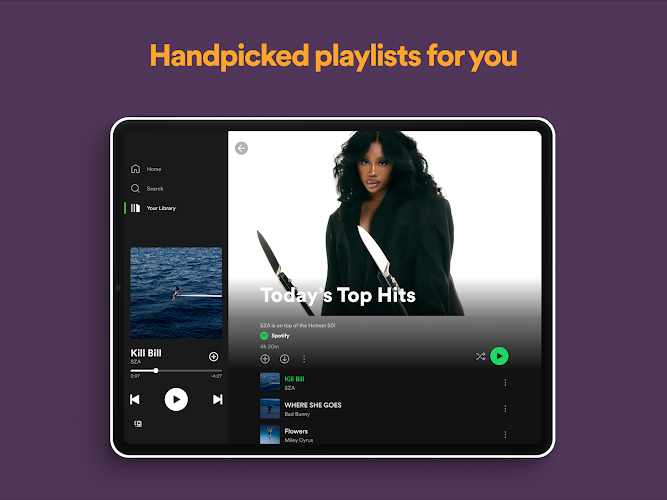
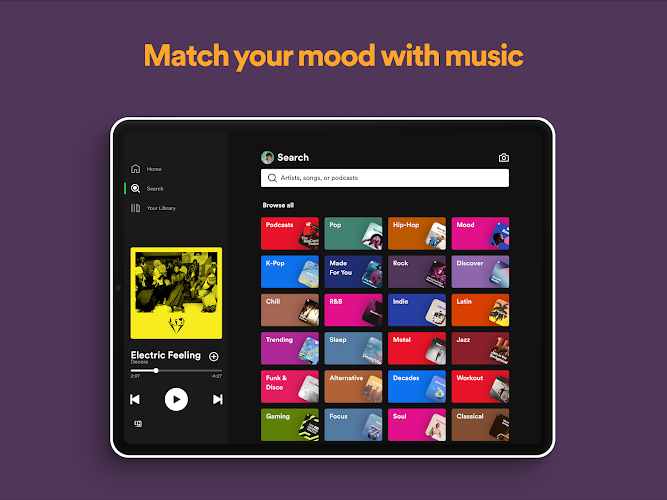
At its heart, Spotify Music offers an extensive catalog spanning genres, eras, and languages. Users can search for tracks, albums, and artists or browse mood- and activity-based playlists crafted by editors and algorithmic recommendations. The platform supports podcasts and exclusive audio shows, making it a single destination for spoken-word content alongside music.
Interface and navigation
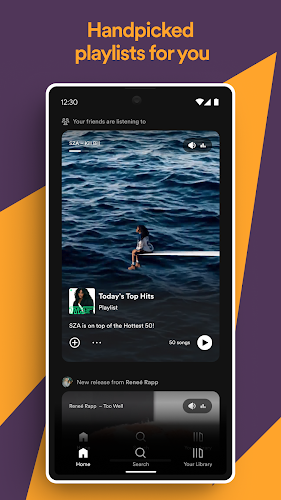
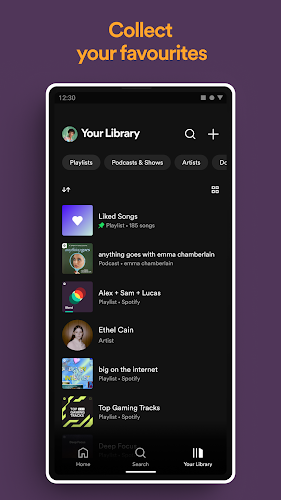
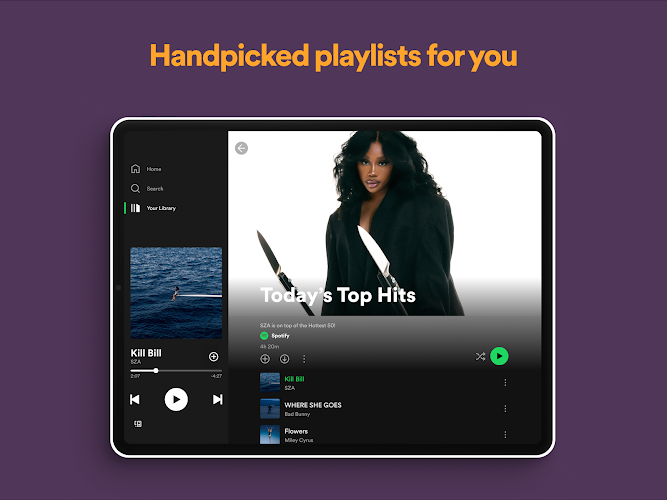
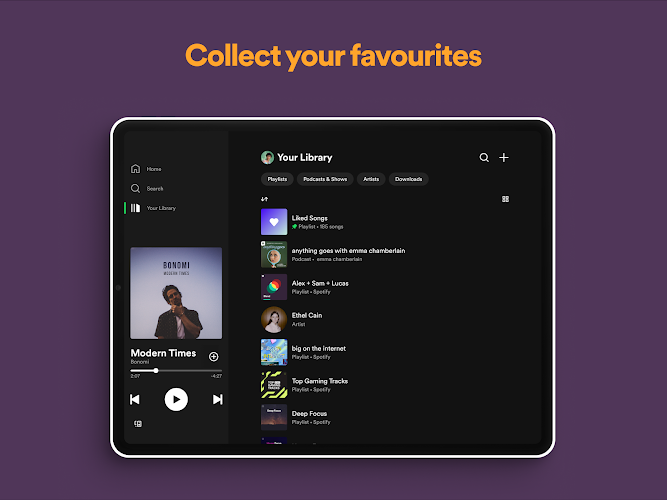
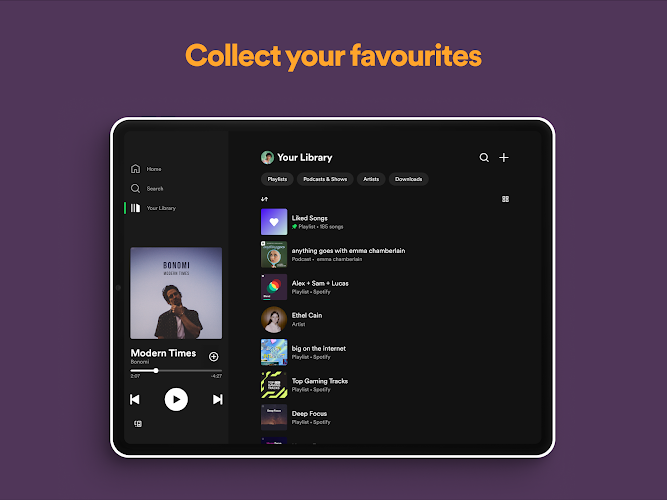
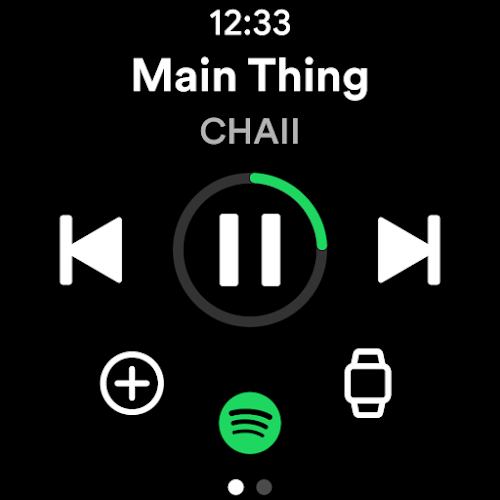
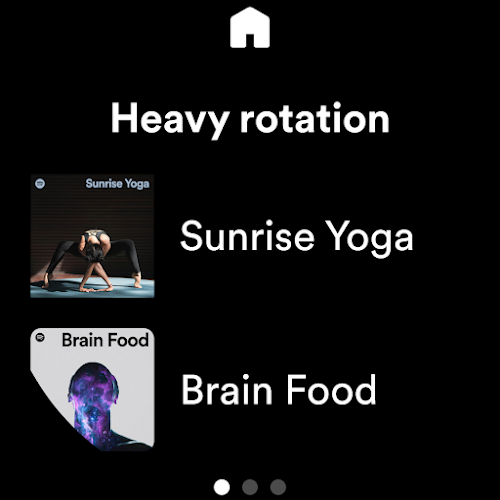
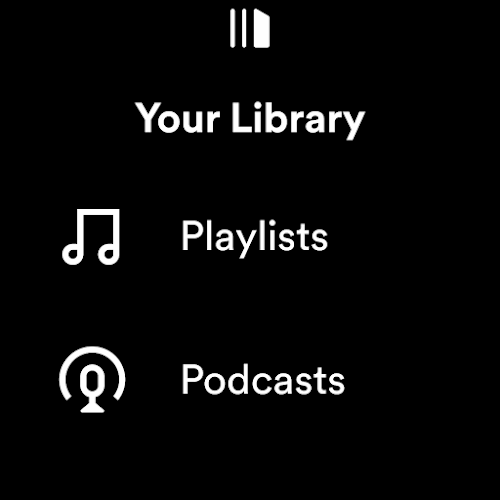
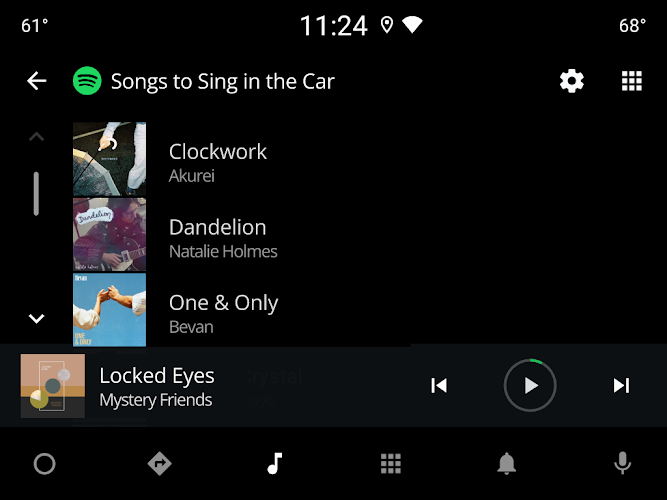
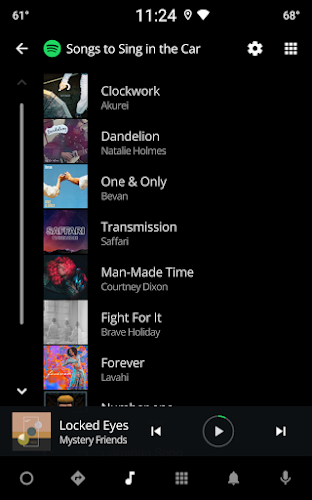
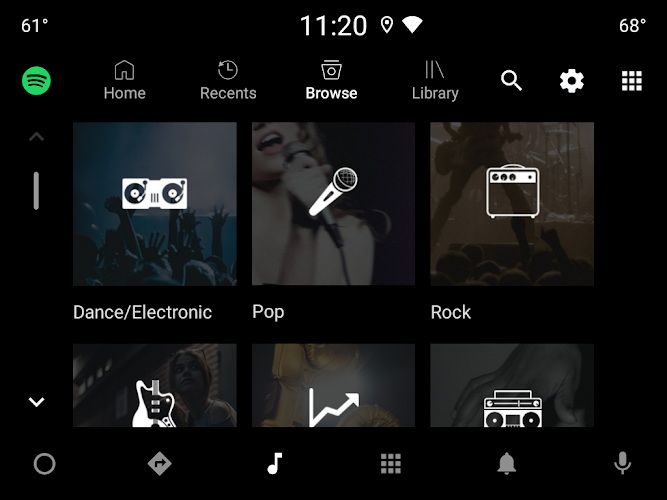
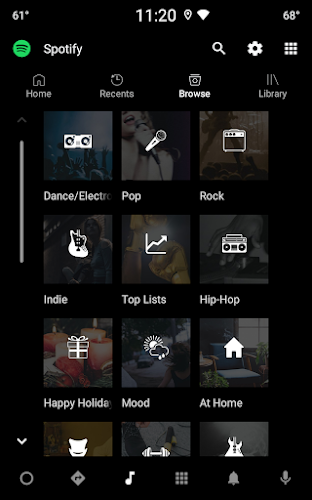
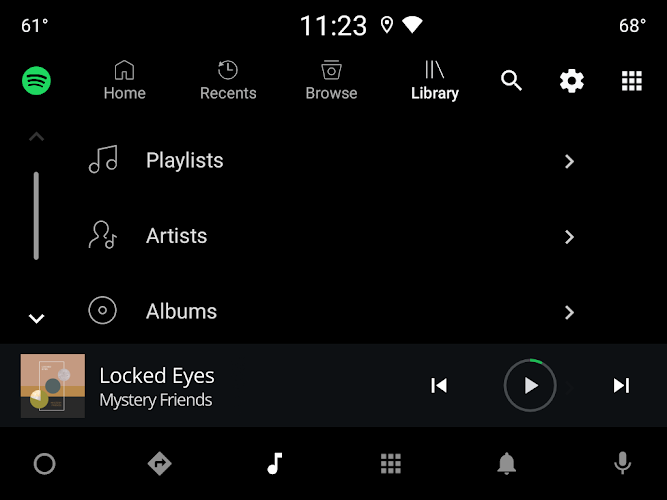
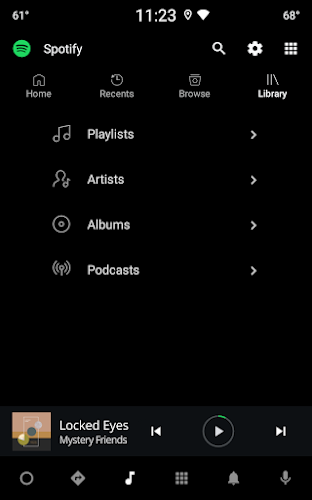
The interface emphasizes simplicity: a bottom navigation bar, a Discover area, and persistent playback controls make it straightforward to move between listening and browsing. Playlists and libraries are presented with clear artwork and metadata, while the queue and recently played sections help users manage what’s next. Customizable home panels surface favorite artists and freshly released material.
Personalized discovery
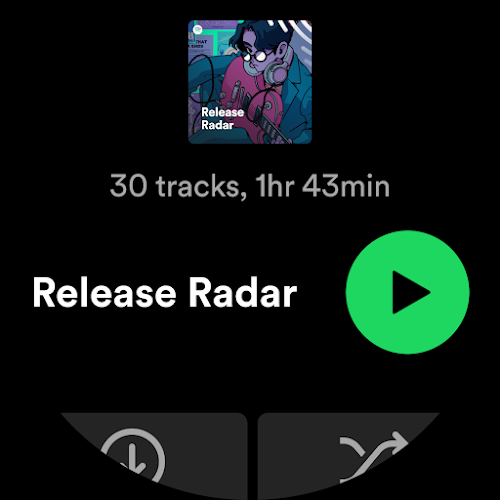
Personalization is a major strength of Spotify Music. The app analyzes listening habits to create daily mixes, weekly recommendations, and long-term summaries that reflect evolving tastes. Discover Weekly and Release Radar-style features use collaborative filtering and contextual signals to suggest content you might enjoy, while on-demand radios let you seed a station from any song or artist.
Playlist creation and social sharing
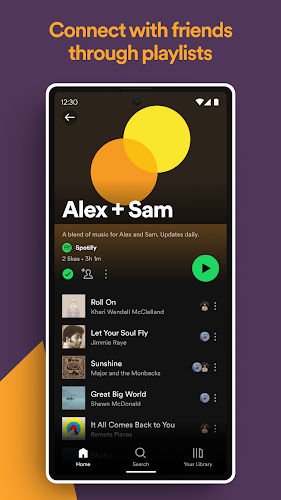
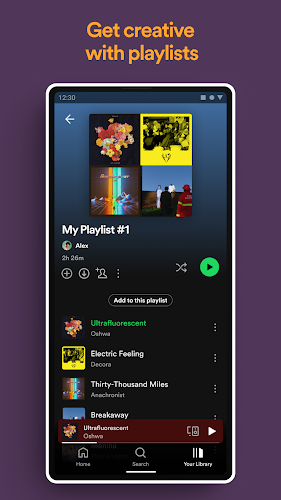
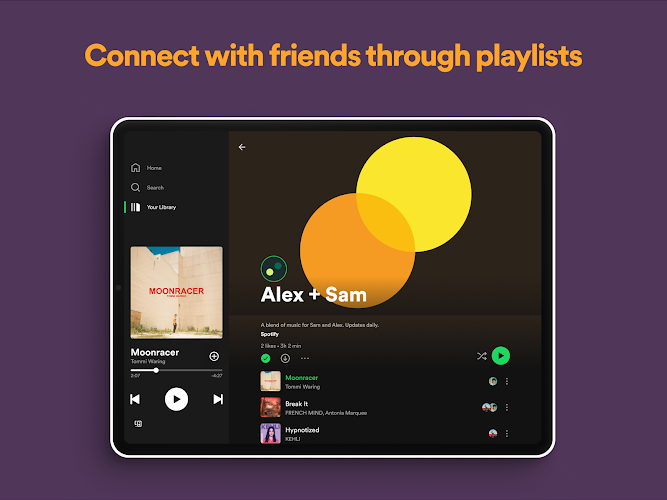
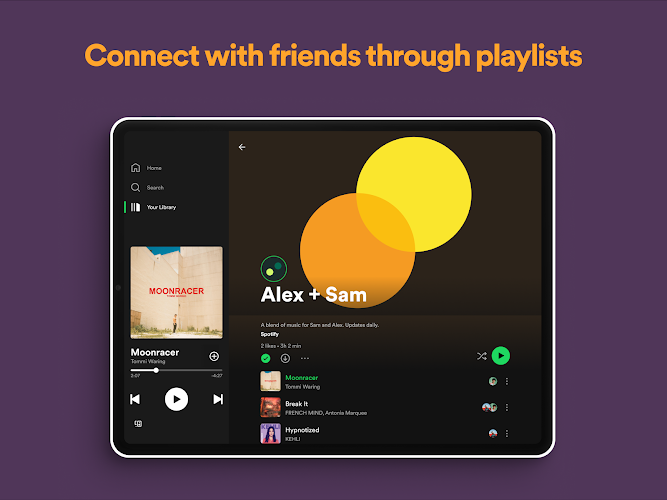
Creating and curating playlists is straightforward: drag-and-drop on supported devices, save songs to library with a single tap, and organize lists into folders for large collections. Social features let you follow friends, share tracks to messaging platforms, and collaborate on shared playlists. Public profile pages display recent activity and popular playlists, fostering community discovery.
Offline playback and data controls
For commuters and travelers, Spotify Music supports offline downloads for playlists, albums, and podcasts. Users can manage cache size, choose download quality, and toggle cellular streaming to control data usage. Offline mode and smart downloads can automatically keep favorite content updated when a connection is available.
Performance and device compatibility
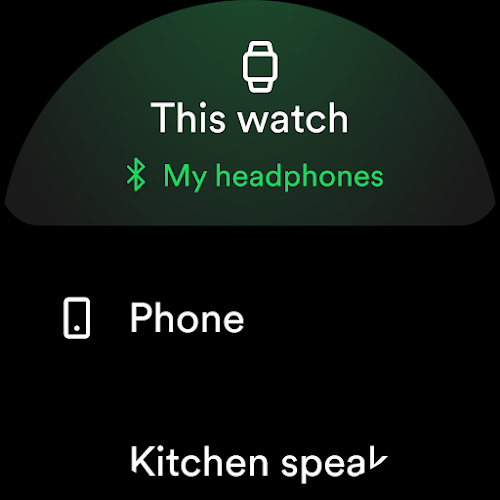
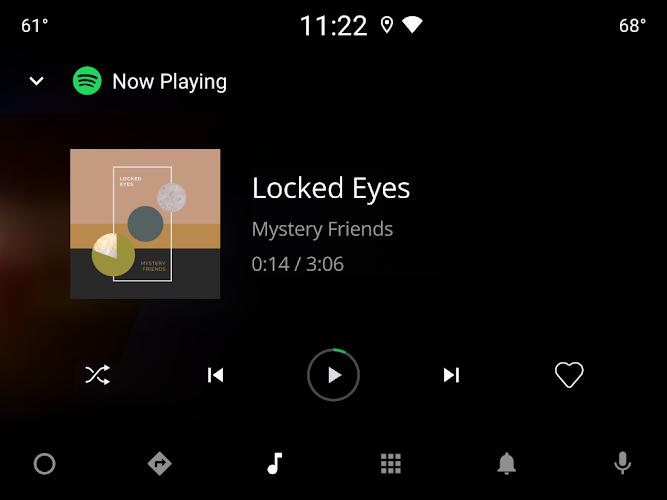
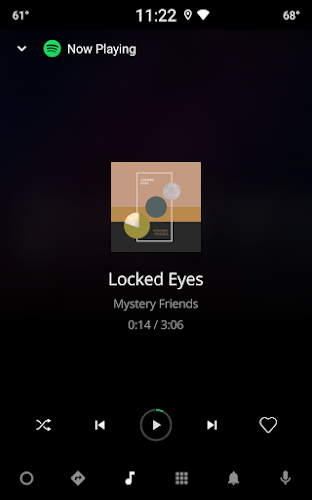
Performance is tuned for a wide range of Android devices, from entry-level phones to high-end tablets. The app adapts streaming quality to network conditions and resumes playback quickly after interruptions. Integration with Android Auto, Wear OS, Bluetooth devices, smart speakers, and Chromecast-enabled devices extends listening beyond the phone.
Audio quality and settings
Advanced audio settings let listeners choose between standard and high-quality streaming, and some subscription tiers provide lossless or enhanced formats where available. An equalizer and crossfade options allow for smooth transitions and tonal adjustments, while gapless playback is useful for live albums and concept records.
Account tiers and benefits
Spotify Music offers free and premium tiers. The free tier provides ad-supported access with some limitations on on-demand playback and downloads, while premium plans remove ads, enable offline listening, and unlock higher streaming bitrates. Family and student plans add value through shared subscriptions and content filters.
Practical tips for daily use
- Curate your Home: Pin favorite playlists and artists to speed up access to daily listening.
- Use smart downloads: Enable automatic downloads for offline playback of your most-played lists.
- Explore Radio: Seed stations from a single track to discover related music without creating a playlist.
- Manage data: Select streaming quality and disable cellular when conserving bandwidth is necessary.
Why choose it
Spotify Music combines a massive library with intelligent discovery and cross-device convenience, making it a versatile choice for listeners who want both curated and on-demand audio experiences. Whether building personal playlists or diving into podcasts, the app provides tools to keep your listening organized, discoverable, and enjoyable.
Show More
Information
Screenshots
Latest Update












Hot Tags
Latest News
-
![Revealing the Launch Playlists and Cross-Progression for COD Warzone Mobile News]()
-
![March 2024 Free Redemption Codes for Honkai: Star Rail News]()
-
PUBG Mobile Teams Up with Bentley Motors: Luxury Cars, Exclusive Collectibles, and Beyond 2024-04-18
![PUBG Mobile Teams Up with Bentley Motors: Luxury Cars, Exclusive Collectibles, and Beyond News]()
-
![Monster Never Cry is now accessible on both Android and iOS mobile devices. News]()
-
V2.2 of the Farlight 84 update introduces an overhauled Season structure, fresh in-game currency, an 2024-04-16
![V2.2 of the Farlight 84 update introduces an overhauled Season structure, fresh in-game currency, an News]()
-
![Arrival of Genshin Impact 4.6 Update: 'Embers of Two Realms, Twilight of Crimson' News]()
-
April 2024 Clash of Clans Update: Unveiling a Fresh Companion, Enhanced Levels, Chat Tagging, and Be 2024-04-16
![April 2024 Clash of Clans Update: Unveiling a Fresh Companion, Enhanced Levels, Chat Tagging, and Be News]()






