

Funsta
Version:3.4.2
Published:2026-10-31
Introduction
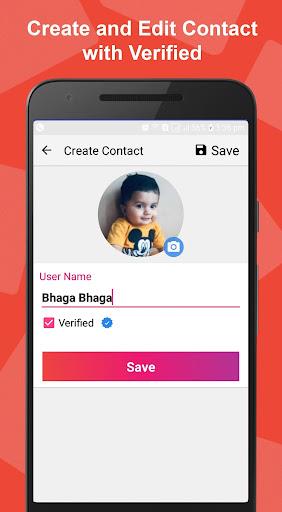
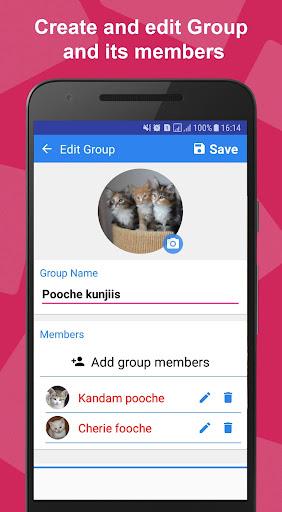
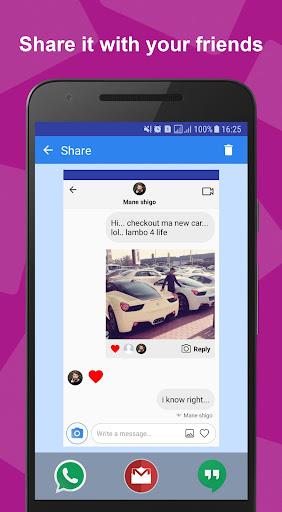
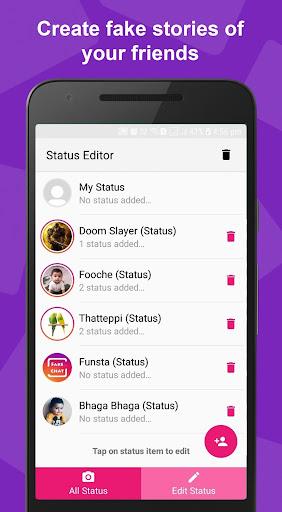
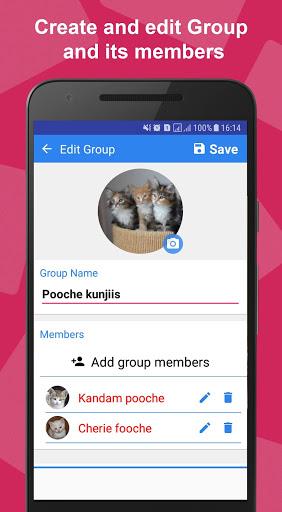
Funsta is a lightweight Android app designed to streamline social media content planning and creation. It combines photo editing, post scheduling, and analytics into a single interface, letting creators prepare feeds, refine visuals, and monitor engagement without switching between multiple tools.
Core Features
Funsta brings together practical tools for everyday creators and small teams. Key capabilities include a compact photo editor with filters and crop options, a calendar-based scheduler for timed posts, automated hashtag suggestions, and a simple analytics dashboard that highlights reach, clicks, and follower trends. The app supports multiple accounts so you can manage personal and brand profiles from one place.
Creative Tools and Editing
The built-in editor balances simplicity with power. You can adjust exposure, contrast, and color balance, apply creative filters, add text overlays, and batch-process several images at once. Templates and aspect-ratio presets help optimize posts for feed, stories, and reels. For quick edits, one-tap adjustments and undo history keep the workflow fluid while maintaining image quality.
Scheduling, Calendar, and Analytics
Scheduling in Funsta uses a visual calendar where posts can be dragged into different slots and queued for specific times. The analytics module breaks down performance by post, time of day, and hashtag effectiveness. Insights are presented as easy-to-read summaries, making it simple to discover what content resonates and to refine future posting plans based on real engagement metrics.
Collaboration and Team Workflow
Funsta supports collaboration with role-based access: owners, editors, and viewers can be assigned to accounts. Shared draft folders let teams comment on planned posts and approve content before publishing. Cloud sync ensures that assets and scheduled items remain consistent across devices, reducing duplication and keeping team members aligned on campaign timelines.
Interface, Usability, and Shortcuts
The design prioritizes speed and clarity. Main actions—create, schedule, analyze—are available from a bottom navigation bar, while contextual menus provide quick access to templates and saved captions. Keyboard shortcuts and swipe gestures speed up repetitive tasks. The interface scales cleanly on phones and tablets, offering a familiar layout that minimizes the learning curve.
Performance and Compatibility
Funsta is optimized for low memory use and fast load times on a wide range of Android devices. Image processing leverages efficient algorithms to keep exports crisp without bloating storage. The app supports common image and video formats and integrates with device libraries and cloud storage providers for importing assets. Regular updates address compatibility with new Android releases and social platform API changes.
Privacy, Permissions, and Security
Privacy considerations are straightforward: Funsta requests only the permissions necessary for core features, such as access to media files and network connectivity for posting. Account credentials are stored securely using encrypted tokens, and optional two-factor authentication can be enabled for added protection. Users control what data is shared with analytics and can clear history or revoke device access when needed.
Getting Started and Practical Tips
Begin by linking your social accounts and importing recent posts to populate the content calendar. Use built-in templates to speed up production and schedule a week of posts in one session. Experiment with analytics filters to find optimal posting times, and keep a library of evergreen captions and hashtags to reuse. When working in teams, set up approval workflows to avoid accidental publishes.
Why Try Funsta?
Funsta is well-suited for creators who want a consolidated toolkit that handles editing, planning, and insights without excessive complexity. Its combination of simple design, reliable performance, and collaborative features makes managing a small content pipeline more efficient and predictable, helping you maintain a consistent presence on social platforms.
Show More
Information
Screenshots
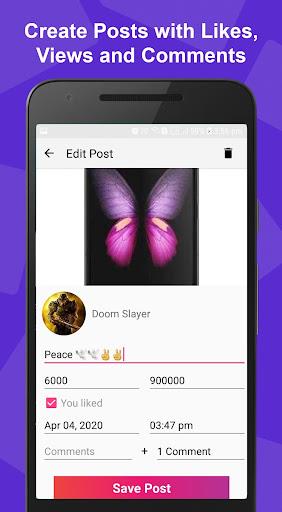

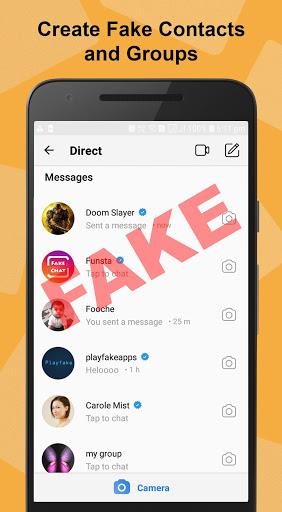
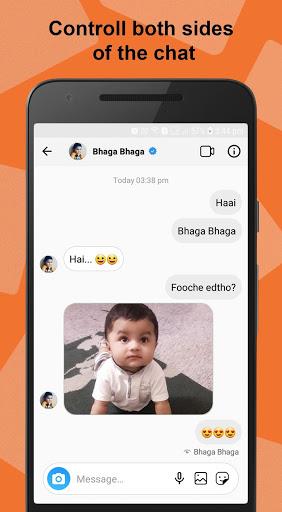
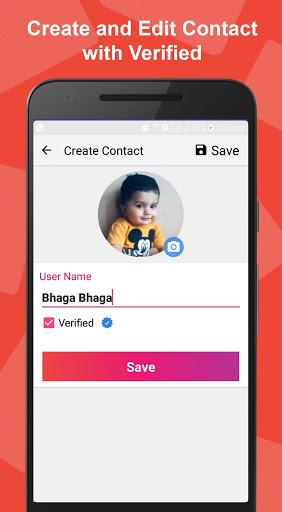
Latest Update












Latest News
-
![Revealing the Launch Playlists and Cross-Progression for COD Warzone Mobile News]()
-
![March 2024 Free Redemption Codes for Honkai: Star Rail News]()
-
PUBG Mobile Teams Up with Bentley Motors: Luxury Cars, Exclusive Collectibles, and Beyond 2024-04-18
![PUBG Mobile Teams Up with Bentley Motors: Luxury Cars, Exclusive Collectibles, and Beyond News]()
-
![Monster Never Cry is now accessible on both Android and iOS mobile devices. News]()
-
V2.2 of the Farlight 84 update introduces an overhauled Season structure, fresh in-game currency, an 2024-04-16
![V2.2 of the Farlight 84 update introduces an overhauled Season structure, fresh in-game currency, an News]()
-
![Arrival of Genshin Impact 4.6 Update: 'Embers of Two Realms, Twilight of Crimson' News]()
-
April 2024 Clash of Clans Update: Unveiling a Fresh Companion, Enhanced Levels, Chat Tagging, and Be 2024-04-16
![April 2024 Clash of Clans Update: Unveiling a Fresh Companion, Enhanced Levels, Chat Tagging, and Be News]()






