

ReNew Old Photo
Version:1.0.9
Published:2026-10-31
Introduction
ReNew Old Photo is a mobile utility that helps users restore faded or damaged photographs using intuitive tools and automated filters. Designed for hobbyists and professionals alike, the app combines AI-assisted repair with manual controls to bring new life to old prints and scanned images in minutes.
What ReNew Old Photo Does
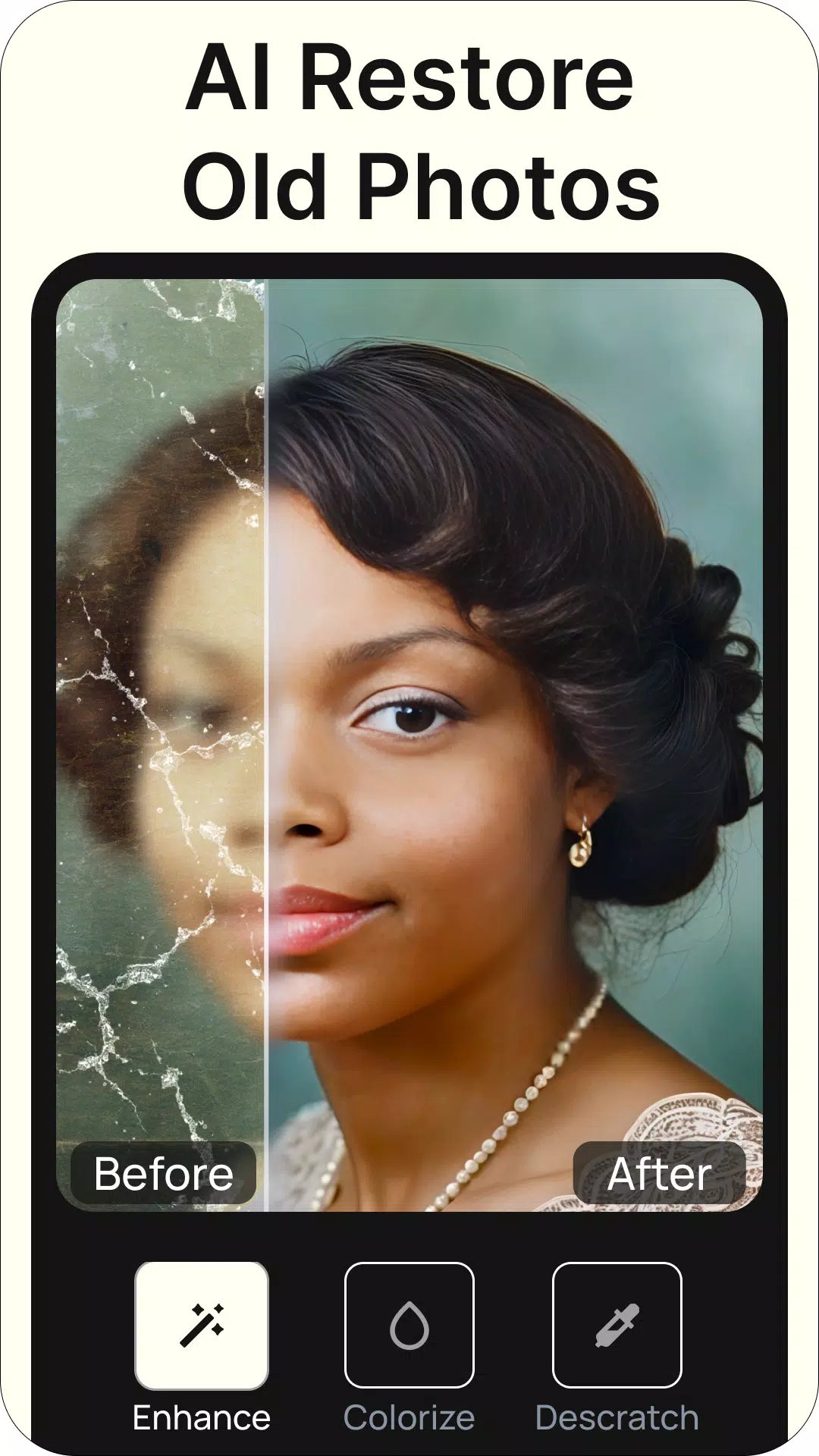
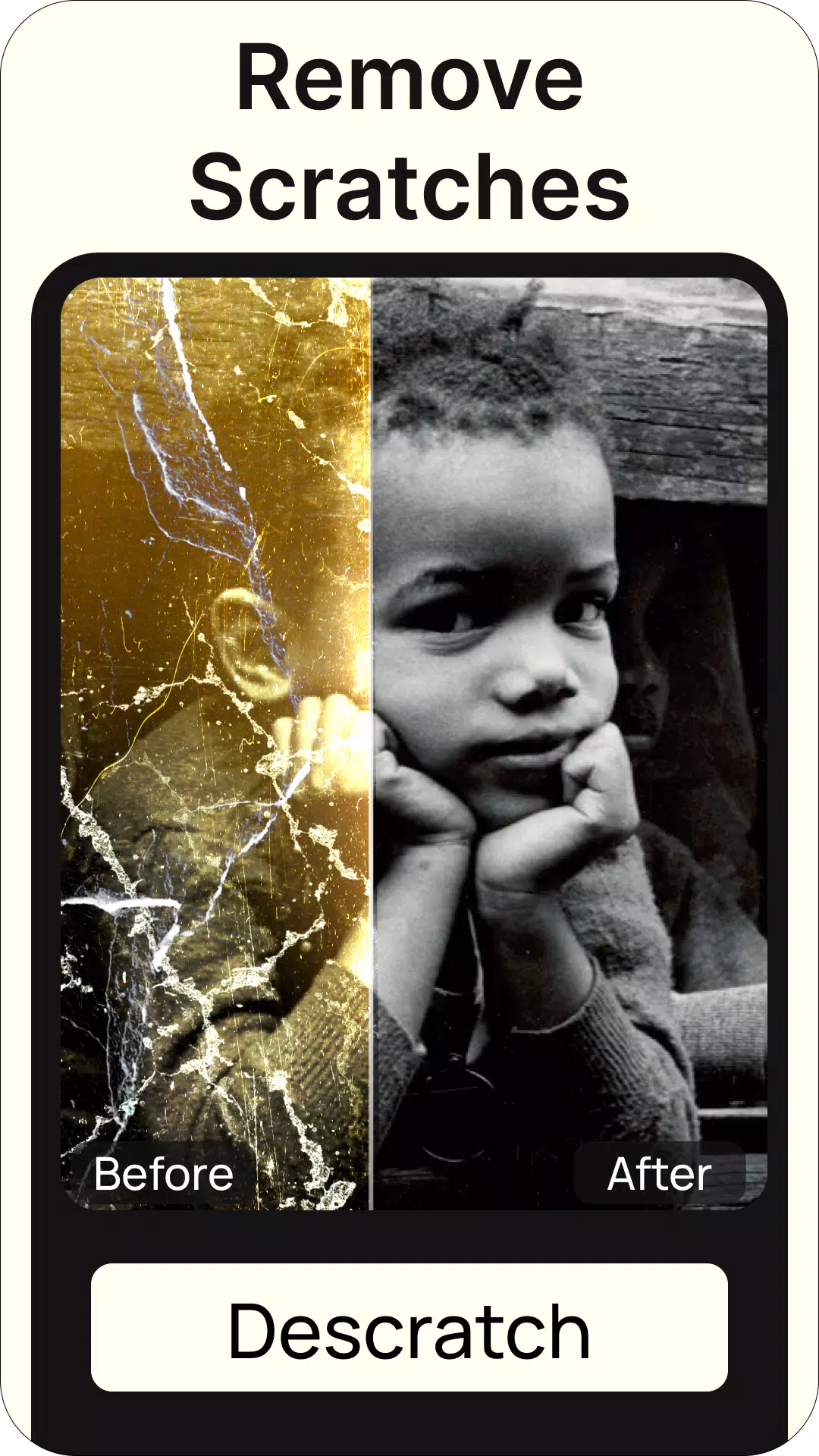
ReNew Old Photo focuses on practical photo restoration rather than complex photo editing. It analyzes color fading, scratches, and tear marks, then applies targeted fixes. The result is a cleaner, sharper image that retains the original character while correcting common deterioration found in analog prints and archival scans.
Core Tools and Repair Modes
- Auto Restore: One-tap processing that performs color correction, noise reduction, and scratch removal automatically.
- Detail Repair Brush: Manual brush for fixing localized damage like creases and spots without affecting surrounding textures.
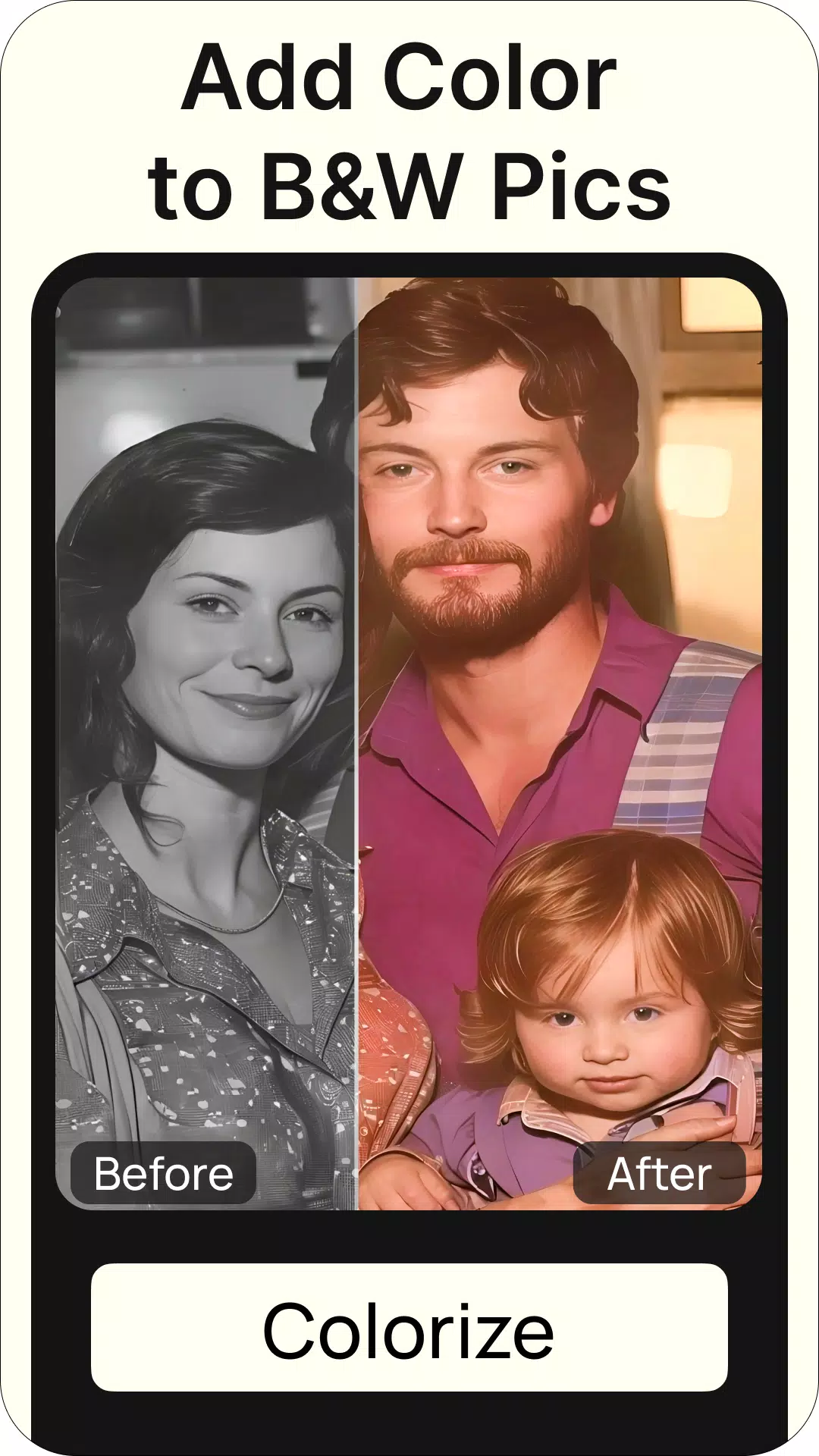
- Color Revive: Controls for adjusting saturation and tone to match original hues or choose a new look.
- Background Cleanup: Removes stains and uneven paper textures while preserving edges.
How Restoration Works
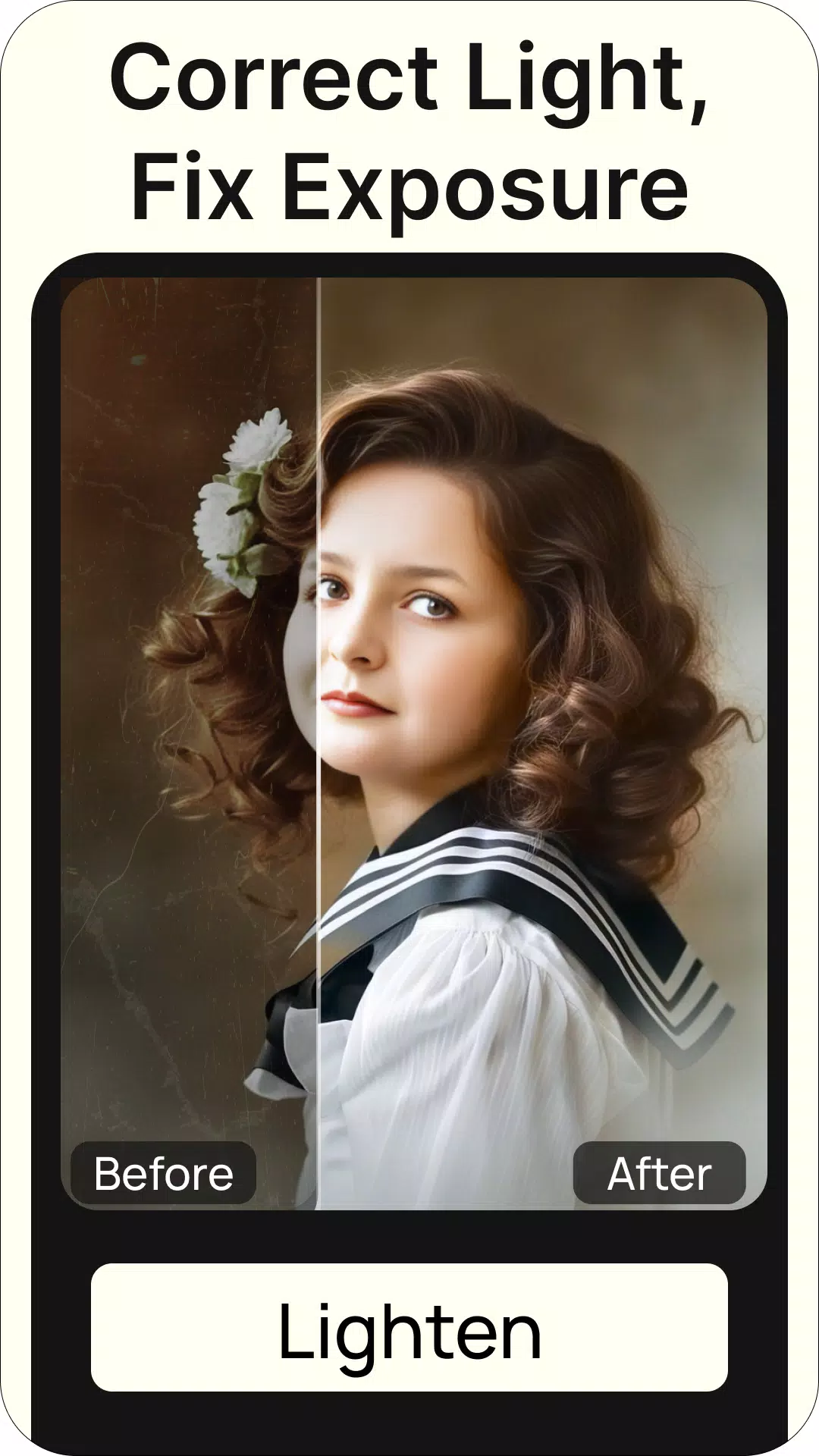
ReNew Old Photo blends algorithmic processing with user input. The app first detects areas of degradation and recommends a set of presets tailored to the detected issues. Users can accept the suggestion or step into expert mode to fine-tune parameters such as grain balance, contrast, and color temperature. This hybrid approach keeps the workflow accessible while offering depth for users who want precise control.
Interface and Performance
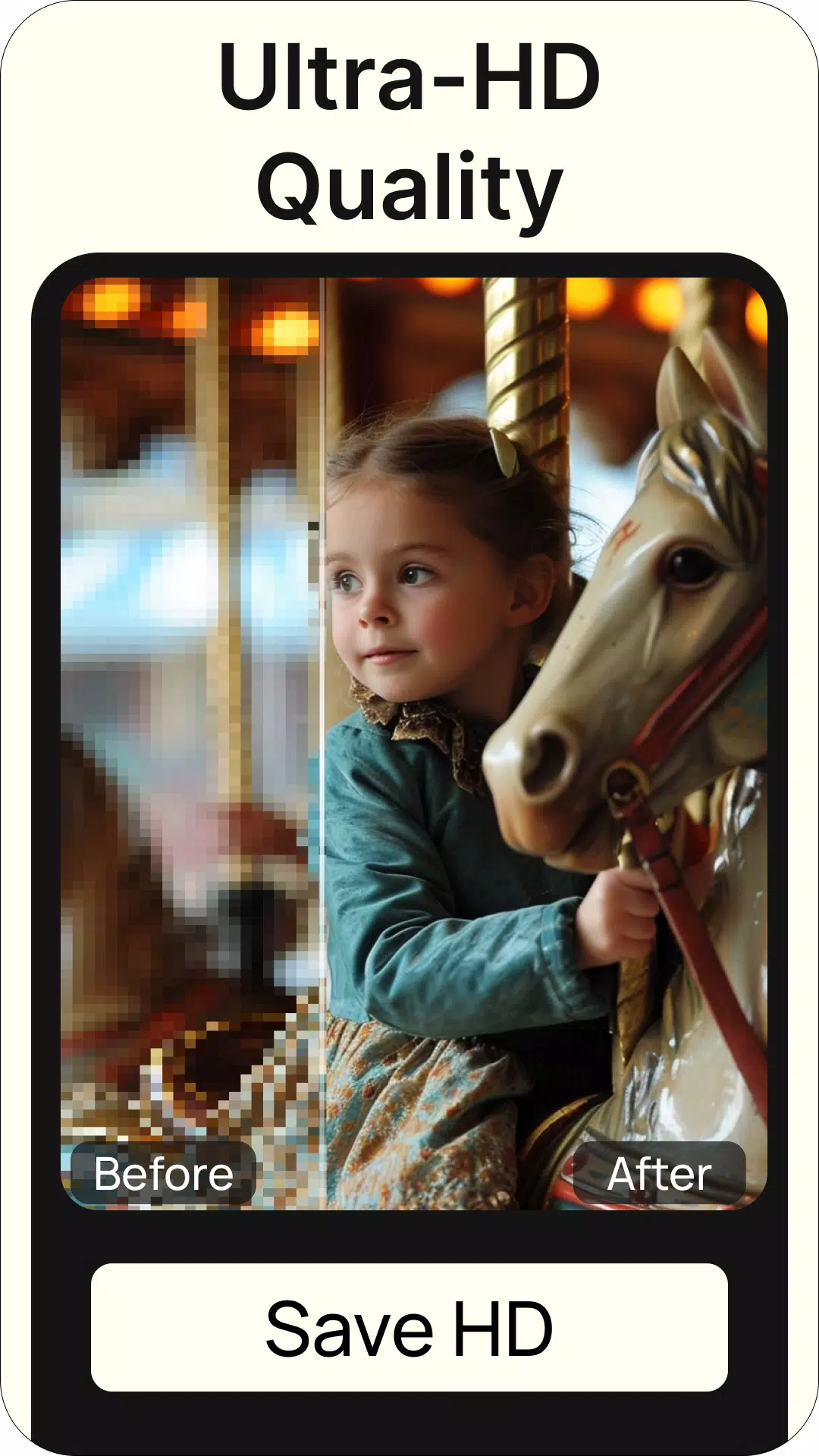
The interface prioritizes clarity: a simple toolbar, an adjustable canvas, and non-destructive history. Processing is optimized for mobile hardware, so most edits are completed quickly without draining battery excessively. Preview sliders let you compare before-and-after states instantly, and export options include high-resolution saves and social-ready formats.
Practical Use Cases
Photographers, archivists, and family historians will find the app useful for different reasons. Amateur users can restore family albums and create prints for framing, while professionals can use batch processing to refresh entire collections before digitization. ReNew Old Photo works with scanned negatives, smartphone captures of prints, and digital archives.
Customization and Advanced Settings
For users who need more precision, ReNew Old Photo provides advanced sliders and layer-based adjustments. You can selectively restore color in portions of an image, control the intensity of the denoise algorithm, and apply vignettes or subtle sharpening to enhance subject focus. These controls help preserve important details like facial features and textures.
User Experience Highlights
Navigation is straightforward, and tooltips guide newcomers through common tasks. The app also includes a searchable help section with step-by-step examples showing how to remove scratches, balance colors, and prepare images for print. Occasional in-app tips suggest best practices for scanning and lighting to optimize restoration results.
Tips for Getting Better Results
- Scan prints at a high resolution to preserve detail before editing.
- Work in small increments with the repair brush to avoid over-smoothing facial features.
- Use the preview slider frequently to compare edits against the original state.
- When restoring heavily damaged areas, consider combining auto restore with manual patching for natural textures.
Why Users Choose This App
Users appreciate ReNew Old Photo for striking the right balance between automation and manual control. The one-tap fixes save time, while the detailed tools enable careful restoration without needing a desktop suite. Its focus on preserving provenance and visual authenticity makes it a reliable choice for both sentimental projects and professional digitization work.
Getting Started
Installation is straightforward from the app store. After launching ReNew Old Photo, import an image, let the automatic scan run, and experiment with the suggested preset. Save frequently and export a high-resolution copy for archiving. The app’s learning curve is gentle, and a few quick projects will make advanced options intuitive.
Whether you want to rescue family memories or prepare archival material for display, ReNew Old Photo provides a compact, capable toolkit for restoring images on the go while keeping workflow and output quality front and center.
Show More
Information
Screenshots

Latest Update












Hot Tags
Latest News
-
![Revealing the Launch Playlists and Cross-Progression for COD Warzone Mobile News]()
-
![March 2024 Free Redemption Codes for Honkai: Star Rail News]()
-
PUBG Mobile Teams Up with Bentley Motors: Luxury Cars, Exclusive Collectibles, and Beyond 2024-04-18
![PUBG Mobile Teams Up with Bentley Motors: Luxury Cars, Exclusive Collectibles, and Beyond News]()
-
![Monster Never Cry is now accessible on both Android and iOS mobile devices. News]()
-
V2.2 of the Farlight 84 update introduces an overhauled Season structure, fresh in-game currency, an 2024-04-16
![V2.2 of the Farlight 84 update introduces an overhauled Season structure, fresh in-game currency, an News]()
-
![Arrival of Genshin Impact 4.6 Update: 'Embers of Two Realms, Twilight of Crimson' News]()
-
April 2024 Clash of Clans Update: Unveiling a Fresh Companion, Enhanced Levels, Chat Tagging, and Be 2024-04-16
![April 2024 Clash of Clans Update: Unveiling a Fresh Companion, Enhanced Levels, Chat Tagging, and Be News]()






