

Aqua Mail
Version:1.51.5
Published:2026-11-01
Introduction
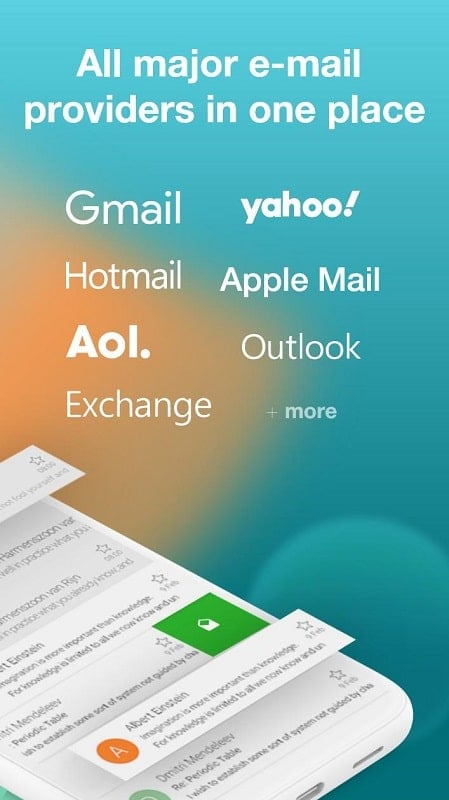
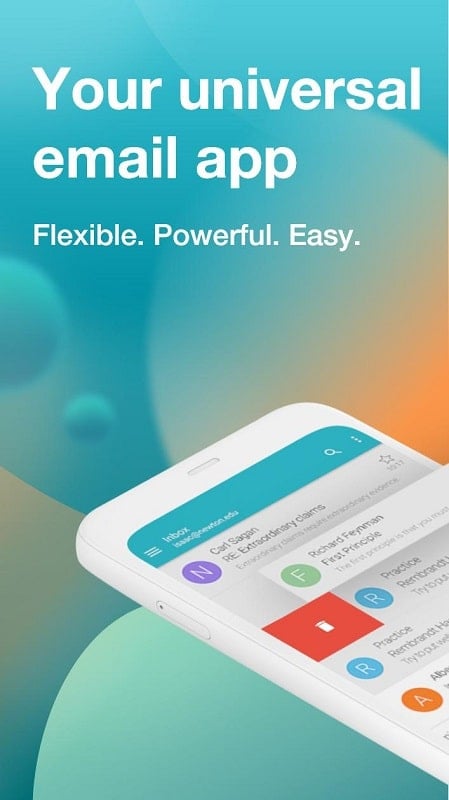
Aqua Mail is a full-featured email client designed to bring multiple accounts into a single, easy-to-navigate workspace so you can read, compose and organize messages without jumping between apps. Aqua Mail focuses on productivity and privacy: it offers a rich-text composer for clearer messages, message-level protection to keep sensitive content hidden until you unlock it, and calendar synchronization so appointments sent by email can become actionable reminders. The app is built for users who manage heavy inbox traffic or who need stronger control over how and when messages are exposed, and it aims to reduce the time you spend on routine mail tasks while giving straightforward tools to shape your workflow.
Key Features
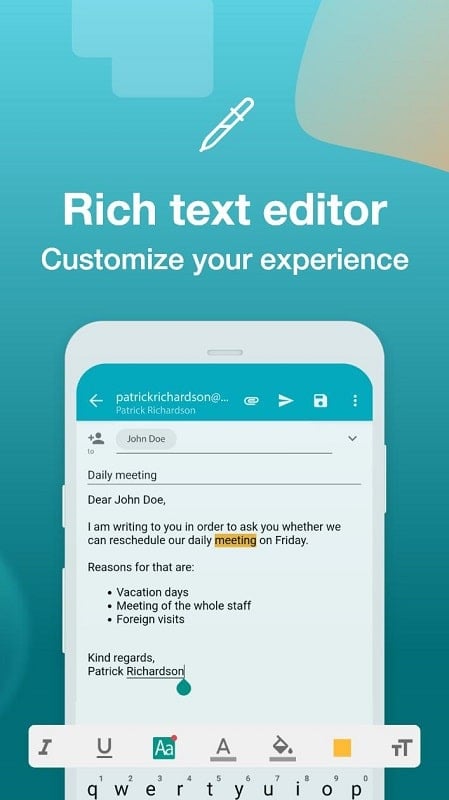
The unified inbox brings messages from multiple providers into one stream so you can scan and respond quickly; individual account views remain available when you need to work on a single address. The rich text editor supports common formatting—bold, italic, lists and simple font adjustments—so you can produce professional-looking replies and newsletters from your device. Message-level privacy allows you to mark and lock specific emails so their content stays concealed behind a passcode or unlock action, useful for protecting private or work-sensitive correspondence. Calendar synchronization imports dates and meeting details from messages and creates reminders once you enable calendar access, helping you turn email invites into scheduled items. Quick setup options and account presets shorten the initial configuration process and provide sensible defaults for common providers and settings.
Beyond the basics, Aqua Mail includes configurable sync intervals and background refresh controls so you can balance immediacy against battery and data use. Offline reading and draft composition are supported: messages already downloaded remain readable without a connection, and drafts can be composed offline and sent automatically when connectivity resumes. The app keeps header and attachment previews readable in compact form, and attachment handling is designed to let you view or save files locally without breaking your workflow.
User Experience and Controls
Navigation within Aqua Mail is organized around clear inbox, account and folder views; commonly used actions are reachable from the main screen to reduce steps when archiving or replying. Shortcut and quick-action features streamline repetitive tasks, and configurable display options let you choose how much information appears in message lists. Notifications are manageable so you can mute or prioritize accounts depending on urgency. Accessibility options include adjustable font sizes and readable contrast choices that make long reading sessions easier for users with different needs.
Progression, Customization and Visual Style
The app’s progression is straightforward: initial setup brings your accounts together, then you refine sync rules, folder filters and protection preferences as your needs evolve. Customization covers signature templates, default reply behavior, and how message previews are shown; these choices help you reduce repetitive editing and shape the app to match a personal or professional workflow. Visual style is intentionally clean and utilitarian, focusing on clear typography and spacing so messages remain the priority, but theme adjustments and compact versus comfortable layouts allow you to tailor the look to your reading preference.
Organization, Challenge Systems and Replay Value
Folder and label structures are supported to help you create a predictable filing system—rules and filters accelerate triage so you can move high-volume message streams into the right place automatically. Challenge systems in Aqua Mail are practical rather than gamified: built-in tools help you reduce inbox clutter, manage attachments, and secure sensitive notes, which together increase the long-term usefulness of the app. Because the client combines consolidation, privacy and offline features, it has clear day-to-day replay value for anyone who relies on email for planning and task management.
Advantages
Centralized account management reduces the friction of switching between providers and simplifies multi-address workflows. The message-level locking feature improves confidentiality for both personal and work messages by keeping content concealed until you choose to reveal it. The rich editor eliminates the need to switch apps to format messages, and calendar sync turns incoming invites into reminders without manual entry. Aqua Mail’s focus on configurable sync and offline access makes it practical for travel and intermittent connectivity.
Disadvantages
Calendar synchronization requires granting access to your device calendar and time settings, which some users may prefer not to enable. Protecting messages requires manually marking items and setting an unlock method, which adds steps compared with always-on encryption at the account level. Some advanced behaviors—custom filters, detailed sync preferences and signature templates—benefit from a short setup period to get them tuned to your workflow. If you handle very specific provider configurations, you may need to adjust settings beyond the initial quick-setup options to match enterprise or lesser-known service requirements.
Show More
Information
Screenshots
Latest Update












Latest News
-
![Revealing the Launch Playlists and Cross-Progression for COD Warzone Mobile News]()
-
![March 2024 Free Redemption Codes for Honkai: Star Rail News]()
-
PUBG Mobile Teams Up with Bentley Motors: Luxury Cars, Exclusive Collectibles, and Beyond 2024-04-18
![PUBG Mobile Teams Up with Bentley Motors: Luxury Cars, Exclusive Collectibles, and Beyond News]()
-
![Monster Never Cry is now accessible on both Android and iOS mobile devices. News]()
-
V2.2 of the Farlight 84 update introduces an overhauled Season structure, fresh in-game currency, an 2024-04-16
![V2.2 of the Farlight 84 update introduces an overhauled Season structure, fresh in-game currency, an News]()
-
![Arrival of Genshin Impact 4.6 Update: 'Embers of Two Realms, Twilight of Crimson' News]()
-
April 2024 Clash of Clans Update: Unveiling a Fresh Companion, Enhanced Levels, Chat Tagging, and Be 2024-04-16
![April 2024 Clash of Clans Update: Unveiling a Fresh Companion, Enhanced Levels, Chat Tagging, and Be News]()






