

CleverType AI Keyboard
Version:8.0.0
Published:2026-11-02
Introduction
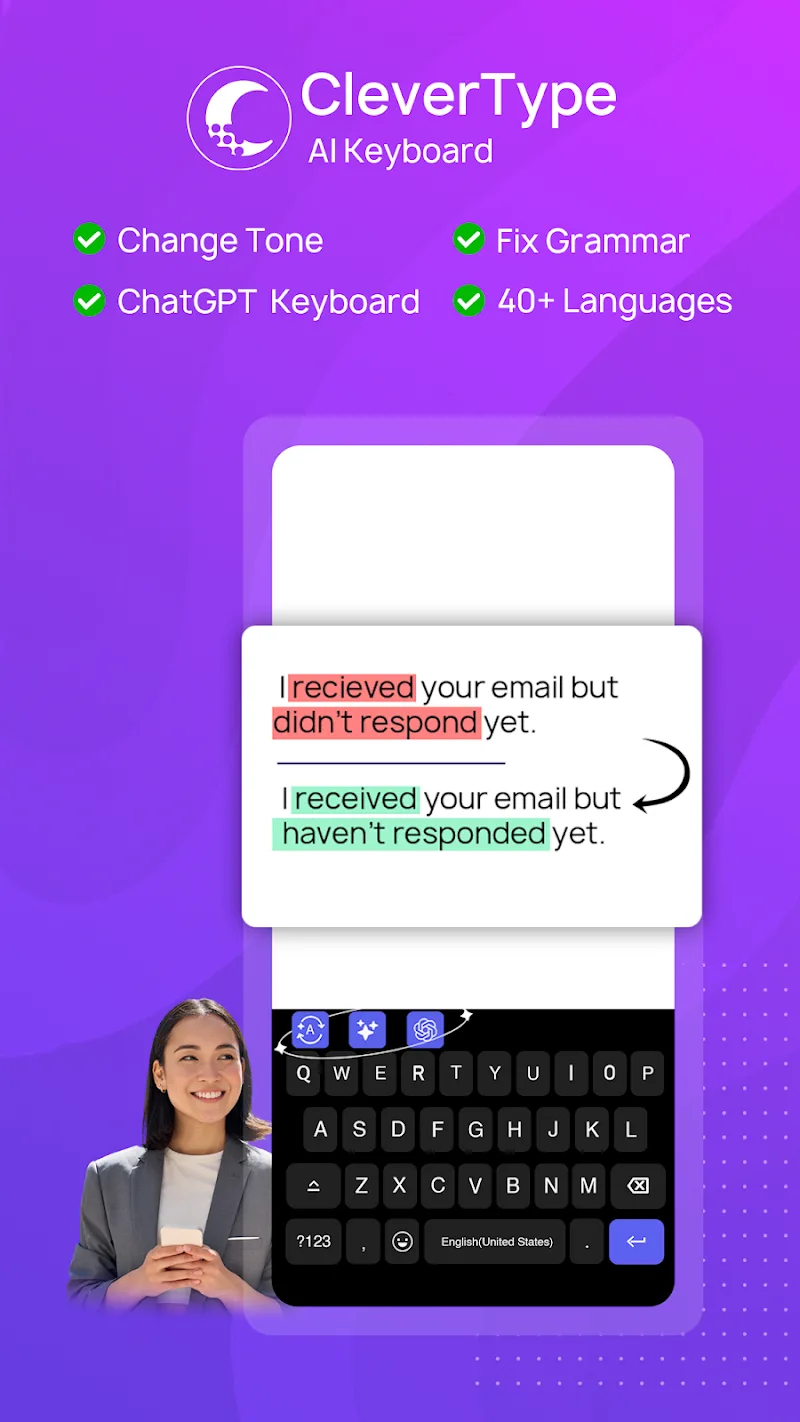
CleverType AI Keyboard is an intelligent Android keyboard that speeds up typing with context-aware suggestions, auto-corrections, and privacy-focused AI features. It blends predictive text, swipe typing, and multilingual support into a lightweight keyboard app designed for everyday messaging, note-taking, and professional communication on phones and tablets.
What Makes the Keyboard Stand Out
The core of CleverType AI Keyboard is its adaptive prediction engine that learns from your writing style to offer smarter completions and phrase suggestions. It reduces repetitive typing by anticipating word sequences, correcting typos on the fly, and offering quick replies tailored to context. The app targets both casual conversations and more formal drafting tasks.
Key Features and Tools
- Predictive Text - Next-word and phrase predictions based on real-time context and personalized language models.
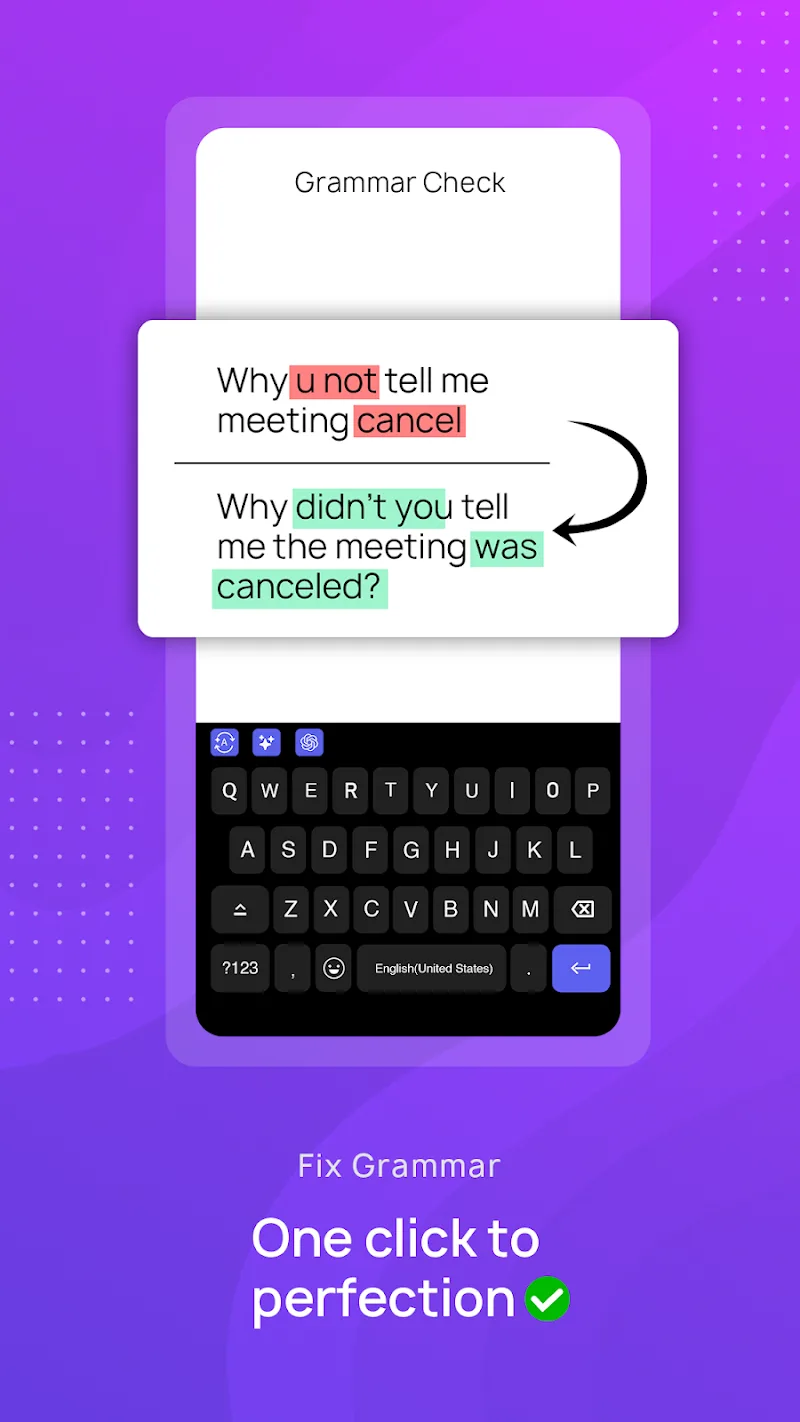
- Smart Auto-Correct - Accurate corrections that minimize intrusive replacements, with easy undo gestures.
- Swipe and Gesture Typing - Fluid swipe input for one-handed use plus customizable gesture shortcuts to insert punctuation, switch layouts, or open emoji panels.
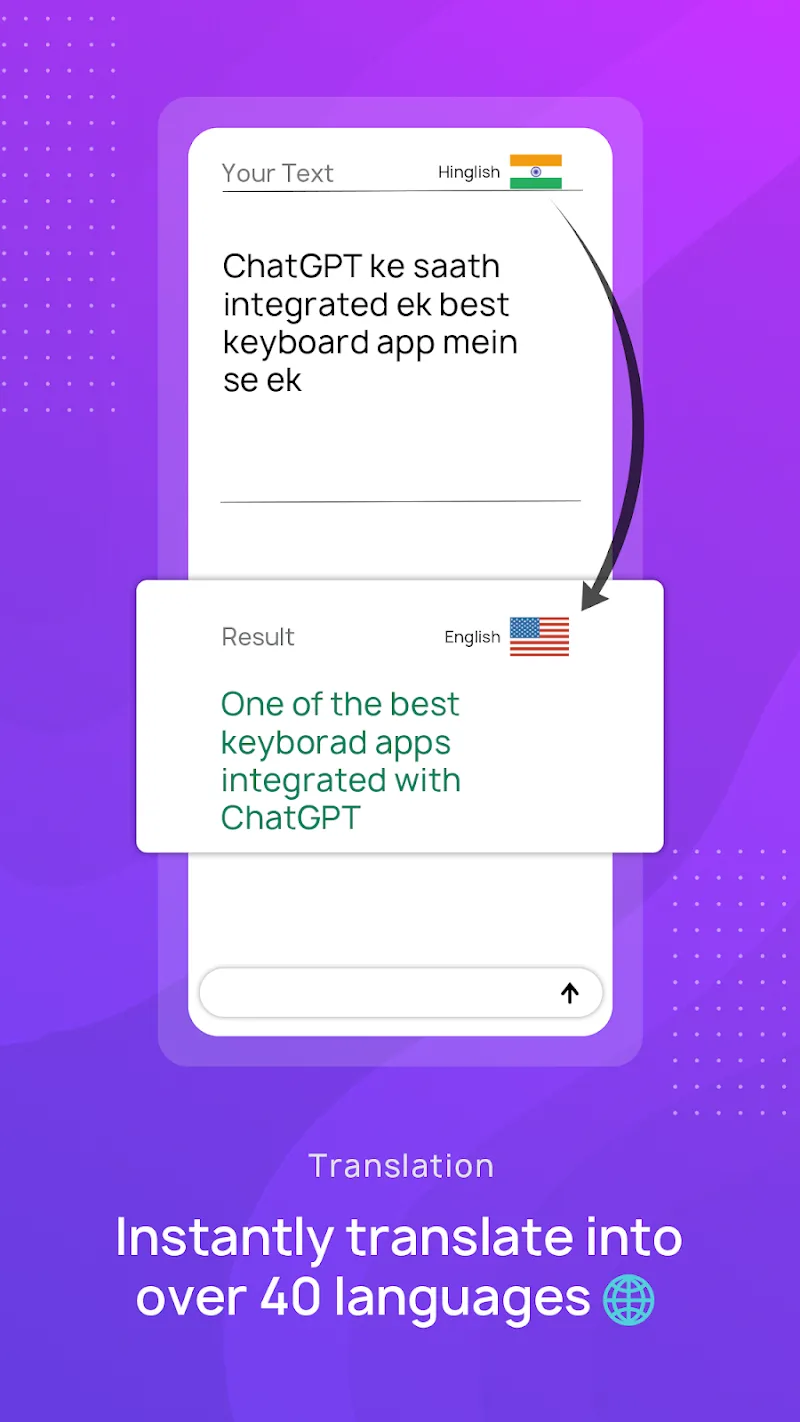
- Multilingual Support - Automatic language detection and seamless switching between multiple dictionaries without manual toggles.
- Clipboard and Snippets - Quick access to recent clipboard entries and reusable text snippets for emails, addresses, or common replies.
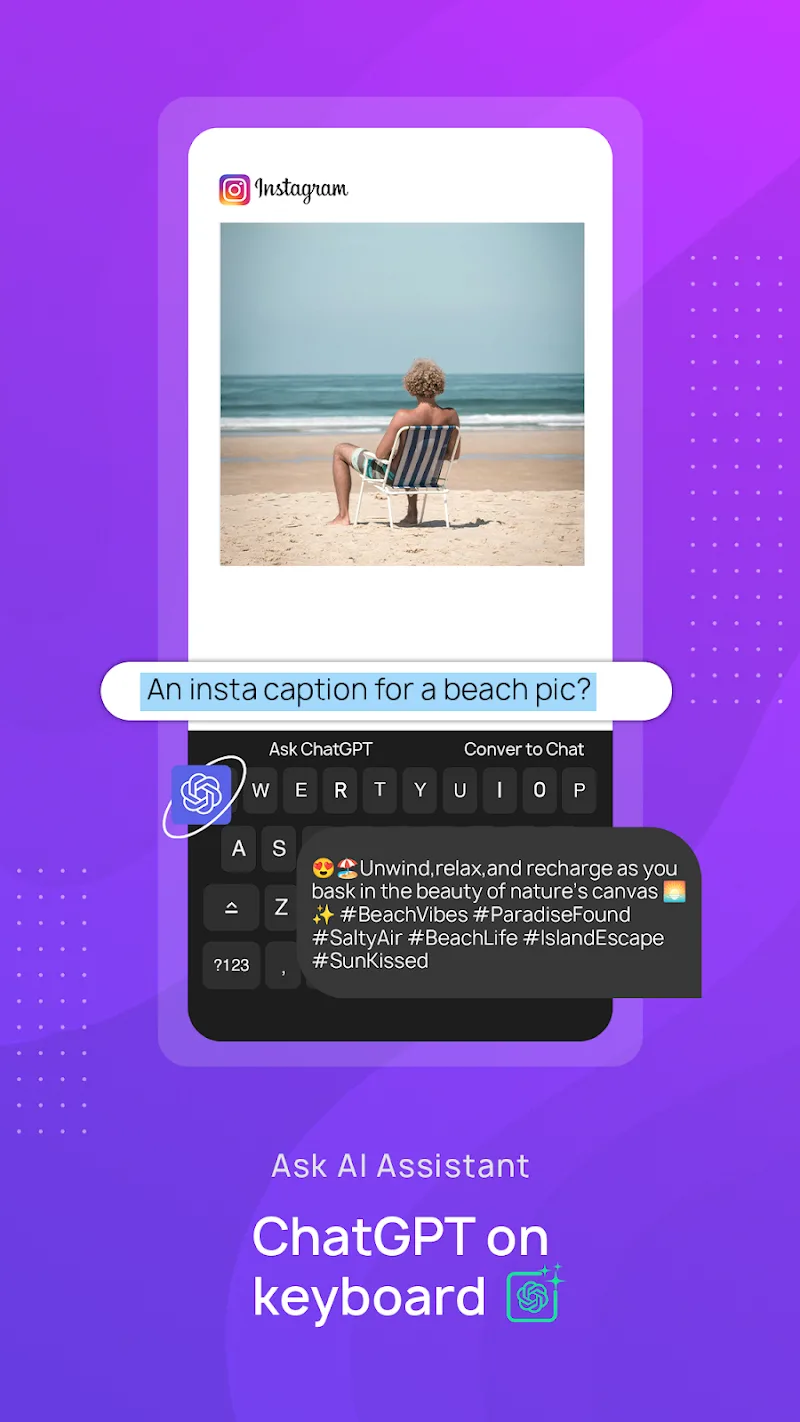
- Emoji and GIF Search - Fast, context-aware emoji suggestions and an integrated GIF search to liven up chats.
How the Typing Engine Works
CleverType AI Keyboard combines local predictive models and optional cloud-assisted suggestions to balance speed and privacy. Local processing handles most predictions to keep latency low and typing feel instant. When enabled, cloud features refine suggestions for uncommon queries and improve multilingual accuracy while offering controls to limit what data is sent.
Customization and Appearance
The app includes a variety of themes, layout options, and key sizing controls to match device preferences. Users can choose compact or extended layouts, enable a numeric row, adjust key height, and apply high-contrast or minimal themes. Customizable long-press actions let you assign frequently used symbols and clipboard snippets to specific keys.
Privacy, Permissions, and Data Controls
Privacy is a central design goal. CleverType AI Keyboard requests only the permissions needed for core functions, such as input access and optional clipboard access. You can disable cloud suggestions, clear learned data, and control whether the keyboard stores personalized predictions. A clear privacy settings panel explains each permission and how it impacts functionality.
Language Coverage and Accessibility
The keyboard supports dozens of languages and regional variants with accurate autocorrect and layout normalization. Built-in accessibility features include adjustable vibration feedback, high-contrast themes, and large-key modes for users with motor challenges. Voice input integrates with the device speech engine for fast dictation and punctuation handling.
Performance and Battery Impact
Designed for efficiency, CleverType AI Keyboard is optimized to minimize CPU and memory usage during extended typing sessions. Background model updates are scheduled for idle moments to avoid draining battery during active use. The app aims to deliver instant suggestions without noticeable lag even on mid-range devices.
Compatibility and Integration
The keyboard supports Android phones and tablets across multiple OS versions and adapts to various apps including messaging, email, and note-taking tools. Integration with popular clipboard managers and cloud storage services is optional, allowing users to link accounts for snippet syncing across devices while keeping control over what is shared.
Getting Started Quickly
Installation and setup are straightforward: install the app, enable it in your device input settings, and select it as the active keyboard. A guided tutorial walks through personalization options, gesture setup, and privacy toggles. Within minutes you can import dictionaries, configure themes, and tailor prediction behavior to your writing style.
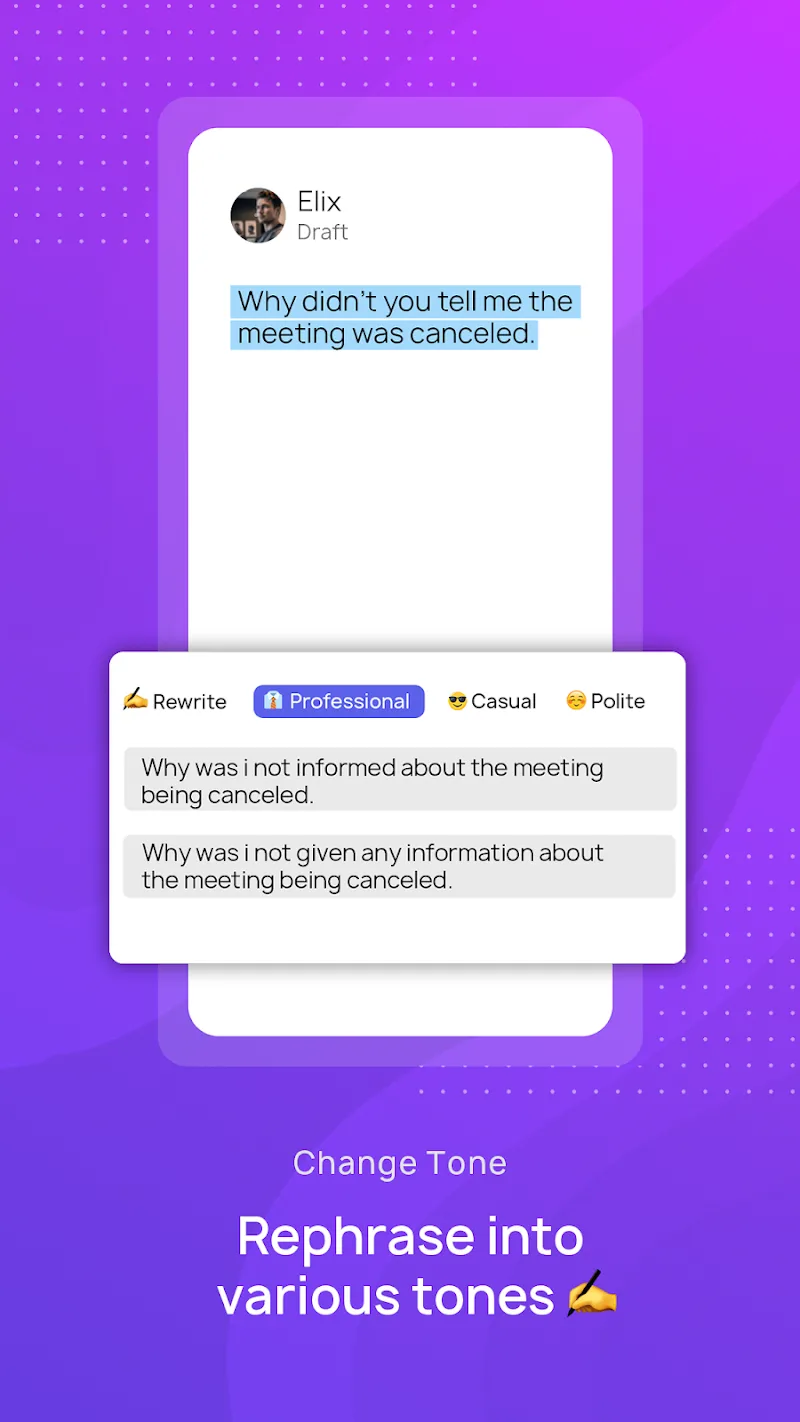
CleverType AI Keyboard aims to make everyday typing faster and less intrusive while offering robust customization and transparent privacy choices. Whether you want faster messaging, more accurate professional writing, or a keyboard that adapts to multiple languages, it provides practical tools to streamline text input on Android devices.
Show More
Information
Screenshots
Latest Update












Hot Tags
Latest News
-
![Revealing the Launch Playlists and Cross-Progression for COD Warzone Mobile News]()
-
![March 2024 Free Redemption Codes for Honkai: Star Rail News]()
-
PUBG Mobile Teams Up with Bentley Motors: Luxury Cars, Exclusive Collectibles, and Beyond 2024-04-18
![PUBG Mobile Teams Up with Bentley Motors: Luxury Cars, Exclusive Collectibles, and Beyond News]()
-
![Monster Never Cry is now accessible on both Android and iOS mobile devices. News]()
-
V2.2 of the Farlight 84 update introduces an overhauled Season structure, fresh in-game currency, an 2024-04-16
![V2.2 of the Farlight 84 update introduces an overhauled Season structure, fresh in-game currency, an News]()
-
![Arrival of Genshin Impact 4.6 Update: 'Embers of Two Realms, Twilight of Crimson' News]()
-
April 2024 Clash of Clans Update: Unveiling a Fresh Companion, Enhanced Levels, Chat Tagging, and Be 2024-04-16
![April 2024 Clash of Clans Update: Unveiling a Fresh Companion, Enhanced Levels, Chat Tagging, and Be News]()






