

Cute Note DDay Todo
Version:4.3.0
Published:2026-11-02
Introduction
Cute Note DDay Todo is a lightweight Android planner that combines sticky-note visuals with countdowns and to-do lists. Designed for quick scheduling and memorable event tracking, it helps users set reminders, manage tasks, and personalize note widgets for the home screen. Ideal for daily routines and important dates.
What the App Offers
Cute Note DDay Todo provides a focused set of tools to organize dates and tasks with visual clarity. The app blends countdown timers, simple checklist management, and colorful note-style widgets so you can see priorities at a glance. It’s built for people who prefer quick input, visual cues, and low-friction reminders.
Key Features and Tools
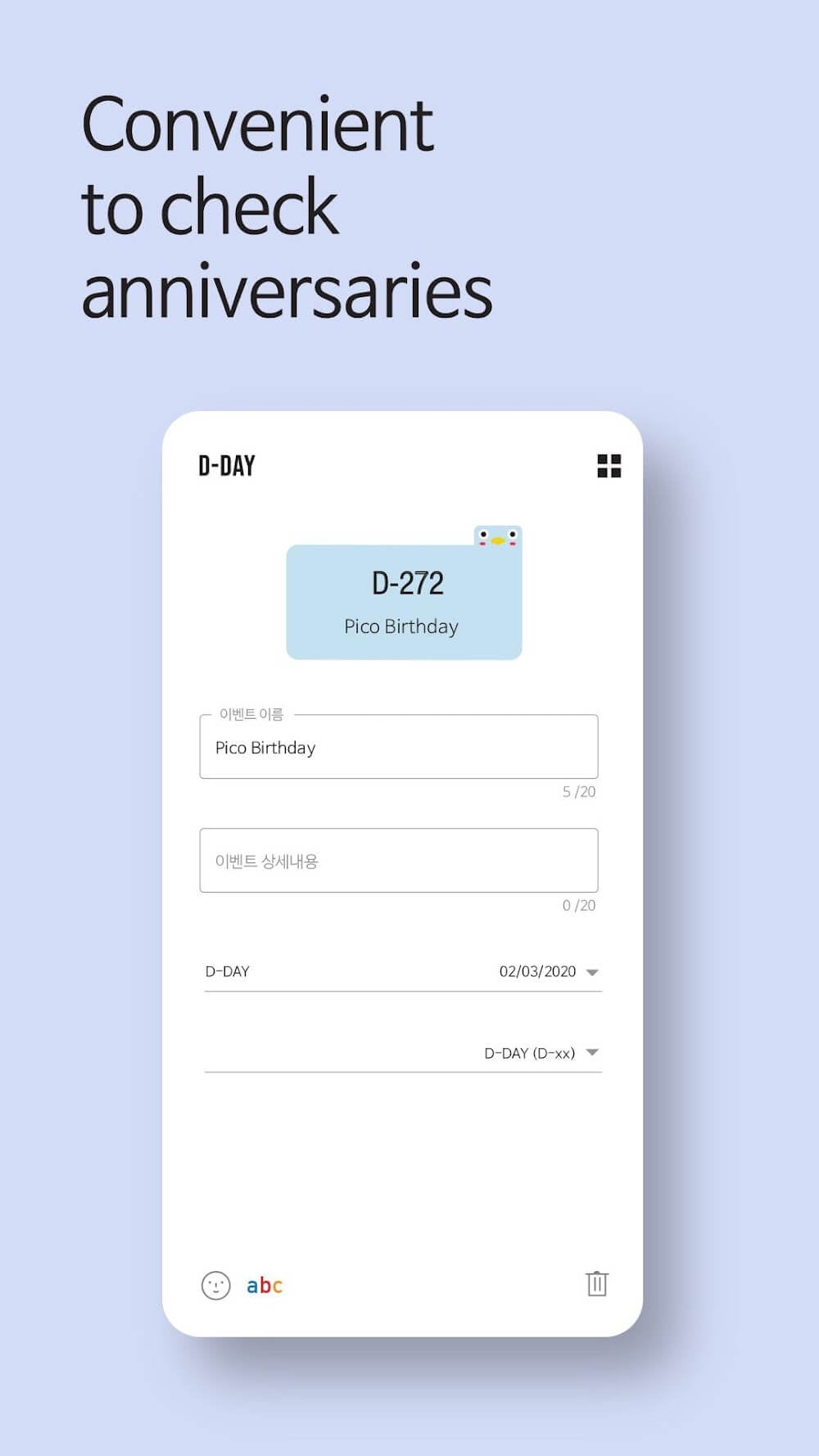
- Countdown and D-Day tracking: Create labeled countdowns for birthdays, anniversaries, exams, or launches and watch days tick down on the widget.
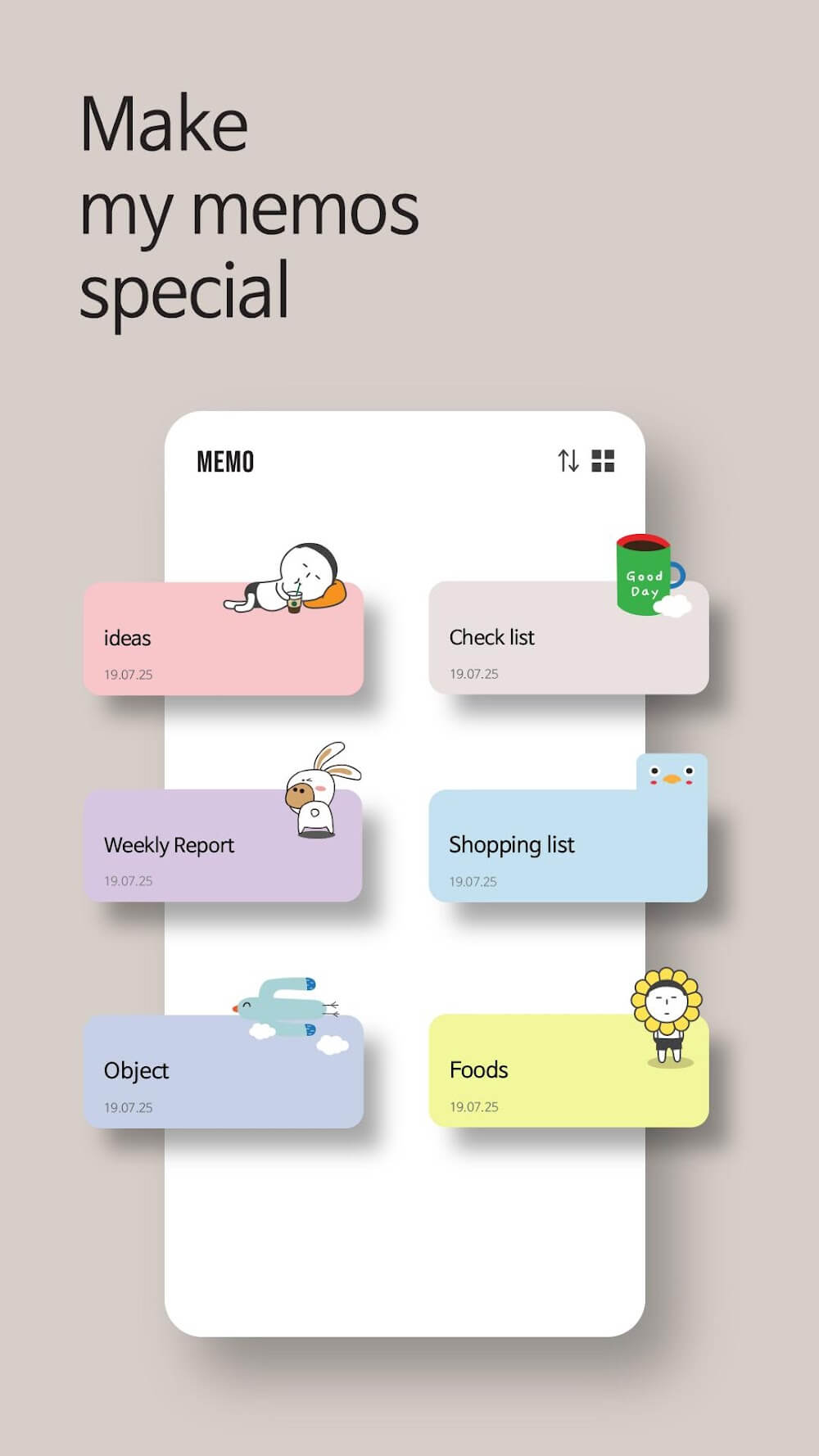
- Sticky-note style widgets: Place customizable notes on your home screen for instant access to tasks and dates without opening the app.
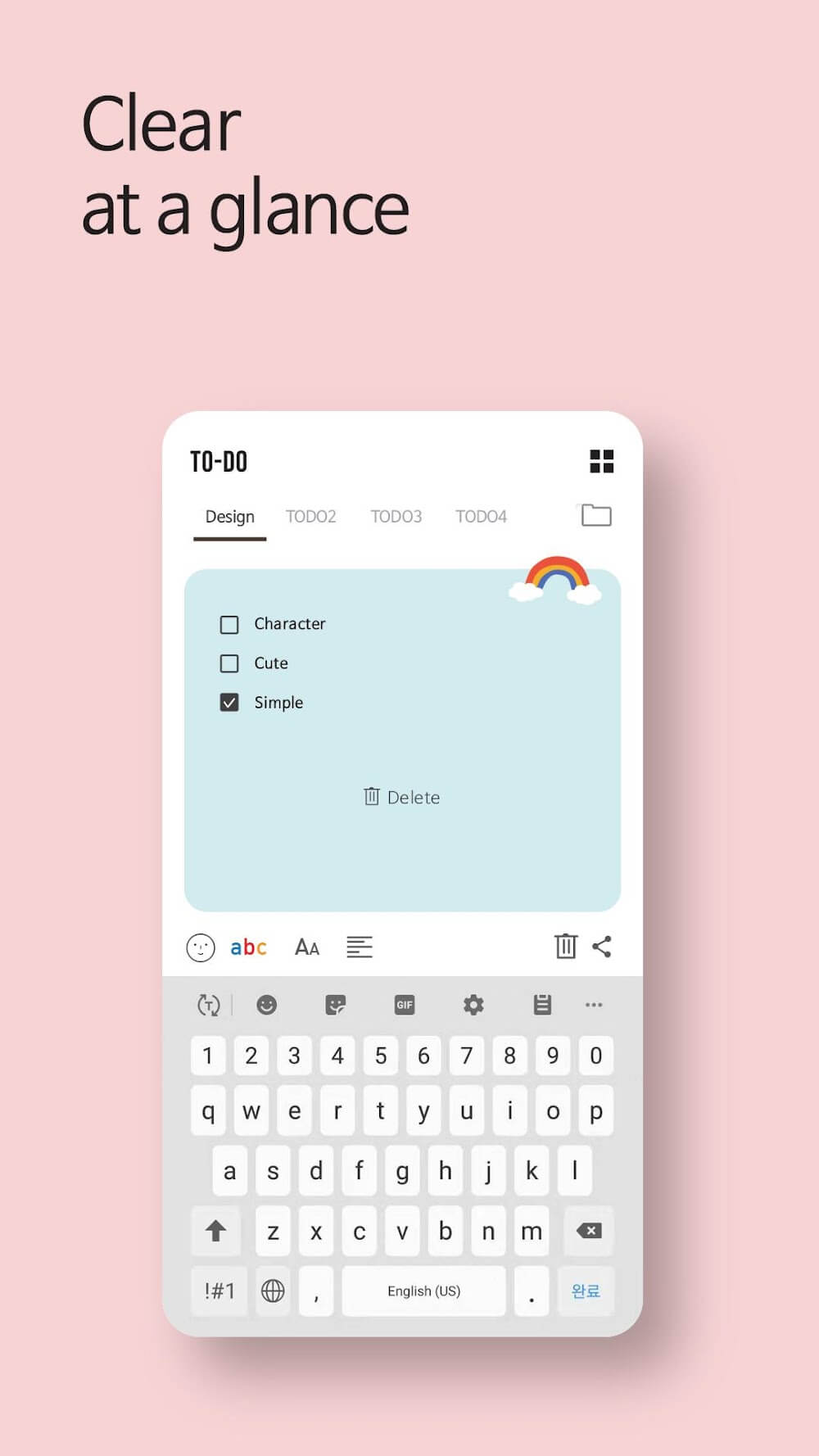
- To-do lists with checkboxes: Add subtasks and mark them complete to keep progress visible and motivating.
- Custom labels and colors: Color-code notes and countdowns to group related tasks and prioritize visually.
- Reminder scheduling: Set alerts tied to a D-Day or specific times so essential events don’t slip by.
- Simplified entry flow: Fast creation and editing tools cut down on setup time and encourage regular use.
User Interface and Personalization
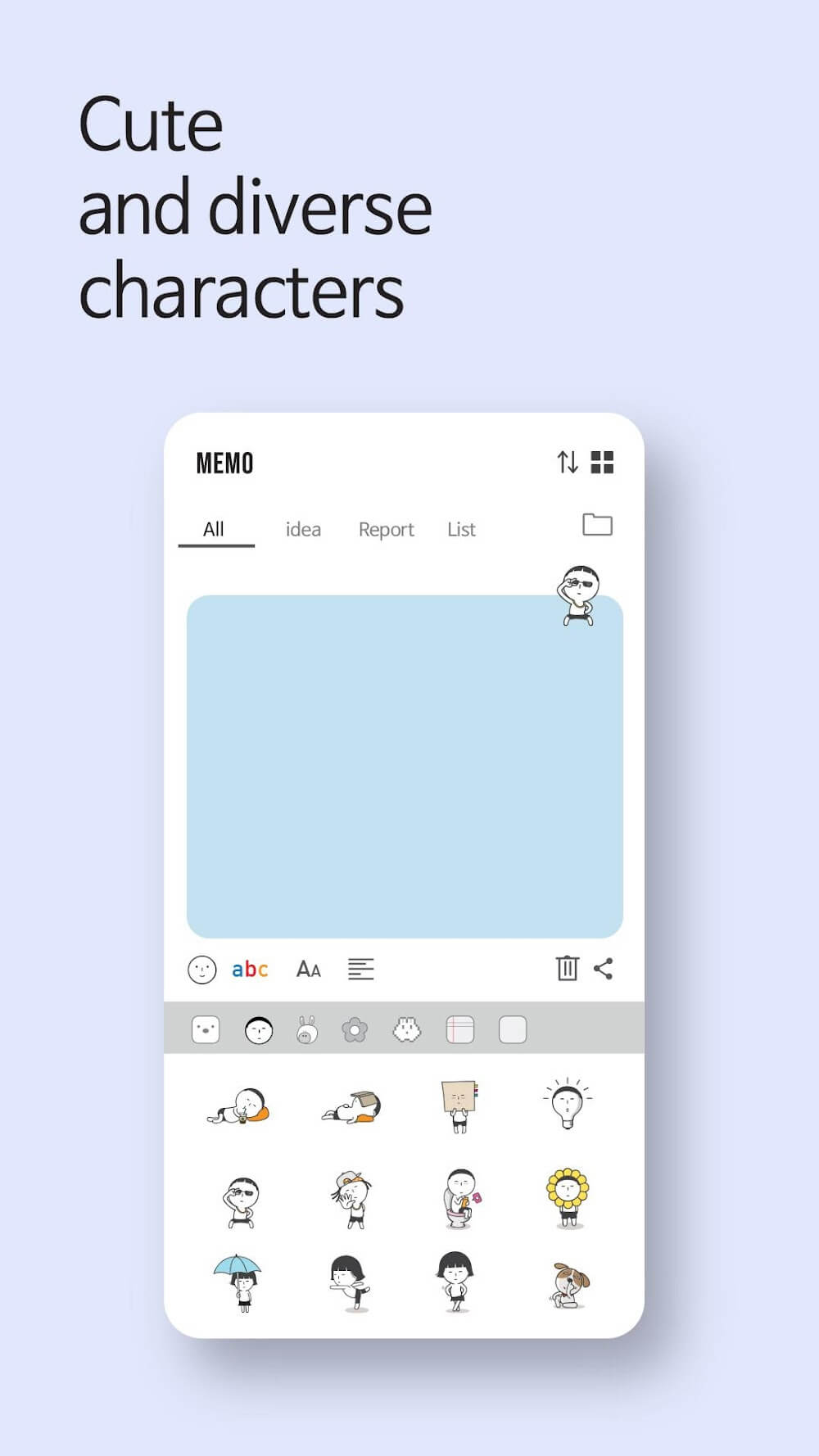
The design emphasizes clarity: large fonts for countdown numbers, clearly separated checklists, and an uncluttered composition for widgets. Cute Note DDay Todo includes several templates for note shapes and backgrounds, letting you tailor the look of your home screen. Adjust font sizes, color palettes, and the level of detail shown on each widget to match your visual preferences.
How It Fits into Daily Workflow
Use the app to manage both one-off events and repeating items. For example, add a countdown for an upcoming trip, set a recurring task for weekly bill payments, and pin a grocery checklist to the home screen for quick access. The combination of persistent widgets and in-app lists helps reduce the number of steps needed to see what matters today.
Performance and Compatibility
Cute Note DDay Todo is optimized for efficiency, with fast load times and minimal background activity to preserve battery life. Widgets update reliably without heavy processing, and the app runs smoothly on a wide range of Android devices. Occasional sync or backup options may be available depending on device settings and permissions, helping protect your notes and schedules.
Tips for Getting the Most Out of It
- Use color-coding to distinguish work, personal, and long-term goals at a glance.
- Keep the home-screen widgets limited to your top 3–6 priorities to avoid visual clutter.
- Combine countdowns with reminders a few days out to prepare in advance for important events.
- Leverage checklists for step-by-step tasks like packing, shopping, or project milestones.
Privacy and Permissions
The app requests only the permissions necessary for its features, such as calendar access for event reminders or storage for backup options. Review and adjust permission settings in Android if you prefer to limit access. Data handling focuses on local storage, and users can manage their notes and deletes from within the app interface.
Why Users Choose This App
Many users value Cute Note DDay Todo for its approachable, visually appealing approach to reminders. The sticky-note aesthetic makes scheduling feel less clinical, while countdowns add a motivational aspect for upcoming milestones. It suits students, busy professionals, and anyone who benefits from visual, on-screen prompts rather than complex project management tools.
Getting Started
Download and open the app, grant the minimal permissions requested, and add your first countdown or note. Experiment with widget sizes and colors to find a layout that works for your home screen. Regular, small updates to your notes will keep the experience useful without requiring a major time investment.
Show More
Information
Screenshots
Latest Update












Hot Tags
Latest News
-
![Revealing the Launch Playlists and Cross-Progression for COD Warzone Mobile News]()
-
![March 2024 Free Redemption Codes for Honkai: Star Rail News]()
-
PUBG Mobile Teams Up with Bentley Motors: Luxury Cars, Exclusive Collectibles, and Beyond 2024-04-18
![PUBG Mobile Teams Up with Bentley Motors: Luxury Cars, Exclusive Collectibles, and Beyond News]()
-
![Monster Never Cry is now accessible on both Android and iOS mobile devices. News]()
-
V2.2 of the Farlight 84 update introduces an overhauled Season structure, fresh in-game currency, an 2024-04-16
![V2.2 of the Farlight 84 update introduces an overhauled Season structure, fresh in-game currency, an News]()
-
![Arrival of Genshin Impact 4.6 Update: 'Embers of Two Realms, Twilight of Crimson' News]()
-
April 2024 Clash of Clans Update: Unveiling a Fresh Companion, Enhanced Levels, Chat Tagging, and Be 2024-04-16
![April 2024 Clash of Clans Update: Unveiling a Fresh Companion, Enhanced Levels, Chat Tagging, and Be News]()






