

Andronix - Linux on Android
Version:10.0.1
Published:2026-11-02
Introduction
Andronix - Linux on Android brings full Linux distributions to Android devices without rooting, letting users run Debian, Ubuntu, Arch and other systems in a containerized environment. It provides an approachable installer, optional desktop environments, and tools to work with command-line utilities, development stacks, and graphical apps on mobile.
What this app offers
Andronix - Linux on Android transforms a smartphone or tablet into a portable Linux workstation. Through a combination of downloadable images, scripts and VNC support, it lets you install and manage multiple distributions. Whether you need a development sandbox, a testing environment, or access to desktop-only tools, the app provides a flexible bridge between Android and Linux.
Key features and tools
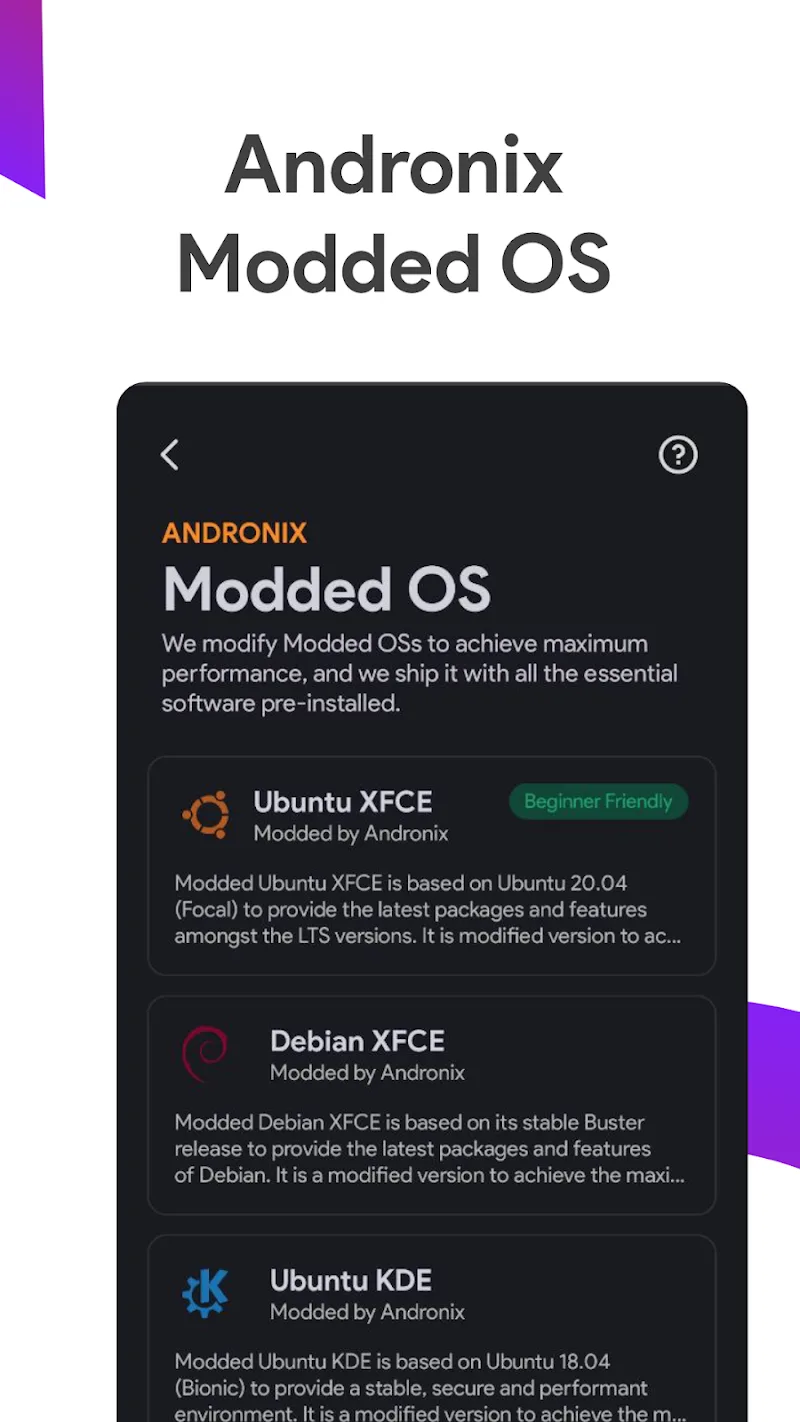
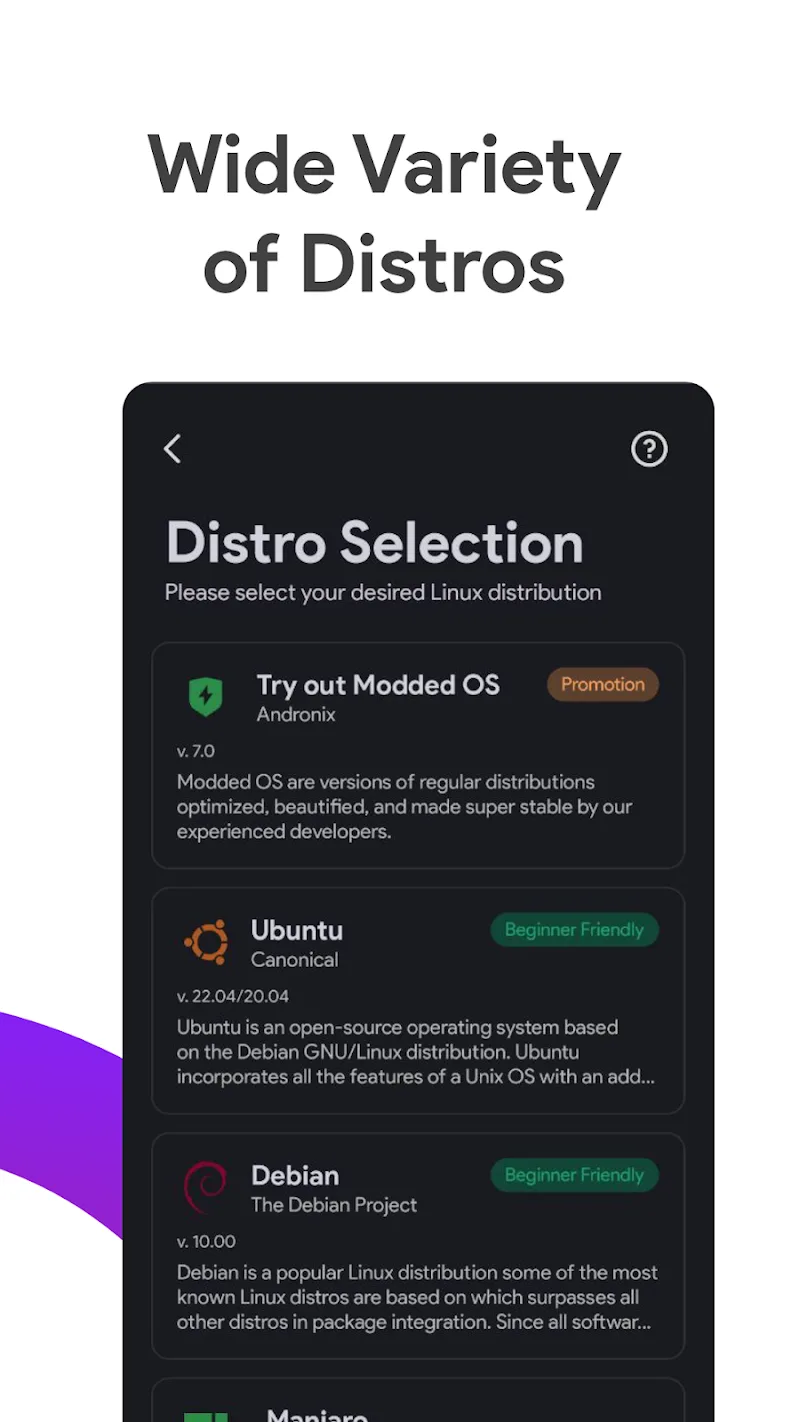
- Multiple distributions - Choose from popular releases like Debian, Ubuntu, Fedora and Arch, tailored for ARM and x86 devices.
- Non-root installation - Most setups run in a container, avoiding the need to unlock bootloaders or root your device.
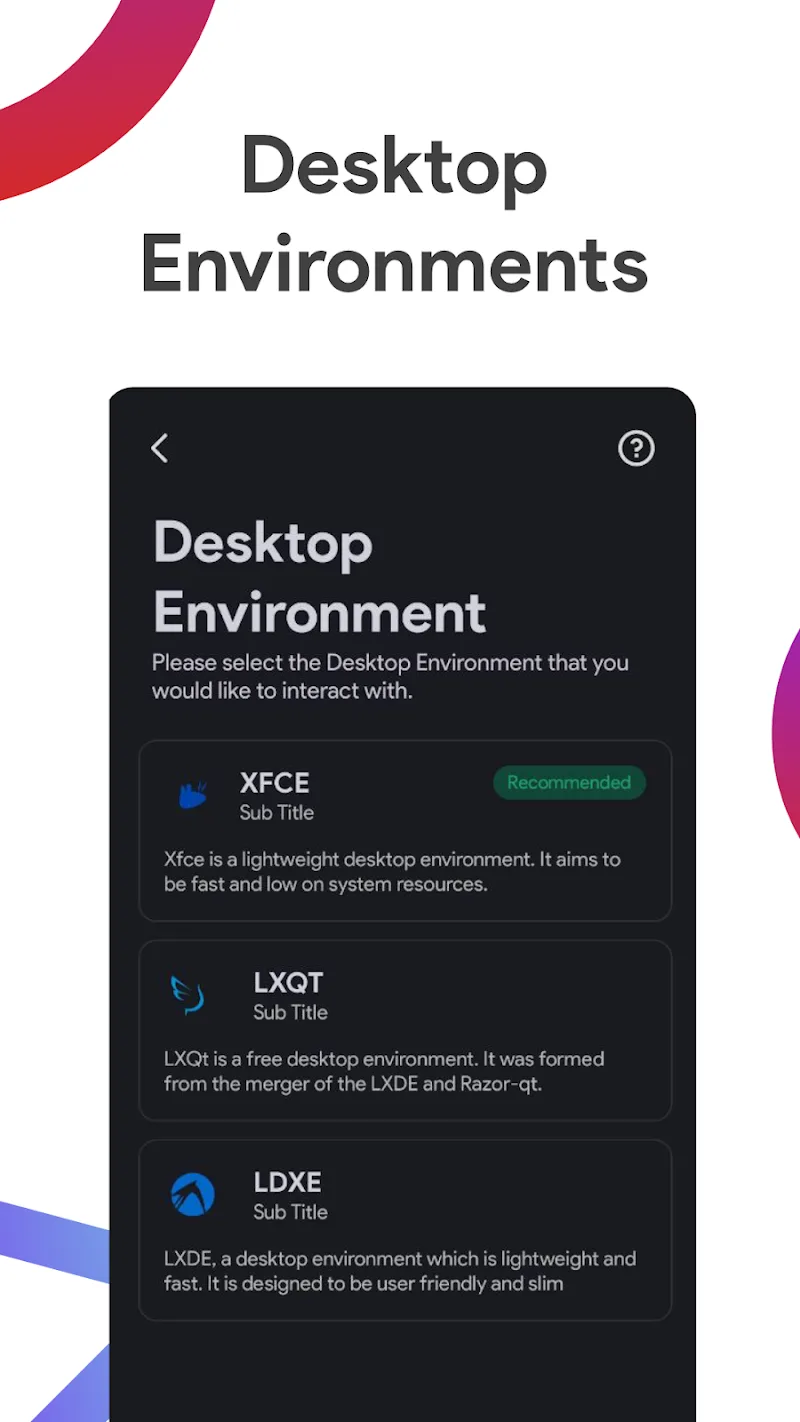
- Desktop environments - Install lightweight GUIs such as XFCE or LXDE and connect via VNC or a local viewer.
- Preconfigured scripts - Automated scripts simplify package installation, desktop setup, and user configuration.
- SSH and developer tools - Run servers, compilers, interpreters and package managers exactly as on a desktop Linux machine.
Installation and day-to-day workflow
Getting started requires a few straightforward steps: pick a distribution, download its image through the app, and run the provided installation script. The setup process walks you through creating a user account, configuring network access and enabling a graphical session. Once installed, you can start the Linux instance within a terminal session or access a full desktop over VNC. Switching between Android apps and your Linux container is seamless, letting you edit code on one screen and test it on another.
User interface and accessibility
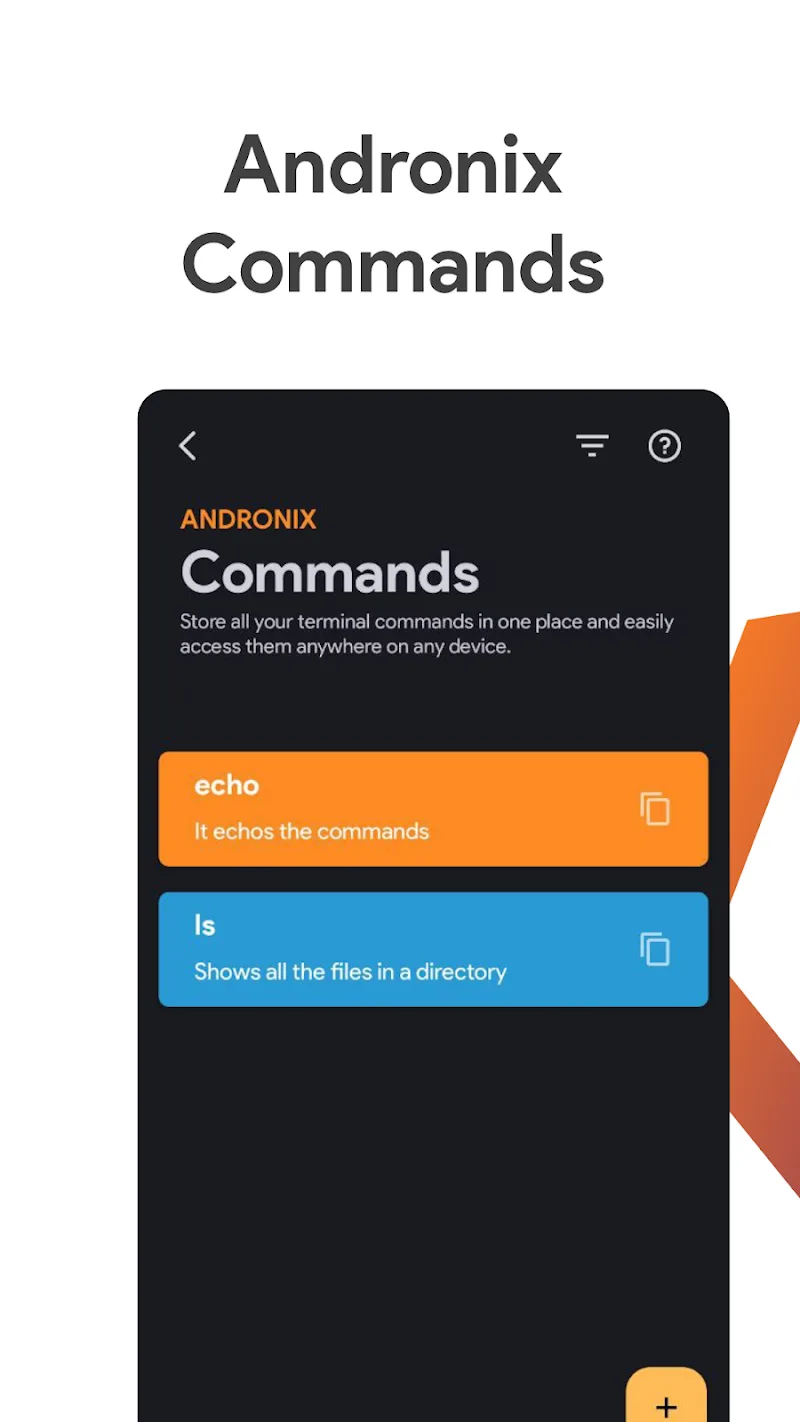
The interface focuses on clarity and guidance rather than advanced configuration. Menus list available distributions and helper scripts so newcomers can launch a working environment quickly. For power users, the app exposes a terminal and logging output, making it easier to troubleshoot package issues or modify installation scripts. Clipboard sharing and file transfer between Android and the Linux environment are supported through shared folders or simple copy-paste over SSH and VNC.
Performance and device compatibility
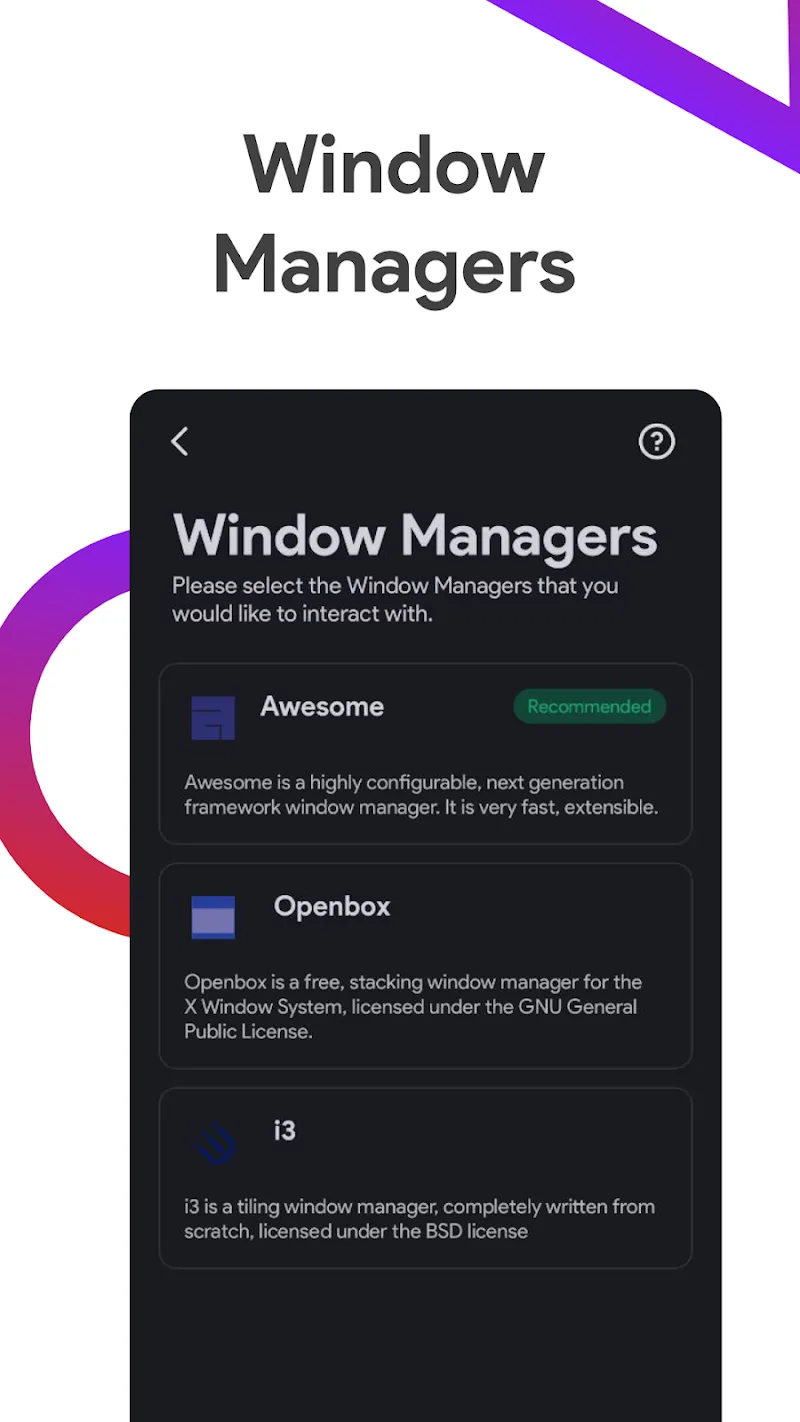
Performance depends on your device hardware and chosen distribution. Lightweight window managers and minimal desktop environments deliver a responsive experience on mid-range phones and older tablets. Devices with more RAM and faster storage noticeably improve compilation times and multitasking. Because most setups run in a container rather than as a full virtual machine, resource overhead is reduced. Check processor architecture and available storage before installing larger distributions to ensure a smooth experience.
Security and maintenance
Containerized installations keep the Linux environment isolated from the core Android system, reducing risk to the base OS. Regular package updates and careful user permissions inside the distribution remain essential to maintain a secure environment. Backups are straightforward: export the filesystem image or copy crucial directories to cloud storage. For users running servers or exposing ports, standard Linux firewall and SSH best practices apply.
Tips for developers and enthusiasts
- Enable a lightweight desktop like XFCE for a balance between usability and performance.
- Use external storage or expand internal storage to host large repositories or multimedia files.
- Set up SSH keys for secure, passwordless access from other devices on your network.
- Combine Andronix - Linux on Android with a Bluetooth keyboard and mouse for near-desktop productivity on the go.
- Create snapshots of your environment before major package upgrades to avoid downtime.
Who benefits most
Developers, system administrators and hobbyists who need a portable Linux setup will find this app particularly useful. It’s also attractive for students learning Linux or for anyone who wants to run desktop Linux applications without carrying a laptop. The app balances convenience and control, providing prebuilt pathways for common tasks while leaving room for manual customization when needed.
Getting more from the app
Advanced users can combine Andronix - Linux on Android with terminals, code editors and remote services to create a robust mobile development environment. Experiment with different distributions, optimize package choices for speed, and automate routine tasks with shell scripts to tailor the setup to your workflow. The app is a practical option when you need full Linux functionality on an Android device without complex setup procedures.
Show More
Information
Screenshots
Latest Update












Latest News
-
![Revealing the Launch Playlists and Cross-Progression for COD Warzone Mobile News]()
-
![March 2024 Free Redemption Codes for Honkai: Star Rail News]()
-
PUBG Mobile Teams Up with Bentley Motors: Luxury Cars, Exclusive Collectibles, and Beyond 2024-04-18
![PUBG Mobile Teams Up with Bentley Motors: Luxury Cars, Exclusive Collectibles, and Beyond News]()
-
![Monster Never Cry is now accessible on both Android and iOS mobile devices. News]()
-
V2.2 of the Farlight 84 update introduces an overhauled Season structure, fresh in-game currency, an 2024-04-16
![V2.2 of the Farlight 84 update introduces an overhauled Season structure, fresh in-game currency, an News]()
-
![Arrival of Genshin Impact 4.6 Update: 'Embers of Two Realms, Twilight of Crimson' News]()
-
April 2024 Clash of Clans Update: Unveiling a Fresh Companion, Enhanced Levels, Chat Tagging, and Be 2024-04-16
![April 2024 Clash of Clans Update: Unveiling a Fresh Companion, Enhanced Levels, Chat Tagging, and Be News]()






