
GPS Tools
Version:3.3.2.1
Published:2026-11-02
Introduction
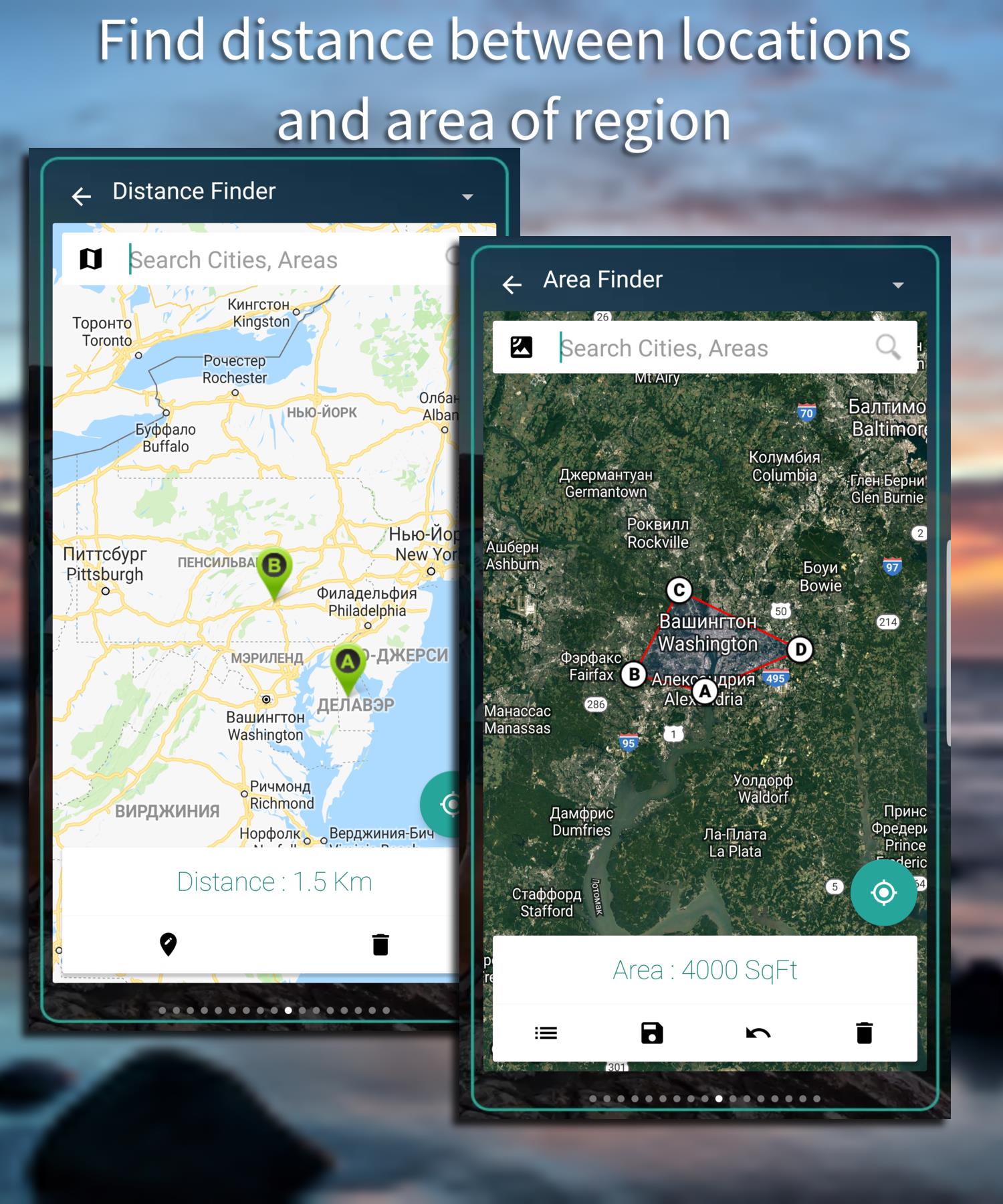
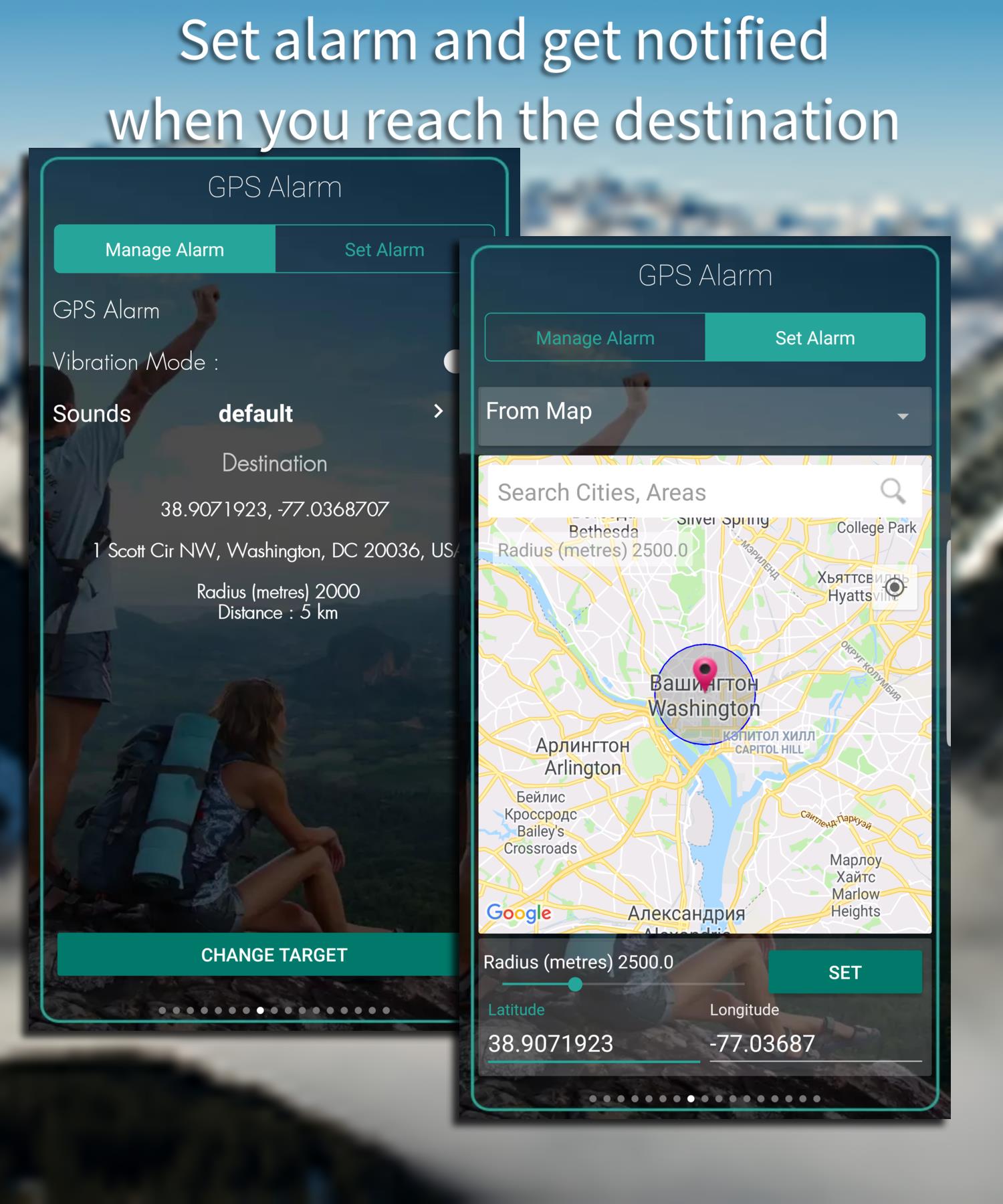
GPS Tools is a compact utility suite designed to give Android users precise location data, diagnostics, and mapping helpers in one place. It combines satellite status, coordinate conversion, speed and bearing readouts, and simple map overlays to support outdoor navigation, field work, or travel planning with practical accuracy.
What GPS Tools Does
At its core, GPS Tools focuses on delivering the raw location information and diagnostics that many device settings hide. The app surfaces satellite health, fix type, accuracy estimates, and real-time coordinates in an accessible layout. Whether you need quick coordinates for sharing, a faster way to check GPS lock quality, or simple on-the-go conversions, GPS Tools keeps those functions visible and usable.
Key features at a glance
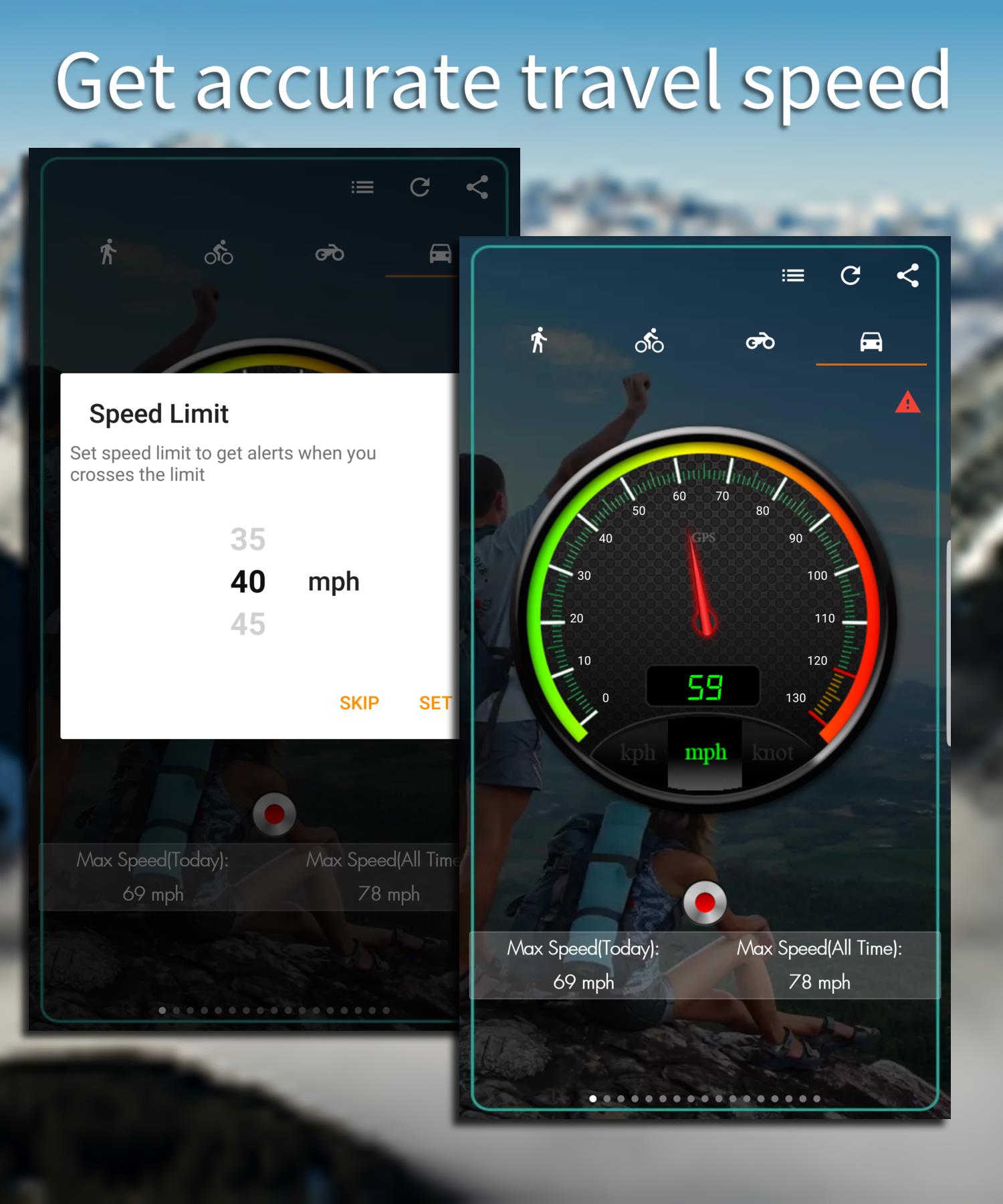
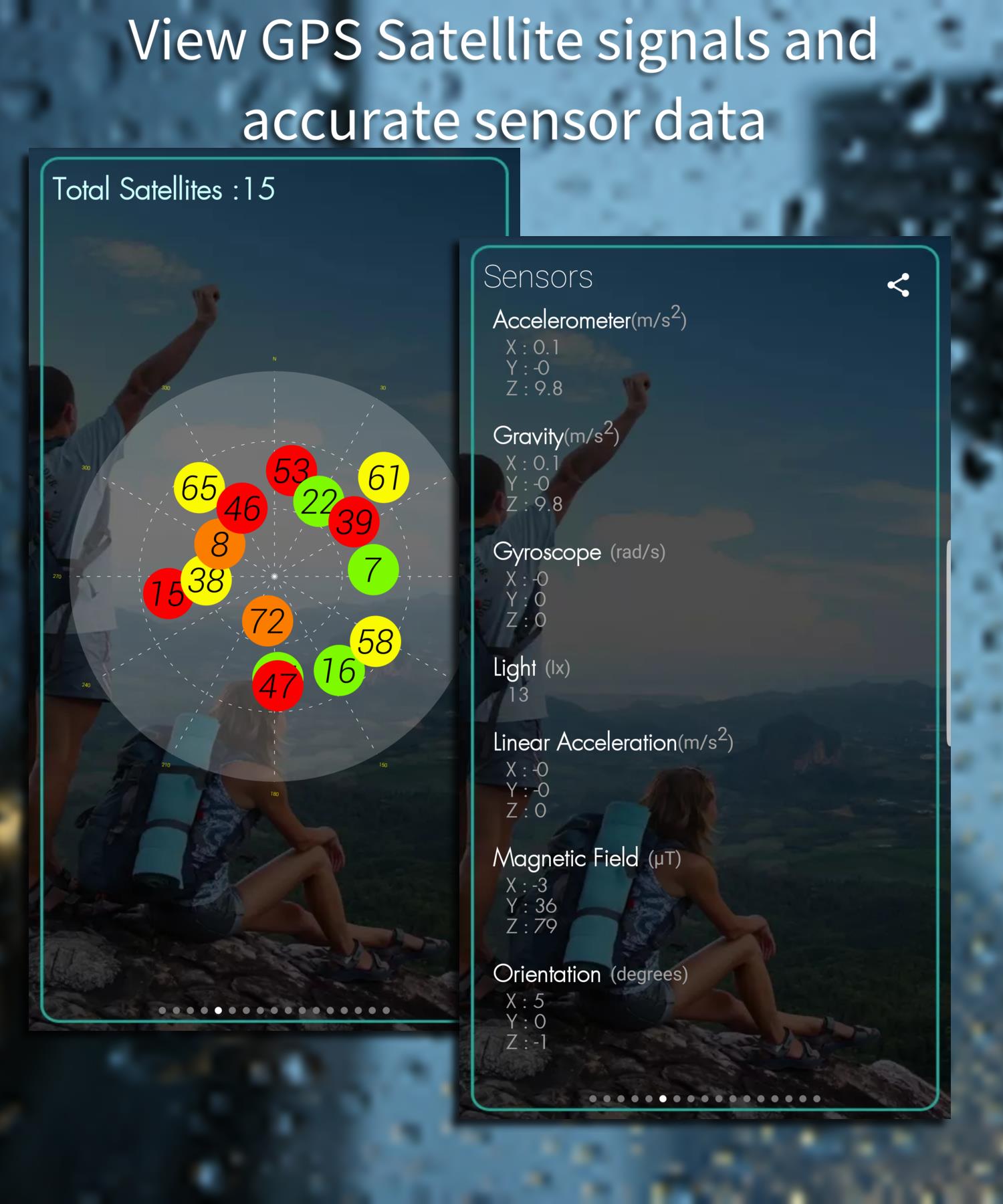
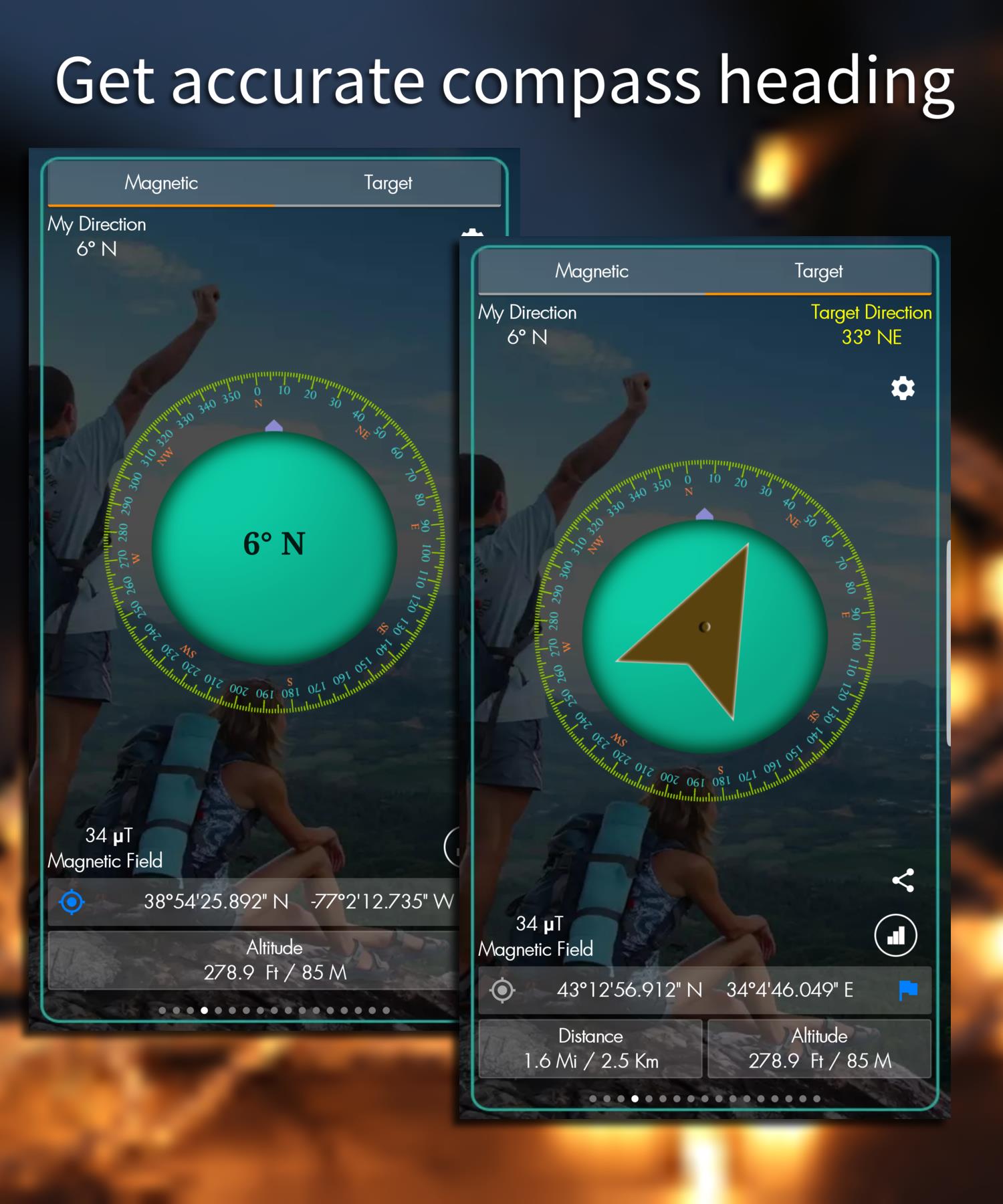
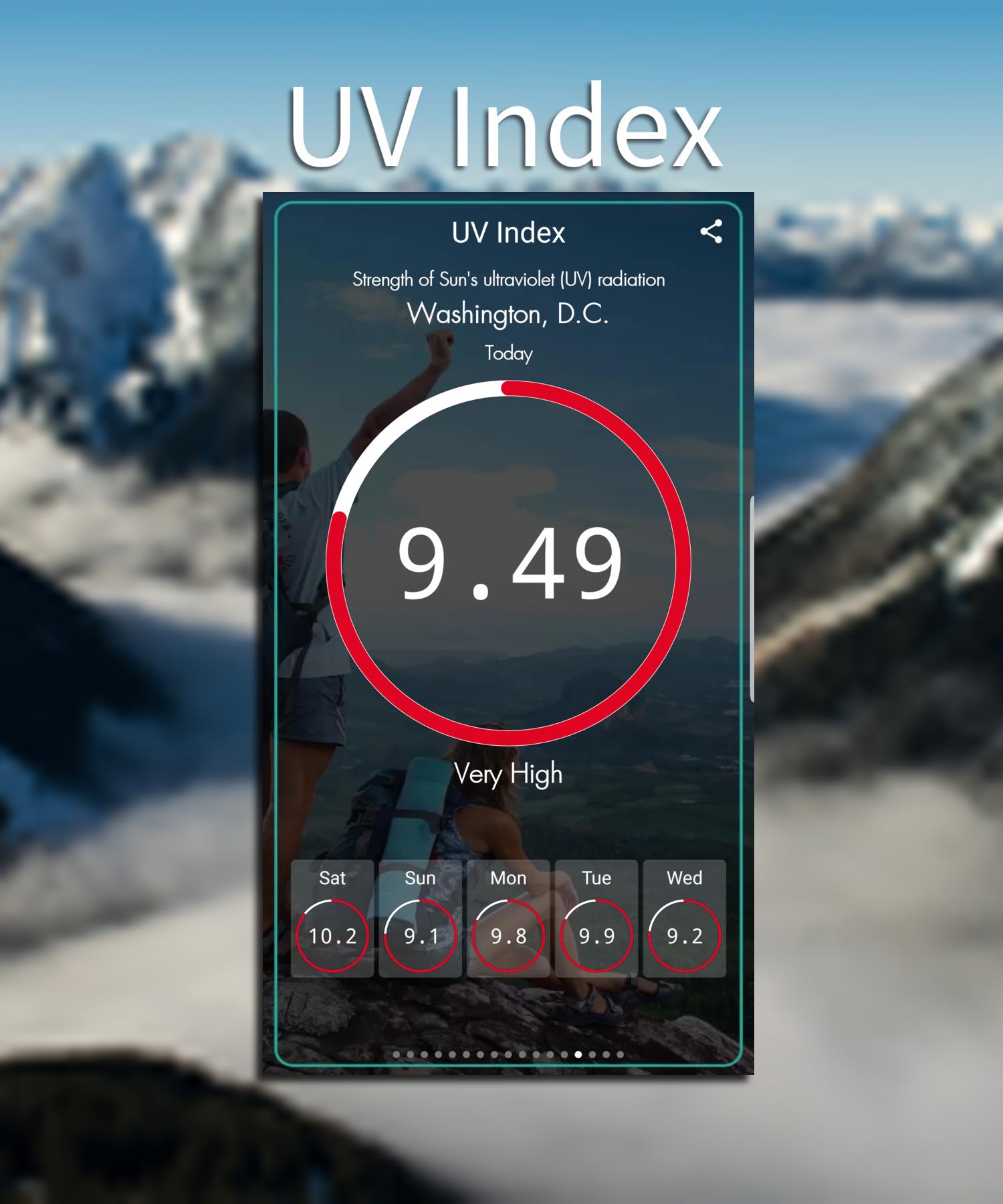
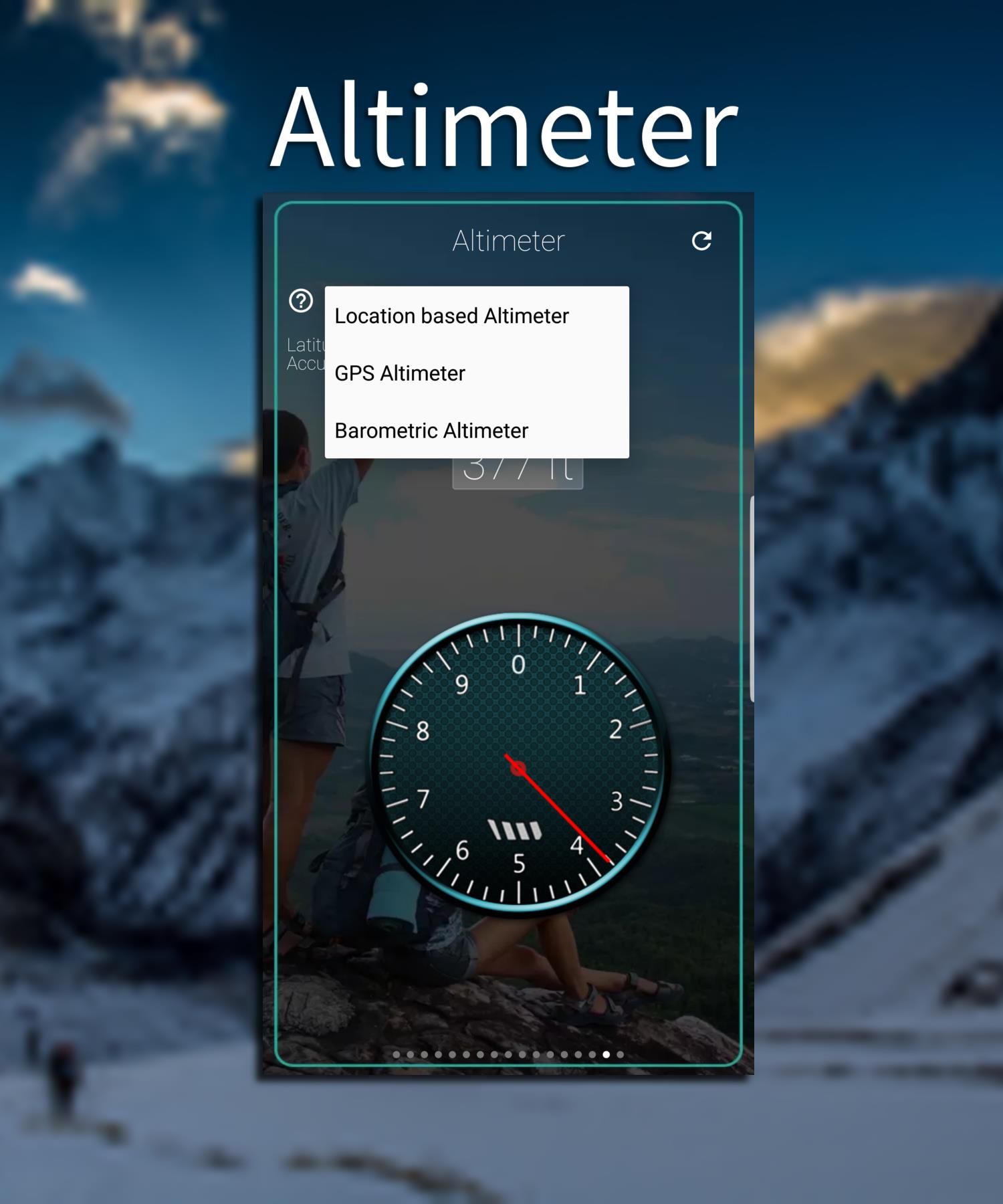
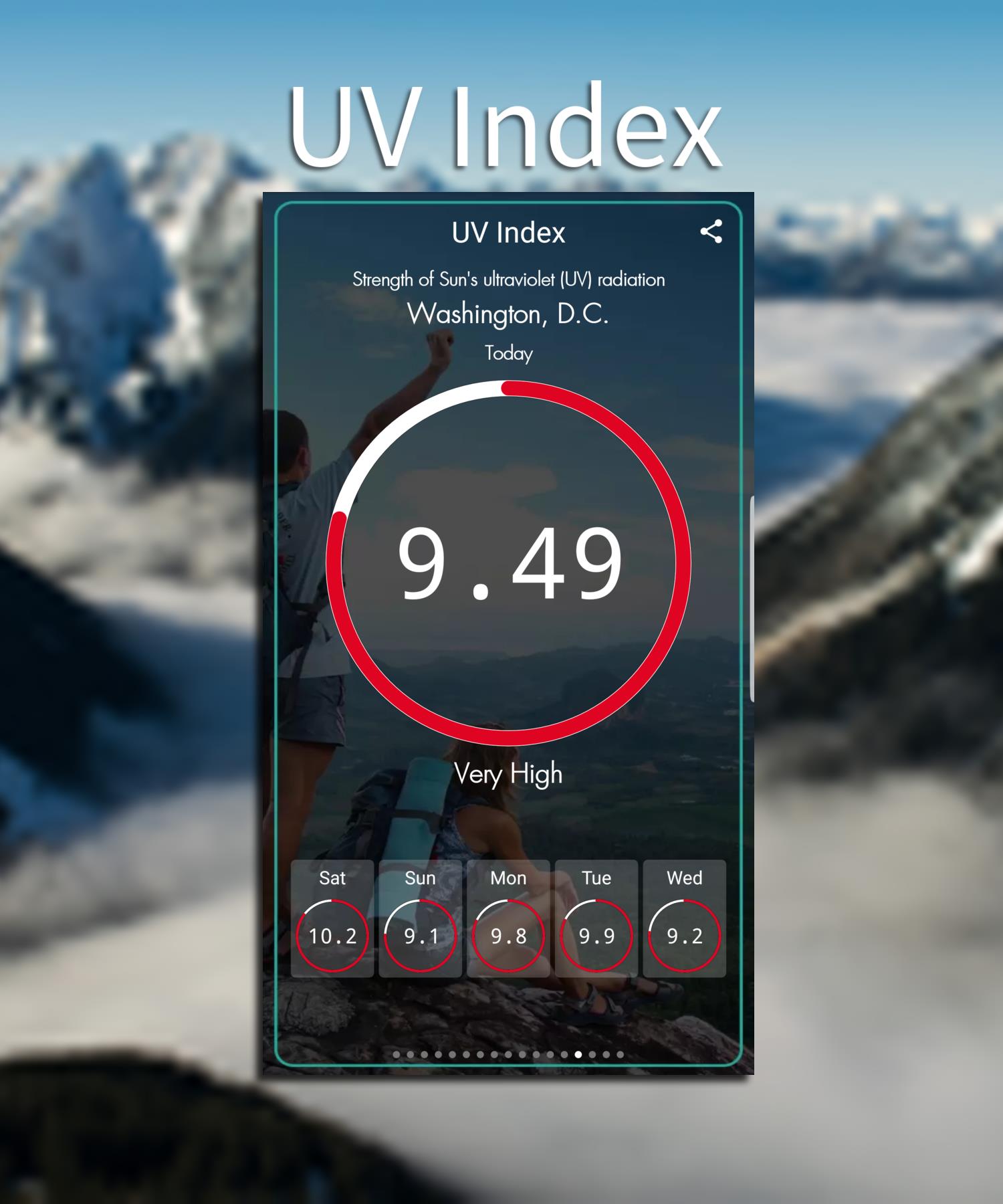
- Live position readout: Latitude, longitude, altitude, and speed updated continuously.
- Satellite inspector: Shows visible satellites, signal strength, and constellation types.
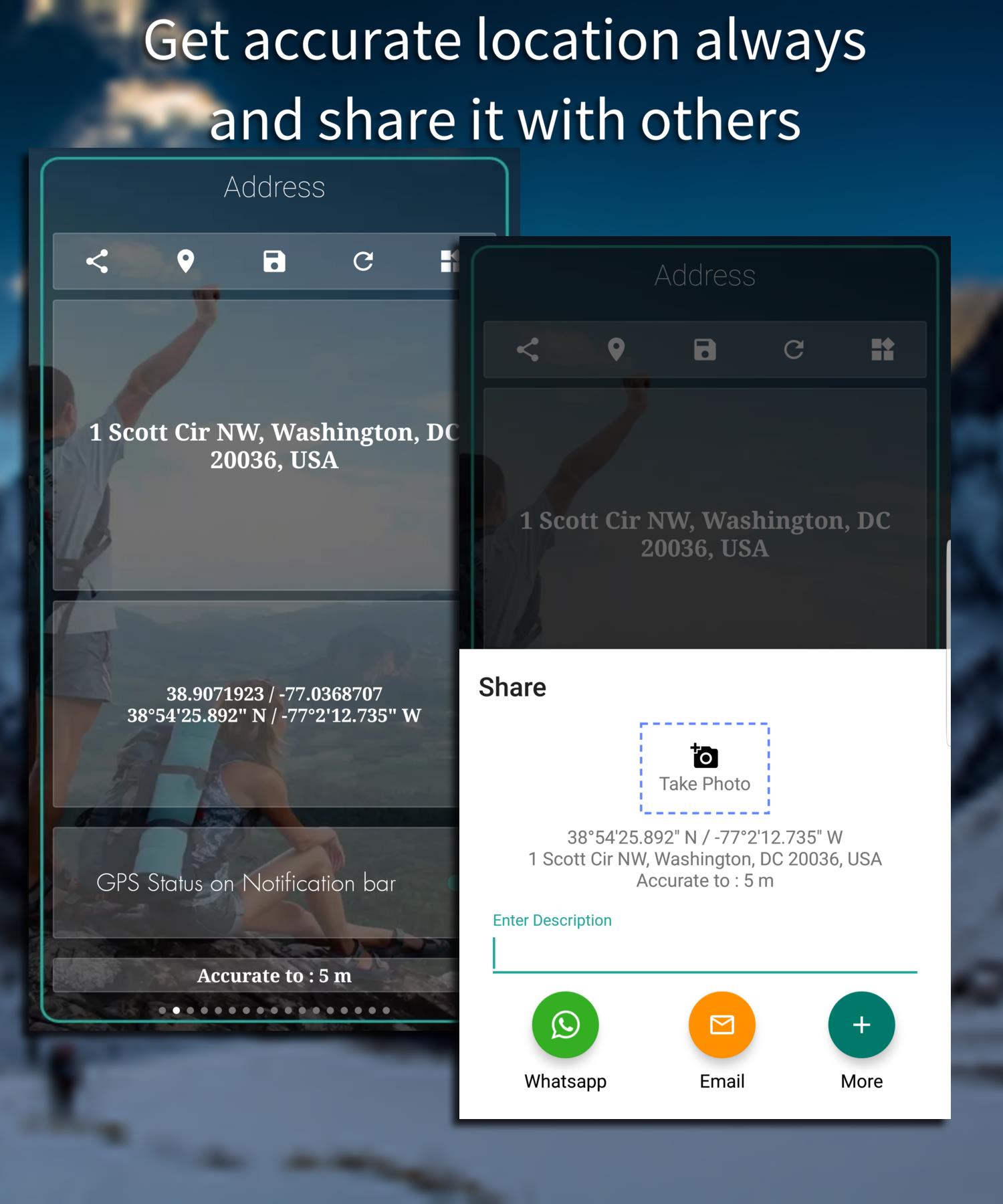
- Coordinate conversion: Switch between decimal degrees, DMS, and UTM formats.
- Bearing and heading: Instant compass-style direction and track bearing calculations.
- Export and share: Copy coordinates to clipboard, send via messaging apps, or export CSV logs.
How it works in everyday use
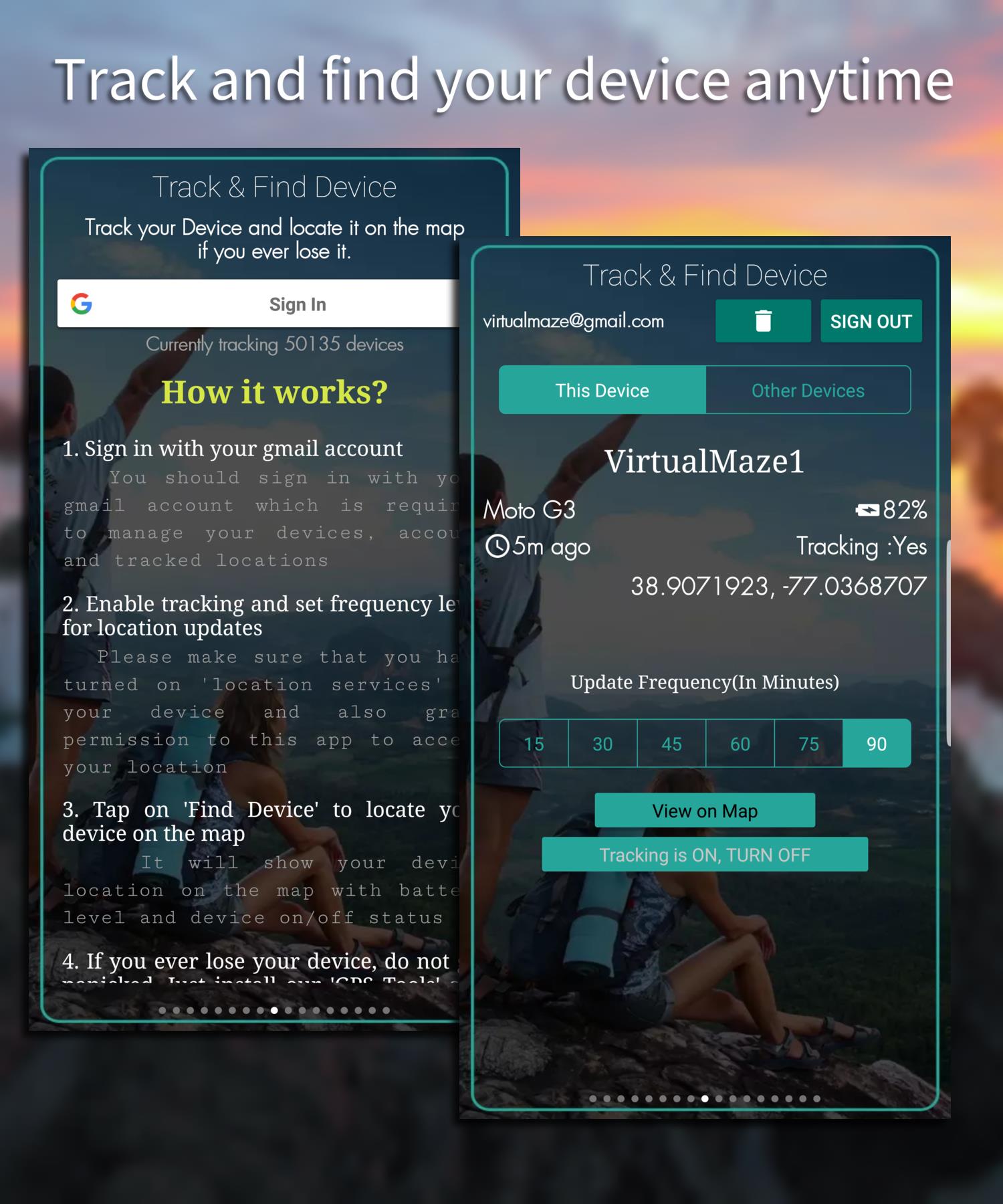
GPS Tools runs lightweight background processes to read GNSS data exposed by Android. When the app is active it polls the device sensor APIs for location updates and satellite metadata, then parses that information into easy-to-read displays. There is no forced account or cloud upload; local exports and clipboard actions keep your location data private and simple to manage.
User interface and layout
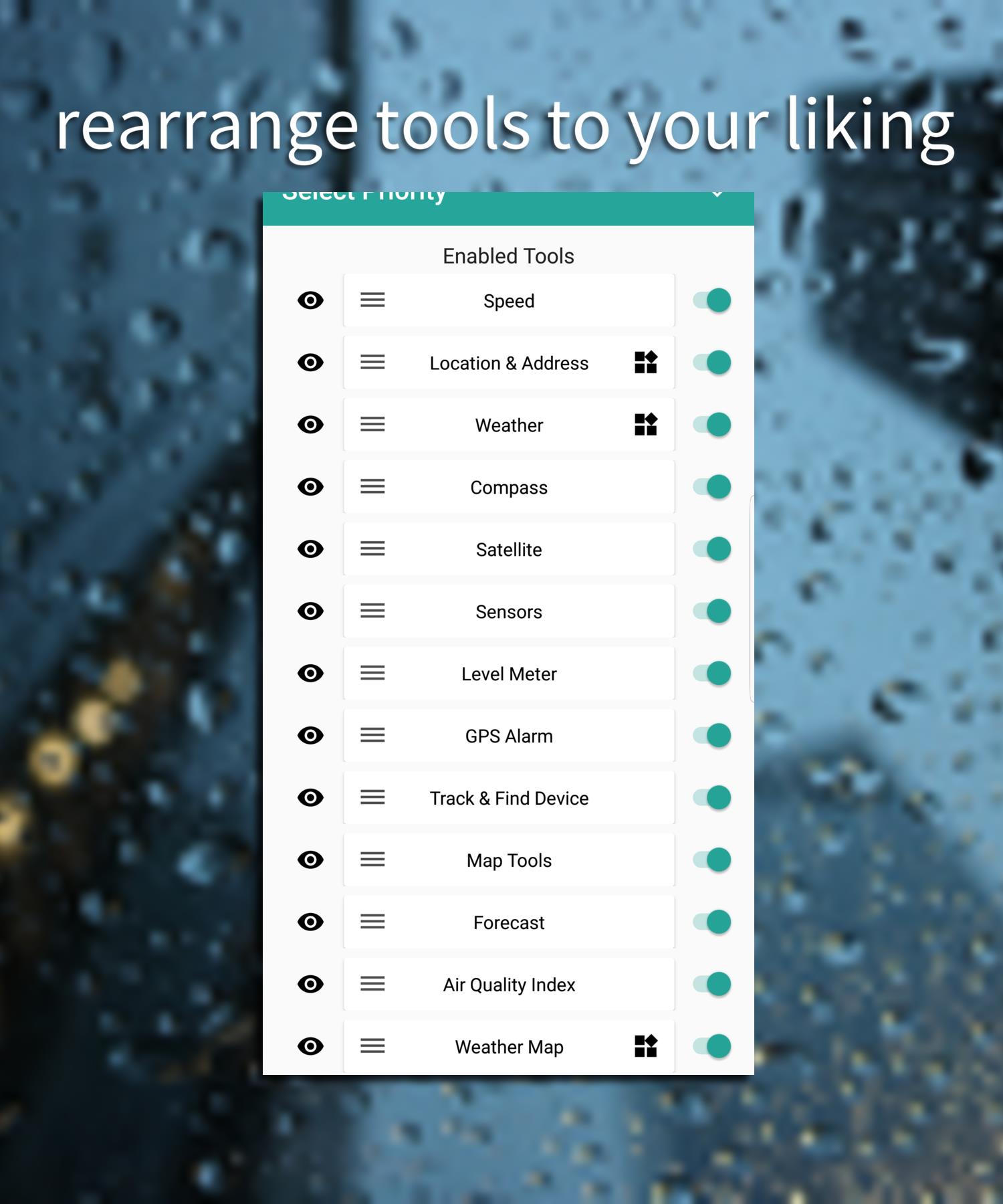
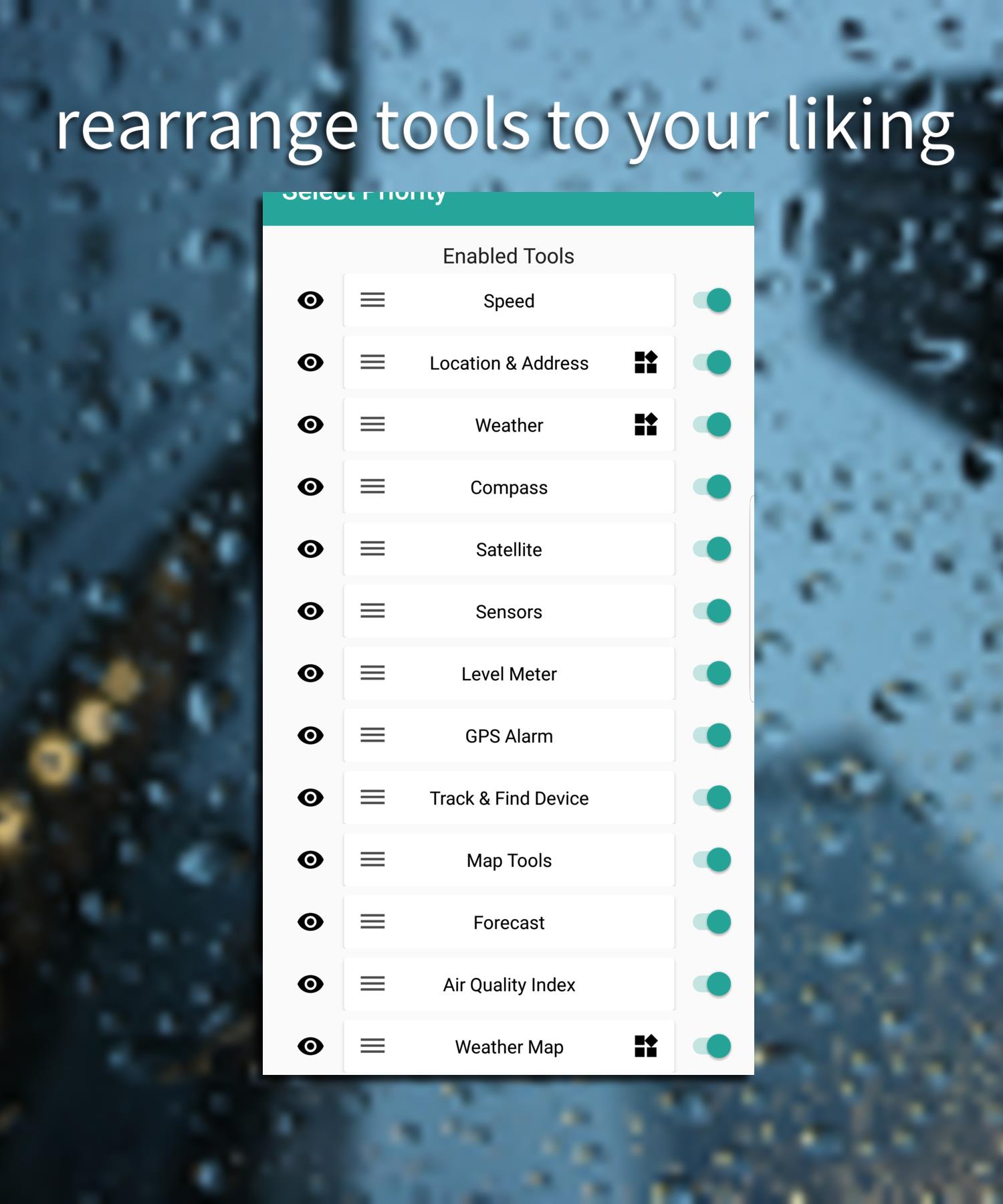
The interface favors clarity over decoration. Panels for position, satellites, and conversions are arranged so you can quickly scan status and act. Buttons for copying or sharing coordinates are placed close to the numeric readouts, so getting a precise location into another app requires only a tap. Theme options keep the UI readable under sunlight or in low-light conditions.
Practical scenarios where GPS Tools helps
GPS Tools is useful for a variety of tasks: field research where exact coordinates matter, outdoor sports like hiking or geocaching, delivery or utility workers needing quick location confirmations, and travelers who want a backup check of their device’s GPS performance. Professionals can use exported CSV logs for post-trip analysis or to verify location accuracy during audits.
Performance and reliability
The app is engineered to be resource-conscious. GPS polling rates and update intervals are adjustable to balance battery life and responsiveness. On modern devices GPS Tools typically stabilizes a position lock in under a minute when outdoors; indoors, accuracy will follow the usual GNSS limitations and the app reports those confidence levels transparently.
Tips for getting the best results
- Start outdoors: Allow a clear view of the sky for fastest satellite acquisition.
- Enable high-accuracy mode: If available, switch Android location mode to high accuracy for better fixes.
- Adjust update rate: Lower polling frequency to conserve battery when continuous tracking isn't needed.
- Use external antennas: For professional workflows, pairing with GNSS receivers can improve precision.
Customization and export options
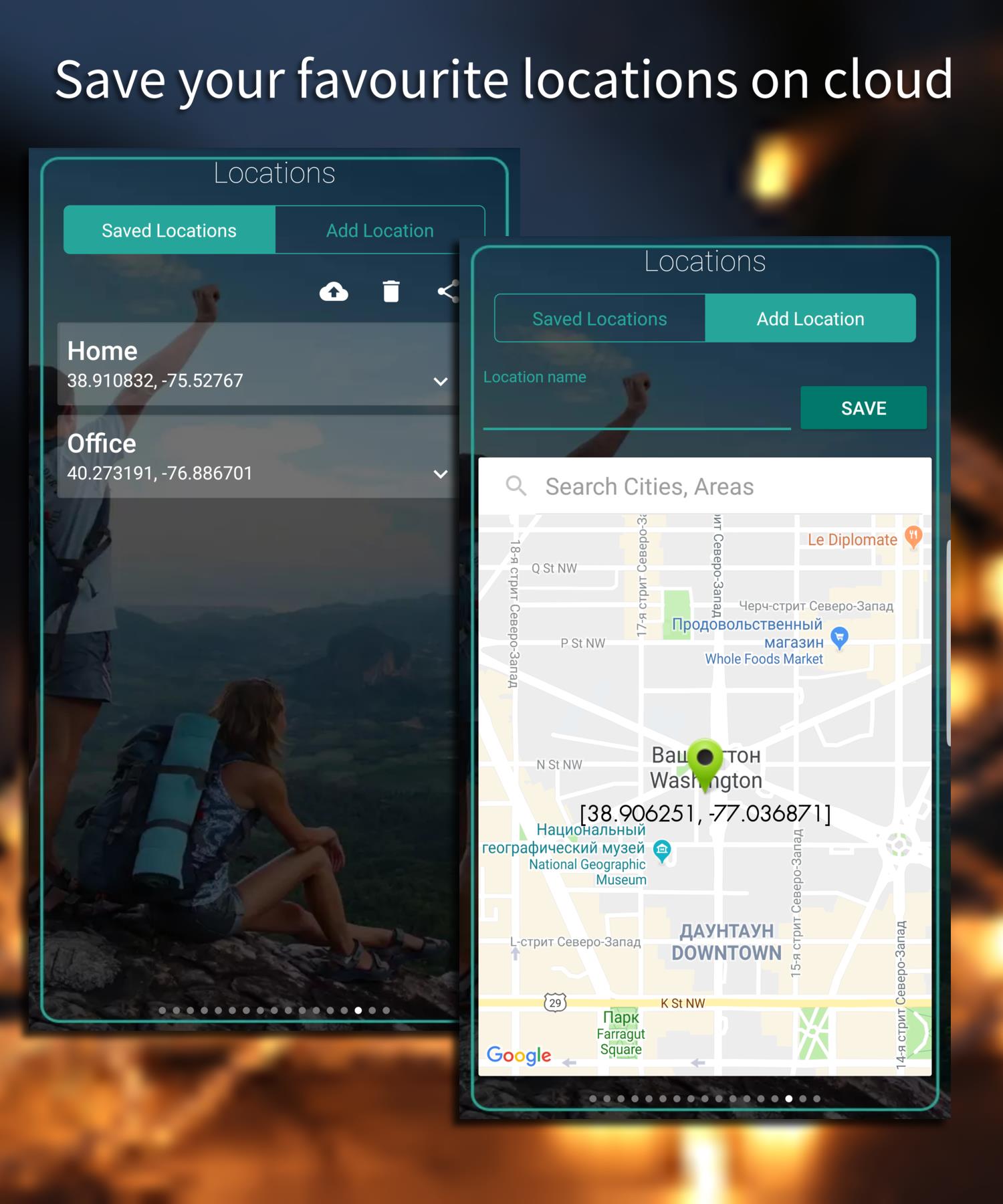
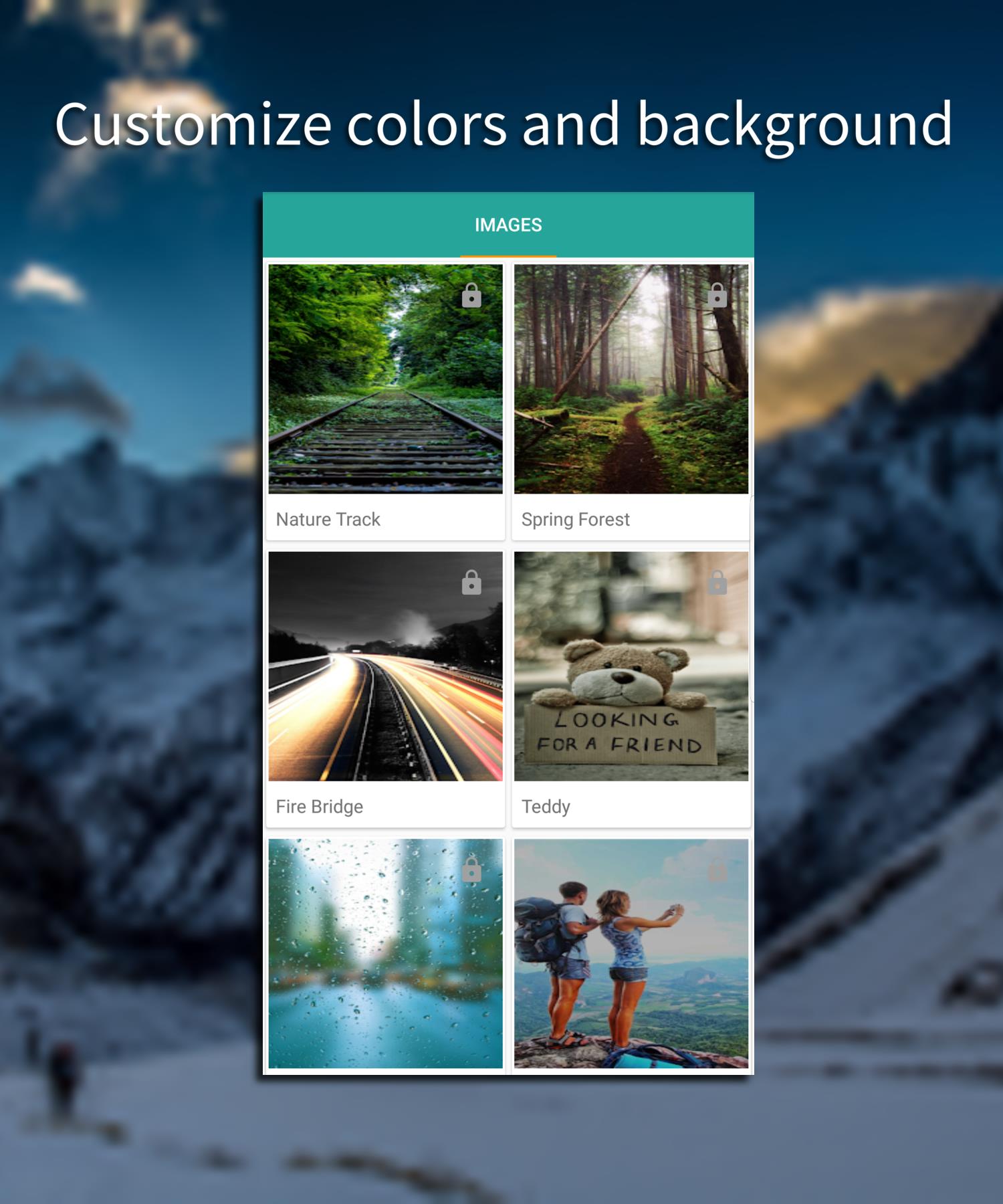
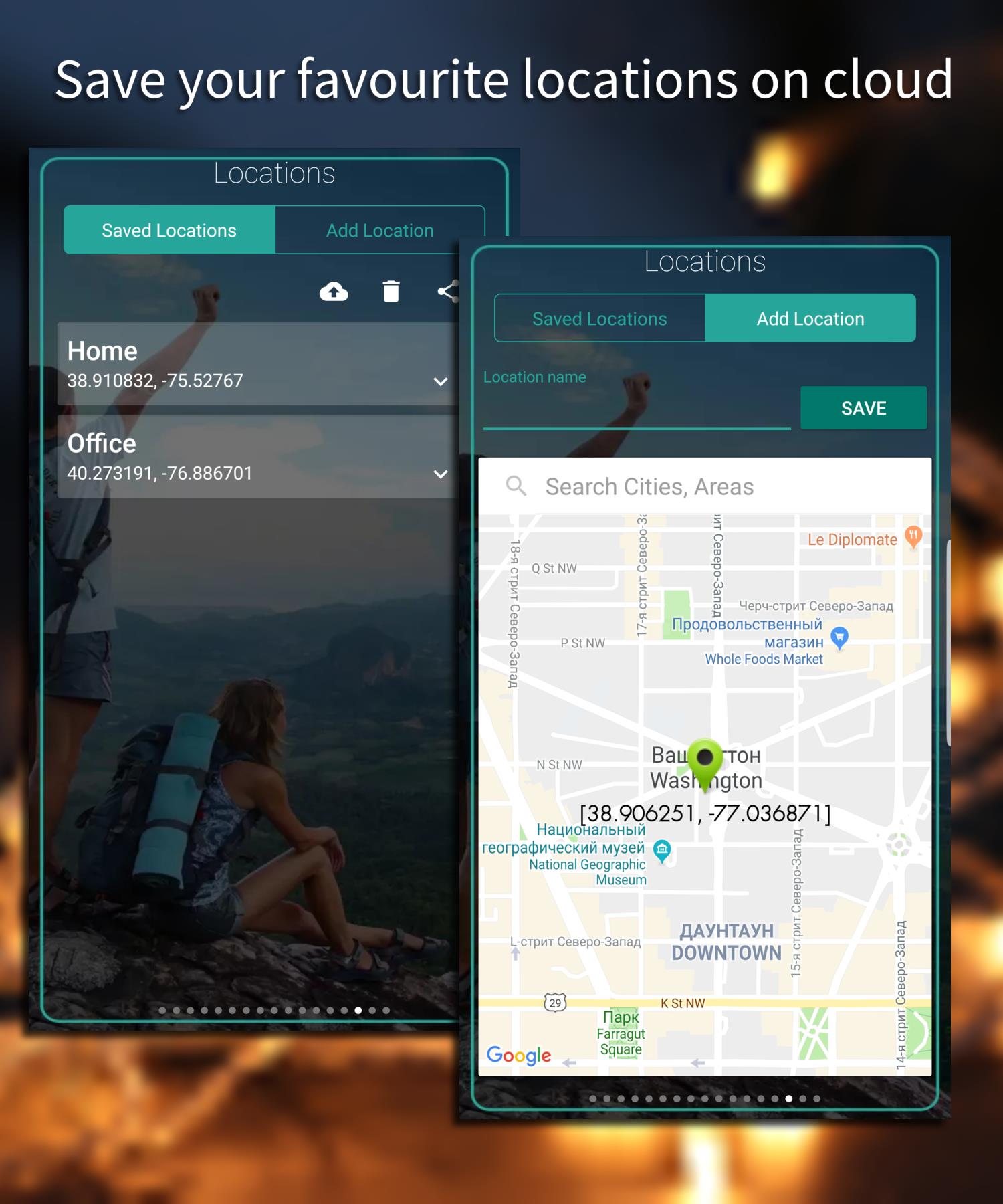
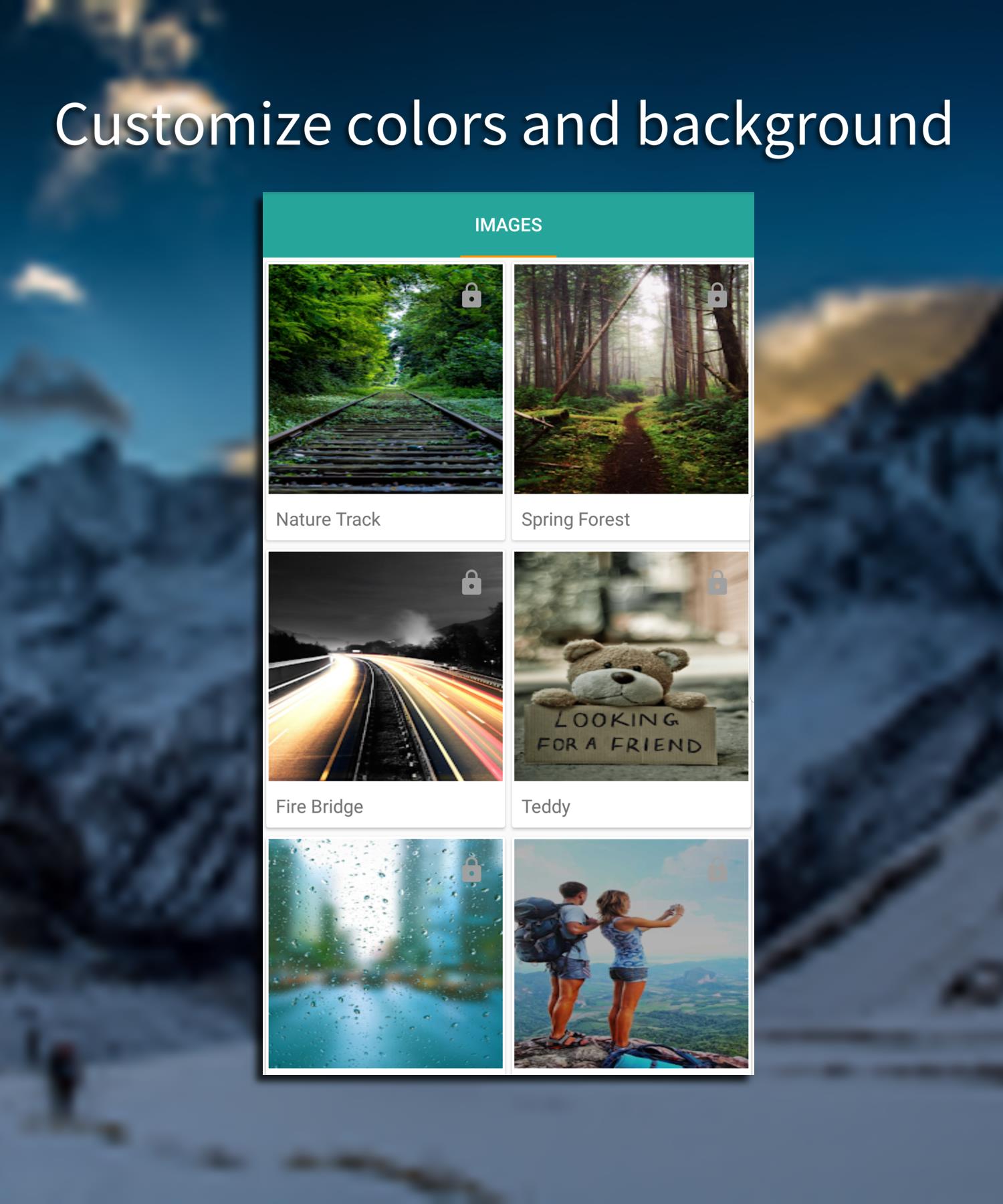
GPS Tools supports basic customization like units (meters/feet), coordinate formats, and theme preferences. Export options include copying coordinates, sharing text-formatted locations via messaging apps, and saving logs as CSV files for spreadsheet analysis. These tools make it straightforward to integrate location data into larger workflows or reports.
How to install and start
Installation is straightforward: download from a trusted store, grant location permissions when prompted, and open the app to begin. A short onboarding explains the main panels and the meaning of satellite indicators. Regular updates add minor refinements to parsing and UI responsiveness without changing core functionality.
For anyone who needs transparent access to GNSS information without unnecessary complexity, GPS Tools delivers a focused set of utilities. It keeps technical details visible while presenting them in a pragmatic, easy-to-use package suitable for both casual and professional users.
Show More
Information
Screenshots
Latest Update












Hot Tags
Latest News
-
![Revealing the Launch Playlists and Cross-Progression for COD Warzone Mobile News]()
-
![March 2024 Free Redemption Codes for Honkai: Star Rail News]()
-
PUBG Mobile Teams Up with Bentley Motors: Luxury Cars, Exclusive Collectibles, and Beyond 2024-04-18
![PUBG Mobile Teams Up with Bentley Motors: Luxury Cars, Exclusive Collectibles, and Beyond News]()
-
![Monster Never Cry is now accessible on both Android and iOS mobile devices. News]()
-
V2.2 of the Farlight 84 update introduces an overhauled Season structure, fresh in-game currency, an 2024-04-16
![V2.2 of the Farlight 84 update introduces an overhauled Season structure, fresh in-game currency, an News]()
-
![Arrival of Genshin Impact 4.6 Update: 'Embers of Two Realms, Twilight of Crimson' News]()
-
April 2024 Clash of Clans Update: Unveiling a Fresh Companion, Enhanced Levels, Chat Tagging, and Be 2024-04-16
![April 2024 Clash of Clans Update: Unveiling a Fresh Companion, Enhanced Levels, Chat Tagging, and Be News]()






