

HabitKit
Version:1.19.0
Published:2026-11-02
Introduction
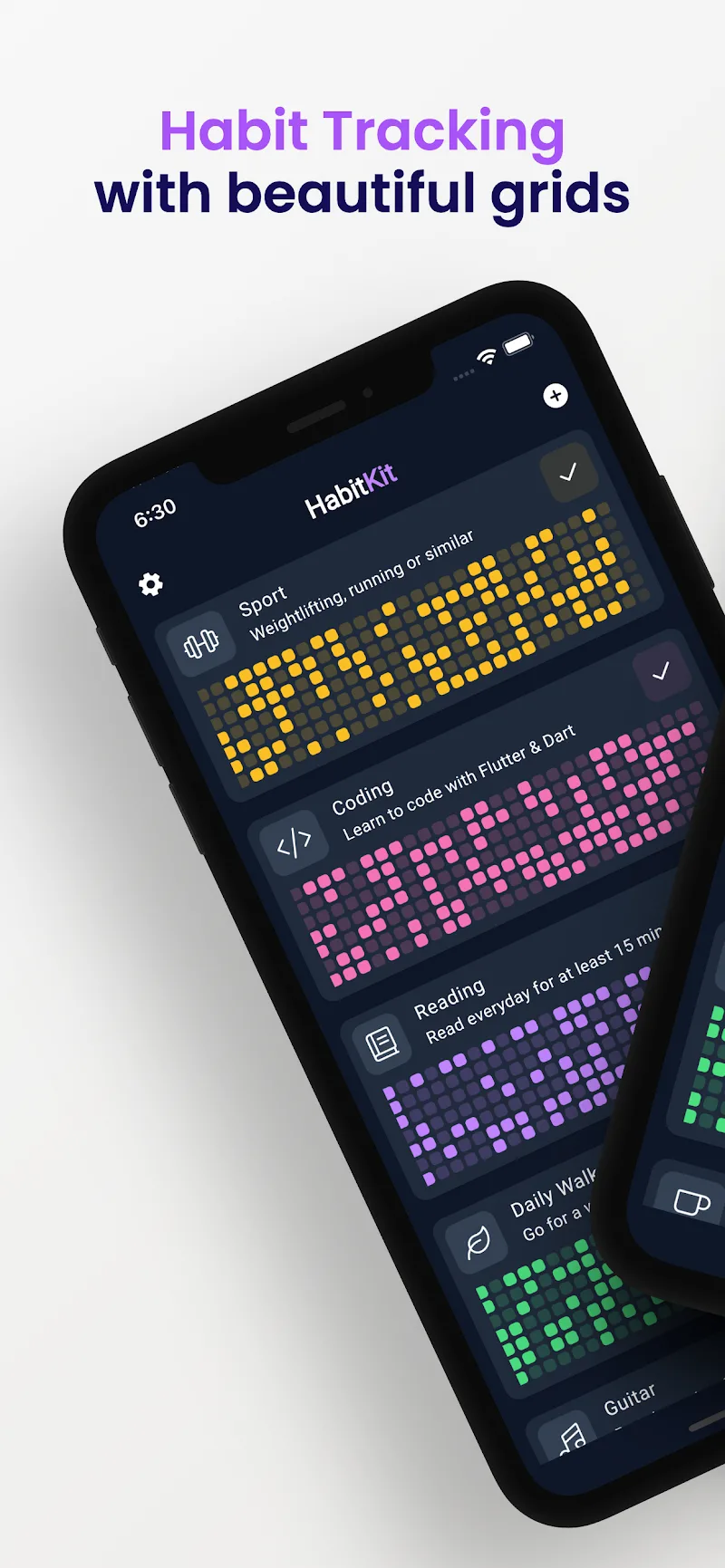
HabitKit is a modular habit-tracking toolkit designed to help users build routines, measure progress, and stay motivated with minimal friction. It combines timers, habit scheduling, and visual streaks to make daily behavior tracking straightforward for individuals seeking better focus, health, and productivity.
Overview of the app
HabitKit positions itself as a lightweight, purpose-driven app for people who want tangible improvements in daily habits without a steep learning curve. The interface favors clarity over bells and whistles, and the structure supports small, repeatable actions that compound into meaningful results.
What the app offers
At its core, HabitKit provides a set of complementary tools that let you define, monitor, and refine habits. The design emphasizes quick interactions: add a habit in seconds, mark completions with a single tap, and review trends at a glance. The app balances micro-features for advanced users with simple flows for beginners.
Key features and tools
- Flexible scheduling: Daily, weekly, or custom recurrence with start and end dates.
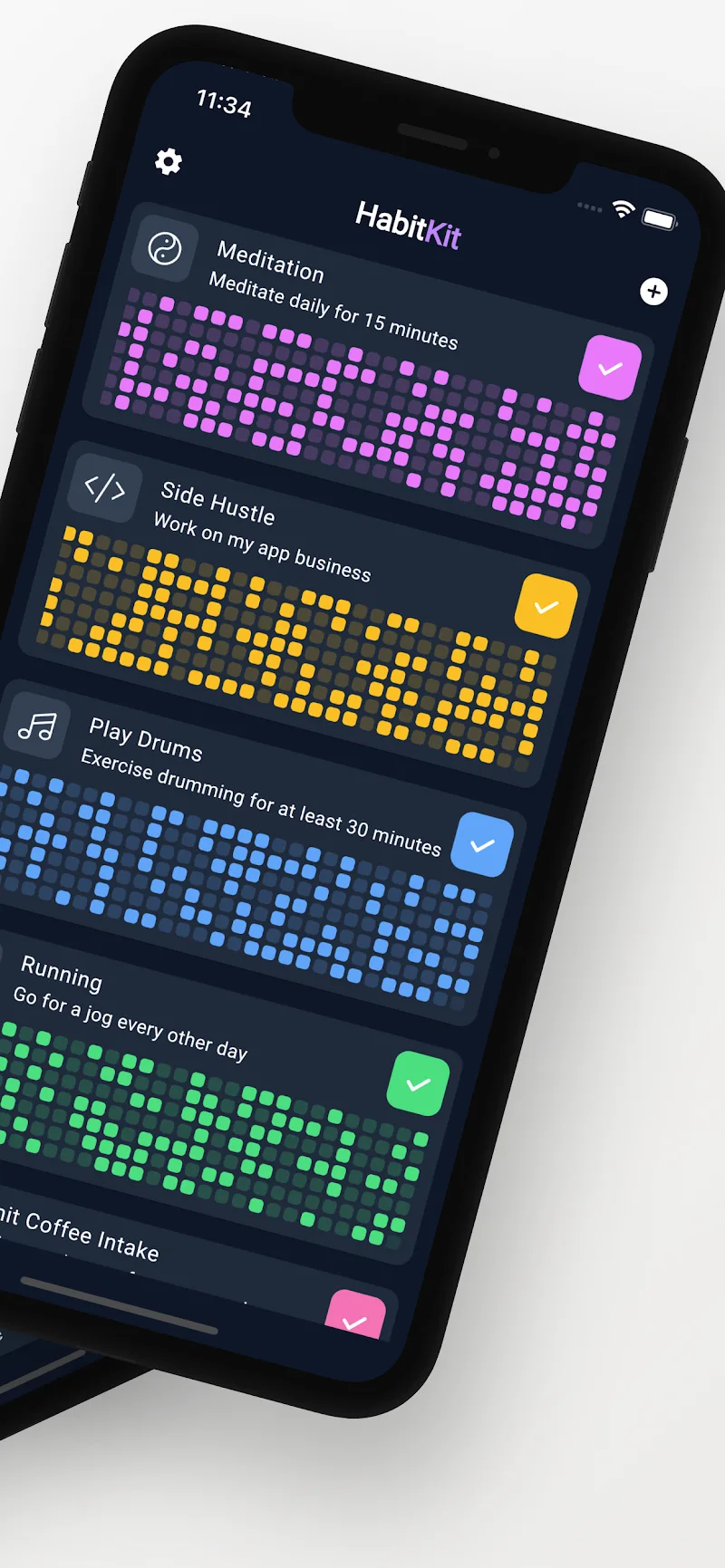
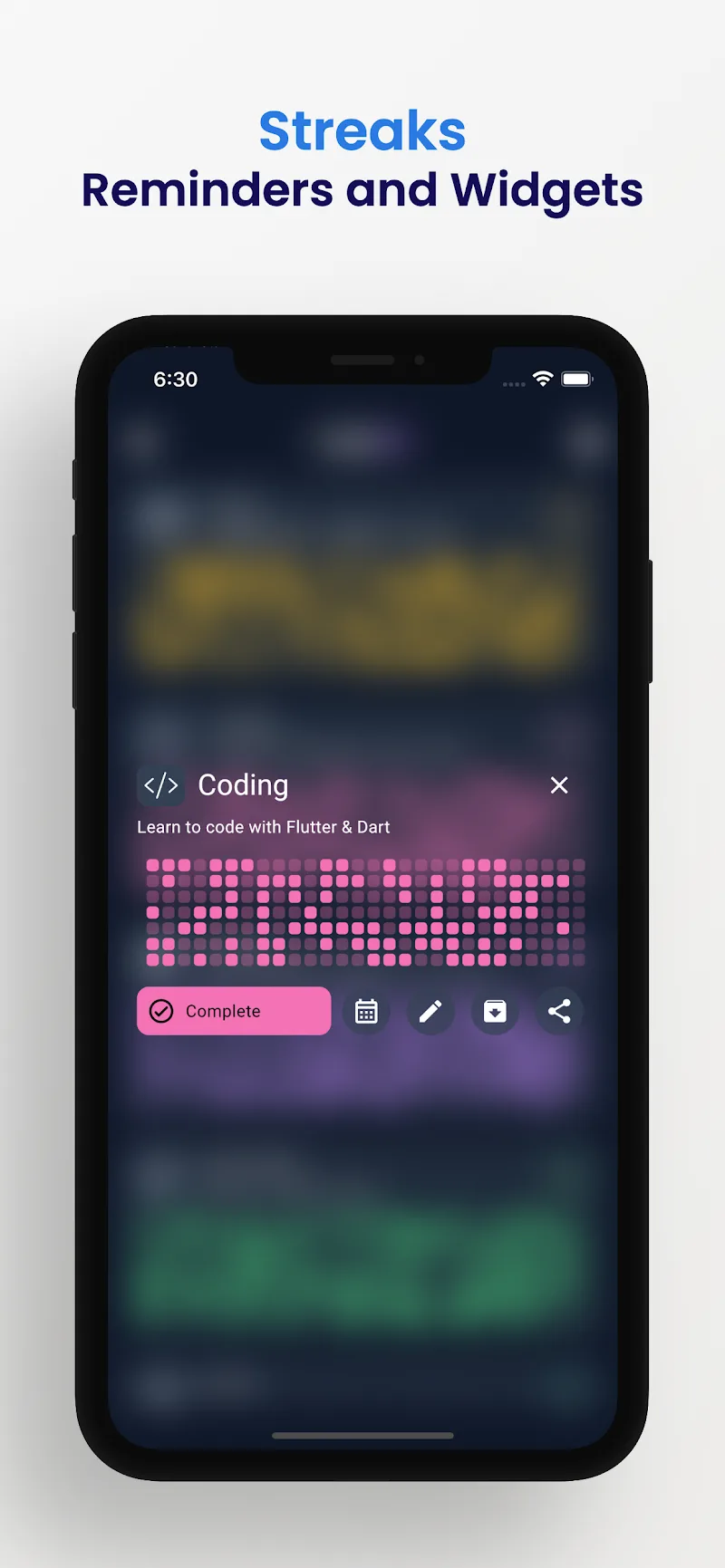
- Streak tracking: Visual indicators that encourage continuity and highlight missed sessions.
- Session timers: Built-in timers for focused work or meditative practices integrated with habit entries.
- Reminders and notifications: Smart reminders adapt to your patterns instead of nagging at fixed times.
- Progress analytics: Simple graphs and summaries that show completion rates and longest streaks.
How it works in practice
Setting up a habit begins with naming the activity, choosing a cadence, and optionally adding a timer or reminder. During the day you mark each session complete; if you use timers, the app will automatically log timed sessions. Weekly overviews aggregate your activity so you can spot patterns and adjust frequency or difficulty.
Customization and personalization
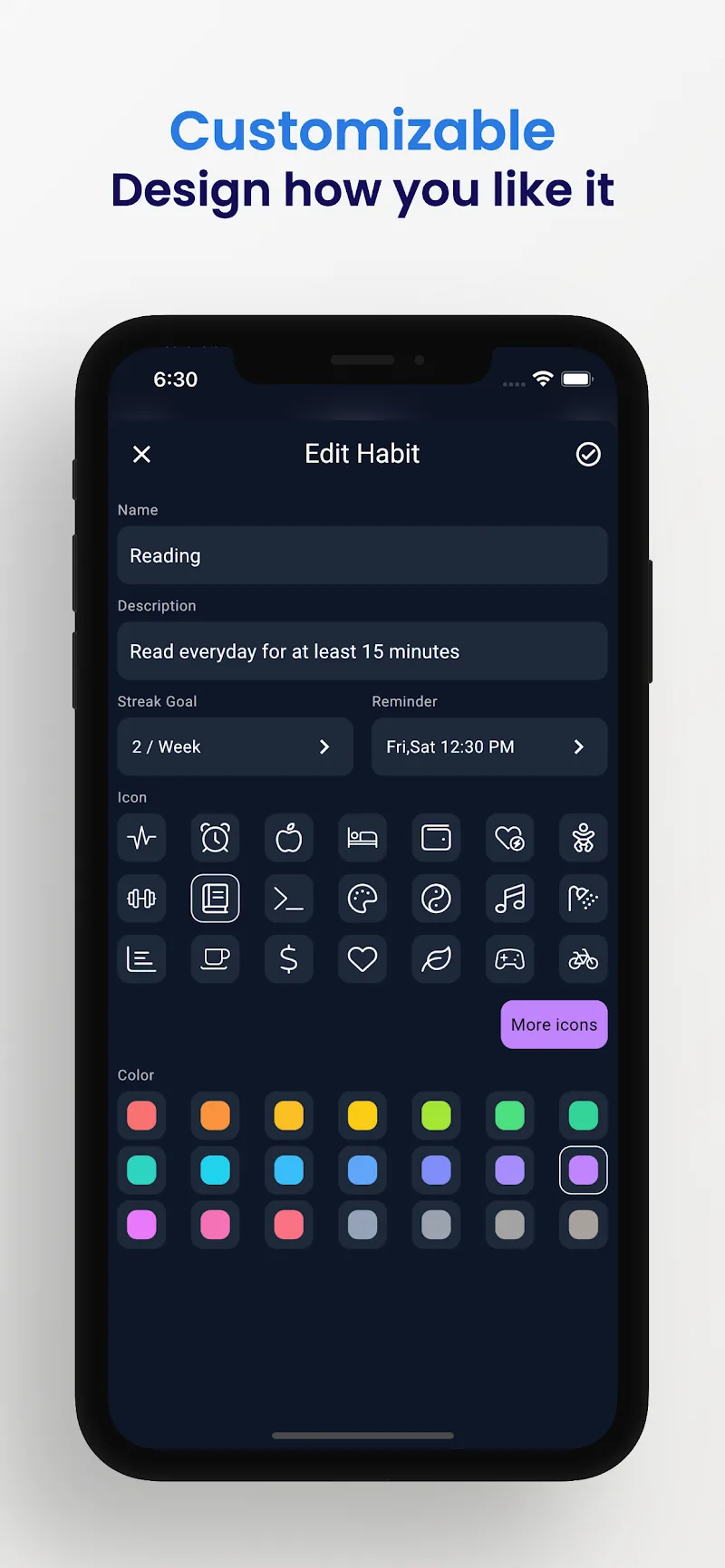
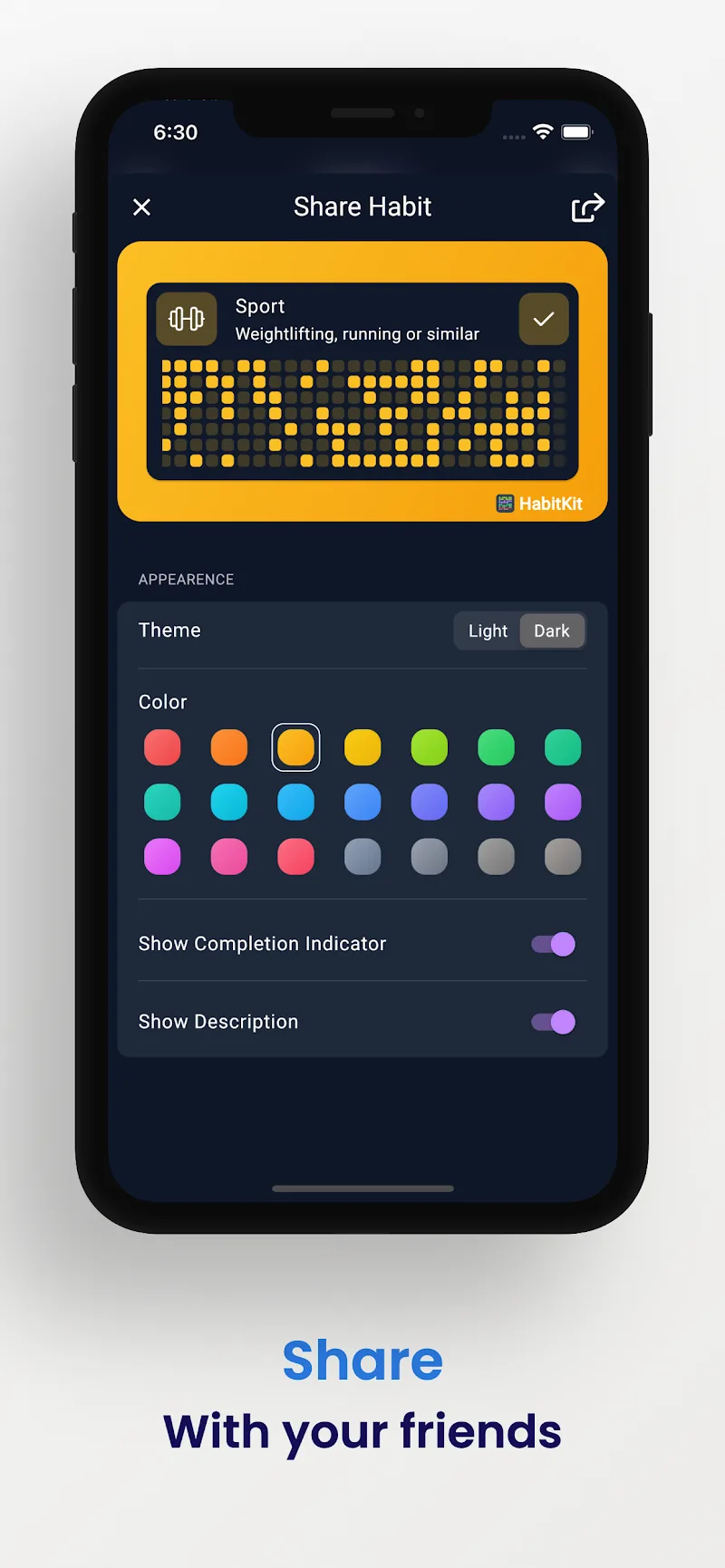
HabitKit lets you tailor habits to match your workflow. You can assign colors and icons for quick recognition, set priority levels to surface the most important tasks, and enable subtle animations for positive reinforcement. For goal-oriented users, there are templates that jumpstart common routines like exercise, reading, or hydration tracking.
Interface and performance
The user interface focuses on speed: lightweight animations, readable typography, and minimal nested menus. HabitKit runs smoothly on most devices and conserves battery by limiting background activity to essential reminders. The navigation emphasizes a one-screen-at-a-time experience so you can focus on what matters instead of tweaking settings.
User experience and workflow
The app encourages small wins through immediate feedback. HabitKit surfaces your top performers and lets you archive outdated habits without losing historical data. A simple daily review screen summarizes what went well and what to improve, helping maintain momentum across weeks.
Tips for new users
- Start with three habits max: focus beats volume when building routines.
- Use timers for tasks that benefit from concentrated effort, such as reading or deep work.
- Leverage color-coding to group similar habits like health, learning, and household chores.
- Adjust reminder rules if you find notifications arrive at inconvenient times.
Why people adopt HabitKit
People choose HabitKit because it removes friction between intention and action. The app’s modular approach supports both spontaneous use—check a habit off quickly—and more deliberate tracking with timers and analytics. Those who prefer minimalism will appreciate the reduced clutter, while productivity enthusiasts can dig into templates and scheduling options.
Getting started
Begin by creating a small set of habits and enabling a couple of reminders. Track consistently for two weeks to see real trends, then tweak intervals and reminders based on your performance. HabitKit’s combination of immediacy and configurable depth makes it suitable for casual users and disciplined planners alike.
Overall, HabitKit is a pragmatic choice for anyone aiming to convert intentions into routine actions with minimal overhead and clear visual feedback.
Show More
Information
Screenshots
Latest Update












Hot Tags
Latest News
-
![Revealing the Launch Playlists and Cross-Progression for COD Warzone Mobile News]()
-
![March 2024 Free Redemption Codes for Honkai: Star Rail News]()
-
PUBG Mobile Teams Up with Bentley Motors: Luxury Cars, Exclusive Collectibles, and Beyond 2024-04-18
![PUBG Mobile Teams Up with Bentley Motors: Luxury Cars, Exclusive Collectibles, and Beyond News]()
-
![Monster Never Cry is now accessible on both Android and iOS mobile devices. News]()
-
V2.2 of the Farlight 84 update introduces an overhauled Season structure, fresh in-game currency, an 2024-04-16
![V2.2 of the Farlight 84 update introduces an overhauled Season structure, fresh in-game currency, an News]()
-
![Arrival of Genshin Impact 4.6 Update: 'Embers of Two Realms, Twilight of Crimson' News]()
-
April 2024 Clash of Clans Update: Unveiling a Fresh Companion, Enhanced Levels, Chat Tagging, and Be 2024-04-16
![April 2024 Clash of Clans Update: Unveiling a Fresh Companion, Enhanced Levels, Chat Tagging, and Be News]()






