

Messages iOS 17
Version:1.1.6
Published:2026-11-03
Introduction
Messages iOS 17 brings an iPhone-style messaging experience to Android, recreating the look, reactions, and conversation layout familiar to iOS users. It offers bubble styles, inline replies, and quick reactions while maintaining Android compatibility and customization options for users seeking a streamlined, modern SMS and iMessage-like interface.
What the app offers
Messages iOS 17 delivers a visual and interaction layer inspired by the latest iOS messaging design, while preserving Android functionality. The app focuses on clear conversation threads, expressive reactions, and smooth animations. It provides the basic essentials for SMS and MMS handling as well as extras that make daily conversations faster and more enjoyable.
Key features at a glance
Under the hood, Messages iOS 17 combines native messaging support with cosmetic and workflow improvements. Highlighted features include:
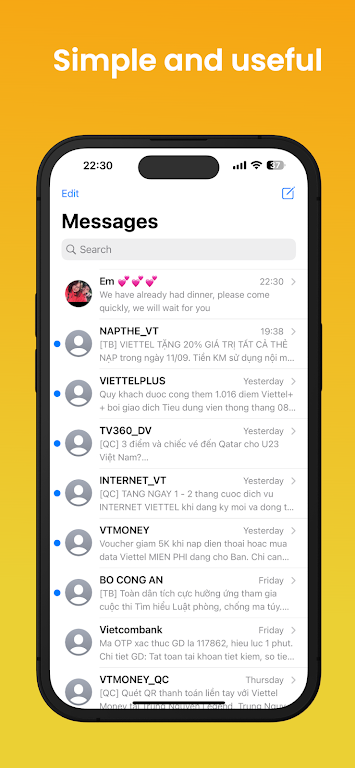
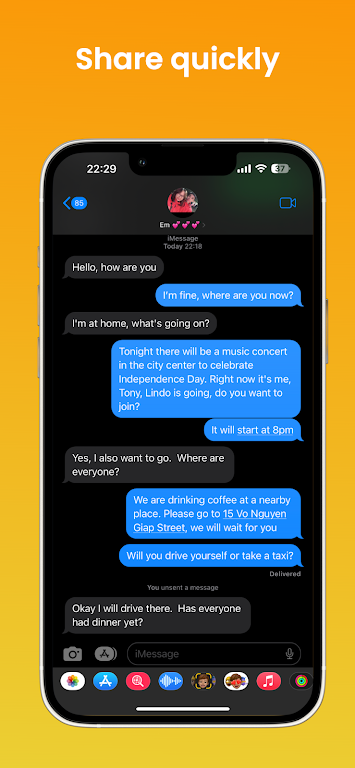
- Conversation bubbles: Clean, rounded message bubbles and timestamp placement for improved readability.
- Inline replies: Reply directly to a specific message inside a thread to keep context intact.
- Quick reactions: Tap to react with likes, hearts and other simple responses without typing.
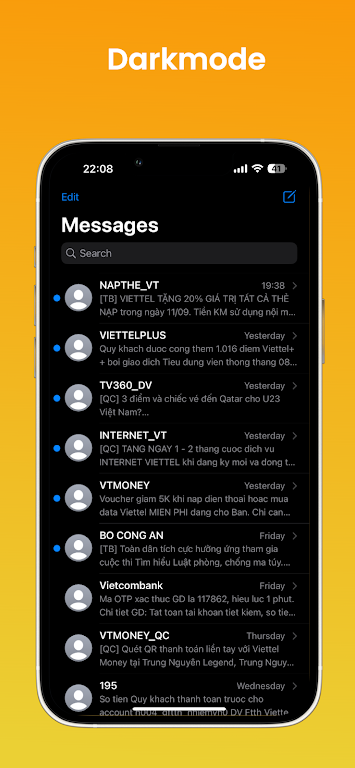
- Custom themes: Light and dark modes plus accent color options to match personal style.
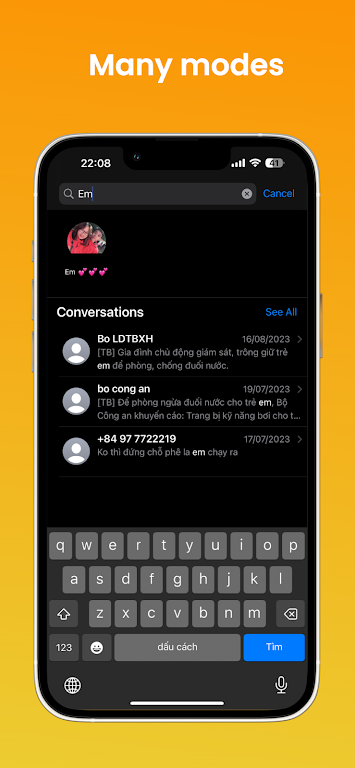
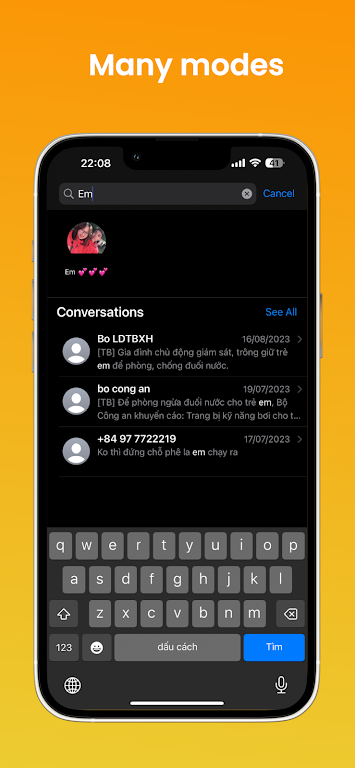
- Pin and search: Pin important threads and use a fast search to find messages, photos or links.
Interface and personalization
Messages iOS 17 emphasizes a minimal, polished interface that mirrors familiar iOS cues but adapts them to Android conventions. The layout prioritizes content, with large avatars, readable fonts, and subtle animations for sending and receiving messages. You can tweak bubble colors, font sizes, and background wallpapers to create a look that fits your preferences.
Workflow and practical use
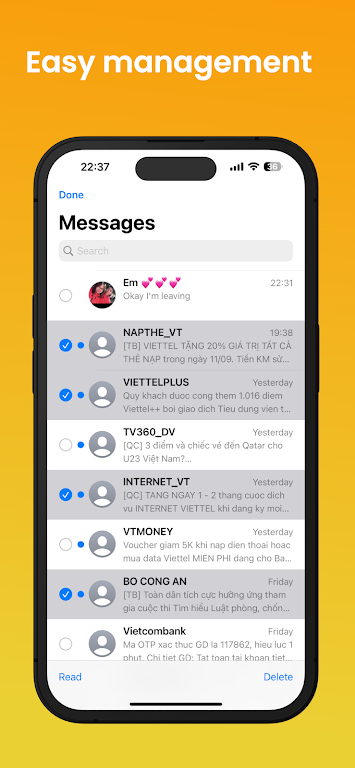
The app streamlines common tasks: composing messages is straightforward, long-press actions reveal quick options, and attachments are handled in a single tap. Messages iOS 17 supports multi-select for batch deletion or forwarding, and a dedicated attachment view collects photos, videos and links shared across conversations. These tools reduce friction when managing busy inboxes.
Performance and compatibility
Designed for modern Android devices, Messages iOS 17 aims to stay lightweight and responsive. Animations are GPU-accelerated, and background processes are tuned to minimize battery drain. The app is compatible with a wide range of Android versions; check the Play Store listing for exact requirements. Regular updates focus on performance patches and broader device support.
Privacy and notifications
Privacy controls are front and center. Messages iOS 17 requests only the permissions needed for messaging and attachments, and offers in-app options to control message previews, notification sound behavior, and per-conversation alerts. Message data is stored locally by default, with optional cloud backup if you choose to enable it.
Customization and accessibility
Accessibility features include adjustable text sizes, high-contrast themes, and clear focus indicators for users who rely on assistive technologies. Customization extends to notification styles, vibration patterns, and whether timestamps should be visible by default, enabling a personal balance between aesthetics and utility.
How to get started
Installing Messages iOS 17 is simple: download the app, grant the messaging permission, and make it your default SMS app if you want integrated SMS/MMS handling. Import existing conversations during setup or keep your current app and use Messages iOS 17 for a fresh interface. Spend a few minutes in settings to configure themes, notification preferences, and quick reply options to match your routine.
Why choose it
For Android users drawn to the iOS visual language but unwilling to leave Android’s flexibility, Messages iOS 17 offers a practical middle ground. It balances a refined, modern aesthetic with functional tools that improve everyday messaging, making conversations clearer, faster, and more visually consistent.
Show More
Information
Screenshots
Latest Update












Latest News
-
![Revealing the Launch Playlists and Cross-Progression for COD Warzone Mobile News]()
-
![March 2024 Free Redemption Codes for Honkai: Star Rail News]()
-
PUBG Mobile Teams Up with Bentley Motors: Luxury Cars, Exclusive Collectibles, and Beyond 2024-04-18
![PUBG Mobile Teams Up with Bentley Motors: Luxury Cars, Exclusive Collectibles, and Beyond News]()
-
![Monster Never Cry is now accessible on both Android and iOS mobile devices. News]()
-
V2.2 of the Farlight 84 update introduces an overhauled Season structure, fresh in-game currency, an 2024-04-16
![V2.2 of the Farlight 84 update introduces an overhauled Season structure, fresh in-game currency, an News]()
-
![Arrival of Genshin Impact 4.6 Update: 'Embers of Two Realms, Twilight of Crimson' News]()
-
April 2024 Clash of Clans Update: Unveiling a Fresh Companion, Enhanced Levels, Chat Tagging, and Be 2024-04-16
![April 2024 Clash of Clans Update: Unveiling a Fresh Companion, Enhanced Levels, Chat Tagging, and Be News]()






