

Dual Space : Multi App
Version:1.79.0.10
Published:2026-11-03
Introduction
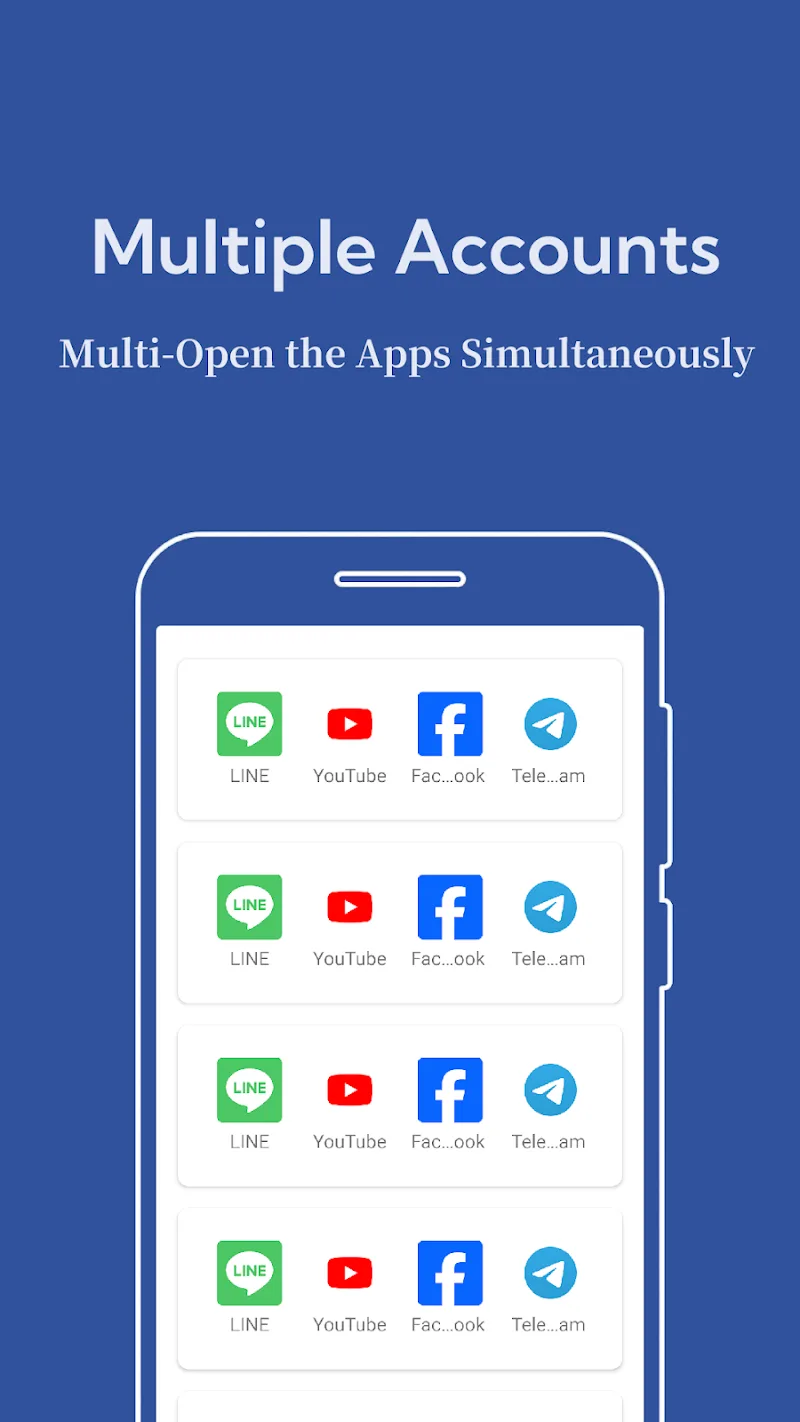
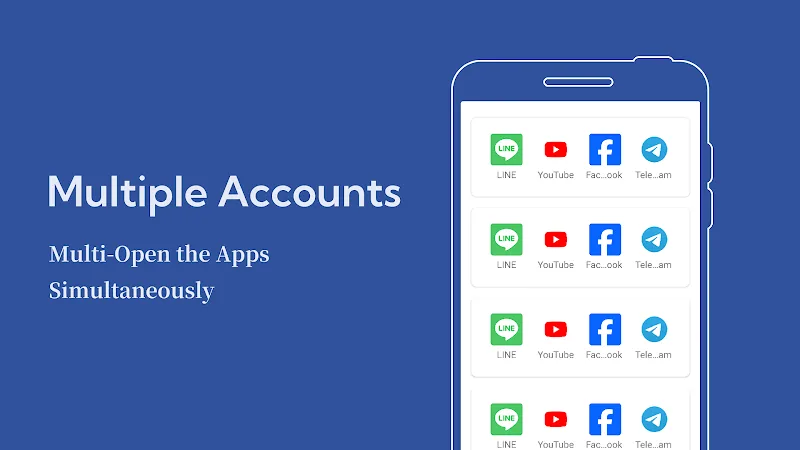
Dual Space : Multi App streamlines running multiple accounts on a single Android device, letting you clone apps and manage separate profiles for social, games, and work. It creates isolated environments so notifications, data, and logins stay distinct, simplifying multitasking and preserving privacy across accounts.
What Dual Space : Multi App Does
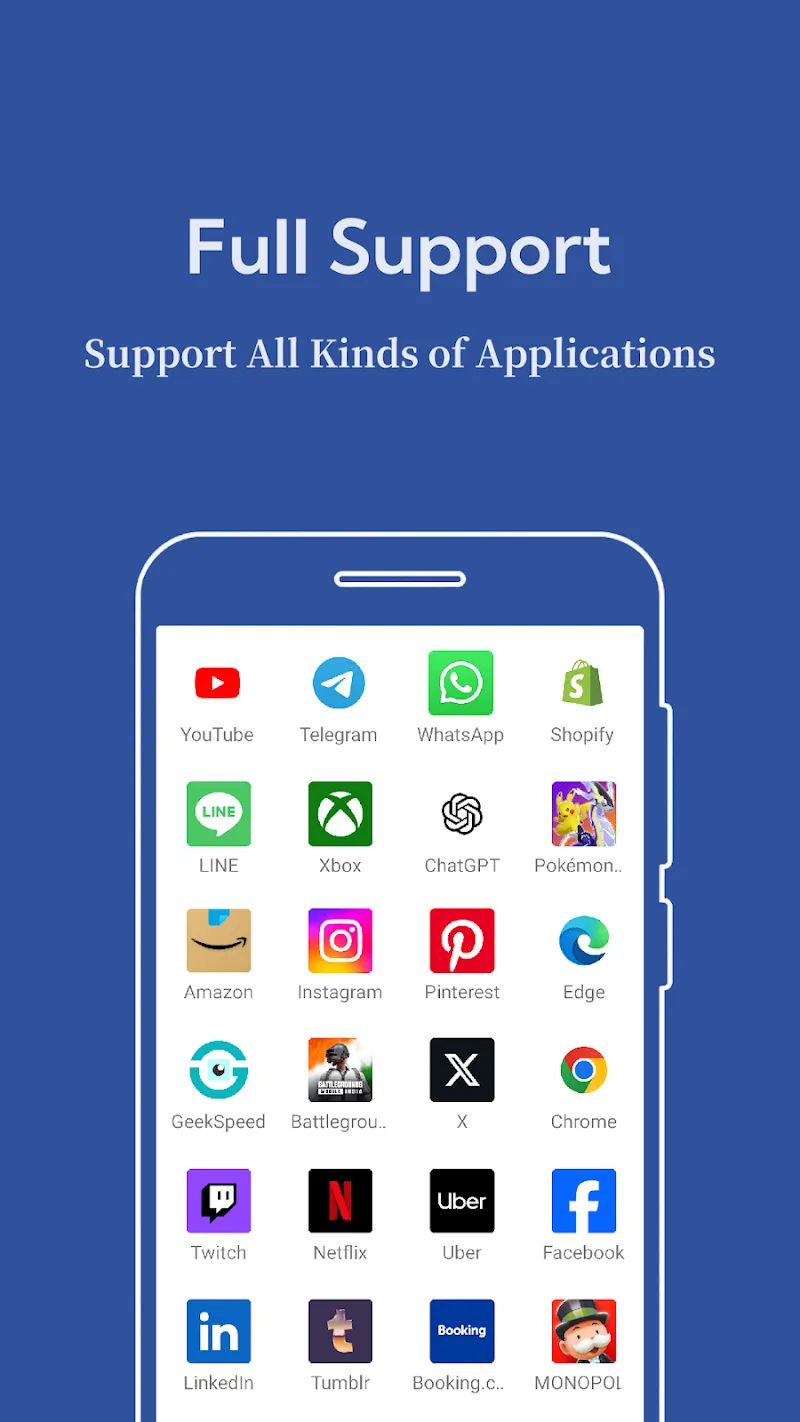
Dual Space : Multi App is designed to duplicate installed applications and keep each instance independent. That means you can sign into two different messaging accounts, use two game profiles, or isolate a work app from personal data without switching devices. The app focuses on convenience, allowing frequent account switching while keeping storage and battery usage efficient.
Key Features and Tools
Built for daily multitasking, the app provides a set of practical features that help users manage multiple identities and workflows without technical hurdles.
- App Cloning: Duplicate most Android apps with a few taps while preserving login states for each clone.
- Notification Management: Get separate notifications per instance so messages from each account are easy to spot.
- Lightweight Operation: Cloned apps run in an isolated space that aims to limit extra memory and CPU consumption.
- Quick Switch: Move between accounts rapidly using an intuitive switcher or home shortcuts.
- Privacy Controls: Create locked zones or hidden icons to protect selected clones from casual access.
User Interface and Customization
The interface is straightforward: a main dashboard lists cloned apps and offers shortcuts to create new instances. Icons and labels can be customized to help you identify clones at a glance. Color themes and badge settings allow lightweight personalization without cluttering the home screen.
How It Fits Into Daily Workflow
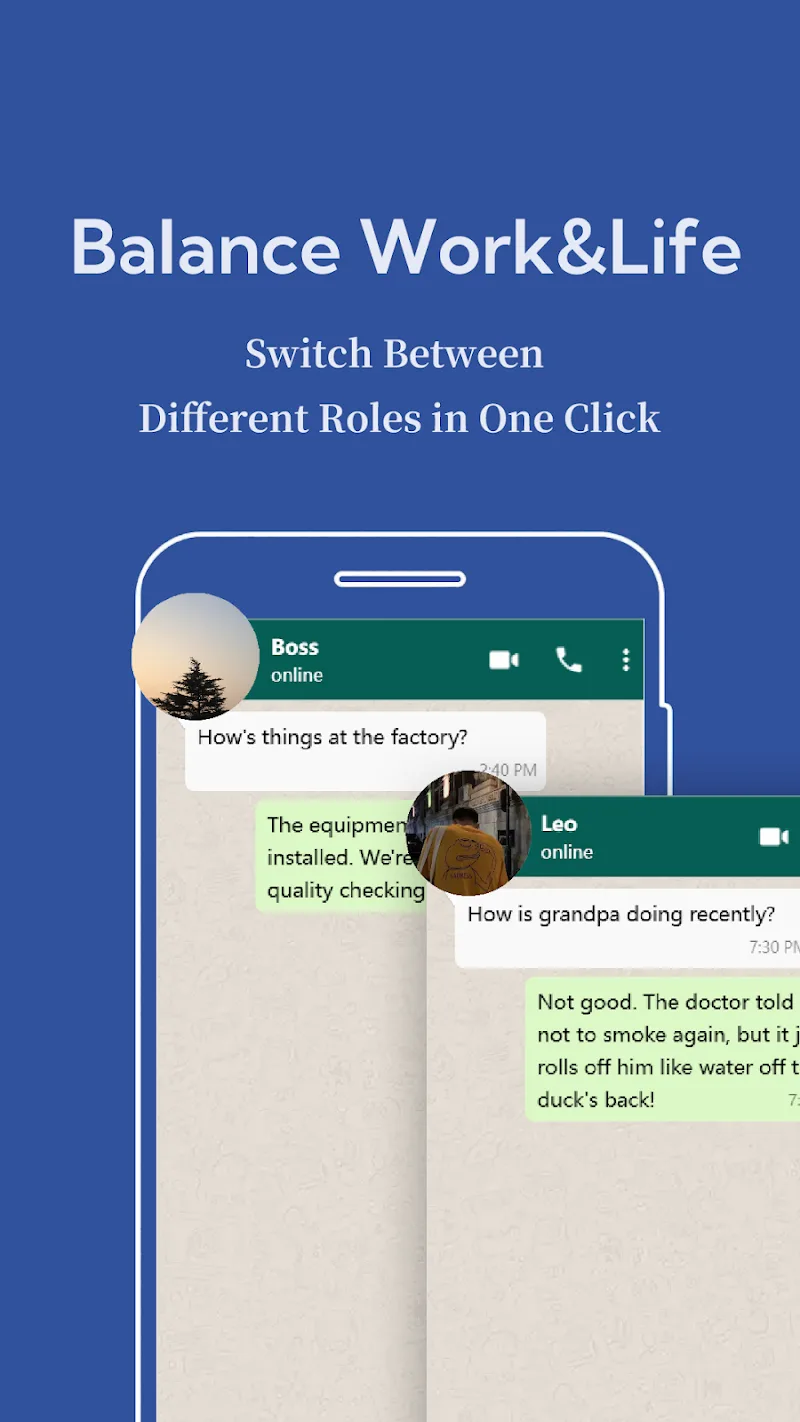
For professionals juggling work and personal accounts, Dual Space : Multi App removes friction from account switching. Social media managers can keep client profiles separate from personal ones, and gamers can test alternative builds or strategies with distinct logins. The app supports workflows that require simultaneous presence across multiple services without cross-contamination of data.
Performance and Compatibility
Dual Space : Multi App targets broad device compatibility across recent Android versions. Performance depends on device RAM and the types of apps cloned—resource-heavy games will naturally demand more. The app includes optimization settings to pause background activity for cloned apps when not in use, extending battery life while maintaining quick resume times for active sessions.
Security and Privacy Considerations
Data isolation is a central focus. Each cloned app maintains a separate storage area, reducing the risk of data mixing between accounts. Lock features and hidden mode help secure sensitive instances. Users should still follow good security practices—enable device encryption, use strong passwords, and keep the app updated—to maintain optimum protection.
Setup and First Run Tips
Getting started takes only a few minutes. Install the app, grant the necessary permissions, and pick the first app to clone from your installed list. For messaging or social apps, log into the second account within the clone. If you plan to run multiple clones of heavy apps, monitor RAM usage and adjust background restrictions as needed.
Practical Use Cases
Dual Space : Multi App suits a variety of users: entrepreneurs who manage sales and personal accounts, content creators balancing multiple channels, or anyone who needs to run parallel game profiles. It also benefits testers who want to try different account states without factory resets or additional devices.
Tips to Maximize Efficiency
- Limit the number of simultaneous clones for resource-intensive apps to keep performance smooth.
- Use the app’s notification filters to avoid duplicate alerts during focused work sessions.
- Regularly clear cache within cloned apps to reclaim storage space.
- Leverage hidden mode for accounts that require extra discretion.
Why Choose Dual Space : Multi App
Dual Space : Multi App provides a simple, reliable way to manage multiple accounts on one phone. It balances convenience, privacy, and performance with features aimed at everyday multitasking. Whether you need separate social profiles, multiple gaming accounts, or distinct work environments, the app reduces device clutter while keeping each account neatly organized.
Show More
Information
Screenshots
Latest Update












Latest News
-
![Revealing the Launch Playlists and Cross-Progression for COD Warzone Mobile News]()
-
![March 2024 Free Redemption Codes for Honkai: Star Rail News]()
-
PUBG Mobile Teams Up with Bentley Motors: Luxury Cars, Exclusive Collectibles, and Beyond 2024-04-18
![PUBG Mobile Teams Up with Bentley Motors: Luxury Cars, Exclusive Collectibles, and Beyond News]()
-
![Monster Never Cry is now accessible on both Android and iOS mobile devices. News]()
-
V2.2 of the Farlight 84 update introduces an overhauled Season structure, fresh in-game currency, an 2024-04-16
![V2.2 of the Farlight 84 update introduces an overhauled Season structure, fresh in-game currency, an News]()
-
![Arrival of Genshin Impact 4.6 Update: 'Embers of Two Realms, Twilight of Crimson' News]()
-
April 2024 Clash of Clans Update: Unveiling a Fresh Companion, Enhanced Levels, Chat Tagging, and Be 2024-04-16
![April 2024 Clash of Clans Update: Unveiling a Fresh Companion, Enhanced Levels, Chat Tagging, and Be News]()






