

MyScoreTracker
Version:1.7.12
Published:2026-11-03
Introduction
MyScoreTracker is a lightweight Android app designed to record, monitor, and analyze scores across sports, games, and personal challenges. It provides a streamlined way to capture results, visualize trends, and export data without clutter, making scorekeeping fast and reliable for individual users and small teams alike.
Key capabilities
At its core, MyScoreTracker focuses on practical features that simplify routine tracking tasks. Users can create multiple scoreboards, switch between different scoring systems, and log events in seconds. The app supports numeric, timed, and point-based entries, and includes quick-add shortcuts for recurring matches or sessions.
Interface and workflow
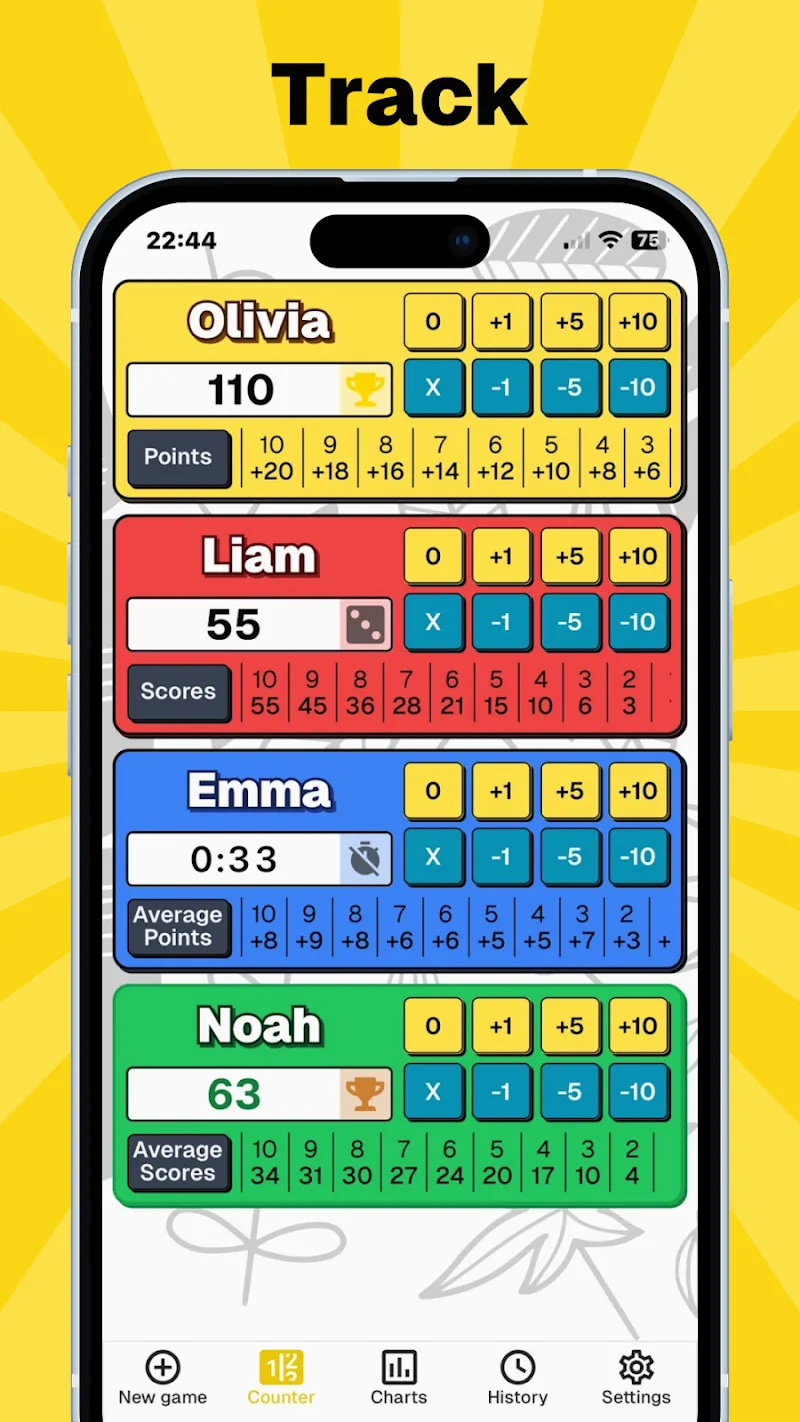
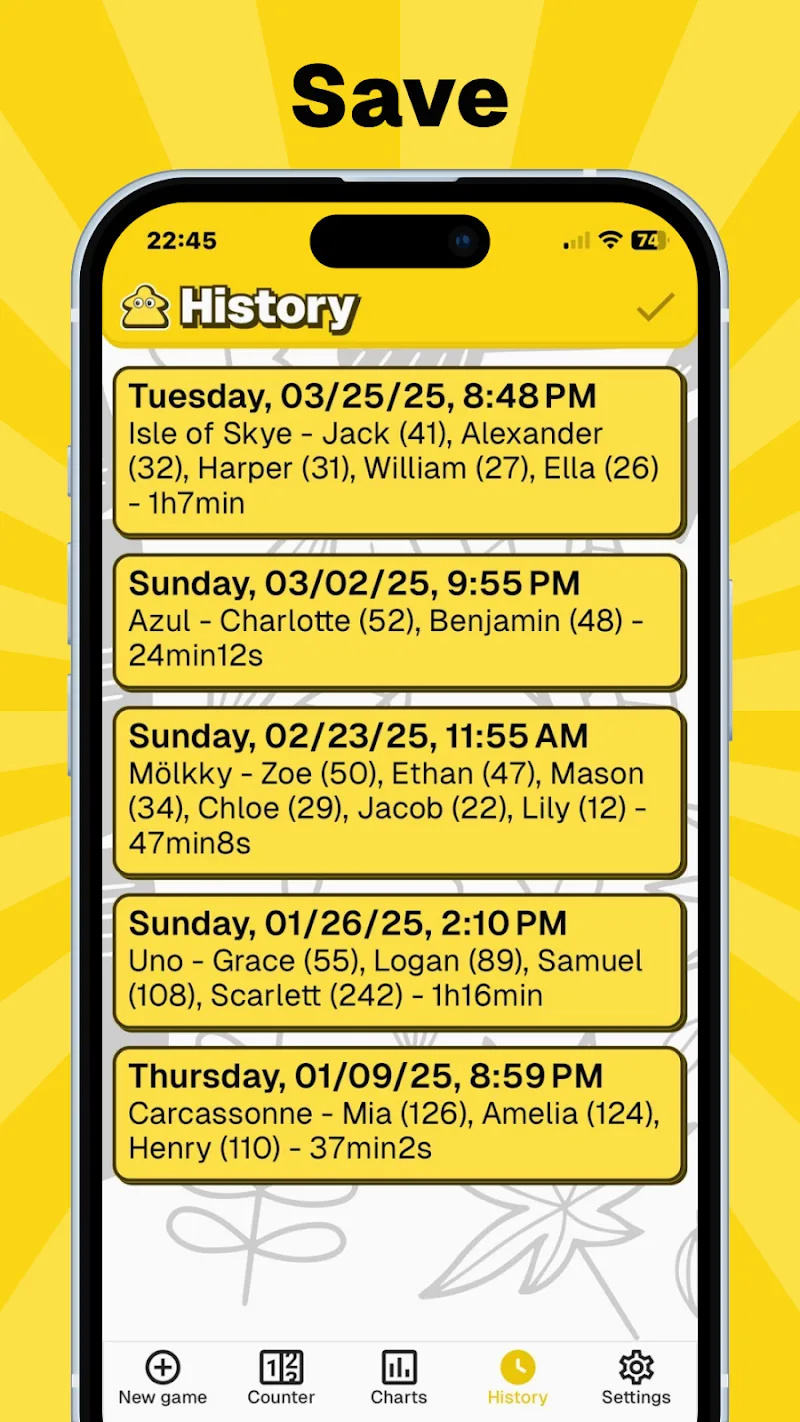
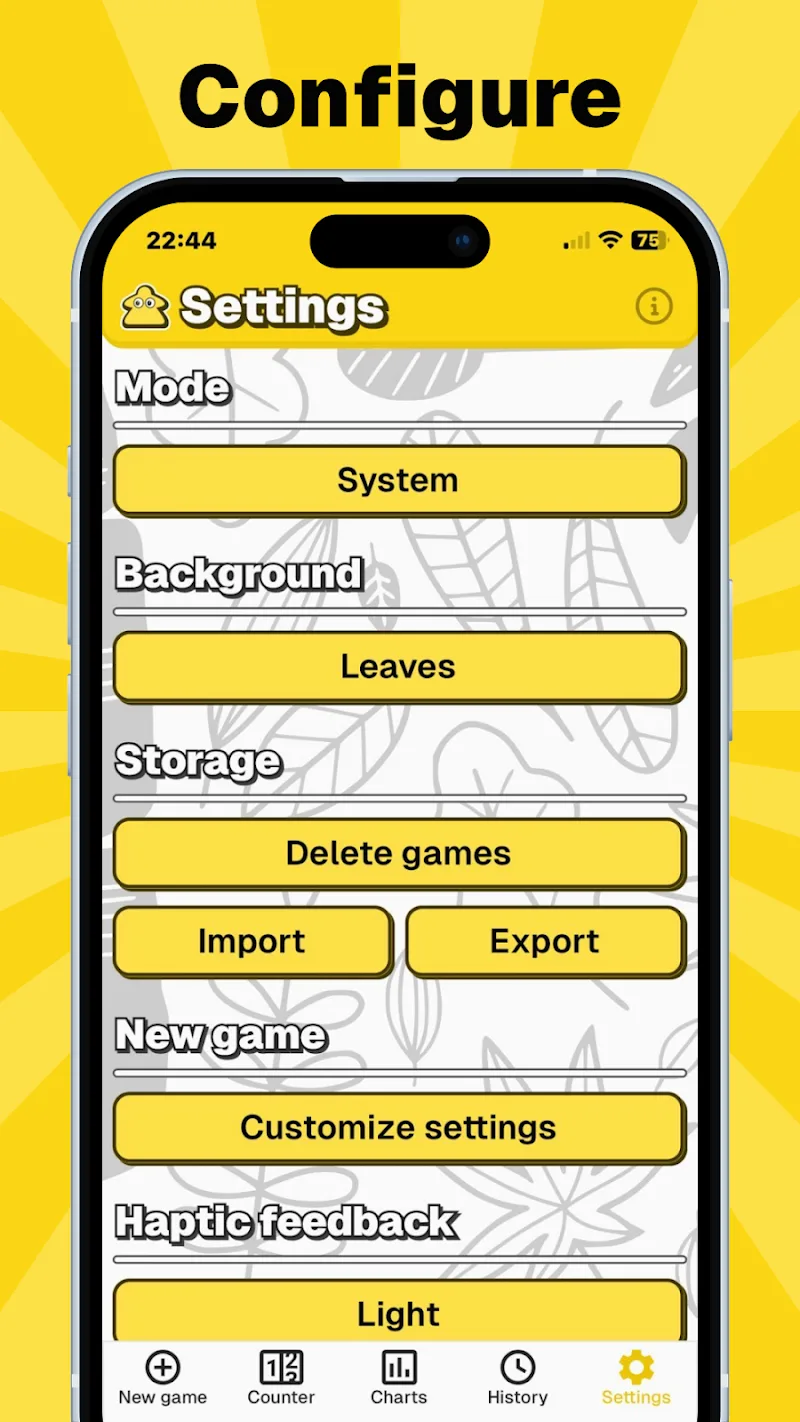
The interface is built around minimalism and speed. Large buttons and clear labels make data entry intuitive on phones and tablets. Navigation uses a simple tab layout that separates active matches, history, and analytics. MyScoreTracker reduces friction by remembering recent opponents, default scoring rules, and preferred view settings so that recurring tracking takes less effort.
Customization options
Customization is flexible without being overwhelming. You can define custom score categories, set win conditions, and add notes to any entry. Color-coding helps differentiate teams or players at a glance, while optional icons and labels let you tailor each scoreboard to the activity—whether it’s a friendly game night or a competitive local league.
Data visualization and reports
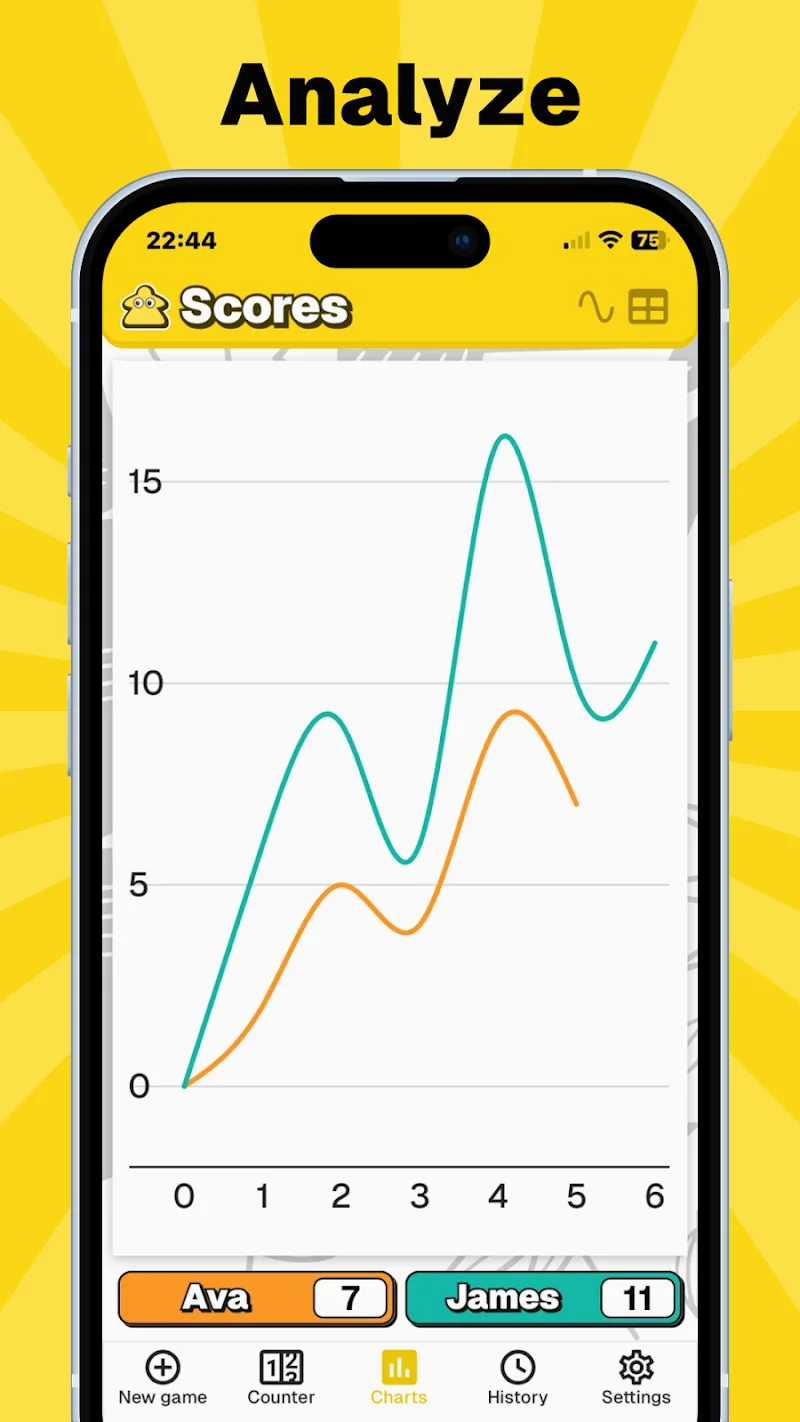
MyScoreTracker includes built-in charts and summary screens that turn raw entries into useful information. Trend lines show performance over time, leaderboards highlight top performers, and session summaries provide averages, highs, and lows. For deeper analysis, export options allow CSV output so you can open data in a spreadsheet or import it into other tools.
Sharing and collaboration
While designed primarily for single-device use, the app offers simple sharing tools. Exported files and shareable snapshots let teammates, opponents, or league organizers view results. Shared templates speed setup for recurring tournaments, and manual import allows event coordinators to consolidate results from multiple devices.
Performance and compatibility
Lightweight code and local storage keep MyScoreTracker responsive even on older devices. The app avoids heavy background processing to preserve battery life and starts quickly from a cold state. It runs across a wide range of Android versions and scales well from compact phones to larger tablets without layout issues.
Practical scenarios
Use cases for MyScoreTracker include weekend league organizers, board game nights, personal training sessions, and classroom competitions. Coaches can maintain simple player logs, hobbyists can track progress over months, and families can keep an accurate record of household competitions. The app’s simplicity makes it easy to adopt for non-technical users while still offering features that power users appreciate.
Security and privacy
Data lives locally by default, which minimizes exposure and keeps control in the hands of the user. Exported files are standard formats that can be encrypted or stored in cloud services according to personal preferences. No account sign-up is required for basic use, and permissions requested at install are limited to what the app needs for storage and optional sharing.
Getting started
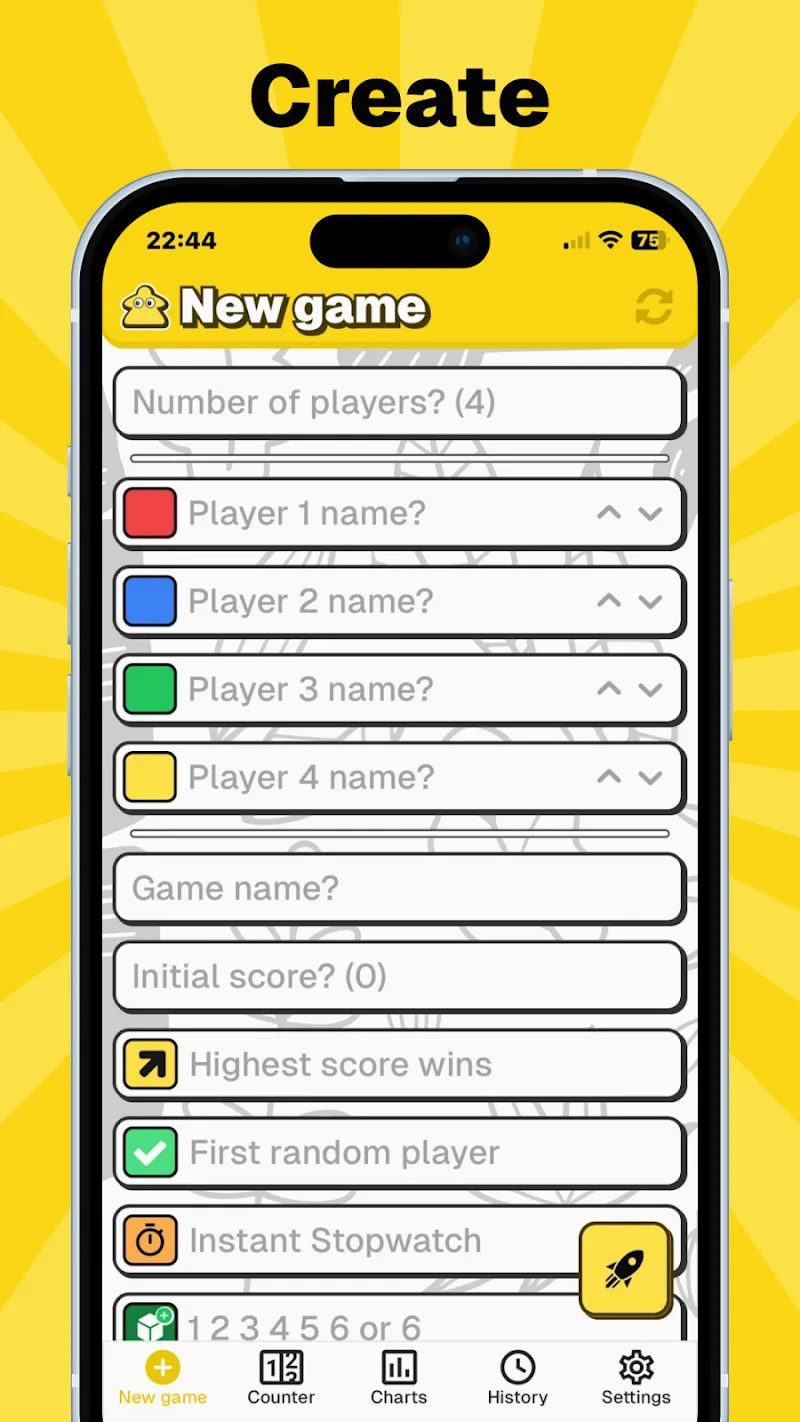
Begin by creating a new scoreboard, choosing a scoring type, and adding participants. Use the quick-add buttons to log points or time segments during play. Review session summaries at the end of each match and export results if you need to archive or share them. Short in-app tips guide first-time users through setup and common workflows.
Why users choose it
Many users pick MyScoreTracker because it balances capability with simplicity: it doesn’t force complex account systems or cloud sync, but it still provides robust reporting, flexible customization, and reliable performance. The app’s focus on speed and clarity makes it a practical choice for anyone who wants accurate score records without unnecessary features getting in the way.
Show More
Information
Screenshots
Latest Update












Latest News
-
![Revealing the Launch Playlists and Cross-Progression for COD Warzone Mobile News]()
-
![March 2024 Free Redemption Codes for Honkai: Star Rail News]()
-
PUBG Mobile Teams Up with Bentley Motors: Luxury Cars, Exclusive Collectibles, and Beyond 2024-04-18
![PUBG Mobile Teams Up with Bentley Motors: Luxury Cars, Exclusive Collectibles, and Beyond News]()
-
![Monster Never Cry is now accessible on both Android and iOS mobile devices. News]()
-
V2.2 of the Farlight 84 update introduces an overhauled Season structure, fresh in-game currency, an 2024-04-16
![V2.2 of the Farlight 84 update introduces an overhauled Season structure, fresh in-game currency, an News]()
-
![Arrival of Genshin Impact 4.6 Update: 'Embers of Two Realms, Twilight of Crimson' News]()
-
April 2024 Clash of Clans Update: Unveiling a Fresh Companion, Enhanced Levels, Chat Tagging, and Be 2024-04-16
![April 2024 Clash of Clans Update: Unveiling a Fresh Companion, Enhanced Levels, Chat Tagging, and Be News]()






