

Text Repeater
Version:3.8.5
Published:2026-11-04
Introduction
Text Repeater is a compact utility that helps you duplicate text quickly and accurately for messages, social posts, or testing. It streamlines repetitive typing with instant previews, adjustable repeat counts, and clipboard integration, saving time and eliminating manual copy-paste steps for frequent text duplication tasks across apps.
Overview
This review examines Text Repeater as a productivity tool for Android users who need fast text duplication without cumbersome steps. The app focuses on simplicity: enter any phrase, choose how many times it should repeat, and paste or share the result. Its lightweight nature makes it suitable for casual and professional workflows alike.
Key Features
- Repeat Control: Set exact repetition counts from single digits to large numbers for bulk output.
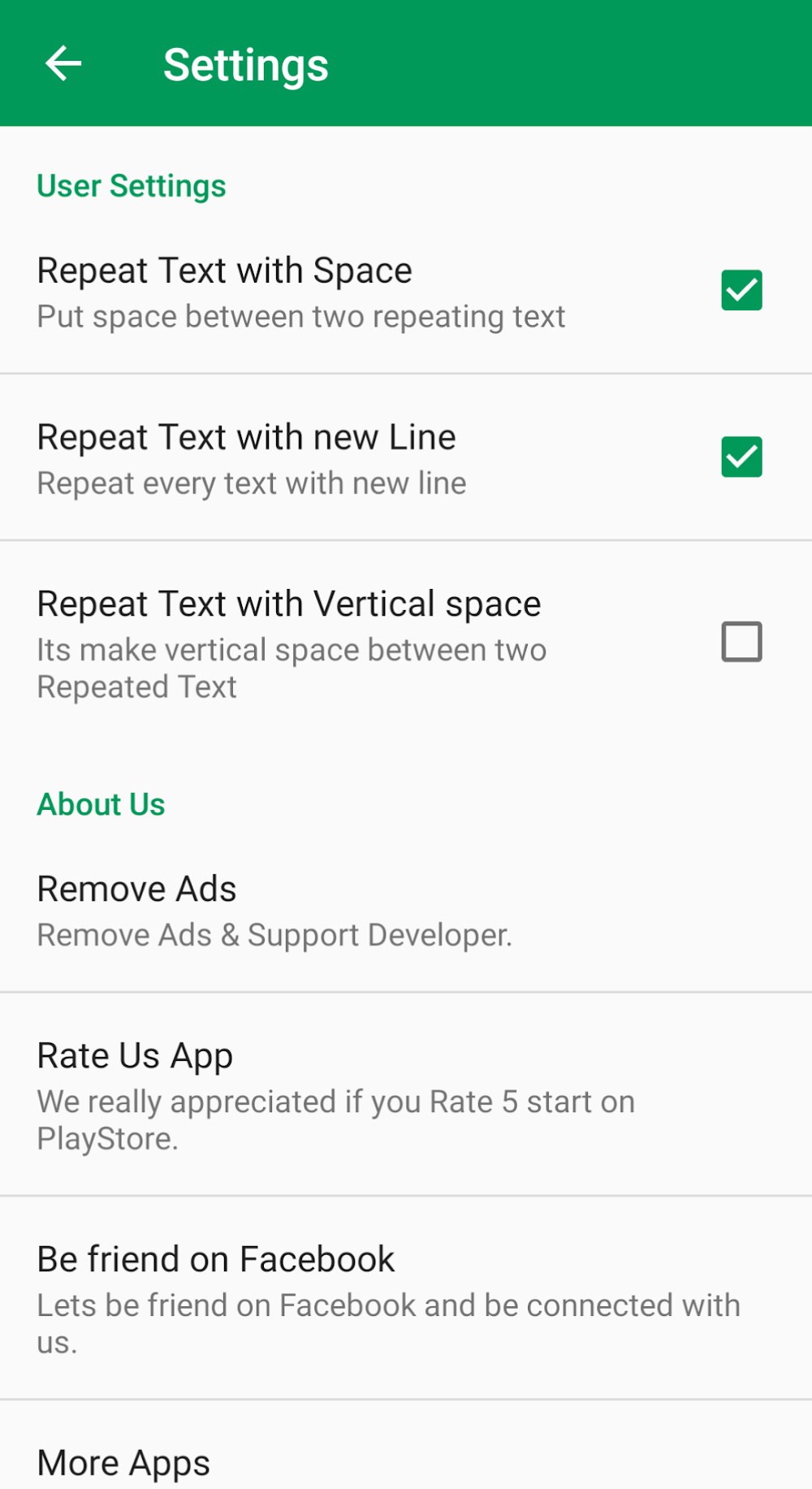
- Separator Options: Choose spaces, newlines, commas, or custom dividers to format repeated output for different contexts.
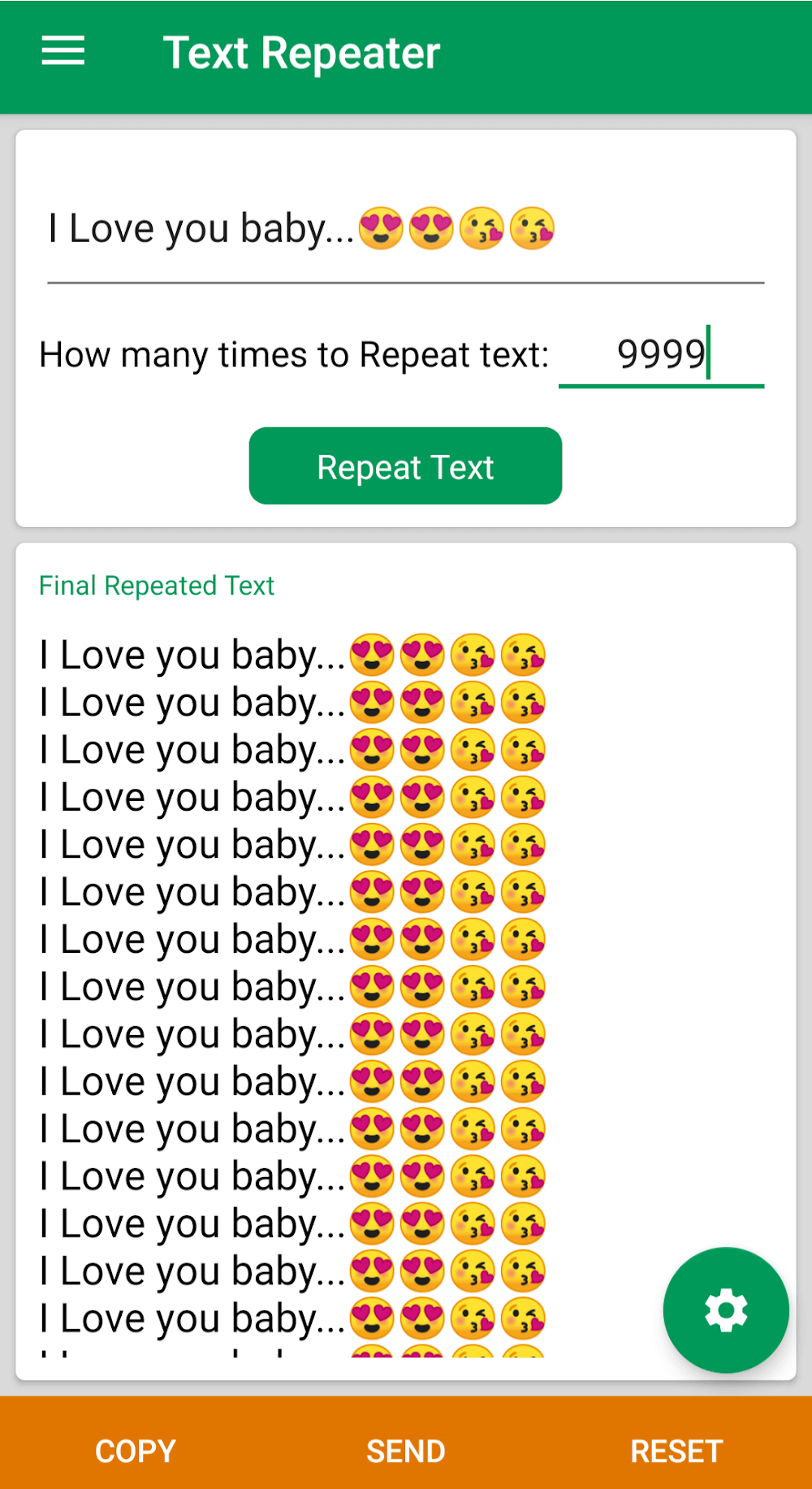
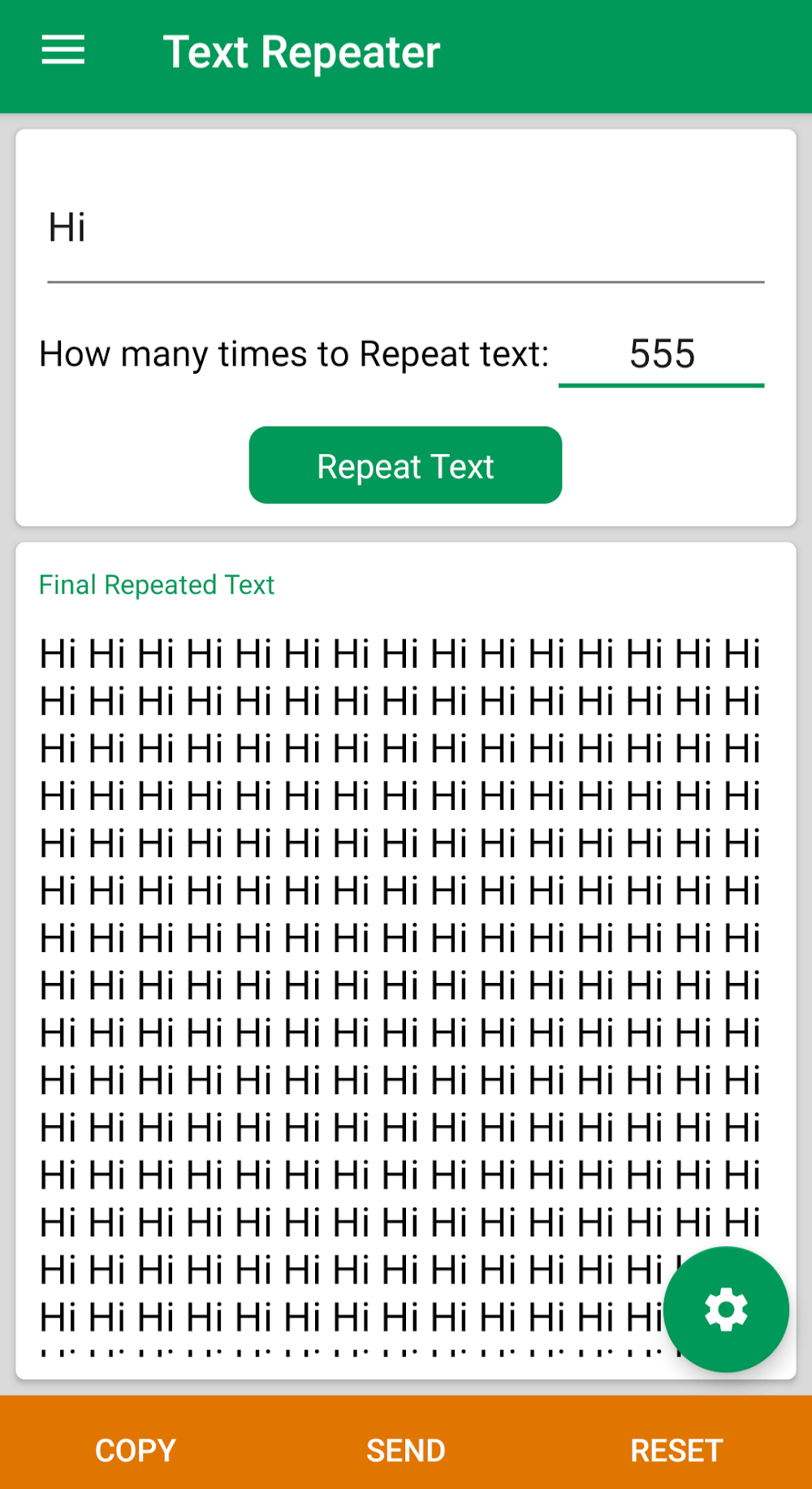
- Preview Pane: Instant on-screen preview shows exactly how the repeated text will appear before copying.
- Clipboard Integration: One-tap copy sends the generated text to the clipboard for immediate pasting into chats, emails, or social apps.
- History & Favorites: Save commonly used phrases and view recent generations to avoid retyping frequently used content.
How It Works
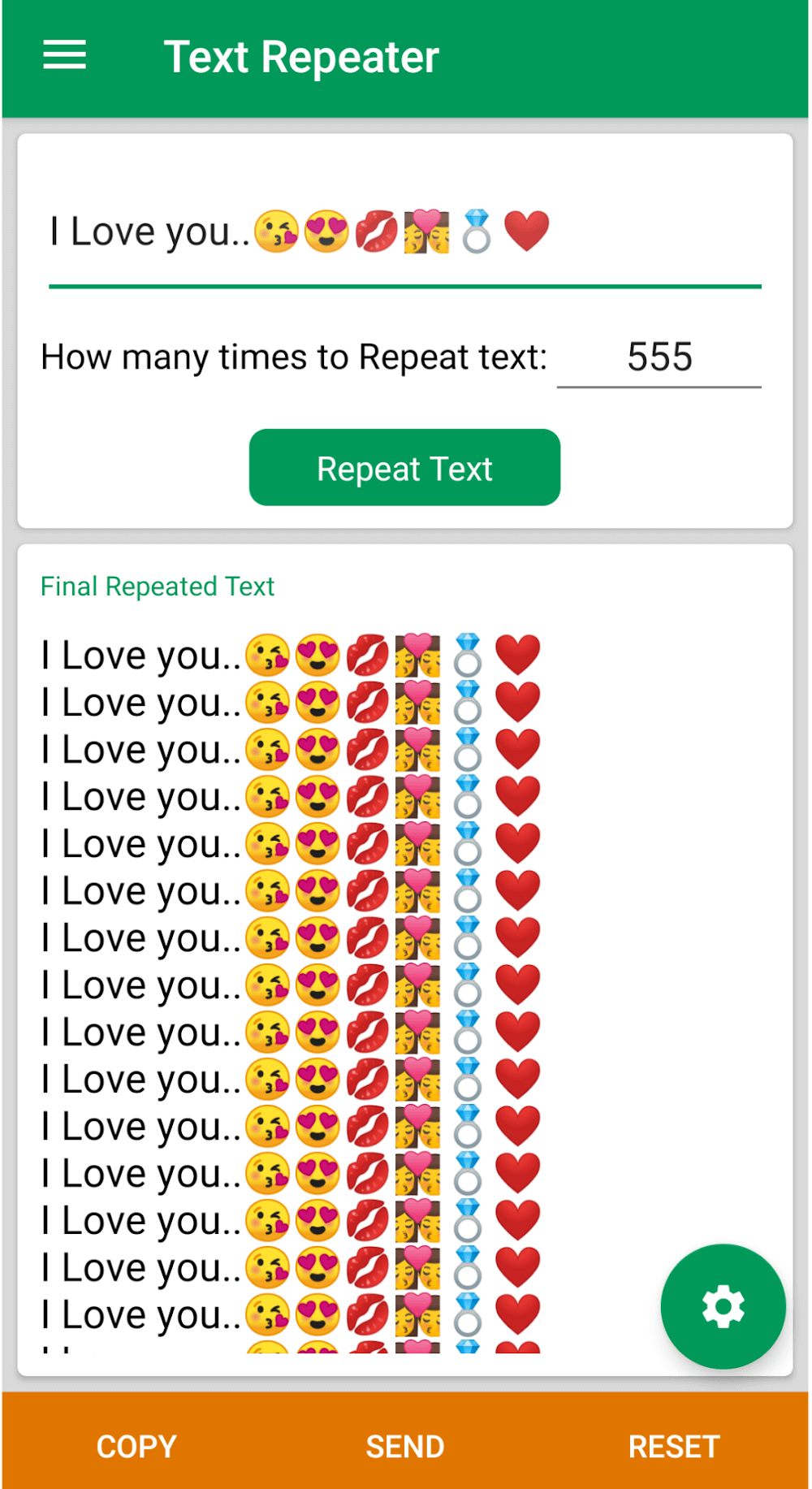
Using Text Repeater is straightforward. Type or paste the source text into the input field. Select the number of repetitions using a slider or numeric input. Choose a separator that matches your target format, review the live preview, and tap copy or share. The app performs the repetition locally and returns the final string instantly, even for large counts, depending on device memory.
Customization and Output Formatting
Customization is a core strength. You can define custom separators for concatenation or use line breaks for vertical lists. The app supports trimming and padding options so each repeated instance can align or contrast with others. Advanced settings include character limits to prevent accidental generation of extremely large outputs and a safe-preview threshold that warns before copying oversized text.
Interface and Performance
Text Repeater uses a minimal interface designed for one-handed operation on phones and larger screens. Buttons are well spaced, and the live preview updates without lag on modern devices. Memory management is careful: the app warns on heavy operations, and background processing keeps the UI responsive. Visual feedback like small animations confirms copy and share actions.
User Workflow Integration
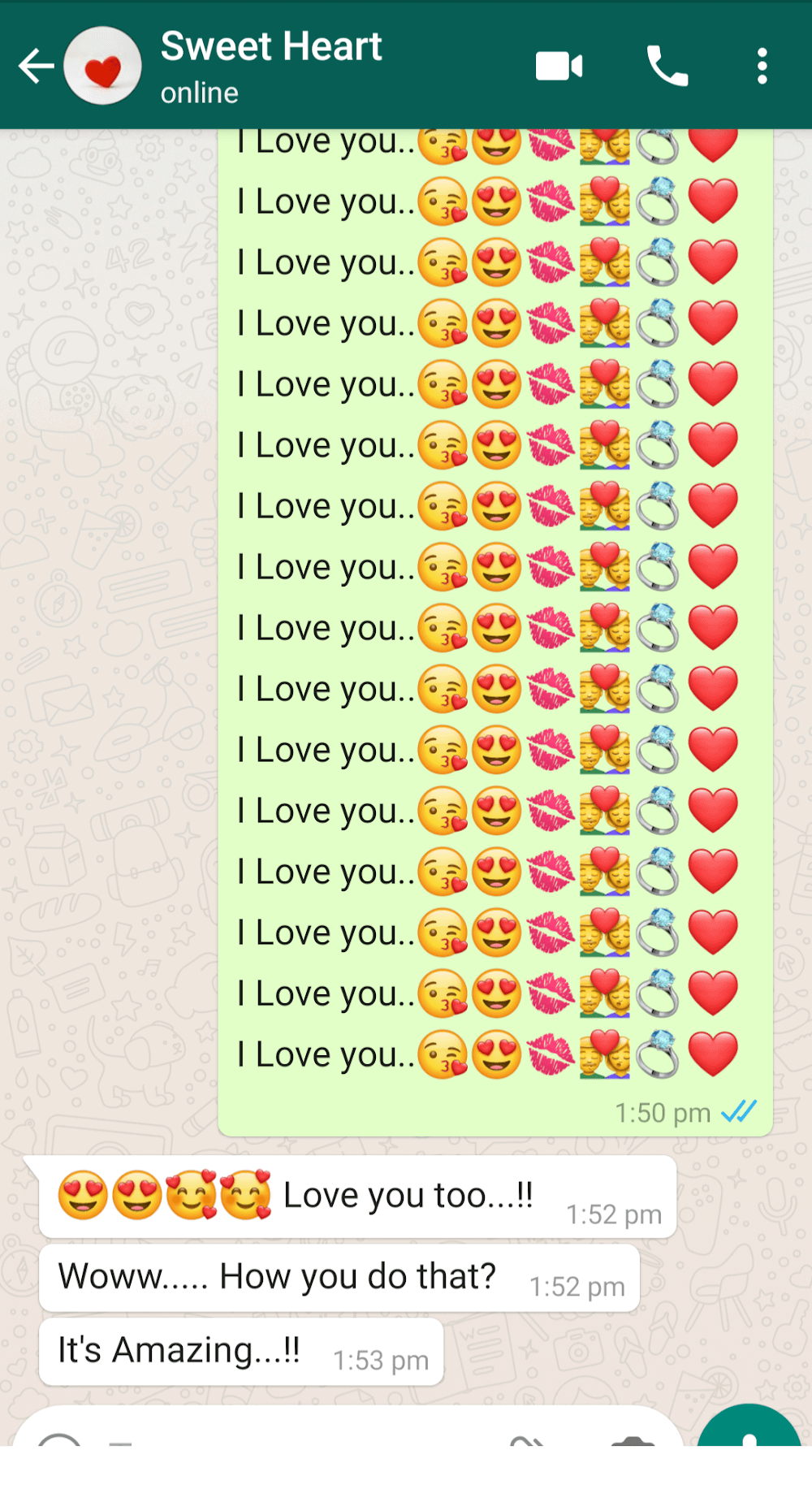
Workflows where Text Repeater shines include composing repetitive social media posts, creating numbered lists, generating placeholder content during testing, and preparing short code snippets. The app also integrates with Android’s share menu so repeated text can be sent directly into messaging apps or email clients without opening the destination app first.
Tips for Beginners
- Start Small: Test with low repetition counts to become familiar with separators and preview behavior.
- Use History: Save frequently repeated messages as favorites to speed up later use.
- Watch Limits: Pay attention to the built-in character warnings to avoid creating enormous text blocks that could crash lower-end devices.
- Combine Tools: Pair Text Repeater with note apps or clipboard managers for more complex workflows.
Why It’s Useful
The appeal of Text Repeater is practical: it removes tedium and reduces mistakes that happen during manual repetition. For content creators, testers, and anyone who sends repeated patterns regularly, the app converts a repetitive chore into a few taps and preserves consistent formatting across outputs.
Getting Started and Installation
Installation is quick: download from a trusted app store, grant basic clipboard permissions, and optionally enable share access for seamless cross-app usage. The onboarding screens guide you through basic operations and safety limits so you can start duplicating text with confidence. If you rely on copy-paste heavy tasks, incorporating Text Repeater into your toolkit can noticeably improve speed and accuracy.
Show More
Information
Screenshots
Latest Update












Latest News
-
![Revealing the Launch Playlists and Cross-Progression for COD Warzone Mobile News]()
-
![March 2024 Free Redemption Codes for Honkai: Star Rail News]()
-
PUBG Mobile Teams Up with Bentley Motors: Luxury Cars, Exclusive Collectibles, and Beyond 2024-04-18
![PUBG Mobile Teams Up with Bentley Motors: Luxury Cars, Exclusive Collectibles, and Beyond News]()
-
![Monster Never Cry is now accessible on both Android and iOS mobile devices. News]()
-
V2.2 of the Farlight 84 update introduces an overhauled Season structure, fresh in-game currency, an 2024-04-16
![V2.2 of the Farlight 84 update introduces an overhauled Season structure, fresh in-game currency, an News]()
-
![Arrival of Genshin Impact 4.6 Update: 'Embers of Two Realms, Twilight of Crimson' News]()
-
April 2024 Clash of Clans Update: Unveiling a Fresh Companion, Enhanced Levels, Chat Tagging, and Be 2024-04-16
![April 2024 Clash of Clans Update: Unveiling a Fresh Companion, Enhanced Levels, Chat Tagging, and Be News]()






