
Clear Dark Glass Icon Pack
Version:1.1.5
Published:2026-11-06
Introduction
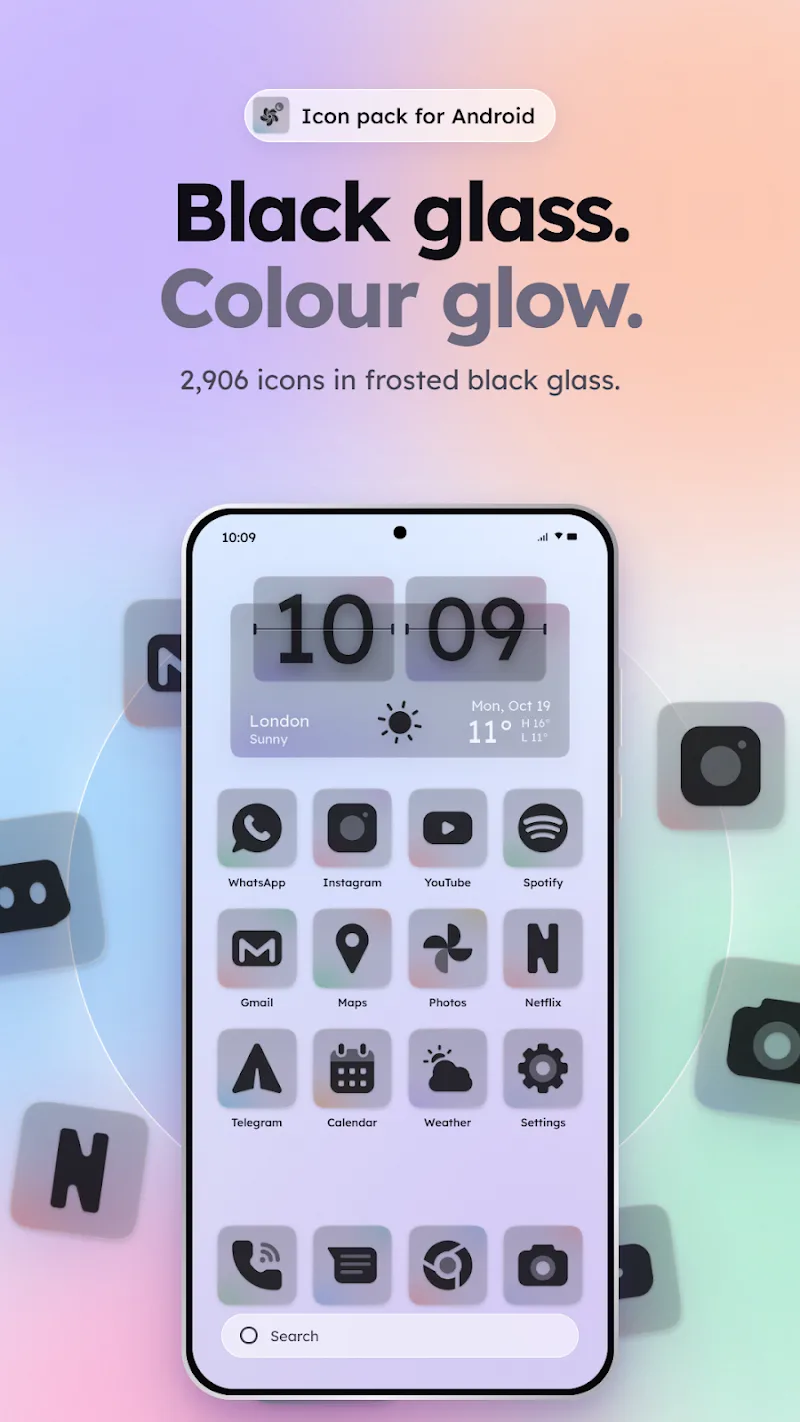
Clear Dark Glass Icon Pack transforms your Android home screen with elegant dark glass-style icons and subtle depth effects. The pack provides thousands of icons, adaptive shapes, and matching wallpapers to create a cohesive look across launchers. Ideal for users seeking a minimalist, moody aesthetic without sacrificing clarity.
Visual Philosophy and Design
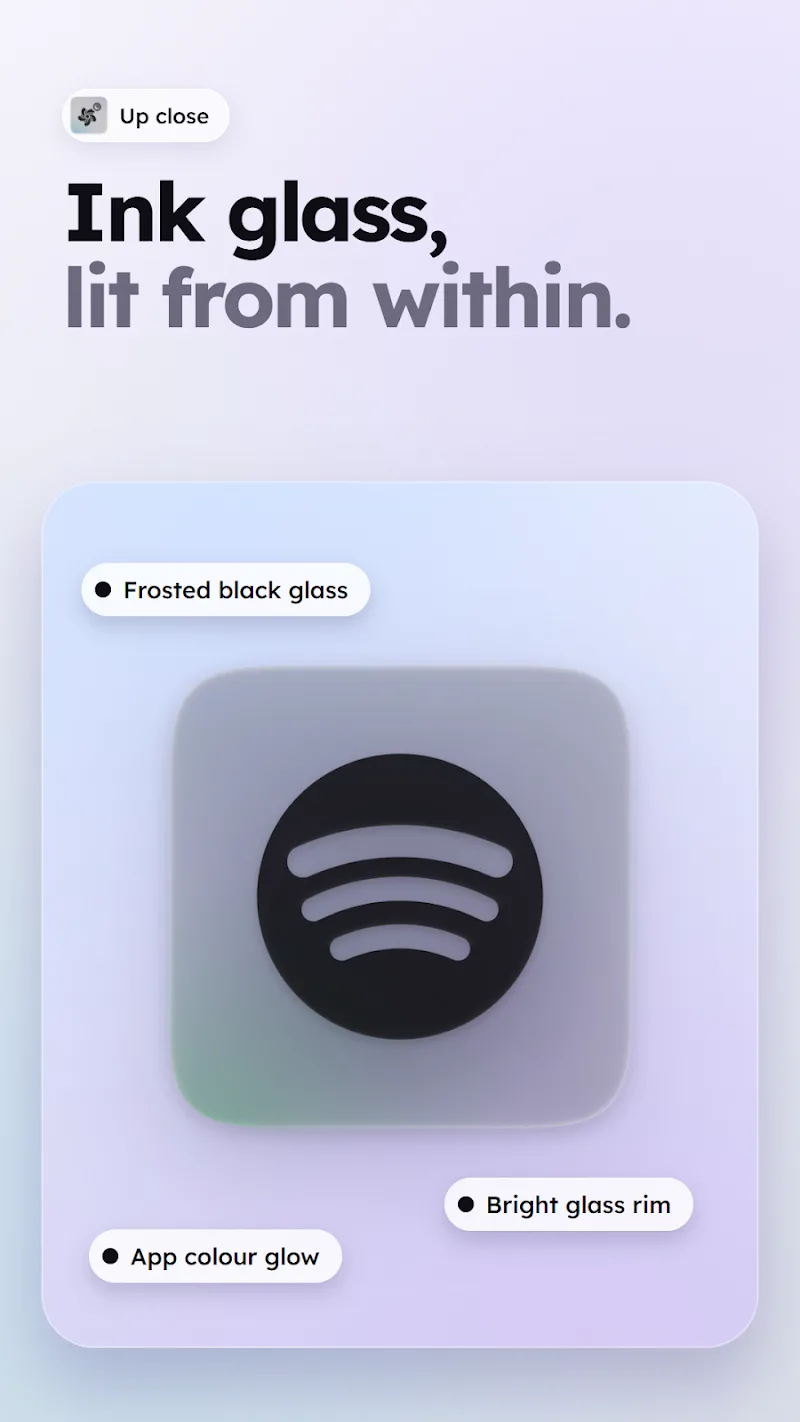
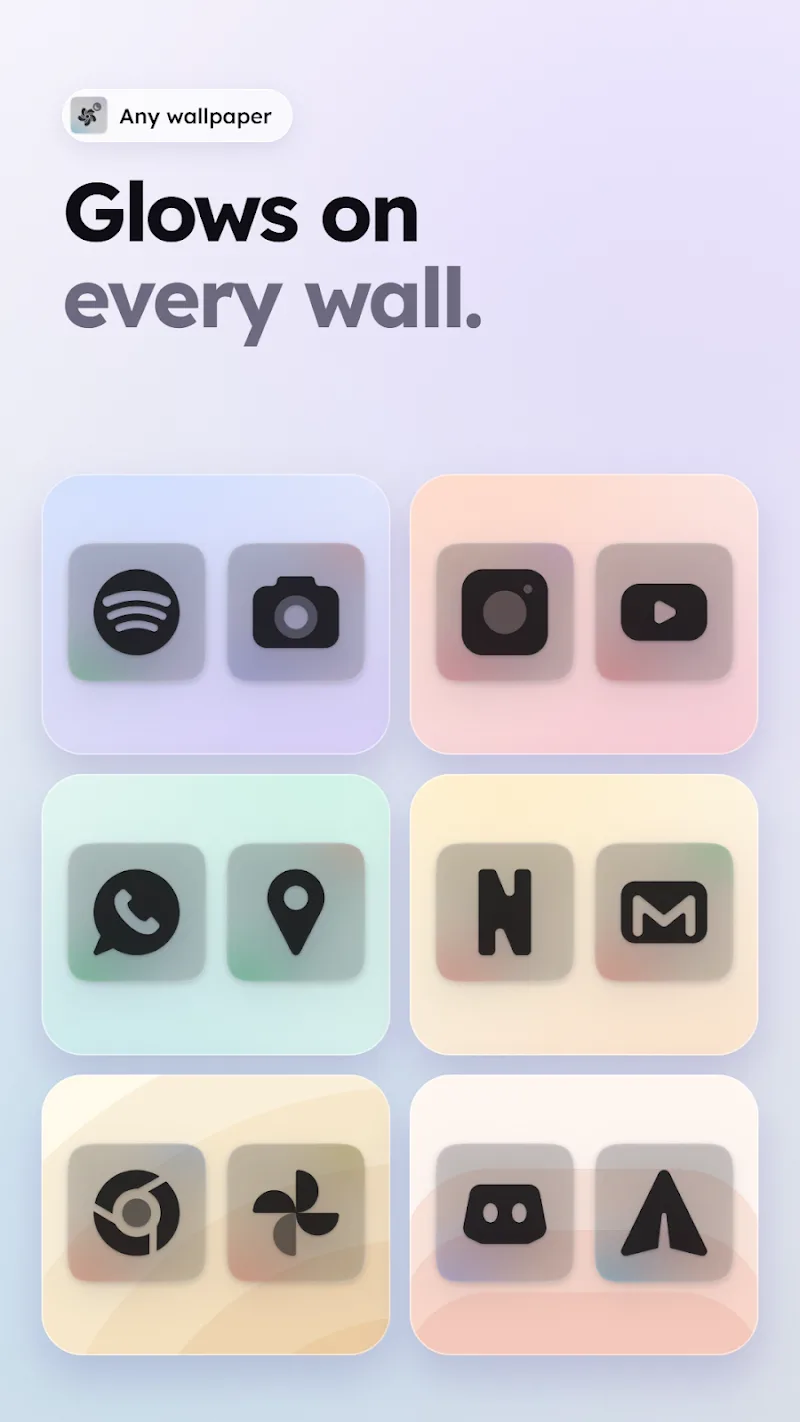
The Clear Dark Glass Icon Pack applies a consistent visual language that blends translucency, soft gradients, and crisp outlines. Each icon uses a semi-transparent glass layer to give an illusion of depth while keeping silhouettes simple and readable. Designers focused on balance so icons look coherent on dark and light wallpapers, maintaining legibility at small sizes and in various grid configurations.
Features and Tools
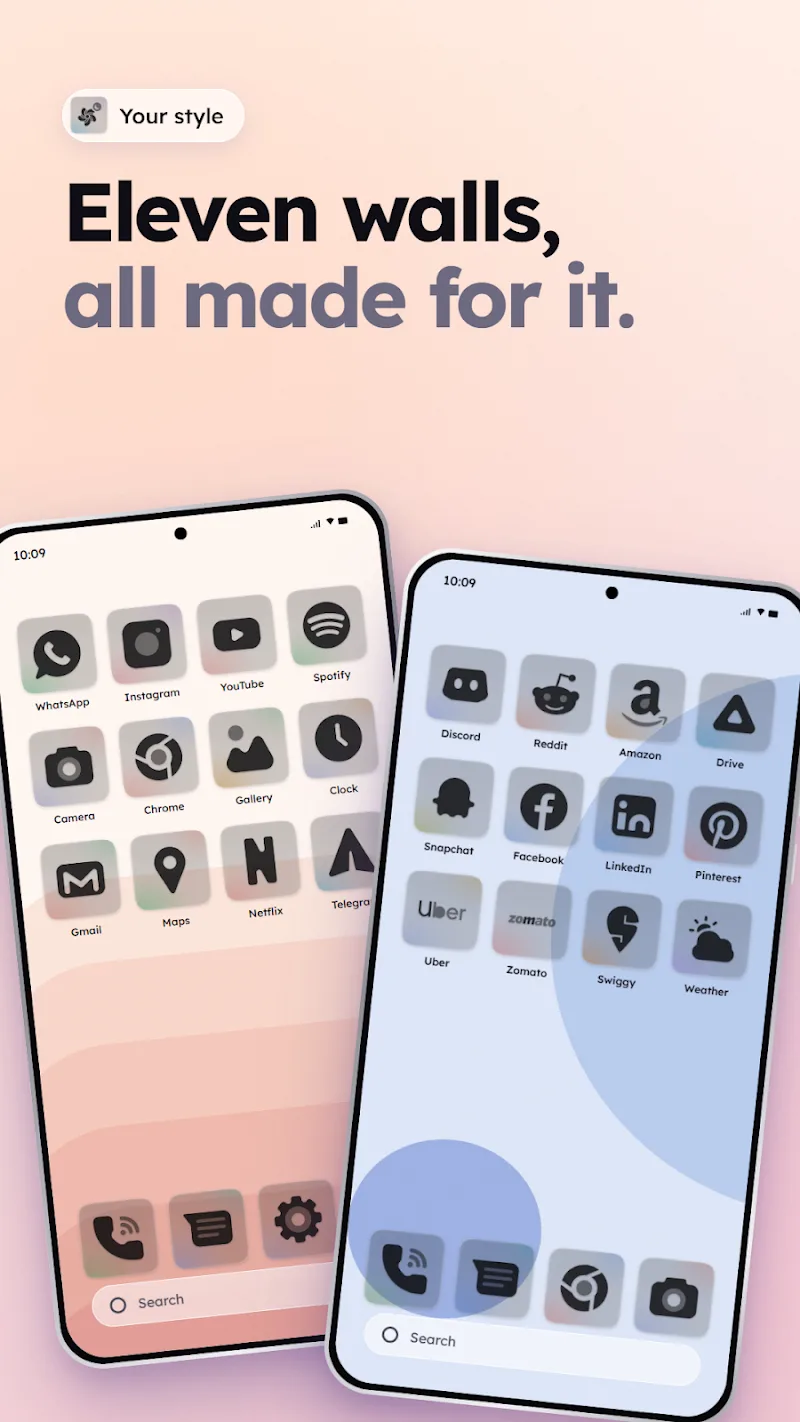
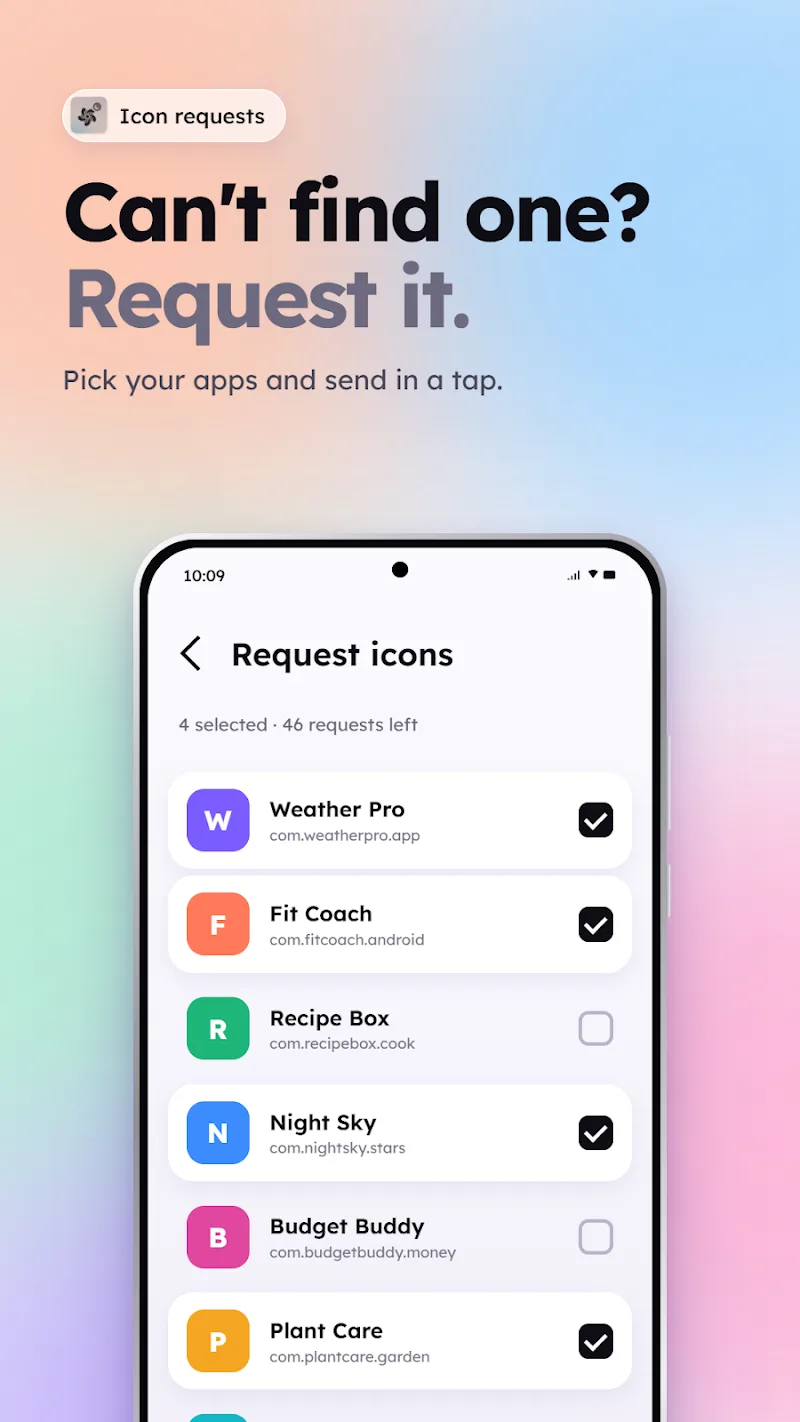
Inside the package you’ll find strong feature support meant to simplify personalization. Key elements include a vast library of handcrafted icons, adaptive icon masking to match different launcher shapes, and a selection of curated wallpapers designed to complement the glass style. The pack also includes an in-app icon request system, so missing icons can be submitted to the developer for future updates.
Compatibility and Launcher Support
Clear Dark Glass Icon Pack works with most popular Android launchers and theming tools. Native support is provided for mainstream launchers such as Nova, Lawnchair, Apex, and Action Launcher, while alternative launchers can apply icons through dedicated settings. The pack includes instructions for applying icons to launchers that require external help, ensuring broad compatibility across devices and Android versions.
Customization Options
Users can tailor the appearance in several ways. Adaptive icon options let the system crop or mask icons to match a chosen shape. The app provides multiple icon masks and accent options to tune shadow, gloss intensity, and corner radius. Several wallpaper variants offer tonal harmony with icon colors, and a simple preview mode shows changes in real time before applying them system-wide.
Performance and Efficiency
Despite high-resolution artwork, the Clear Dark Glass Icon Pack is optimized for speed and minimal memory overhead. Icons are stored as efficient vector and compressed raster assets, reducing APK size while preserving visual detail. Applying the pack does not introduce measurable lag to launcher performance, and the artwork is designed to avoid excessive battery use by relying on static imagery rather than live effects.
Installation and Getting Started
Getting started is straightforward. Download and install the pack, open the app to view instructions, and select your launcher from the supported list. Most launchers allow a single-tap apply action, while others require manual selection of icon pack within the launcher’s theme settings. The app provides a built-in FAQ and links to launcher-specific guides to assist new users.
Update Cycle and Icon Requests
The developer maintains a regular update schedule to add new icons and refine existing artwork. Clear Dark Glass Icon Pack features an in-app request center where you can submit missing icons; requests are typically processed in batches and included in future releases. Updates are signed and delivered through the Play Store or package source to ensure safety and integrity.
Practical Tips and Best Practices
For a polished setup, pair the icon pack with a subtle wallpaper and a concise widget arrangement. Use adaptive icon settings to maintain consistent shapes across third-party app icons. If some icons appear mismatched, try clearing the launcher cache or reapplying the pack to ensure the launcher refreshes its icon cache properly.
Why Choose Clear Dark Glass Icon Pack?
Clear Dark Glass Icon Pack balances aesthetics and practicality for users who prefer a dark, refined look. With wide launcher compatibility, ongoing updates, and customization options, it provides a low-effort way to elevate your device’s visual identity. Designers and everyday users will appreciate the cohesive set of icons and wallpapers that maintain clarity across sizes and screen types.
Show More
Information
Screenshots
Latest Update







Latest News
-
![Revealing the Launch Playlists and Cross-Progression for COD Warzone Mobile News]()
-
![March 2024 Free Redemption Codes for Honkai: Star Rail News]()
-
PUBG Mobile Teams Up with Bentley Motors: Luxury Cars, Exclusive Collectibles, and Beyond 2024-04-18
![PUBG Mobile Teams Up with Bentley Motors: Luxury Cars, Exclusive Collectibles, and Beyond News]()
-
![Monster Never Cry is now accessible on both Android and iOS mobile devices. News]()
-
V2.2 of the Farlight 84 update introduces an overhauled Season structure, fresh in-game currency, an 2024-04-16
![V2.2 of the Farlight 84 update introduces an overhauled Season structure, fresh in-game currency, an News]()
-
![Arrival of Genshin Impact 4.6 Update: 'Embers of Two Realms, Twilight of Crimson' News]()
-
April 2024 Clash of Clans Update: Unveiling a Fresh Companion, Enhanced Levels, Chat Tagging, and Be 2024-04-16
![April 2024 Clash of Clans Update: Unveiling a Fresh Companion, Enhanced Levels, Chat Tagging, and Be News]()






