
Dark Void Pro - Black Icons
Version:3.9.8
Published:2026-11-06
Introduction
Dark Void Pro - Black Icons transforms your device into a minimalist, space‑inspired interface by replacing standard app icons with a cohesive black theme and offering scenic backgrounds to match; Dark Void Pro - Black Icons is designed for users who prefer a calm, high‑contrast home screen that preserves legibility while highlighting wallpapers. The package focuses on flat, handcrafted iconography and contrastive wallpaper choices so your launcher feels intentionally designed and easier to scan. Whether you install it to reduce visual clutter or to emphasize your favorite wallpaper images, Dark Void Pro - Black Icons provides a large collection of carefully curated icons, cloud‑hosted wallpapers, and straightforward tools to personalize your phone’s appearance.
Key features and what they do
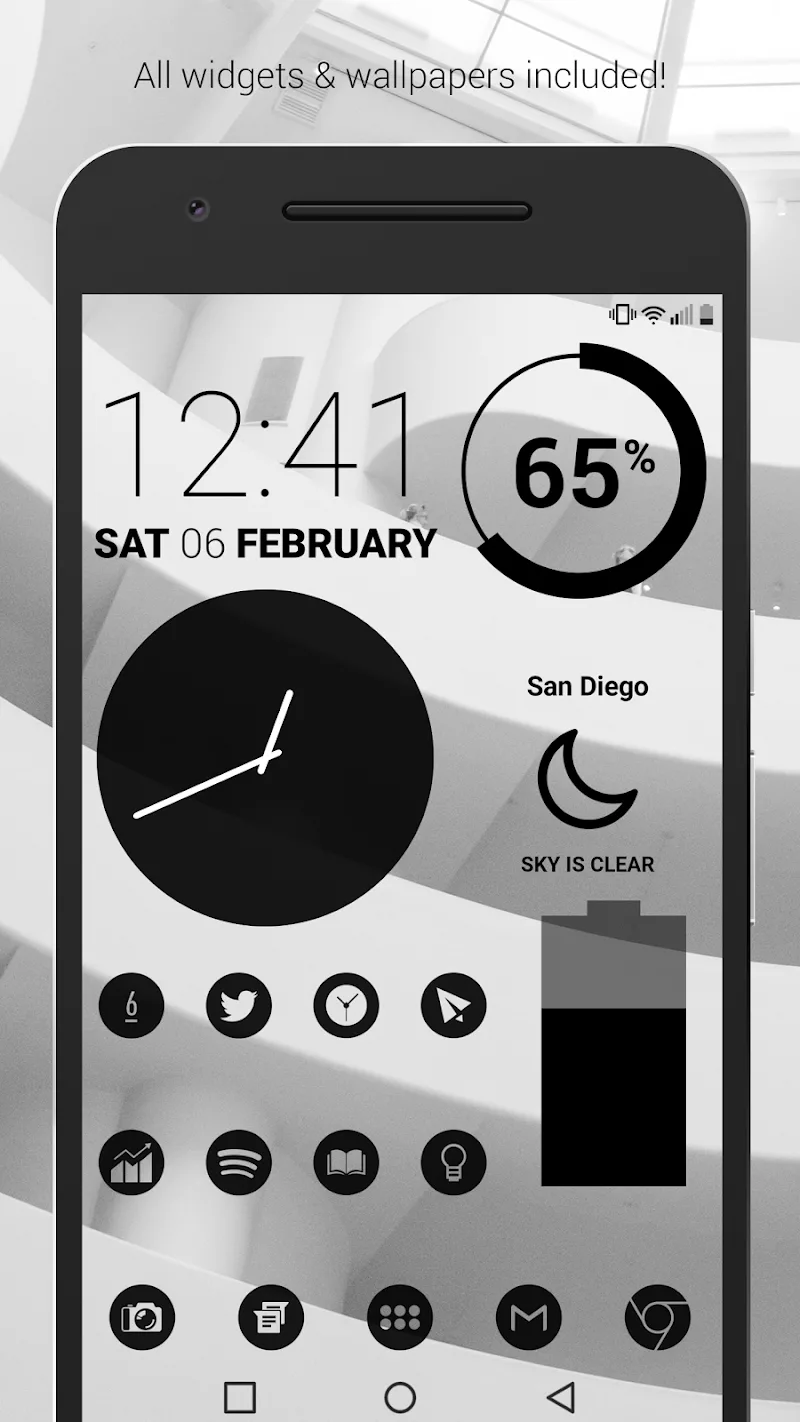
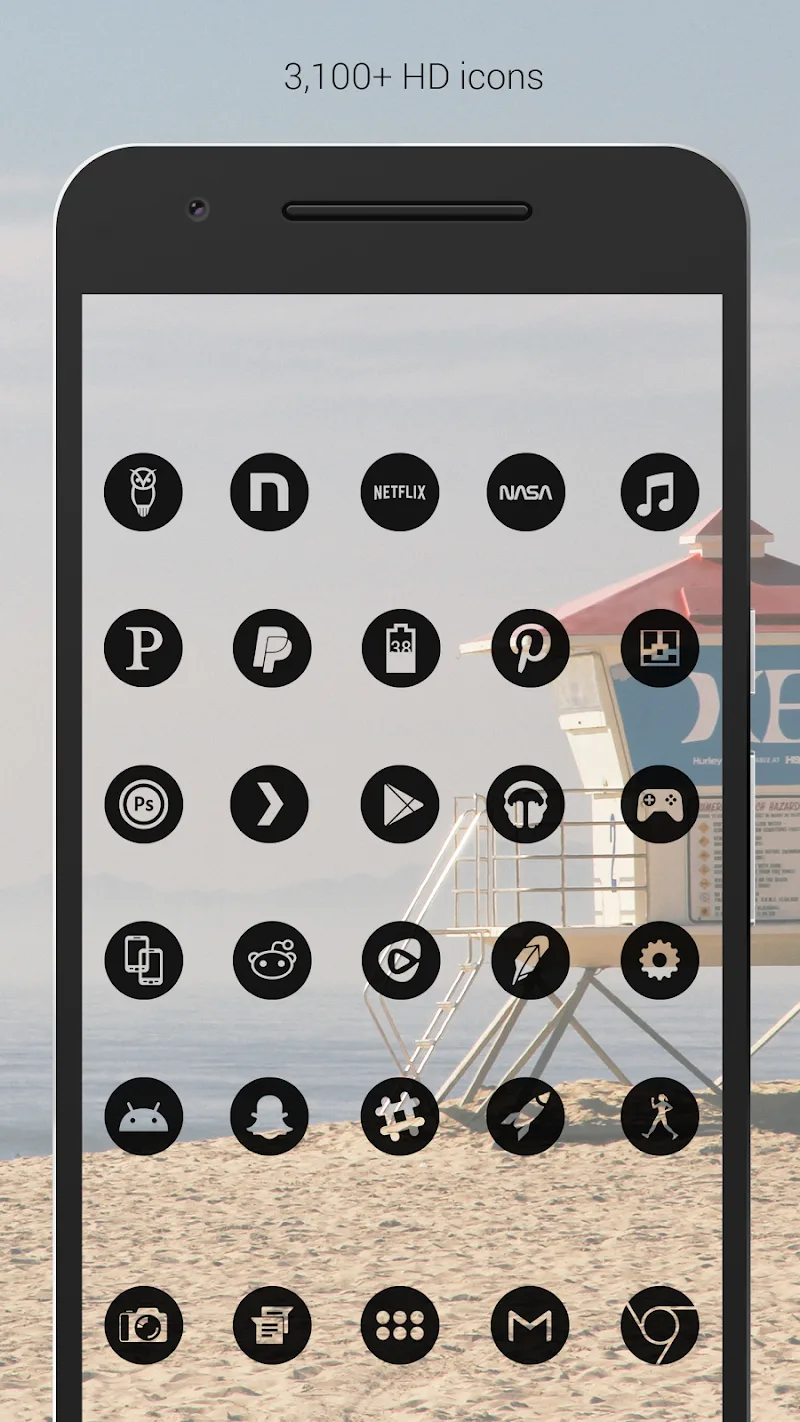
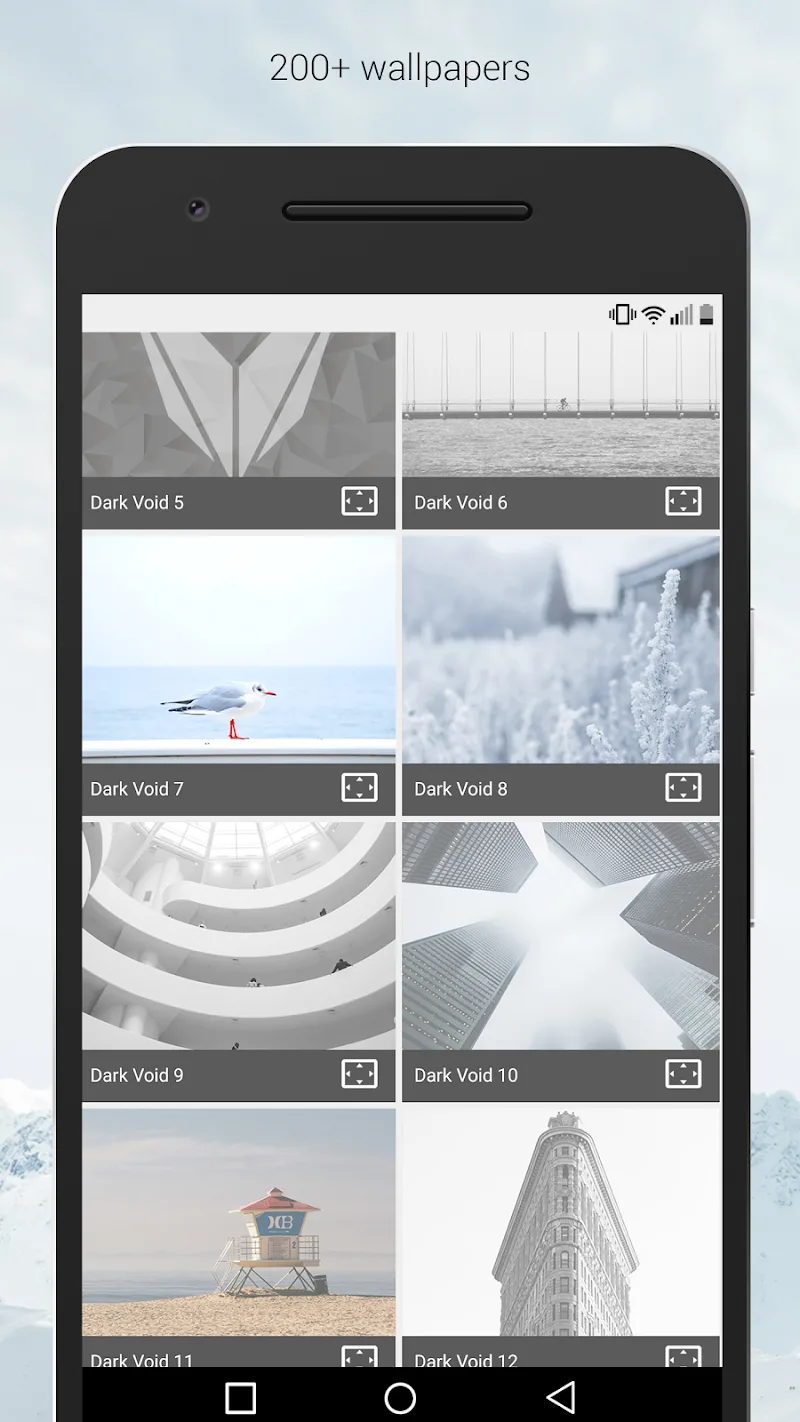
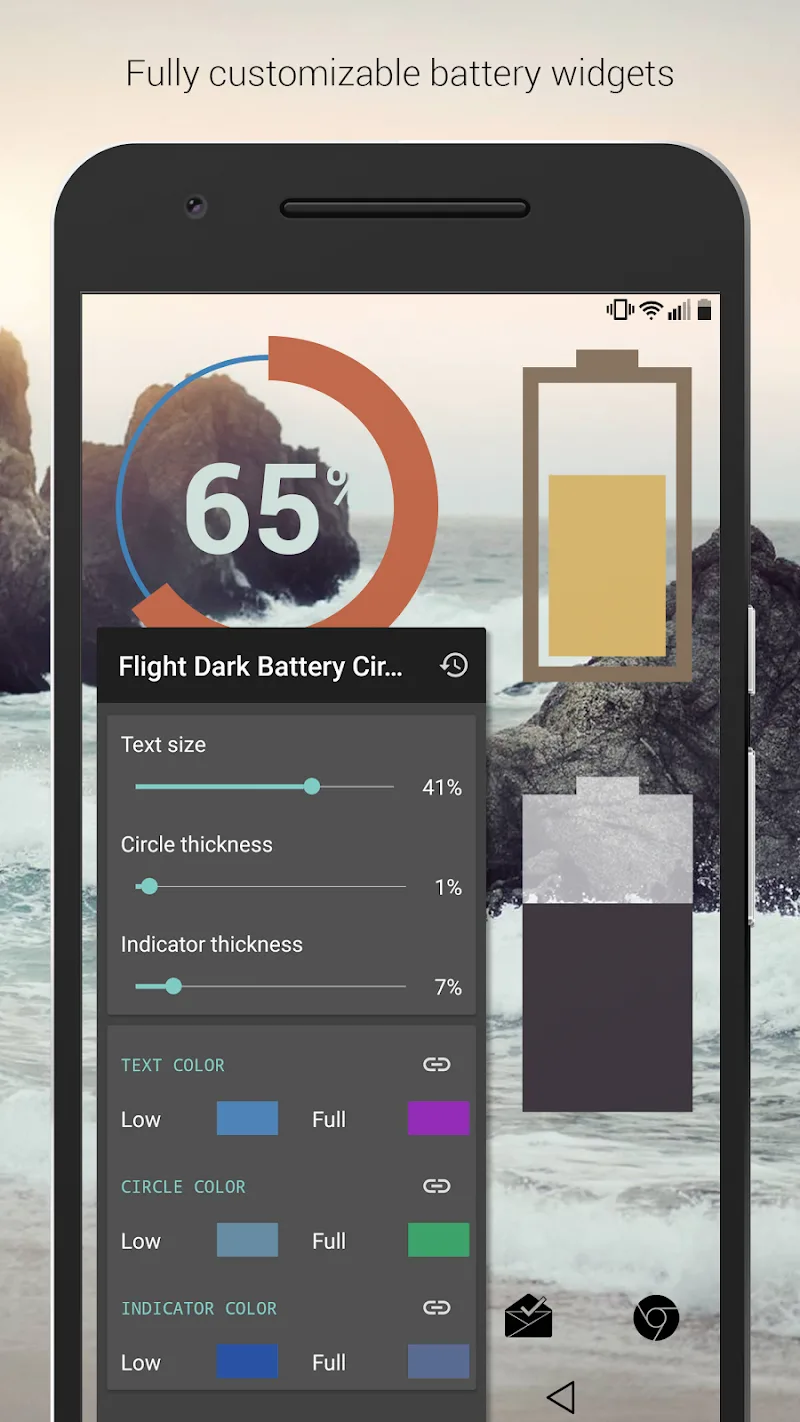
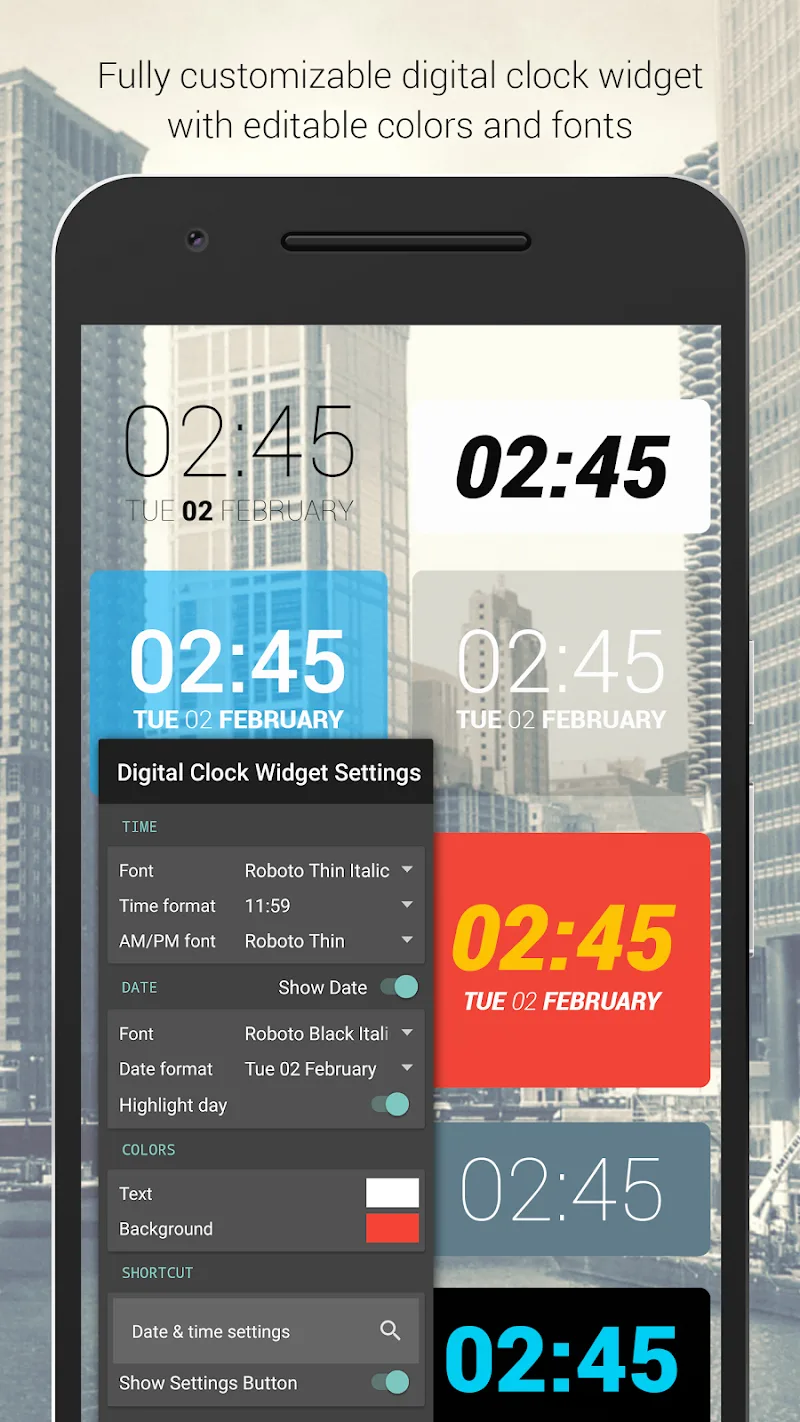
The icon pack includes more than 3,700 handcrafted black icons and a broader library exceeding 5,300 items to cover popular apps and system shortcuts. Icons are produced at XXXHDPI 192×192 resolution to remain crisp on high‑density displays. Over 200 wallpapers are available via cloud download and are color‑graded to complement the dark icon set to maintain good contrast and readability. Built‑in widgets for clock, battery and weather are included with adjustable color, size and font options so you can match widgets to icon styling without adding another app. An in‑app guide explains how to apply the pack on many popular Android launchers and offers troubleshooting tips when a launcher’s icon masking or theming behaves differently.
Controls and customization workflow
Applying Dark Void Pro - Black Icons is handled through simple in‑app controls: preview icons, select a wallpaper, and choose an apply option tailored to your launcher. If your launcher supports direct application, a single tap themes your home screen; if not, the app provides step‑by‑step instructions and shows how to apply icons manually or use compatible third‑party tools. Customization options allow you to request alternate icons, replace individual app icons, and set per‑app wallpapers for folders or shortcuts. The interface uses clear toggles and live previews so you can experiment with different combinations before committing changes.
Visual style, layout and screen structure
The visual identity centers on a refined black palette with subtle texture and flat silhouettes to improve visual focus across home screen pages. Icon shapes are consistent to reduce visual noise, and the set is tuned to preserve recognizable brand marks while simplifying color. Wallpaper options range from deep space gradients and muted landscapes to abstract textures; each image is optimized to maintain contrast with black icons while giving depth to lock screen and home screen layers. The pack plays well with multi‑page setups and supports themed folder and dock treatments when the launcher permits those adjustments.
Progression, updates and replay value
Rather than a leveling system, progression is delivered through regular updates that expand icon coverage and add new wallpapers, so your themed environment evolves over time. The developer frequently adds icons for newly released apps and responds to icon requests from users, letting your setup become more complete with each update. Re‑theming and seasonal wallpaper additions keep the experience fresh: swap wallpapers and widget styles to create different moods without changing your core launcher layout, which gives the pack long‑term replay value for users who enjoy tuning their interface.
User experience, accessibility and offline behavior
The app is built to be approachable: large previews, concise instructions, and clear compatibility notes simplify adoption for less technical users. Accessibility considerations include high‑contrast iconography and an emphasis on legibility for users with low vision; icon sizes and widget fonts can be adjusted within supported launchers to improve readability. Once icons and wallpapers are applied or downloaded, they remain available offline; only wallpaper browsing and new downloads require an internet connection. This balance preserves local storage while letting you keep favorite images on the device.
Compatibility, limitations and practical tips
Dark Void Pro - Black Icons works with a wide array of Android launchers, but full functionality depends on launcher support for icon packs and custom widgets. Some launchers may not support every feature such as adaptive icon masking or per‑icon replacement, so occasional manual assignment is expected. If an app lacks a native themed icon, the app supplies a well‑designed fallback, and you can request specific icons for future updates. Keep in mind that wallpaper downloads use cloud hosting to reduce initial install size; if you plan to use wallpapers offline, download them to the device.
Overall, Dark Void Pro - Black Icons offers a practical, low‑noise aesthetic for users who value consistency and readability. With its extensive icon coverage, clear application controls, adjustable widgets, and ongoing updates, it is a solid option for anyone looking to create a minimalist, dark home screen that still allows personal flair through wallpapers and layout choices.
Show More
Information
Screenshots
Latest Update










Latest News
-
![Revealing the Launch Playlists and Cross-Progression for COD Warzone Mobile News]()
-
![March 2024 Free Redemption Codes for Honkai: Star Rail News]()
-
PUBG Mobile Teams Up with Bentley Motors: Luxury Cars, Exclusive Collectibles, and Beyond 2024-04-18
![PUBG Mobile Teams Up with Bentley Motors: Luxury Cars, Exclusive Collectibles, and Beyond News]()
-
![Monster Never Cry is now accessible on both Android and iOS mobile devices. News]()
-
V2.2 of the Farlight 84 update introduces an overhauled Season structure, fresh in-game currency, an 2024-04-16
![V2.2 of the Farlight 84 update introduces an overhauled Season structure, fresh in-game currency, an News]()
-
![Arrival of Genshin Impact 4.6 Update: 'Embers of Two Realms, Twilight of Crimson' News]()
-
April 2024 Clash of Clans Update: Unveiling a Fresh Companion, Enhanced Levels, Chat Tagging, and Be 2024-04-16
![April 2024 Clash of Clans Update: Unveiling a Fresh Companion, Enhanced Levels, Chat Tagging, and Be News]()






