

Touch VPN
Version:6.0.551
Published:2026-11-08
Introduction
Touch VPN delivers a one-tap VPN service that encrypts your internet traffic, masks your IP address, and enables access to geo-blocked websites and streaming libraries. Designed for simplicity, Touch VPN offers fast server switching and basic privacy protections to keep your browsing secure across mobile networks and public Wi-Fi.
Key features at a glance
Touch VPN focuses on accessibility and convenience. The app streamlines common VPN tasks into a few taps, making it simple to connect or disconnect, choose a virtual location, and monitor a session. Essential features include unlimited bandwidth for many users, a lightweight interface, and automatic reconnection when networks change.
- One-tap connection: Connect quickly without complex setup or technical knowledge.
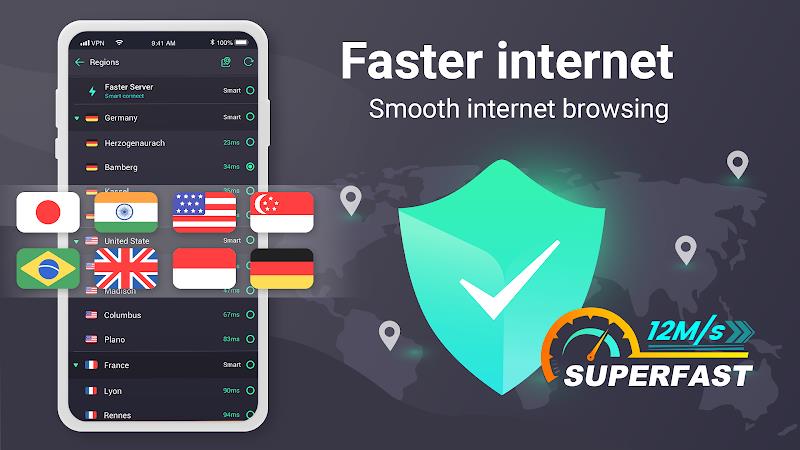
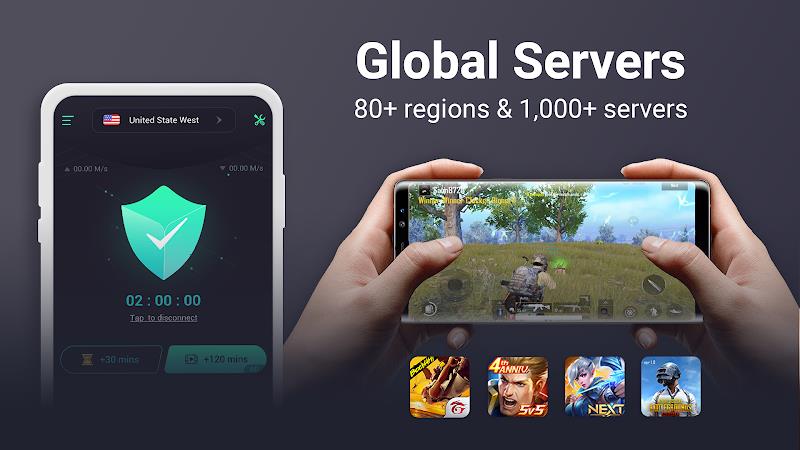
- Server selection: Choose from multiple virtual locations to access region-locked content.
- Encryption: Traffic is encrypted to reduce the risk of eavesdropping on public Wi-Fi.
- Ad-supported free tier: A free option is available with ads, and a subscription removes ads and unlocks premium servers.
How the service protects your connection
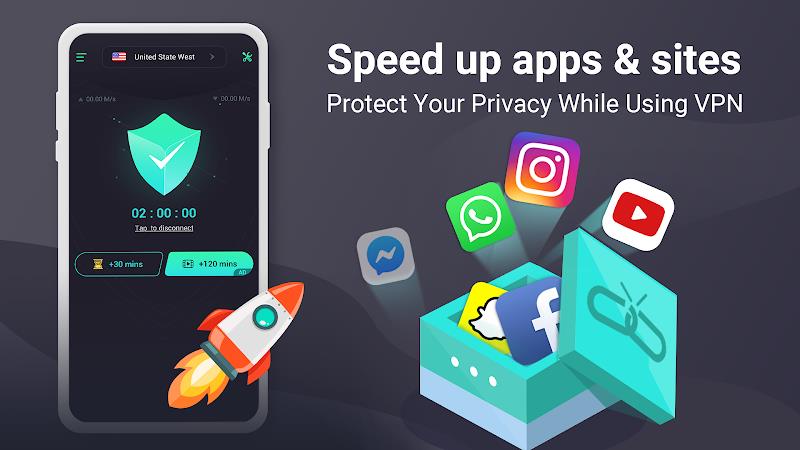
The app routes your device’s traffic through remote servers, replacing your visible IP address with one from the chosen location. Encryption helps shield the contents of your data from casual interception, particularly on unsecured hotspots. While no solution can provide absolute anonymity, using a VPN like Touch VPN significantly raises the barrier against basic tracking and network snooping.
Performance and device compatibility
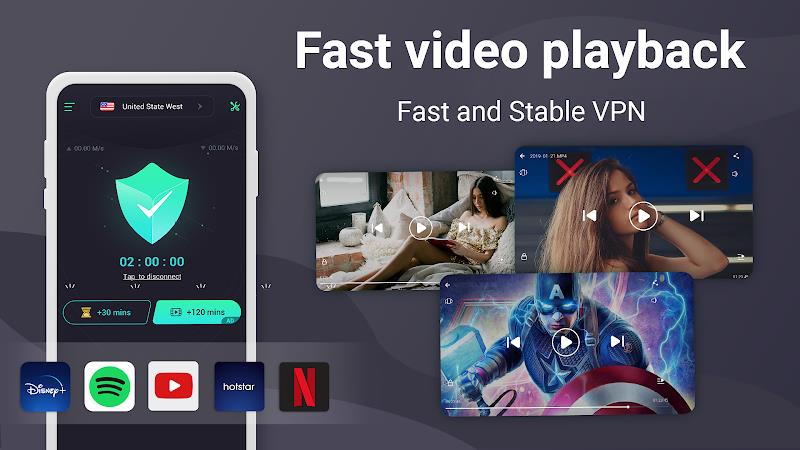
Performance depends on server load, geographic distance, and your base internet speed. Touch VPN optimizes for mobile use with a compact app footprint and is engineered to minimize battery and data overhead. Many users will find browsing and streaming satisfactory on close or lightly loaded servers; switching servers can quickly resolve slow connections or timeouts.
Privacy and data handling
Privacy expectations should be matched against the app’s logging and policy details. A reputable VPN will state what information it collects, how long it retains logs, and whether any personal data is shared with third parties. Before relying on any VPN for sensitive tasks, review the provider’s privacy policy and opt for paid tiers when stronger privacy guarantees are required.
Getting started with Touch VPN
Begin by installing the app from a trusted store, then grant the minimal permissions needed for a VPN connection. Open the app, tap the central connect button, and allow the system VPN prompt. If you need a specific location, open the server list and pick the country or region. For continuous protection, enable auto-connect options when joining untrusted networks.
Practical uses and recommended settings
Users rely on VPNs like this one for several common scenarios:
- Secure public Wi-Fi: Turn on the VPN when using coffee shop or airport networks to help prevent local interception.
- Accessing regional content: Switch regions to view apps and services that vary by country.
- Privacy-conscious browsing: Reduce visible tracking tied to your IP address, particularly on sites that do not use strong HTTPS.
- Travel protection: Keep familiar services available when visiting countries with different digital restrictions.
Limitations and practical advice
No mobile VPN is a silver bullet. Expect some slowdown depending on server and distance. Streaming services may block some VPN IP ranges, requiring trial and error to find working servers. For activities that require strong anonymity, consider additional tools and a careful evaluation of the provider’s logging practices. Regularly update the app to receive bug fixes and improvements.
User experience and interface
The design emphasizes simplicity: large connect buttons, a shortlist of server options, and session statistics. Notifications or status indicators show whether the VPN is active. For those who prefer minimal configuration, Touch VPN’s UI reduces friction and keeps control within easy reach. Advanced users may find the lack of manual protocol selection limiting, but the trade-off is faster setup and fewer technical choices.
Touch VPN is a convenient option for users seeking instant protection and regional access on mobile devices. Evaluate your threat model, compare available features with other services, and choose the plan that balances speed, privacy, and cost for your needs.
Show More
Information
Screenshots
Latest Update












Latest News
-
![Revealing the Launch Playlists and Cross-Progression for COD Warzone Mobile News]()
-
![March 2024 Free Redemption Codes for Honkai: Star Rail News]()
-
PUBG Mobile Teams Up with Bentley Motors: Luxury Cars, Exclusive Collectibles, and Beyond 2024-04-18
![PUBG Mobile Teams Up with Bentley Motors: Luxury Cars, Exclusive Collectibles, and Beyond News]()
-
![Monster Never Cry is now accessible on both Android and iOS mobile devices. News]()
-
V2.2 of the Farlight 84 update introduces an overhauled Season structure, fresh in-game currency, an 2024-04-16
![V2.2 of the Farlight 84 update introduces an overhauled Season structure, fresh in-game currency, an News]()
-
![Arrival of Genshin Impact 4.6 Update: 'Embers of Two Realms, Twilight of Crimson' News]()
-
April 2024 Clash of Clans Update: Unveiling a Fresh Companion, Enhanced Levels, Chat Tagging, and Be 2024-04-16
![April 2024 Clash of Clans Update: Unveiling a Fresh Companion, Enhanced Levels, Chat Tagging, and Be News]()






