
Flat Earth Pro
Version:2.2.0
Published:2026-11-13
Introduction
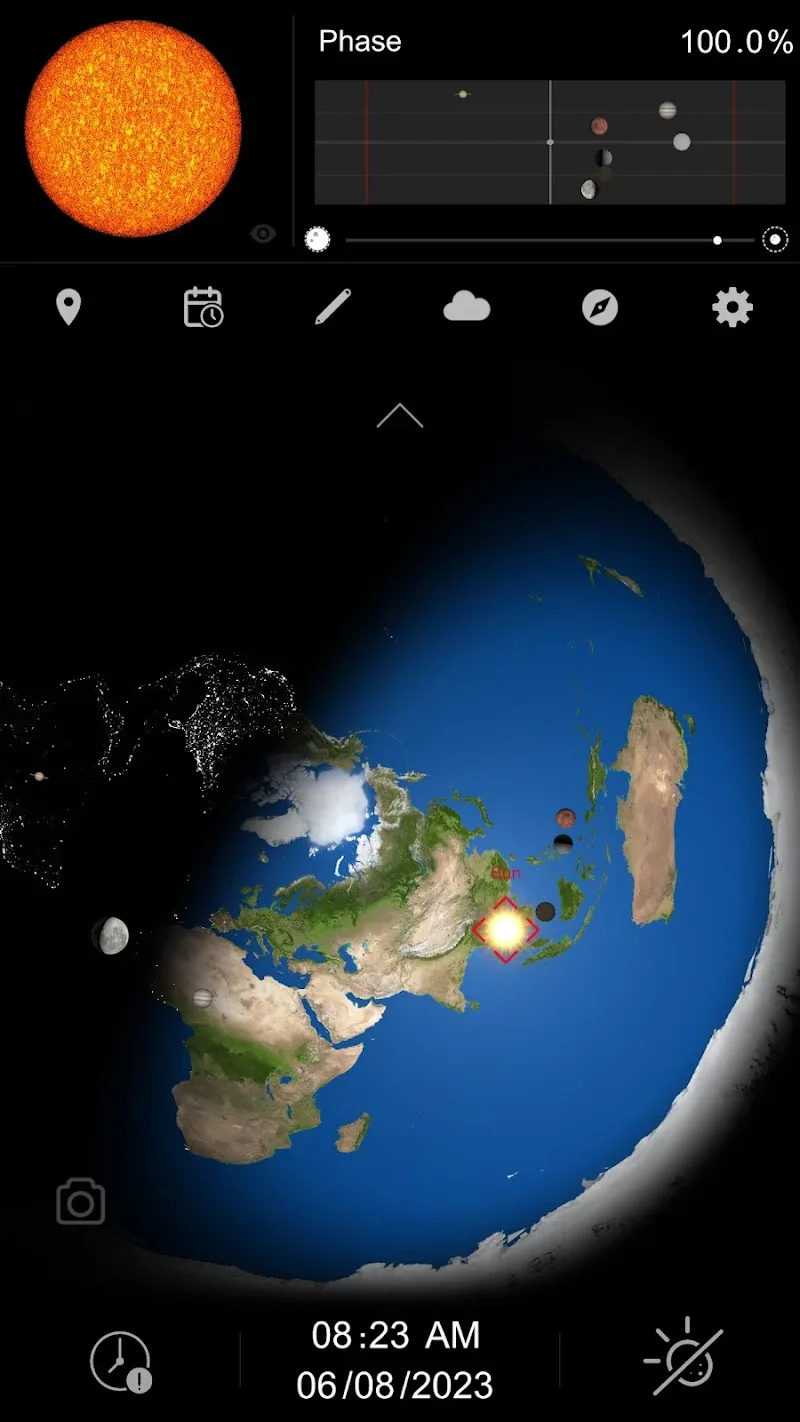
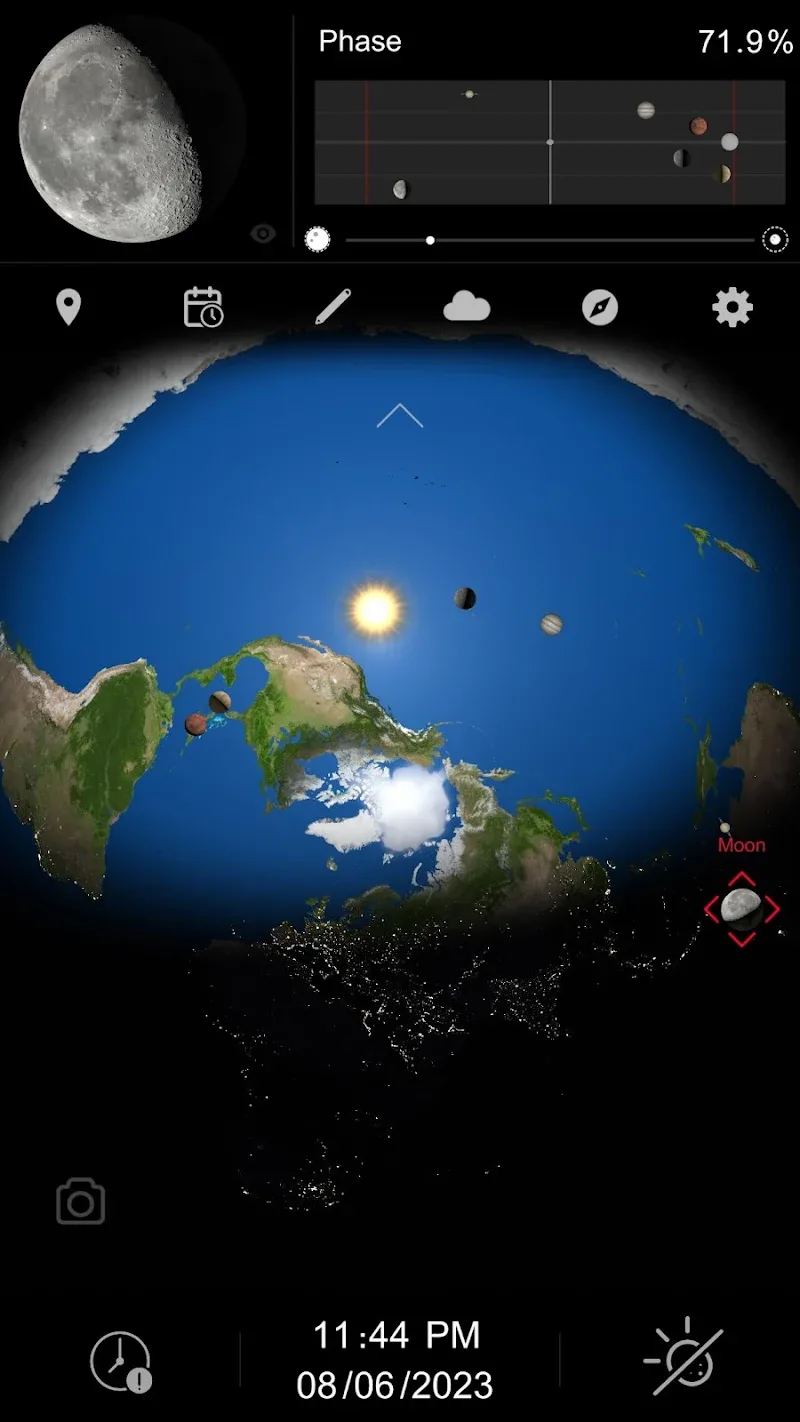
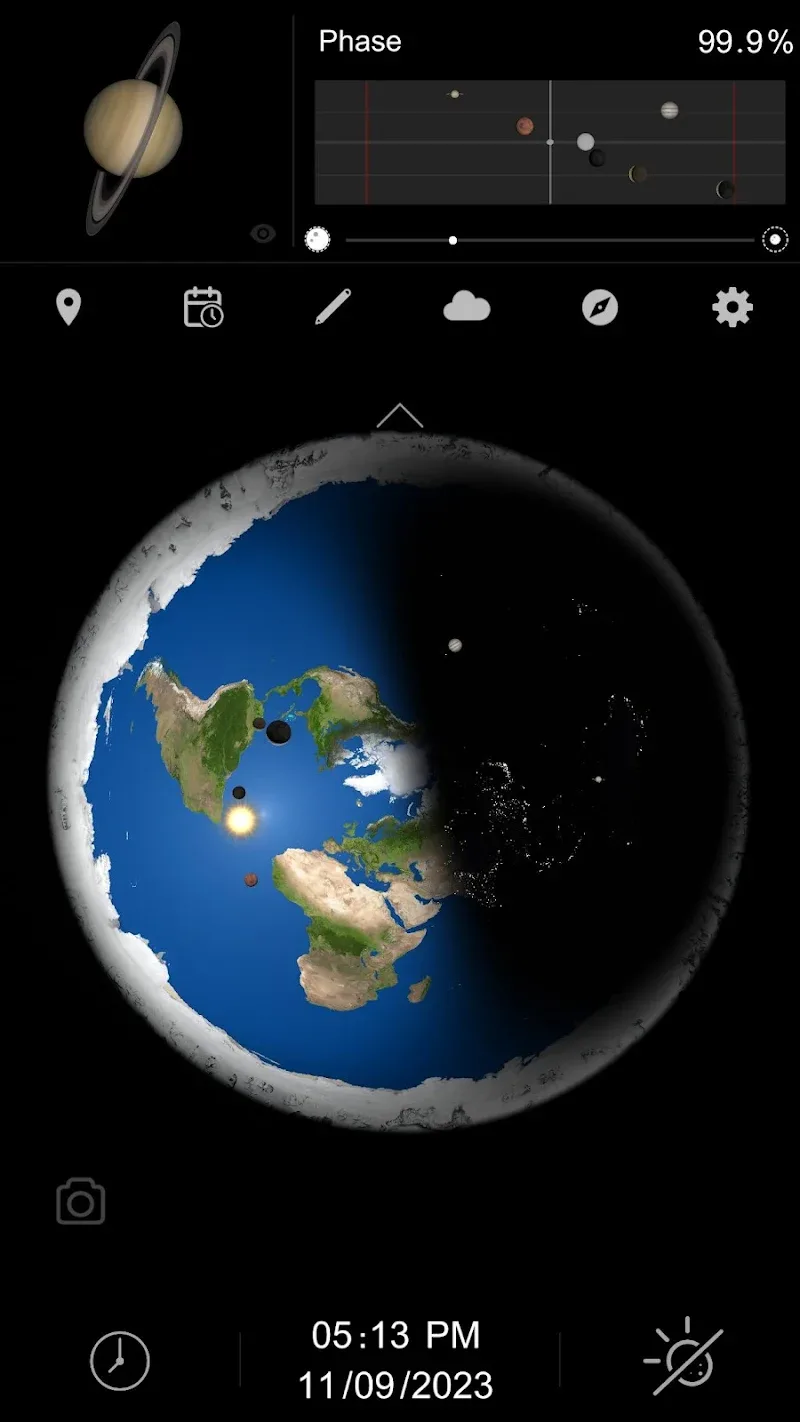
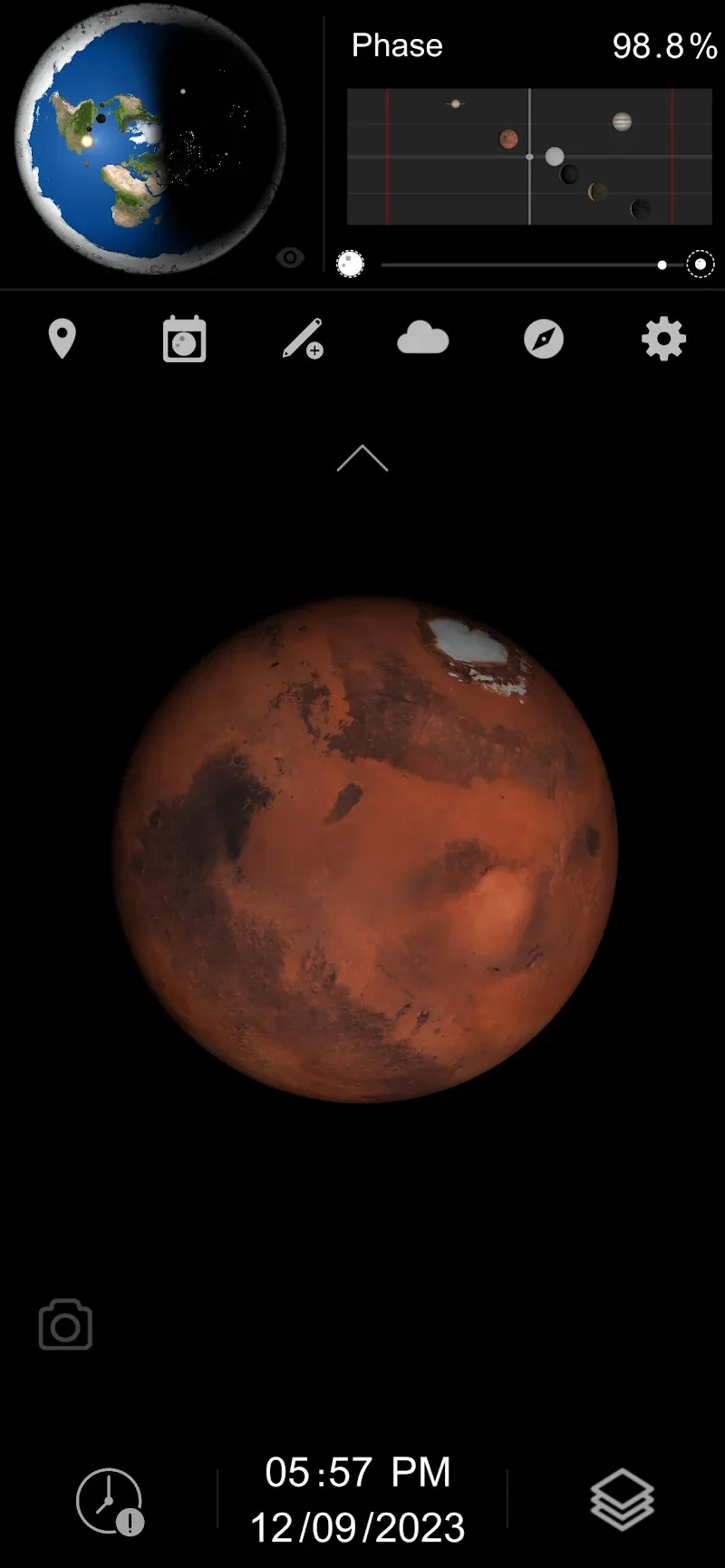
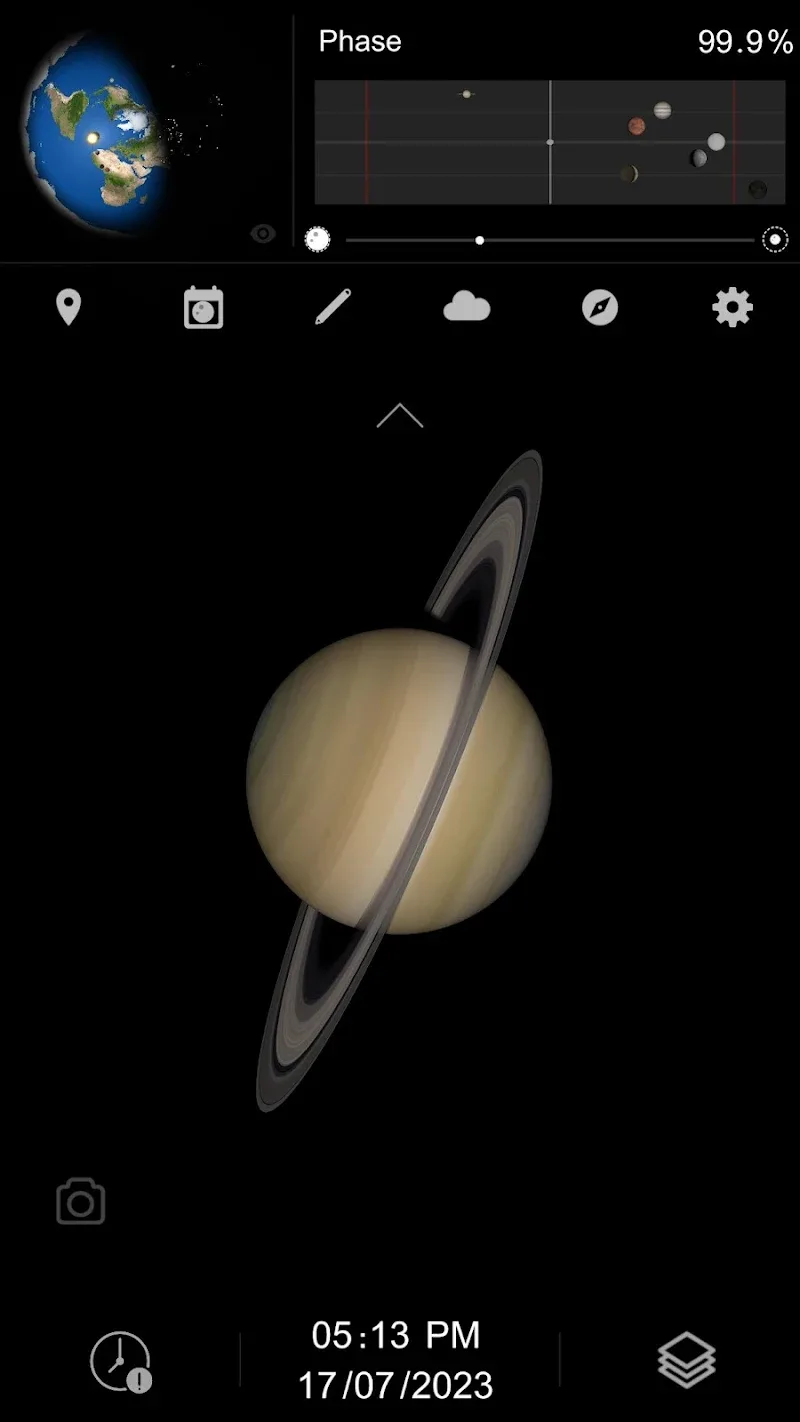
Flat Earth Pro brings a compact planetarium and sky observation toolkit to your device, combining realistic simulated imagery with practical tools for tracking stars, planets, and day night cycles so you can explore the sky from anywhere. The app is built for casual stargazers and learners who want clear visualizations, timeline controls and quick capture options without a steep learning curve. With Flat Earth Pro you can visualize celestial motion, save views, and create attractive wallpapers from high resolution space imagery.
Key features and how they behave
Flat Earth Pro blends high-quality renderings of stars and planetary bodies with interactive controls. The core features include an adjustable timeline to move forward or backward in time, a real-time tracking mode that updates object positions as the device time or selected location changes, and a global map selector that places the sky above any chosen latitude and longitude. Visual filters allow you to change star density, atmospheric glow and horizon settings to match viewing conditions, and an integrated camera tool captures high-resolution images of any view for sharing or saving to your gallery.
Controls and interaction model
The interface relies on intuitive touch and gesture controls designed for mobile devices. Pinch to zoom across the sky, drag to pan the panorama, and use a single slider to advance time at variable speeds. Tapping a celestial object opens a compact info card with basic data such as rise and set times, magnitude and current azimuth and elevation. A favorites marker lets you bookmark locations and objects so you can return quickly. These controls are consistent across phone and tablet layouts and are optimized to remain responsive even when rendering dense star fields.
Progression, personalization and observation tracking
Rather than game-style levels, progression in Flat Earth Pro is centered on growing familiarity and building a personalized observation record. Users can save sessions, annotate views with notes, and keep a simple history of captured images and bookmarked targets. This lightweight progression system helps learners track improvements in identification skills and provides a timeline of observations for later comparison. Regular use will naturally reveal seasonal changes and predictable motion, which the app highlights through saved timeline snapshots and comparison mode.
Visual style, customization and wallpapers
The app emphasizes near-photoreal visualizations with adjustable artistic parameters so users can tailor the look from crisp, contrast-rich presentations to softer, more natural skies. Customization options include color temperature, horizon shading, display density for stars and labels, and a choice of planet textures. High-resolution capture lets you export images suitable for wallpapers; a simple crop and apply flow makes it easy to set a saved view as your device background without needing other photo apps.
User experience, accessibility and replay value
Flat Earth Pro is designed to be approachable for beginners while offering depth for curious users. Tooltips, contextual help and clear labeling ease the learning curve. Accessibility features include adjustable text sizes for information cards, contrast-friendly themes and simplified controls that remove advanced overlays for a cleaner view. Replay value comes from exploration and seasonal observation; changing dates, switching locations and experimenting with atmospheric settings or time speed produce new and educational views every session.
Offline use, performance and limitations
The core visualization engine can run offline for basic sky simulations using cached data, so you still get a convincing sky when an internet connection is unavailable. For live ephemeris updates, detailed planetary positions and the most recent observational data, an online connection improves accuracy. High-resolution imagery and extended capture sessions can increase storage use and battery draw, so the app includes options to limit image size and frame rate to balance quality and performance on older devices.
Practical tips and typical use cases
Casual stargazers will find Flat Earth Pro useful for planning viewing sessions by previewing how constellations and planets move through the night. Photographers can use the time-lapse scrubber to anticipate optimal framing, while educators can demonstrate daily and seasonal motion with the timeline comparison feature. The app is not a substitute for professional astronomical analysis, but it provides a portable, visually driven way to learn, capture and share striking sky images from any location.
Show More
Information
Screenshots
Latest Update
-
![Smart Tools Mini APK]()
Smart Tools Mini
-
![Flat Earth Pro APK]()
Flat Earth Pro
-
![Quetta MOD Premium Unlocked APK]()
Quetta MOD Premium Unlocked
-
![Block Scroll MOD Premium Unloked APK]()
Block Scroll MOD Premium Unloked
-
![tTorrent Lite + MOD Remove ADS APK]()
tTorrent Lite + MOD Remove ADS
-
![ArmorPaint APK]()
ArmorPaint
-
![CycleGo MOD Premium Unlocked APK]()
CycleGo MOD Premium Unlocked
-
![Fuelmeter MOD Premium Unlocked APK]()
Fuelmeter MOD Premium Unlocked
-
![Dropsync MOD Premium Unlocked APK]()
Dropsync MOD Premium Unlocked
-
![Al Quran Kareem MOD Premium Unlocked APK]()
Al Quran Kareem MOD Premium Unlocked
-
![Swift Backup MOD Premium Unlocked APK]()
Swift Backup MOD Premium Unlocked
-
![Everything Widgets MOD Premium Unlocked APK]()
Everything Widgets MOD Premium Unlocked









Hot Tags
Latest News
-
![Revealing the Launch Playlists and Cross-Progression for COD Warzone Mobile News]()
-
![March 2024 Free Redemption Codes for Honkai: Star Rail News]()
-
PUBG Mobile Teams Up with Bentley Motors: Luxury Cars, Exclusive Collectibles, and Beyond 2024-04-18
![PUBG Mobile Teams Up with Bentley Motors: Luxury Cars, Exclusive Collectibles, and Beyond News]()
-
![Monster Never Cry is now accessible on both Android and iOS mobile devices. News]()
-
V2.2 of the Farlight 84 update introduces an overhauled Season structure, fresh in-game currency, an 2024-04-16
![V2.2 of the Farlight 84 update introduces an overhauled Season structure, fresh in-game currency, an News]()
-
![Arrival of Genshin Impact 4.6 Update: 'Embers of Two Realms, Twilight of Crimson' News]()
-
April 2024 Clash of Clans Update: Unveiling a Fresh Companion, Enhanced Levels, Chat Tagging, and Be 2024-04-16
![April 2024 Clash of Clans Update: Unveiling a Fresh Companion, Enhanced Levels, Chat Tagging, and Be News]()






