

Skyclock
Version:v1.6-55-g63b279b
Published:2026-11-18
Introduction
Skyclock is a versatile Android time-management utility that blends elegant clock displays with advanced scheduling, alarms, and world-time features. Designed for daily productivity, Skyclock offers customizable widgets, precise timing controls, and a clear interface that helps users stay punctual and organized across multiple devices and time zones.
What Skyclock Does
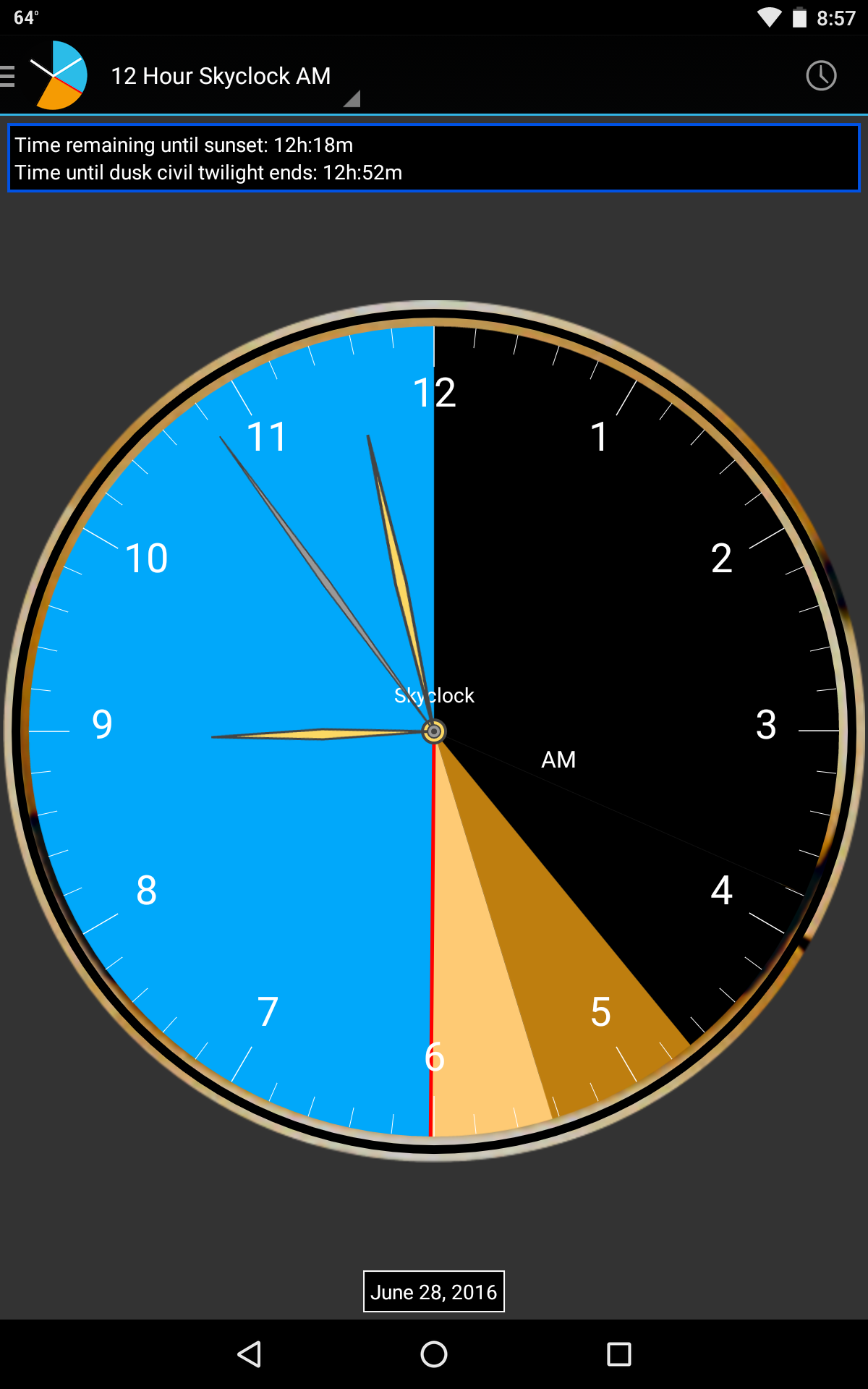
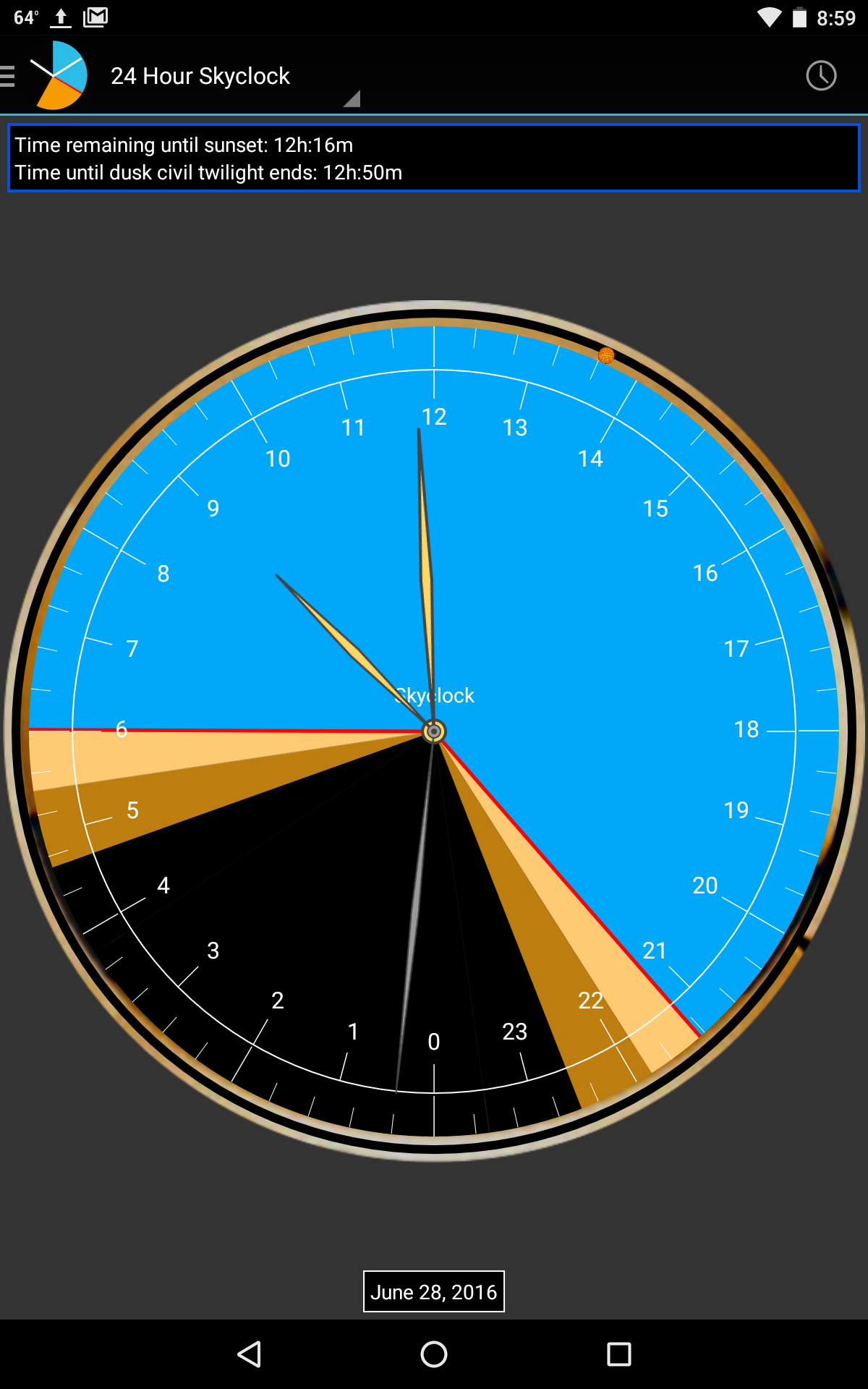
Skyclock consolidates timekeeping and scheduling into a single app that feels at home on both phones and tablets. It replaces native clock apps with a richer feature set, including layered alarms, recurring event templates, and visual timelines. The app targets commuters, remote teams, and anyone who needs accurate time information at a glance.
Core Features You Should Know
- Custom Widgets: Multiple widget sizes and styles, from minimal digital clocks to full schedule preview panels.
- Advanced Alarms: Staggered alarms, smart snooze options, and alarm profiles that change with calendar events or locations.
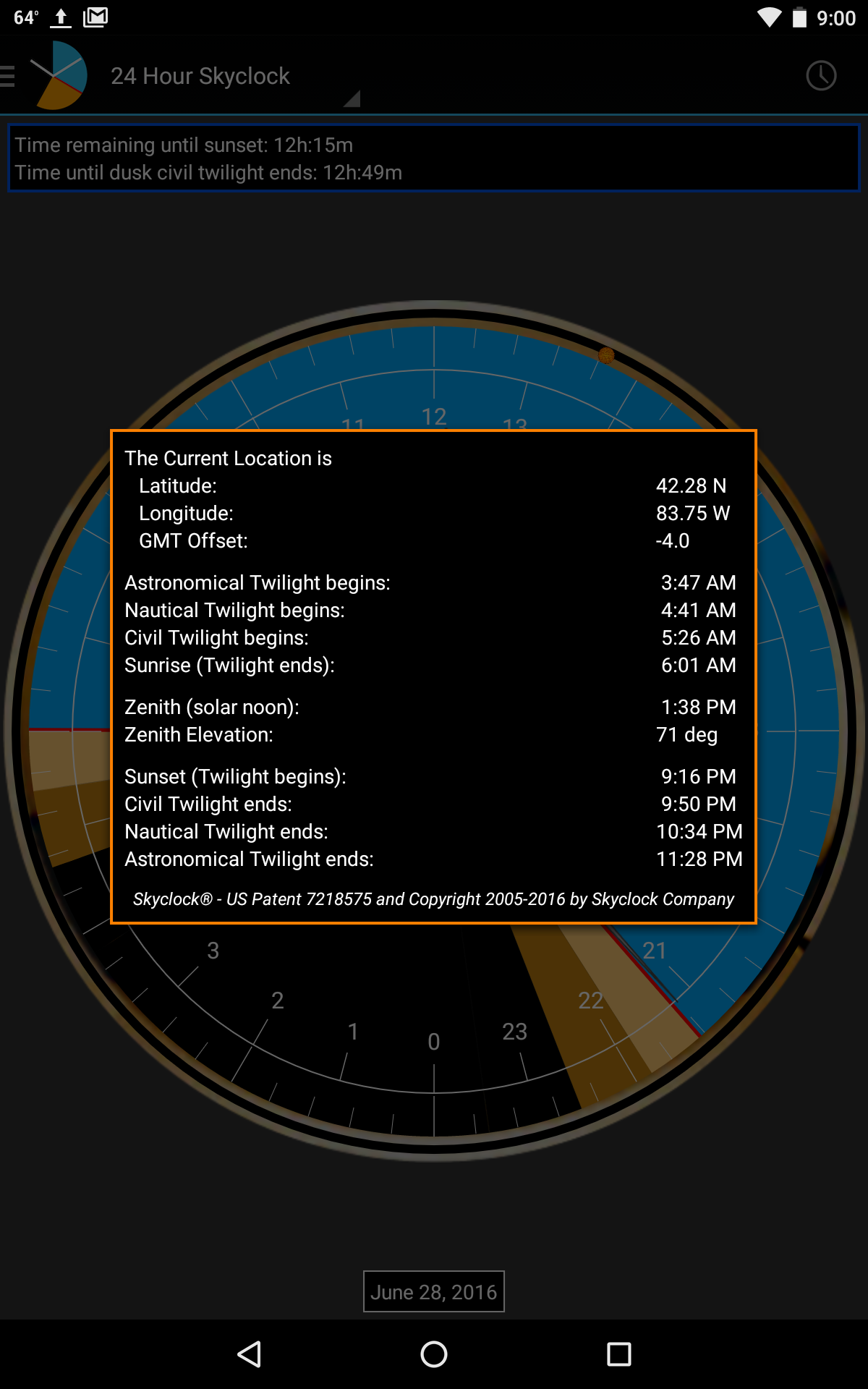
- World Clocks: Pin cities, compare time zones side-by-side, and calculate meeting windows quickly.
- Timers and Stopwatches: Multi-timer support with labels, history logs, and exportable results.
- Sync and Backup: Cloud backup for settings and schedules, plus optional sync across devices.
How the Interface Feels
Skyclock places clarity ahead of clutter. The main screen shows the current time with a high-contrast design and clear typography. Secondary screens let you flip between alarms, timers, and world clocks without extra taps. Visual cues—like color-coded alarms and subtle animations—help you process information faster when you’re on the move.
Customization and Themes
Personalization is a strong suit. Skyclock includes theme presets that adjust color palettes, widget transparency, and clock faces. Users can create and save custom profiles for different contexts—work, sleep, travel—so the app behavior adapts automatically. For users who like to tinker, granular controls are available for font sizes, vibration patterns, and notification channels.
Tools for Power Users
Under the hood, Skyclock provides tools that cater to professionals and time-obsessed users. The recurrence builder lets you define complex schedules (for example, "every third weekday of the month"). Smart rules can trigger alarms based on device location or calendar events. There’s also a CSV export function for those who want to analyze timing logs on a desktop.
Performance and Battery Considerations
Skyclock is engineered to be lightweight. Background processes are optimized so alarms remain reliable without draining battery life. The app uses event-driven updates rather than frequent polling to keep CPU usage low. On modern Android devices, the app runs smoothly even with multiple widgets active.
User Experience and Accessibility
Accessibility is baked into the design. Skyclock supports large text, high-contrast modes, and TalkBack labels for most controls. Buttons are sized for one-handed use and the settings are grouped logically to reduce friction for new users. The onboarding sequence walks you through setting a first alarm and placing a widget, which speeds up initial setup.
Practical Scenarios
- Remote teams scheduling meetings across continents can use the built-in world clock comparison to find overlap windows.
- Frequent travelers benefit from automatic timezone adjustments and travel-ready alarm profiles.
- Students or shift workers can set chained timers and recurrence patterns to manage study sessions and shifts.
Tips for New Users
Start by adding one widget to your home screen and creating a single recurring alarm. Explore theme presets to quickly find a look that matches your home screen. If you rely on alarms, test them after enabling battery optimization settings so the app remains dependable during low-power states.
Installation and Setup Notes
Installing Skyclock takes minutes. After granting standard permissions for alarms and notifications, review the backup options so your schedules aren’t lost if you switch devices. The settings menu also has a dedicated section for notification channels, which lets you fine-tune how alarms and reminders interrupt you.
Skyclock combines practical time tools with a refined interface, making it a strong alternative to stock clock apps. Whether you need a dependable alarm, world-time coordination, or custom scheduling, it delivers a modern, user-focused experience.
Show More
Information
Screenshots
Latest Update





Latest News
-
![Revealing the Launch Playlists and Cross-Progression for COD Warzone Mobile News]()
-
![March 2024 Free Redemption Codes for Honkai: Star Rail News]()
-
PUBG Mobile Teams Up with Bentley Motors: Luxury Cars, Exclusive Collectibles, and Beyond 2024-04-18
![PUBG Mobile Teams Up with Bentley Motors: Luxury Cars, Exclusive Collectibles, and Beyond News]()
-
![Monster Never Cry is now accessible on both Android and iOS mobile devices. News]()
-
V2.2 of the Farlight 84 update introduces an overhauled Season structure, fresh in-game currency, an 2024-04-16
![V2.2 of the Farlight 84 update introduces an overhauled Season structure, fresh in-game currency, an News]()
-
![Arrival of Genshin Impact 4.6 Update: 'Embers of Two Realms, Twilight of Crimson' News]()
-
April 2024 Clash of Clans Update: Unveiling a Fresh Companion, Enhanced Levels, Chat Tagging, and Be 2024-04-16
![April 2024 Clash of Clans Update: Unveiling a Fresh Companion, Enhanced Levels, Chat Tagging, and Be News]()






