
Document Editor:Word,Sheet,PDF
Version:4.4.8
Published:2025-01-21
Introduction
Looking for a convenient and efficient way to manage and edit your documents, sheets, slides, and pdf files on your mobile phone? Look no further than this versatile App! With support for a wide range of file formats including docs, docx, xls, ppt, and pdf, this App allows you to easily create, edit, and manage all your important files on-the-go. Features like OCR text recognition and image conversion make editing files a breeze, while the massive templates library ensures that you have the perfect template for every occasion. Download this App now and take your mobile office productivity to the next level!
Features of Document Editor:Word,Sheet,PDF:
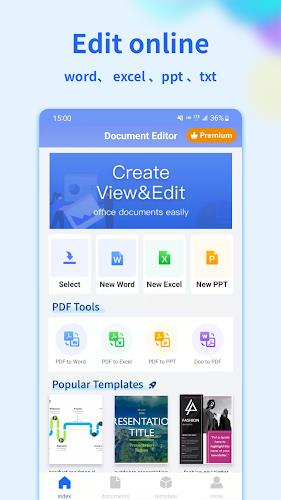
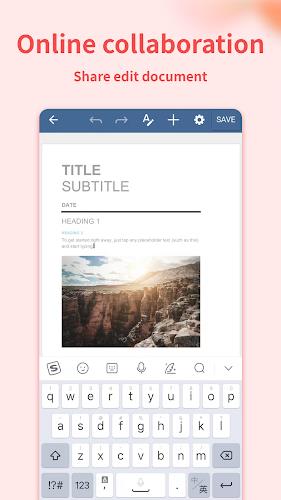
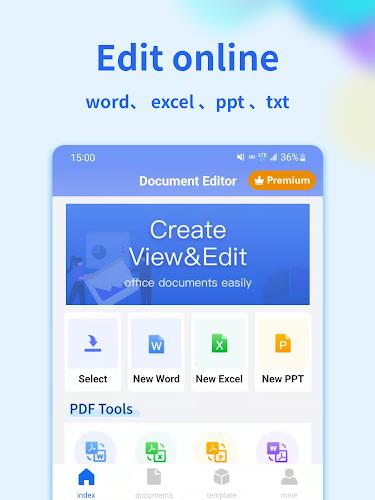
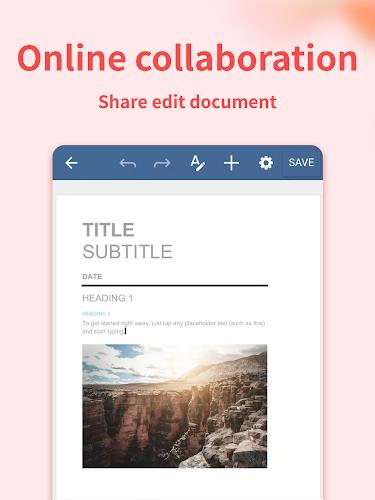
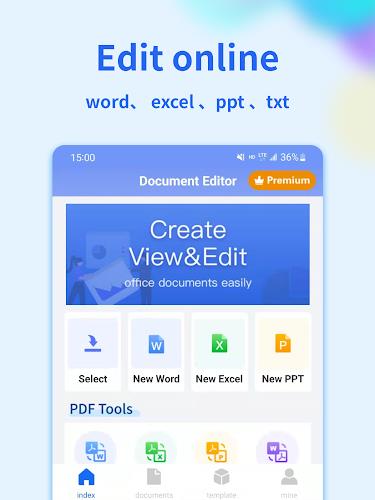
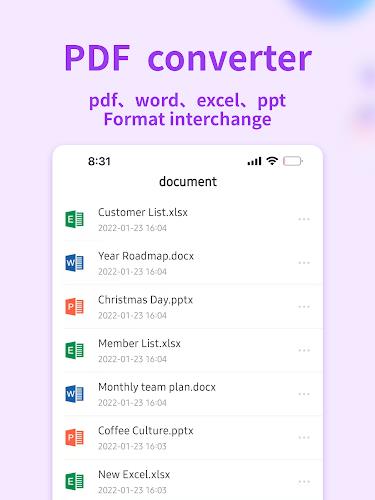
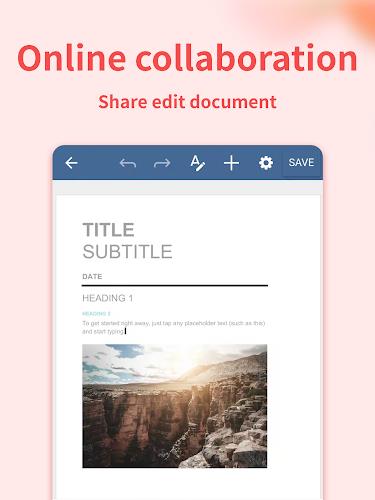
⭐ Versatile Editing Functions: Document Editor is a comprehensive office software that allows you to view, edit, create, and manage various types of documents on your mobile phone. From documents to sheets, slides, and PDFs, this app has got you covered.
⭐ OCR Text Recognition: The OCR text recognition feature makes it easy for you to convert images into editable text. Say goodbye to manual typing and let the app do the work for you.
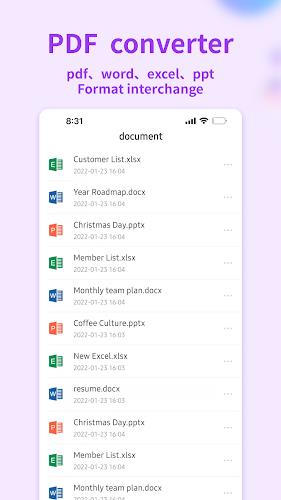
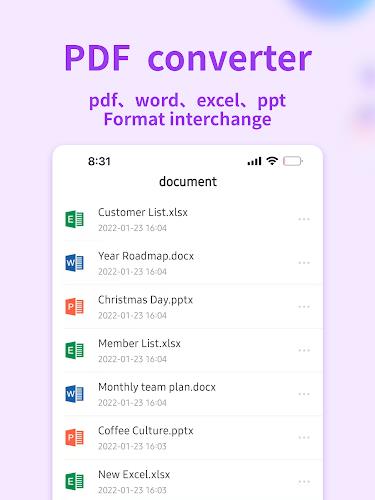
⭐ File Management: Tired of cluttered files on your phone? Document Editor offers powerful file management tools, allowing you to easily organize and access your documents, sheets, slides, and PDFs with ease.
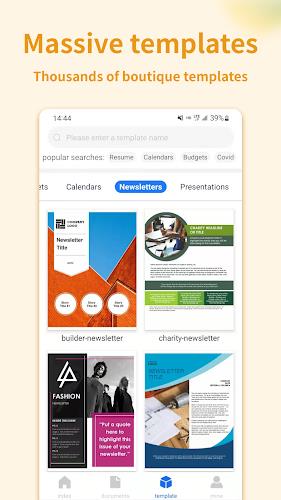
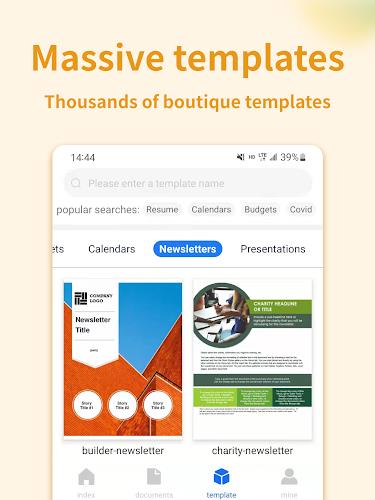
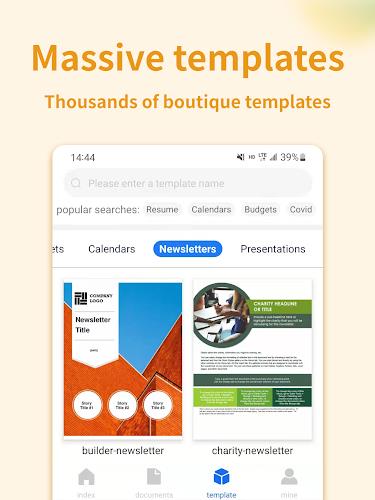
⭐ Massive Templates Library: Whether you need a personal resume template or a work summary template, Document Editor has a wide range of templates to choose from. Simply pick a template and start editing to create professional-looking documents in no time.
Playing Tips
⭐ Take Advantage of OCR: When working with images that contain text, use the OCR text recognition feature to easily extract and edit the text. This can save you time and effort, especially when dealing with large amounts of text.
⭐ Explore Different Templates: Don't be afraid to explore the various templates available in the app. Choose a template that best suits your needs and customize it to create polished documents, sheets, or slides.
⭐ Utilize File Management Tools: Make use of the file management tools to keep your documents organized. Create folders, sort documents by date or name, and easily access any file you need in a few taps.
Conclusion
In conclusion, Document Editor:Word,Sheet,PDF is a must-have app for anyone looking to enhance their mobile office experience. With its versatile editing functions, OCR text recognition, efficient file management, and massive templates library, this app offers everything you need to work on the go seamlessly. Download Document Editor:Word,Sheet,PDF now and take your mobile office productivity to the next level.
Show More
Information
Screenshots
Latest Update










Hot Tags
Latest News
-
![Revealing the Launch Playlists and Cross-Progression for COD Warzone Mobile News]()
-
![March 2024 Free Redemption Codes for Honkai: Star Rail News]()
-
PUBG Mobile Teams Up with Bentley Motors: Luxury Cars, Exclusive Collectibles, and Beyond 2024-04-18
![PUBG Mobile Teams Up with Bentley Motors: Luxury Cars, Exclusive Collectibles, and Beyond News]()
-
![Monster Never Cry is now accessible on both Android and iOS mobile devices. News]()
-
V2.2 of the Farlight 84 update introduces an overhauled Season structure, fresh in-game currency, an 2024-04-16
![V2.2 of the Farlight 84 update introduces an overhauled Season structure, fresh in-game currency, an News]()
-
![Arrival of Genshin Impact 4.6 Update: 'Embers of Two Realms, Twilight of Crimson' News]()
-
April 2024 Clash of Clans Update: Unveiling a Fresh Companion, Enhanced Levels, Chat Tagging, and Be 2024-04-16
![April 2024 Clash of Clans Update: Unveiling a Fresh Companion, Enhanced Levels, Chat Tagging, and Be News]()







Comment
Banu V
Samsung Galaxy can run it and edit documents
Jan 25, 2025 16:18:07
Jamell Mobley
Unable to find the edited document once I save it.
Jan 25, 2025 06:38:40
prakash33art
why should login email,for edit, view document.worst app
Jan 24, 2025 22:17:56
Johnny Atkinson
An excellent tool for anyone wanting to create professional looking documents for their personal or professional use. Highly recommended!!
Jan 24, 2025 00:29:36
prince Yadav
Nice appEfficient collaboration features. Impressed!
Jan 23, 2025 18:59:44
Safdar Ali
Worst App ever , only in app editing when you go for download save it says subscribe to it(vip) for download. Would not recommend this
Jan 23, 2025 01:00:27