
Business Card Scanner by Covve
Version:6.7.13
Published:2025-01-22
Introduction
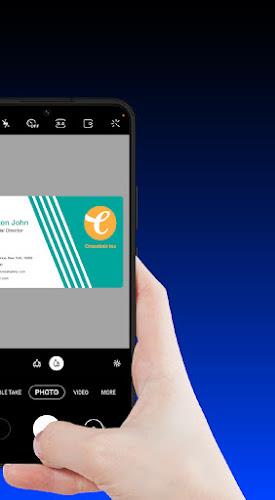
Ditch the old-fashioned way of exchanging business cards and switch to the modern and efficient Business Card Scanner by Covve app! Experience unrivaled accuracy and lightning-fast scanning speeds that outperform competitors. Organize and manage your contacts like a pro, adding notes, groups, and locations for easy accessibility. With the ability to export and share your contacts seamlessly to various platforms, Covve Scan ensures your contacts are always up to date. Trust in the privacy and security of your data with Covve Scan, developed in Europe with top-tier protection. Stand out from the crowd and streamline your contact management with Covve Scan today!
Features of Business Card Scanner by Covve:
* Unrivaled Accuracy and Speed:
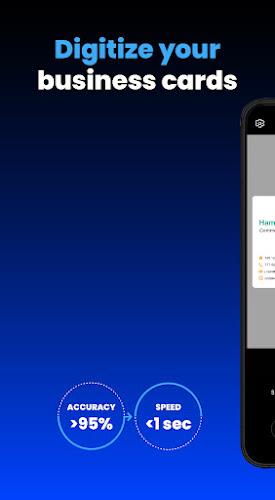
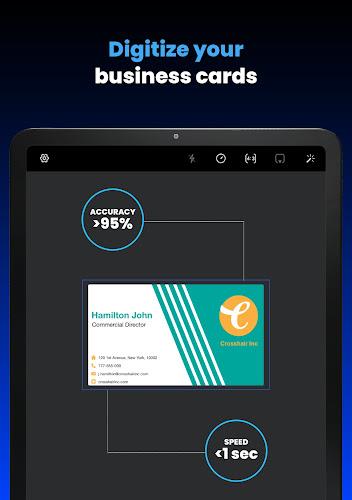
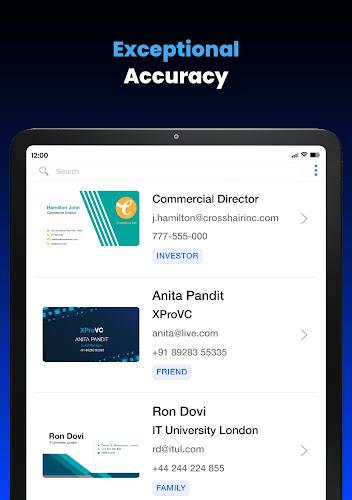
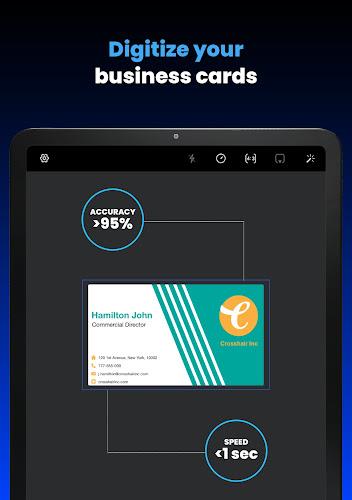
Covve Scan boasts market-leading accuracy in business card scanning in over 30 languages, outperforming competitors like CamCard and ABBYY. It also offers the fastest scan times, ensuring you can digitize your contacts quickly and efficiently.
* Organize Like a Pro:
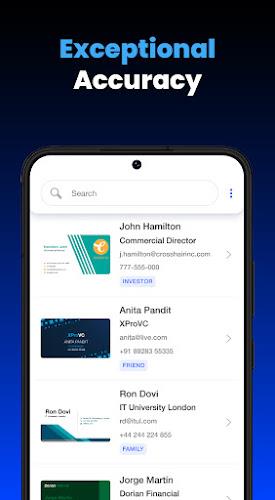
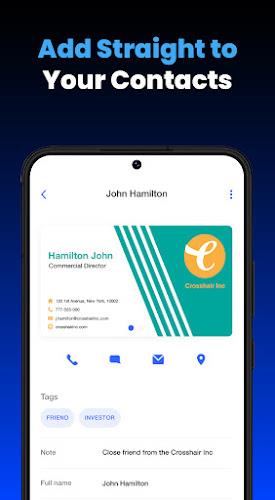
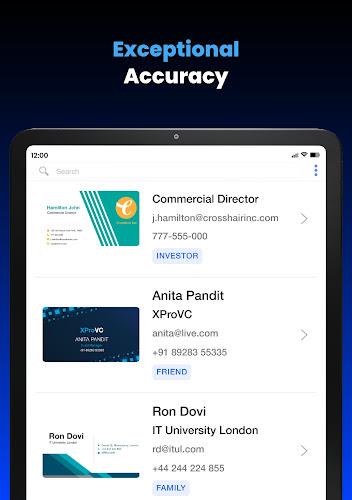
With Covve Scan, you can add notes, groups, and locations to your scanned business cards for easy organization. Keep your contacts up to date with grouping, tagging, and search features. The app also uses AI to provide valuable insights about your new contacts directly from their cards.
* Export and Share Effortlessly:
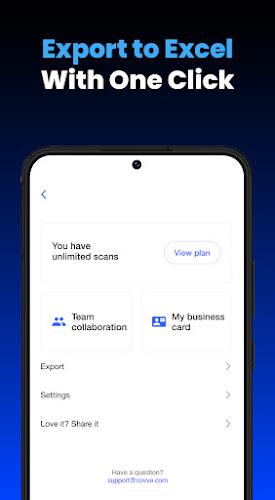
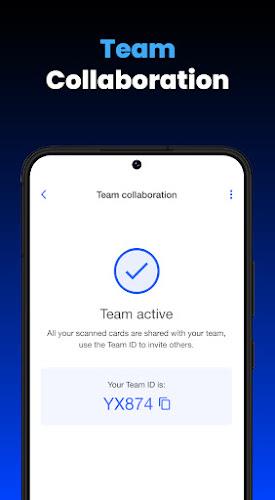
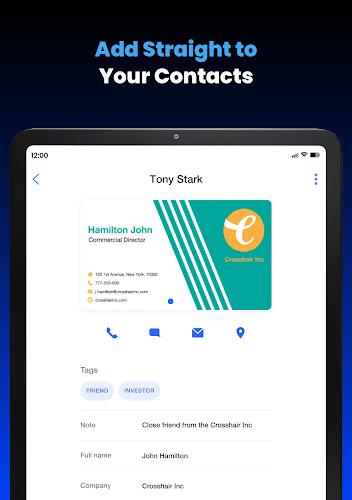
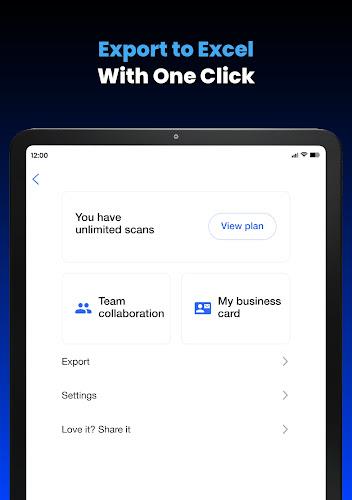
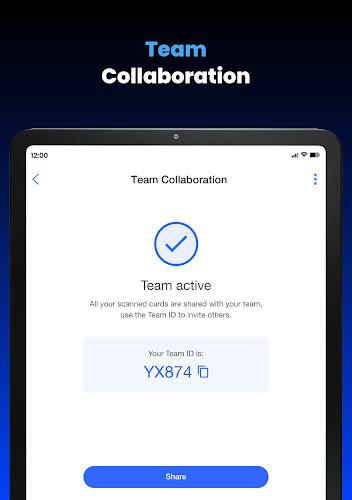
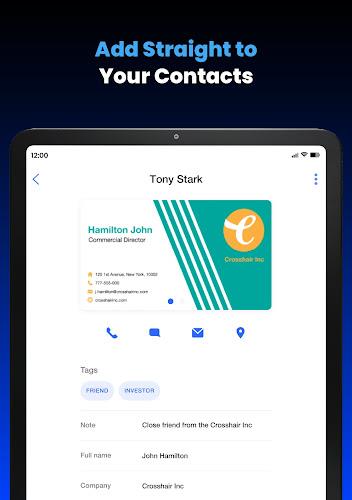
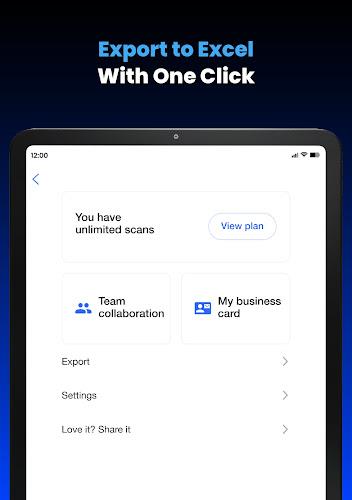
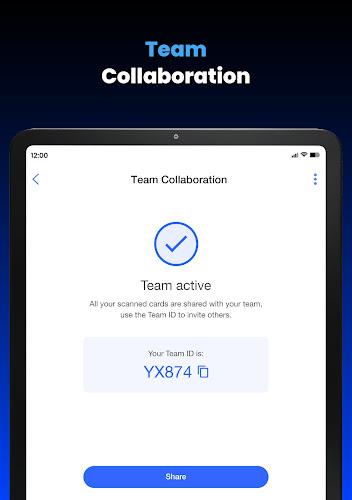
Save scanned business cards directly to your contacts with one tap and export them to Excel, Outlook, or Google Contacts. Share scanned cards with your team or assistant, or save them directly to Salesforce. Additionally, Covve Scan integrates seamlessly with other platforms using Zapier, ensuring smooth workflow integration.
* Private and Secure:
Rest assured that your scanned business cards are kept private with top-tier privacy protection. Developed in Europe, Covve Scan prioritizes data security to protect your valuable contact information.
Tips for Users:
* Take clear, well-lit photos of business cards to ensure accurate scanning results.
* Utilize the tagging and grouping features to categorize and organize your contacts effectively.
* Use the search function to easily find specific contacts or details within your business card database.
* Take advantage of the AI-powered insights to gather valuable information about new contacts directly from their cards.
Conclusion:
Business Card Scanner by Covve offers unparalleled accuracy, speed, and organization features, making it the ultimate business card scanning and managing tool. With robust security measures in place, you can trust Covve Scan to safeguard your data while streamlining your contact management process. Try Covve Scan today and experience the difference for yourself!
Show More
Information
Screenshots
Latest Update








Hot Tags
Latest News
-
![Revealing the Launch Playlists and Cross-Progression for COD Warzone Mobile News]()
-
![March 2024 Free Redemption Codes for Honkai: Star Rail News]()
-
PUBG Mobile Teams Up with Bentley Motors: Luxury Cars, Exclusive Collectibles, and Beyond 2024-04-18
![PUBG Mobile Teams Up with Bentley Motors: Luxury Cars, Exclusive Collectibles, and Beyond News]()
-
![Monster Never Cry is now accessible on both Android and iOS mobile devices. News]()
-
V2.2 of the Farlight 84 update introduces an overhauled Season structure, fresh in-game currency, an 2024-04-16
![V2.2 of the Farlight 84 update introduces an overhauled Season structure, fresh in-game currency, an News]()
-
![Arrival of Genshin Impact 4.6 Update: 'Embers of Two Realms, Twilight of Crimson' News]()
-
April 2024 Clash of Clans Update: Unveiling a Fresh Companion, Enhanced Levels, Chat Tagging, and Be 2024-04-16
![April 2024 Clash of Clans Update: Unveiling a Fresh Companion, Enhanced Levels, Chat Tagging, and Be News]()







Comment
Mohamad Noor Arif Zakaria
Great Apps for Keep Your Contacts in hand
Jan 26, 2025 22:35:26
Ally Marie
It's fantastic! I've recently started my career as an insurance agent, and this makes keeping up with business cards so much easier! You can even add the information from the scan to your contacts after you save the card! It's really easy and convenient.
Jan 26, 2025 10:48:03
Catherine Napoli
It would be a better program if you could scan into different lists.
Jan 26, 2025 07:27:39
Hemant Batra - Lawyer
I had some issues. They offered to help. I will await speedy resolution.
Jan 26, 2025 04:01:33
Lester Isaac
I've tried a lot of bizz card readers, this one is awesome: fast, accurate and simple. If all you need is to add card's details to your contact list, your quest is over.
Jan 26, 2025 02:23:47
Adam Loepker
10 scans before a Paywall.. im trying to actually test out the app to know if its worth it.. next. Actually Alex, I have ADHD, so most "encouragments" to purchase something are nothing short of harassing to me. It literally steals my attention from what I was trying to do, which I am now old enough to take great offense to.. if the product is worthwhile and there are more features I need from the full version, and the basic version did what I needed without pissing me off, then you get cash.
Jan 25, 2025 12:14:04