
Document Reader
Version:47.0
Published:2025-07-11
Introduction
Document Reader is your ultimate document management solution, offering support for all file formats, auto file organization, convenient mobile use, smooth navigation, advanced annotation features, and multifunctionality. Say goodbye to cluttered devices and multiple apps – this all-in-one tool ensures seamless access to all your documents anytime, anywhere. With the ability to scan and organize files, view and edit documents on-the-go, and add annotations for enhanced productivity, Document Reader is the only app you need for efficient document handling. Simplify your workflow and enhance your digital experience with this powerful and versatile mobile application.
Features of Document Reader:
> Versatile Document Support
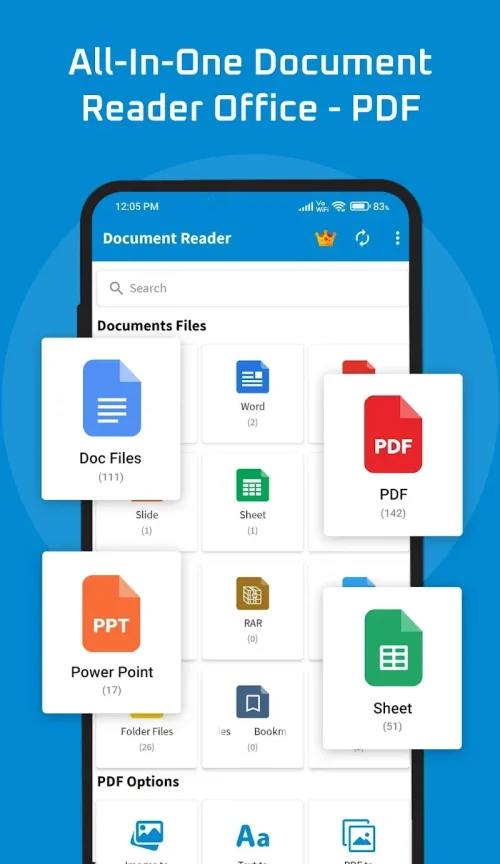
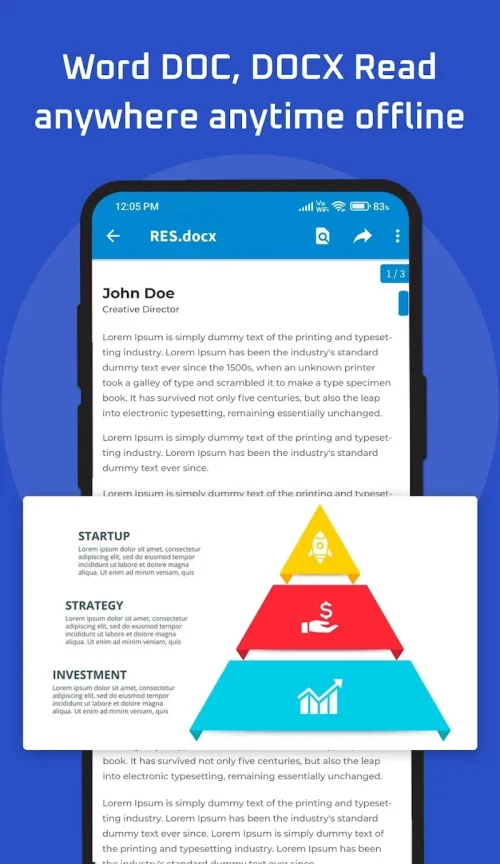
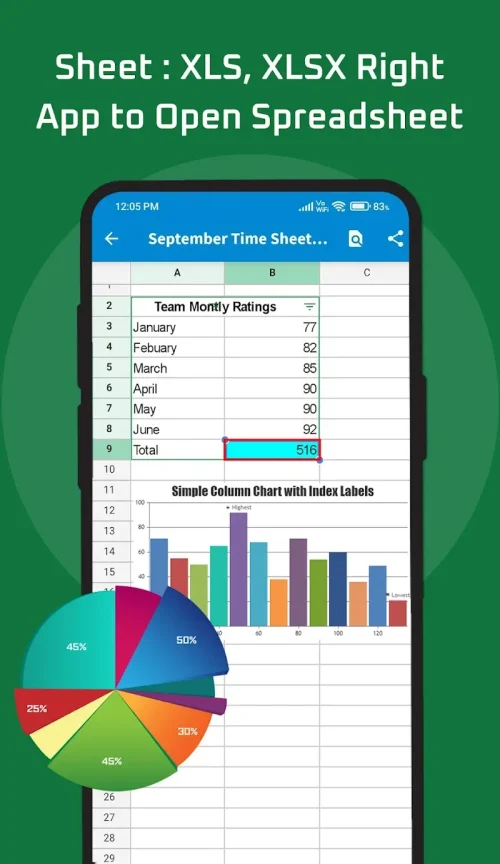
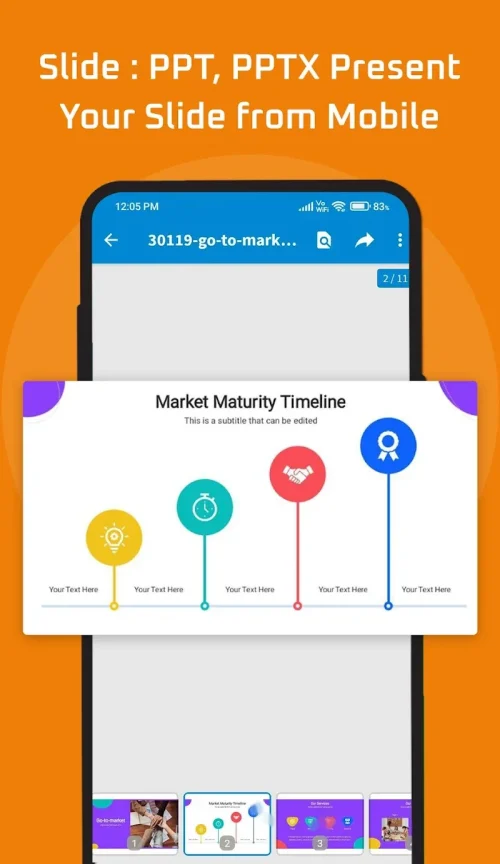
- Document Reader supports ALL file types – PDFs, Word docs, Excel sheets, PowerPoints, TXTs, ZIPs, RARs, HTML and more. No need for multiple apps to view different documents.
> Auto File Organizer
- Tired of a cluttered phone? Document Reader automatically scans and sorts files into folders, keeping your storage neat and organized for quick access.
> Convenient Mobile Use
- Access and edit documents on the go with ease. Search functions are at your fingertips, making it effortless to find and work on files anywhere.
> Smooth Navigation
- Easily navigate through different document formats with Document Reader's intuitive interface. Scroll, pan, and jump between pages smoothly for a hassle-free experience.
> Advanced Annotation
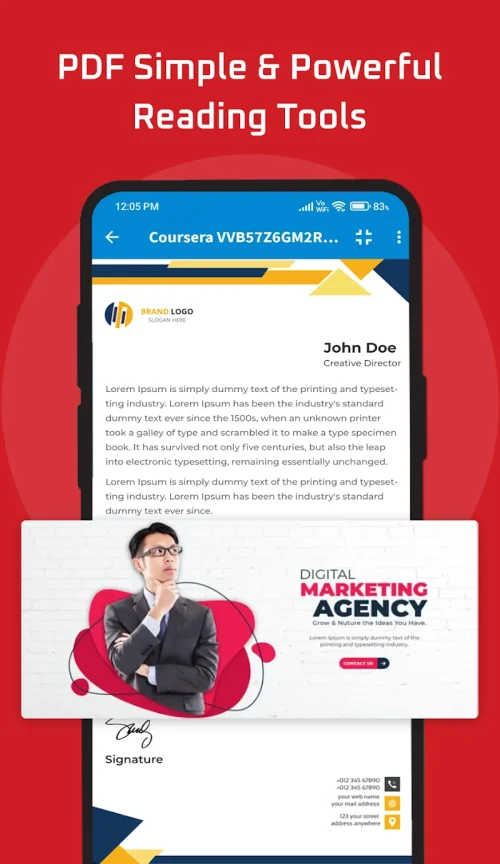
- Enhance productivity with next-level analysis tools. Highlight, underline, add comments, redact sensitive data, and sign PDFs directly on your device for optimized document handling.
FAQs
> Is Document Reader free to download?
- Yes, Document Reader is available for free on both iOS and Android devices.
> Can I convert documents to different formats with Document Reader?
- While Document Reader predominantly focuses on document viewing and editing, you can export documents in various formats, including PDF, Word, and more.
> Is there a limit to the number of files Document Reader can organize?
- Document Reader can handle a large number of files and automatically organizes them into folders based on file types for easy access.
Conclusion
With its support for all document formats, efficient file organization, convenient mobile use, smooth navigation, advanced annotation tools, and additional functionalities like scanning and QR code reading, Document Reader is a must-have app for anyone looking to simplify document management on their mobile device. Download it today and experience the convenience for yourself!
Show More
Information
Screenshots
Latest Update









Hot Tags
Latest News
-
![Revealing the Launch Playlists and Cross-Progression for COD Warzone Mobile News]()
-
![March 2024 Free Redemption Codes for Honkai: Star Rail News]()
-
PUBG Mobile Teams Up with Bentley Motors: Luxury Cars, Exclusive Collectibles, and Beyond 2024-04-18
![PUBG Mobile Teams Up with Bentley Motors: Luxury Cars, Exclusive Collectibles, and Beyond News]()
-
![Monster Never Cry is now accessible on both Android and iOS mobile devices. News]()
-
V2.2 of the Farlight 84 update introduces an overhauled Season structure, fresh in-game currency, an 2024-04-16
![V2.2 of the Farlight 84 update introduces an overhauled Season structure, fresh in-game currency, an News]()
-
![Arrival of Genshin Impact 4.6 Update: 'Embers of Two Realms, Twilight of Crimson' News]()
-
April 2024 Clash of Clans Update: Unveiling a Fresh Companion, Enhanced Levels, Chat Tagging, and Be 2024-04-16
![April 2024 Clash of Clans Update: Unveiling a Fresh Companion, Enhanced Levels, Chat Tagging, and Be News]()







Comment
Mantasha Khalil
The document reader app exceeded my expectations with its seamless handling of PDFs, Docs, and PPTs. Its intuitive interface and quick load times make navigating through files a breeze. A must-have for anyone seeking an efficient and versatile document viewing experience.##
Jul 15, 2025 01:30:09
Introvert
It is very good app but the app has a lot of advertisement.
Jul 14, 2025 15:35:48
Andy Dobner
Good app to read various documents. Wish you could upgrade to get rid of those annoying ads.
Jul 13, 2025 21:10:24
Wada Luter Mson
It's great app. Just that it slow sometimes. When I turn on my data it even gets worst due to ads
Jul 13, 2025 15:11:19
Dynasty C.C
So fast the best reader I used, there's ad but it is just few seconds and not too annoying like pop up after every move you do.
Jul 13, 2025 06:44:32
Aina Meenangie
I have been looking for the app to open my documents but it end in vein until I come close to this app and it works perfectly I can open my doc's which was just stuck in there without app to open
Jul 13, 2025 06:05:34